
The Best Browser for Mac in 2026: A Full Review & Comparison
The best browser for Mac is no longer just about speed. Compare Sigma, Safari, Chrome, Edge, Firefox, and Brave for privacy, battery life, and multitasking.

If you use a Mac every day, your browser eventually stops feeling like just another app. It becomes your workspace, your research hub, your messaging center, your AI assistant, and in a lot of cases the place where most of your workday actually happens. By 2026, finding the best browser for Mac is about much more than simply loading web pages quickly. Mac users now care just as much about battery life, privacy features, tab groups, workflow organization, browser extensions, and how well a browser handles multitasking when you have twenty things happening at once. And honestly, once you spend eight or ten hours a day inside a browser window, the differences between browsers become painfully obvious.
How We Tested These Browsers on Mac
We tested the most popular browser for Mac options on Apple Silicon MacBooks, including M1, M2, M3, and M4 devices. The testing focused less on synthetic benchmarks and more on real-world usage - the kind of stuff people actually do every day.
That meant juggling multiple tabs, Slack conversations, Google Docs, messaging apps, AI tools, dashboards, meetings, streaming, research pages, and browser extensions all at the same time. We paid attention to speed, battery life, RAM usage, privacy features, workflow organization, and how stable each browser felt during long work sessions.
Some browsers look great for the first thirty minutes, then completely fall apart once your workload gets messy. Others stay surprisingly smooth even with dozens of open tabs and browser windows running at once.
Why Mac Users Are Looking Beyond Safari and Chrome
For years, most people simply stuck with Safari or downloaded Google Chrome without thinking too much about other browsers. But workloads have changed a lot over the last few years.
Modern work is fragmented. Most users constantly jump between meetings, research tabs, AI tools, dashboards, messaging apps, documents, and websites throughout the day. Traditional browsers were never really designed for that kind of nonstop multitasking.
At the same time, Mac users have become much more aware of battery life, tracking prevention, security features, and memory usage. A browser that quietly eats through RAM or drains battery becomes frustrating very quickly on a MacBook.
That is why browsers now compete on much more than raw speed. Workflow organization, browser extensions, cross platform syncing, customization, and privacy features all matter just as much as performance.
What Makes the Best Browser for Mac?
Some users just want a fast and secure browser for casual browsing and video streaming. Others need a primary browser capable of handling dozens of open tabs, browser extensions, messaging apps, and research-heavy workflows all day long.
For developers, marketers, designers, researchers, and power users, the right browser can genuinely make work easier.
Browser Speed & Performance on Mac
Different browsers shine in different situations, especially once multitasking becomes heavier.
Safari still performs extremely well on Apple devices because Apple specifically optimized it for macOS and Apple Silicon hardware. As of 2026, Safari ranks among the strongest browsers for graphics performance and battery efficiency compared to most major browsers.
A lot of Mac users still prefer Safari simply because it feels lightweight and consistent during long sessions. Recent testing also suggests Safari can load frequently visited websites noticeably faster than Chrome while delivering stronger battery life during video streaming.
At the same time, Google Chrome and Safari are still widely considered the best browser choices overall for Mac users. Safari excels in battery life and integration with Apple services, while Chrome continues dominating when it comes to browser extensions and compatibility.
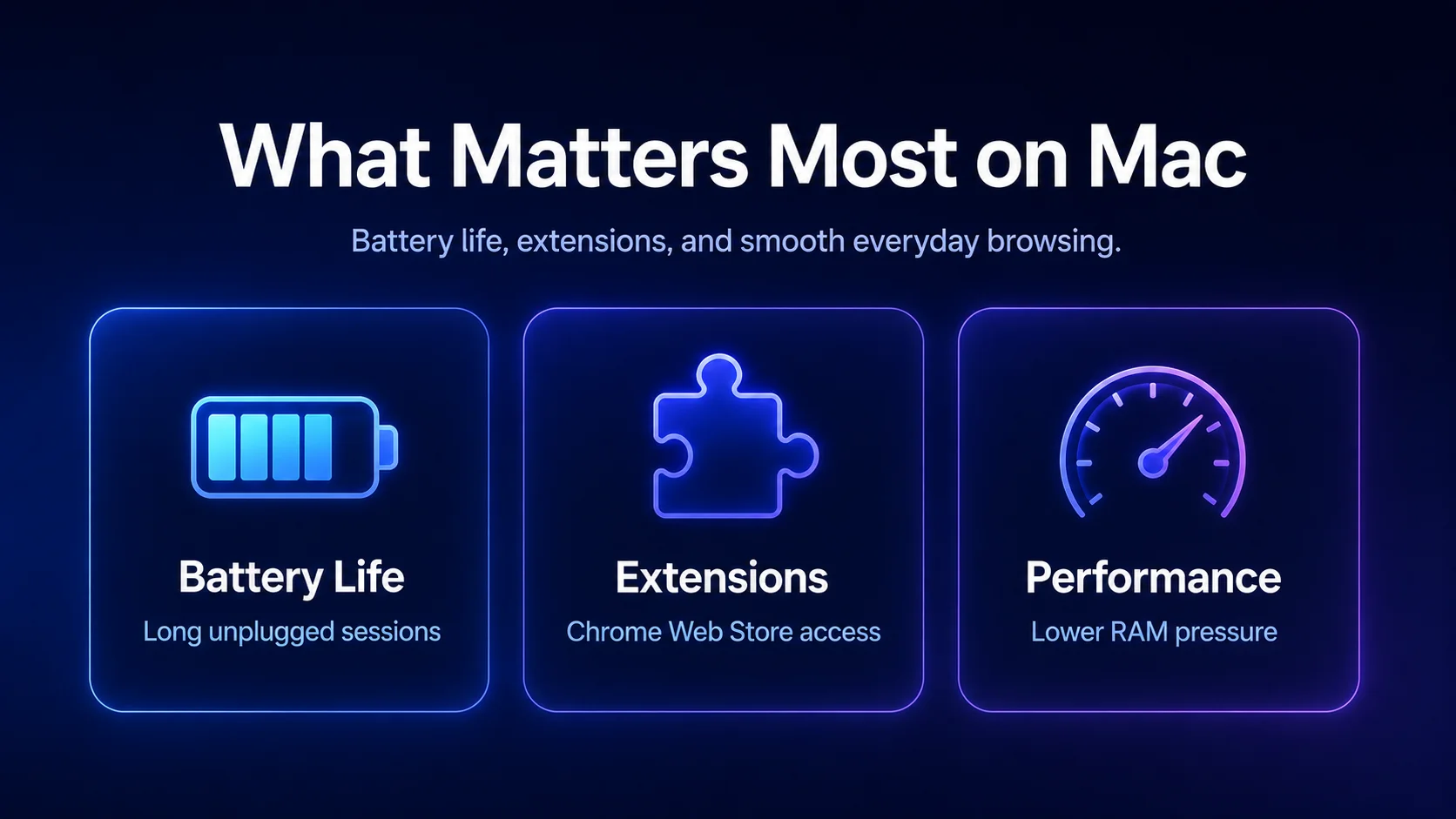
Battery Life Actually Matters More Than People Think
MacBook users usually notice browser efficiency pretty quickly. A browser that struggles with memory management can drain battery surprisingly fast once you start juggling meetings, research tabs, messaging apps, AI tools, and multiple browser windows throughout the day. That becomes even more obvious during long work sessions or when you're away from a charger for hours.
Safari still offers one of the best integration experiences across Apple devices. Features like Apple Pay, iCloud Tabs, iCloud Keychain, Reading List, Reader View, Face ID support, and Private Browsing all work seamlessly without requiring much setup. Safari also includes Intelligent Tracking Prevention, one of the strongest built in privacy features available today, helping reduce tracking across websites automatically.
For users heavily invested in the Apple ecosystem, Safari often feels like the most natural default browser on Mac - especially for people who care about battery life, privacy features, and smooth integration across all their Apple devices.
Chrome Extensions & the Chrome Web Store
Google Chrome remains the most widely used browser in the world largely because of the Chrome Web Store and its massive extension ecosystem. Chrome offers access to more than 180,000 browser extensions, which is still significantly more than most other browsers.
For developers, marketers, SEO specialists, and technical users, Chrome extensions are often essential. Password manager tools, AI assistants, productivity extensions, and developer tools all help users customize workflows around their needs.
Most Chromium-based browsers also support Chrome extensions, which means users can still access the same functionality without necessarily using Chrome itself.
Still, Chrome’s biggest weakness remains resource usage. You do not always notice it right away, but after several hours with multiple tabs and browser windows open, Chrome can quietly eat through RAM surprisingly fast. A lot of Mac users know the feeling of their laptop suddenly getting warm halfway through the afternoon for no obvious reason.
Sigma Browser for Mac: Built Around Modern Workflows
Most browsers still approach browsing the same way they did years ago: open websites, search for information, leave a few tabs running, repeat. But modern work rarely looks like that anymore.
Sigma Browser focuses much more heavily on workflow organization and multitasking. For users constantly switching between ChatGPT, Google Docs, Slack, dashboards, meetings, and research tabs, that difference becomes noticeable pretty quickly.
Sigma Browser and AI Workflows
AI tools have changed how people use browsers entirely. Many users now spend most of the day moving between browser tabs, messaging apps, productivity tools, documents, and research pages.
Sigma Browser focuses heavily on tab groups, workspace organization, and multitasking features designed to make heavier workflows feel less chaotic.
One advantage is that Sigma still supports Chrome extensions and Chromium compatibility while aiming for a cleaner browsing experience than standard Chrome. Users who like Chrome’s extension ecosystem but dislike Chrome’s heavier feel may find Sigma interesting. Users interested in browser-based AI workflows and workspace organization can also explore Sigma Browser.
At the same time, Sigma Browser is still a much smaller ecosystem than Safari or Google Chrome, so some users may prefer more established browsers with larger communities and longer development histories.
Safari for Mac: Still the Apple Favorite
Safari remains one of the best browser for Mac options for users deeply invested in Apple services and other Apple devices. Features like Apple Pay, iCloud Tabs, Reading List, Reader View, iCloud Keychain, Face ID support, and seamless syncing across multiple devices all work together extremely smoothly.
One of Safari’s biggest advantages is how well it integrates with macOS features. Tools like the Quick Note feature, dark mode, Reader View, and cross-device syncing make the browsing experience feel very natural across Mac, iPhone, iPad, and Apple Watch devices. Safari also allows users to sync bookmarks, tabs, passwords, and browsing history automatically across all their Apple devices without much setup.
Intelligent Tracking Prevention & Privacy Features
Privacy is still one of Safari’s strongest areas. Intelligent Tracking Prevention automatically blocks many trackers and improves secure browsing without requiring users to manually install additional tools or browser extensions.
Private Browsing mode, tracking protection, secure password manager support, and strong built in security features all help Safari remain a strong contender for privacy-focused users. For people who prioritize battery life, privacy features, and deep integration with Apple services, Safari still feels like one of the most polished browser experiences available today.
Google Chrome for Mac: Still the King of Extensions
Google Chrome continues to dominate because most websites and productivity platforms are optimized for Chrome first. For a lot of users, Chrome still feels like the safest option simply because almost everything works well with it. Google services also integrate naturally into Chrome, which makes it convenient for people heavily invested in Gmail, Google Docs, Google Drive, YouTube, Android, and other Google tools.
One of Chrome’s biggest strengths is still the Chrome Web Store and its massive extension ecosystem. Chrome enables users to sync bookmarks, passwords, tabs, and browsing history very easily across multiple devices and non Apple devices, which is one of the reasons so many people continue using it as their primary browser.
The Biggest Weakness of Chrome
The biggest downside of Chrome is still memory usage. Once you start opening lots of browser tabs, running browser extensions, and switching between browser windows all day, Chrome can consume a huge amount of RAM surprisingly quickly.
It’s one of those problems that slowly builds up during the day. At first everything feels completely normal, then suddenly your MacBook fans start spinning while you are just trying to answer Slack messages and open another document. Still, for users who prioritize compatibility, browser extensions, and flexibility, Chrome remains one of the best web browser choices available.
Microsoft Edge Is Surprisingly Good on Mac
A few years ago, recommending Microsoft Edge to Mac users would have sounded ridiculous. But Edge has improved a lot.
Since it is Chromium-based, Microsoft Edge supports Chrome extensions while also adding genuinely useful productivity features. Vertical tabs, tab groups, sleeping tabs, Collections, and workspace organization all make Edge feel much more modern than many people expect.
Why Microsoft Edge Works Well for Multitasking
Microsoft Edge feels especially useful for users constantly jumping between dashboards, research tabs, messaging apps, browser windows, and documents throughout the day. Features like vertical tabs, sleeping tabs, and Collections make heavy multitasking feel much easier to manage, especially during long work sessions.
The built in PDF editor and Web Select tools also help reduce the need for other apps during research-heavy workflows. For users regularly switching between Windows and Mac, Microsoft Edge has quietly become a much stronger contender over the last few years.
Firefox and Brave for Privacy-Focused Users
Firefox and Brave continue attracting users who care deeply about privacy, secure browsing, and customization.
Firefox has always appealed to users who want more control over browser behavior. Enhanced tracking protection, support for uBlock Origin, and Firefox’s independent browser engine all contribute to a strong Firefox experience. Firefox is also known for fast and reliable performance, partly because aggressive tracking protection and script blocking can help webpages load faster during everyday browsing.
Brave takes privacy even further by blocking ads and trackers automatically right out of the box. The browser also includes a free VPN, privacy respecting ads, and built in tracking prevention features.
For users who want strong privacy features without spending hours tweaking settings, Brave often feels much simpler from the start.
Other Browsers Are Becoming More Interesting Too
While Sigma Browser, Safari, Chrome, Firefox, Edge, and Brave still dominate most conversations around the best browser for Mac, some smaller browsers are starting to attract more attention from power users looking for different workflow and organization features. Modern browsers are no longer competing only on speed - a lot of them now focus heavily on multitasking, customization, and productivity tools.
Arc browser, for example, focuses heavily on workflow organization and lets users separate projects into different Spaces, which can make multitasking feel much cleaner. Vivaldi leans more into customization, offering advanced tab arrangements, built in Notes, and deeper control over the browsing experience.
Opera has also evolved quite a bit over the last few years, adding Workspaces and productivity-focused tools that help users organize tabs and tasks more efficiently. None of these browsers are as mainstream as Safari or Chrome yet, but they show how much browser functionality has evolved beyond simply loading websites quickly.
Which Is the Best Browser for Mac in 2026?
For users who mainly value integration with the Apple ecosystem, Safari is still the best option out there. For users heavily dependent on Chrome extensions and broad compatibility, Chrome is still hard to ignore. Firefox and Brave are still serving privacy-focused audiences really well.
For users who spend most of their day multitasking across AI tools, research tabs, messaging apps, and documents, Sigma Browser may be worth considering as a more workflow-focused option.
At the end of the day, the best browser for Mac depends less on which browser wins every benchmark and more on how you actually work every day.
More articles



Download Sigma Browser
Questions & Answers
reach out to us on X at @Sigma_Browser
Get Sigma on Android


