


Best AI
Budget Planner
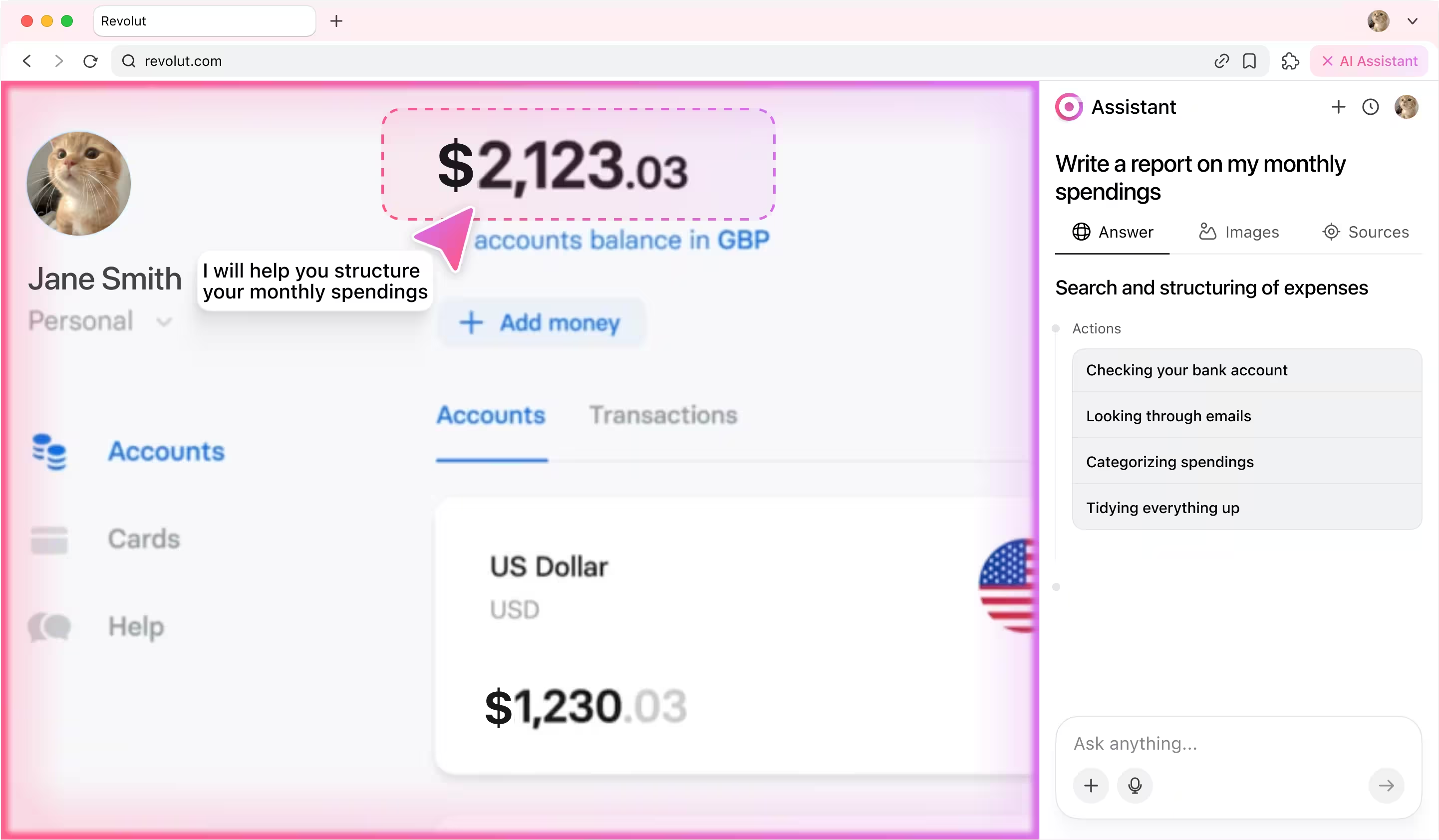
Let an AI budget assistant collect, organize, and summarize your monthly spendings into a clear, ready-to-use report.


How it works
You start by giving the agent a simple instruction:
💬 Check tasks in Jira marked "In Review". If everything is done, close them.
And then the magic starts:
1) The agent’s categorizer first analyzes the prompt to understand the intent: it's a Jira workflow task involving review and resolution. Then, it identifies the key subtasks.
2) Next, the agent’s planner breaks subtasks into actions: logging into Jira, navigating to the project, finding tickets and interpreting content, testing task, reviewing code and finally resolving task.
3) The executor agent then steps in, performing each of these actions in your browser — just like a human would, but faster.
What looks like a single sentence is actually an orchestrated sequence of decisions and actions. The agent reads it, understands it, and gets it done.
💬 Check tasks in Jira marked "In Review". If everything is done, close them.
And then the magic starts:
1) The agent’s categorizer first analyzes the prompt to understand the intent: it's a Jira workflow task involving review and resolution. Then, it identifies the key subtasks.
2) Next, the agent’s planner breaks subtasks into actions: logging into Jira, navigating to the project, finding tickets and interpreting content, testing task, reviewing code and finally resolving task.
3) The executor agent then steps in, performing each of these actions in your browser — just like a human would, but faster.
What looks like a single sentence is actually an orchestrated sequence of decisions and actions. The agent reads it, understands it, and gets it done.
Agent actions step by step
1. Planning workflow
The agent analyzes users prompt and breaks it into subtasks, then transforms every subtask into action.

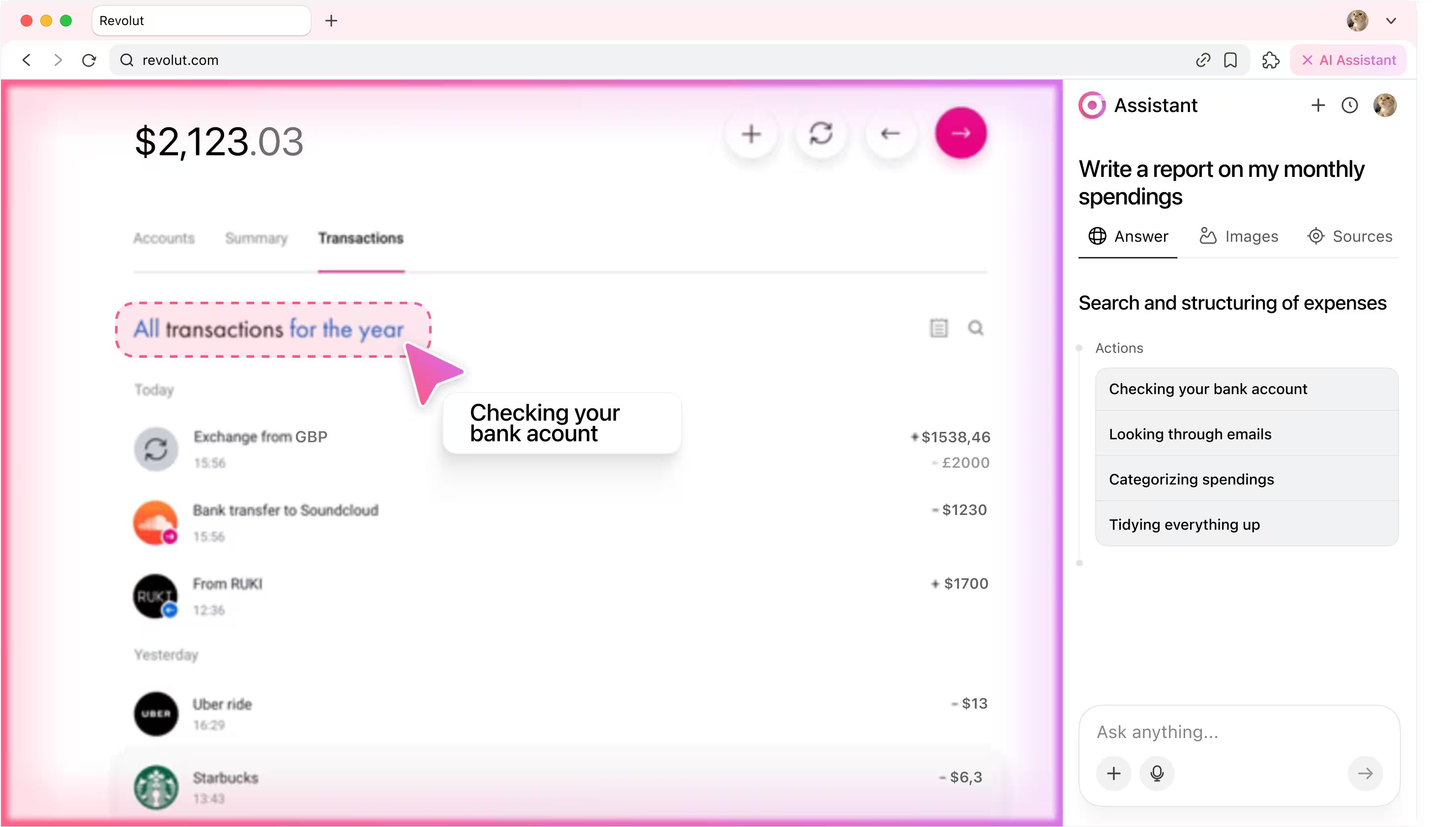
2. Checking the bank account
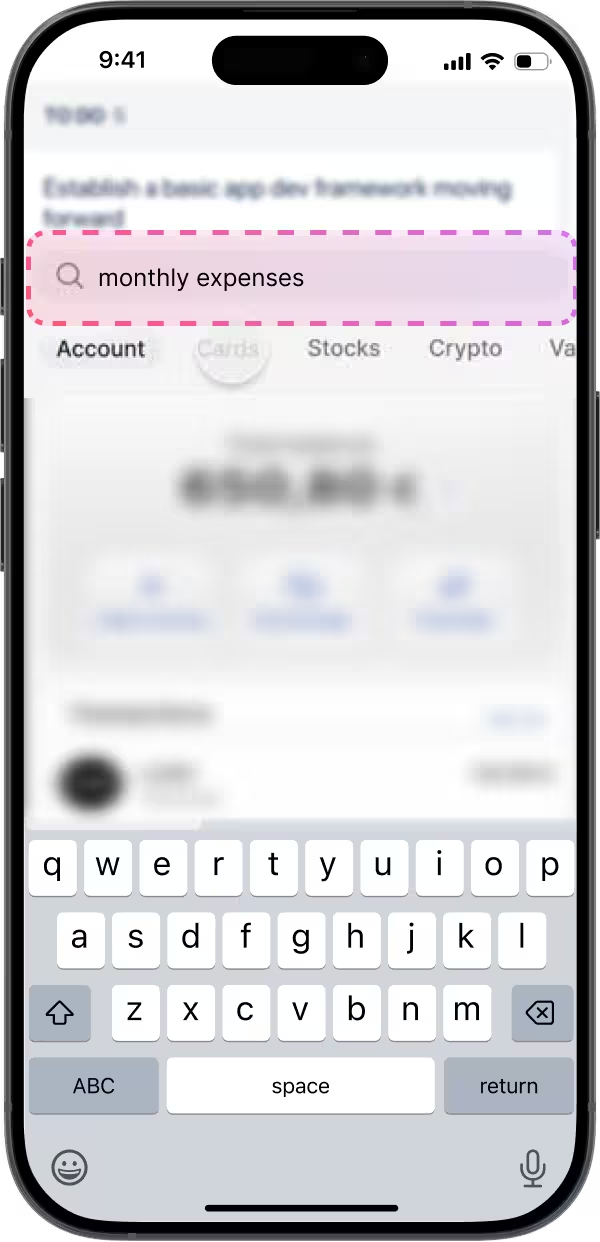
The AI agent connects through your secure session, scans statements and emails, and gathers this month’s transactions without sending any banking data outside your device.
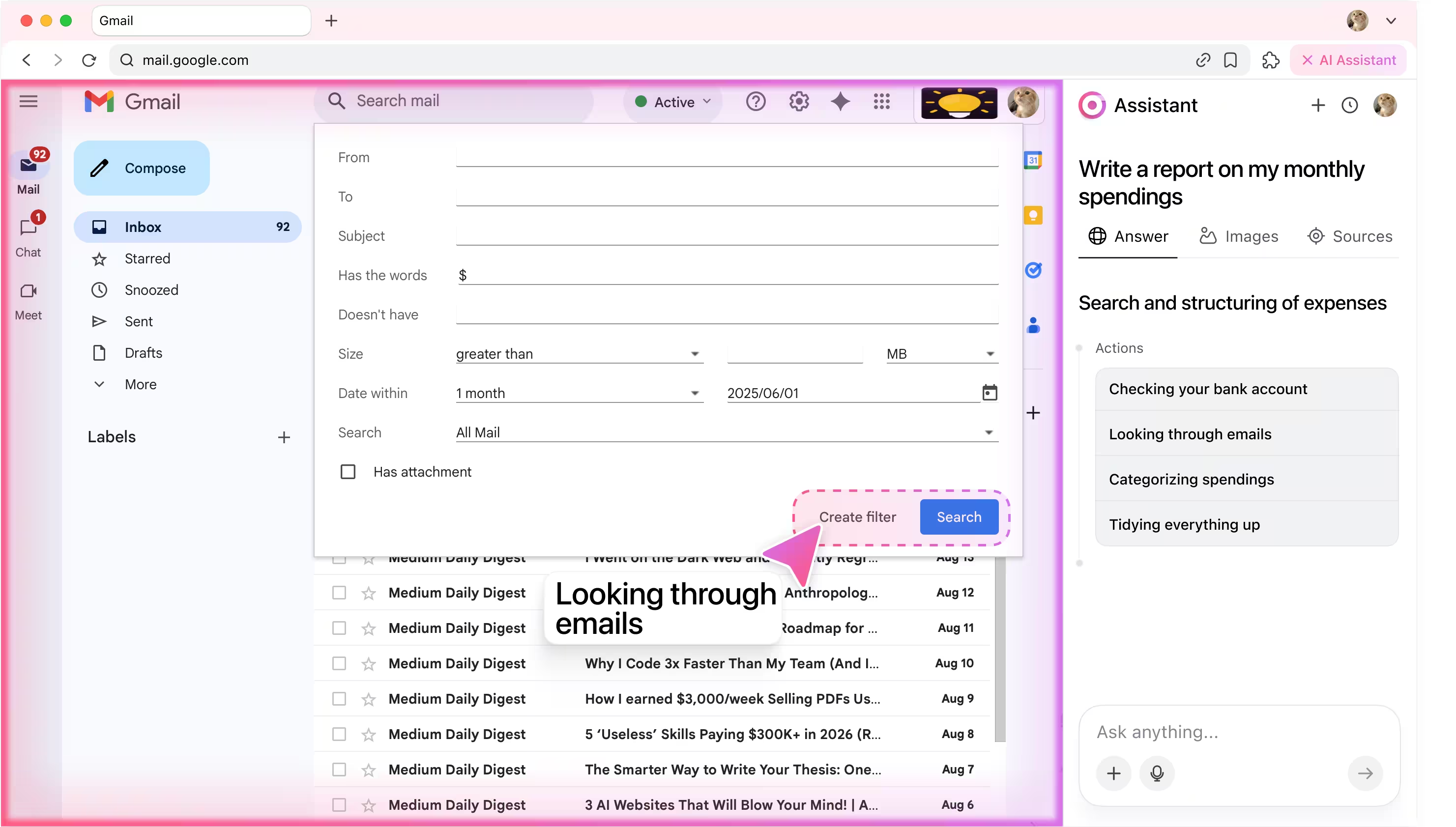
3. Looking through emails
Through local search automation and sorting rules, the agent looks for emails by date, merchant, and recurring charges while keeping message content fully confidential.
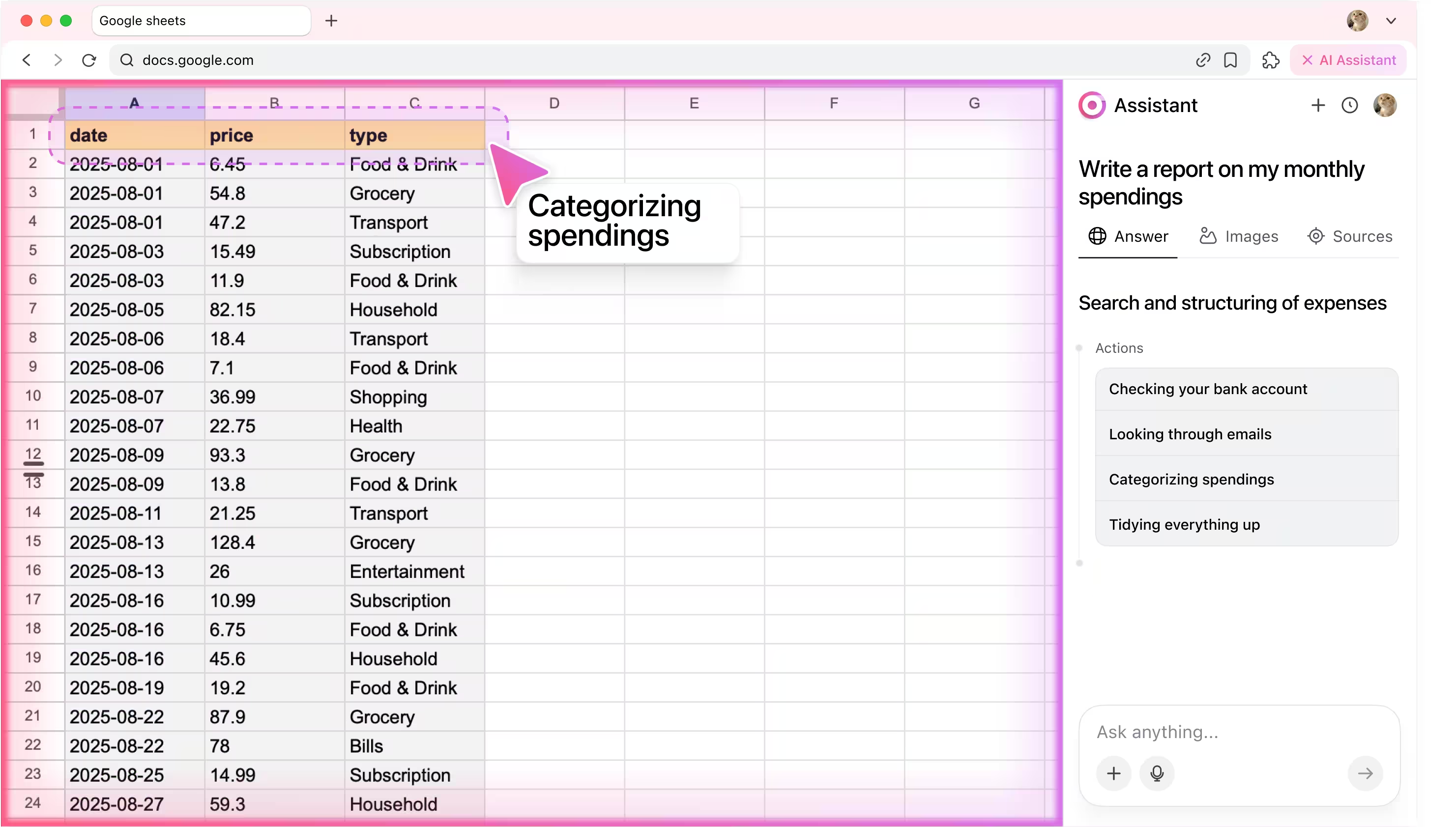
4. Categorizing spendings
The AI budget tool assigns tags like food, travel, or subscriptions, highlights unusual expenses, and sums everything up with clarity.
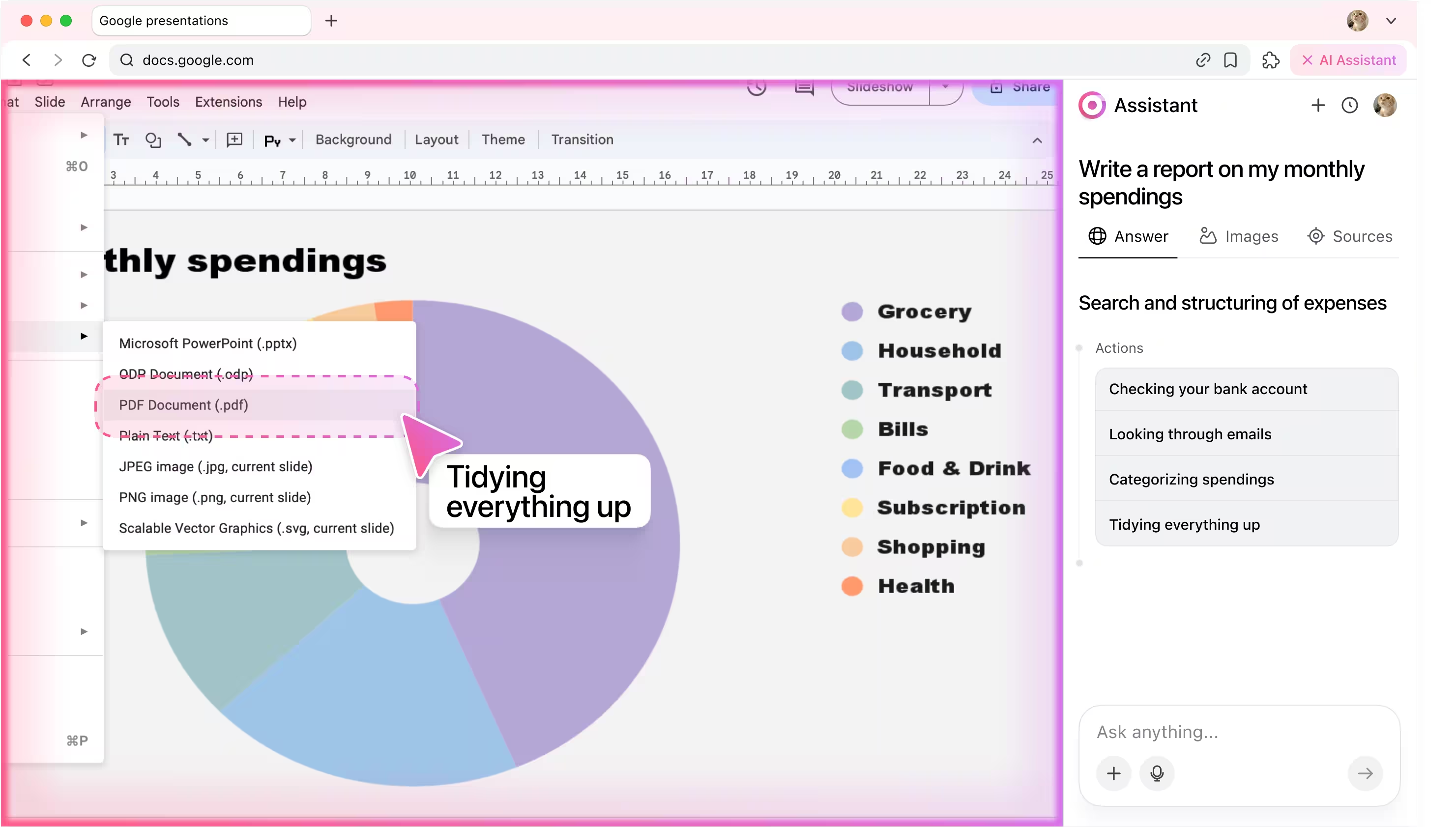
5. Tidying everything up
The ai agent compiles your spending into neat tables and charts, delivering a polished financial report you can export or share.
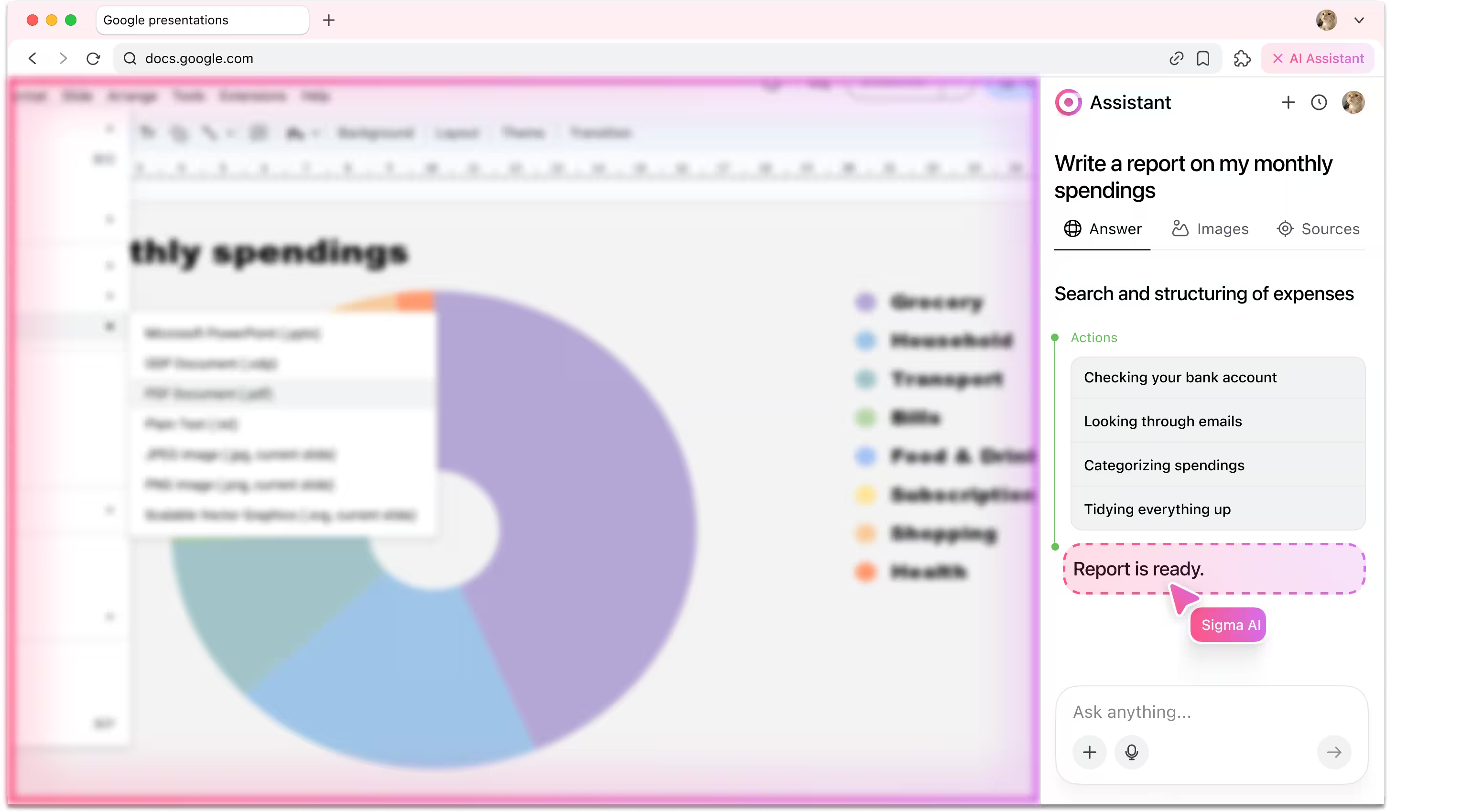
6. Reporting back
After finishing the task, agent writes back to user in chat window and confirms that the task is completed.
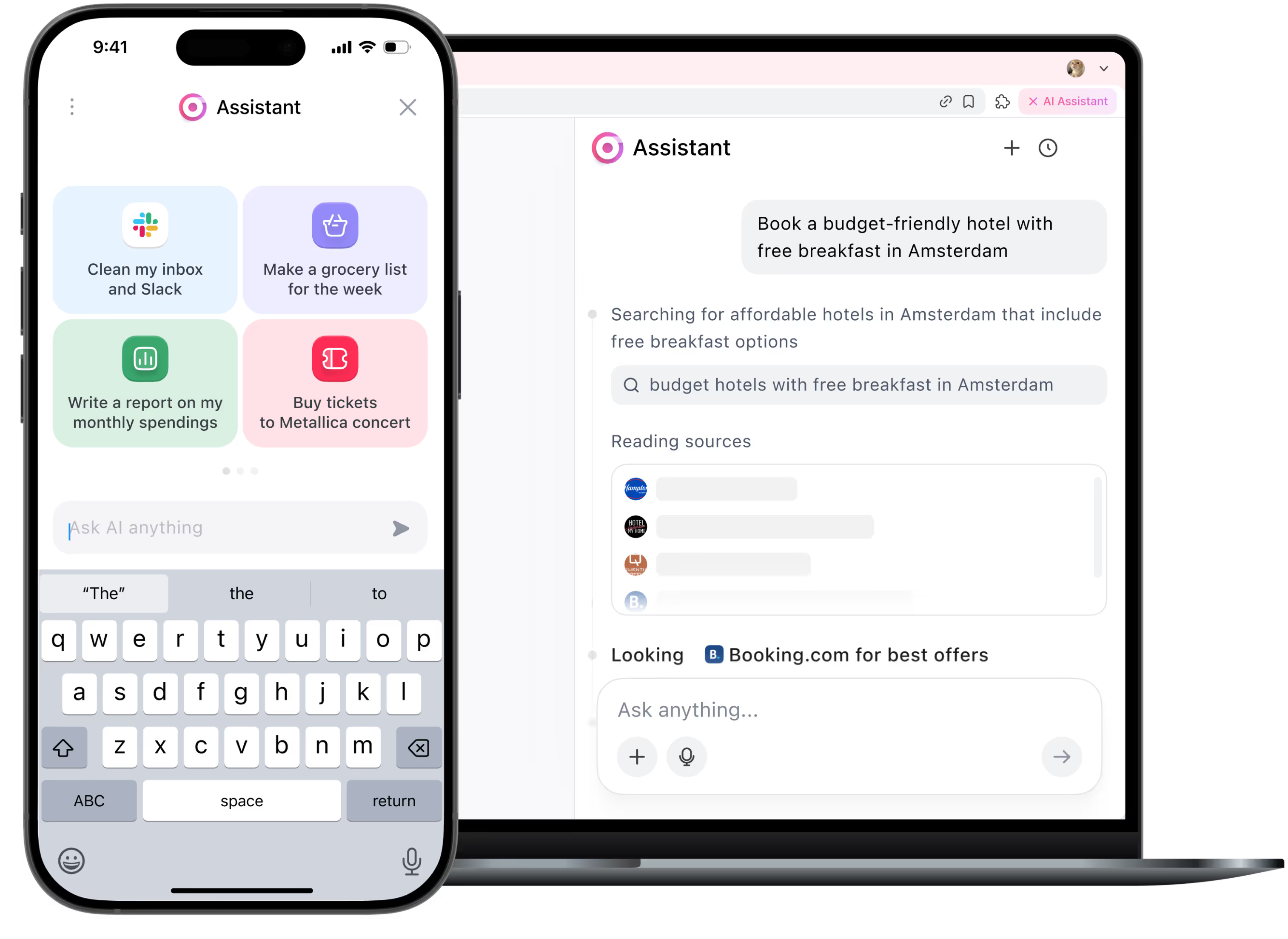
Be the first to try Sigma
We’re rolling out early access now. Join the waitlist and get notified as soon as your spot is ready.
Useful for:

Entrepreneurs & executives
Get clear spending insights so you can focus on growing your business, not crunching numbers.
1

Families
Track household expenses together and make smarter budget choices.
2

Students
Get the best deal with solid reviews — the agent always picks the best option.
3
How it works
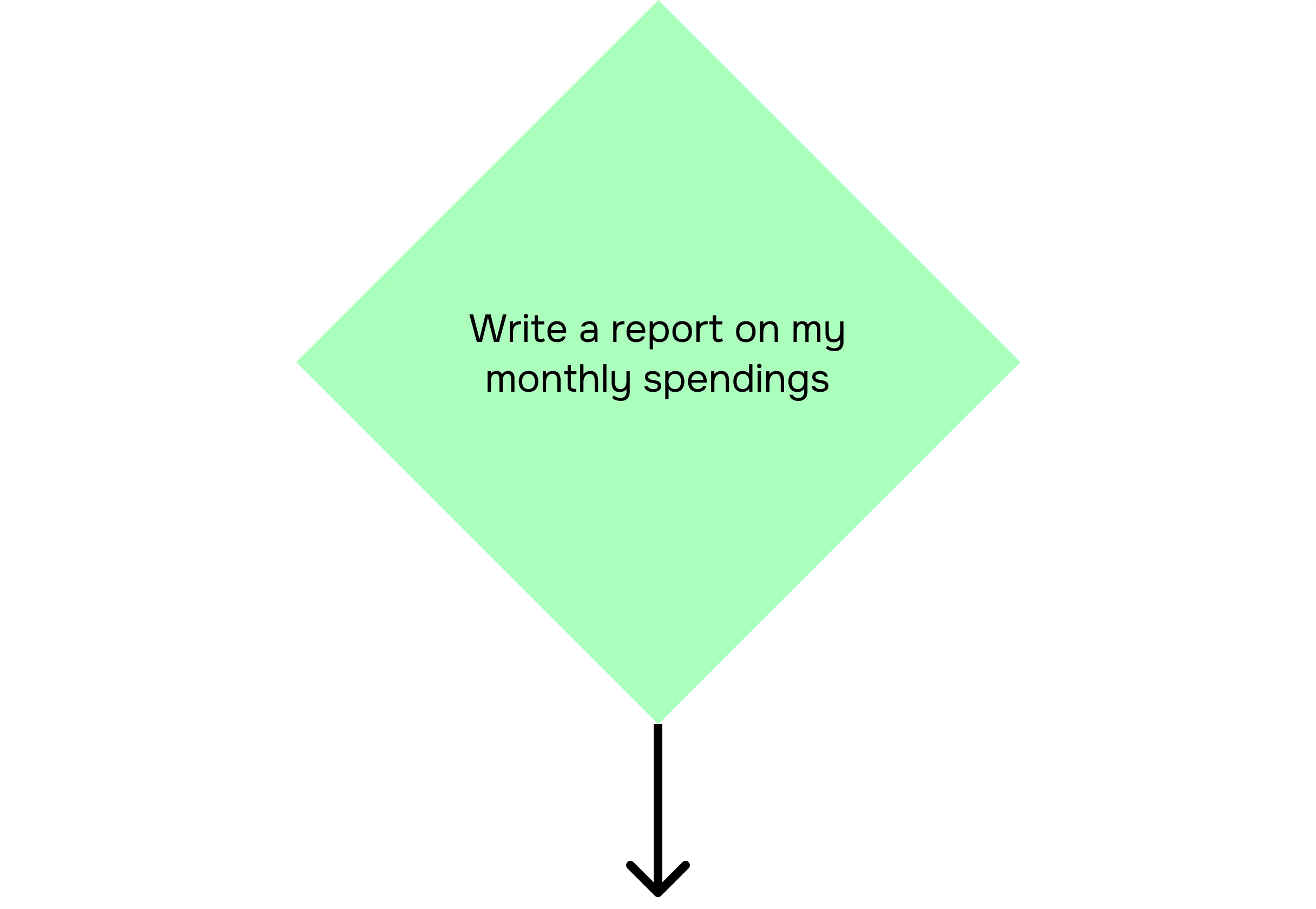
User enters the prompt.
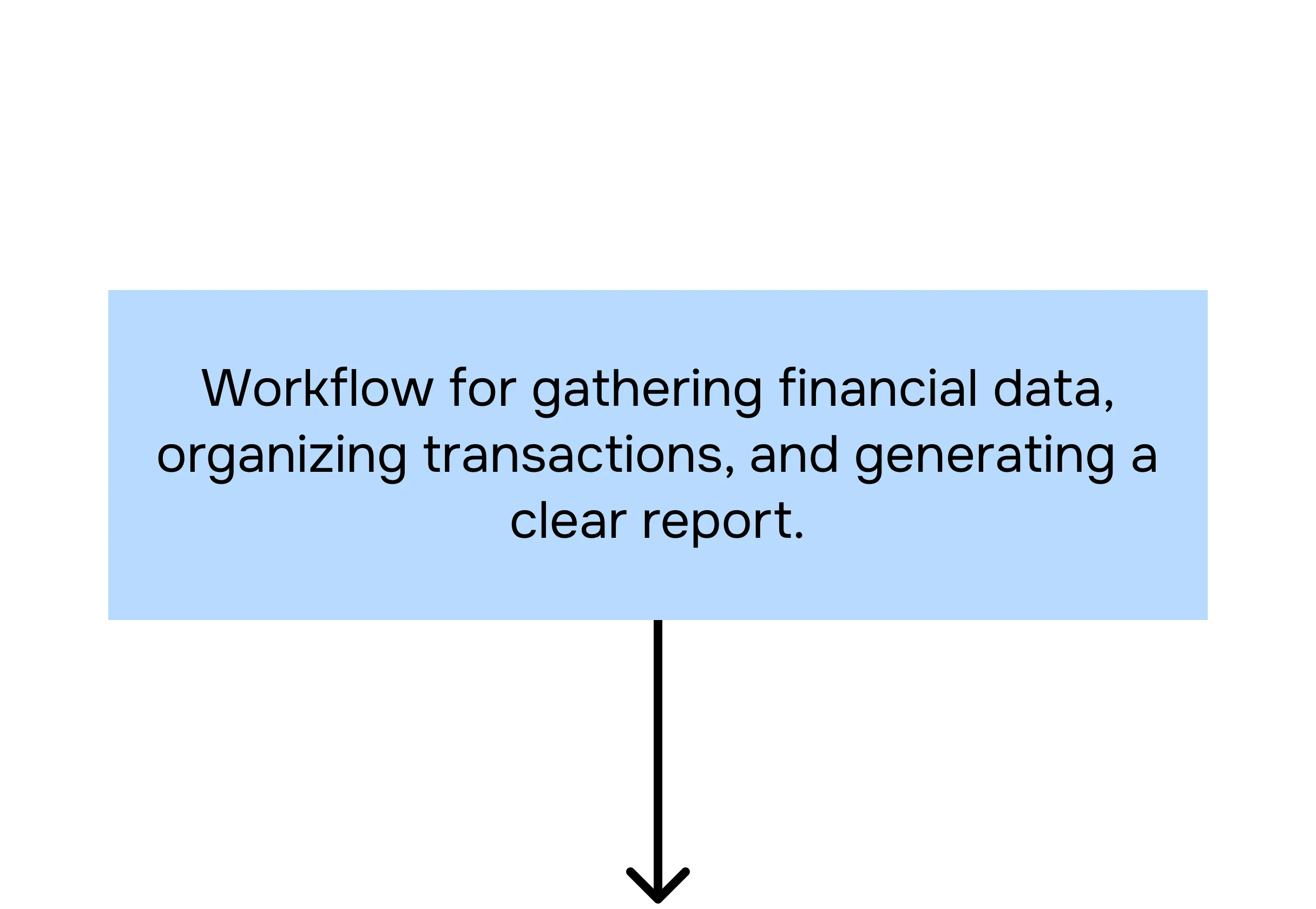
Categorizer agent analyzes the prompt.
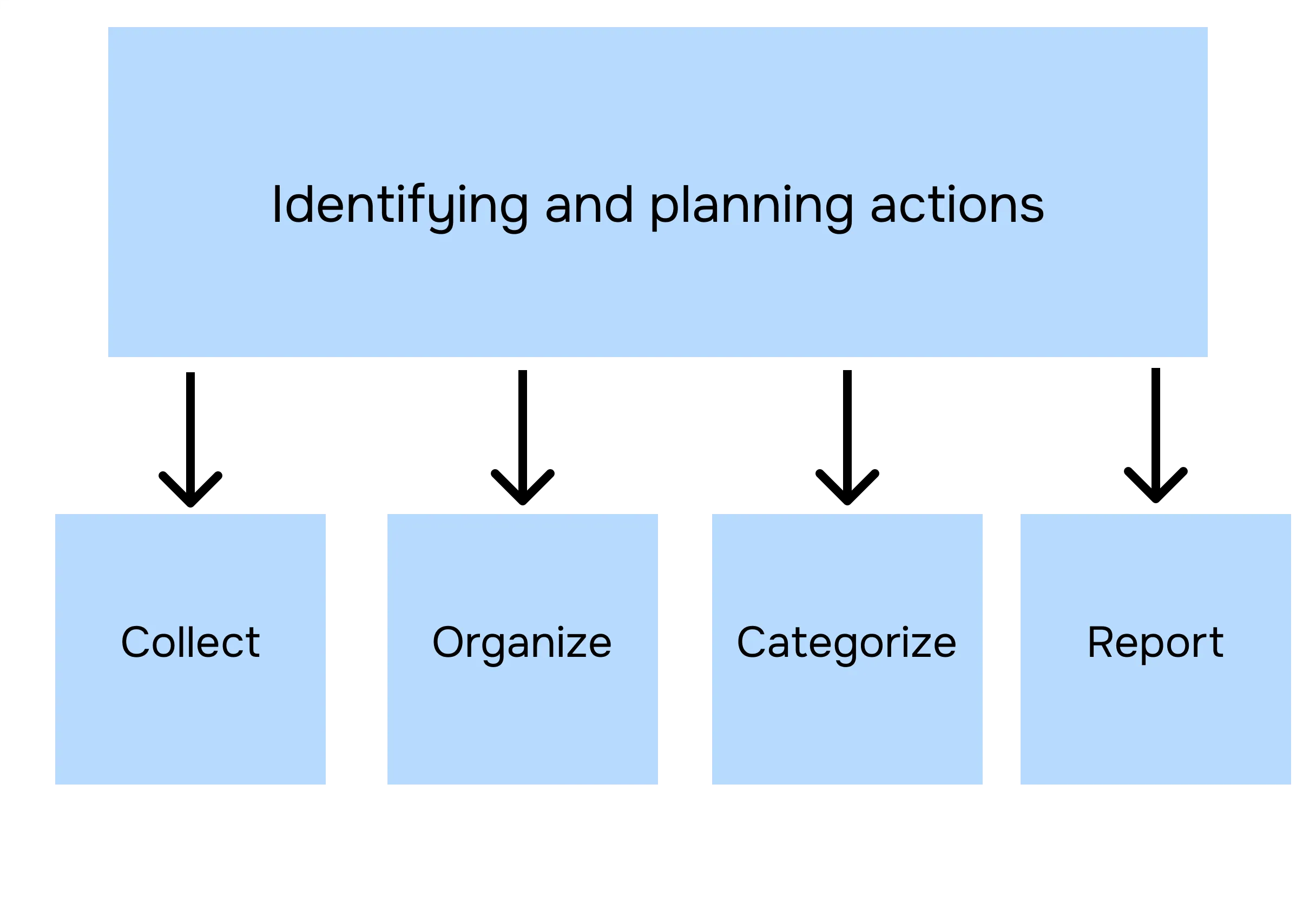
Planner agent breaks subtasks into actions.
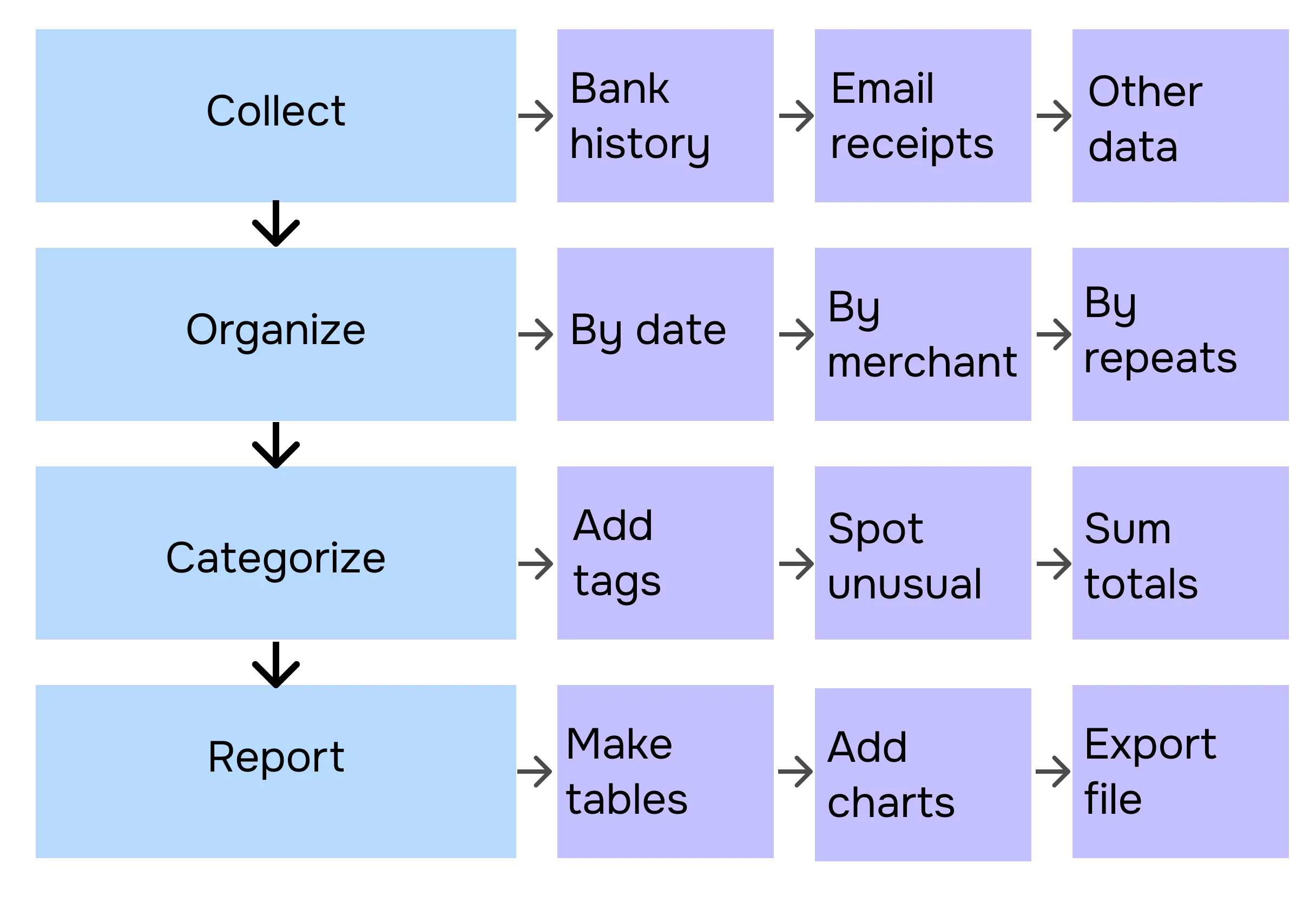
Executor agent performs these actions in your browser.
Task completed.
.avif)
Read more in our blog


Your security is our priority

End-to-end encryption
All AI Agent interactions are end-to-end encrypted, preventing third-party access or interception

No Tracking
Sigma AI Browser doesn’t track users, create profiles, or use data for ads or commercial purposes

Online protection
Sigma AI Browser detects phishing sites and warns you of threats for a safer browsing experience

GPDR and CCPA compliant
Sigma AI Browser complies with GDPR, ensuring your data follows European privacy laws

.avif)
FAQ
Can Sigma Agent access my bank account safely?


Will the AI agent also scan my emails?
Can I customize the spending categories?
Does the agent learn my habits over time?
Can Sigma Agent also help me save money?
.svg)


© 2026 Sigmabrowser OÜ
Kesklinna linnaosa, Vana-Posti tn 2, Tallinn, Estonia
Kesklinna linnaosa, Vana-Posti tn 2, Tallinn, Estonia


