


Best AI
Meal Planner
Your agentic AI searches recipes, builds grocery lists, and fills your cart.


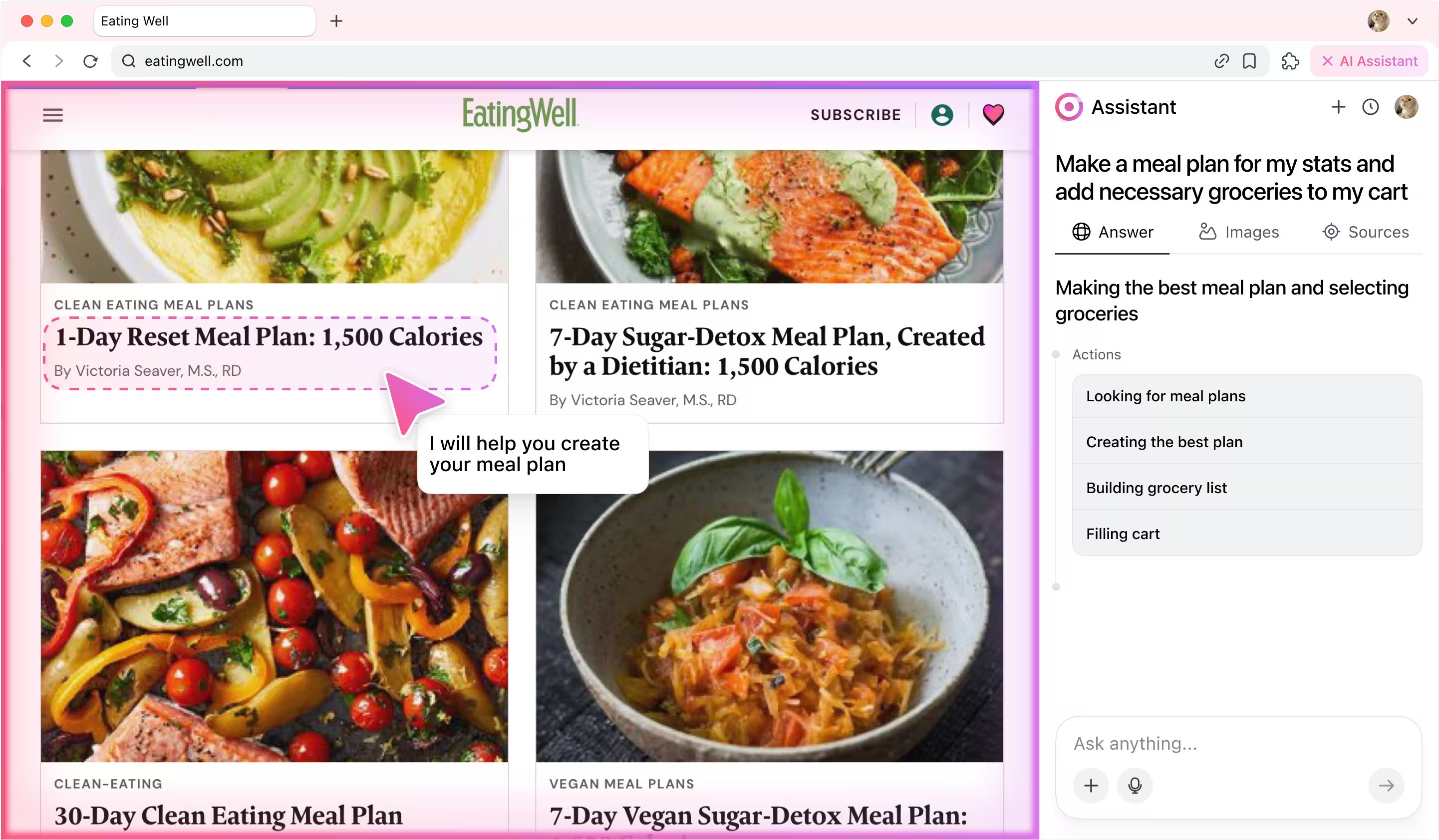
How it works
You start by giving the agent a simple instruction:
💬 Check tasks in Jira marked "In Review". If everything is done, close them.
And then the magic starts:
1) The agent’s categorizer first analyzes the prompt to understand the intent: it's a Jira workflow task involving review and resolution. Then, it identifies the key subtasks.
2) Next, the agent’s planner breaks subtasks into actions: logging into Jira, navigating to the project, finding tickets and interpreting content, testing task, reviewing code and finally resolving task.
3) The executor agent then steps in, performing each of these actions in your browser — just like a human would, but faster.
What looks like a single sentence is actually an orchestrated sequence of decisions and actions. The agent reads it, understands it, and gets it done.
💬 Check tasks in Jira marked "In Review". If everything is done, close them.
And then the magic starts:
1) The agent’s categorizer first analyzes the prompt to understand the intent: it's a Jira workflow task involving review and resolution. Then, it identifies the key subtasks.
2) Next, the agent’s planner breaks subtasks into actions: logging into Jira, navigating to the project, finding tickets and interpreting content, testing task, reviewing code and finally resolving task.
3) The executor agent then steps in, performing each of these actions in your browser — just like a human would, but faster.
What looks like a single sentence is actually an orchestrated sequence of decisions and actions. The agent reads it, understands it, and gets it done.
Agent actions step by step
1. Planning workflow
The agent analyzes users prompt and breaks it into subtasks, then transforms every subtask into action.
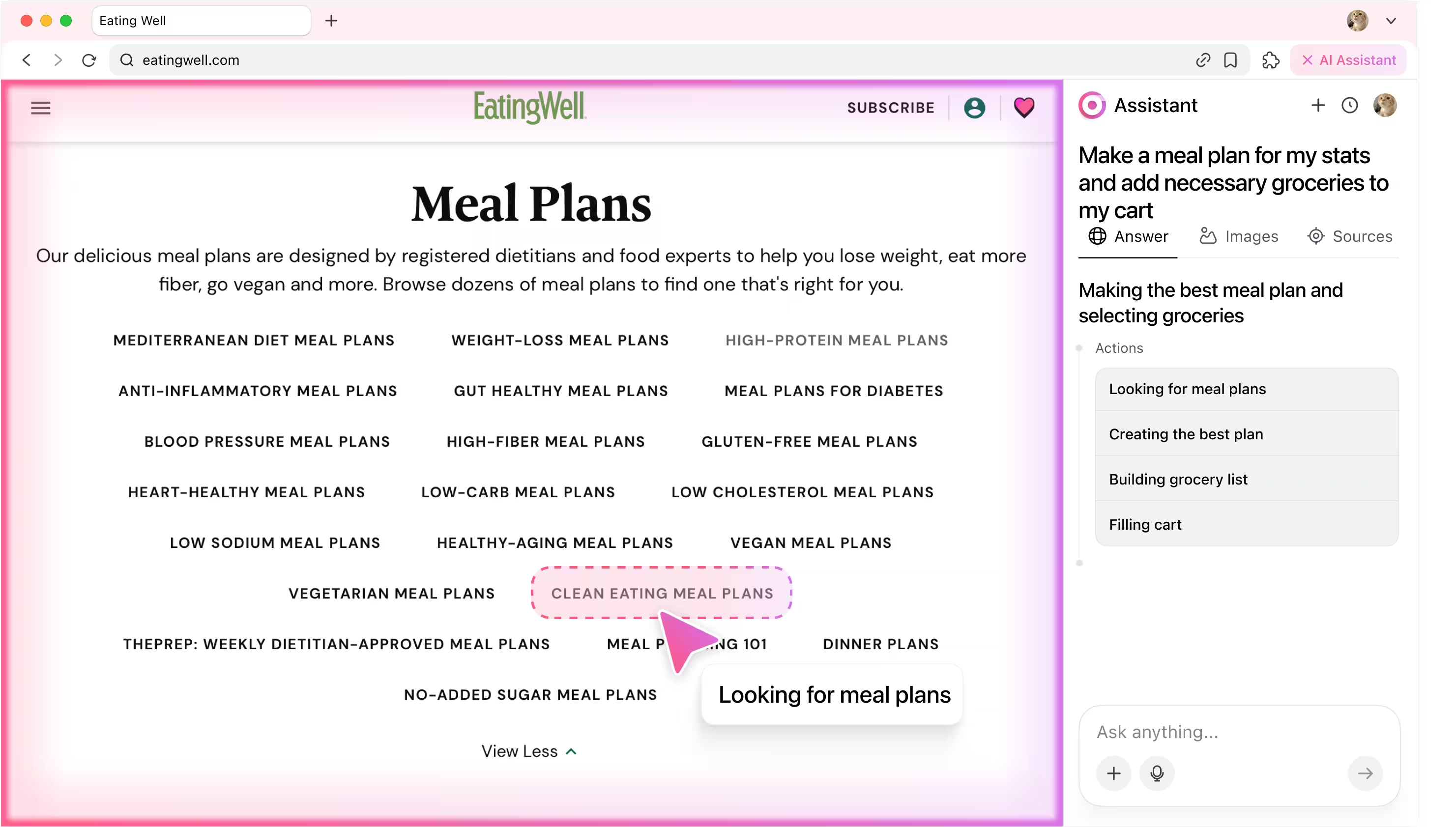
2. Looking for meal plans
Your AI meal planner scans recipe sites, filters by diet, macros, and time, and curates the perfect options for your goals.
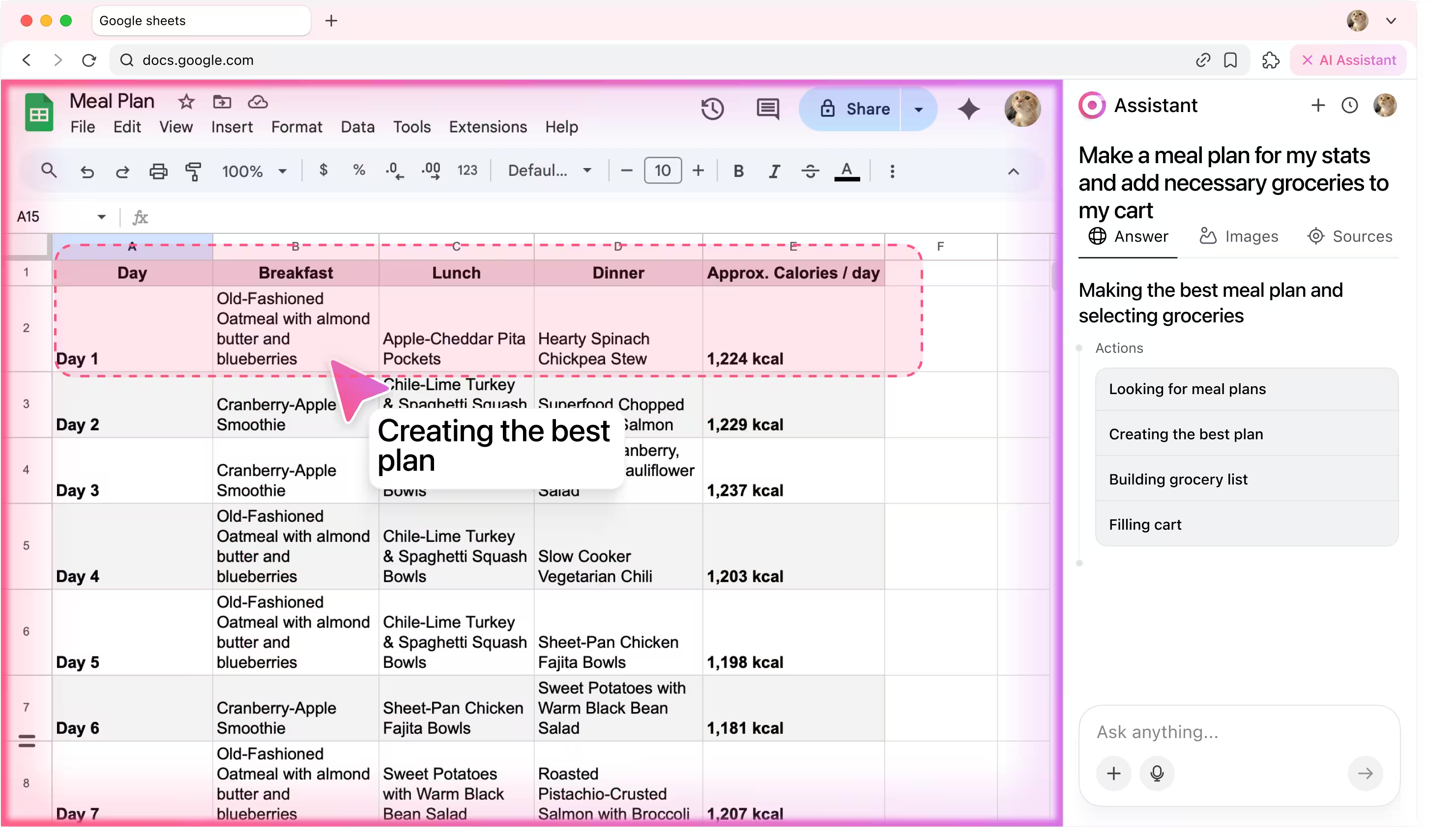
3. Creating the best plan
The agent picks a balanced weekly plan: matching calories, cuisine variety, and schedule.
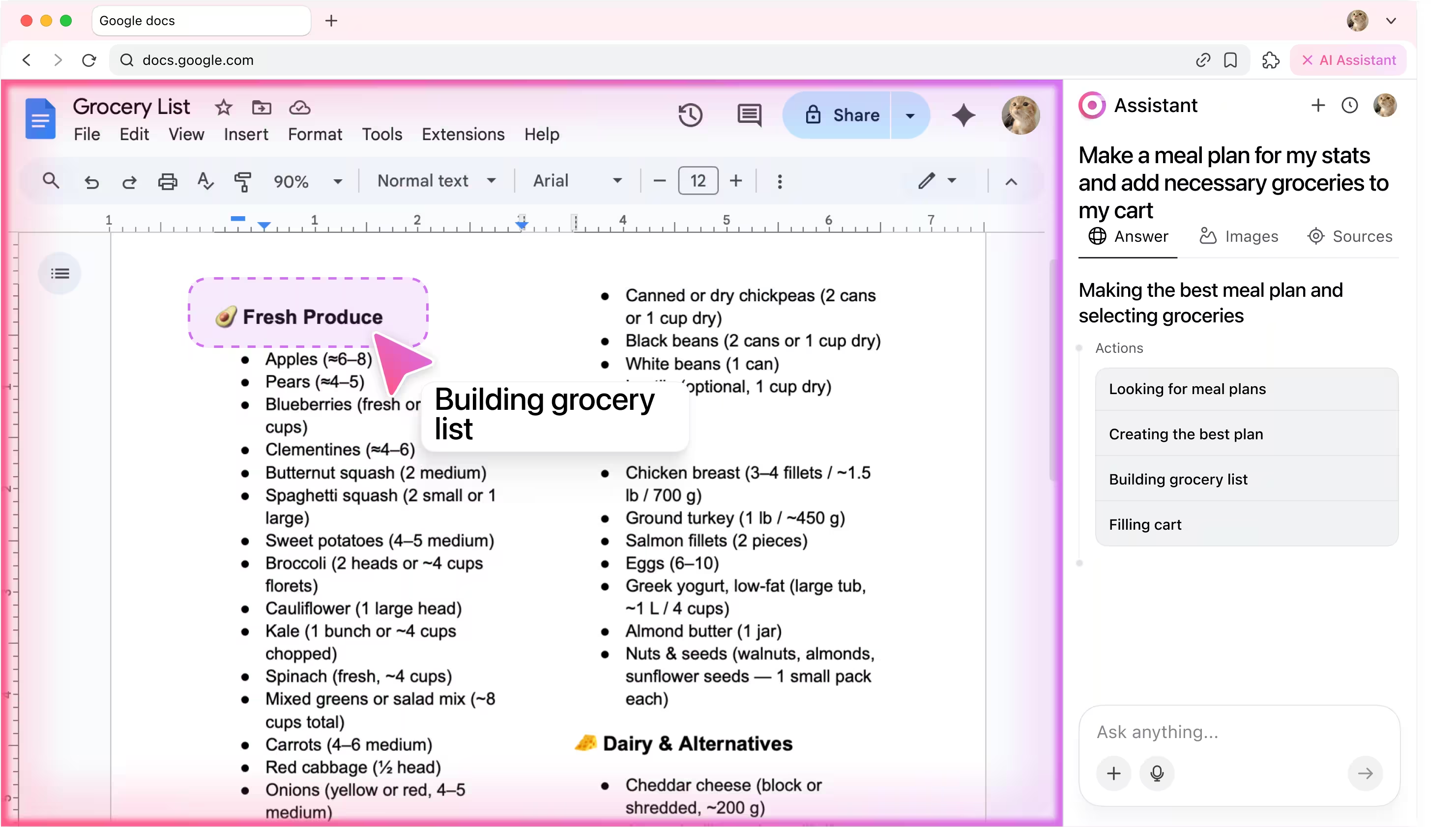
4. Building grocery list
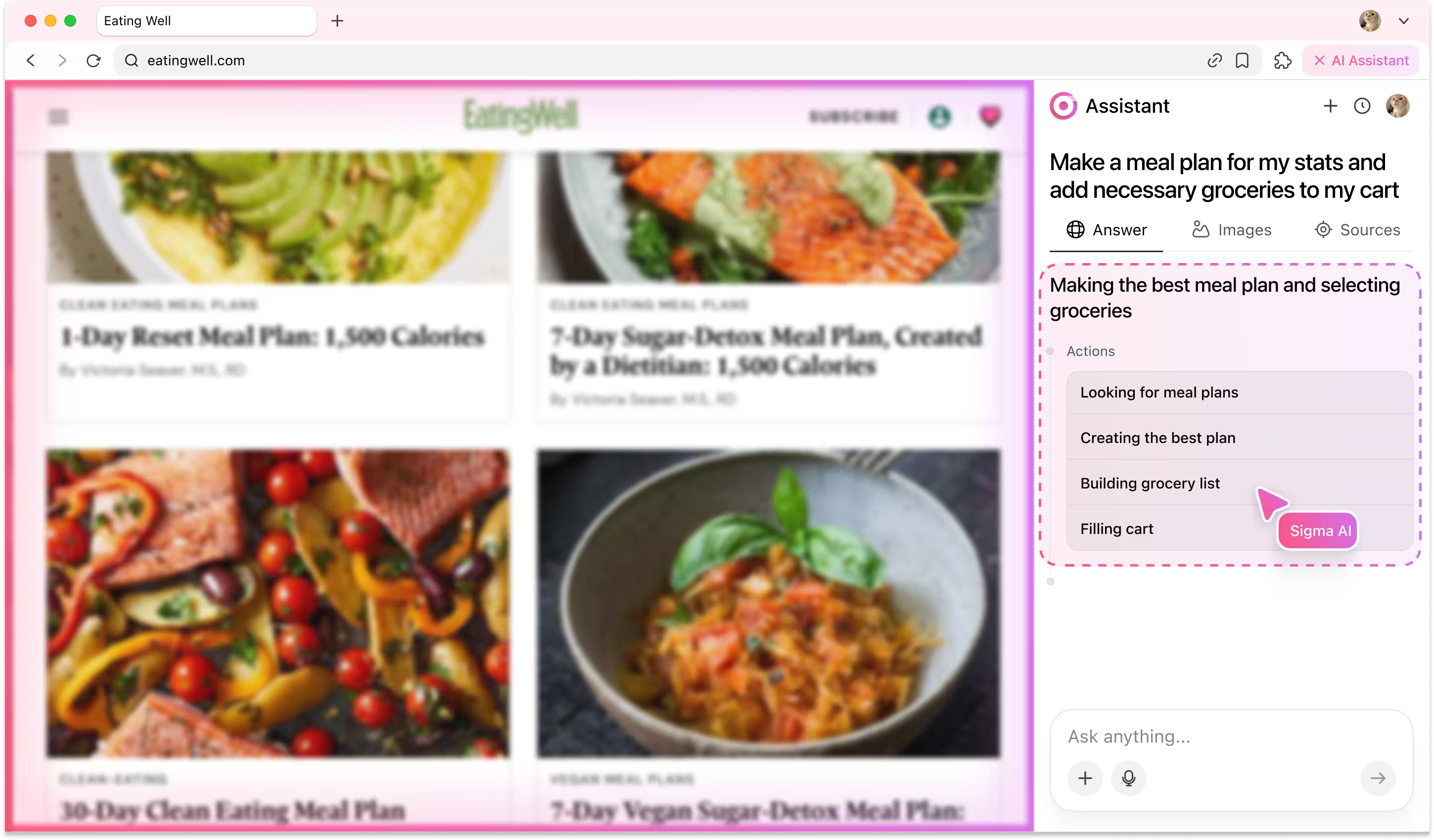
The agent compiles all needed items, removes duplicates, and sorts everything by category.
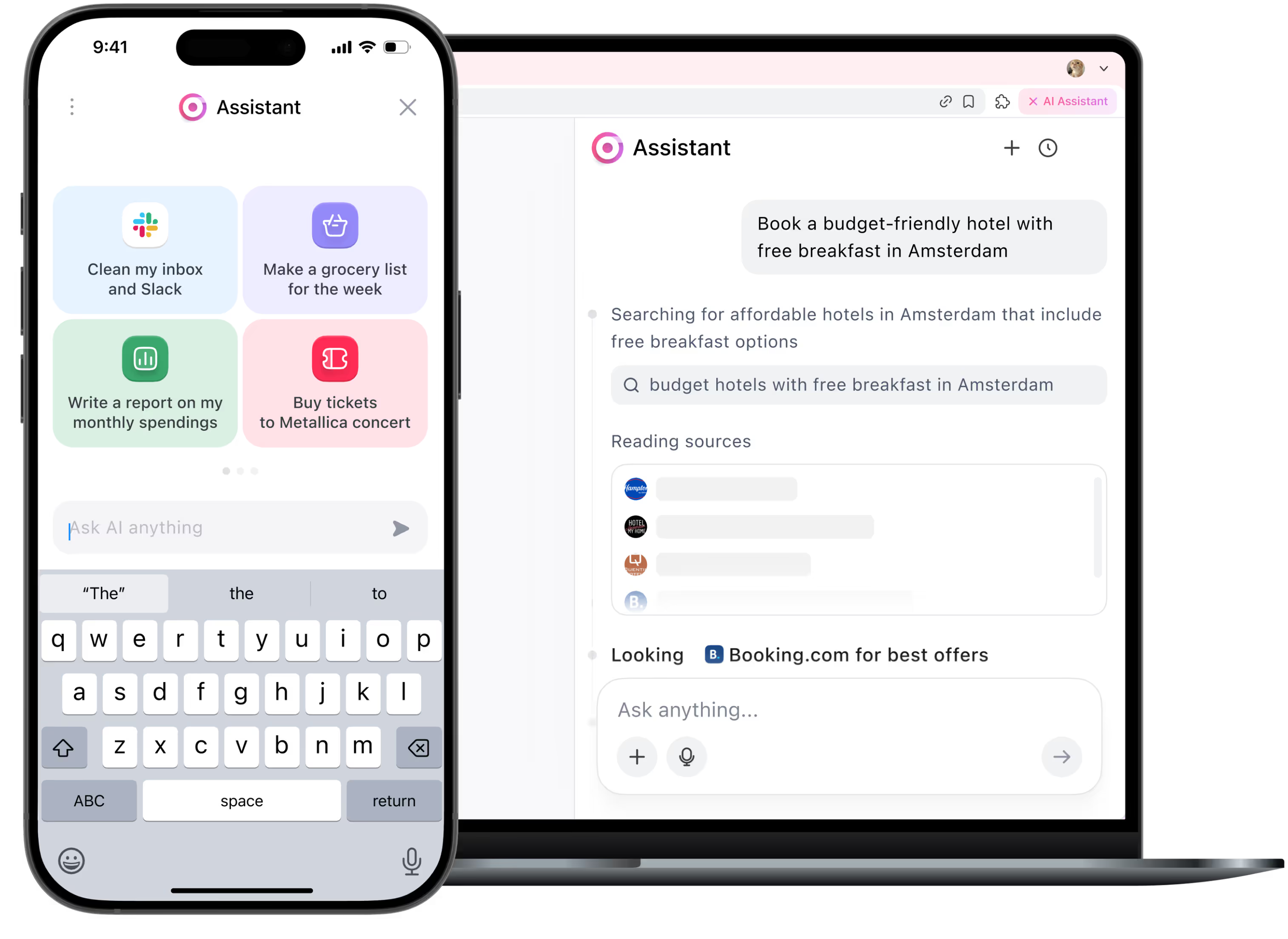
5. Filling cart
The AI message generator summarizes the interaction and updates your CRM or Google Sheet with reply status and next steps.

6. Reporting back
After finishing the task, agent writes back to user in chat window and confirms that the task is completed.

Be the first to try Sigma
We’re rolling out early access now. Join the waitlist and get notified as soon as your spot is ready.
Useful for:

Busy professionals
Let your AI agent plan the meals and order the groceries while you crush deadlines.
1

Health-conscious individuals
Tracking macros? Avoiding sugar? Your AI meal planner keeps your diet on track.
2

Families & home cooks
Stop arguing over what’s for dinner. The AI agent creates balanced weekly plans everyone will actually eat.
3
How it works
User enters the prompt.
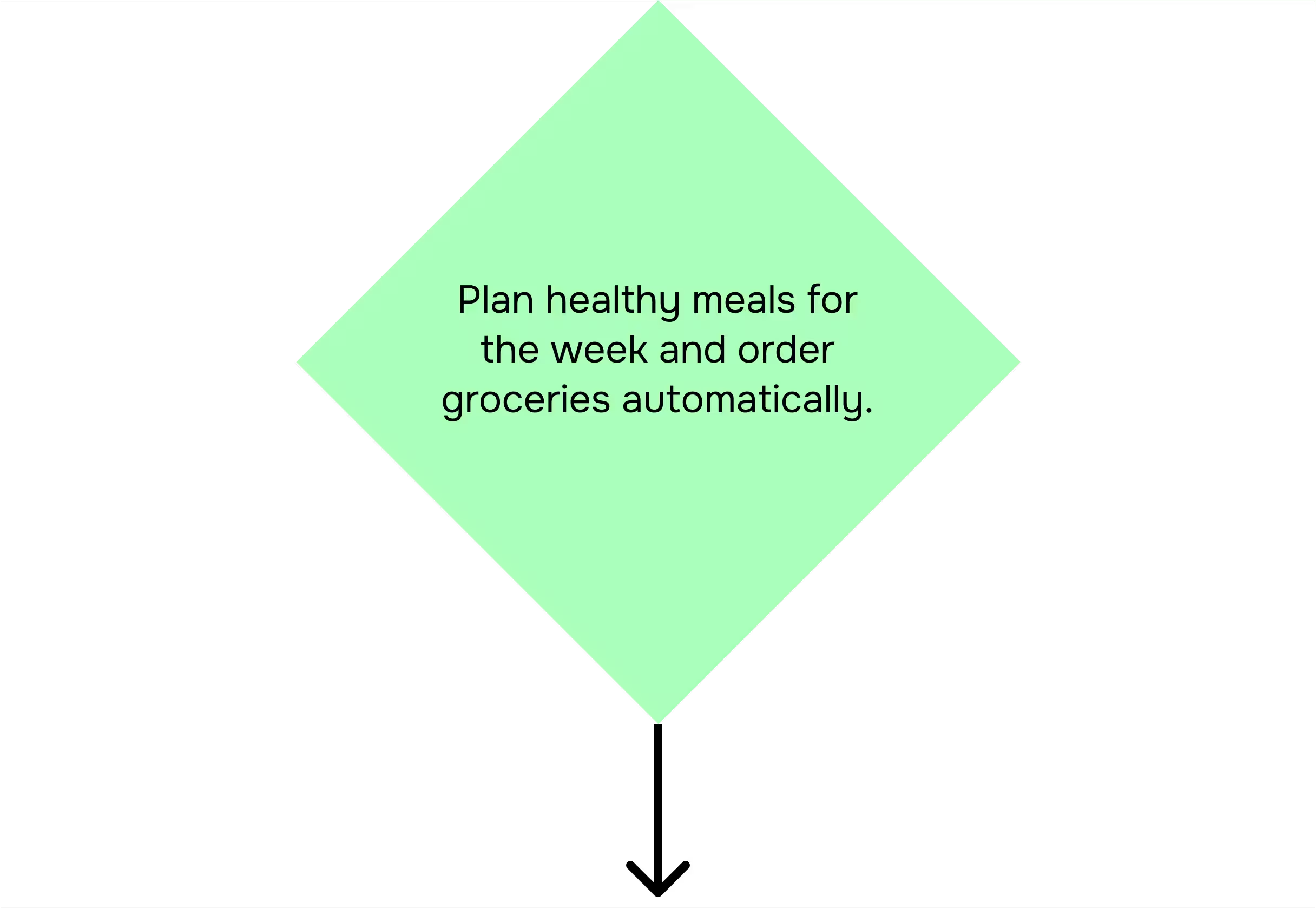
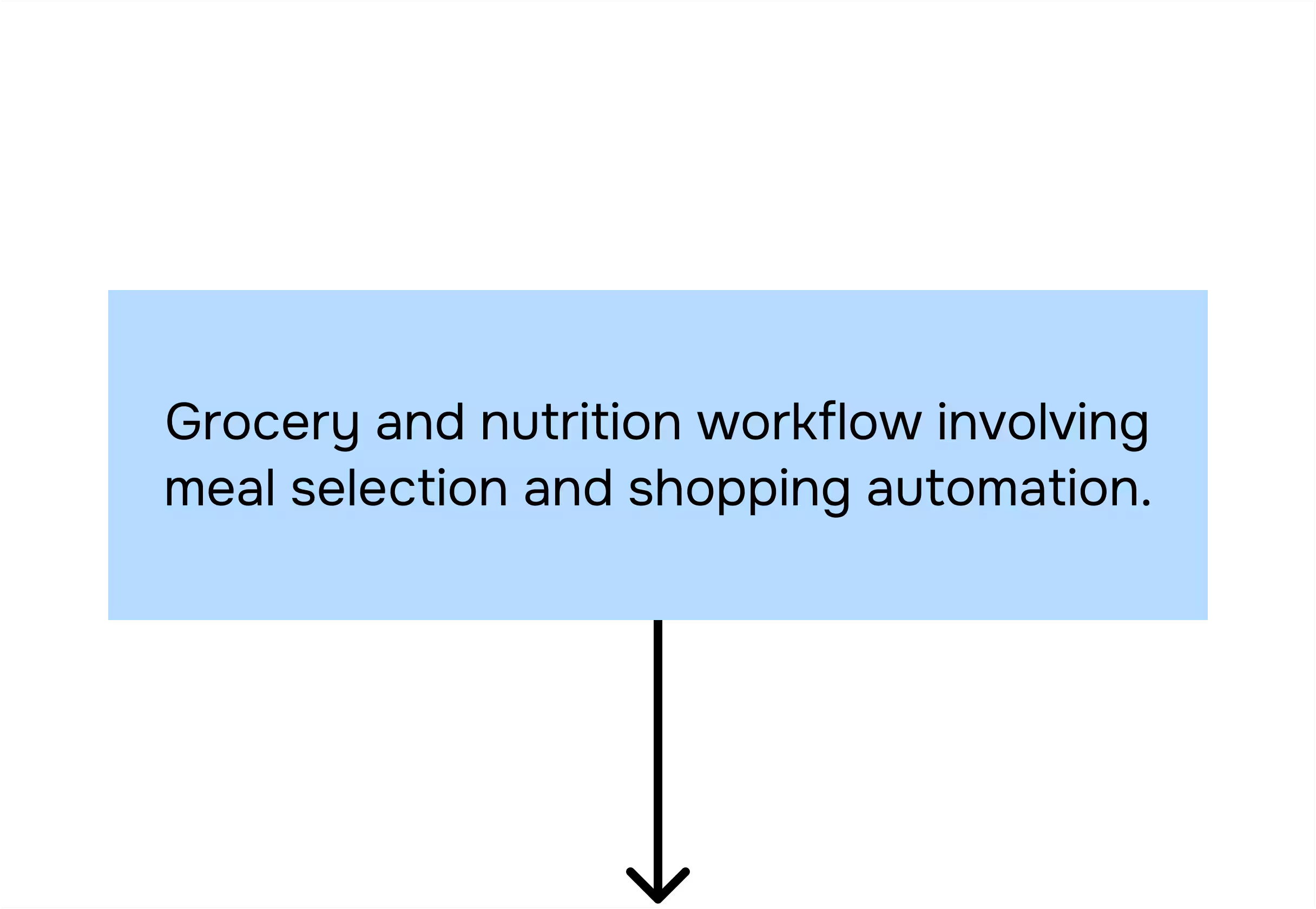
Categorizer agent analyzes the prompt.
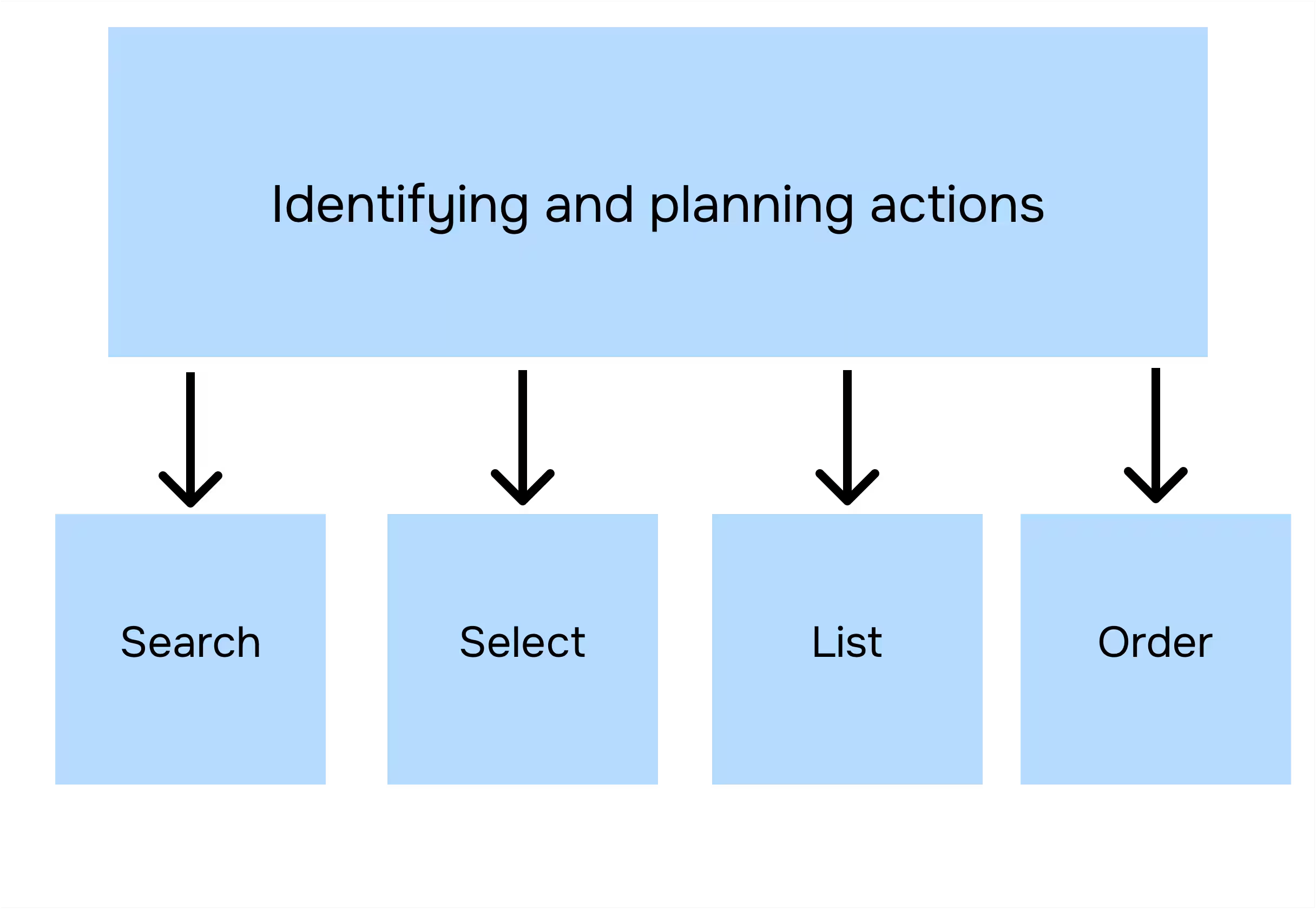
Planner agent breaks subtasks into actions.
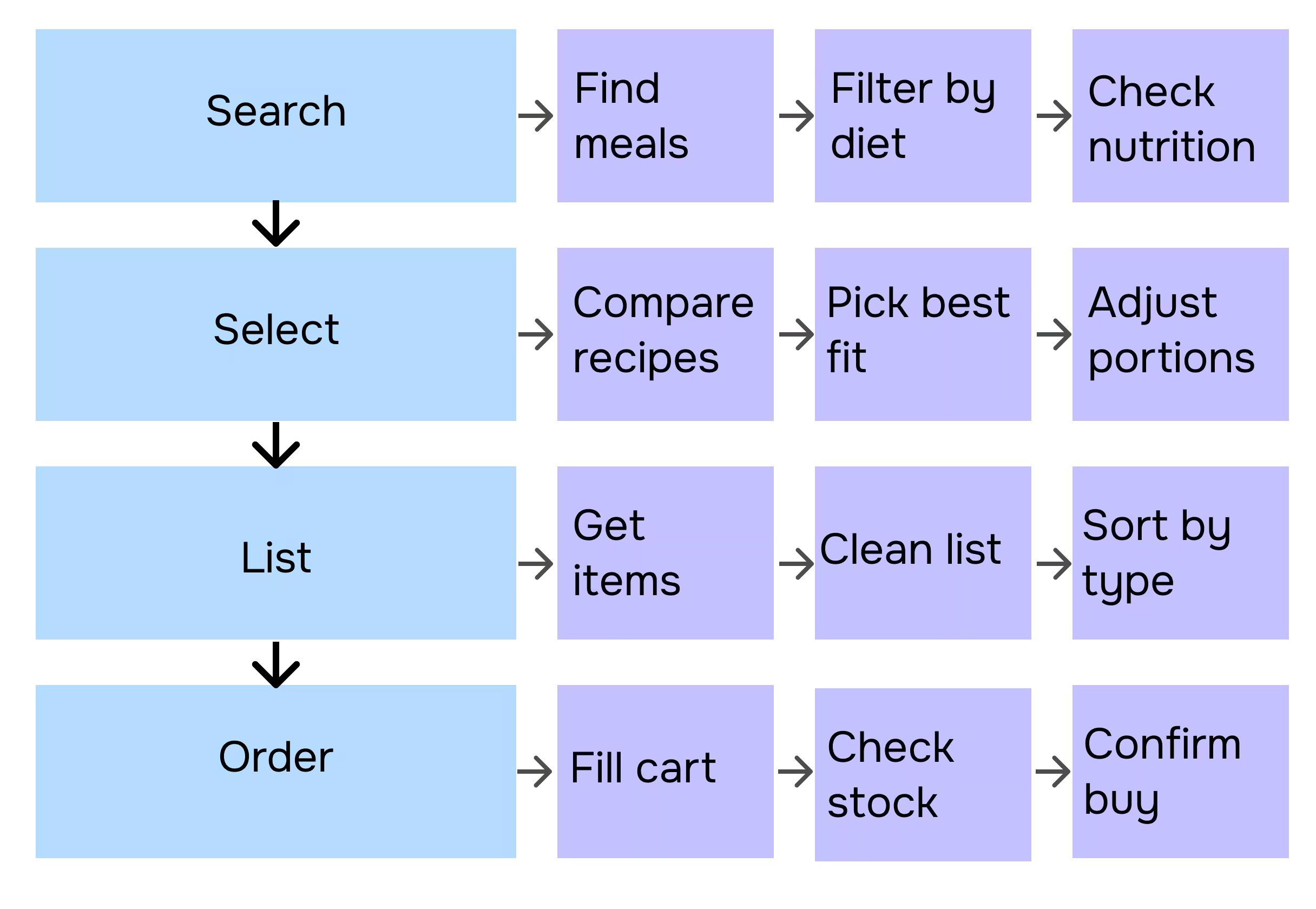
Executor agent performs these actions in your browser.
Task completed.
.avif)
Read more in our blog
Your security is our priority

End-to-end encryption
All AI Agent interactions are end-to-end encrypted, preventing third-party access or interception

No Tracking
Sigma AI Browser doesn’t track users, create profiles, or use data for ads or commercial purposes

Online protection
Sigma AI Browser detects phishing sites and warns you of threats for a safer browsing experience

GPDR and CCPA compliant
Sigma AI Browser complies with GDPR, ensuring your data follows European privacy laws
.avif)
FAQ
Can I tell the agent about my dietary preferences?


What grocery delivery apps does it connect to?
Does it adjust portion sizes or calories?
Will it remember my favorite meals?
Is my data shared or stored somewhere?
.svg)


© 2026 Sigmabrowser OÜ
Kesklinna linnaosa, Vana-Posti tn 2, Tallinn, Estonia
Kesklinna linnaosa, Vana-Posti tn 2, Tallinn, Estonia


