Sigma AI Deep Research

Search across sources, summarize key details, and get clear answers in AI Chat.
Laptop screen displaying a chat about the U.S. president and corruption, with a dark blue background.

What is Sigma AI Deep Research?

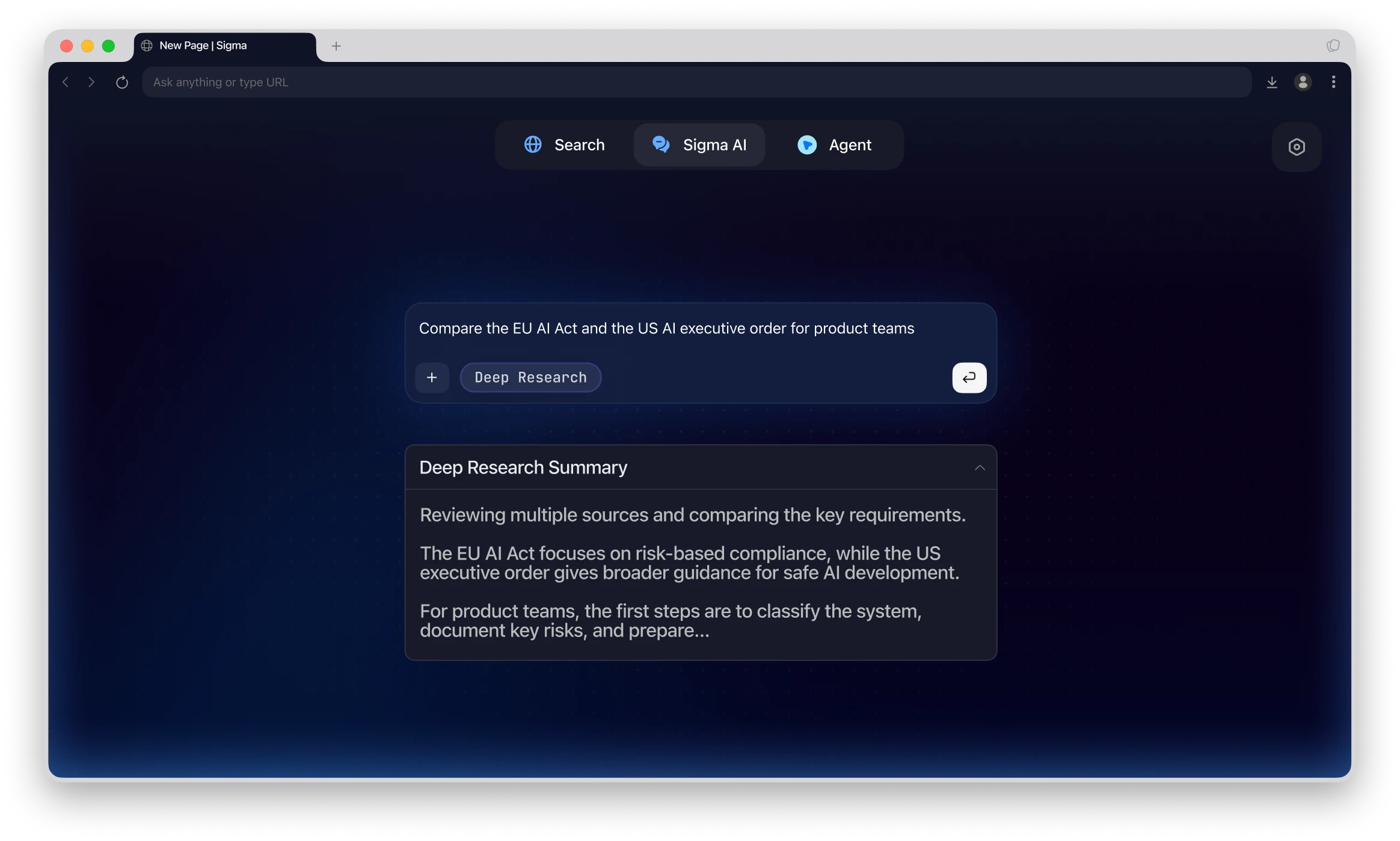
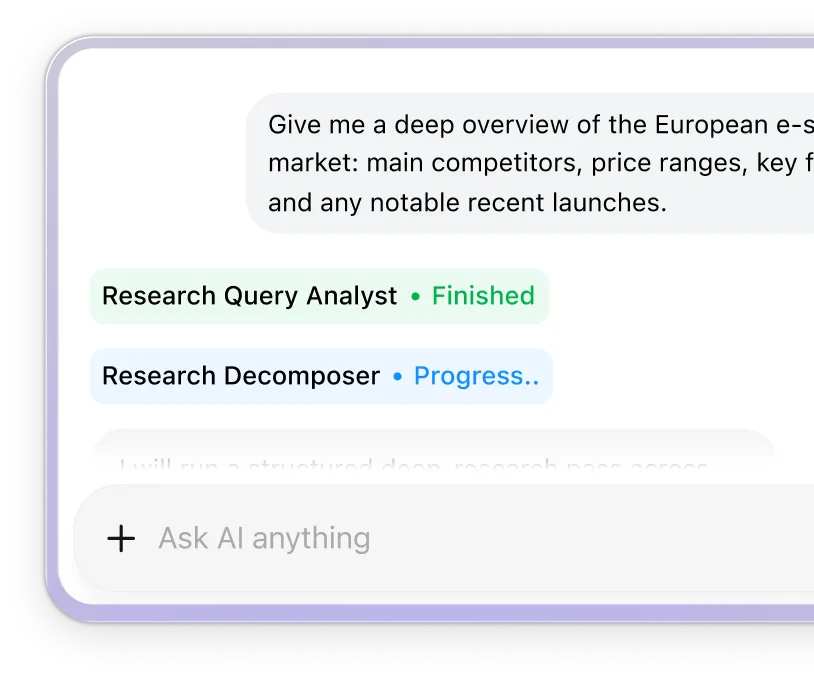
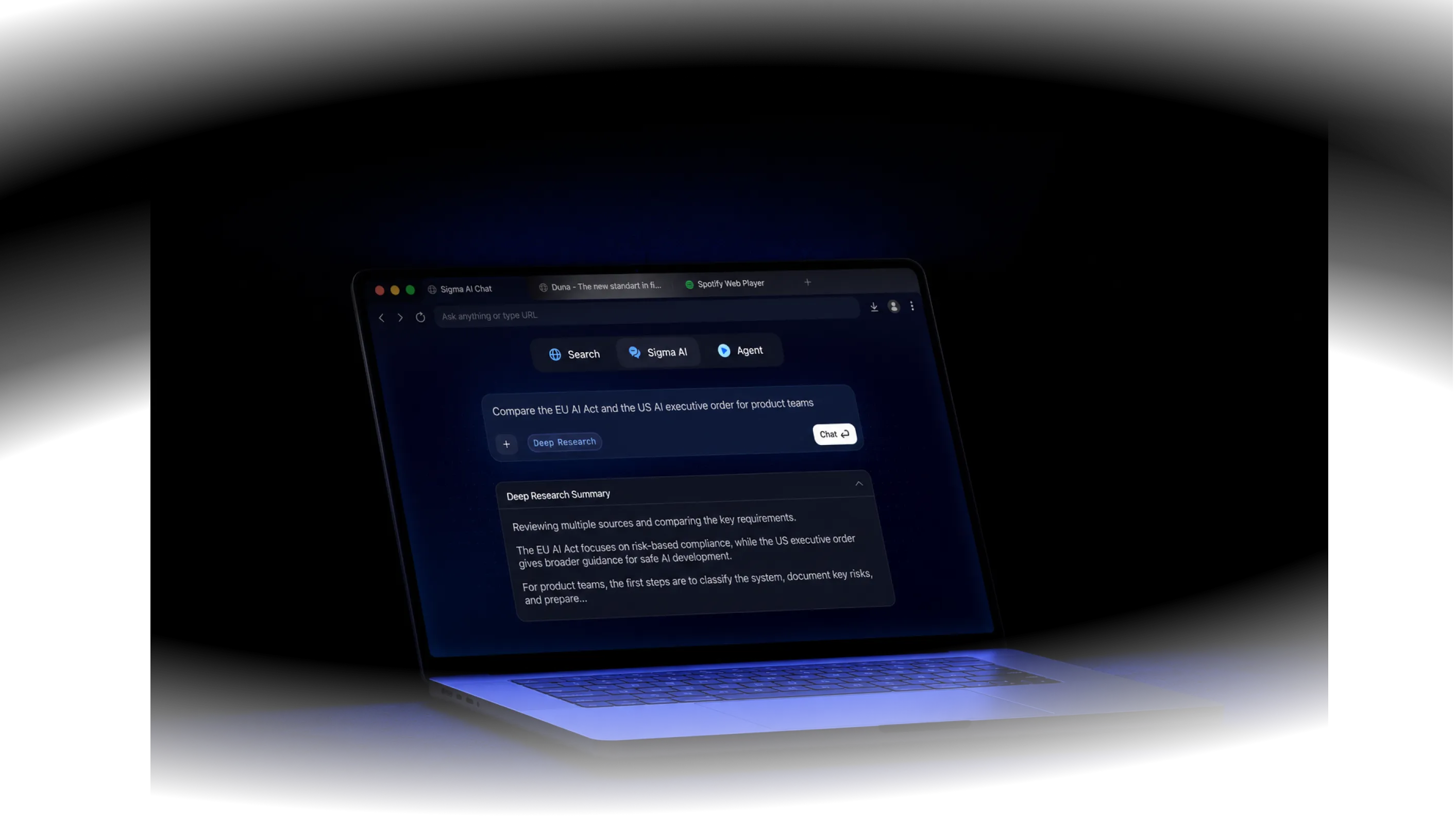
Deep Research helps users explore complex topics directly inside Sigma AI Chat. It searches across sources, reads key information, and turns research results into clear, organized answers.

Browser in private mode with AI chat box and model options like Gemma, GLM, Nemetron, and Qwen.Dark mode browser window showing AI chat interface with model options and private mode on.

Why Use Sigma AI Deep Research
Chat interface shows a user requesting a disturbing death scene and AI suggests a psychological apartment setting.

Search across sources

Review multiple sources and collect useful details for one research answer.

Central play button surrounded by words: Summarize, Write, Analyze, Deep research, Learn.

Get organized answers

Turn scattered information into a clear summary with key points, context, and next steps.
Wi-Fi toggle switch is off with Wi-Fi Settings option below and icons above.

Research in your browser

Use Deep Research while working with webpages, tabs, and research materials in Sigma Browser.

Deep Research Use Cases

Use Sigma to research, compare, and understand complex information faster.

Source summaries

Summarize long articles, reports, docs, and web pages into clear key points.

Layered browser windows icon

Page answers

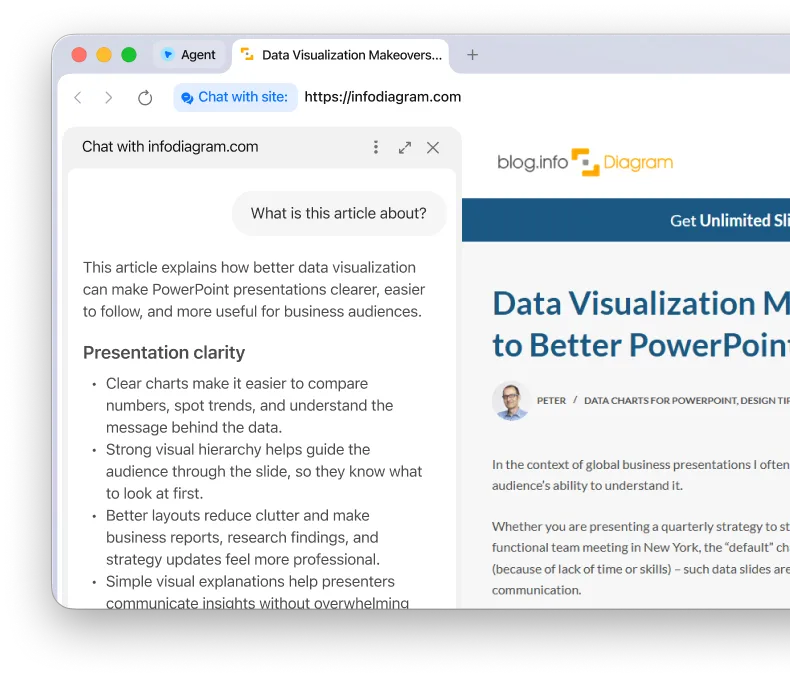
Ask questions about a page you are viewing and get answers from its content.

Abstract globe lines icon

Multi-source research

Use information from different sources to understand complex topics faster.

AI network atom icon

Information comparison

Compare products, trends, competitors, opinions, and research findings.

Connected hexagon pattern icon

How Sigma AI Deep Research Works

Dragging Sigma.dmg file icon toward Mac Applications folder icon with a white arrow.
1

Open Sigma AI Chat

Use the AI Chat panel in Sigma Browser to begin your research.
Cursor pointing at colorful diamond icon surrounded by three other gaming platform icons on dark background.
2

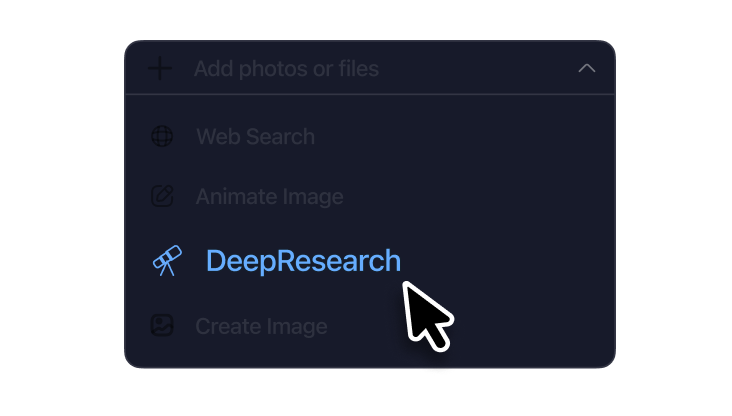
Choose Deep Research

Select Deep Research mode before entering your question.

Chat input box with text 'How to create a' and buttons for adding plus and sending chat.
3

Ask your research question

Enter a topic or question and get a structured answer based on relevant sources.

Sigma AI Deep Research Comparison

Compare Sigma with popular AI research tools for source-based answers.

Sigma
Sigma company logo with stylized blue gradient curved shape.
ChatGPT
ChatGPT logo
Gemini
Google Gemini logo
Perplexity
Perplexity logo
Deep research reports
Current page summaries
Current page answers
Multi-page context
Page comparison
Research while browsing

Download Sigma Browser

Join Android waitlist
Also available on Windows, iOS and Android. Linux version coming soon!

Questions & Answers

If you have any questions,
reach out to us on X at @Sigma_Browser
What is Sigma AI Deep Research?
How does Sigma AI Deep Research work?
What can I use Deep Research for?
Can Sigma AI Deep Research summarize webpages?
Can Sigma compare multiple sources?
How is Deep Research different from regular search?
How is Sigma Deep Research different from regular AI chat?
Who is Sigma AI Deep Research useful for?
×

Get Sigma on Android

We’ll let you know when Sigma for Android launches.
You’re on the list!
Please enter a valid email address.
Oops! Something went wrong while submitting the form.