Sigma AI Uncensored Chat

Unrestricted AI answers with no filters or limits.
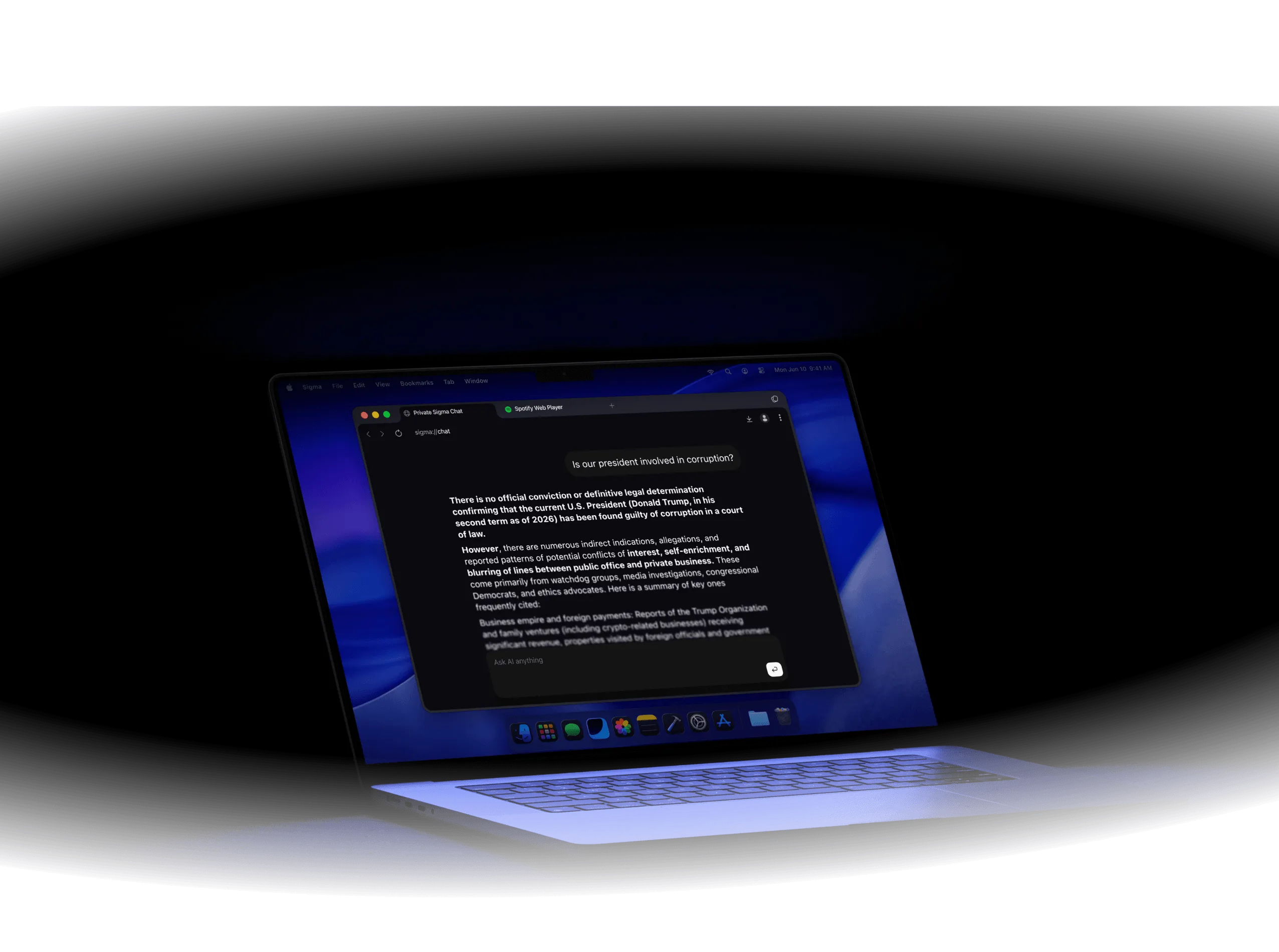
Laptop screen displaying a chat about the U.S. president and corruption, with a dark blue background.

What is Sigma AI Uncensored Chat?

Sigma AI Uncensored Chat lets users ask direct questions, explore broader topics, and use local AI models inside Sigma Browser. Users can discuss sensitive topics, continue deeper conversations, and manage AI tasks in one workspace.
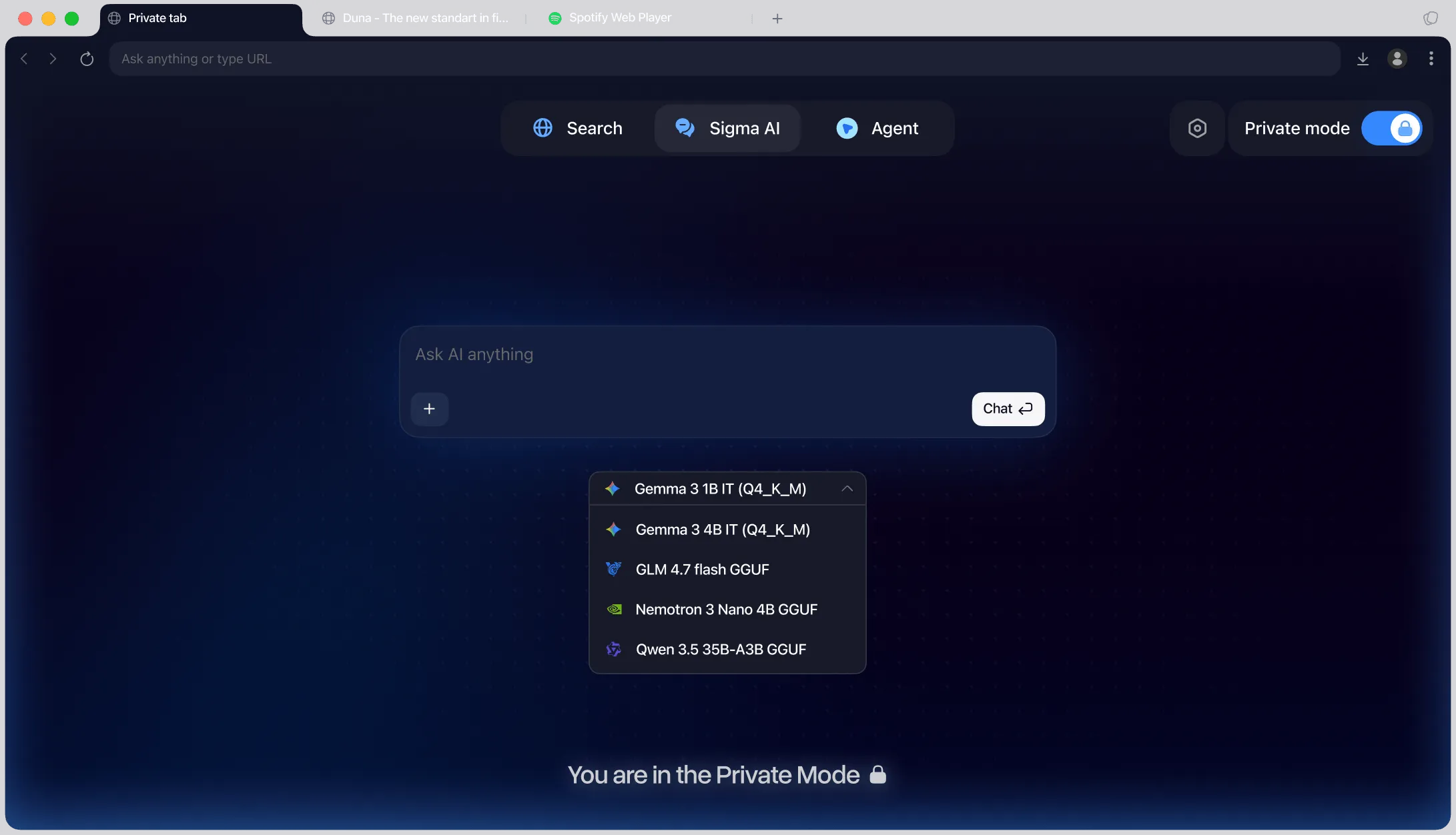
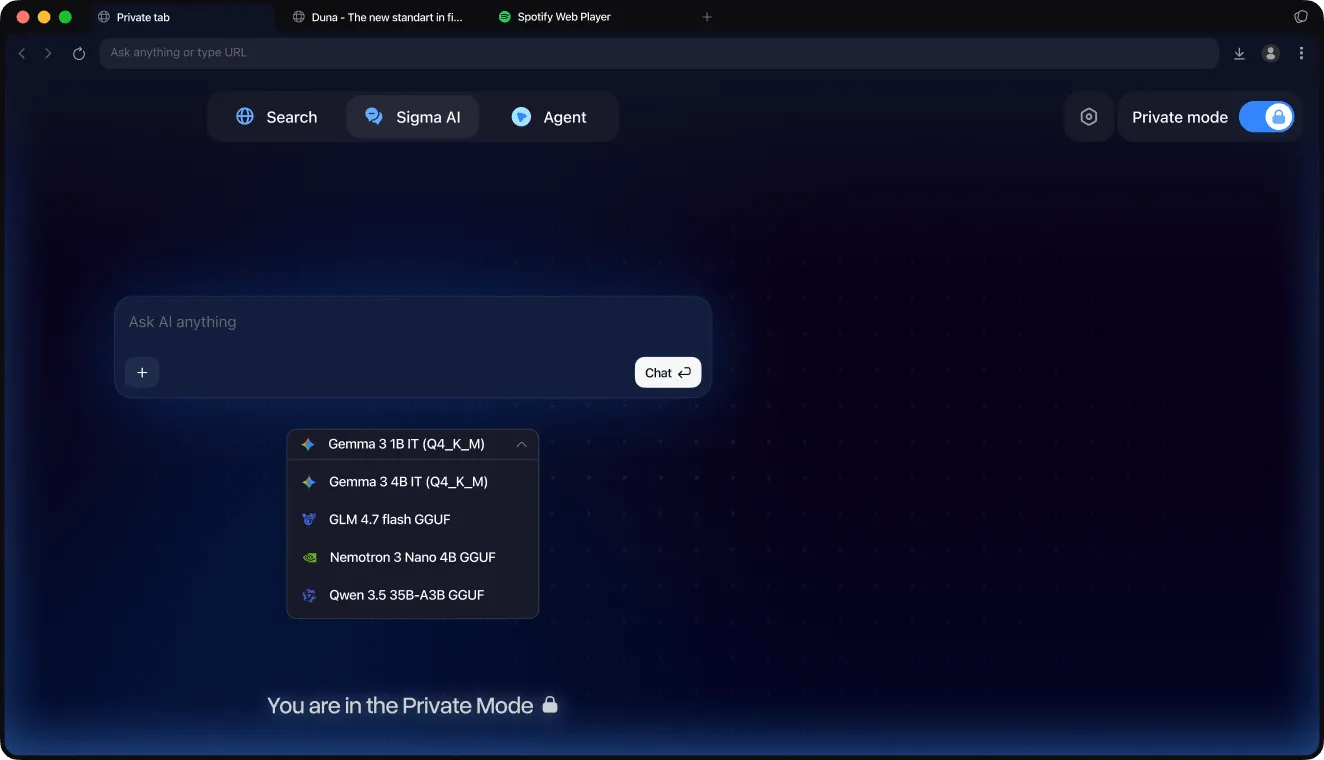
Browser in private mode with AI chat box and model options like Gemma, GLM, Nemetron, and Qwen.Dark mode browser window showing AI chat interface with model options and private mode on.

Why Use Sigma AI Uncensored Chat

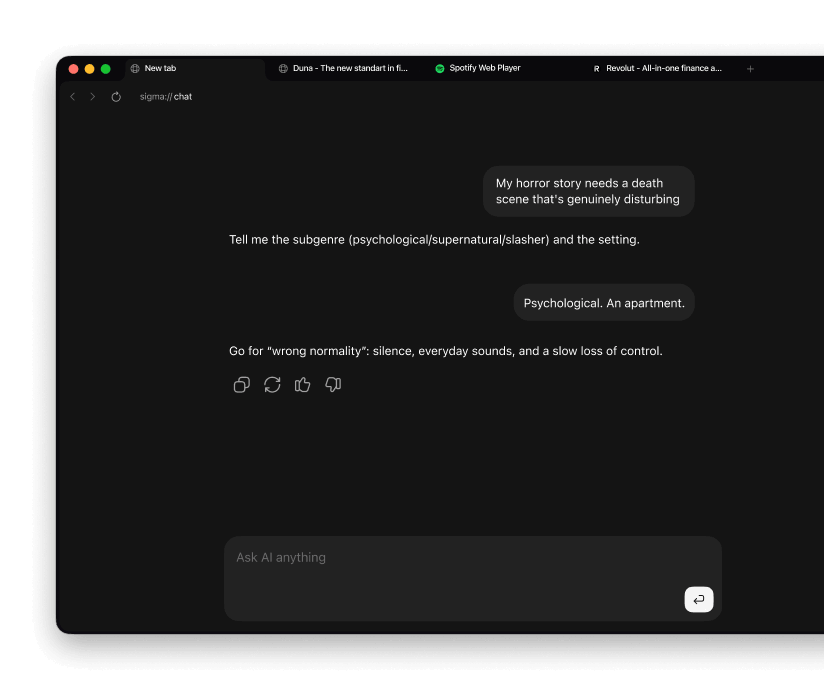
Chat interface shows a user requesting a disturbing death scene and AI suggests a psychological apartment setting.

Explore sensitive topics

Ask follow-up questions and discuss ideas with fewer AI restrictions
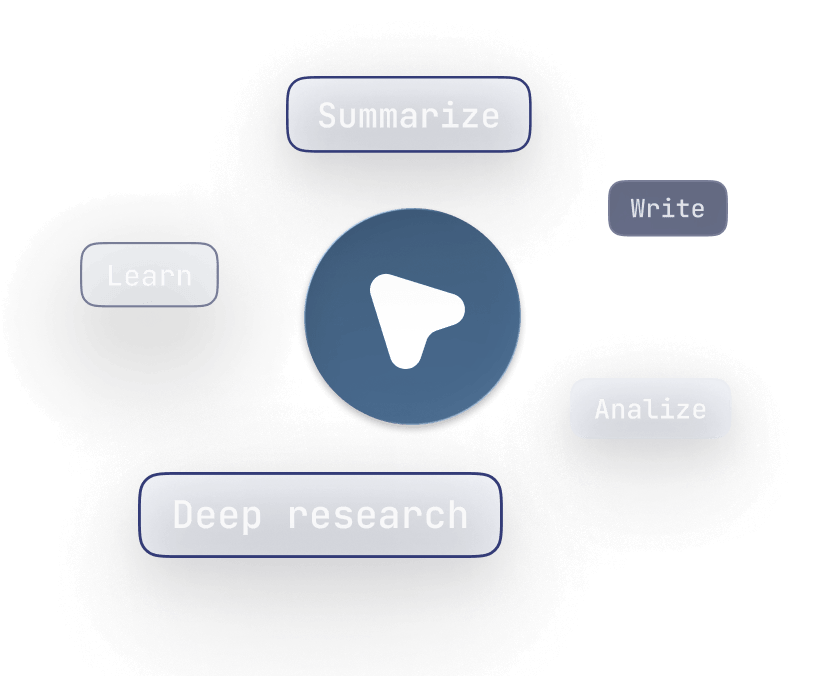
Central play button surrounded by words: Summarize, Write, Analyze, Deep research, Learn.

Unrestricted AI workflows

Use flexible AI workflows for research, brainstorming, writing, and content analysis
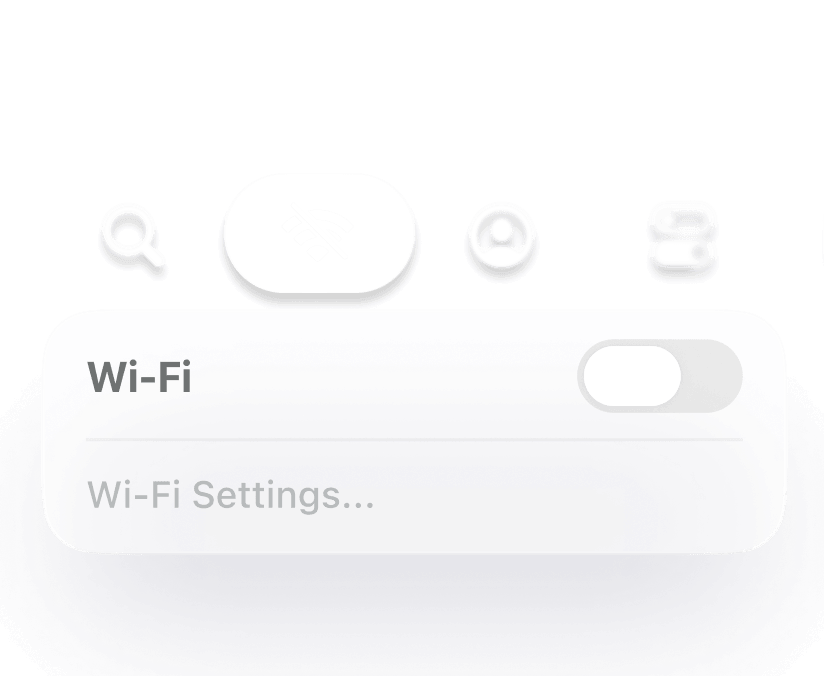
Wi-Fi toggle switch is off with Wi-Fi Settings option below and icons above.

Run AI locally

Run local AI models directly inside Sigma Browser for more private and secure AI workflows

What you can do with Uncensored AI

Research, analyze, and explore ideas without switching between AI tools.

Deep research workflows

Upload files, compare sources, and continue long-form AI research inside one workspace

Layered browser windows icon

Long-context conversations

Continue detailed AI conversations across multiple tabs, files, and research topics

Abstract globe lines icon

Local AI models

Run local AI models directly inside Sigma Browser for document analysis and AI workflows

AI network atom icon

Open-ended AI chats

Continue long AI conversations, explore sensitive topics, and ask follow-up questions with fewer restrictions

Connected hexagon pattern icon

How Sigma AI Uncensored Chat Works

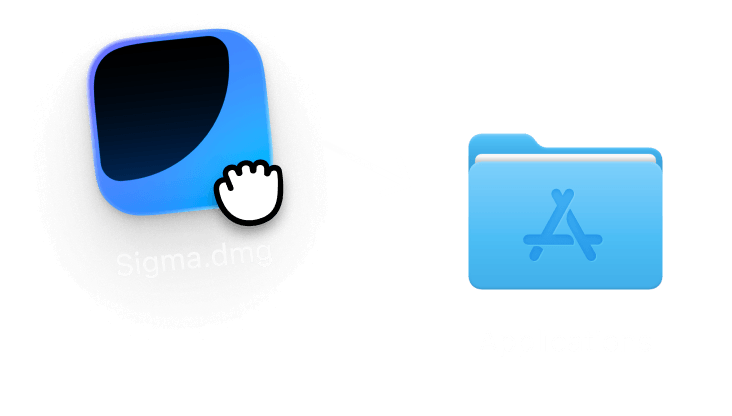
Dragging Sigma.dmg file icon toward Mac Applications folder icon with a white arrow.
1

Download Sigma Browser

Install Sigma Browser on your device
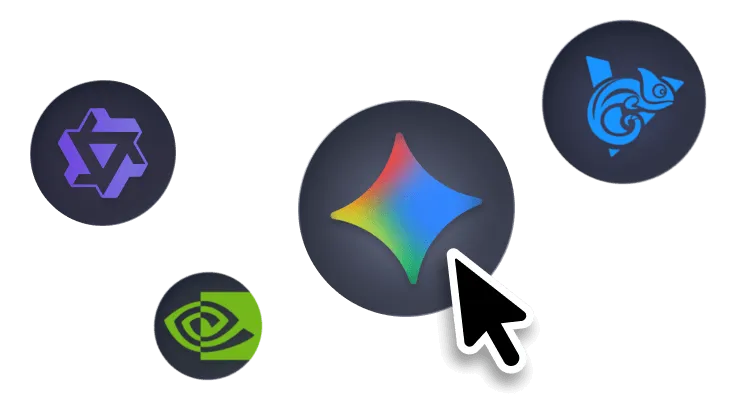
Cursor pointing at colorful diamond icon surrounded by three other gaming platform icons on dark background.
2

Add a local model

Download and activate an AI model in settings
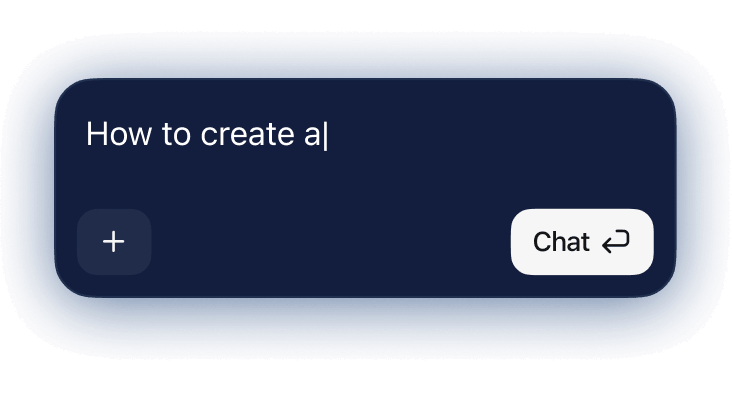
Chat input box with text 'How to create a' and buttons for adding plus and sending chat.
3

Start chatting

Use AI chats directly inside your browser

Sigma AI Comparison

Compare Sigma with popular AI chat platforms for uncensored chats, local models, and in-browser AI.

Sigma
Sigma company logo with stylized blue gradient curved shape.
ChatGPT
Telegram app icon with a blue paper plane symbol on layered dark blue circular shapes.
Claude
Comet logo featuring stylized blue curved lines forming a comet shape.
Perplexity
Google Chrome browser logo with red, green, yellow, and blue circular design.
Local AI models
Fewer chat restrictions
Chat in browser
Chat across browser tabs
Multiple AI models
Page context

Download Sigma Browser

Also available on Windows, iOS and Android. Linux version coming soon!

Questions & Answers

If you have any questions,
reach out to us on X at @Sigma_Browser
What is an uncensored AI chat?
Can Sigma run local AI models?
Are Sigma AI conversations private?
Is uncensored AI chat legal to use?
What makes Sigma different from other uncensored AI tools?
What is an unrestricted AI chatbot?
What are the best uncensored AI tools?
Can uncensored AI run locally?
What is a no filter AI?
Oops! Something went wrong while submitting the form.