

Use Cases
Use Cases
Project Management Routine Automation
Clean and Organize Inbox
AI Shopping Automation
AI Promo Code Finder
AI Budget Planner
AI Resume Builder
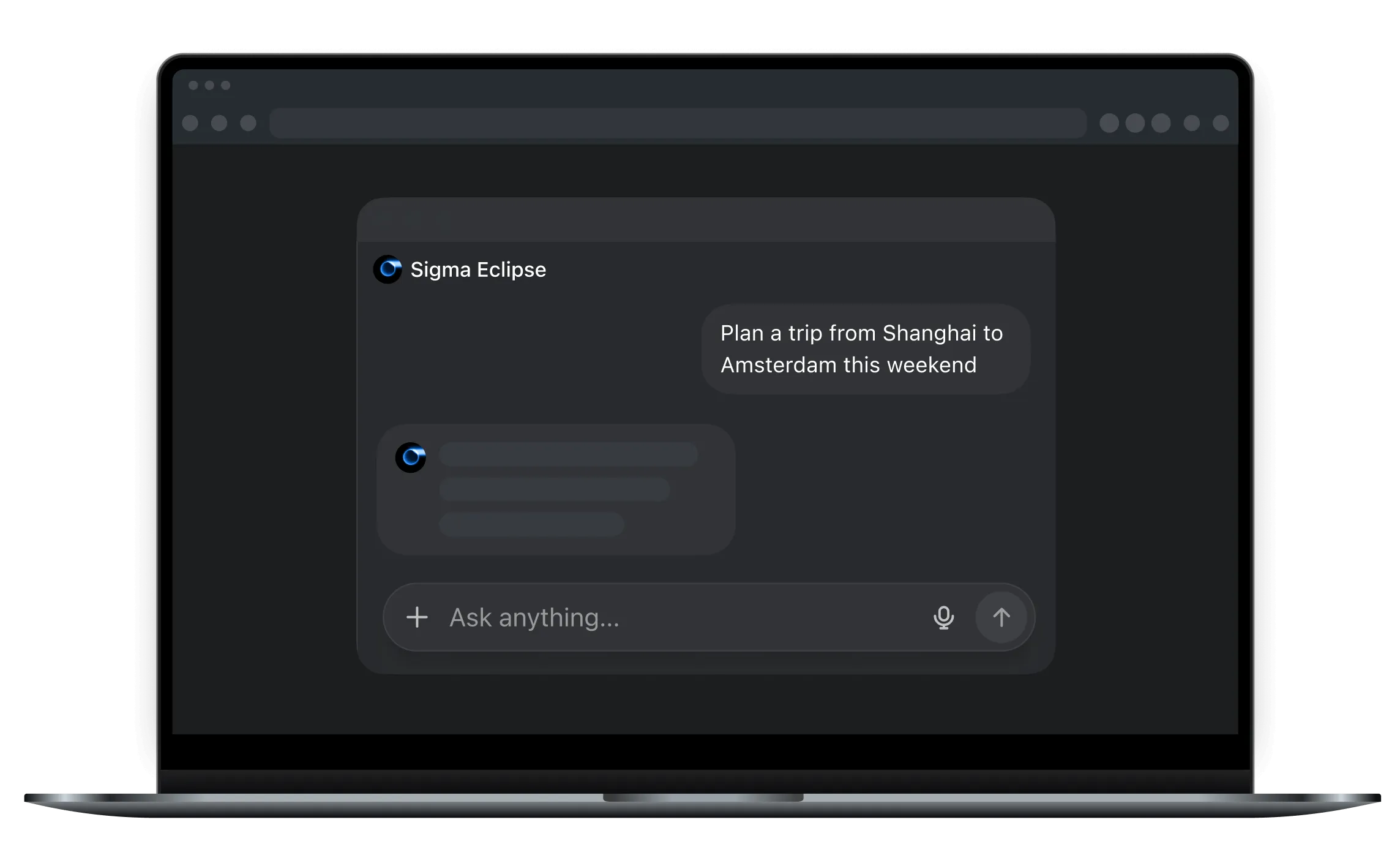
AI Trip Planner
AI Data Analysis
AI Bookmark Manager
AI Message Generator
AI Meal Planner
AI Chat
Blog
Eclipse
Download
Download
Free, Private Local AI Chat
Your AI — on your device, not in the cloud
Download
Totally yours
Chase the full power of AI on your computer absolutely free
No cloud costs → free forever
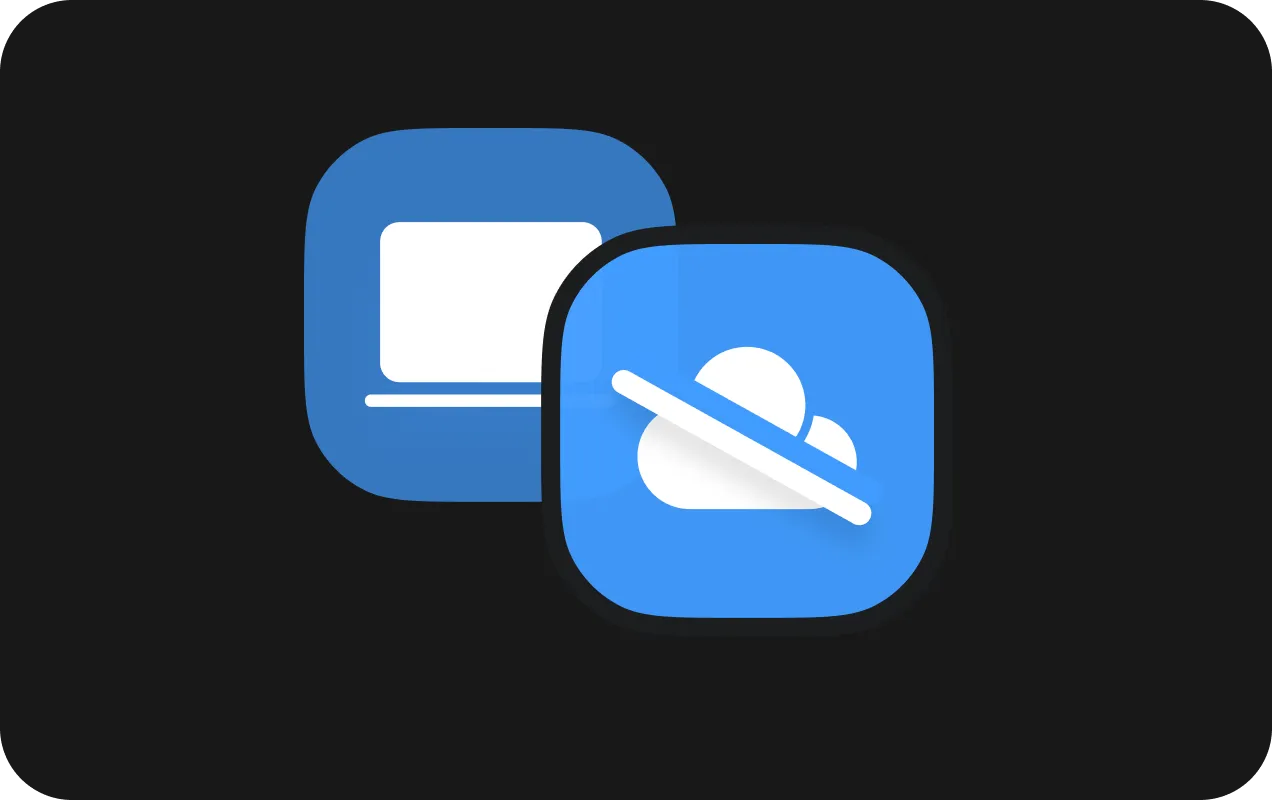
No servers.
No storage.
No cost.
Download
Comparison
Sigma Eclipse
Chat GPT
Gemini

DeepSeek
Privacy
cloudless computing
data sent to cloud
data sent to cloud
data sent to cloud
Cost
absolutely free ai
need subscription
need subscription
authorization required
Speed
local=instant
responses can lag or queue
network-dependent, slower under load
delays, throttling, and congestion happen
Download Sigma Browser
The first private AI Agentic Browser
Windows
MacOS
Ubuntu
Debian
Fedora
Download Sigma Eclipse
Windows
MacOS
FAQ
Why use a local LLM instead of cloud-based models?
Cloud models may be more frequently updated, but they come at the cost of your privacy: every query is sent to external servers. A local LLM runs
entirely on your device
— no data ever leaves your computer. You get the same smart AI, safely and privately.
How private is Sigma Eclipse?
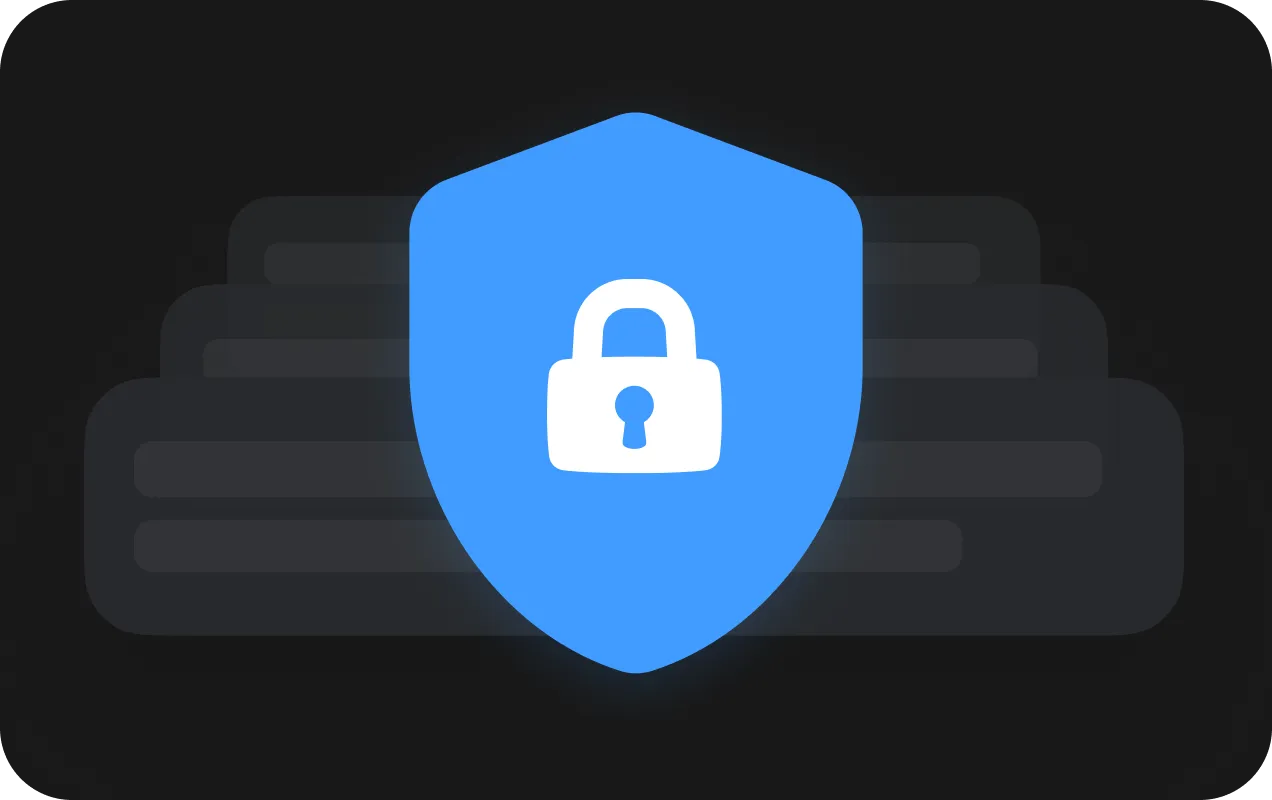
Extremely. All computations, text processing, and query history remain on your device. We technically cannot access any of your data.
Will the local LLM slow down my browser?
No. Sigma Eclipse is optimized for modern laptops and desktops, using minimal resources without interfering with normal browser performance.
Do I need an internet connection for the AI to work?
No. Sigma Eclipse works fully offline: responses, analysis, and content generation all happen locally.
What tasks can the local LLM handle?
Almost anything cloud AI can do: — Web page analysis — Text writing and editing — Summarization and research — Coding assistance — Question answering — Idea generation And all of it stays on your device.
Can I use it for professional work?
Yes. Sigma Eclipse is ideal for sensitive work where privacy is critical — legal, corporate documents, medical data, R&D, finance, and cybersecurity.
How are the models updated if everything is local?
We provide updates that you can download manually or automatically if you prefer. No data is ever sent to external servers — only the model and performance improvements are updated.
Does Sigma Eclipse support plugins or extensions?
Yes. The platform allows lightweight plugins that operate
locally
without sending any requests to the cloud.
How is Sigma Eclipse different from open-source local solutions?
We combine everything in one system: browser, local LLM, model management, optimization, and private agent. No complicated setups, libraries, or dependencies — everything works out-of-the-box.
FAQ
BLOG
Download
Resources
AI Chat
Blog
Community
FAQ
Use Cases
Automate Project Management Routine
Organize and Clean Inbox
AI Shopping Automation
AI Promo Code Finder
AI Budget Planner
AI Resume Builder
AI Trip Planner
AI Data Analysis
AI Bookmark Manager
AI Message Generator
AI Meal Planner
Download Sigma AI Browser
Scan the QR code to go to the AppStore
Done
Download Sigma AI Browser
Scan the QR code to go to the Google Play
Done
Subscribe and receive a gift!
20% OFF your first subscription purchase
Join 10,000
subscribers for a weekly newsletter about
Sigma Al
updates.
Welcome to the Sigma Browser family!
20% OFF Premium - Use Promo Code: SIGMA20
Use Promo Code!
Follow Sigma Browser on social media for future giveaways and updates
Oops! Something went wrong while submitting the form.
Join Waitlist!
And be the first to learn about the release of the new browser version
Welcome to the Sigma Browser family!
Follow Sigma Browser on social media for future giveaways and updates
Oops! Something went wrong while submitting the form.