
Sigma AI Agent
What is Sigma AI Agent?
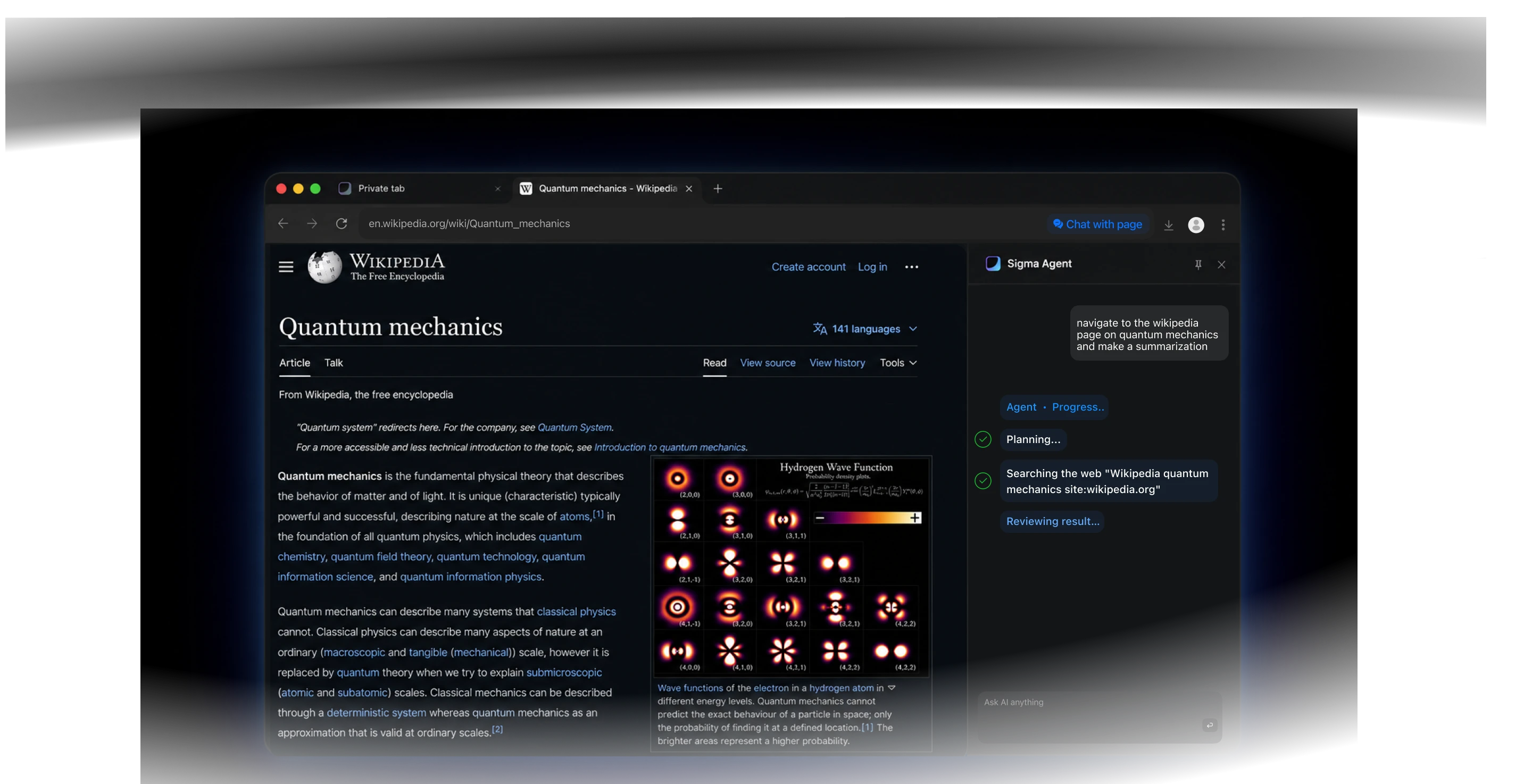
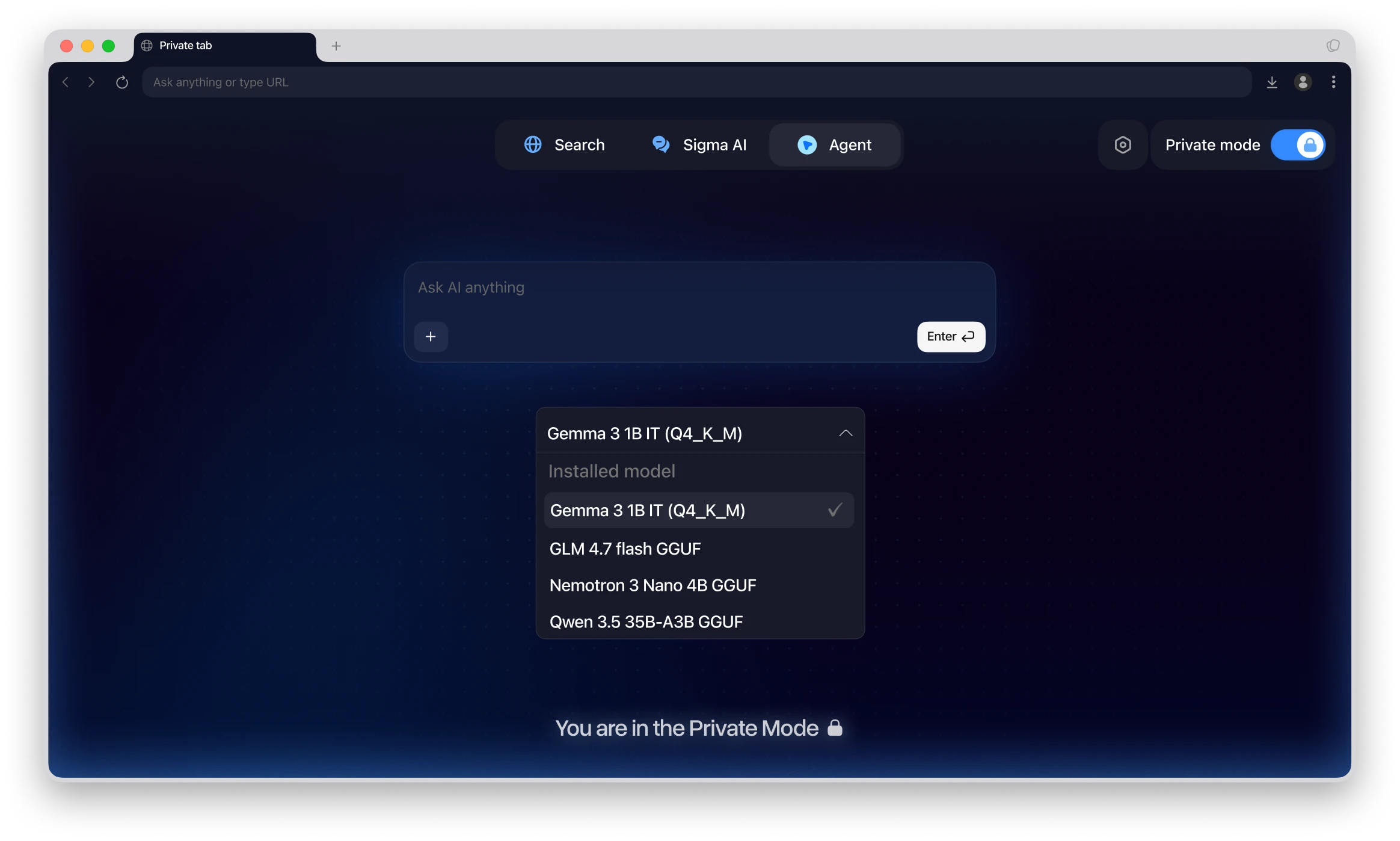
The AI Agent lets you use OpenClaw and Hermes inside Sigma Browser. It can navigate pages, click, type, read web content, and help complete tasks across websites. Use an API key for standard browsing, or run local models in Private Mode.
Why Use Sigma AI Agent
Task workspace
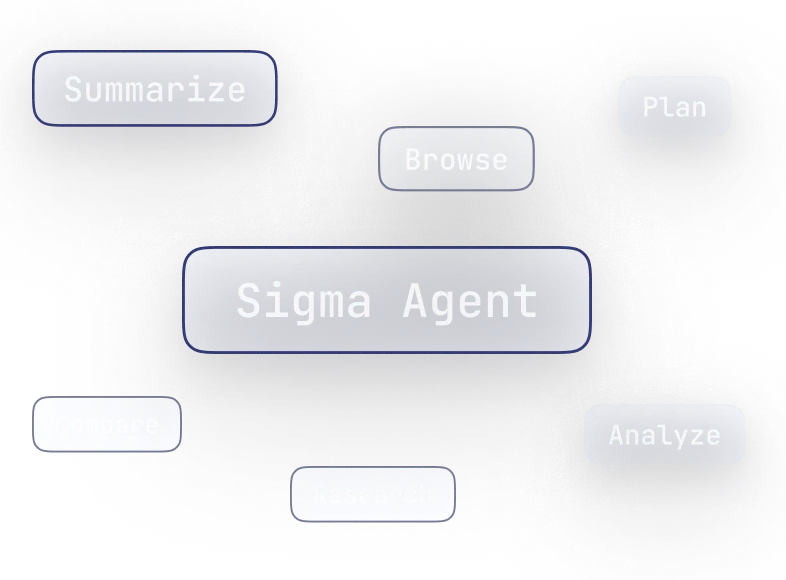
Bring summaries, comparisons, research, planning, and browsing into one agent workspace inside Sigma.
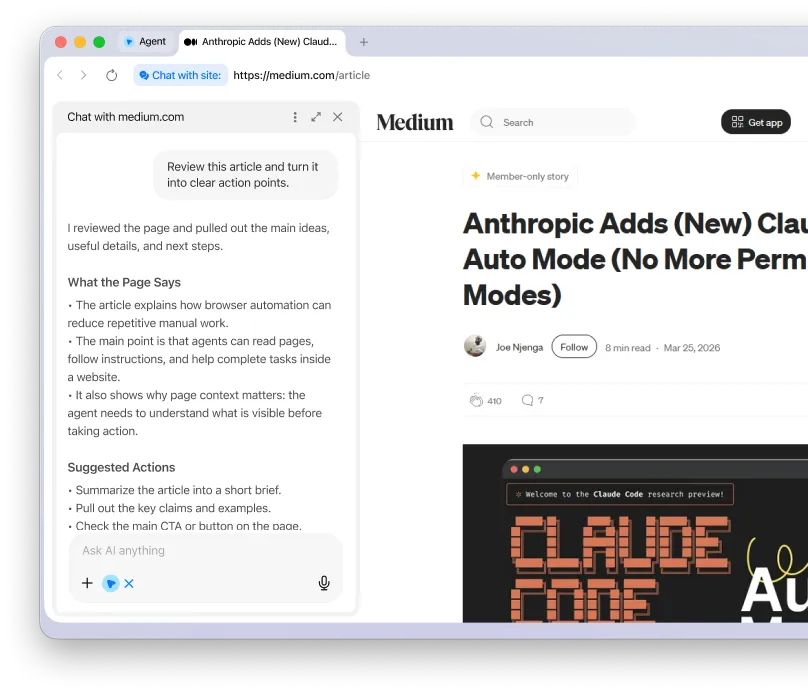
Page workflow control
Keep the agent next to the page, so website context stays connected through each step.
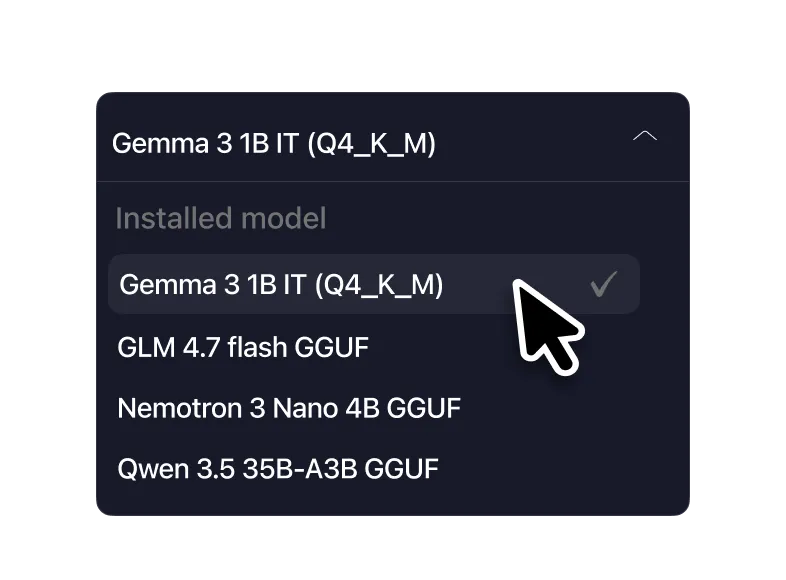
Model flexibility
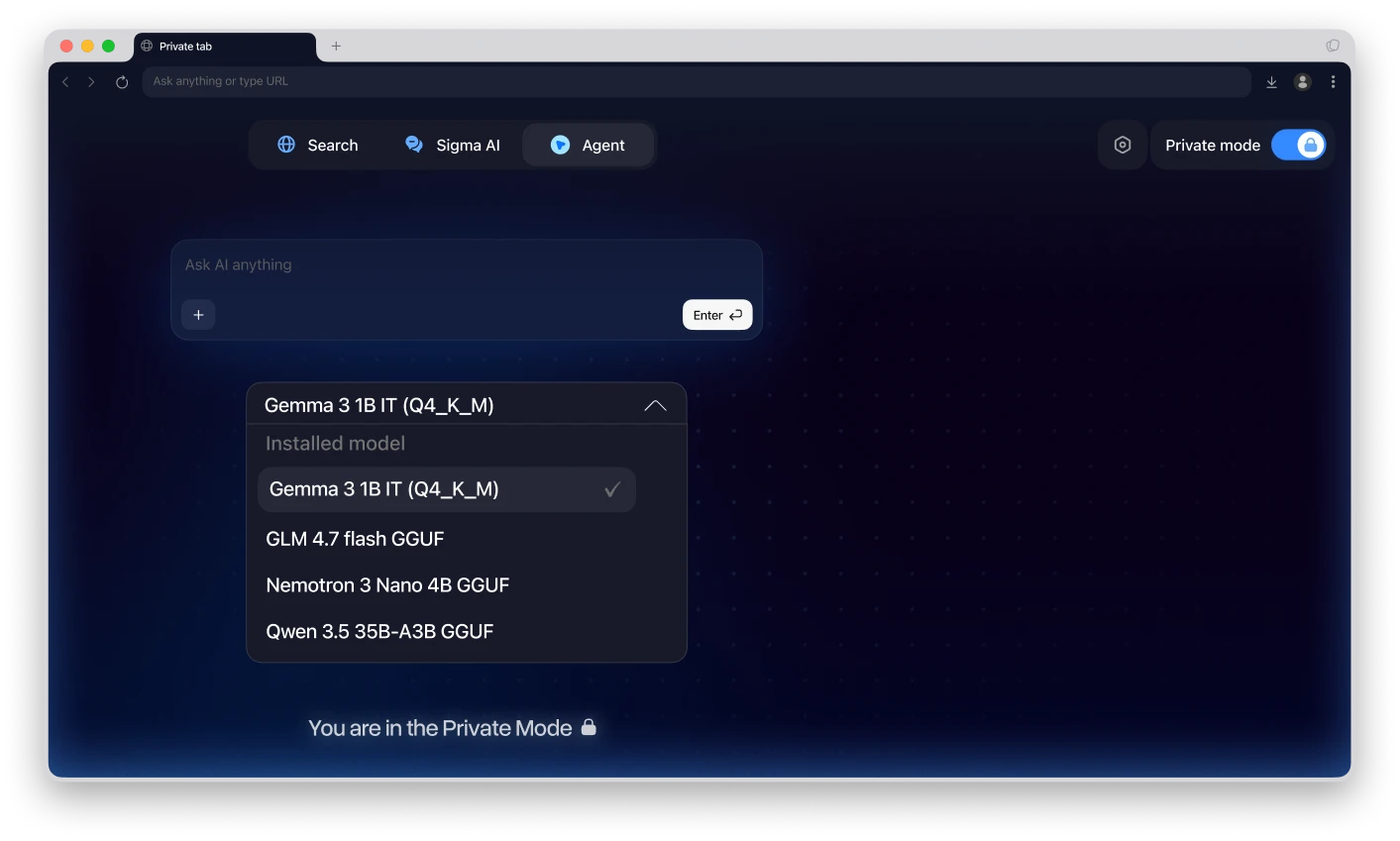
Choose between API-based agents and local models for a setup that fits your workflow.
AI Agent Use Cases
Use AI Agent for website actions, product research, file review, and private local-model workflows.
Website actions
Handle forms, page steps, and site flows that usually take manual clicks.

Product research
Compare options across websites, check details, and turn findings into next steps.

File and page review
Review pages or files, highlight key details, and turn them into summaries.

Private agent workflows
Run agents with local models in Private Mode when you want a more private setup.

How Sigma AI Agent Works
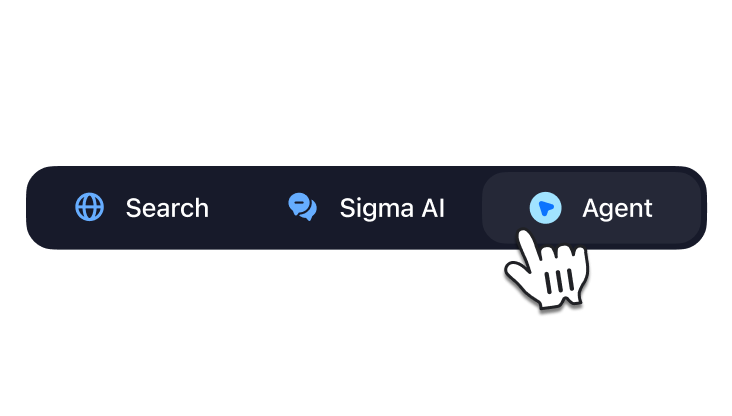
Choose Agent mode
Open Sigma Browser and select Agent from the start page or toolbar.
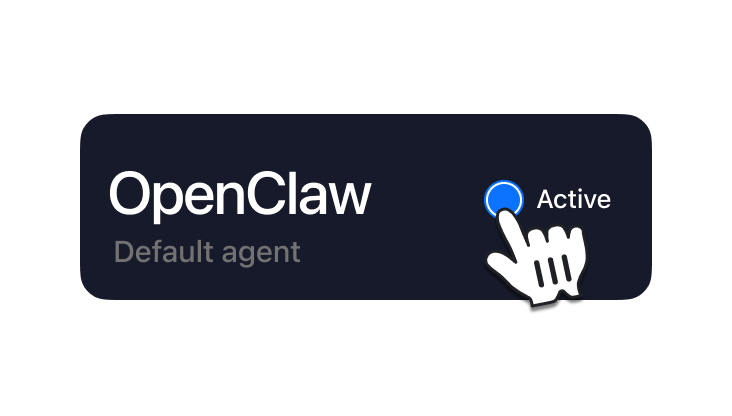
Set up your agent
Choose OpenClaw or Hermes in Settings, then connect an API key or select a local model in Private Mode.
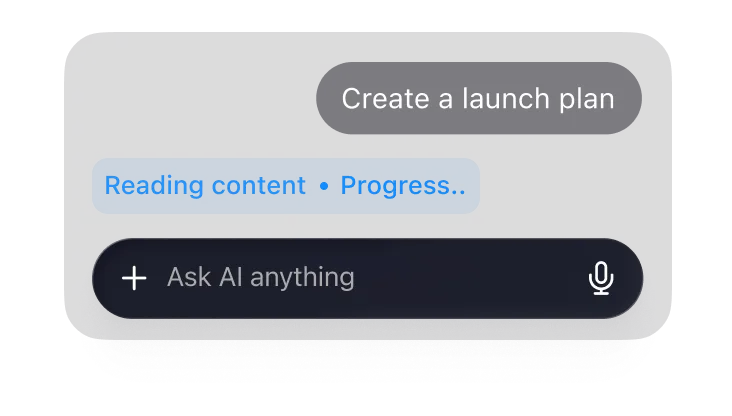
Run browser tasks
Ask the agent to work through website steps, review content, handle files, or complete browser tasks.
Sigma AI Agent Comparison
Compare Sigma with AI agent tools for browser actions, private workflows, and local models.



Download Sigma Browser
Questions & Answers
reach out to us on X at @Sigma_Browser
Get Sigma on Android


