


Best AI
Trip Planner


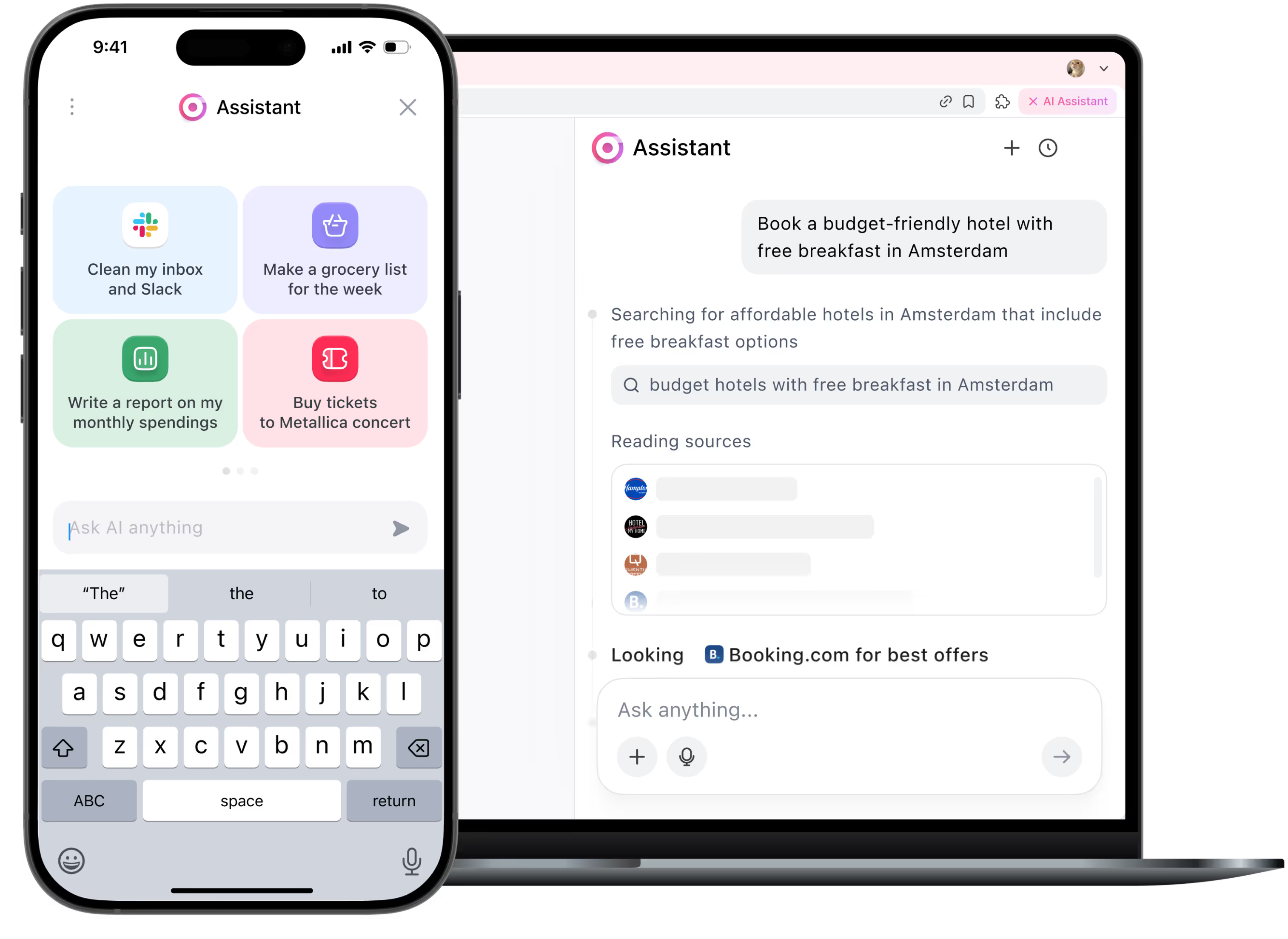
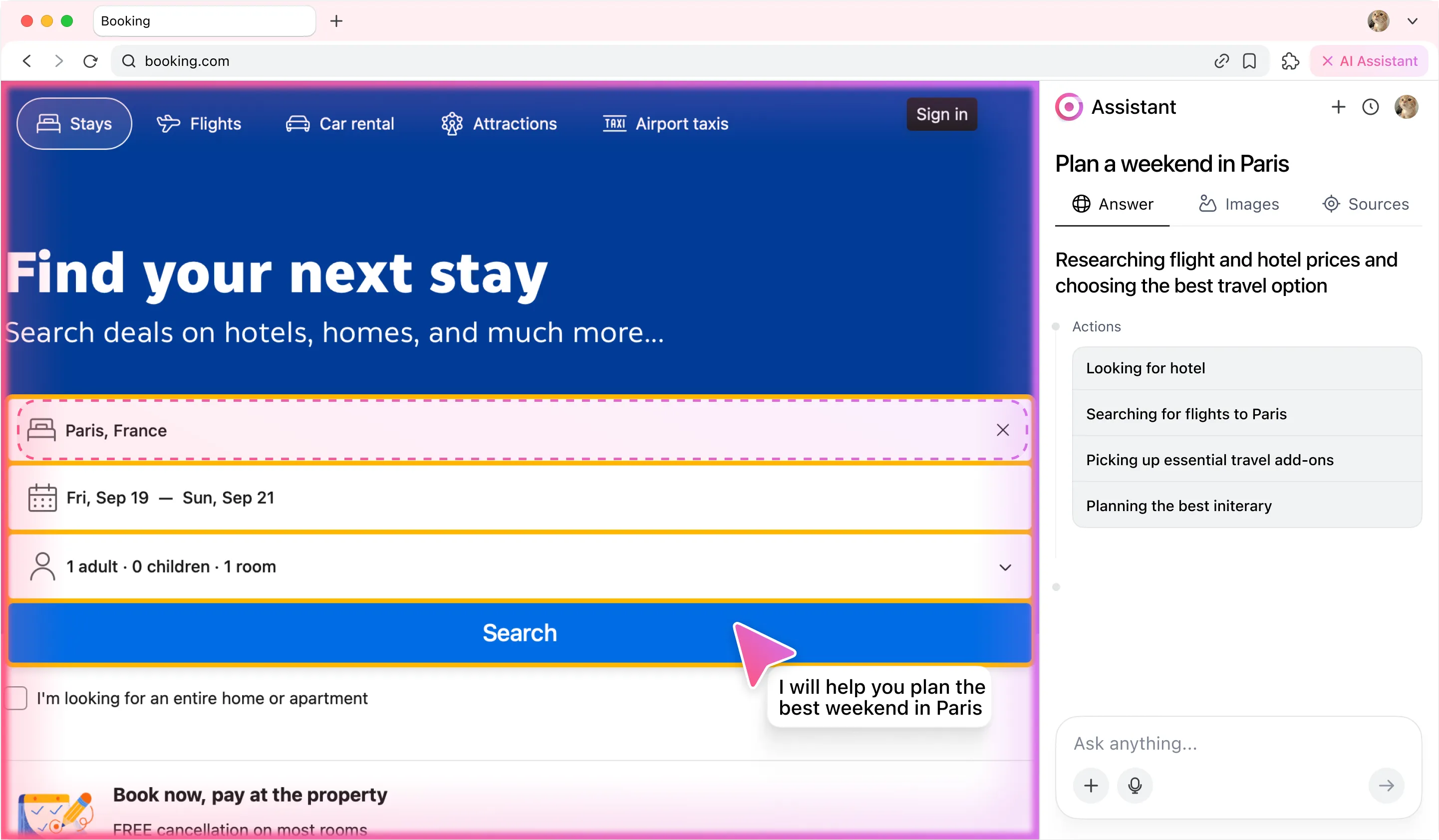
With the power of search automation, the agent analyzes flights, hotels, and activities, picking the best options.


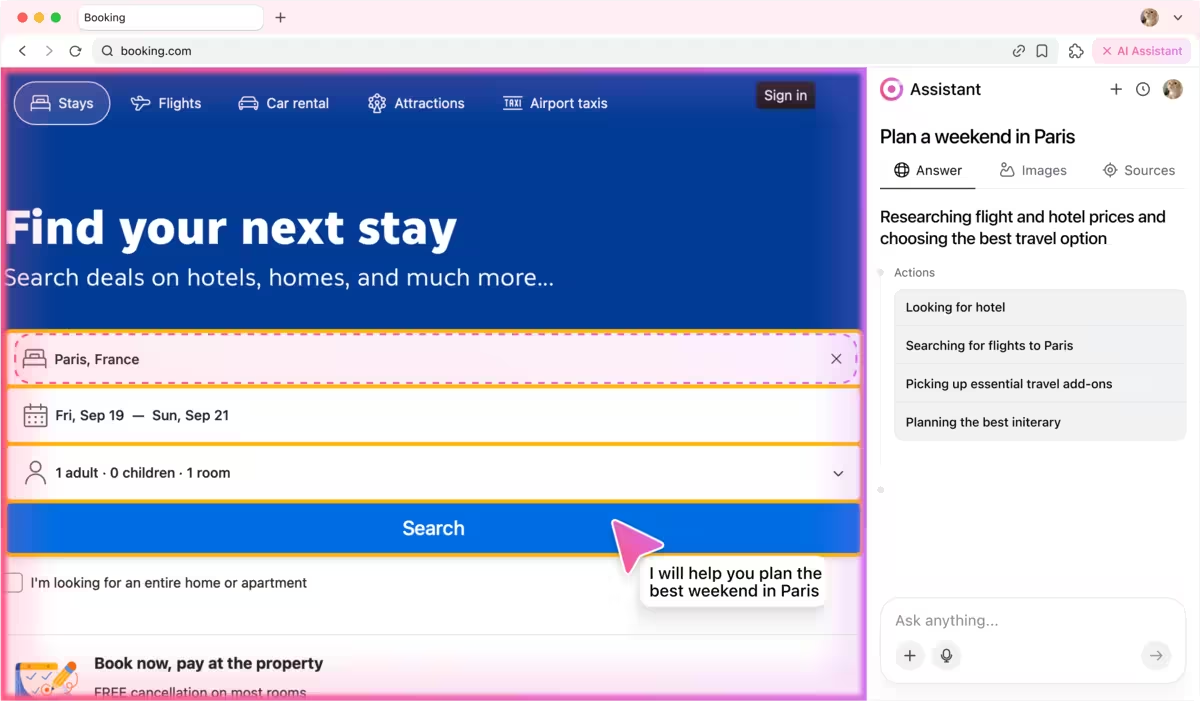
How it works
You start by giving the agent a simple instruction:
💬 Check tasks in Jira marked "In Review". If everything is done, close them.
And then the magic starts:
1) The agent’s categorizer first analyzes the prompt to understand the intent: it's a Jira workflow task involving review and resolution. Then, it identifies the key subtasks.
2) Next, the agent’s planner breaks subtasks into actions: logging into Jira, navigating to the project, finding tickets and interpreting content, testing task, reviewing code and finally resolving task.
3) The executor agent then steps in, performing each of these actions in your browser — just like a human would, but faster.
What looks like a single sentence is actually an orchestrated sequence of decisions and actions. The agent reads it, understands it, and gets it done.
💬 Check tasks in Jira marked "In Review". If everything is done, close them.
And then the magic starts:
1) The agent’s categorizer first analyzes the prompt to understand the intent: it's a Jira workflow task involving review and resolution. Then, it identifies the key subtasks.
2) Next, the agent’s planner breaks subtasks into actions: logging into Jira, navigating to the project, finding tickets and interpreting content, testing task, reviewing code and finally resolving task.
3) The executor agent then steps in, performing each of these actions in your browser — just like a human would, but faster.
What looks like a single sentence is actually an orchestrated sequence of decisions and actions. The agent reads it, understands it, and gets it done.
Agent actions step by step
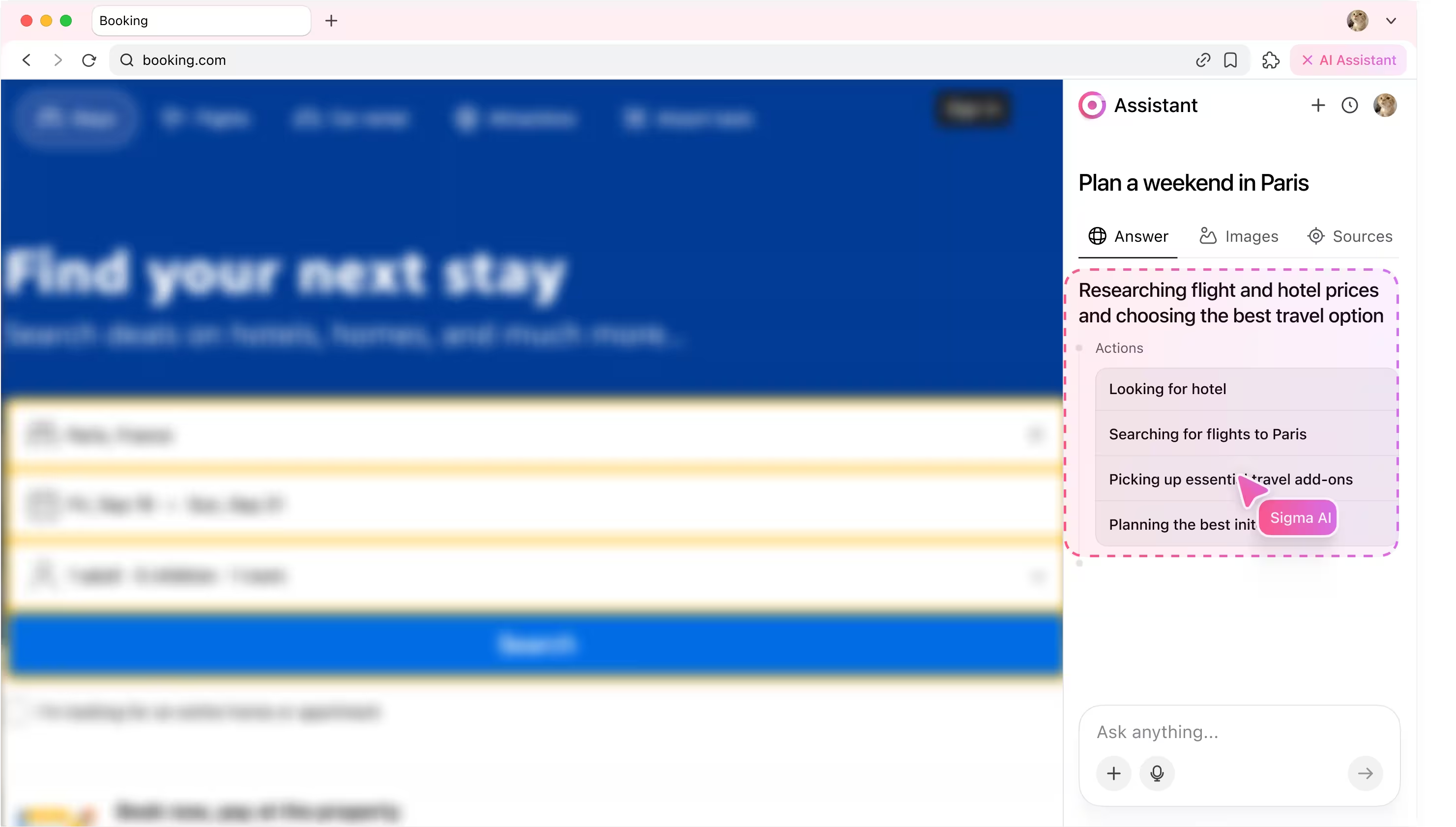
1. Planning workflow
The agentic AI analyzes users prompt and breaks it into subtasks, then transforms every subtask into action.
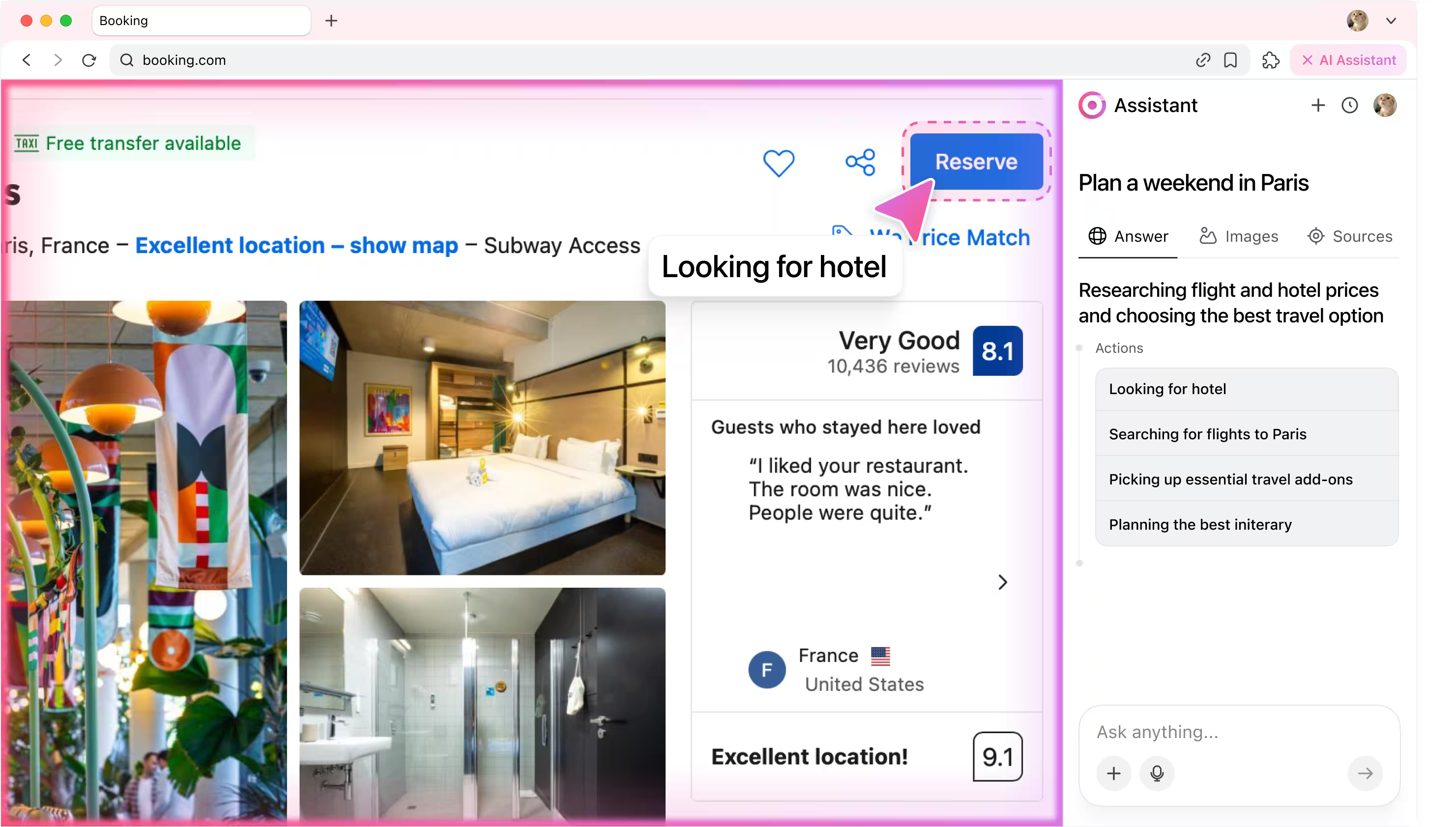
2. Finding hotels
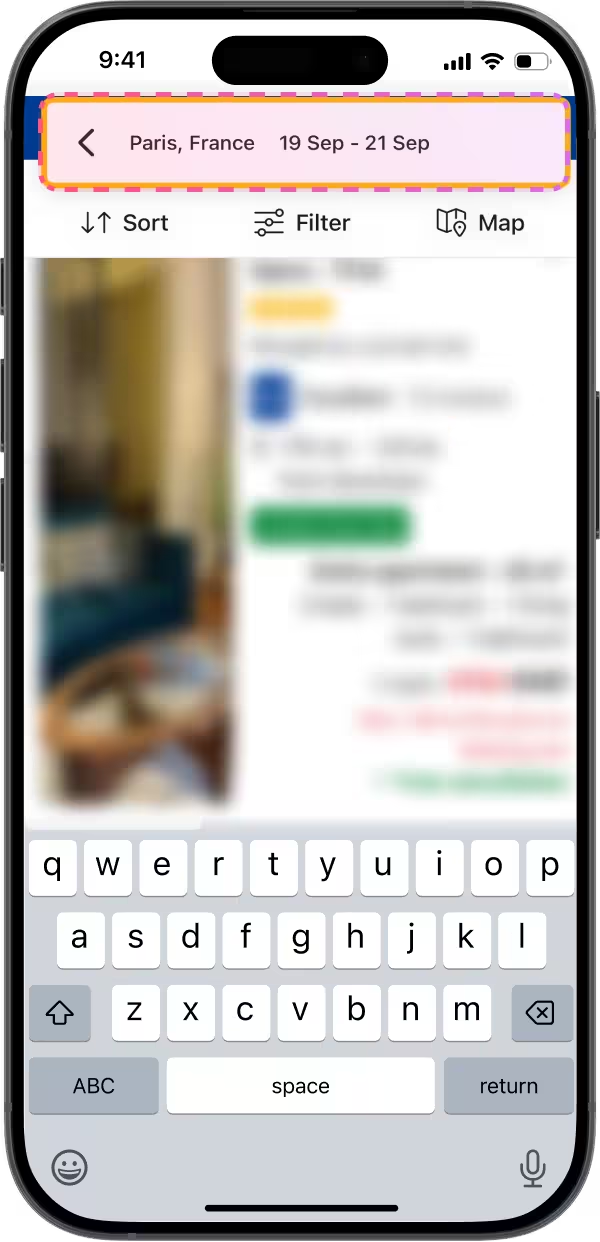
The AI agent scans platforms like Booking and Airbnb, applies filters for budget, location, and reviews, and selects the best stay options while keeping your search criteria fully private.
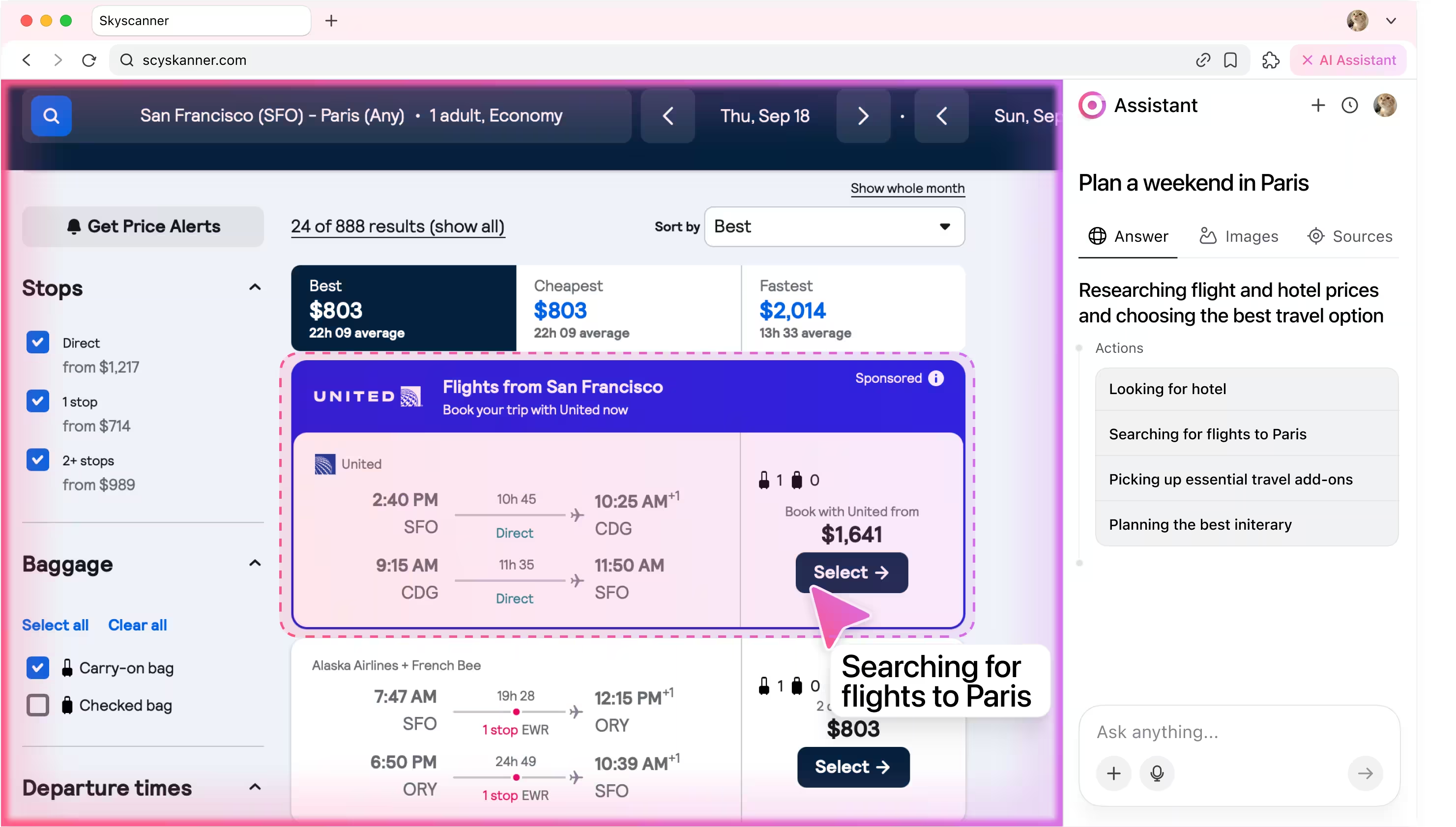
3. Booking flights
The agent searches flight routes to Paris, balances price with travel time, and selects the most convenient option ready for checkout.
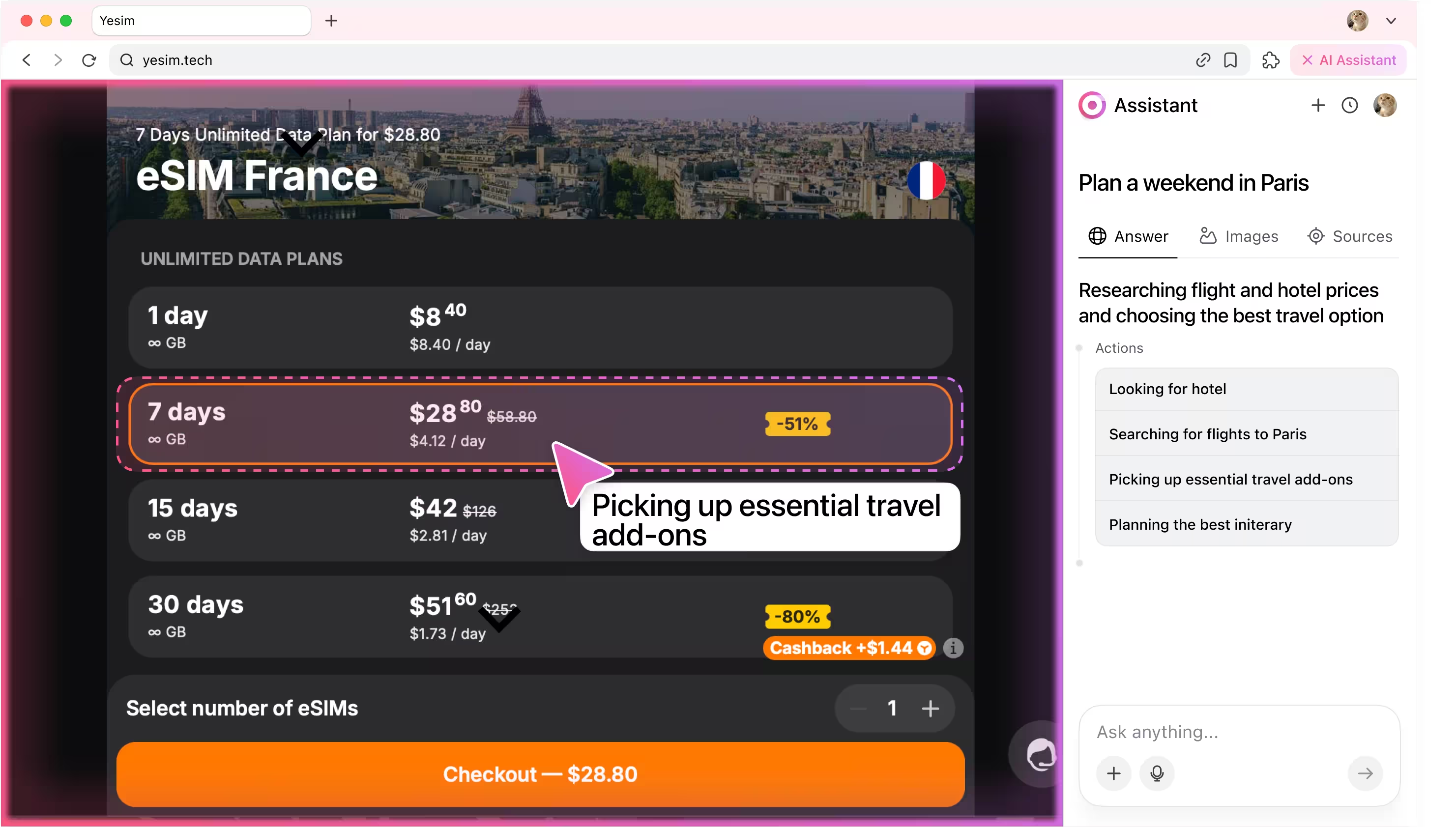
4. Adding essentials
The AI agent checks the forecast, suggests must-have extras like metro passes, museum tickets, or an eSIM, and bundles them into your plan.
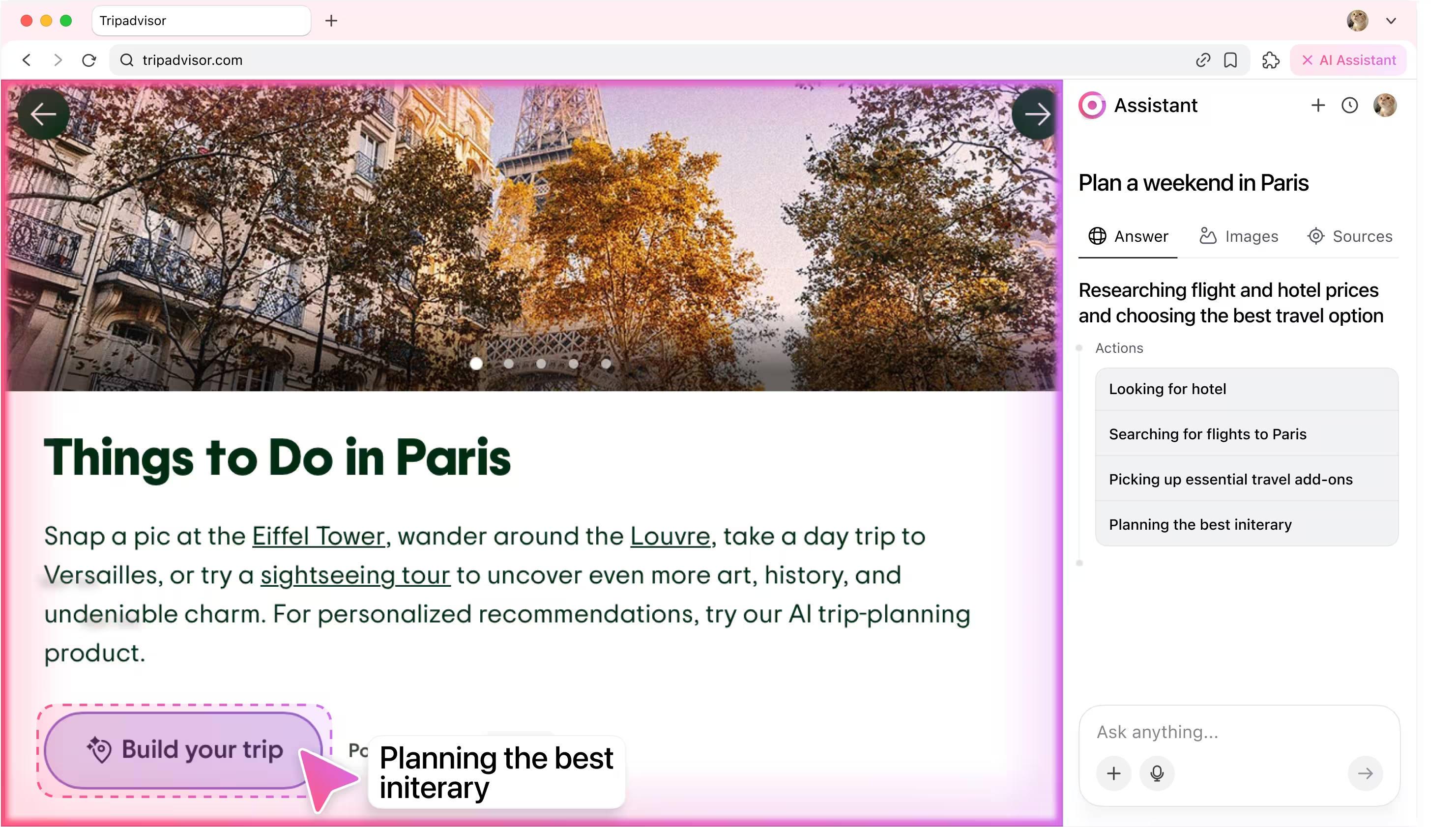
5. Planning itinerary
The agent gathers top attractions, builds a day-by-day itinerary, and maps everything out, keeping your preferences and browsing data secure during planning.
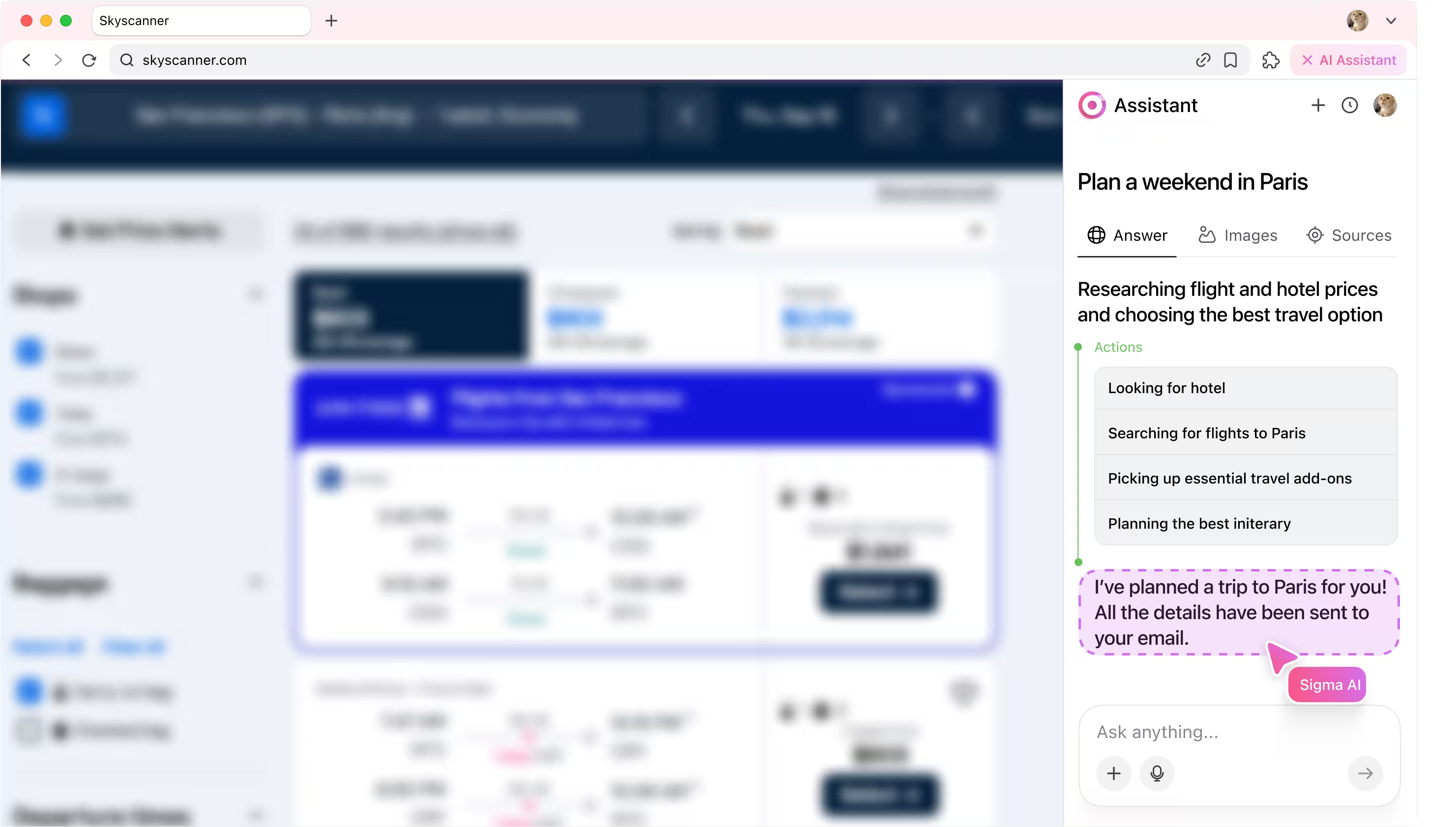
6. Reporting back
After finishing the workflow automation task, agent writes back to user in chat window and confirms that the task is completed.
Be the first to try Sigma
We’re rolling out early access now. Join the waitlist and get notified as soon as your spot is ready.
Useful for:

Busy Professionals
Value your time and make quick, well-organized plans.
1

First-time Visitors
Take guidance to discover the best of Paris without stress.
2

Spontaneous Travelers
Enjoy last-minute trips but still appreciate a smooth plan.
3
How it works
User enters the prompt.

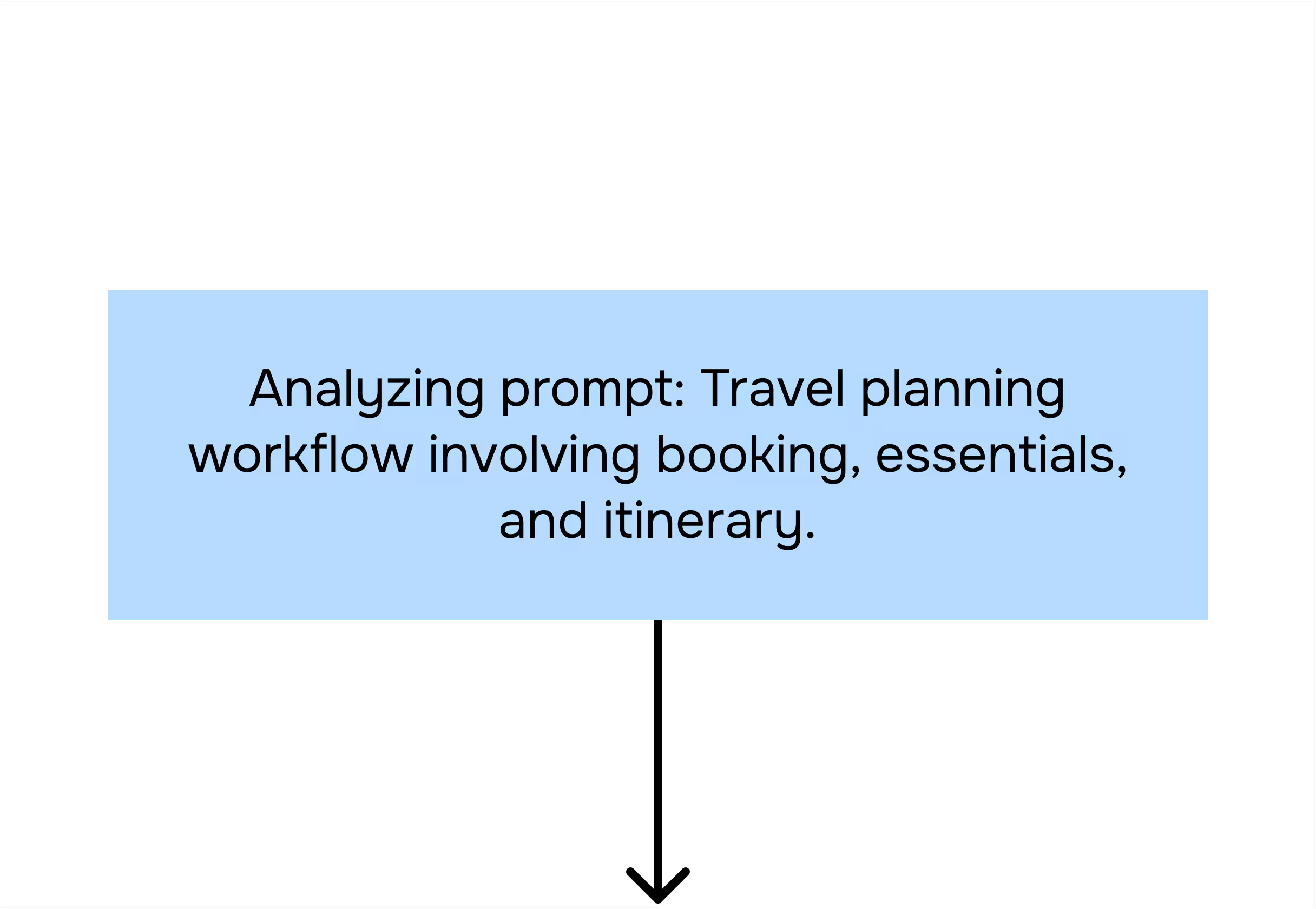
Categorizer agent analyzes the prompt.
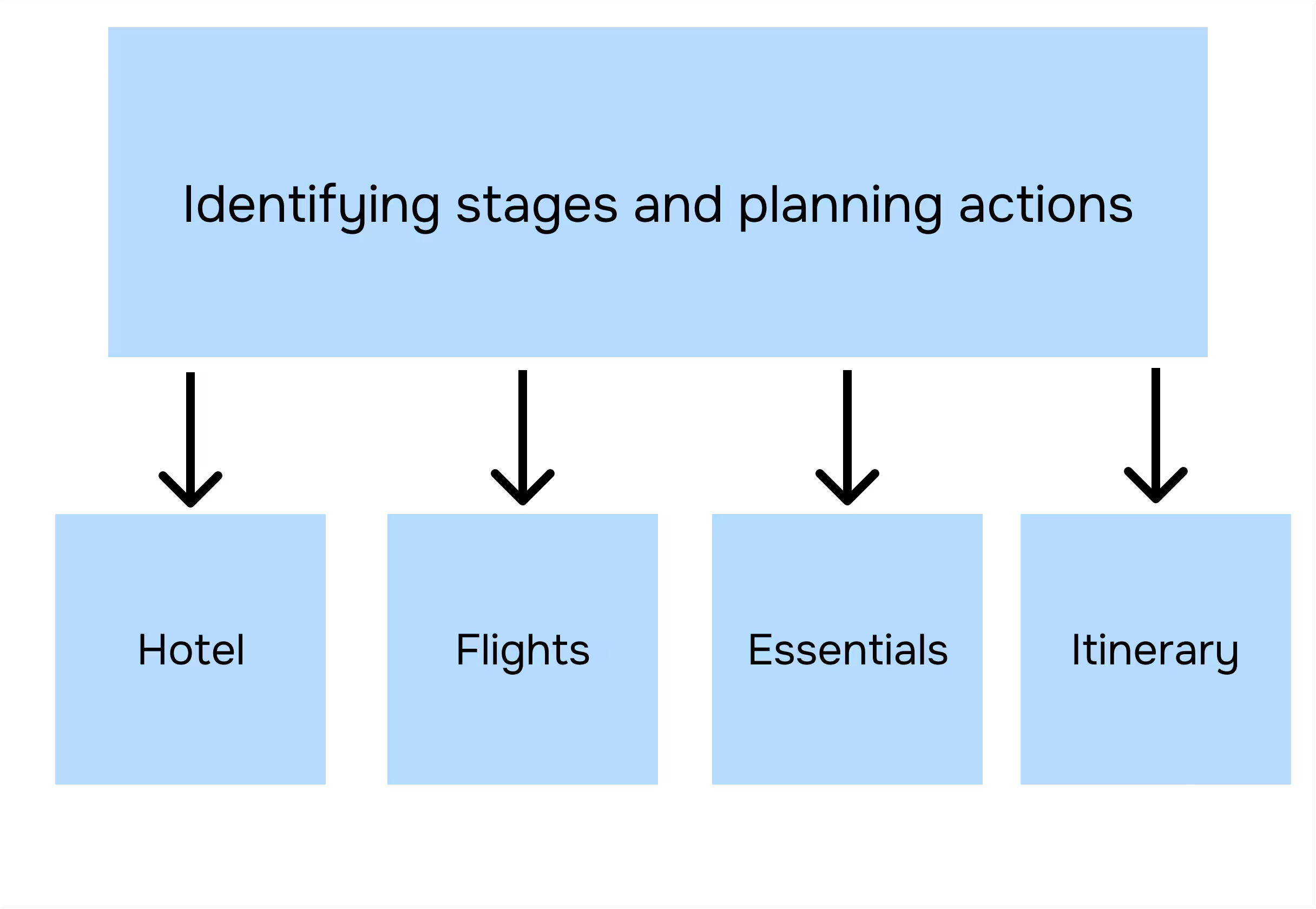
Planner agent breaks subtasks into actions.
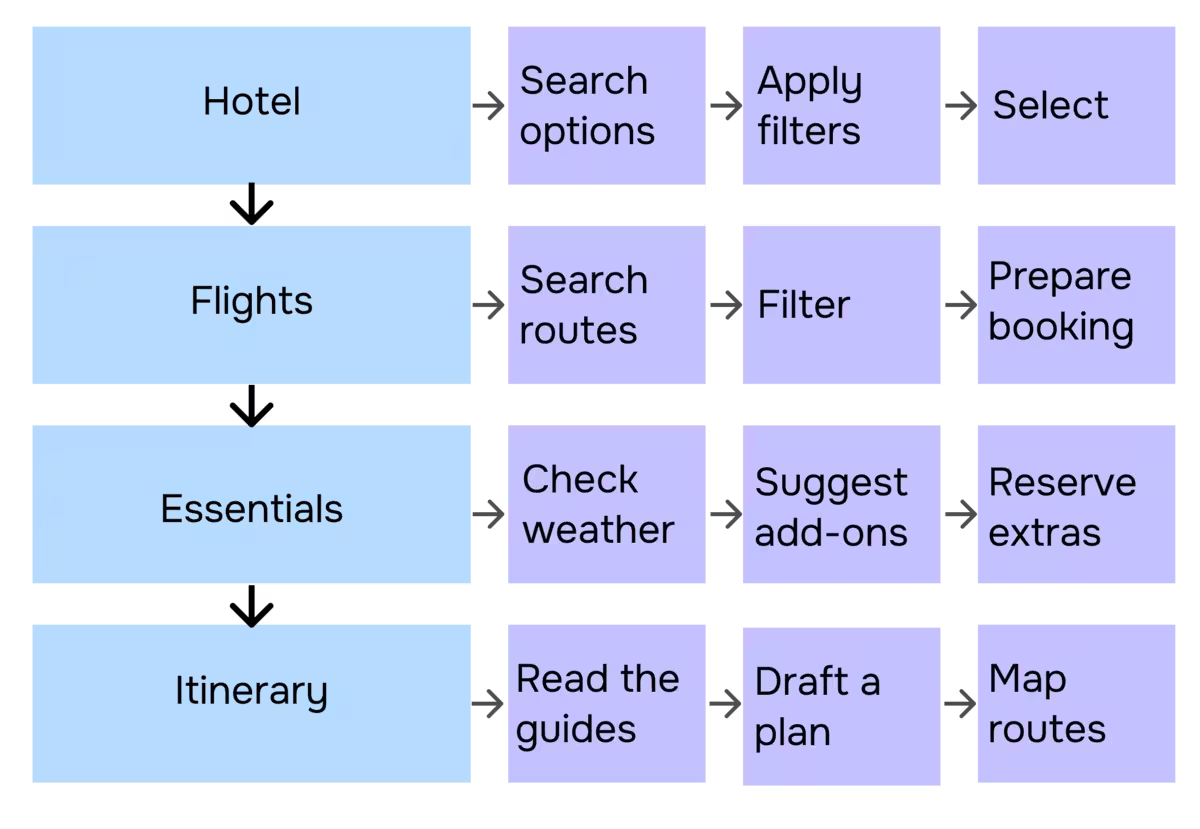
Executor agent performs these actions in your browser.
Task completed.
.avif)
Read more in our blog

Your security is our priority

End-to-end encryption
All AI Agent interactions are end-to-end encrypted, preventing third-party access or interception

No Tracking
Sigma AI Browser doesn’t track users, create profiles, or use data for ads or commercial purposes

Online protection
Sigma AI Browser detects phishing sites and warns you of threats for a safer browsing experience

GPDR and CCPA compliant
Sigma AI Browser complies with GDPR, ensuring your data follows European privacy laws
.avif)
FAQ
Is it safe to share my travel details with Sigma Agent?


Can Sigma Agent customize plans based on my preferences?
Can I still make changes to the bookings myself?
What if I already have flights or hotels booked?
Will it also recommend local experiences?
.svg)


© 2026 Sigmabrowser OÜ
Kesklinna linnaosa, Vana-Posti tn 2, Tallinn, Estonia
Kesklinna linnaosa, Vana-Posti tn 2, Tallinn, Estonia


