
Sigma Chat With Page
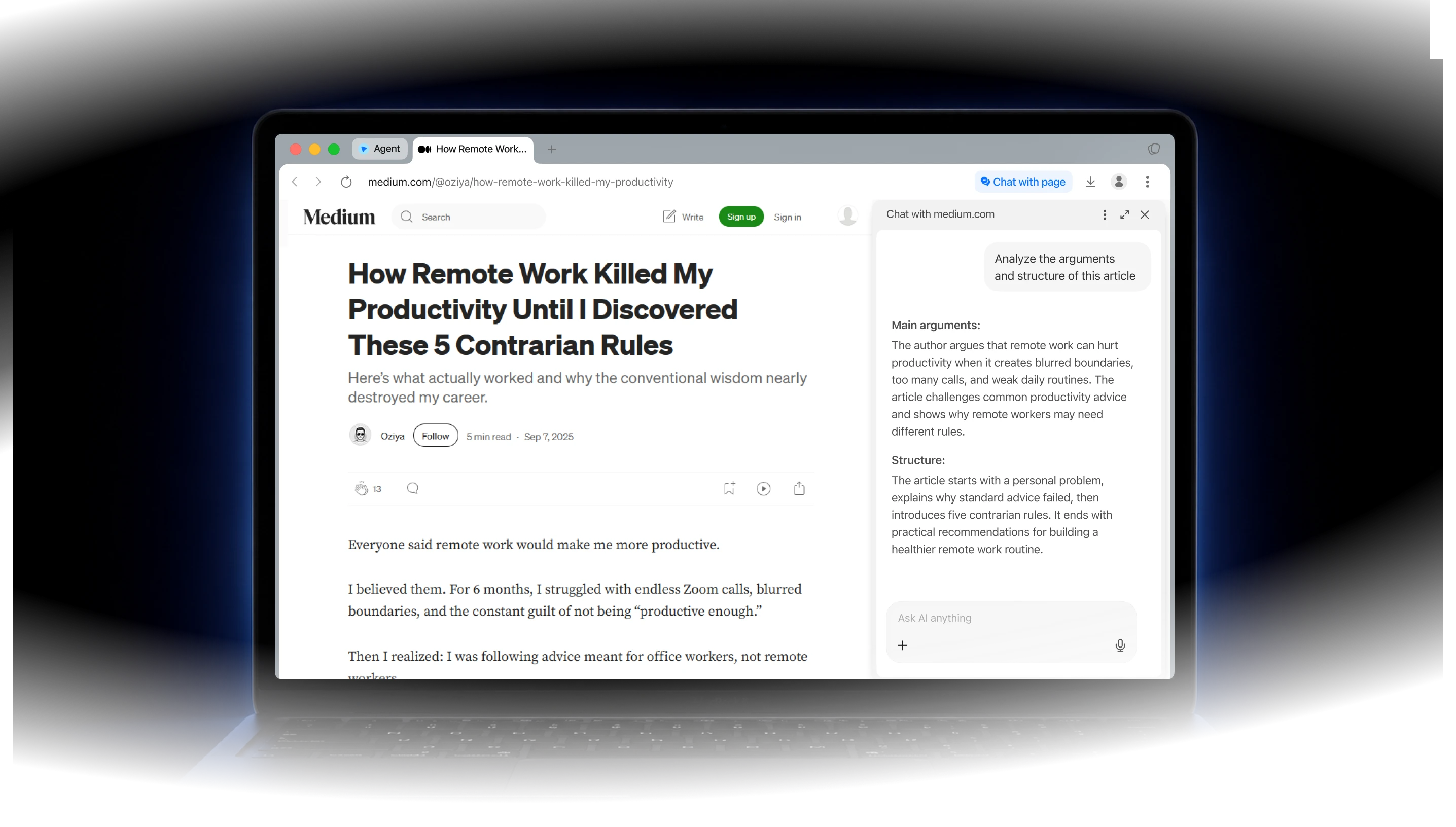
What is Sigma Chat with Page?
Chat with Page is an AI tool that lets you ask questions about web pages and get instant, context-aware answers. It can also analyze context across multiple pages, helping you compare information, connect insights, and see the bigger picture.
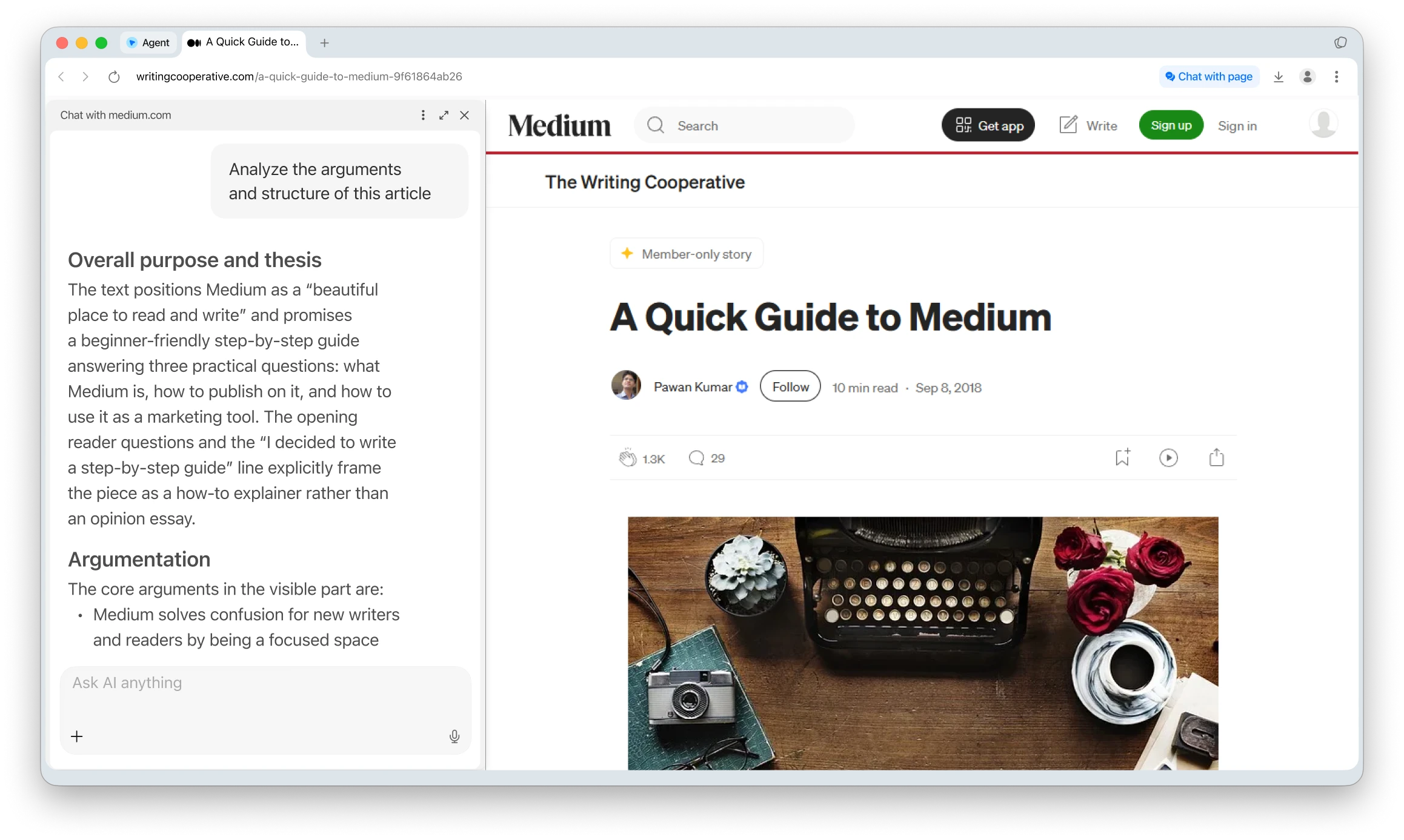
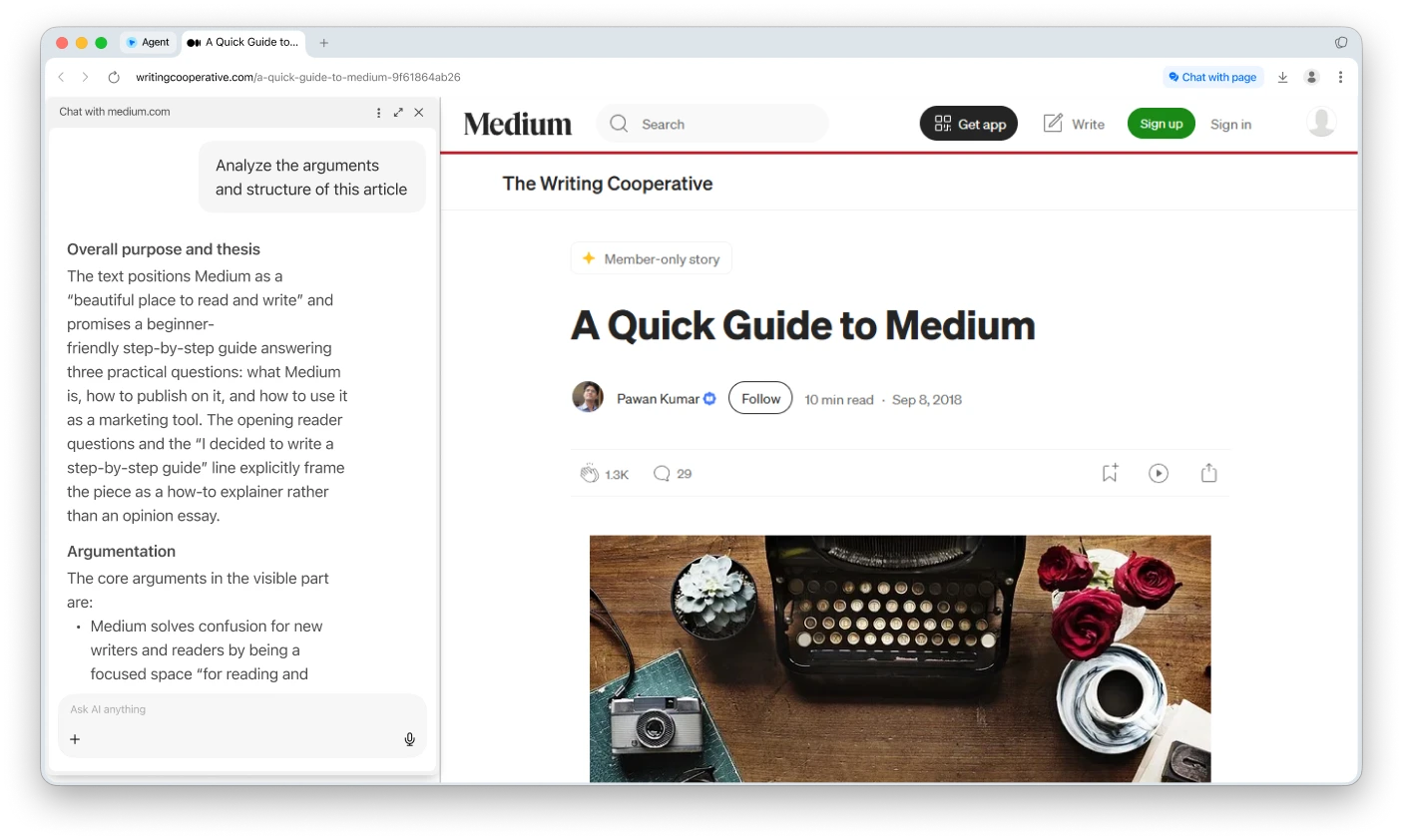
Why Use Sigma Chat with Page
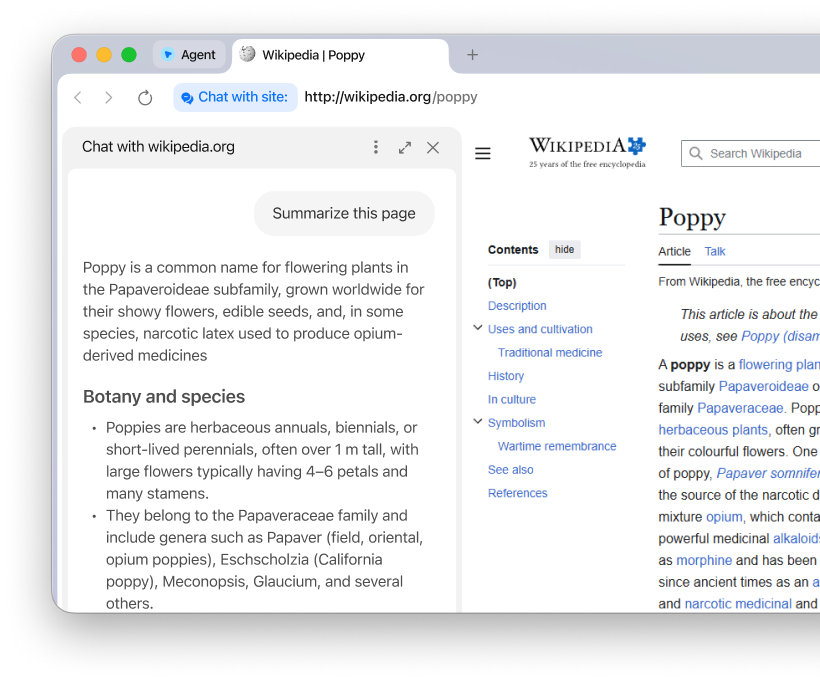
Understand long pages faster
Summarize articles, guides, reports, and documentation without reading every section.
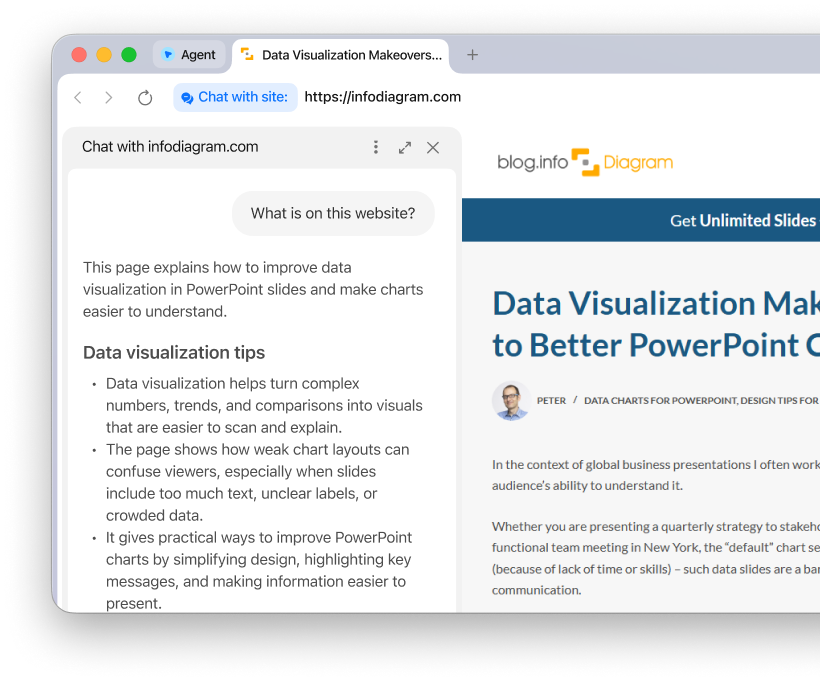
Ask questions in context
Get answers based on the page you’re viewing, without copying content into another AI chat.
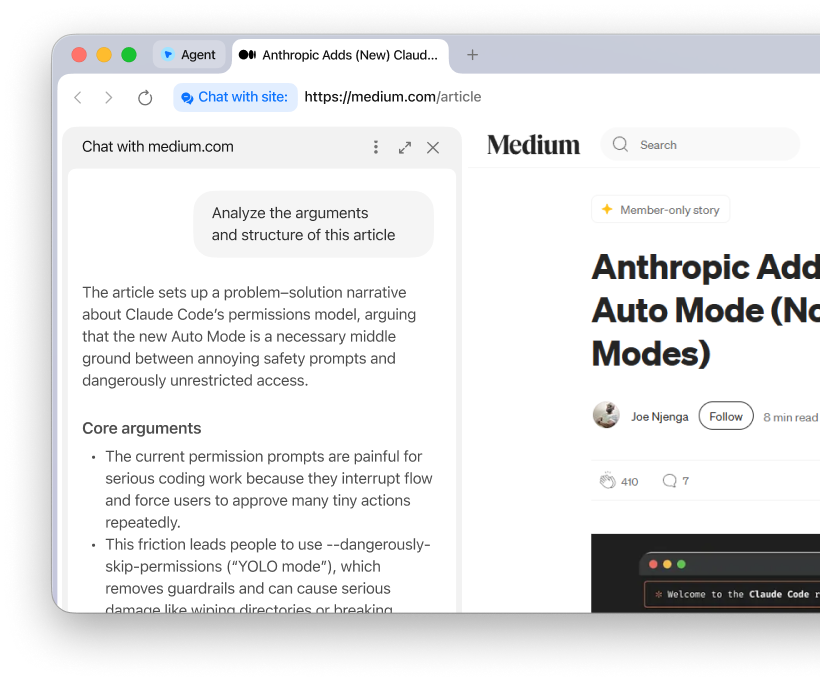
Analyze without switching tabs
Extract key points, structure, arguments, and important details directly inside Sigma Browser.
What you can do with Chat with Page
Read, understand, and work with page content without switching between tools.
Read faster
Turn long pages into clear notes, takeaways, and next steps.

Understand pages
Break down docs, reports, guides, and unfamiliar terms while the page stays open.

Find key details
Pull out facts, examples, steps, claims, and useful information.

Review content
Check landing pages, blog posts, and competitor pages for structure and messaging.

How Sigma Chat with Page Works
Download Sigma Browser
Install Sigma Browser on your device to use page-aware AI while browsing.
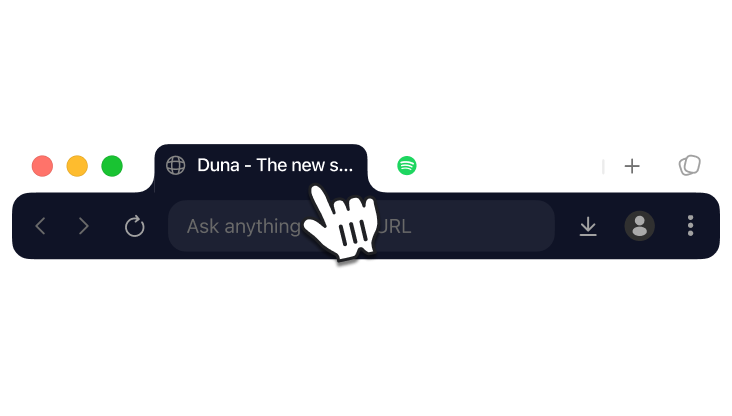
Open any page
Go to an article, website, PDF, or document you want to understand.
Ask about the content
Request a summary, key points, explanation, or follow-up answer.
Sigma Chat with Page Comparison
Compare Sigma with popular AI chat platforms for page-aware browsing and in-browser AI.



Download Sigma Browser
Questions & Answers
reach out to us on X at @Sigma_Browser
Get Sigma on Android


