
Sigma AI Image Generator
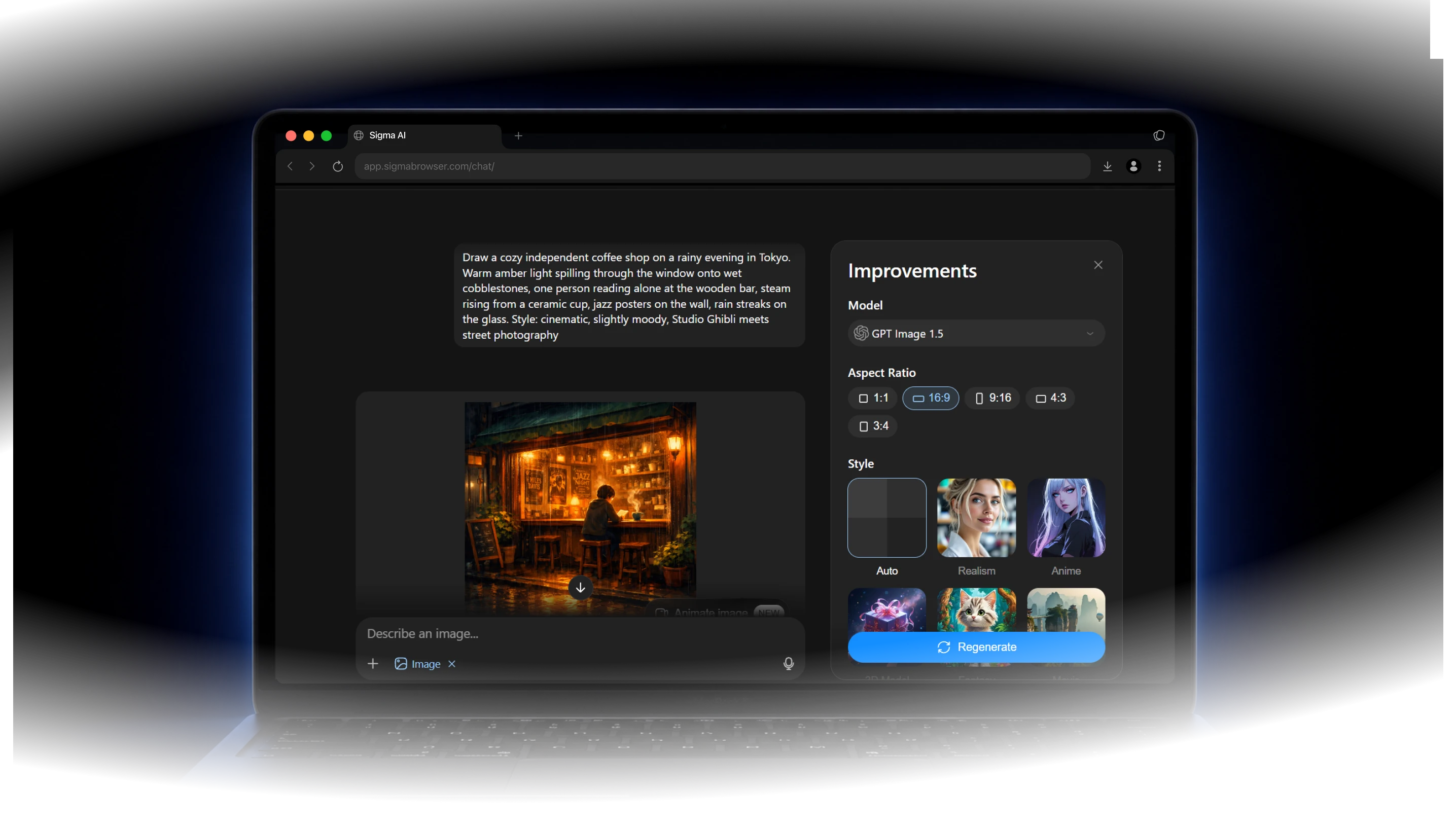
What is Sigma AI Image Generator?
AI Image Generator helps you turn text prompts into custom visuals, explore different styles, and restyle existing images. Use it for blog posts, social media, websites, presentations, and marketing campaigns.
Why Use Sigma AI Image Generator
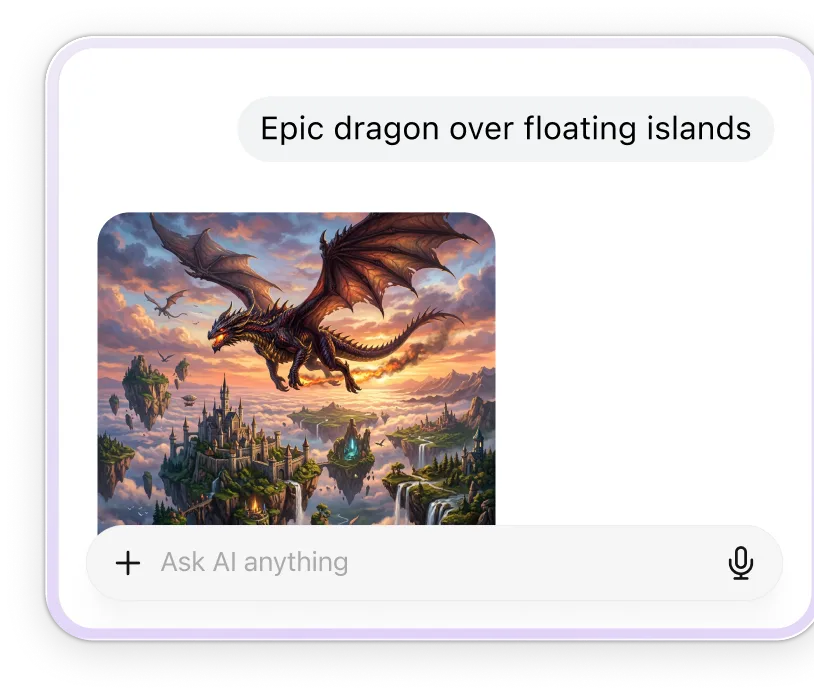
Create visuals faster
Go from a rough idea to a finished visual without opening a separate design tool or starting from a blank canvas.
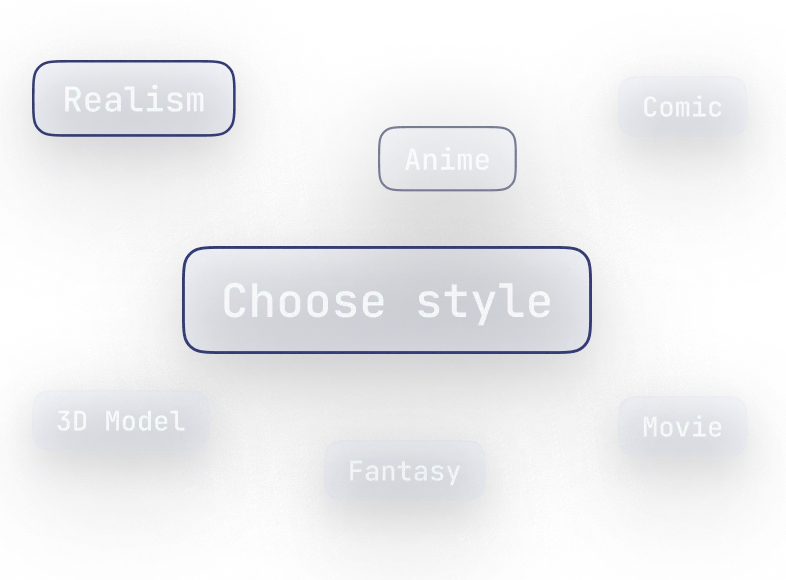
Control the style
Choose the look that fits your project, from realistic and cinematic to anime, comic, 3D, pixel art, and more.
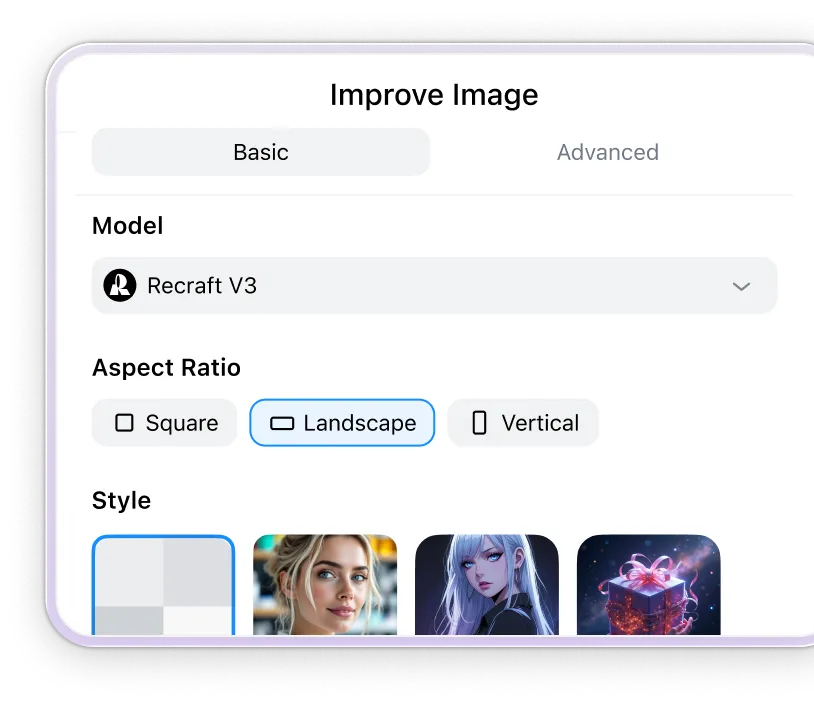
Keep refining your image
Adjust, restyle, resize, or improve your image until it fits the page, post, slide, or campaign you are working on.
What you can create with AI Image Generator
Generate custom visuals for content, campaigns, and creative projects.
Blog and article visuals
Create covers and supporting images for articles and guides.

Social media content
Make scroll-ready visuals for posts and campaigns.

Website graphics
Create images for landing pages, banners, and product sections.

Presentation visuals
Turn ideas into clear images for slides and pitches.

How Sigma AI Image Generator Works

Start with Sigma
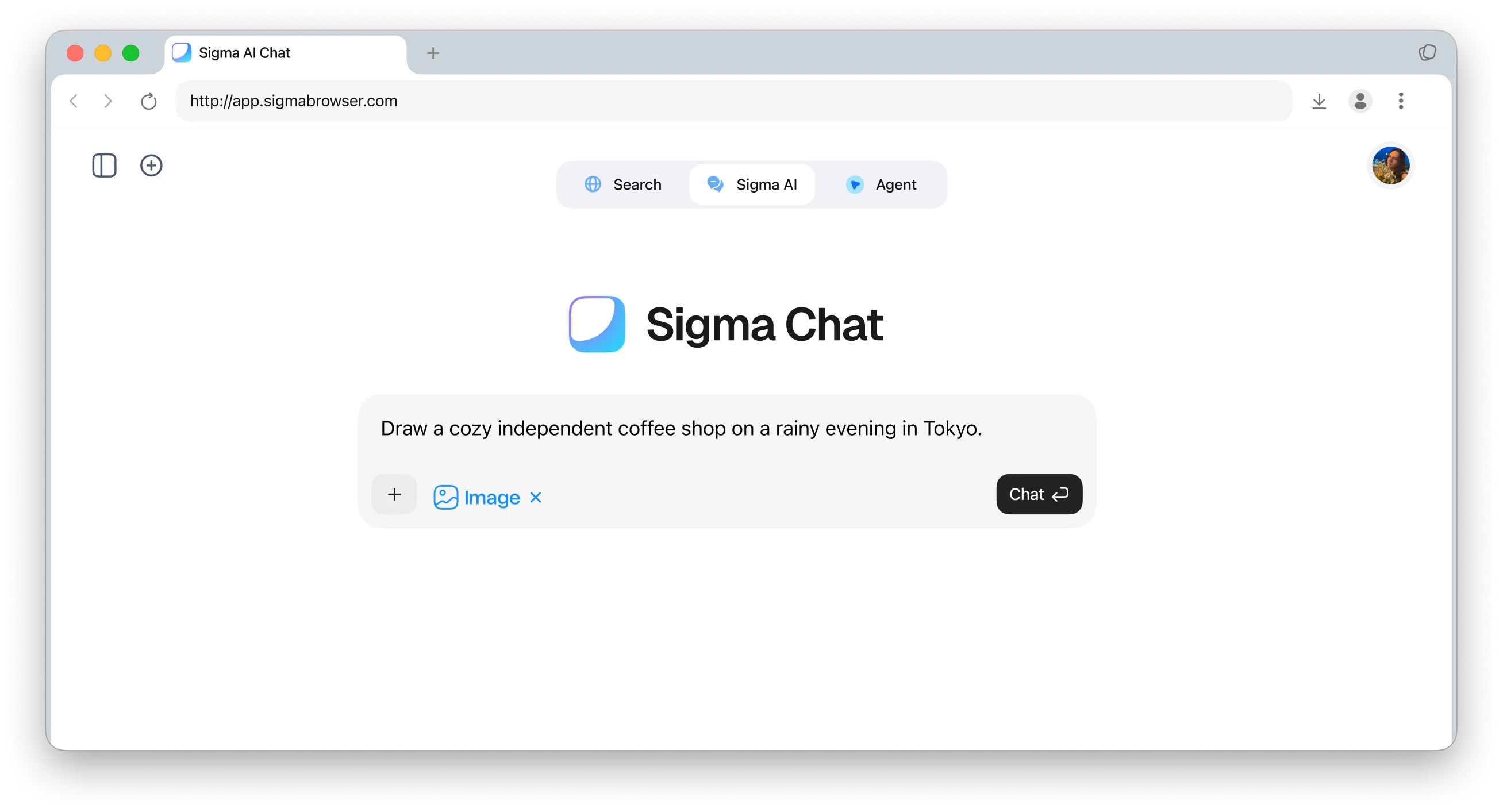
Use Sigma Chat in the web app, or download Sigma Browser and sign in.
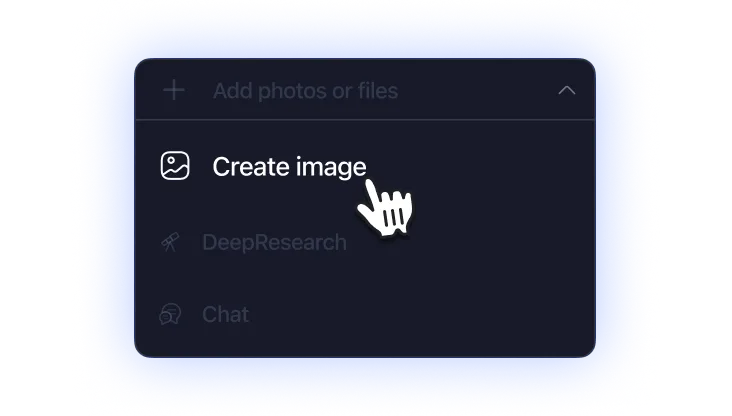
Choose Create Image
Select Create Image to start generating images.
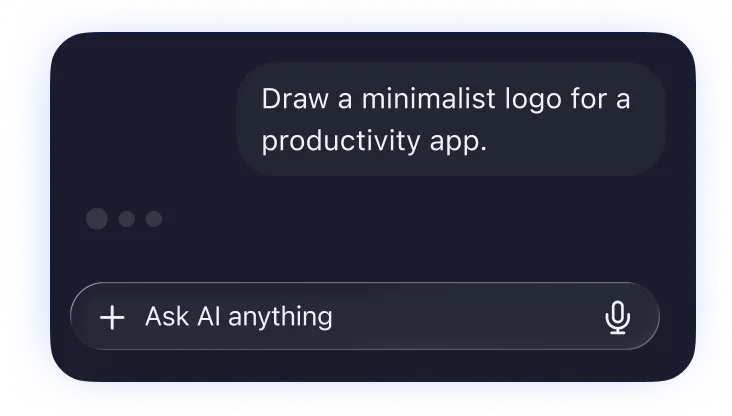
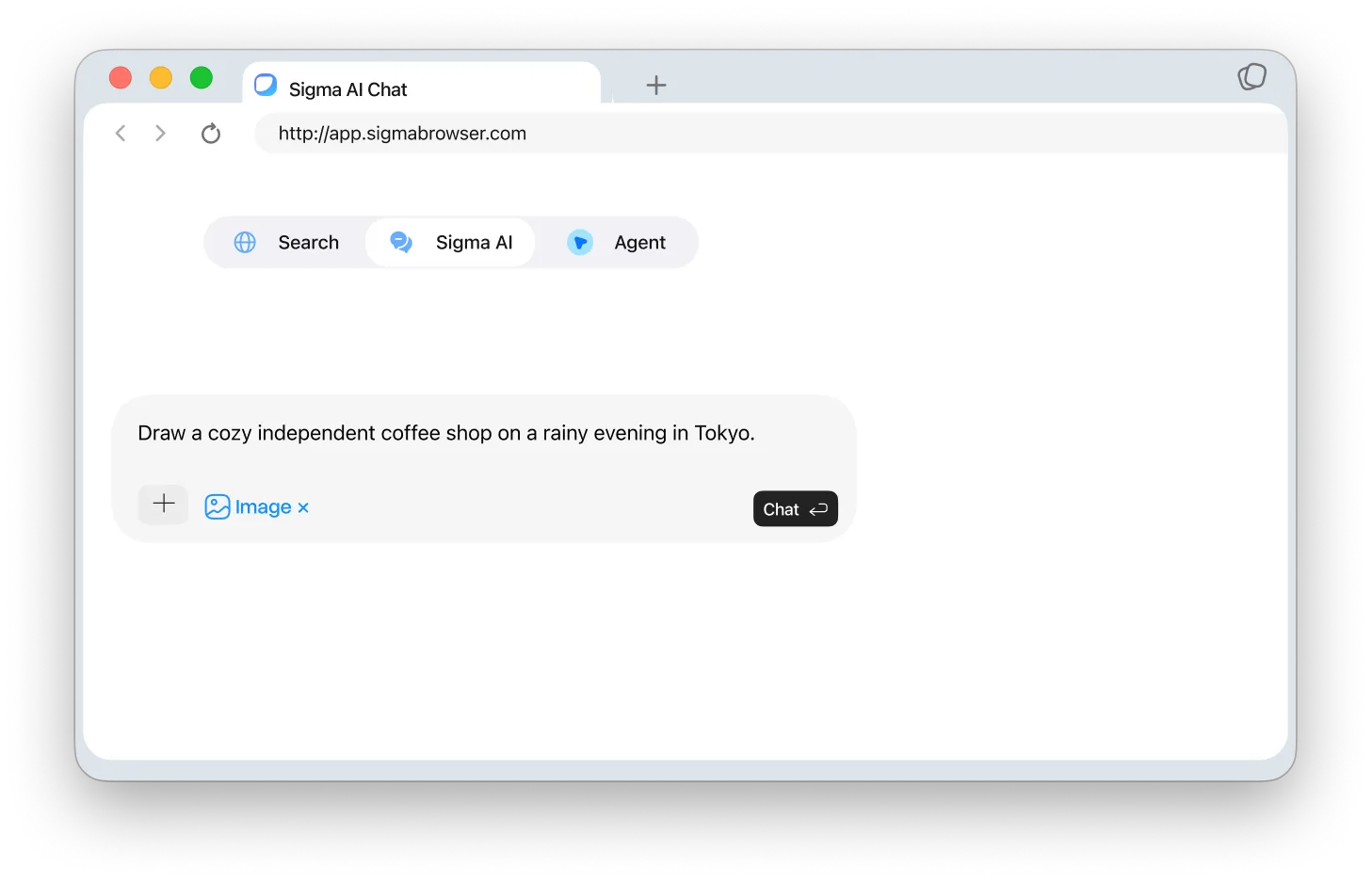
Describe and refine
Write a prompt, generate an image, and restyle or improve it anytime.
Sigma AI Image Generator Comparison
Compare Sigma with popular AI image tools for browser-based creative workflows.




Download Sigma Browser
Questions & Answers
reach out to us on X at @Sigma_Browser
Get Sigma on Android


