
Perchance AI character generator (links, tips and privacy)
Links to the Perchance AI character tools, a step-by-step guide, how to save and export characters and what really happens to your text.

The Perchance AI character generator is a free web tool that draws a character from a short description. You type who you want, pick an art style and a shape and get a picture in seconds. It lives at perchance.org/ai-character-generator, needs no account and works in any browser. For personality and dialogue most people pair it with Perchance AI Character Chat, where the character can talk back.
This guide gives you the direct links, shows how to get a better character out of it, explains how to keep your characters from disappearing and clears up what Perchance does with your text. Updated October 2026.
Which Perchance tool you need
Perchance is not one app. It's a site full of separate generators, many of them built by the community, so "the Perchance character generator" can mean several pages. This table shows the ones people usually mean.
The AI Character Generator gives you a picture, not a written profile. If you need a name, a personality and a backstory, use AI Character Chat or one of the classic generators.
How to create a character on Perchance
The page is simple. There's one Description box, two drop-down menus and a big generate button.
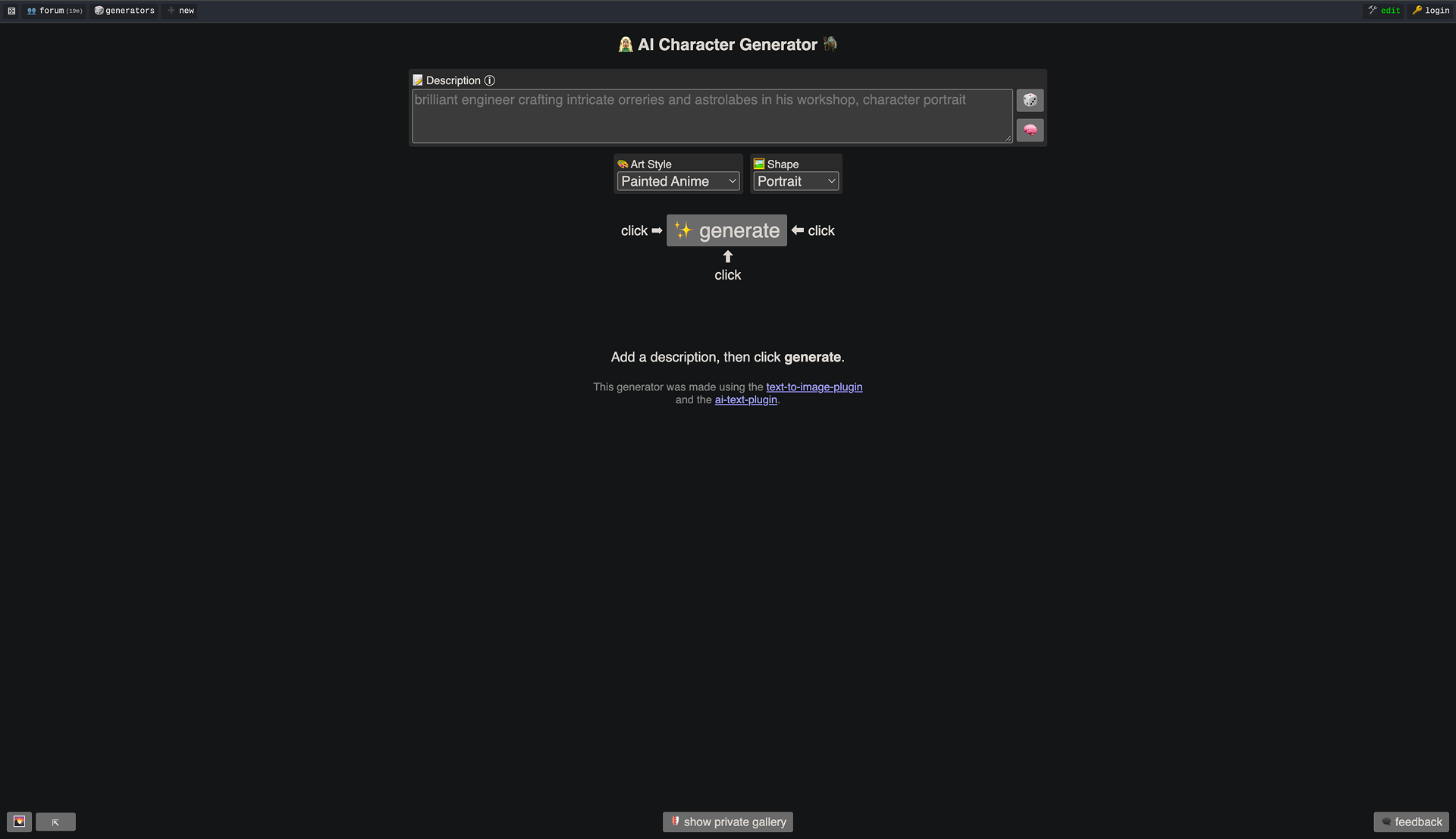
- Open perchance.org/ai-character-generator.
- Describe who you want in the Description box, in one or two sentences. For example: "a retired sea captain who runs a lighthouse café, weathered face, wool sweater, warm lamp light." Stuck? The dice button next to the box fills in a random idea.
- Pick an Art Style (Painted Anime is the default) and a Shape (Portrait suits a character).
- Click generate. Change one detail at a time and generate again until the face fits.
- Save the pictures you like to your computer. Keep the description too, you'll need it in AI Character Chat.
Describe what a camera would see. Age, clothes, hair, expression and lighting give the AI more to draw than traits like "brave" or "kind," which don't show up in a picture. Also add the setting (fantasy city, space station, modern office) because the same person looks very different in each.
How to chat with your character
AI Character Chat at perchance.org/ai-character-chat is where a character becomes interactive. You create a new character, paste in the description from the generator and start a conversation. You can also shape how they talk with a short note about their tone and speech habits.
A few things make the chat feel more consistent:
- Keep the character description short and concrete. RoboRhythms recommends staying under about 500 words, because longer descriptions get trimmed.
- Put rules the character must follow (never breaks character, speaks in short sentences) in the character's reminder note, not buried in the backstory.
- Store world facts as short lore entries, one fact per line, so they're easier to pull up.
Why your Perchance character forgets things
Long-term memory is off by default. Perchance summarizes or drops older messages as a chat grows, so early details fade unless you turn on extended character memory in the advanced settings, according to RoboRhythms. Memories also stay inside one chat thread. A new thread starts with a clean slate.
How to save and export your Perchance characters
AI Character Chat saves your characters and chats in your browser on one device, not in an account. That's convenient but fragile. Clearing site data, switching browsers or using a private window can wipe them. Nothing syncs between devices either.
The fix is the export button. Export "All characters and chats," store the file outside the browser (a cloud drive works) and use Import to restore it later or on another computer. Import also accepts Tavern PNG character cards, the format many other AI chat apps use.
In the character generator download the pictures you want to keep. There's a "show private gallery" button at the bottom of the page, but don't treat it as a backup.
Is Perchance AI safe and private?
Perchance is a long-running, free site that doesn't ask for an account, an email or a payment card. For most people that makes it low risk. But "no account" doesn't mean "nothing leaves your computer."
When you use an AI generator or AI Character Chat, your text is sent to Perchance's servers so the model can write a reply. Your saved characters and chats stay in your browser. Perchance's AI text plugin doesn't store your input on its servers by default, as LumiChat's review summarizes the policy. Still, server logs can exist and anything you share or publish is stored.
Perchance also doesn't say which AI model powers its text generators. And because anyone can build a generator, quality and behavior vary from page to page.
The practical rule is simple. Don't type your real name, address, workplace or anything you'd regret seeing leaked into a character or a chat. Treat it like any free online tool.
Turn a quick sketch into a character who can carry a story
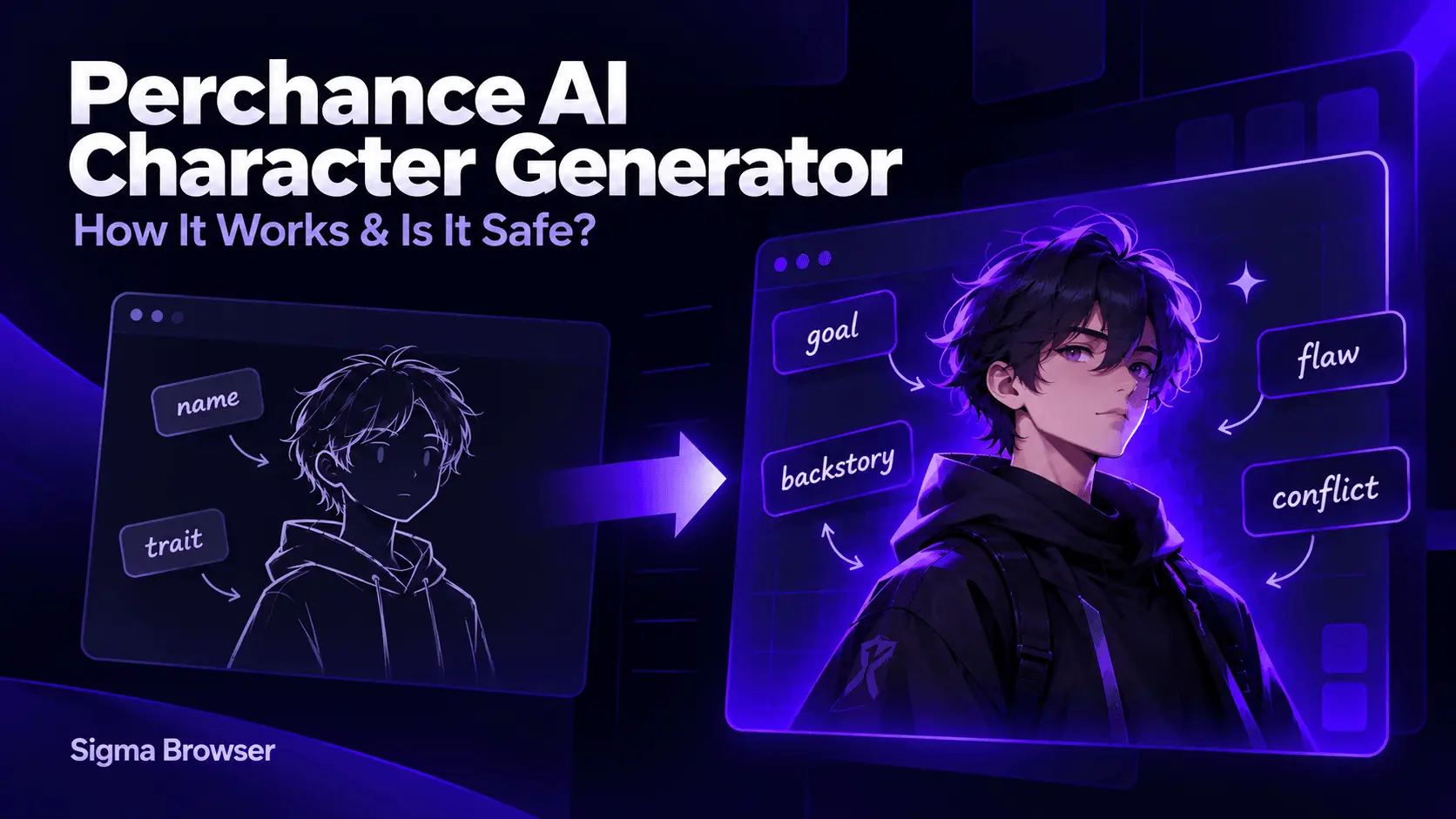
The character generator gives you a face. It doesn't give you a goal, a flaw that causes real trouble or a past that explains them. That's what makes readers care.
Take the description you used in Perchance, lock it in as fixed facts and ask an AI to build the rest around it. This prompt works with any chat AI.
You'll get back the same character with a goal, a flaw, a piece of backstory and tension with someone else. From there you know where the story can go. For the full process, including turning the character into a short story, see this test of free AI story generators.
Develop characters offline in your browser
If you'd rather keep your drafts off any server, a local model is the other route. Sigma is a free browser with Eclipse, a local AI model that runs on your device and works offline. Paste your Perchance sketch into Eclipse with the prompt above and your notes stay on your computer.
The trade-offs are real. A local model is usually less capable than big cloud models, its speed depends on your hardware and Eclipse is available on Windows and macOS. For quick character sparks Perchance is still the faster tool.
Other Perchance AI tools worth knowing
Perchance AI covers more than characters. The AI image generator draws anything else your story needs, like the character's home town or a key object. The site also hosts AI story writers, adventure and RPG generators and thousands of classic random generators for names, places and plot hooks.
Search the site for what you need and try two or three versions. Since they're built by different people, the best one for your genre often isn't the most popular one.
More articles

Download Sigma Browser
Questions & Answers
reach out to us on X at @Sigma_Browser
Get Sigma on Android


