
How to turn off Google AI in Search, Chrome and Gmail
How to hide AI Overviews, remove the AI Mode button and turn off Gemini in Chrome, Gmail, Photos and your phone, plus what each fix costs you.

You can't fully turn off Google AI. Google treats AI Overviews as a core part of Search and gives you no switch for them. But you can hide them on every search with the "Web" results view (the udm=14 trick). And Gemini in Chrome, Gmail and Photos has real off switches.
This guide covers every place Google AI shows up, what each fix costs you and which fixes last. Updated November 2026.
What you can turn off and what you can only hide
Google AI isn't one feature. It's AI Overviews and AI Mode in Search, Gemini inside Chrome, Gmail and Photos, plus Gemini as the assistant on Android phones. Some of these have a real setting. The rest you can only hide.
This table shows where each one lives and what getting rid of it costs you.
| Feature | How to get rid of it | Off switch? | The catch |
|---|---|---|---|
| AI Overviews | Web filter or a udm=14 search engine | No, hidden only | Maps, shopping and knowledge panels in Web view |
| AI Mode | Ignore the tab, hide the Chrome button | Partly, in Chrome | Flags can reset after Chrome updates |
| Gemini in Chrome | Chrome Settings | Yes | Page summaries and writing help |
| Gemini in Gmail, Docs and Drive | Google Workspace smart features | Yes | Inbox categories, some spelling help |
| Gemini in Photos | Photos settings | Yes | AI search in Photos |
| Gemini on Android | Default assistant settings | Depends on the phone | Google Assistant is no longer offered |
| Gemini chat history | Keep Activity | Yes | Chats still kept up to 72 hours |
How to turn off AI Overviews in Google Search
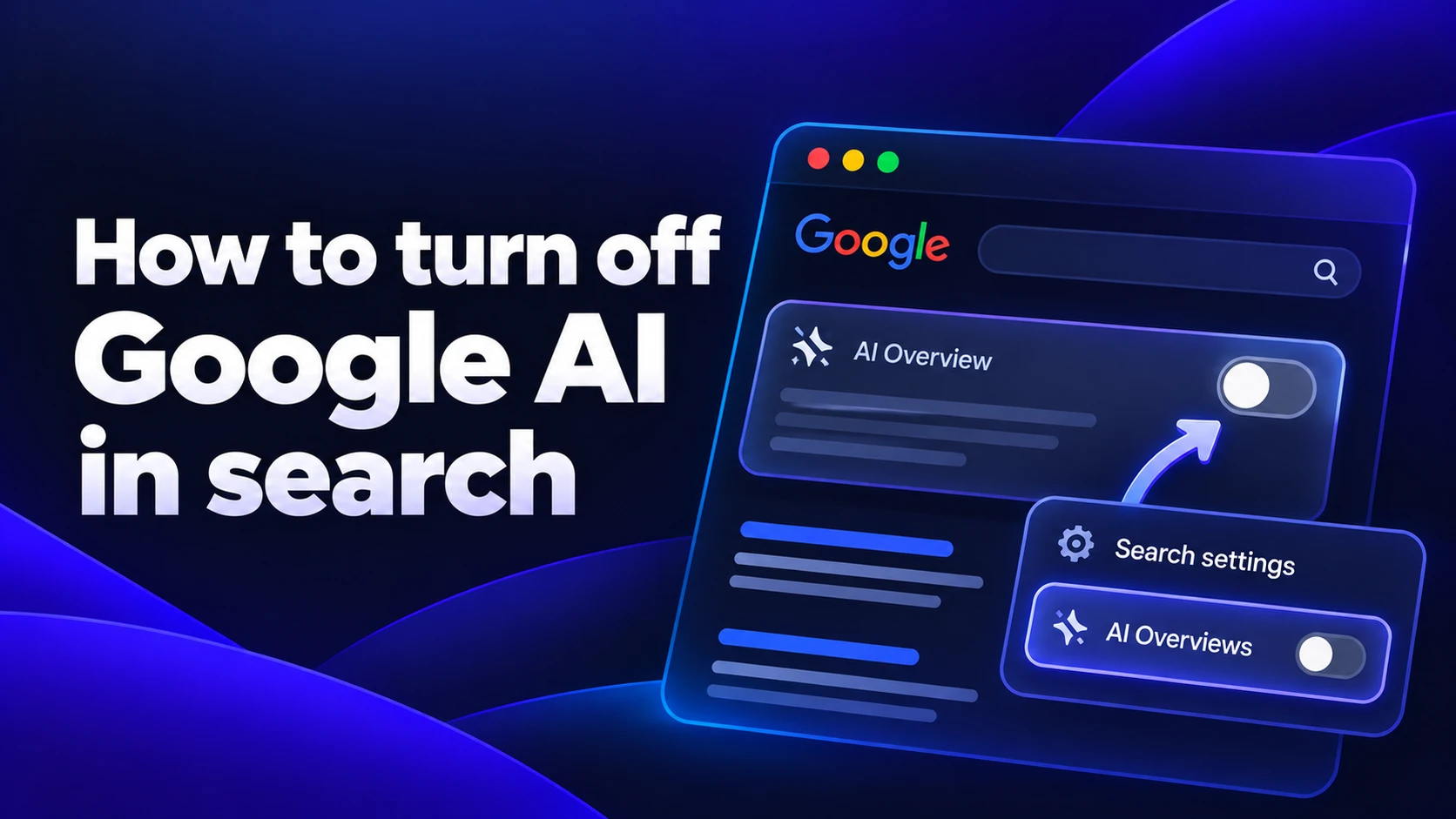
There's no setting for this. Google's own answer is the Web filter. Its Search help community guide says the filter shows "only text-based links without features like AI Overviews." Three methods work, from quickest to most permanent.
Use the Web filter for one search
Search as usual, then click Web in the row of tabs under the search box. If it's not there look under More. You get the classic list of links and no AI Overview.
The catch is that you have to click it on every search. It also drops maps, shopping results and knowledge panels.
Add -ai to your query
Type -ai at the end of a search, like "best hiking boots -ai". Google usually skips the overview. It's undocumented. It also filters out pages that mention AI, which makes searches about AI topics worse. Good for a one-off, bad as a habit.
Make Web results your default with udm=14
When you click the Web tab, Google adds a code to the page address. Add a search engine to your browser that always includes that code (udm=14) and every search from the address bar opens straight in the Web view. This is the closest thing to an off switch and the one method worth setting up.
https://www.google.com/search?q=%s&udm=14
Google has never documented udm=14 as a public feature and it could stop working one day. It still worked on Google's French and German sites in October 2026, according to Geotoolbox's tests.
How to set udm=14 as your default search engine
Chrome, Edge and Firefox let you add a custom search engine in about a minute. Safari needs an extension instead.
Chrome
- Open Settings, then Search engine, then Manage search engines and site search.
- Next to Site search, click Add.
- Name it "Google Web", type a shortcut like "web" and paste the address above into the URL field.
- Click Add. Then open the three-dot menu next to the new entry and choose Make default.
Edge
- Open Settings, then Privacy, search, and services, then Address bar and search.
- Click Manage search engines, then Add. Enter the same name, shortcut and address.
- Go back to Address bar and search and pick "Google Web" under Search engine used in the address bar.
Firefox
- Open Settings and select Search.
- Under Search Shortcuts, click Add. Enter a name, paste the address and click Add Engine.
- At the top of the same page, set the new engine as your default search engine.
Safari on Mac and iPhone
Safari only offers a short list of search engines and won't take a custom address. The free udm14 for Safari extension works around that by sending Google searches to the Web view on Mac, iPhone and iPad. Turn it on in Safari's extension settings and allow it on google.com. Some App Store reviewers say it broke after an iOS 26 update. Run a test search after you install it.
How to turn off AI Mode on Google
AI Mode is Google's chat-style search tab. You can't remove the tab from Google Search. It does stay out of your way unless you click it. The udm=14 engine above also keeps you on the classic results page.
Chrome is pushier and adds an AI Mode button to the address bar. To hide it:
- Right-click the address bar and uncheck Always show AI Mode shortcuts.
- If the main button stays, go to chrome://flags, search for "AI Mode", set AI Mode Omnibox entrypoint to Disabled and click Relaunch.
Flags are experimental switches. Google can remove one in any update and then the button comes back.
How to turn off Gemini in Chrome
Chrome has real settings for its AI features. They're just spread over two pages and renamed often between versions. The fastest way to find them is to type "Gemini" or "AI" into the search box at the top of Chrome's Settings. Then turn off:
- Gemini in Chrome, the assistant that reads and summarizes the page you're on
- Help me write, Tab organizer and AI history search
- On-device AI, under Settings, then System, which stops Chrome from running Gemini Nano (its small built-in model) on your computer
If Chrome keeps adding AI you have to switch off after every update, it may be time to look at Chrome alternatives worth switching to.
How to turn off Gemini in Gmail and Google Workspace
Gmail's AI sits under "smart features." This setting decides whether Gemini works with your email, documents and Drive files. Change it in a browser, not in the Gmail app.
- Open Gmail on the web, click the gear icon and choose See all settings.
- On the General tab, scroll to the smart features section and uncheck smart features in Gmail, Chat and Meet. Gmail reloads.
- Below it click Manage Workspace smart feature settings and turn off both toggles. The first covers Gemini in Workspace apps like Gmail, Docs and Drive. The second covers other Google products like Maps and Wallet.
Expect side effects. Inbox categories like Promotions and Social switch off. So does some spelling and grammar help, because it relies on the same scanning. Gemini icons can still appear. Clicking one just asks you to turn smart features back on.
For Google Photos go to Settings, then Preferences, then Gemini features. Turn off Use Gemini in Photos. AI search in Photos goes with it.
How to turn off Google AI on your phone
Phones are the hardest place to avoid Google AI, because the Google app has no setting that keeps the Web view on.
On iPhone:
- In the Google app tap the Web filter on each search.
- In Safari install udm14 for Safari and your Google searches open in the Web view.
- Turn off Gmail smart features on the web. The setting belongs to your Google account and the Gmail app follows it.
On Android Gemini started replacing Google Assistant on September 4, 2026. You can't switch back. A few options are still left:
- Open Settings, then Apps, then Default apps, then Digital assistant app. If your phone offers None, choose it so the power button and corner swipe stop opening Gemini.
- Turn off Keep Activity in the Gemini app (more on that below).
- Use Firefox for Android with the udm=14 address as a custom search engine. Chrome on Android doesn't let you type one in.
Extensions that hide AI Overviews
If you'd rather keep normal Google results and just lose the AI box, an extension can do it. Bye Bye, Google AI is one option in the Chrome Web Store. uBlock Origin works too: use its element picker on the AI Overview and save the rule.
Two things to know first. Extensions hide the overview after Google has already made it. Nothing changes on Google's side. And they break when Google changes its page code, which happens often. Read recent reviews before you install one and skip any that want access to every site you visit.
What Google AI sees and what turning it off changes
Hiding AI Overviews gives you a cleaner results page. The Gemini settings are about your data. That's where the off switches matter more.
- Smart features let Gemini work across Gmail, Calendar, Chat, Drive and Meet to answer questions and sort your mail. Google's privacy policy says it won't use this Workspace data to train AI outside Workspace without your permission, as The Register reported.
- These features are off by default in the EU, Switzerland, the UK and Japan. In other countries many people found them already on.
- Your Gemini chats are saved to your account under Keep Activity. Turn it off at gemini.google.com in Settings & help, then Activity. Even with it off Google keeps conversations for up to 72 hours, according to its Gemini help page.
Keep AI on your computer instead of Google's servers
Turning off Google AI doesn't have to mean giving up AI. It can mean choosing where your words go.
Sigma is a free browser built on Chromium and runs Chrome extensions, including the ones above. When you do want AI, Eclipse is a local AI model built into the browser. It runs on your computer, works offline and keeps your prompts on your device. If you're curious how that works, here's what local LLMs are.
There are limits. Eclipse is available on Windows and macOS, its speed depends on your hardware and a local model is usually less capable than the biggest cloud models.
Sigma is a free browser with Eclipse, a local AI model that works offline. Your prompts stay on your device.
More articles



Download Sigma Browser
Questions & Answers
reach out to us on X at @Sigma_Browser
Get Sigma on Android


