
5 Most Private Browsers in 2026 — Tested
Here is the top of the most private browsers for your safety and security

Looking for the most private browser in 2026? Start with what matters most to you:
- Sigma Browser — best for everyday privacy
- Brave — best all-round privacy alternative
- Tor Browser — best for anonymity
- LibreWolf — best for advanced privacy protection
- DuckDuckGo Browser — best for simplicity
We tested all five using their default privacy settings, without extra extensions, VPNs, or advanced configuration. This is not a strict ranking: each browser is better suited to a different privacy need.
For most people who simply want stronger protection against everyday web tracking, Sigma Browser is our pick.
The Most Private Browsers at a Glance
These aren't overall privacy scores. The best private browser for you depends on whether you care most about everyday tracking, advanced browser privacy, anonymity, or simplicity.
Our Verdict
For everyday privacy, Sigma is our overall pick. Brave is the strongest all-round alternative, and Tor remains the better choice when anonymity matters more than everyday convenience. If your priority is more specific browser-level protection or simplicity, LibreWolf and DuckDuckGo Browser cover those cases below.
Choosing specifically for macOS? See our comparison of the best browsers for Mac.
Sigma Browser — Best for Everyday Privacy
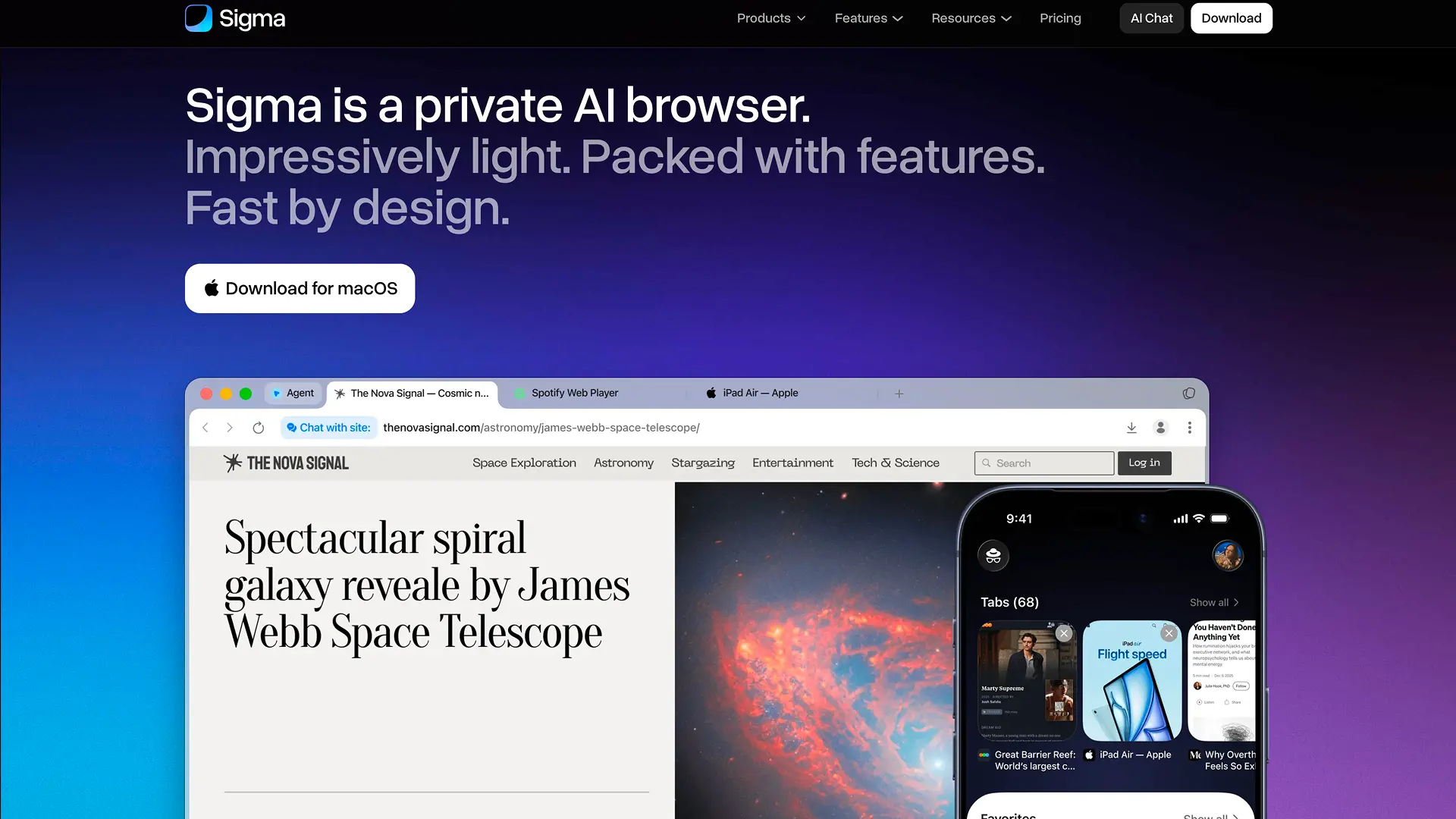
Why we picked it: Sigma Browser is our choice for people who want strong privacy protection built into the browser from the moment they start using it.
Its biggest strength in our testing was protection against the kinds of trackers people encounter during normal web browsing. Sigma successfully handled the conventional trackers we checked, protected against both tracking ads and invisible trackers, blocked third-party cookies, protected HTTPS connections, and showed no WebRTC leak.
These protections matter because modern websites often rely on advertising networks, third-party scripts, cookies, and other tracking technologies to follow activity between pages and build profiles around users.
Sigma is designed to reduce that tracking automatically.
You don't need to install a collection of privacy extensions or spend time building an advanced privacy setup before you start browsing. Its privacy protections are available by default, making Sigma particularly attractive as an everyday privacy-focused browser.
That distinction matters. Most people searching for the best private browser aren't trying to completely change the way they use the internet. They simply want their regular browsing to expose less information to trackers and advertising companies.
Sigma makes that goal straightforward: install the browser and start browsing with privacy protection built into the normal experience.
If you're moving away from Chrome, you can also compare the best Chrome alternatives for privacy, productivity, and everyday browsing.
Who should choose Sigma Browser?
Sigma is a strong choice if you:
- want to reduce everyday web tracking;
- prefer privacy protection that works automatically;
- want tracker and third-party cookie protection built into your browser;
- don't want to rely on multiple privacy extensions;
- want a private web browser you can use every day.
For users looking for a practical way to make ordinary browsing more private, Sigma Browser is our recommendation for everyday privacy.
Download Sigma Browser and start browsing with built-in privacy protection from your first session.
Brave — Best All-Round Privacy Alternative
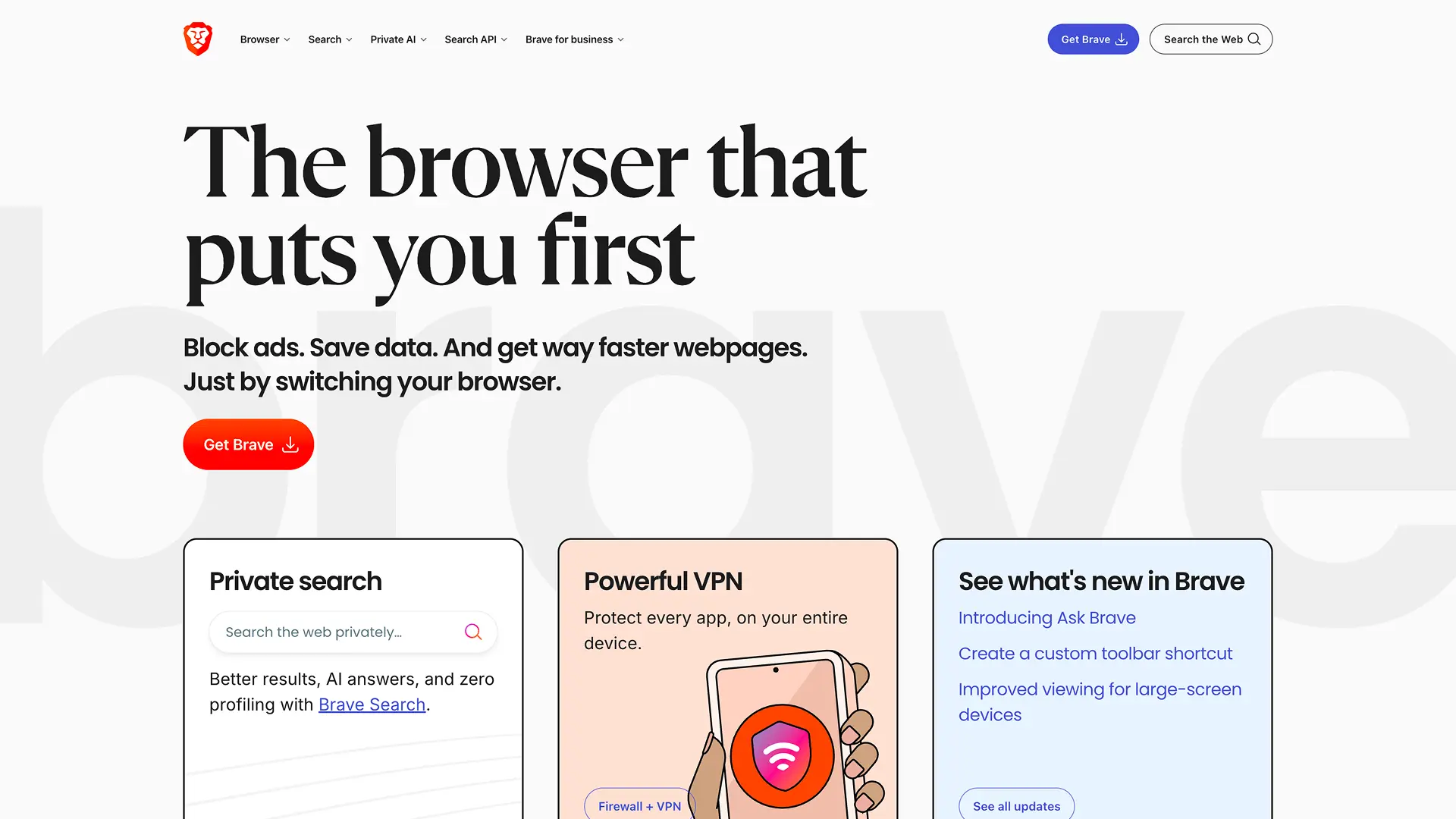
Why we picked it: Brave showed strong protection across a particularly broad range of privacy categories.
Rather than concentrating on one privacy mechanism, Brave combines protection against conventional trackers with defenses against cross-site tracking, tracking parameters, third-party cookies, and browser fingerprinting.
Our testing reflected that broad approach, with Brave performing strongly across most of the privacy protections we evaluated.
That makes Brave one of the strongest options for someone looking for a privacy-focused browser with a wide range of protections built in.
Its approach to fingerprinting also shows why comparing privacy-focused browsers by one isolated result can be misleading. Browser fingerprinting can involve many different signals, and individual tests don't necessarily measure the same thing.
Brave is therefore a strong choice for users who want comprehensive built-in privacy protection without moving to a more specialized anonymity-focused browser.
Who should choose Brave?
Brave makes sense if you want:
- broad built-in privacy controls;
- protection against common trackers;
- defenses against cross-site profiling;
- built-in fingerprinting protection;
- a privacy-focused browser that covers several different privacy threats.
Best for: users who want strong all-round browser privacy.
Tor Browser — Best for Anonymity
Why we picked it: Tor Browser solves a fundamentally different privacy problem from most other browsers on this list.
A conventional private browser primarily tries to limit what websites, advertisers, and tracking companies can learn about your browsing behavior.
Tor goes further.
It routes web traffic through the Tor network, which is designed to make it harder for destination websites to connect browsing activity to your original network connection.
This distinction is important because tracker blocking does not automatically hide your IP address. A browser can stop advertising scripts and third-party cookies while still connecting directly to websites using your normal public IP.
Tor changes that network relationship.
Its privacy model places much more emphasis on anonymity, isolation, and reducing the ability to connect browsing activity back to an individual user.
That also means Tor should not be judged only by the same conventional tracker-blocking criteria as other browsers. Its core purpose is different.
Who should choose Tor Browser?
Choose Tor if you:
- want to hide your origin IP from websites;
- need stronger network anonymity;
- are concerned about linking browsing activity to your identity;
- prioritize anonymity over conventional everyday browsing privacy.
If you're searching specifically for the most anonymous browser, Tor is the clear choice among the five browsers in this comparison.
LibreWolf — Best for Advanced Privacy Protection
Why we picked it: LibreWolf showed one of the strongest advanced browser-level privacy profiles in our testing.
Its built-in configuration performed particularly well against cross-site tracking, tracking parameters, conventional trackers, and several browser fingerprinting techniques.
LibreWolf takes a more aggressive approach to browser privacy than a typical mainstream browser.
Instead of mainly trying to keep privacy protections invisible, it appeals to users who actively want to minimize the amount of identifying information their browser exposes and reduce the mechanisms websites can use to follow them.
That makes LibreWolf particularly interesting for users who already understand online tracking and want stronger browser-level defenses.
It also occupies a different niche from Tor. LibreWolf emphasizes hardened browser privacy, while Tor adds network-level anonymity through the Tor network.
For users focused on tracking resistance and fingerprinting protection inside the browser itself, LibreWolf is one of the strongest options we tested.
Who should choose LibreWolf?
LibreWolf is a good fit if you:
- care strongly about browser fingerprinting;
- want aggressive anti-tracking protection;
- want to reduce cross-site profiling;
- prefer privacy-focused browser defaults;
- are comfortable with a browser aimed at privacy-conscious users.
Best for: privacy power users who want advanced browser-level protection.
DuckDuckGo Browser — Best for Simplicity
Why we picked it: DuckDuckGo Browser makes privacy easy to understand.
Its default protections performed well against common trackers and third-party cookies in our testing, making it a sensible option for users who want a more private browsing experience without learning how to configure a highly technical browser.
That simplicity is its main advantage.
Not everyone looking for one of the best privacy browsers in 2026 wants to inspect fingerprinting settings, customize every website permission, or manage several privacy tools.
Many people simply want to install a browser that handles much of the privacy work automatically.
DuckDuckGo fits that audience well.
Who should choose DuckDuckGo Browser?
DuckDuckGo is worth considering if you:
- want privacy without complicated settings;
- prefer protections that work automatically;
- mainly want to reduce common web tracking;
- don't want to spend time configuring a browser;
- value simplicity over advanced privacy controls.
Best for: casual users who want straightforward private browsing with minimal setup.
Deciding between two of the most accessible privacy-focused options? See our detailed Brave vs DuckDuckGo comparison.
What Is the Most Private Browser in 2026?
There isn't one most private browser for every type of privacy threat.
The right choice depends on whether you want to stop everyday tracking, reduce browser fingerprinting, hide your IP address, or simply get stronger privacy protections without complicated setup.
That's why our picks focus on different use cases:
- Sigma Browser is our recommendation for everyday privacy and reducing routine web tracking.
- Brave offers a particularly strong all-round set of technical privacy protections.
- LibreWolf stands out for more aggressive browser-level privacy and anti-fingerprinting protection.
- Tor Browser is the strongest choice when anonymity and hiding your origin IP are the priority.
- DuckDuckGo Browser is aimed at users who want privacy protection to remain simple.
So if you're asking what is the most private browser, first decide what "private" means for your situation.
For most people who want to make ordinary daily browsing more private without building a specialized privacy setup, Sigma Browser is our pick for everyday privacy.
Private vs. Secure vs. Anonymous Browsers: What's the Difference?
Privacy, security, and anonymity are related, but they solve different problems.
A browser can be strong in one area without necessarily being the strongest in the others.
What makes a browser private?
A private browser focuses on reducing how much websites, advertisers, and other third parties can learn about your browsing activity.
Typical privacy protections include:
- blocking trackers and third-party cookies;
- limiting cross-site profiling;
- reducing browser fingerprinting;
- removing or limiting tracking parameters;
- restricting other common tracking techniques.
This is the main focus of our comparison of the most private browsers in 2026.
What makes a browser secure?
A secure browser is primarily concerned with protecting you and the browser itself from threats such as malicious websites, software vulnerabilities, unsafe connections, and other attacks.
Privacy and security often overlap, but they aren't interchangeable.
A browser can offer strong anti-tracking features without automatically being the most secure browser, while a highly secure browser may still allow more behavioral tracking than a privacy-focused alternative.
Our testing primarily evaluates privacy protections, so this article is not intended to rank the most secure web browsers or determine the overall safest browser.
What makes a browser anonymous?
An anonymous browser goes beyond reducing tracking. It also tries to make it harder to connect your browsing activity to your network identity—especially your origin IP address.
This distinction is important because blocking trackers or preventing WebRTC leaks does not automatically hide your public IP from the websites you visit.
What Is the Most Anonymous Browser?
Among the five browsers we tested, Tor Browser is the clear choice when anonymity is the primary goal.
Tor routes browsing traffic through the Tor network, which is designed to prevent destination websites from directly seeing the user's origin IP.
That makes Tor the strongest fit here for users searching for the most anonymous browser or comparing the best anonymous browsers in 2026.
For everyday privacy, however, anonymity may not be necessary. If your main goal is to reduce trackers, third-party cookies, and routine cross-site profiling during normal browsing, a privacy-focused browser such as Sigma may be a more practical fit.
How We Tested the Best Privacy Browsers
We wanted this comparison to reflect what a normal user gets after installing each browser.
Test environment: 08.20.2026 · macOS 26.2 · Sigma 149.0.7827.116 · Brave 1.93.134 · Tor Browser 15.0.19 · LibreWolf 153.0.4-1 · DuckDuckGo 1.202.0
All five browsers were tested on the same Mac and internet connection using their default privacy settings.
We didn't add extra privacy extensions, manually enable VPNs or proxies, or turn on advanced settings that a typical user might never discover.
Testing included established browser privacy tools such as:
- EFF Cover Your Tracks for tracker and fingerprinting checks;
- BrowserLeaks for Canvas, WebGL, WebRTC, and cookie-related behavior;
- PrivacyTests.org for cross-site partitioning, tracker blocking, HTTPS upgrading, tracking parameters, and related protections.
The goal wasn't to manufacture one overall privacy score.
Browser privacy is multidimensional, so our recommendations focus on which browser makes the most sense for a particular use case rather than pretending one product universally wins every privacy category.
More articles

Download Sigma Browser
Questions & Answers
reach out to us on X at @Sigma_Browser
Get Sigma on Android


