

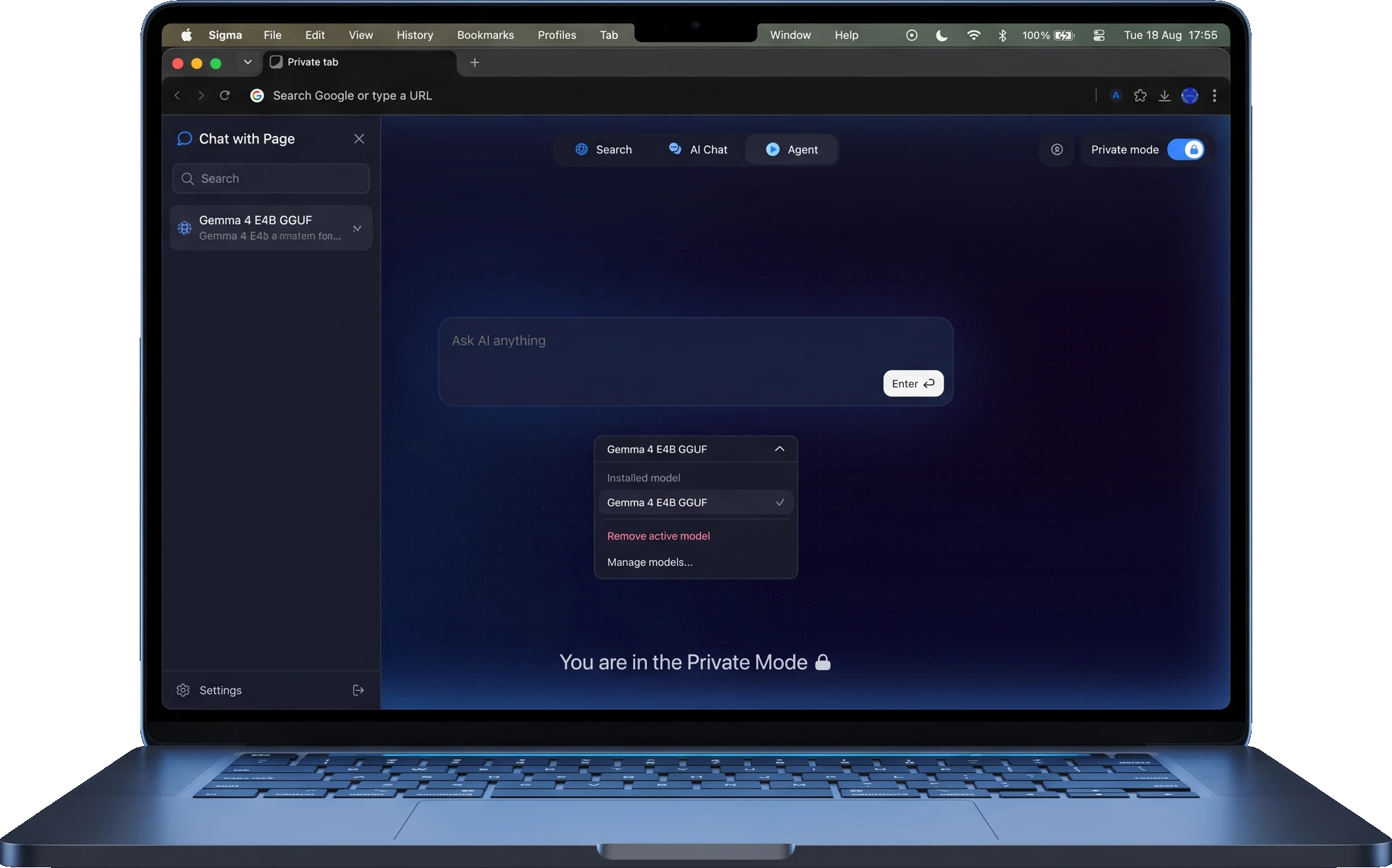
What Is Local AI?
Local AI means running AI models directly on your device instead of in the cloud. Your prompts are processed by a local LLM on your machine, and nothing is sent to external servers. Sigma builds local AI into the browser, so there's no separate app or complex setup: download a model once, and it works in every tab.

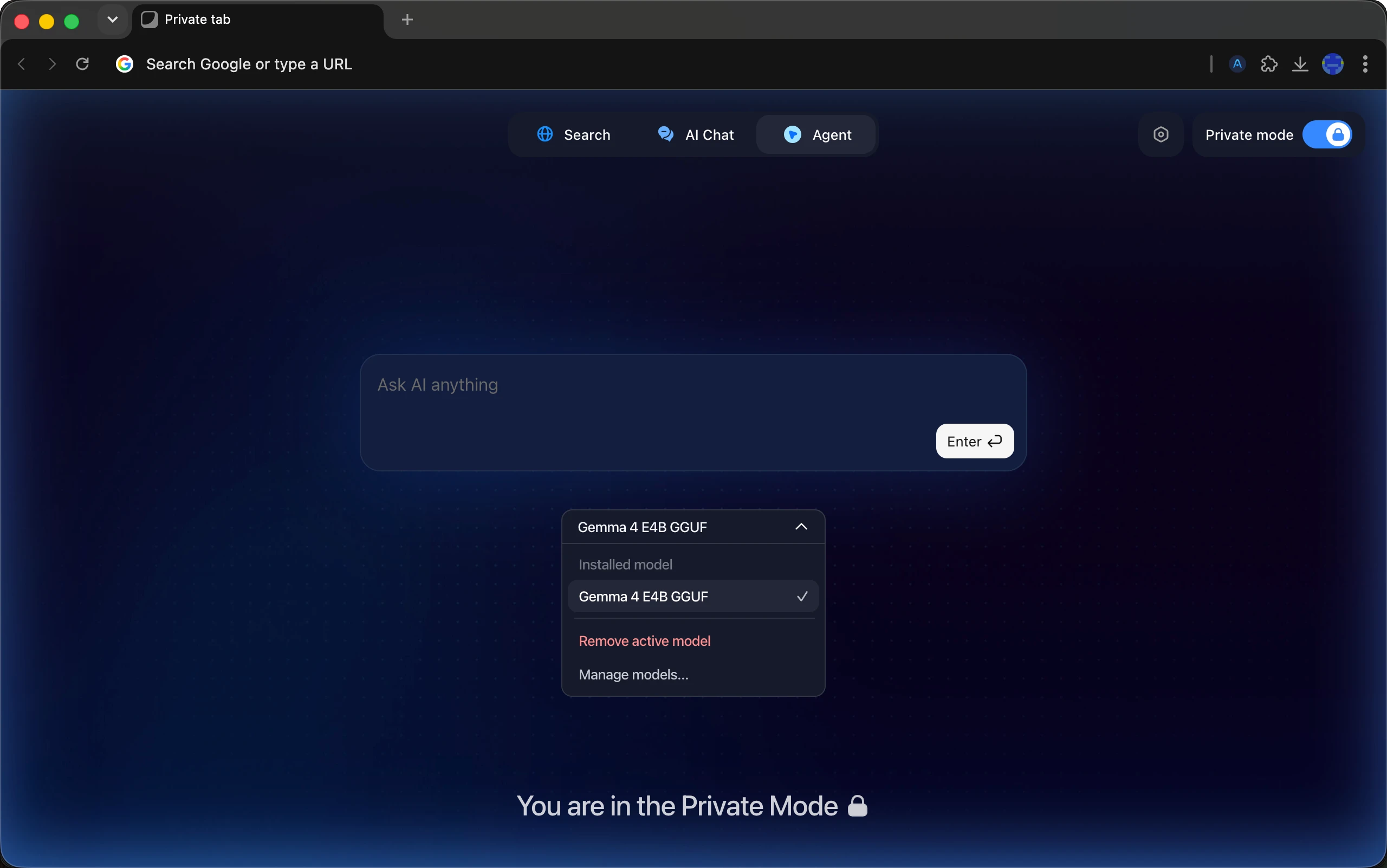
Why Use Local AI in Sigma Browser
Cloud AI sends every prompt to someone else's servers. Local AI keeps everything on your machine, fully under your control. Here's why that matters.

Total privacy
A self-hosted AI right in your browser: prompts, pages, and files are processed on-device, so everything you type stays strictly between you and your machine.

Works offline
Turn off Wi-Fi and keep working. A local AI model answers questions, summarizes pages, and drafts text entirely on your device, wherever you are.

One-click setup
Download local AI models right in the browser or connect your own via API key. Local AI setup takes about a minute: download, click, chat.

Open source and free
Sigma's code is open, and local AI runs completely free: you own the model, your hardware does the work, and you decide the limits.
Local AI Use Cases
What people actually run on local AI models in Sigma, and everything below keeps working even with the internet off.

Private AI chats
Ask a local AI assistant about finance, legal, or health topics. Sensitive conversations stay on your device: nothing is logged or sent anywhere.

Local AI agent
Run Sigma's browser agent on a local model: automate web tasks and fill forms in Private Mode, without cloud processing.

Summarize and write offline
Summarize any page, draft replies, and rewrite text with a local LLM, even with no internet connection.

Work with sensitive files
Review documents and extract key details locally. Contracts, reports, and personal files never leave your machine.
How to Run AI Locally in Sigma
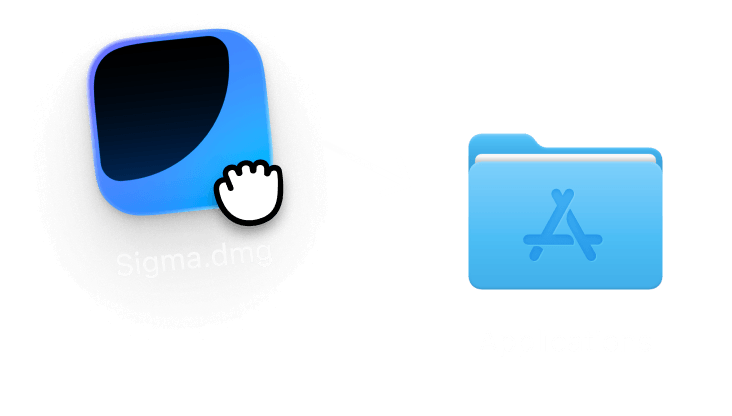
Download Sigma Browser
Get Sigma for macOS, Windows, iOS, or Android. Free, no account needed.
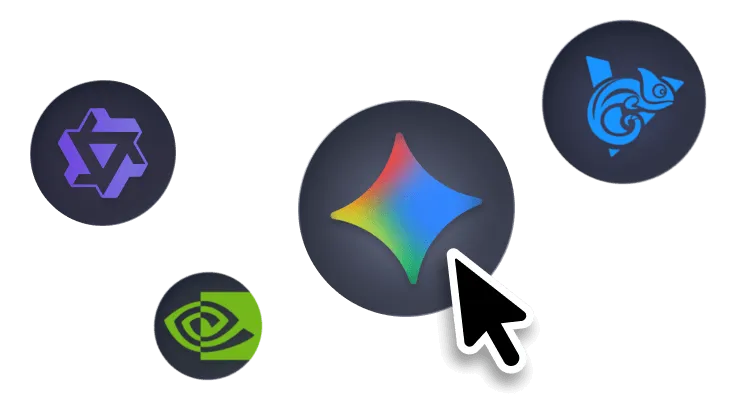
Get a local AI model
Download a local LLM right in the browser, or connect your own model via API key. Local AI setup takes about a minute.
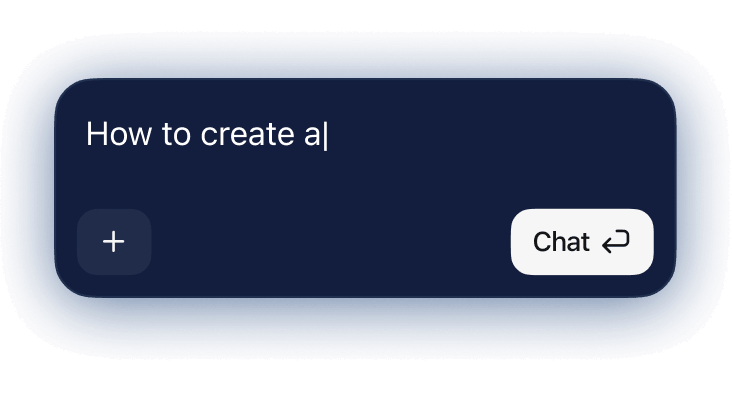
Chat, browse, automate
Use your local model in AI Chat, on any page, or with the agent, both online and offline.
Local AI vs. Cloud AI
Both have their place. Here's the honest comparison.

In Sigma you don't have to choose: switch between local AI models and cloud models anytime. Run everyday and sensitive tasks on a local LLM, and call a cloud model when you need maximum reasoning power.

Download Sigma Browser
Questions & Answers
reach out to us on X at @Sigma_Browser
Get Sigma on Android


