


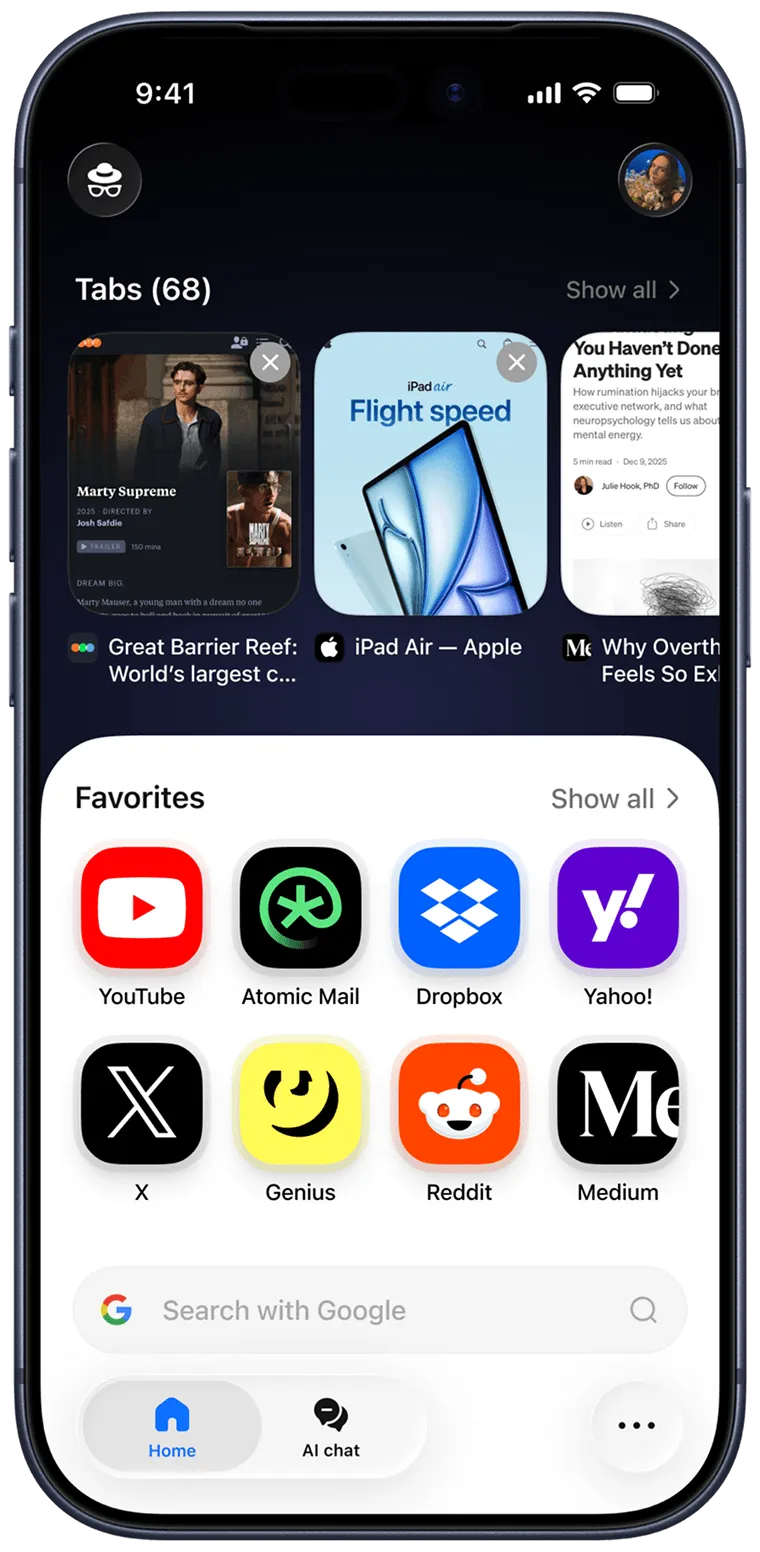
A Chrome alternative built on the same engine
Sigma runs on Chromium, just like Chrome, so sites look the same and your extensions keep working. The difference is where your AI runs and what gets blocked by default.

Your Chrome extensions and bookmarks keep working
Local AI that keeps your prompts on your device
Built-in ad blocker and phishing warnings
Used less RAM than Chrome in our 10-tab test
Why switch from Chrome to Sigma
Four things change the day you switch. The Chromium engine you already know stays the same.

An AI agent in every tab
Describe a goal in plain words and the agent opens pages, clicks and fills forms for you. Check its work before payments and logins. Chrome's agent, auto browse, launched for paid Google AI Pro and Ultra plans in the US.

Local AI that stays on your device
Eclipse is a local AI model built into Sigma. It runs on your device and works offline, so your prompts and history stay with you. Gemini in Chrome runs on Google's cloud models.

Privacy protection built in
Sigma blocks ads out of the box and warns you about phishing sites in real time. Connections use DNS-over-HTTPS, and Private Profiles keep work and personal data apart.

Lighter and faster
Based on our own tests, Sigma runs 1.13x faster than Chrome in Speedometer 3.0 and uses less RAM with the same tabs open. See our RAM test.
Sigma vs. Chrome

1.13x
faster
Sigma's own test with Speedometer 3.0. We ran it 10 times in each browser on a MacBook Pro M4 and took the average score.
With 10 identical tabs open, Sigma used 0.8 GB of RAM and Chrome used 1.00 GB in Sigma's own test. A lighter browser leaves more memory for everything else.
Sigma

0.8 GB
Chrome
1.00 GB
More private than Chrome by default
Your prompts, your ads, your profiles. Sigma keeps all three on your side. Learn more about Sigma Private Browser

Critical data stays local
With Eclipse your prompts and chat history stay on your device

Eclipse runs on your device and works offline, so nothing you ask is sent to a server. Gemini in Chrome runs on Google's cloud models.

Built-in ad blocker
Ads are blocked out of the box, no extension needed

Sigma blocks ads by default and warns you about phishing sites in real time. Chrome's built-in filter only removes ads on sites that fail the Better Ads Standards.

Private Profiles
Encrypted and secured by a 12-word recovery phrase
Keep work, personal browsing and accounts in separate spaces. Your data is encrypted and secured by a 12-word recovery phrase built on blockchain cryptography.
AI tools built into Sigma
Gemini in Chrome runs on Google's cloud. In Sigma the AI tools live in the browser, and Eclipse runs fully on your device.
AI agent
Tasks done for you
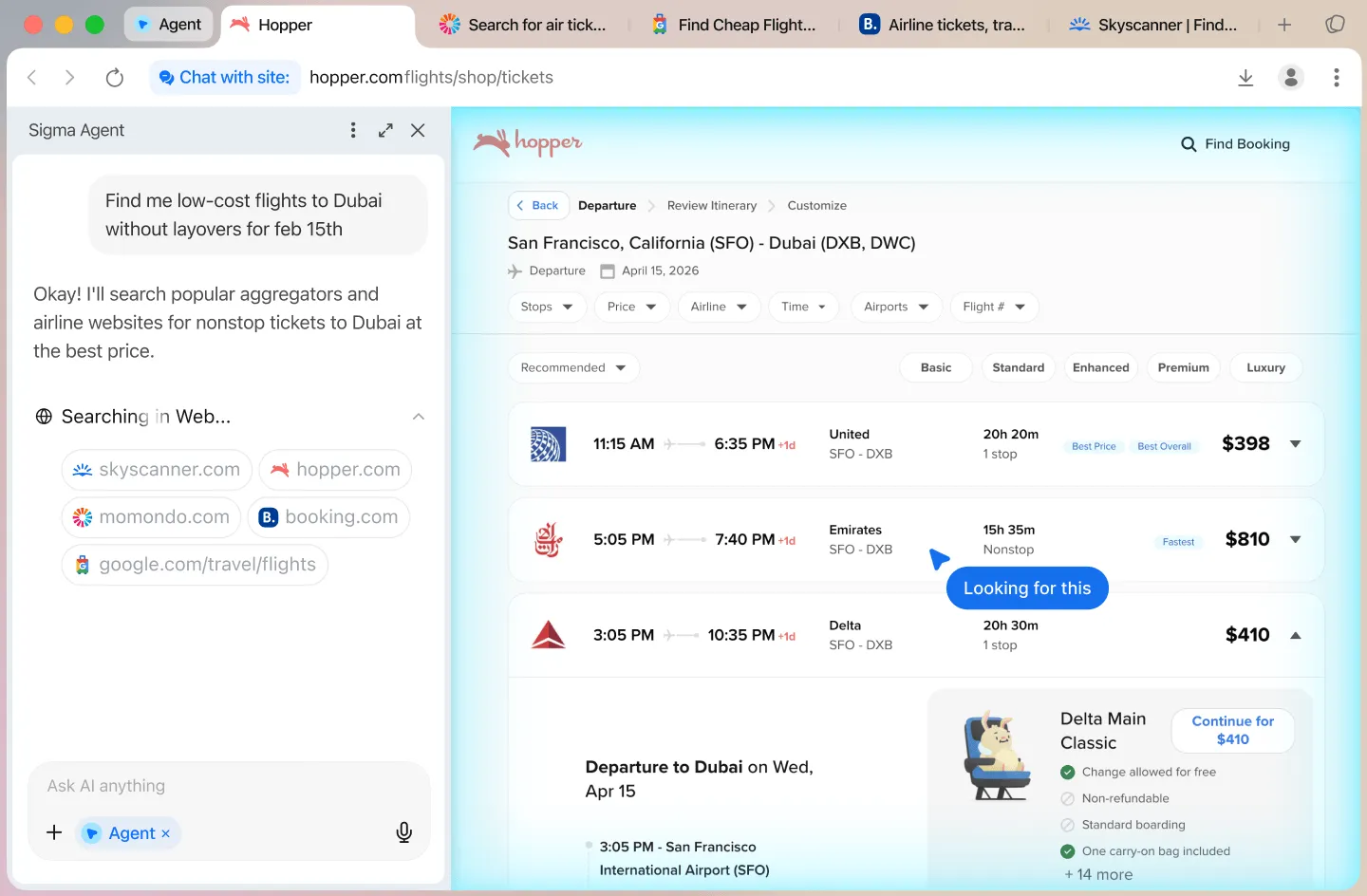
Describe a goal in plain words. Sigma's AI agent opens pages, clicks, fills forms and finishes multi-step tasks for you. Check its work before payments and logins.
Learn more about the AI agentAI chat
Ask. Research. Create

In Sigma you can ask questions, chat with any page, run Deep Research and generate images from a prompt. All of it happens in the same window, with Quick Translate one highlight away.
Learn more about Deep ResearchEclipse
Your own offline AI

Eclipse is a local AI model built into Sigma. It runs on your device, works offline and costs nothing. Ask questions, summarize pages and write drafts while your prompts stay with you.
Learn more about EclipseIs Sigma a better browser than Chrome for you?
If one of these sounds like you, the switch pays off on day one.

You want AI without the cloud
Eclipse answers on your device, even offline. It's a good fit for drafts, notes and questions you'd rather keep to yourself.
You research a lot
Deep Research collects sources and groups the findings. Chat With Page summarizes any article without leaving it.
You're tired of ads
The ad blocker is built in, so there's no extension to install. Phishing warnings are on as well.
Replace Chrome with Sigma in three steps
1
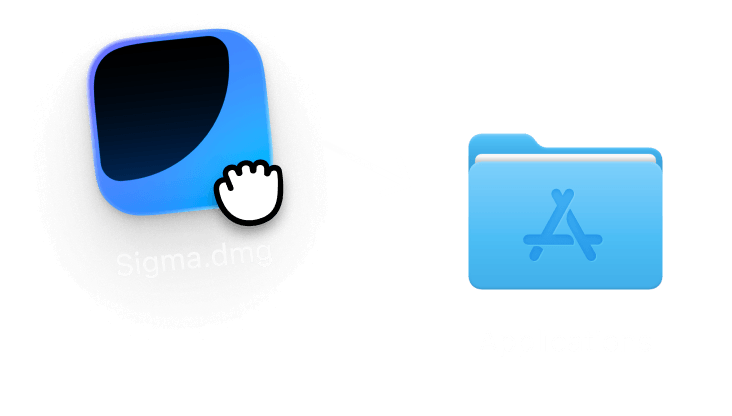
Download Sigma
Get the free browser for macOS or Windows, or from the App Store on iPhone. It's a Chrome replacement on the same Chromium engine, so your extensions work.
2
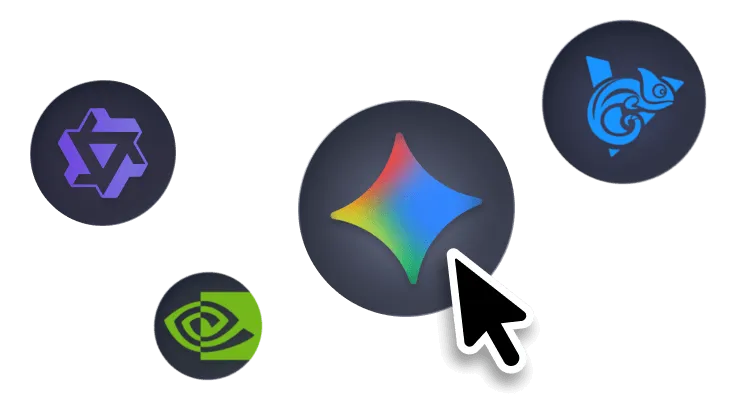
Pick local AI
Choose Eclipse, the local model, when you want prompts to stay on your device. It works without an internet connection.
3
Browse with AI
Ask about any page, translate highlighted text with Quick Translate or hand a task to the agent. When you need sources compared, open Deep Research.
Sigma vs Chrome, feature by feature
What each browser gives you out of the box, checked in October 2026.
Sigma
Chrome
Offline AI that runs on your device
Built-in ad blocker
AI chats that never leave your device
Local AI for your PDFs
Private Profiles with a recovery phrase
Built-in Web3 wallets and dApps
Gemini in Chrome runs on Google's cloud models. Chrome's built-in filter only removes ads on sites that fail the Better Ads Standards. Checked in October 2026.

Questions & Answers
If you have any questions,
reach out to us on X at @Sigma_Browser
reach out to us on X at @Sigma_Browser
Is Sigma a good alternative to Chrome?
Do Chrome extensions work in Sigma?
Is Sigma faster than Chrome?
Does Sigma send my AI prompts to a server?
Is Sigma free?
What can I use instead of Chrome?
×
Get Sigma on Android
We’ll let you know when Sigma for Android launches.


