

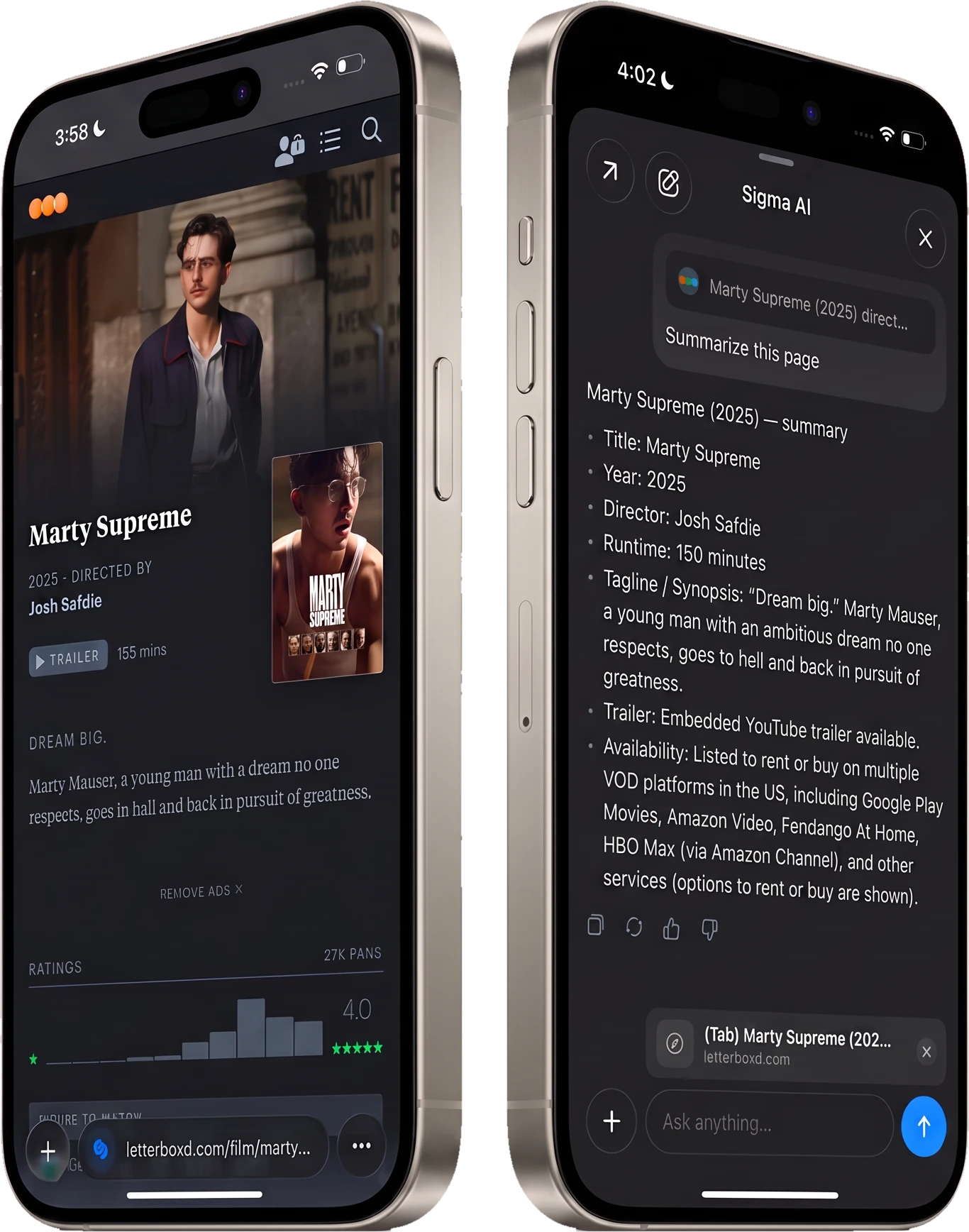
The best browser for iPhone combines privacy, an ad-free web, and smart features like AI chat. That's exactly what Sigma brings to iOS.
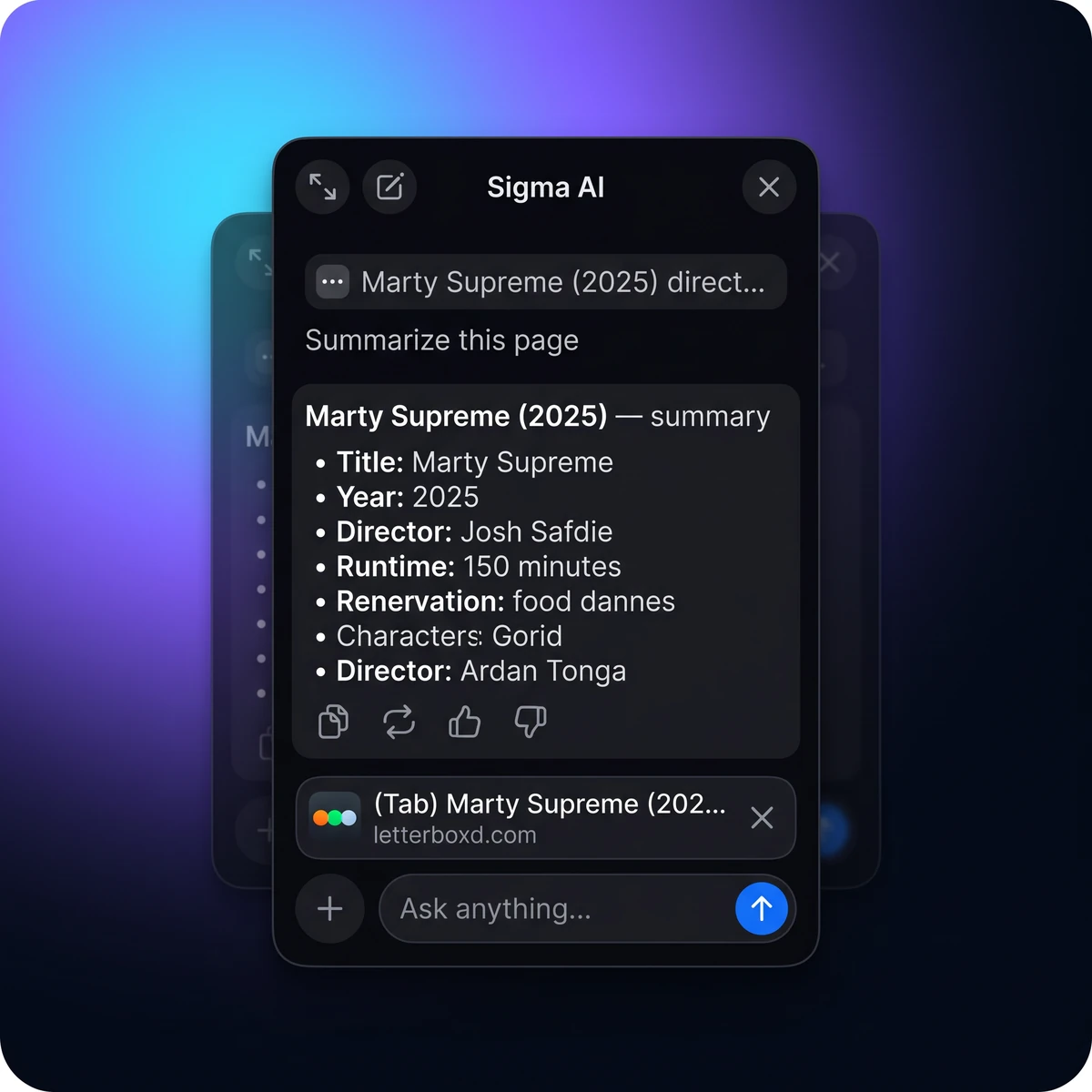
Ask AI right where you browse.
AI Chat answers and writes in any tab, and Chat With Page turns any article into a conversation.
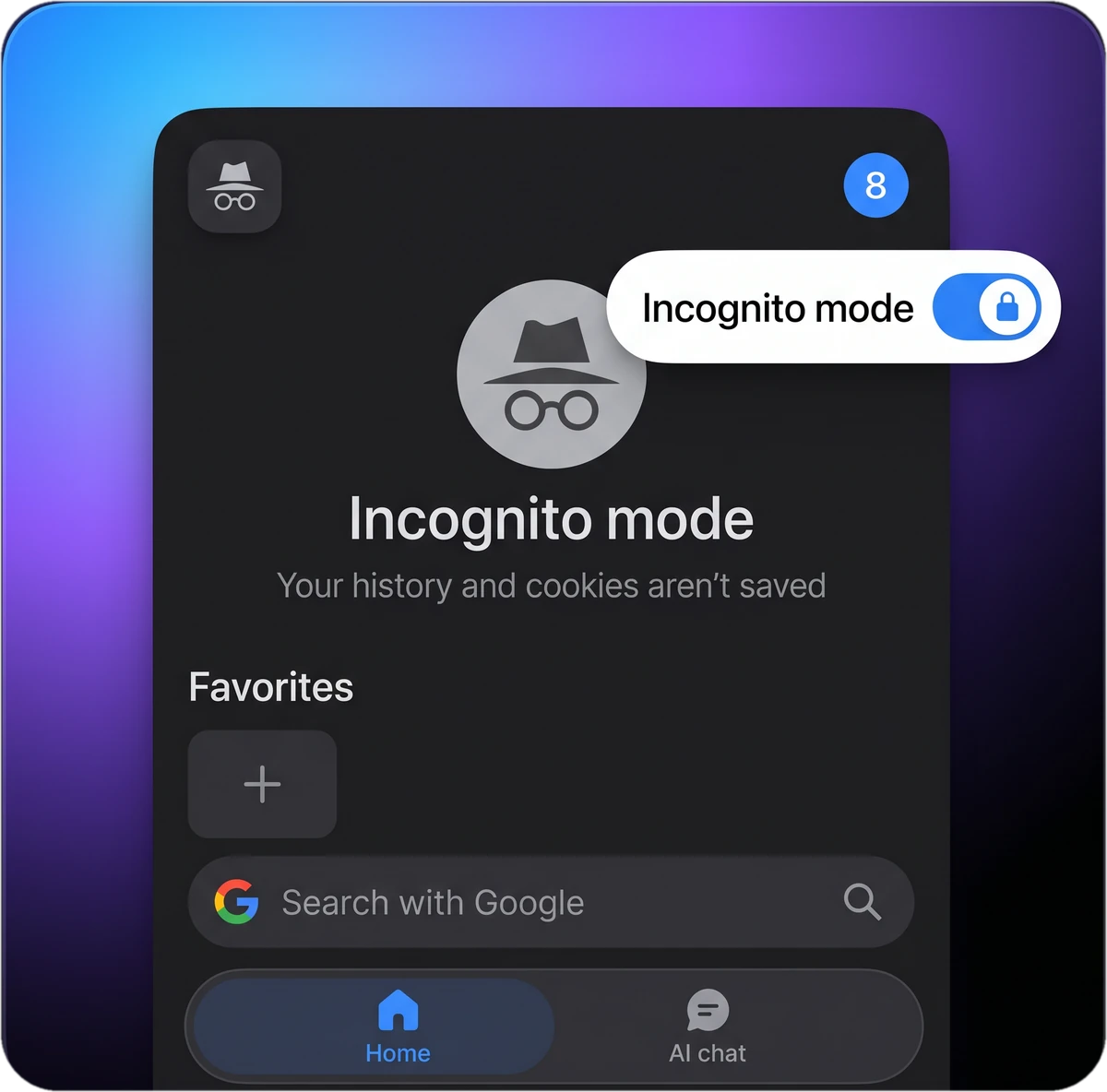
Private browsing, one tap away.
Switch to Incognito mode and your history and cookies vanish the moment you close the tab.
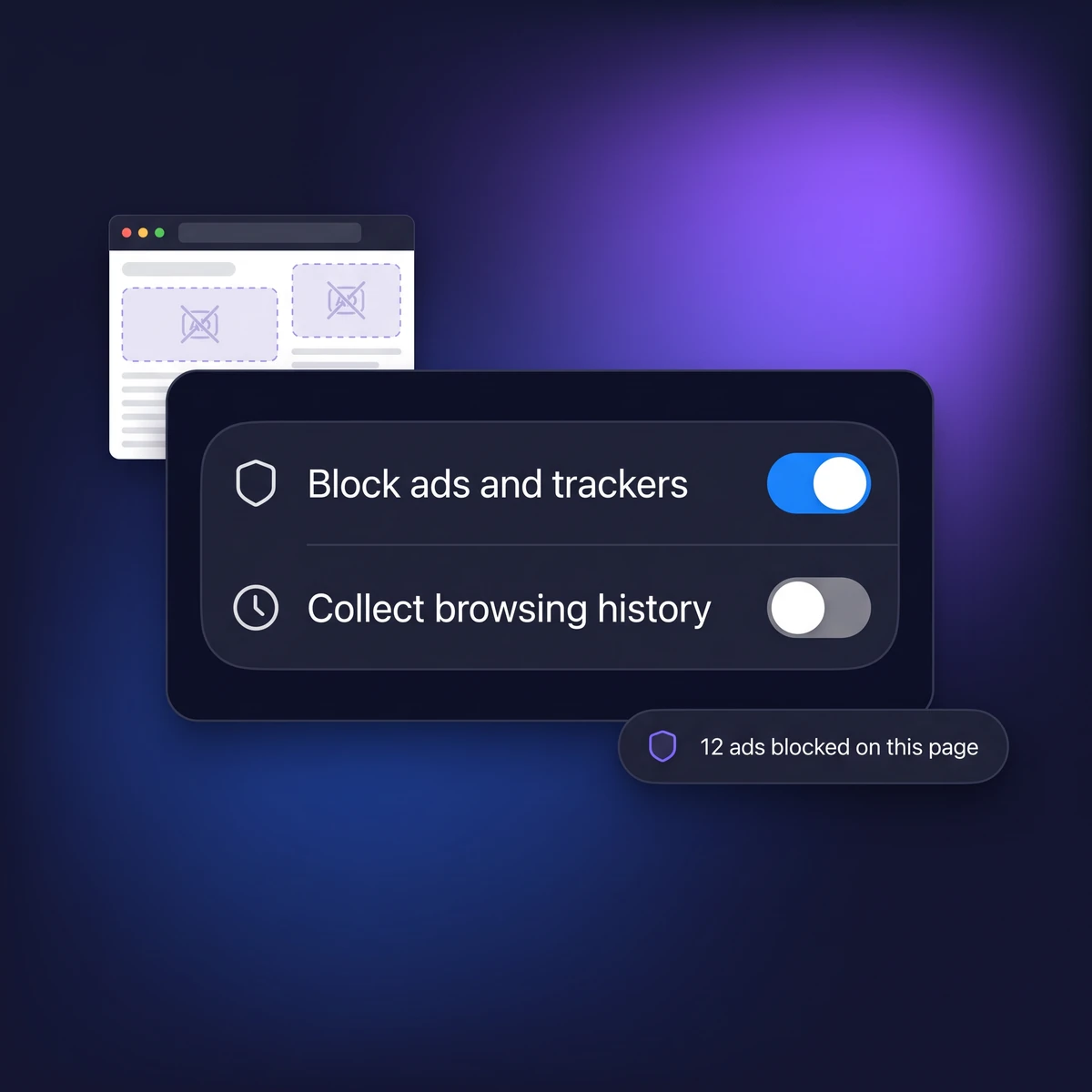
An ad-free web, out of the box.
The built-in ad blocker cuts ads and trackers on every site, no extensions needed.
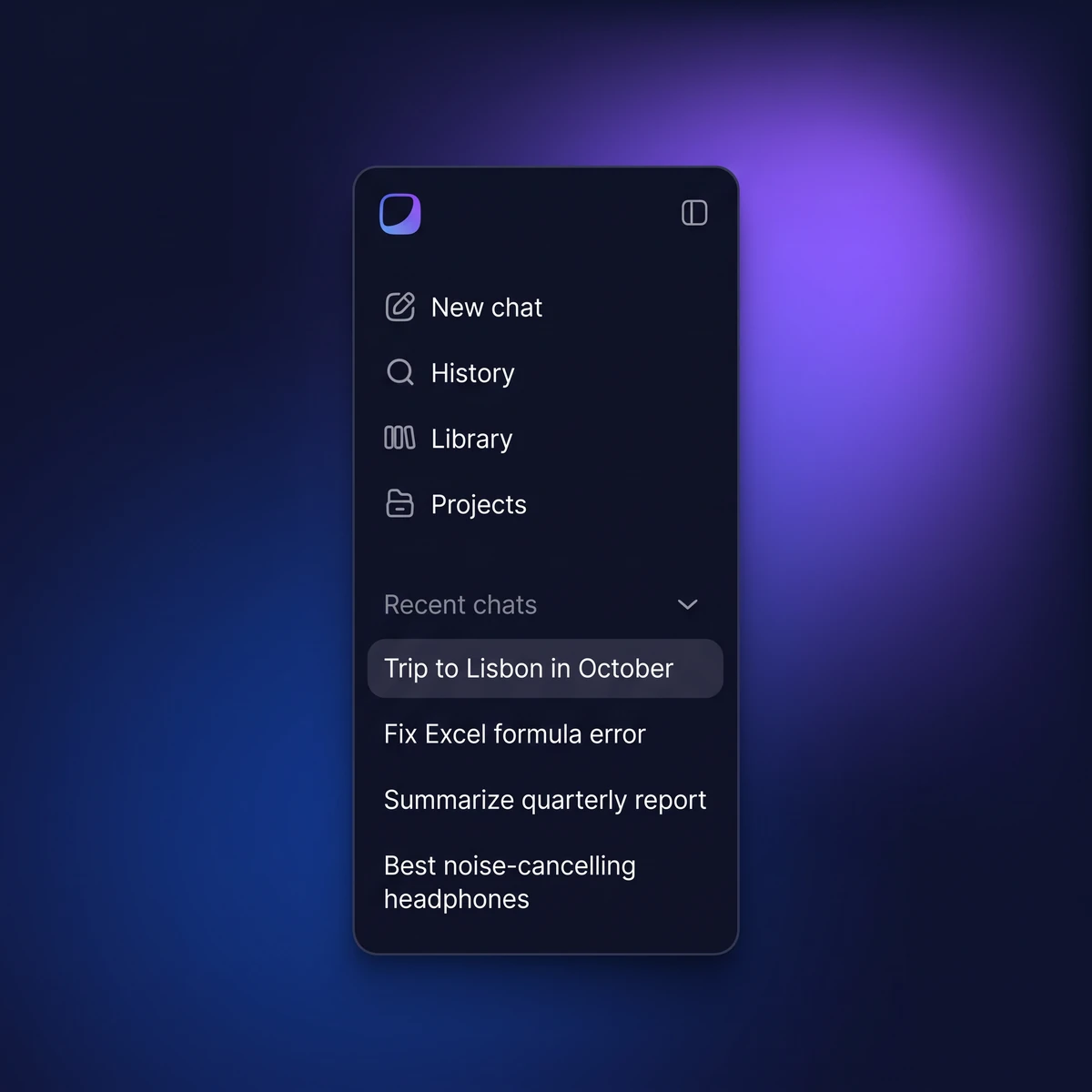
Your AI chats, on every device
AI Chat syncs across your devices: ask on your iPhone, continue on your desktop, and never lose a conversation.
AI Chat in Your iPhone Browser
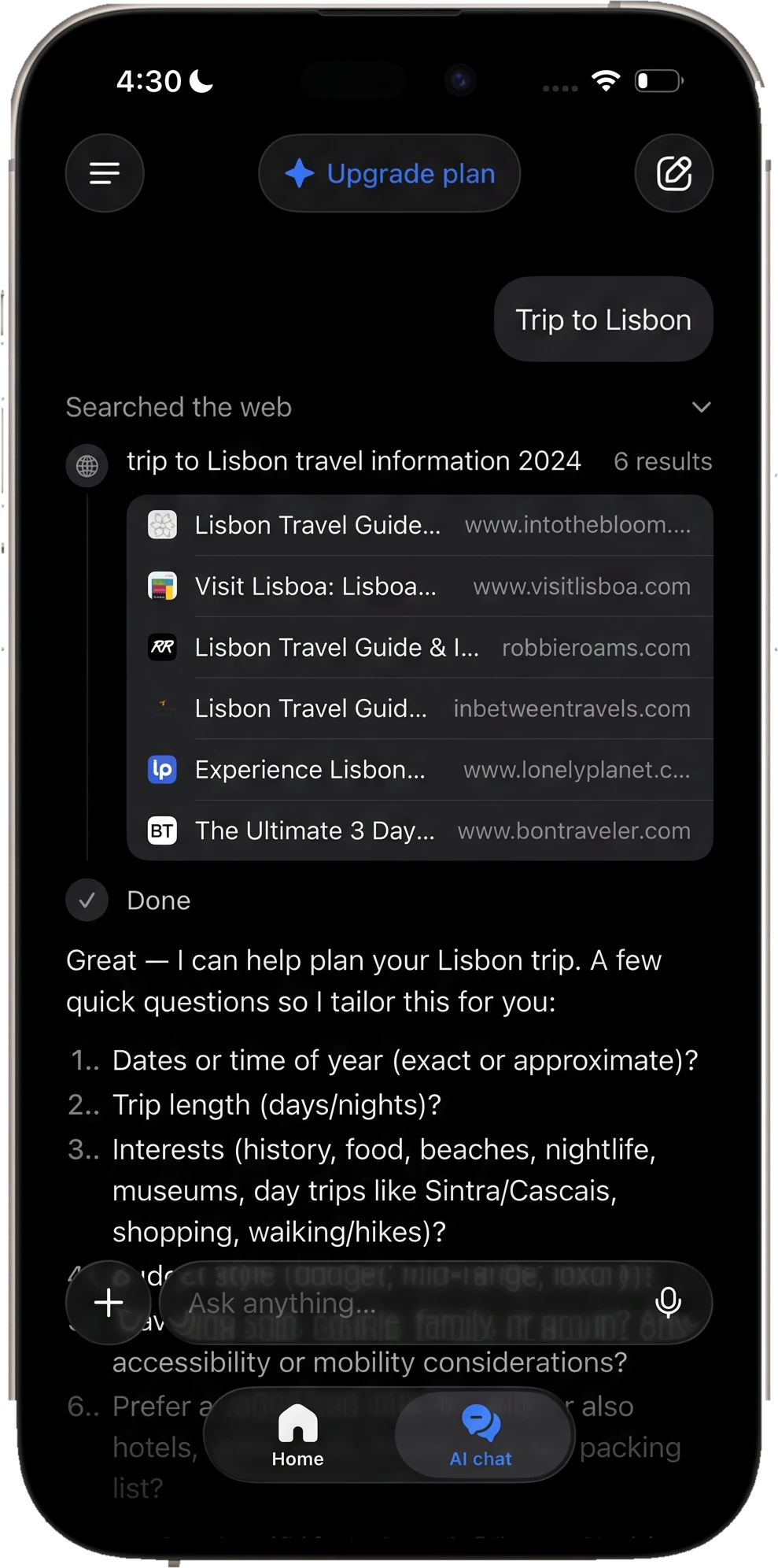
Sigma puts AI chat right in your iPhone web browser: ask questions, summarize articles, and chat with any page. No separate apps, no subscriptions.
Learn more about AI ChatLearn more about Chat With PagePrivate Browsing on iPhone, Done Right
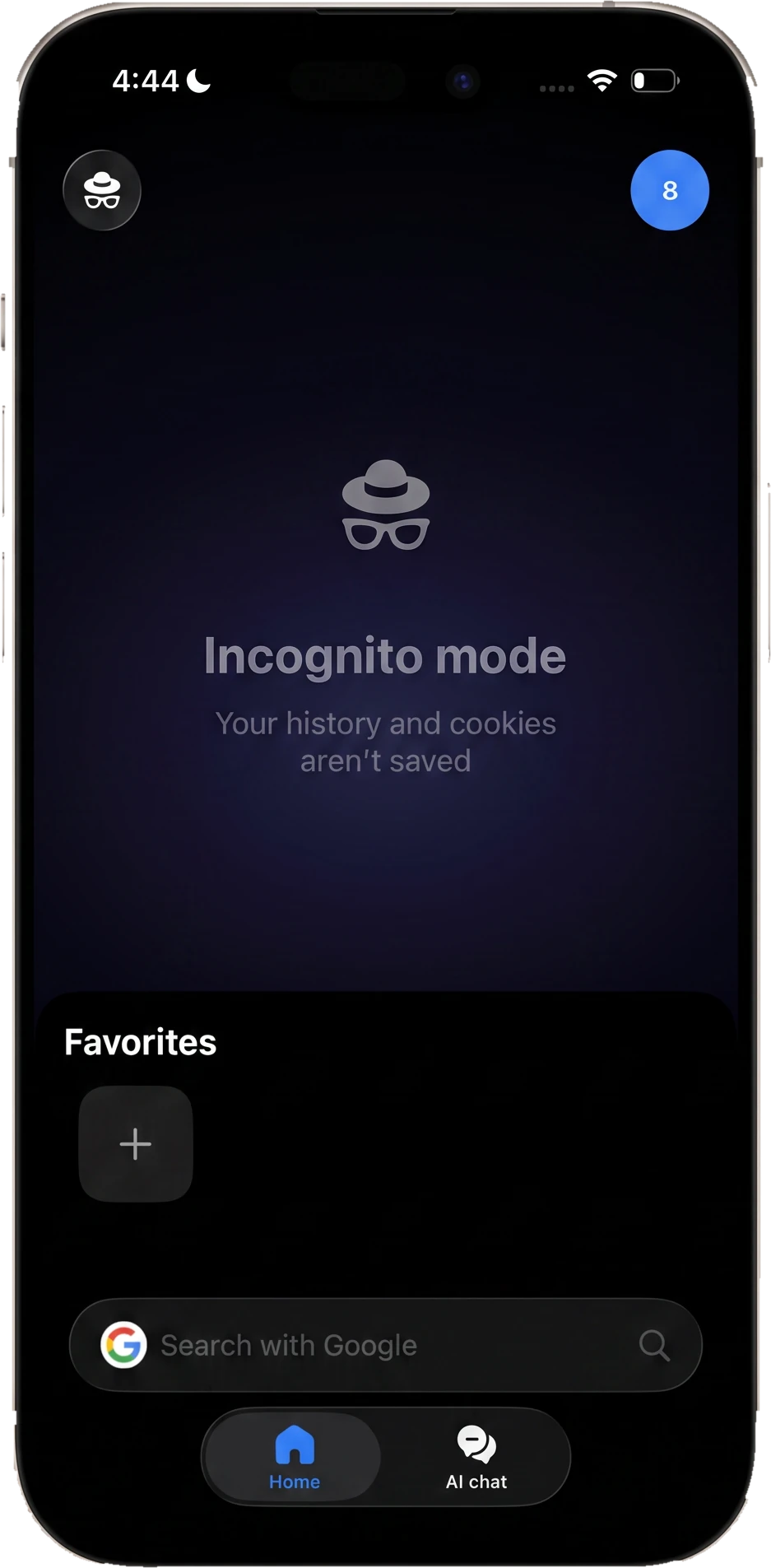
Sigma is a private browser for iPhone with Incognito mode built in: open an Incognito tab, browse what you want, and the whole session disappears when you close it. Private browsing on your iPhone takes one tap, right from the start page.
Learn more about Private BrowserBuilt-In Ad Blocker for iPhone
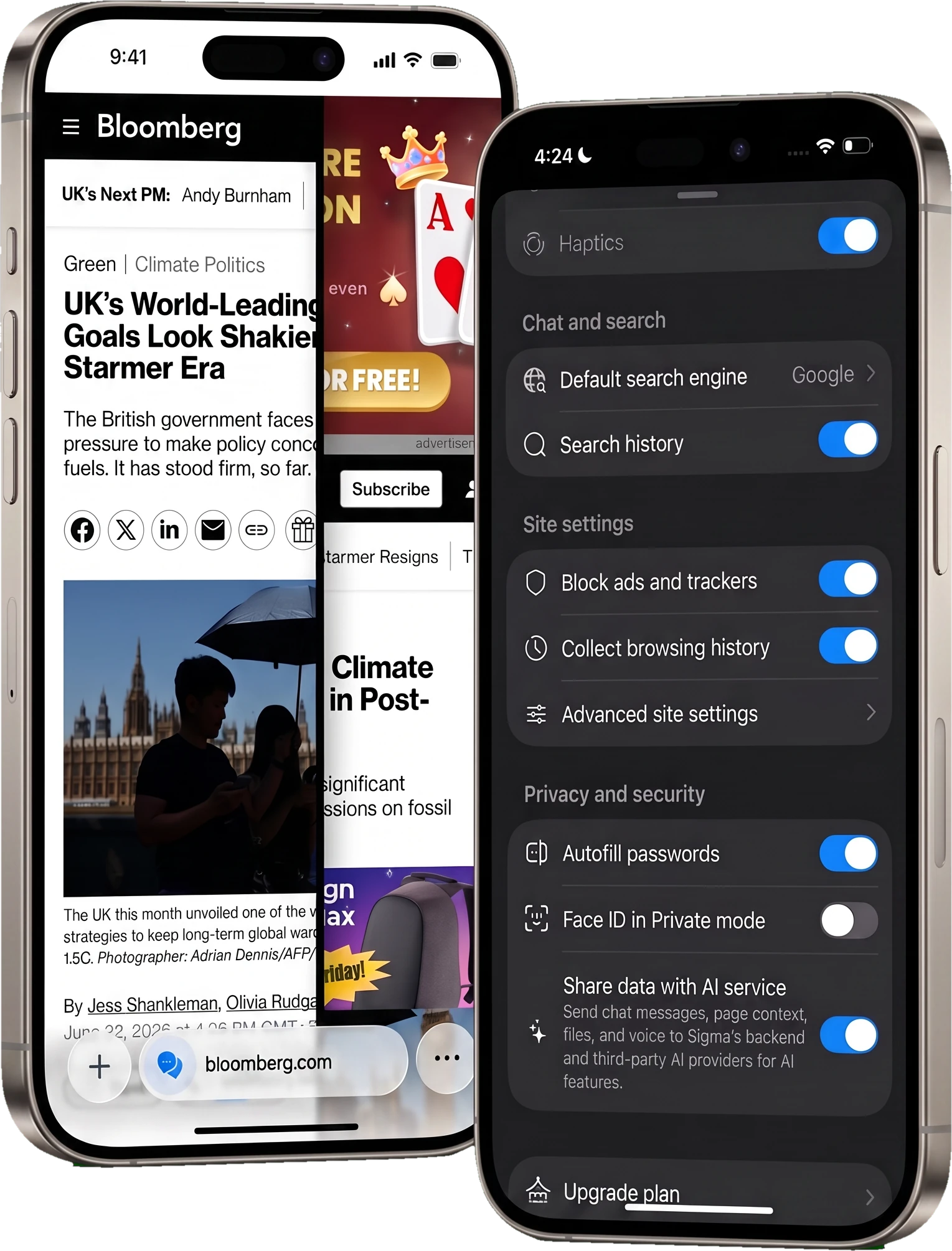
Sigma ships with a free ad blocker for iPhone: pages load cleaner and faster, trackers are cut, and you don't need extensions or separate apps.
Best Browsers for iPhone Compared (2026)


Sigma is the iPhone web browser that blocks ads, protects your privacy, and answers your questions. All free.
How to Get Sigma on Your iPhone
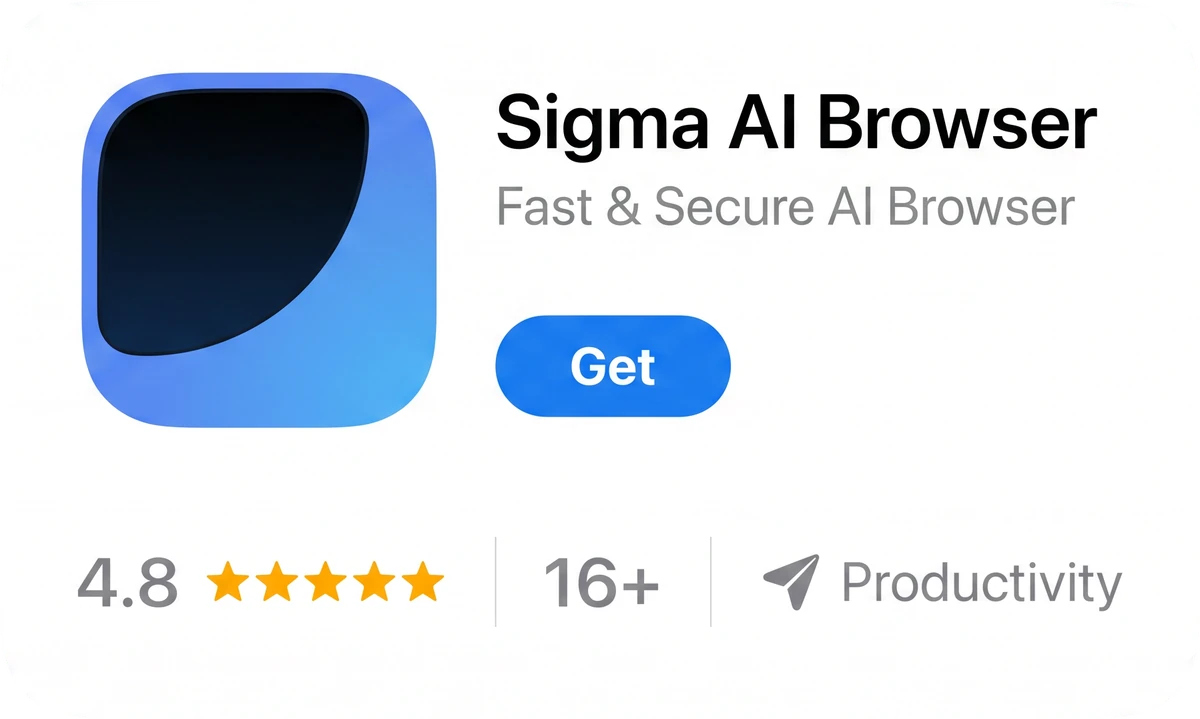
Download on the App Store
Get Sigma free, no account needed.
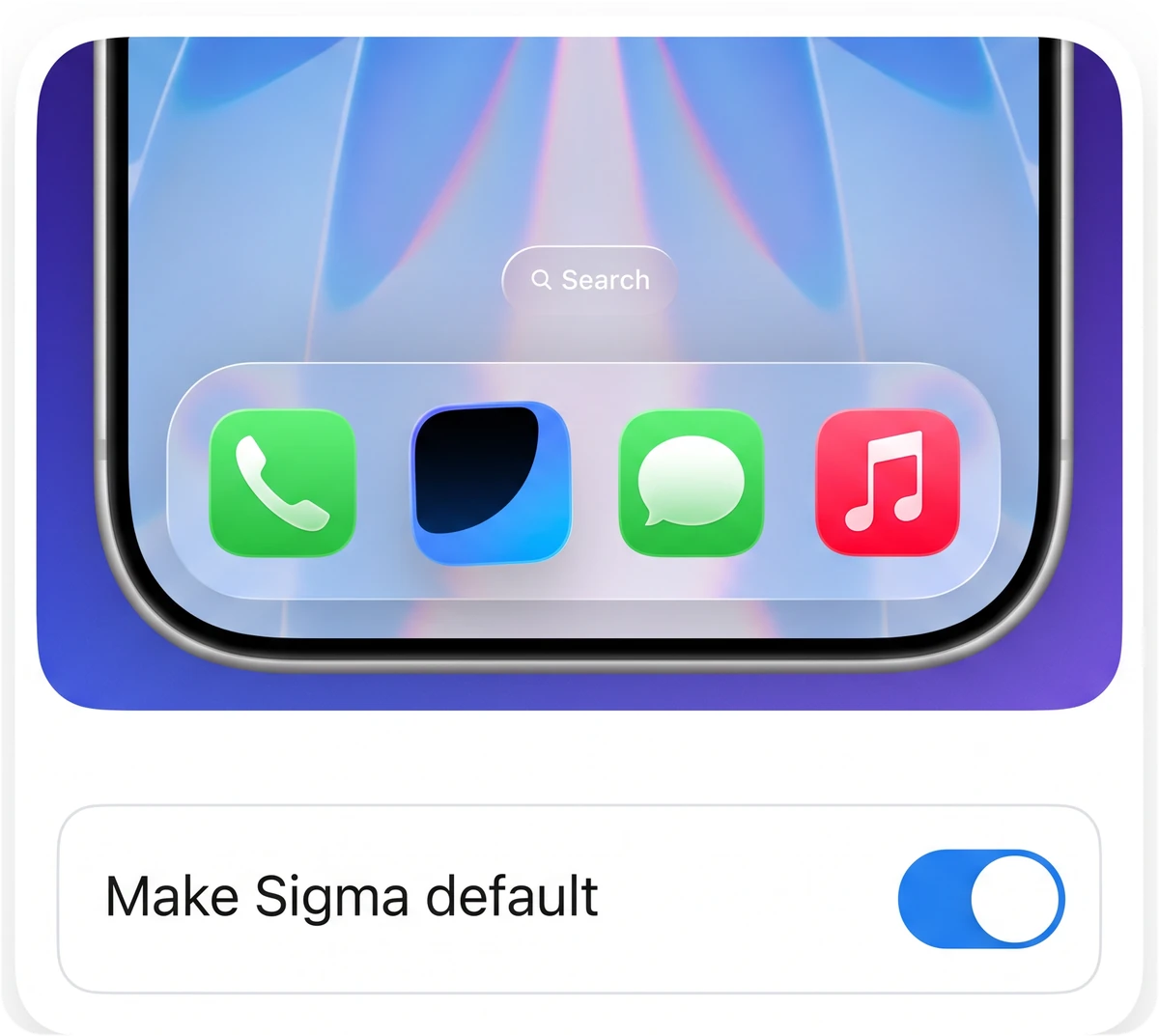
Make it your default
Open iPhone Settings → Sigma → Default Browser App, and links will open in Sigma.
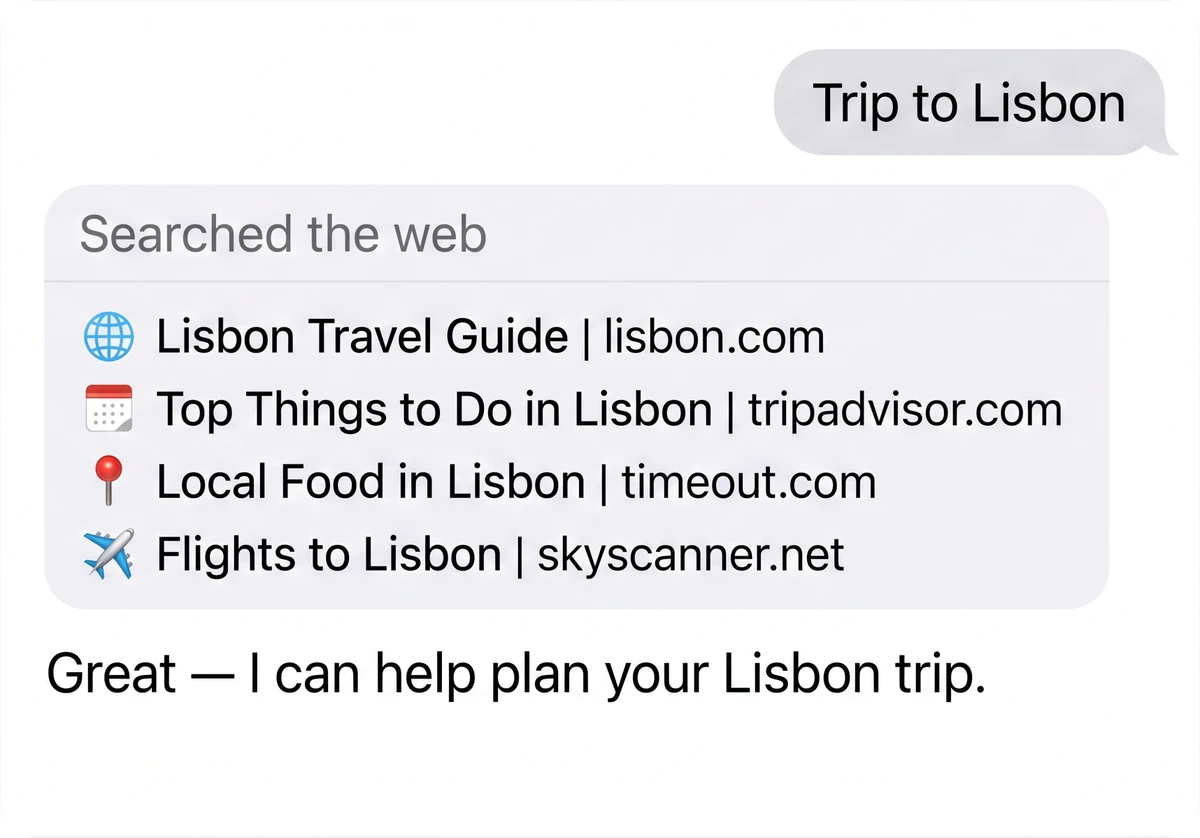
Browse with AI
Tap AI Chat on the start page and ask anything.

Questions & Answers
reach out to us on X at @Sigma_Browser
Get Sigma on Android


