
Top 5 Best Unfiltered AI Chats That Answer Without Limits
Discover the top 5 unfiltered AI chats with no restrictions. Explore tools that deliver open answers, real privacy, and full control.

Unfiltered AI chats that promise “no limits” are still just basic chat interfaces with hidden filters, cloud processing, or limited real-world use. In this article, we tell you about the best unfiltered chats with AI. So you can choose the most useful for you.
What is an Unfiltered AI Chat?
The demand for AI chat tools is growing fast. The global AI chatbot market was valued at $9,56 million in 2025 and is projected to reach $41.29 million by 2033 at a CAGR of 23.3% (Grand View Research).
Most AI models block, rewrite, or refuse certain prompts. For example, they won't answer questions about someone's reputation. But why? Because that person is paying the company that tuned the AI model. And this person wants to hear only good things about himself.
An unfiltered AI chat generates responses without restrictions. It doesn't use heavy moderation layers, predefined restrictions, or strict content filtering. That means users can ask broader, more complex, or unconventional questions and receive answers that are less restricted, more raw, and often more complete.
But “unfiltered” doesn’t always mean completely unrestricted. Some unfiltered chats with AI still apply basic safeguards (legal or security-related). Others, especially local AI models running on your device, can operate with almost no external control, since they don’t rely on cloud moderation systems. Read more in our article about how unfiltered AI chatbots interact with user privacy.
Top 5 Unfiltered AI Chats for Free Usage
Unfiltered chats with AI may offer fewer restrictions, but they lack deeper functionality like research, automation, or content creation workflows. That’s why users switch between multiple tools to actually get things done. Below is a comparison of the top unfiltered AI chats that shows how useful they are.
Sigma Browser
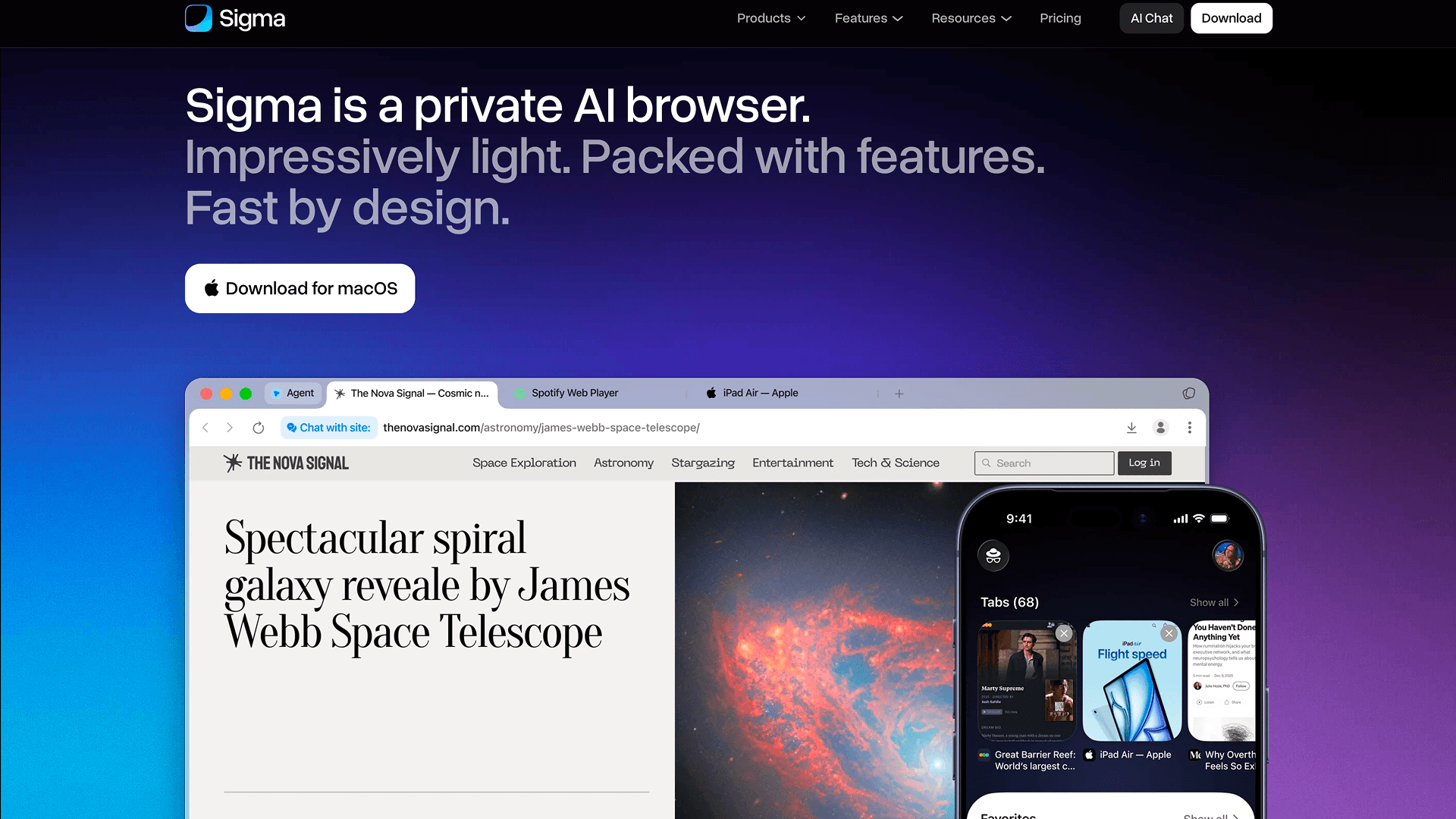
Sigma Browser is the best unfiltered AI for free usage. It combines unfiltered AI with full on-device execution. It’s built on the model Qwen 3.5 4B, which allows users to interact with AI without restrictions. And also without cloud processing.
This directly addresses one of the most widespread consumer concerns: according to Pew Research Center, 81% of consumers think the information collected by AI companies will be used in ways people are uncomfortable with (IAPP). Sigma’s AI runs locally. So your prompts, browsing context, and generated content stay on your device.
Sigma Browser gives users something real control and privacy. There’s no hidden optimization, no silent filtering, and no background data collection shaping the output. Sigma also brings everything into one place, so users don’t have to switch between tools or tabs. Sigma’s AI agent can help with various tasks. Here’s short list:
- Write and edit content: Draft ideas, rewrite text, summarize pages, or translate instantly.
- Generate images: Create visuals on the spot without opening separate tools.
- Run deep research: Quickly scan multiple sources and get clear, structured answers.
- Automate workflow: Let AI handle repetitive or multi-step actions across websites.
Janitor AI
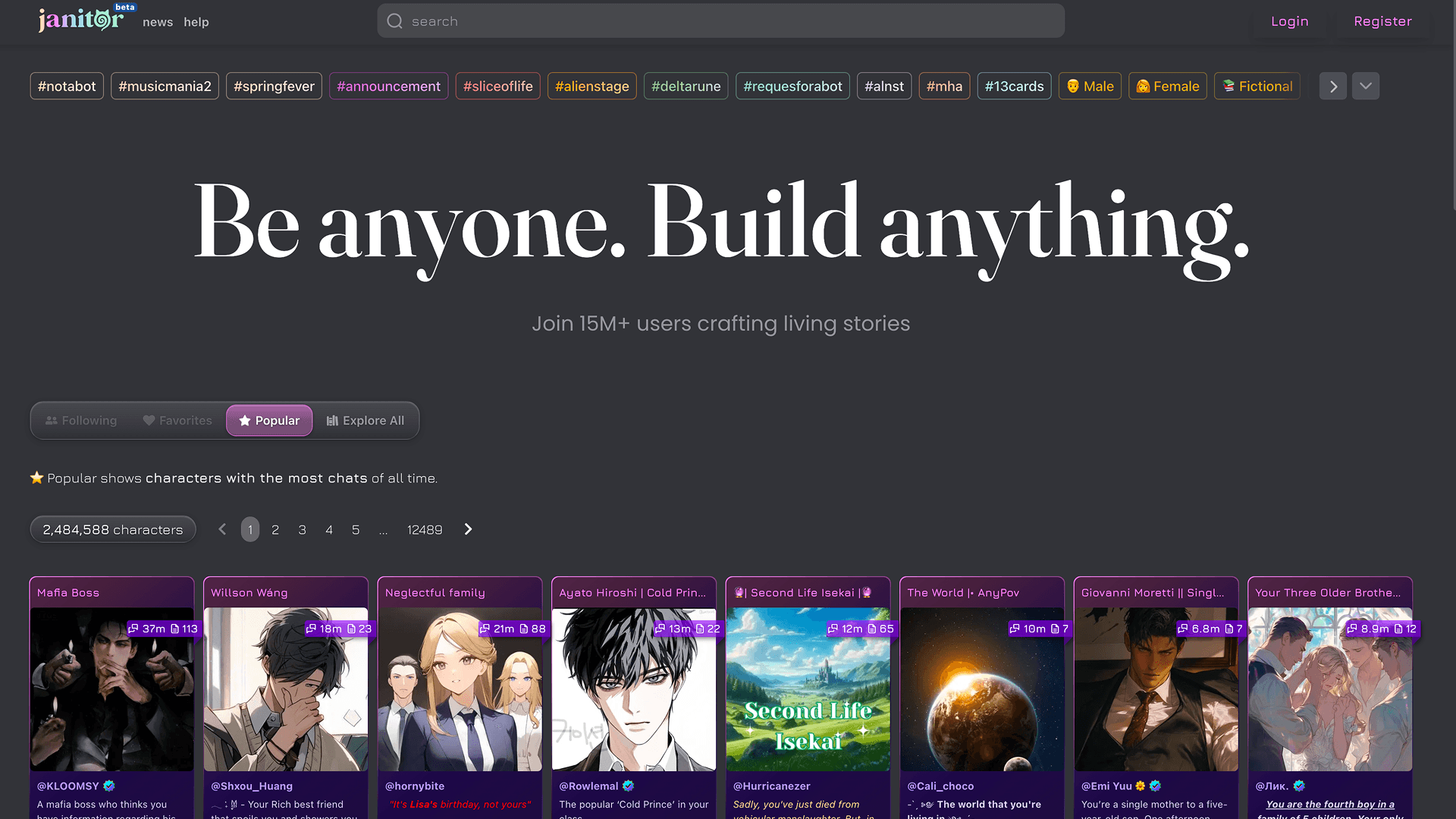
Janitor AI is widely known for its minimal filtering and highly flexible interaction model. It focuses mainly on conversational freedom, especially in roleplay scenarios. Experience with Janitor AI is limited. You can use it for:
- Chat with AI characters: Interact in open-ended, often less restricted conversations.
- Roleplay and storytelling: Create and explore custom scenarios.
- Basic text generation: Generate responses, but without deeper workflow integration.
Janitor AI as unfiltered AI chat relies on external models and cloud-based infrastructure. That means your prompts and interactions are processed outside your device. So the level of privacy depends on the backend being used.
Janitor AI is built primarily around chatting, not full workflows. It doesn’t integrate AI into browsing or productivity environments, so users still need to switch between tools for tasks like research, writing, or content creation.
Pygmalion AI
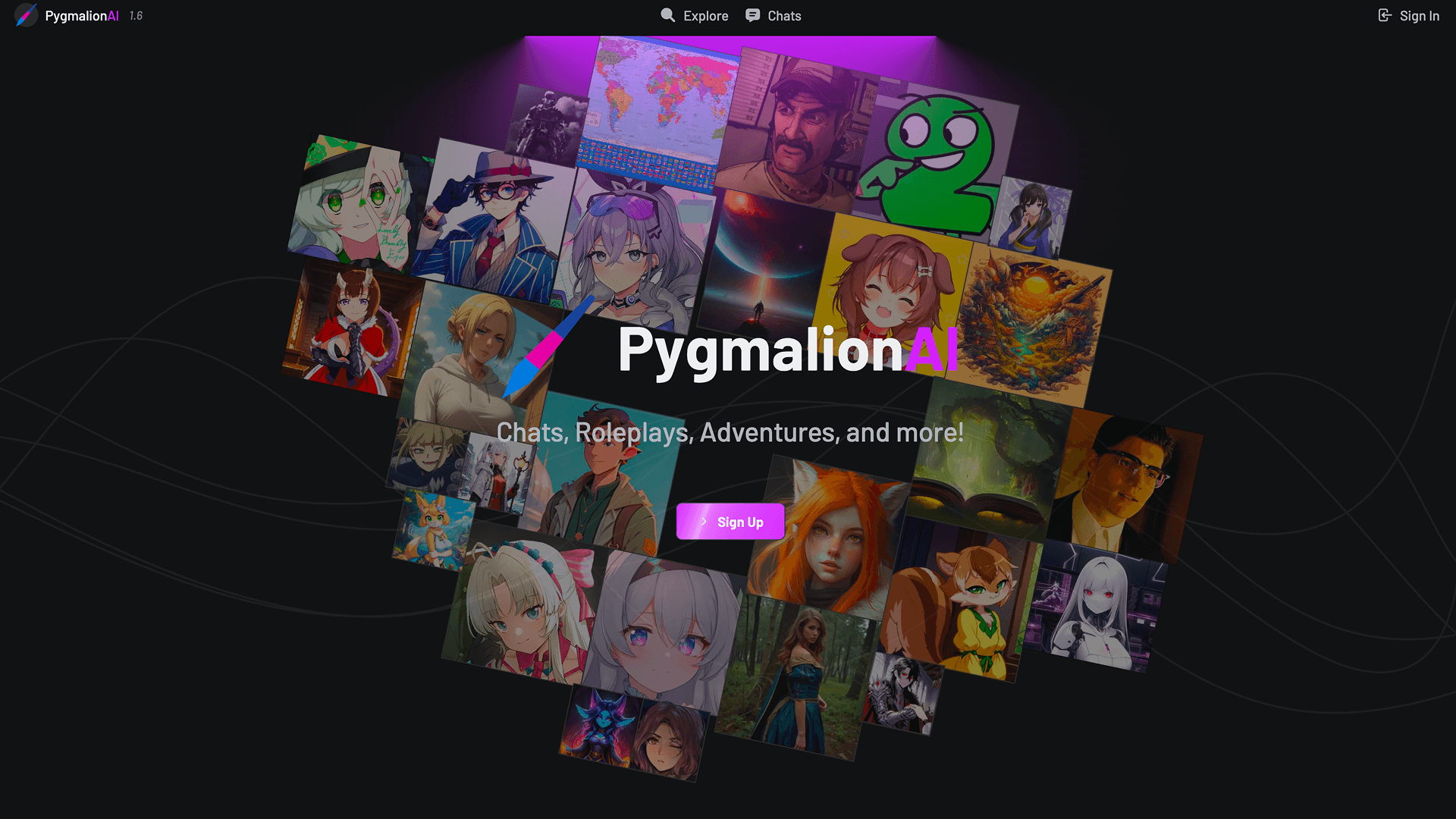
Pygmalion as unfiltered chat with AI is an open-source project designed for users who want complete control over their AI system. It’s self-hosted and runs without built-in moderation. Users have fully unrestricted conversations.
But Pygmalion AI doesn’t come as a complete product. It requires manual setup, configuration, and often third-party interfaces like SillyTavern to function properly. While it can run locally, the experience depends entirely on how it’s deployed. For most users, this means extra complexity, inconsistent performance, and no out-of-the-box privacy guarantees.
Pygmalion also is focused mainly on chat, not on integrated workflows. Users can:
- Experiment with prompts: Explore less restricted outputs.
- Roleplay and storytelling: Flexible, long-form conversations.
- Run AI locally (if configured): Full control, but requires complicated setup.
Pygmalion AI gives flexibility and openness, but lacks the ease of use, unified tools, and seamless privacy-by-default architecture that you get with Sigma.
Chai AI
Chai AI is a mobile-focused AI chat platform designed for quick and easy conversations with a wide range of user-created bots. It offers a relatively open interaction style, making it popular for casual chats, entertainment, and light roleplay.
But Chai AI is fully cloud-based. This means your messages, prompts, and interactions are processed on external servers, with limited transparency around how data is handled.
Chai AI is also built purely as a chat app. As unfiltered AI chat it doesn’t integrate with browsing, research, or productivity workflows. So users are limited to simple conversations without deeper functionality or automation. They can:
- Chat with AI bots: Explore different personalities and conversation styles.
- Casual roleplay: Engage in light, open-ended interactions.
- Basic text responses: Quick replies without advanced tooling.
Chai AI is easy and approachable. But it works more like a standalone chat toy than a full AI system you can actually work with.
GhostGPT
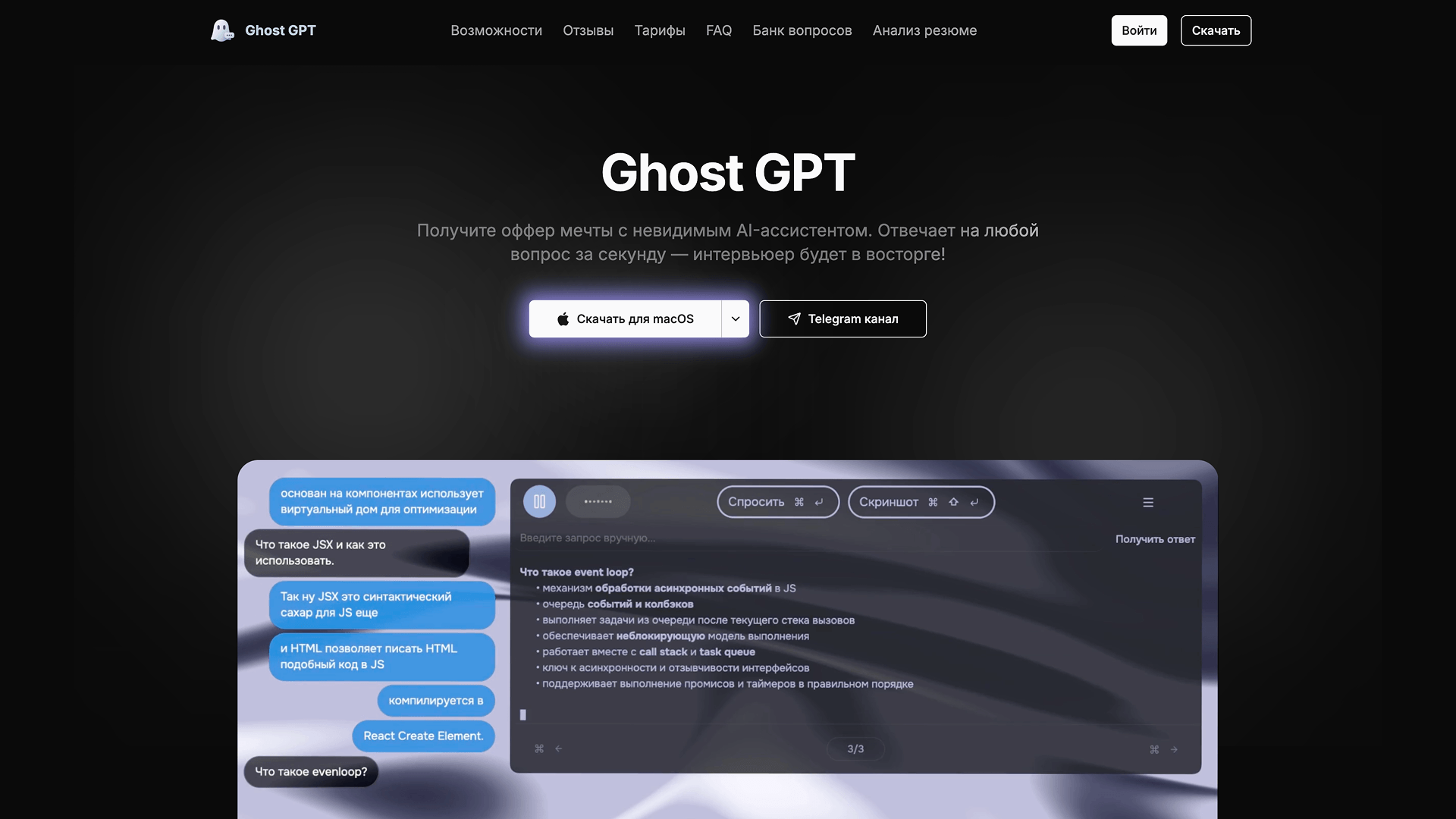
GhostGPT is often described as one of the most extreme examples of “unfiltered” AI. It’s built to bypass typical safety systems and respond to prompts that most AI tools would block, making it appealing to users who want max free answers without restrictions.
But that level of openness comes with serious trade-offs. GhostGPT as an unfiltered AI chat is entirely cloud-based and operates outside transparent, controlled environments. You don’t really know how your data is handled, where it’s processed, or what happens to your inputs. And while it removes filters, it also removes reliability: responses can be inconsistent, unsafe, or just incorrect.
GhostGPT is also just a chat interface.There’s no integration with browsing, no research tools, no automation, and no structured workflows. It gives user raw output, so they can only:
- Ask unrestricted questions: Get responses that most AI tools would refuse.
- Explore edge cases: Test limits of AI behavior.
- Generate raw outputs: Without built-in safeguards or structure.
GhostGPT is more about extremes than balance. It offers maximum freedom, but without privacy, control, or practical tools.
Best Unfiltered AI Chats: Quick Comparison
Here’s a quick comparison of the most popular unfiltered AI chat tools, highlighting how they differ in privacy, flexibility, and real-world functionality.
How to Choose the Best Free Unfiltered AI Chat
To choose the right unfiltered AI chat, it’s important to look beyond surface-level claims and focus on what actually affects your experience. Here’s a simple checklist to compare any unfiltered AI tool:
- True filter level: Fully unfiltered vs partially restricted
- Data handling: Local (private) vs cloud (external processing)
- Real functionality: Chat only vs tools for research, writing, automation
- Ease of use: Simple apps vs complex setups
- Control & customization: How much you can adjust behavior
These factors directly shape how useful and trustworthy an AI chat actually is. For example, a tool may claim to be unfiltered, but still apply hidden moderation or limit certain outputs. Сloud-based tools may expose your prompts, while local AI keeps everything private.
Most AI chats at our top are still just chat interfaces, built for conversations rather than real work. And users still need other apps for real work. So if you need AI without restrictions to automate your entire workspace, you'll have a hard time finding a tool for that. There are simply no alternatives for Sigma Browser in this way. Read our article to know if there really is an AI with no restrictions.
More articles


Download Sigma Browser
Questions & Answers
reach out to us on X at @Sigma_Browser
Get Sigma on Android


