
9 Best Chrome Alternatives in 2026: Browsers Worth Switching To
A practical guide to Chrome alternatives worth switching to, including private, fast, AI-friendly, and productivity-focused browsers.

Google Chrome's still the browser most people automatically install, but an increasing number of users are actively on the hunt for chrome alternatives that are faster, cleaner, more private - or just a whole lot better for getting work done these days. Over the past few years, browsers have evolved way beyond just being a tool to open websites. That's why a lot of users no longer just pick a browser based on speed tests or market share - these days they care about stuff like multitasking, memory usage, how private their browser is, how easy it is to customize, how well it blocks ads, if it's got AI answers, and how comfortable it feels after hours of actual work. And in 2026, there are now actually some alternative web browsers that are genuinely competing with Chrome rather than just copying it.
Quick Picks
- Sigma Browser: Best for AI-powered workflows
- Brave: Best for privacy with Chrome extension support
- Firefox: Best non-Chromium alternative
- Vivaldi: Best for customization
- Microsoft Edge: Best for Windows integration
- Opera: Best for built-in tools
- Zen Browser: Best for a focused Firefox-based workspace
- Safari: Best for Apple users
- Tor Browser: Best for anonymity
9 Best Chrome Alternatives in 2026 Compared
What Makes a Good Chrome Alternative
The best chrome alternative totally depends on how you use the web.
For some users, the single most important thing is that the browser is private. They want a browser that's got strong tracking protection, an inbuilt ad blocker, and doesn't have loads of connections to advertising platforms. Others want to stick with a chromium based browser because they still rely on Chrome extensions and like the compatibility with websites and web apps. There are also users who care most about multitasking features like vertical tabs, split workspaces, AI integrations, or just how much you can customize the browser with extensive customization options.
A good alternative browser is one that gets a few key things right: performance, memory efficiency, extension support, workflow convenience, privacy, sync between devices, and how usable it is after hours of browsing. And in 2026, many browsers have finally got to the point where they can seriously compete with Chrome on those points.
How We Evaluated Chrome Alternatives
A useful Chrome replacement needs to solve a real problem without creating three new ones.
We compared these browsers based on how easy they are to adopt after Chrome, whether existing extensions still work, what privacy protections come built in and which desktop or mobile platforms they support. We also looked at productivity features, AI capabilities, customization and limitations that could affect daily use.
The ranking is based on documented features, migration options and practical trade-offs that can affect everyday use.
Sigma Browser: Best Chrome Alternative for AI-Powered Workflows
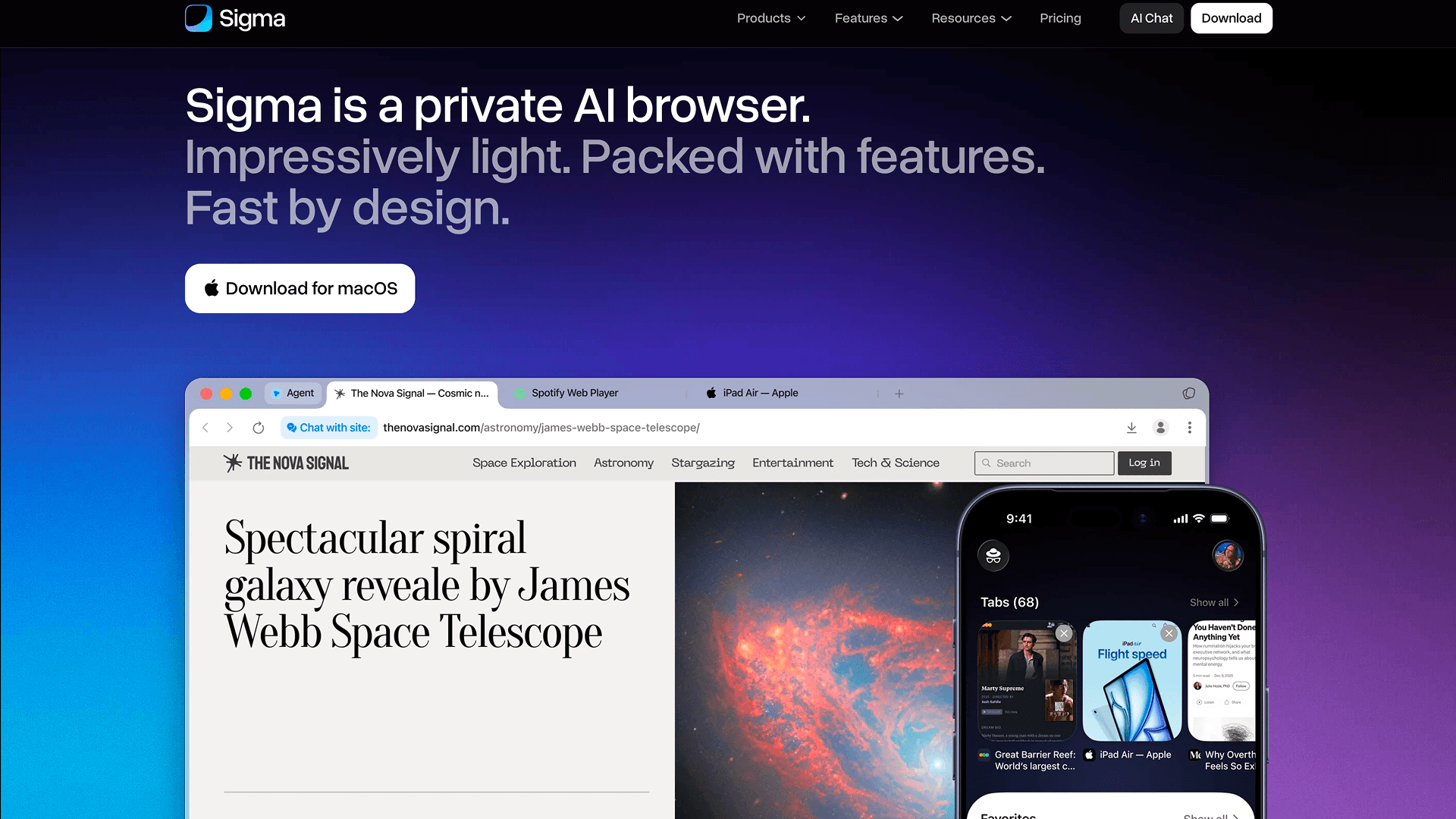
Sigma is most relevant if you regularly use AI while researching, reading or working on the web.
Why switch from Chrome: Chrome now brings Gemini directly into the browser, so AI assistance alone is no longer a reason to switch. Sigma's main difference is control over how that AI works.
Instead of relying on a single cloud assistant, Sigma lets you switch between cloud and local AI models. Local models can process prompts, page content and files directly on your device, work offline and keep sensitive data from being sent to an external AI provider. You can use the same local setup for AI Chat, page summaries and browser-agent tasks.
That makes Sigma a stronger fit if you want an AI browser without tying every AI workflow to one provider or sending every task to the cloud.
Privacy is another important difference. Sigma includes tracker protection and built-in ad blocking. For supported AI tasks, you can also run local models directly on your device, which keeps prompts, page content and files from being sent to an external AI provider.
What you'll keep: Sigma is Chromium-based and supports Chrome extensions, so most existing browser workflows can carry over without major changes.
Main drawback: Linux support is not available yet, and the browser's main advantages are less relevant if AI is not a regular part of how you browse.
Brave: Best Chrome Alternative for Privacy
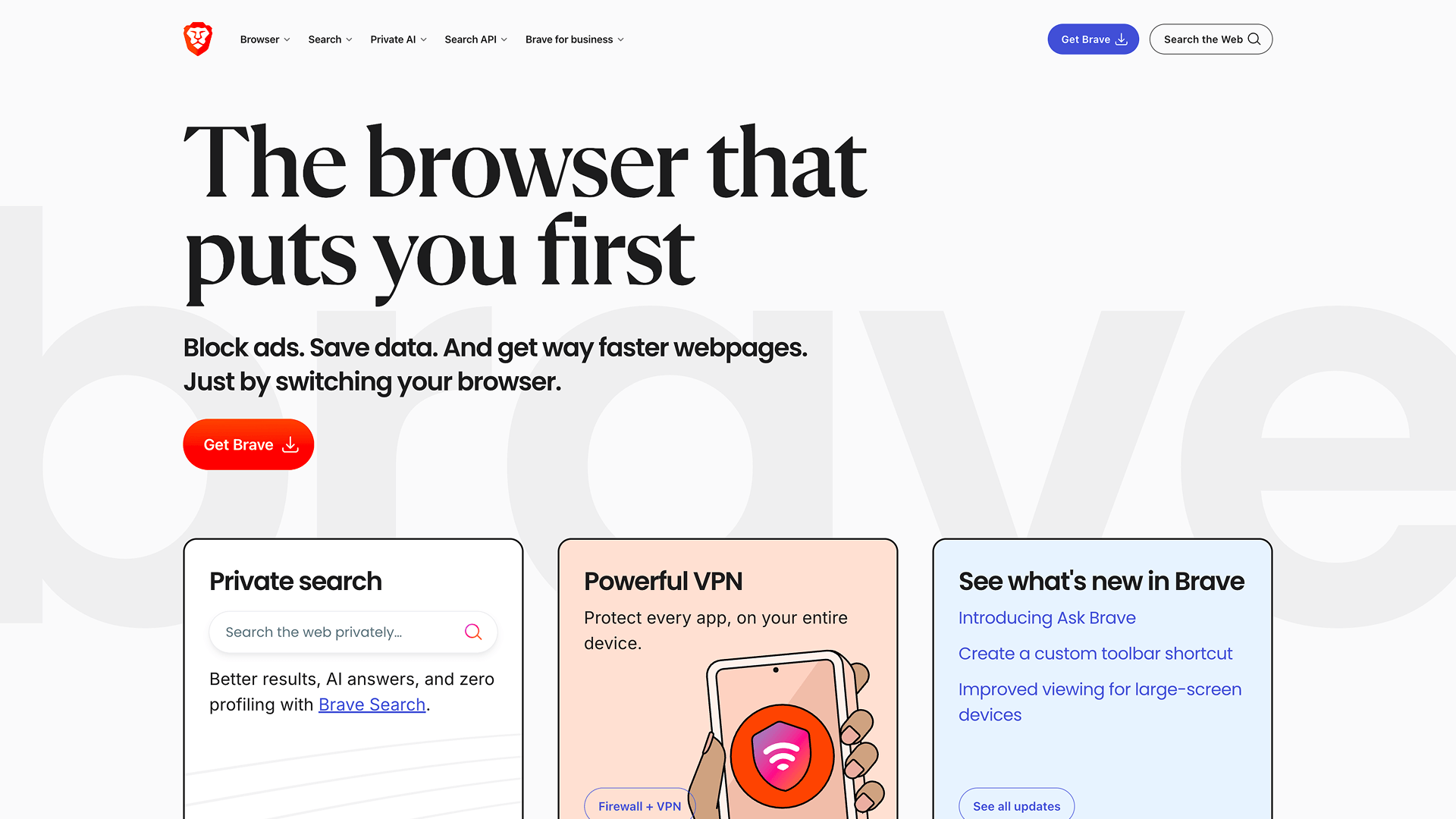
Brave is a strong choice if you want better privacy by default without giving up Chrome extensions.
Why switch from Chrome: Brave Shields block third-party ads, trackers, cross-site cookies and some fingerprinting techniques without requiring a separate extension. The browser also includes Leo for page summaries, questions and writing assistance.
What you'll keep: Brave is Chromium-based and supports Chrome Web Store extensions, so most existing browser setups can carry over with little friction.
Main drawback: Brave also includes optional Rewards and crypto-related features. They can be ignored, but they add features that have little to do with the browser's core privacy focus.
Firefox: Best Non-Chromium Chrome Alternative
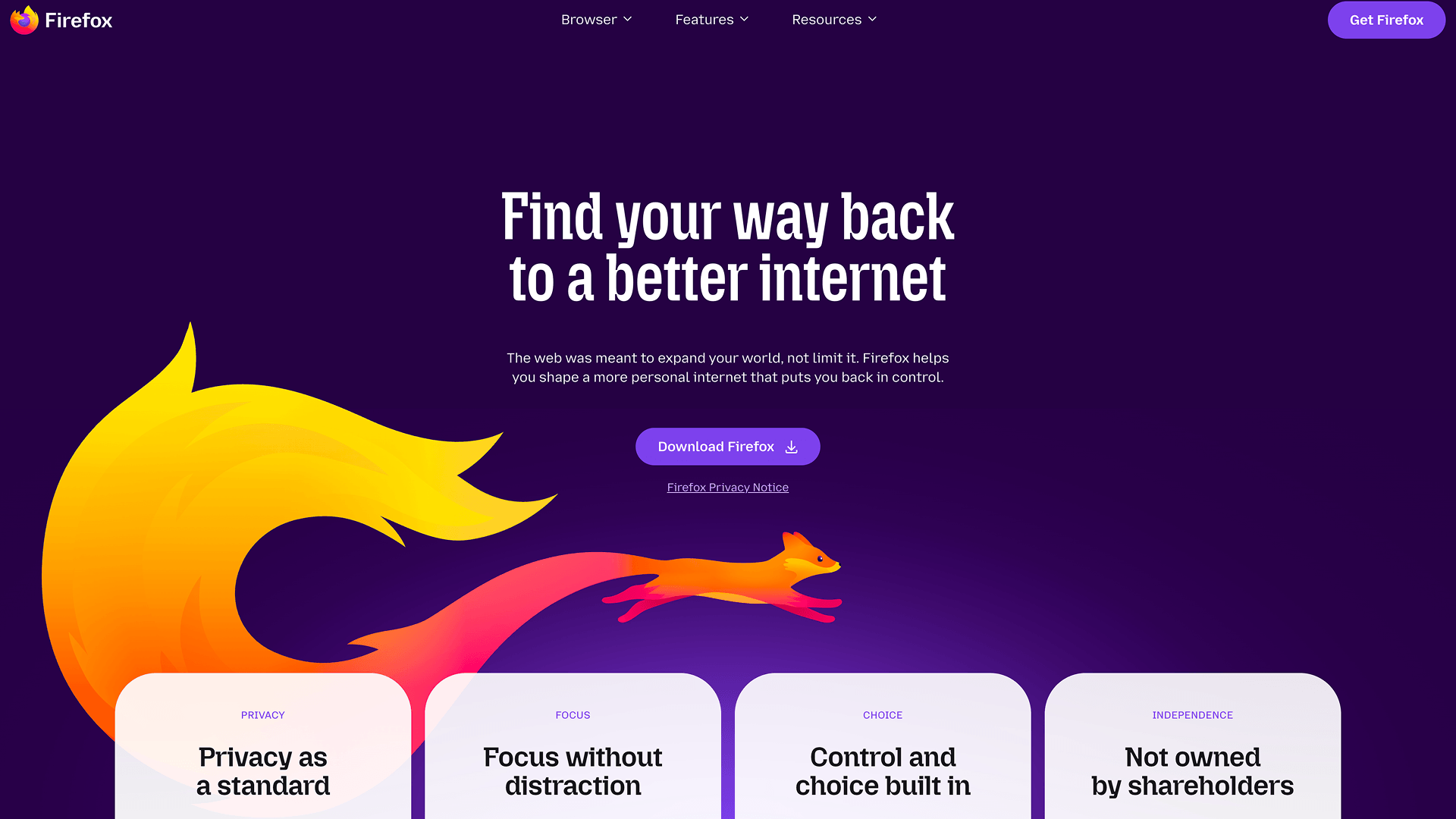
Firefox is the clearest choice if leaving Chromium itself is part of the reason you want to switch.
Why switch from Chrome: Firefox uses Mozilla's Gecko engine and includes Enhanced Tracking Protection, which blocks many known trackers and isolates cross-site cookies. It also offers optional AI integrations that can be disabled individually.
What you'll keep: Firefox can import bookmarks, history and other browser data from Chrome.
Main drawback: Chrome extensions do not work directly. If your setup depends on a specific extension, check whether a Firefox version exists before switching.
Vivaldi: Best Chrome Alternative for Customization
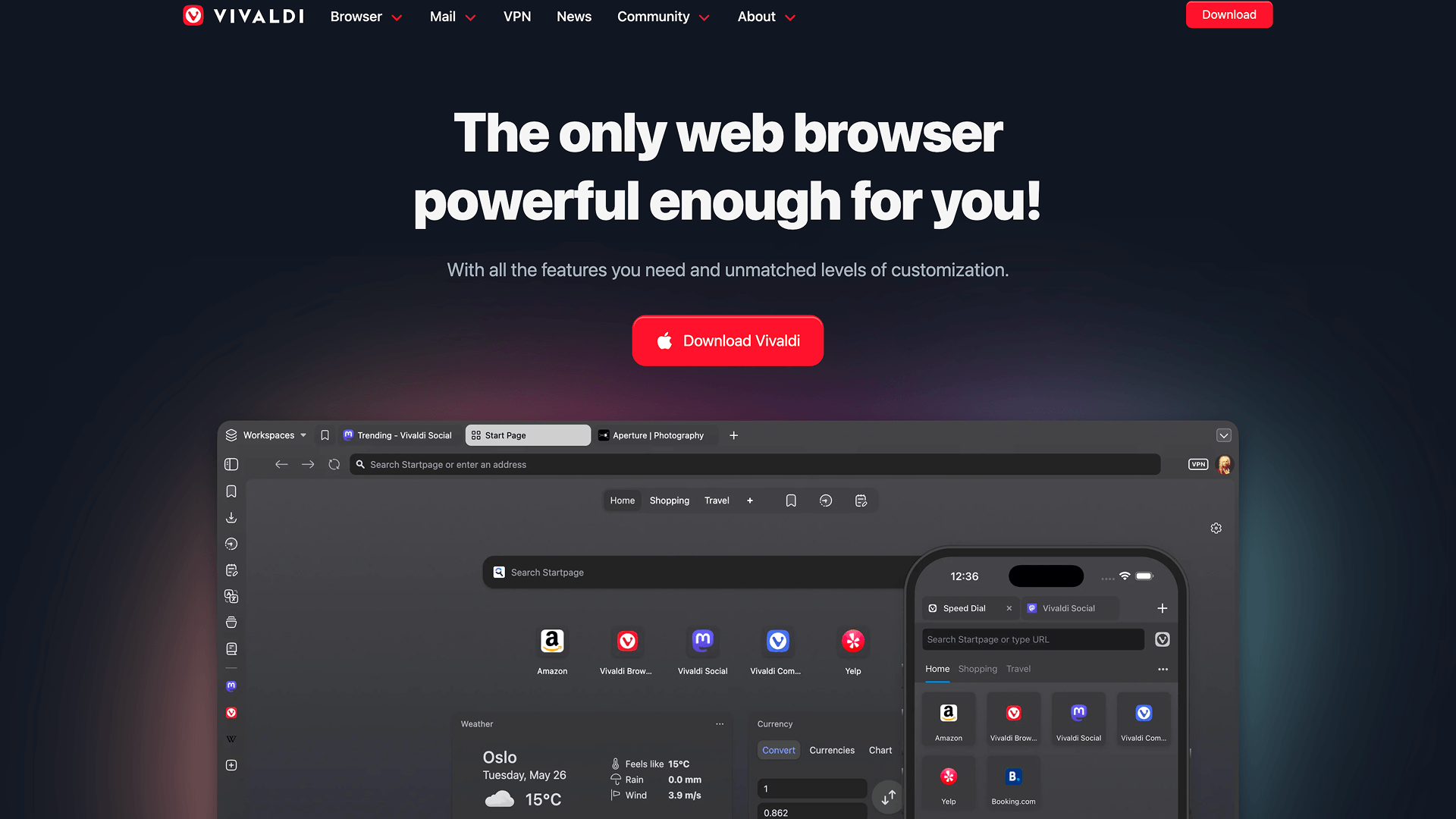
Vivaldi is a good fit if Chrome feels too restrictive and you want much more control over the browser interface.
Why switch from Chrome: Vivaldi lets you change tab placement, keyboard shortcuts, gestures, toolbars and other interface elements. Tab Tiling is especially useful if you often need to keep several pages visible in the same window. It also includes built-in tracker and ad blocking.
Unlike many browsers in 2026, Vivaldi does not include a built-in generative AI assistant, focusing instead on browser customization and user-controlled tools.
What you'll keep: Vivaldi is Chromium-based, so Chrome Web Store extensions work. Its migration tools can also import bookmarks, passwords, history, open tabs and extensions from other Chromium browsers.
Main drawback: The amount of customization can be excessive if you prefer Chrome's simpler defaults.
Microsoft Edge: Best Chrome Alternative for Windows
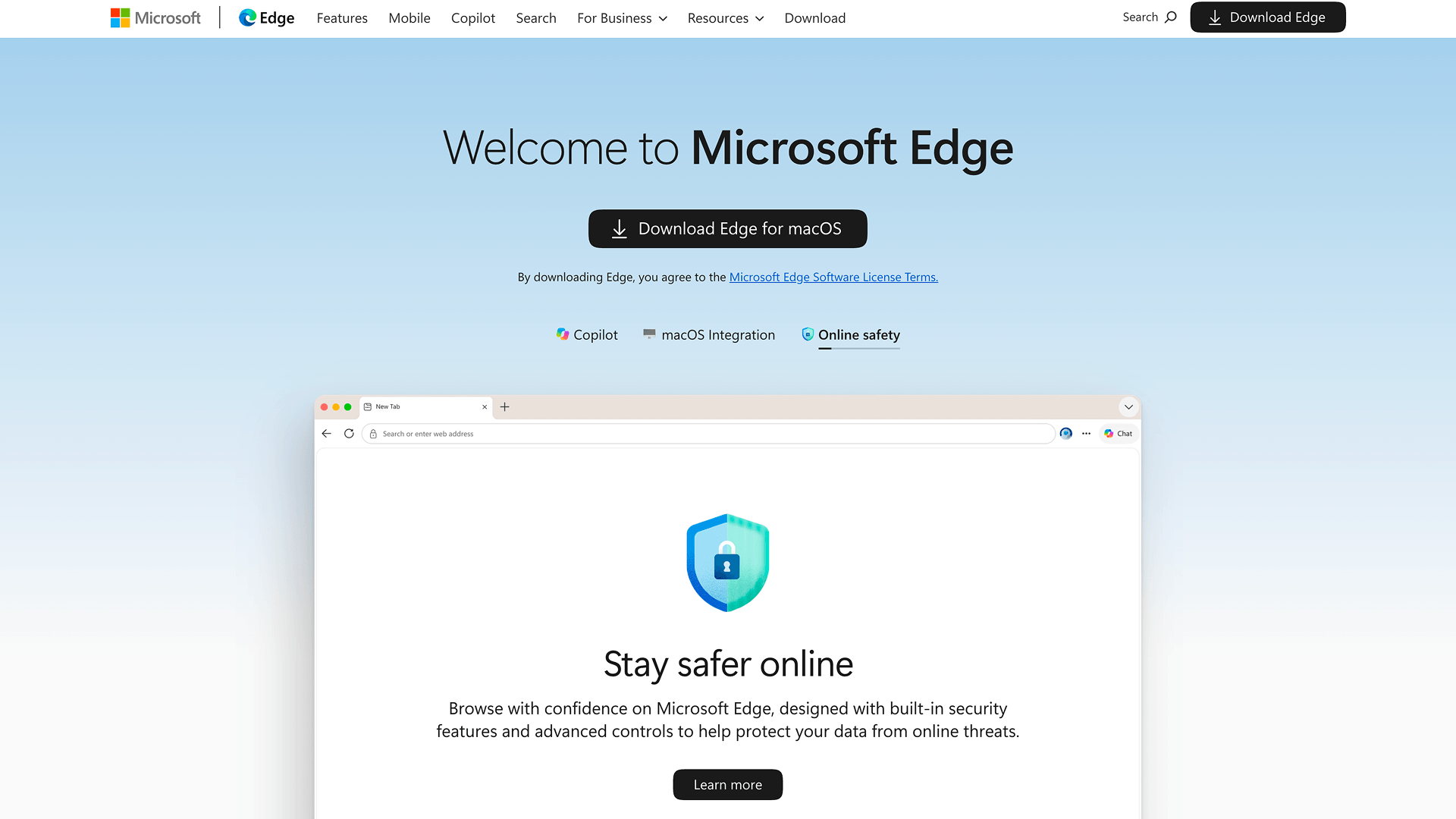
Edge is easiest to recommend to Windows users who want to keep Chrome compatibility while using more Microsoft features.
Why switch from Chrome: Edge includes Copilot, which can use context from webpages, open tabs, videos and PDFs to summarize content or answer questions. Its integration with Windows and Microsoft 365 is also deeper than Chrome's.
What you'll keep: Edge can import Chrome data, including favorites, history and extensions, and it supports extensions from the Chrome Web Store. For most Chrome users, the migration requires relatively few changes.
Main drawback: The close integration with Microsoft services can feel excessive if reducing ecosystem dependence is one of the reasons you are leaving Chrome.
Opera: Best Chrome Alternative for Built-In Tools
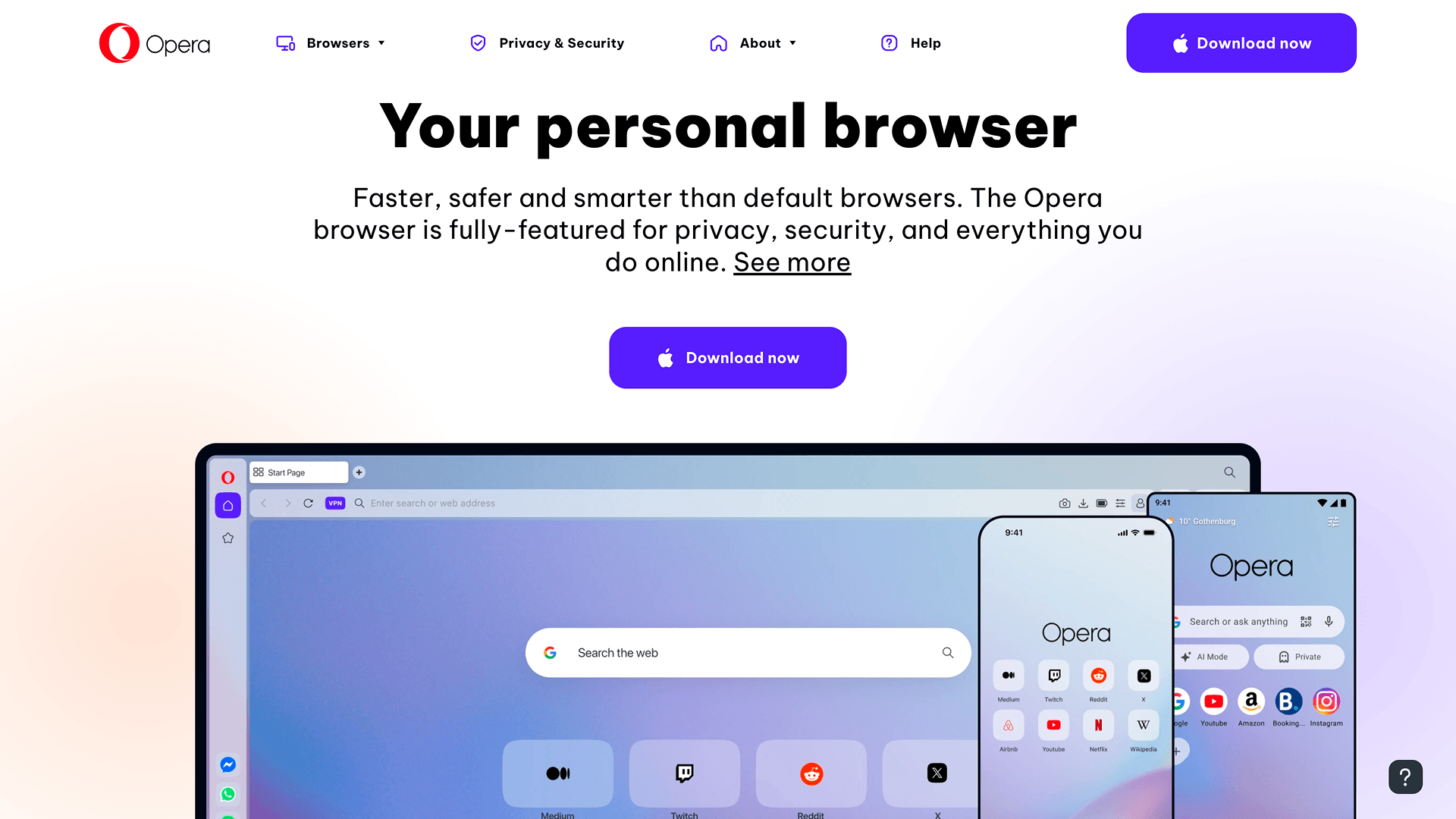
Opera is a good option if you prefer having more features built into the browser instead of adding them through extensions.
Why switch from Chrome: Opera includes an ad blocker, workspaces, sidebar tools and its own AI assistant. The AI can use context from open tabs and PDFs, which makes it useful for tasks that would otherwise require switching to a separate tool.
What you'll keep: Opera is Chromium-based and supports Chrome extensions. It can also import bookmarks, history, saved passwords and cookies from Chrome.
Main drawback: Opera puts a lot into the browser interface. If you prefer Chrome's relatively simple layout, the sidebar and built-in tools can make it feel crowded.
Zen Browser: Best for a Focused Firefox-Based Workspace
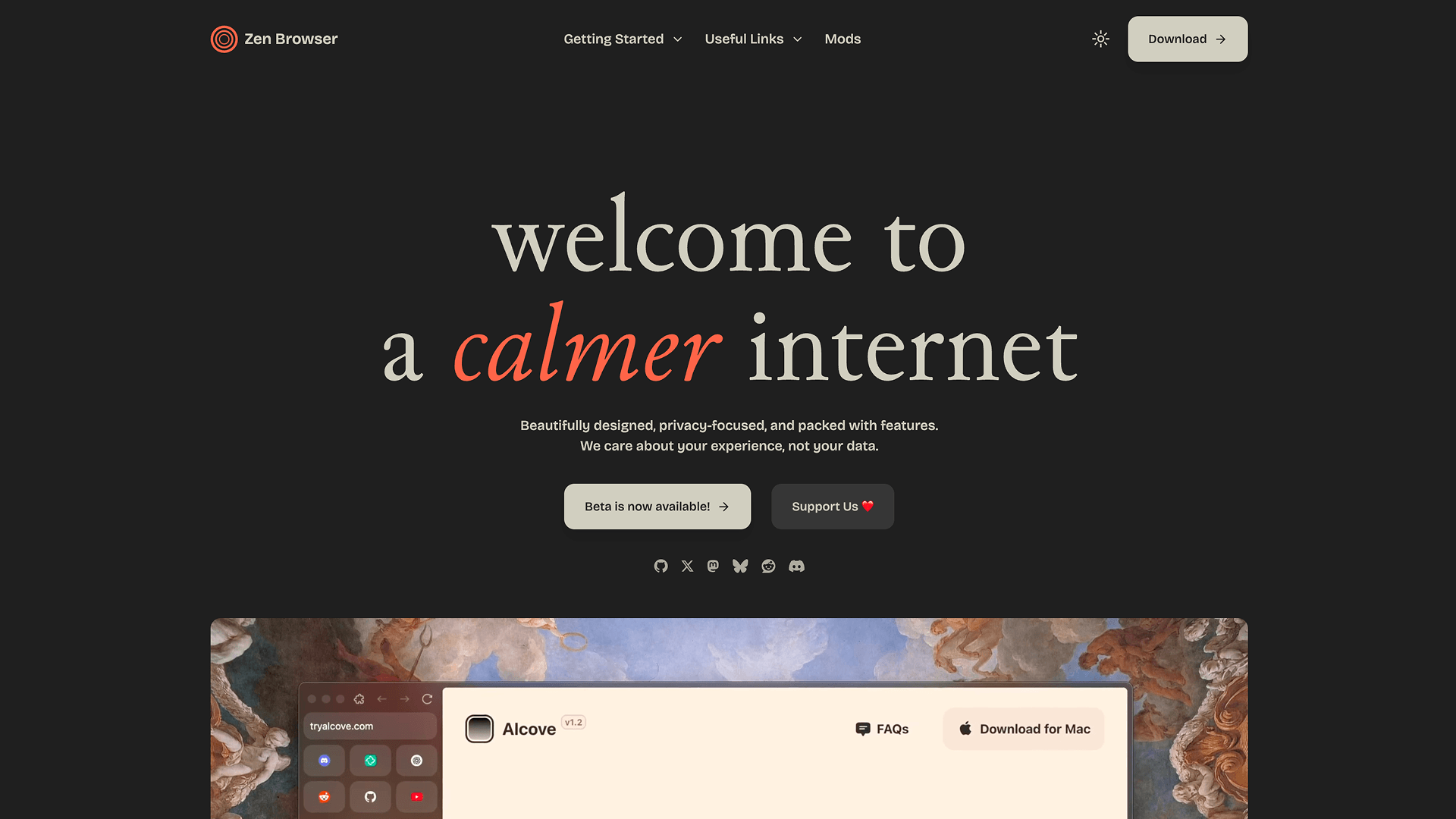
Zen is worth considering if you want a Firefox-based browser with more emphasis on workspaces and tab organization.
Why switch from Chrome: Zen is built around features such as Workspaces, Compact Mode and Split View. They make it easier to separate projects and keep multiple pages visible without relying on a long row of conventional tabs.
What you'll keep: Zen uses Firefox Sync and Firefox add-ons, so bookmarks, history, passwords and supported extensions can sync through a Mozilla account.
Main drawback: Chrome extensions do not work directly, and Zen is still a smaller project under active development. Users who need mature enterprise support may be better served by Firefox.
Safari: Best Chrome Alternative for Apple Users
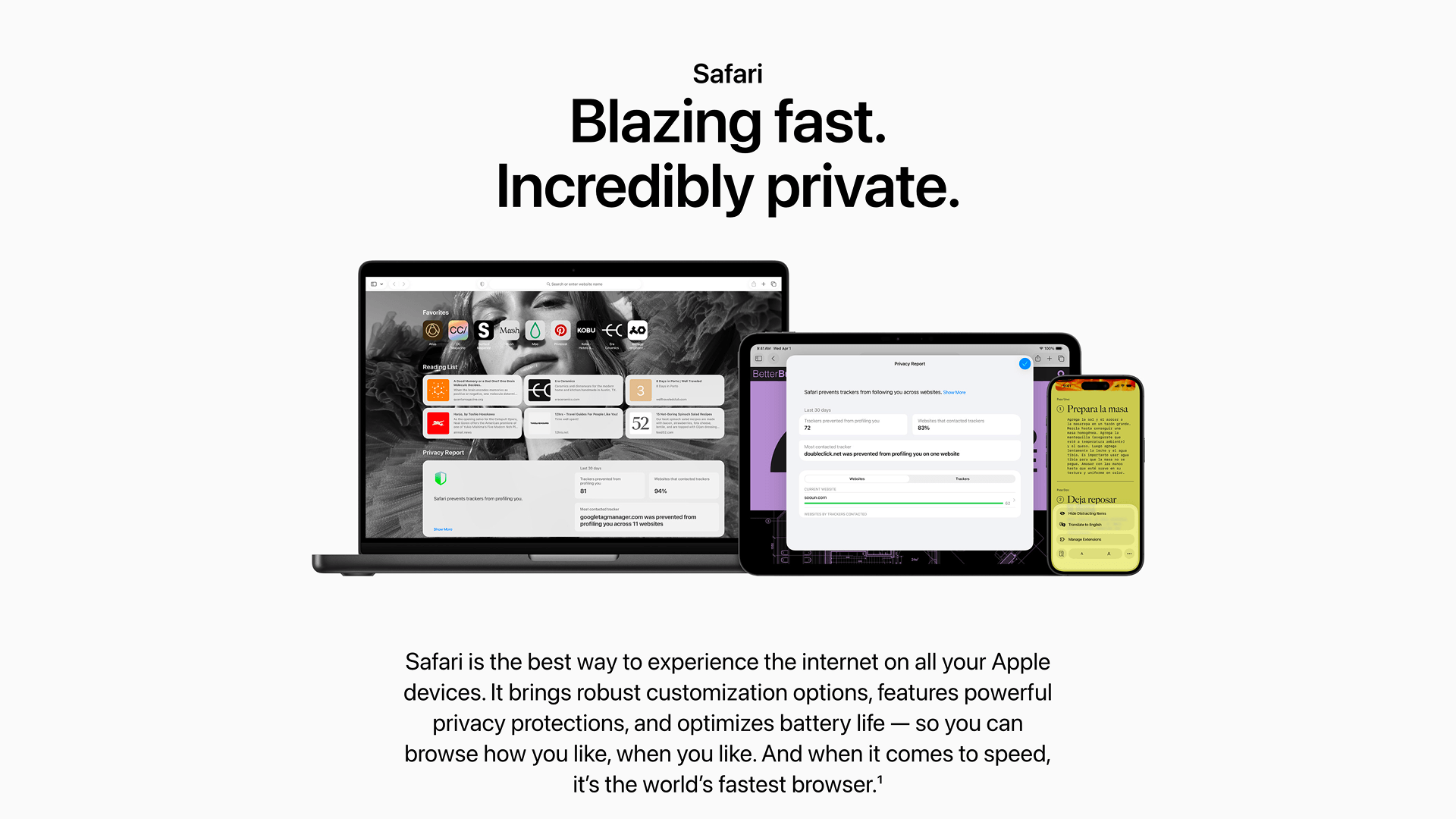
Safari makes the most sense if most of your browsing happens across Mac, iPhone and iPad.
Why switch from Chrome: Safari is tightly integrated with Apple's password, privacy and device features. On supported devices, Apple Intelligence can also summarize webpages directly in the browser.
What you'll keep: On Mac, Safari can import bookmarks, history and passwords from Chrome, so moving basic browser data is relatively straightforward.
Main drawback: Safari does not support Chrome extensions and is much less practical if you regularly switch between Apple devices and Windows or Android.
Tor Browser: Best Chrome Alternative for Anonymity
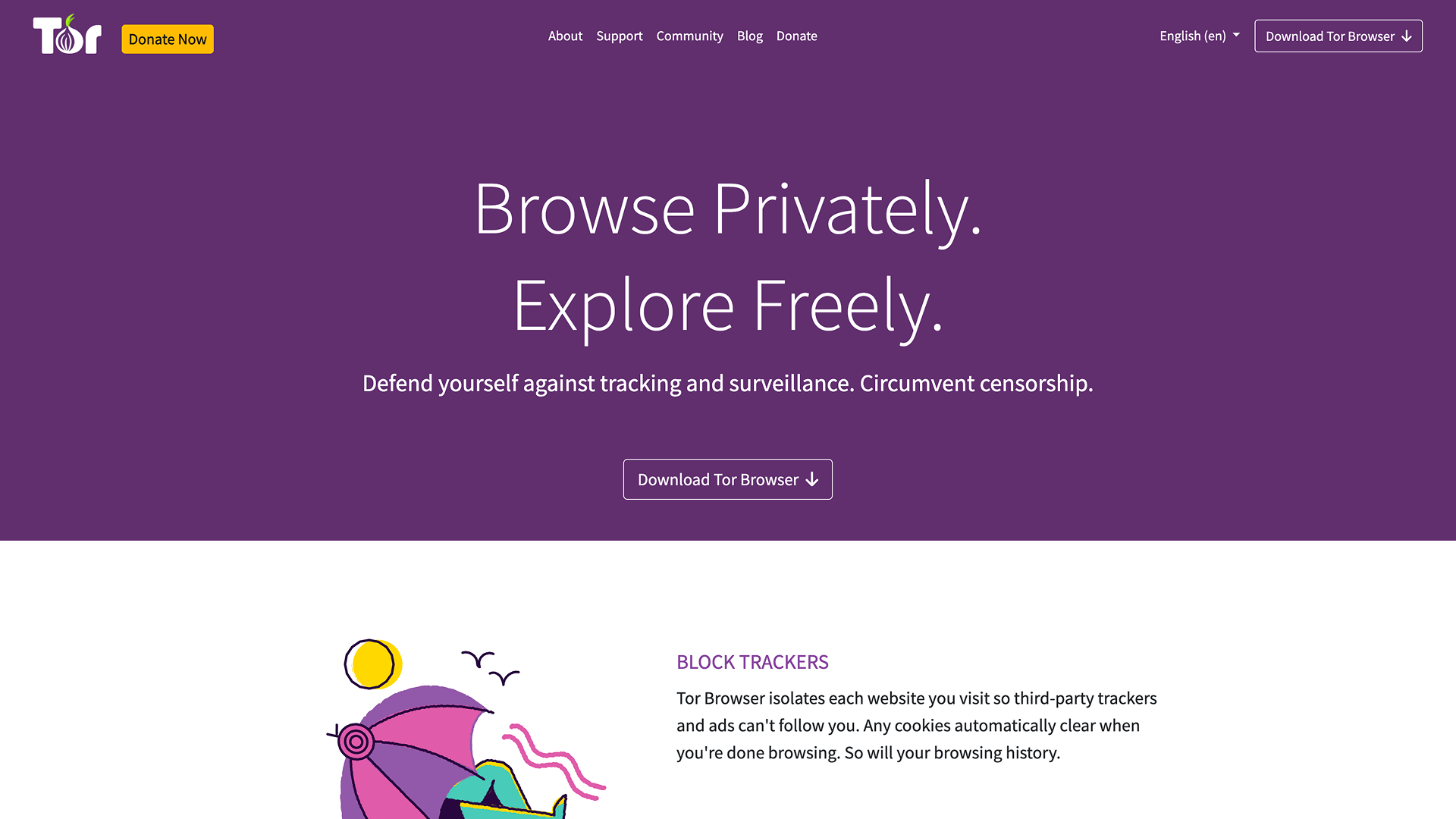
Tor Browser is designed for situations where anonymity matters more than speed or convenience.
Why switch from Chrome: Tor routes browsing through the Tor network and includes protections intended to reduce tracking and browser fingerprinting.
What you'll keep: Bookmarks can be imported on desktop, but Tor is not designed to reproduce a normal Chrome setup. Although it is Firefox-based, the Tor Project discourages adding extra extensions because they can make your browser more distinctive.
Main drawback: Tor is slower than a conventional browser, and some websites restrict or block Tor traffic. It is better suited to specific privacy needs than everyday browsing.
How Easy Is It to Switch From Chrome?
Moving bookmarks and passwords is relatively straightforward with most Chrome alternatives. Extensions are usually the bigger issue.
Chromium-based browsers offer the easiest transition because they can continue using extensions from the Chrome Web Store. Firefox-based browsers, Safari and Tor require more adjustment because they rely on different extension systems.
Migration can also vary by platform. Firefox users on Windows may need to transfer passwords through CSV in some cases, while Safari can import Chrome bookmarks, history and passwords directly on Mac. Tor is the least conventional migration path because its privacy model discourages recreating a heavily customized browser setup.
Which Chrome Alternative Is Best for Different Users?
The best chrome alternative depends less on popularity and more on how you actually use the web every day. Some browsers focus heavily on privacy, while others are designed around multitasking, customization, or cleaner browsing experiences.
Final Thoughts on Chrome Alternatives in 2026
The truth is, Google Chrome is still a really powerful browser – but it's no longer the default choice for everyone. The market's changed a lot, and now we have a whole bunch of alternatives that are geared towards specific needs, whether that's better privacy, more customization, or just a more streamlined experience that fits with how we actually work.
Some users want fewer ads and cleaner controls. Others want stronger customization options, better multitasking, more RAM savings or AI-focused features. I reckon the most practical approach is to try out a few, see how they fit with your actual workflow. The browser that feels great for heavy multitasking may be unnecessary for just browsing the web, while a lightweight browser that's optimized for simplicity may struggle when you need to get some real work done.
In 2026, choosing a browser isn't about following the most popular option – it's about finding a browser that actually fits the way you use the web every day, whether that's on desktop, linux, macos or android.
More articles
.webp)
.webp)

Download Sigma Browser
Questions & Answers
reach out to us on X at @Sigma_Browser
Get Sigma on Android


