
Best AI Browsers for iPhone in 2026: 11 Apps Compared
We compared 11 AI browsers for iPhone — agents, assistants, prices, and which one fits how you browse.

More and more people are using AI to browse the web. In 2023, AI handled under 10% of search interactions, but by 2026 this number increased to 30%, according to Digital Applied, and it will likely keep growing.
And if you're still using Chrome or Safari as your main iPhone browser, you're missing out on many powerful features that can improve how you find and consume information online.
With that in mind, we compared 11 AI browsers available on iPhone in 2026 so you don't have to install them all — from fully agentic apps that complete multi-step tasks to assistants that summarize and answer questions. Here's what each one does on iOS specifically, what it costs, and which one fits how you browse.
What Is an AI Browser
Before we dive into the comparison, let's quickly talk about what an AI browser is. By definition, an AI browser is a web application similar to Chrome or Safari that opens and displays web pages, but also integrates a chat with a large language model (LLM) into its core experience.
Unlike conventional browsers, AI browsers have built-in ways to:
- Summarize web pages with AI
- Answer questions about information on the page you have open in chat
- Synthesize information from multiple sources
- Autonomously interact with websites on your behalf
All of these functions are available directly in the browser, so you don't need to switch to an external AI app, like ChatGPT or Claude, to use AI.
Types of AI Browsers
There are three different types of AI browsers, and we can divide them based on how deeply they integrate AI into the core experience:
A chat-augmented browser integrates an AI assistant into a traditional browser. The assistant can summarize pages, answer questions, translate content, and provide explanations based on the current webpage. Chrome and Safari can do this, for example.
An AI-first browser is designed around AI as a core feature — in addition to AI chat, these browsers provide integrated research, content synthesis, and AI-first workflows.
An agentic browser is the most advanced type of AI-first browsers — they can autonomously perform multi-step tasks on your behalf, like navigating websites, completing forms, or extracting structured data before returning the results.
Some browsers that market agentic features actually offer AI agents exclusively for their desktop versions, but not on iPhone.
Best AI Browsers for iPhone at a Glance
The table below summarizes the best AI browsers for iPhone in 2026:
Scroll horizontally to compare AI browsers for iPhone →
Browser | AI level on iOS | Key AI features | Price | Best for |
|---|---|---|---|---|
Sigma AI Browser | Agent | Sigma Chat, AI Agent, Deep Research | Free / Plus $10/mo / Pro $75/mo | Private AI + automation |
Perplexity Comet | Agent | Comet Assistant, hybrid search, voice mode | Free / Pro $20/mo / Max $200/mo | AI search and research |
Arc Search | Agent | Browse for Me (synthesized answers) | Free | Fast answers, zero setup |
Brave + Leo | Assistant | Page/video/PDF summaries, BYOM | Free / Premium $14.99/mo | Privacy with model choice |
Microsoft Edge + Copilot | Assistant | Copilot chat, Journeys, multi-tab reasoning | Free | Microsoft 365 users |
Chrome + Gemini | Assistant | Gemini 3 in address bar, page Q&A | Free | Google ecosystem |
DuckDuckGo + Duck.ai | Assistant | Duck.ai chat, Search Assist, Fire Button | Free / Plus $9.99/mo / Pro $19.99/mo | AI on your own terms |
Safari + Apple Intelligence | Assistant | Summaries, Highlights, Live Translation | Free | Zero-install default |
Genspark | Agent | Autopilot Mode, MCP Store (700+ tools) | Free / Plus $24.99/mo / Pro $249.99/mo | Power users and workflows |
Aloha Browser | Assistant | Private AI Assistant, VPN, media tools | Free / Premium $7.99/mo | All-in-one private browsing |
Opera + Aria | Assistant | Aria chat (Neon agent is desktop-only) | Free (Neon $19.90/mo) | Opera loyalists |
How We Evaluated These AI Browsers
When deciding which browser to include, we considered:
- Summarization quality. Can the browser condense a long article, a PDF, or a video accurately without hallucinations?
- Agentic reliability on iOS. Does the agent work on an iPhone?
- Search quality. AI answers are only as good as retrieval — and how well does the browser handle navigational queries? When you want a specific site or page, does it find it and present it in the chat?
- Privacy and data handling. Where do your prompts go, are they stored, and are they used for training?
- Pricing and value. How much does the browser cost to use and is there a free tier?
The Best AI Browsers for iPhone in 2026
Let's look at each AI browser in more detail.
1. Sigma AI Browser
Sigma is a privacy-first AI browser we've developed, built on the Chromium engine — it takes the familiar experience of Google Chrome and transforms it into something completely different: a secure, advanced AI-forward browsing app for iPhone.
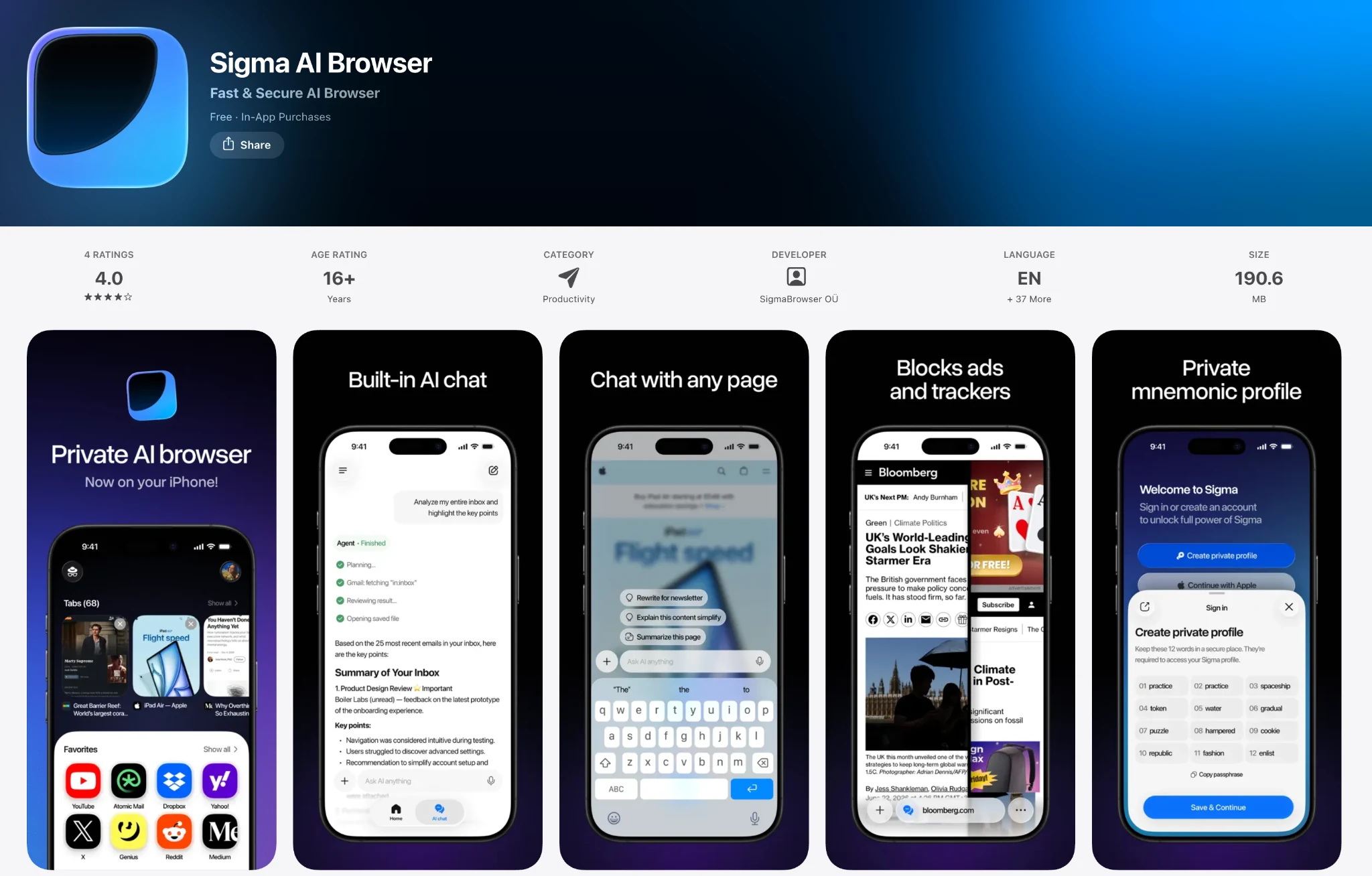
Sigma browser comes with a wide array of AI-first features:
Sigma Key features:
- Built in Sigma Chat
- AI Agent for multi-step automation
- Native ad blocker
- Deep Research
- AI translator that makes reading international websites easier than ever
- Ability to chat with websites via Chat With Page
- A built-in AI image generator
- Separate private profiles for work and personal browsing or multi-users
- Web 3 integration to connect with dApps
- Full Liquid Glass design
- TLS 1.3, HTTPS, and DNS‑over‑HTTPS encryption for enhanced privacy
Plan | Price | What you get |
|---|---|---|
Free | $0 | Chat, Chat With Page, limited AI Agent, Deep Research, and image generation |
Plus | $10/month ($8/month billed annually) | Unlimited prompts, 10–20× higher limits across features |
Pro | $75/month ($60/month billed annually) | Unlimited everything, including unlimited AI Agent and Deep Research |
What's more, since Sigma is built on the Chromium engine, it supports the same extensions as Chrome does, so you can easily carry your favorite workflows over from any Chrome-based browser.
On top of that, Sigma offers 1.3x better performance than Safari, and consumes roughly 30% less RAM.
Pros:
- Privacy-first design
- Built on the Chromium engine
- Agentic automation that works on iOS
- GDPR and CCPA compliance, AES-256 encryption, SOC 2
Sigma is right for you: if you want agentic AI and privacy on iPhone, packaged into a familiar browsing experience inspired by Chrome.
2. Perplexity Comet
Perplexity Comet launched on iPhone in March 2026 and is one of the few agentic browsers available on iOS. Its main feature is the Comet Assistant that operates within the current tab, which you can ask to interpret what's on the page and perform multi-step tasks.
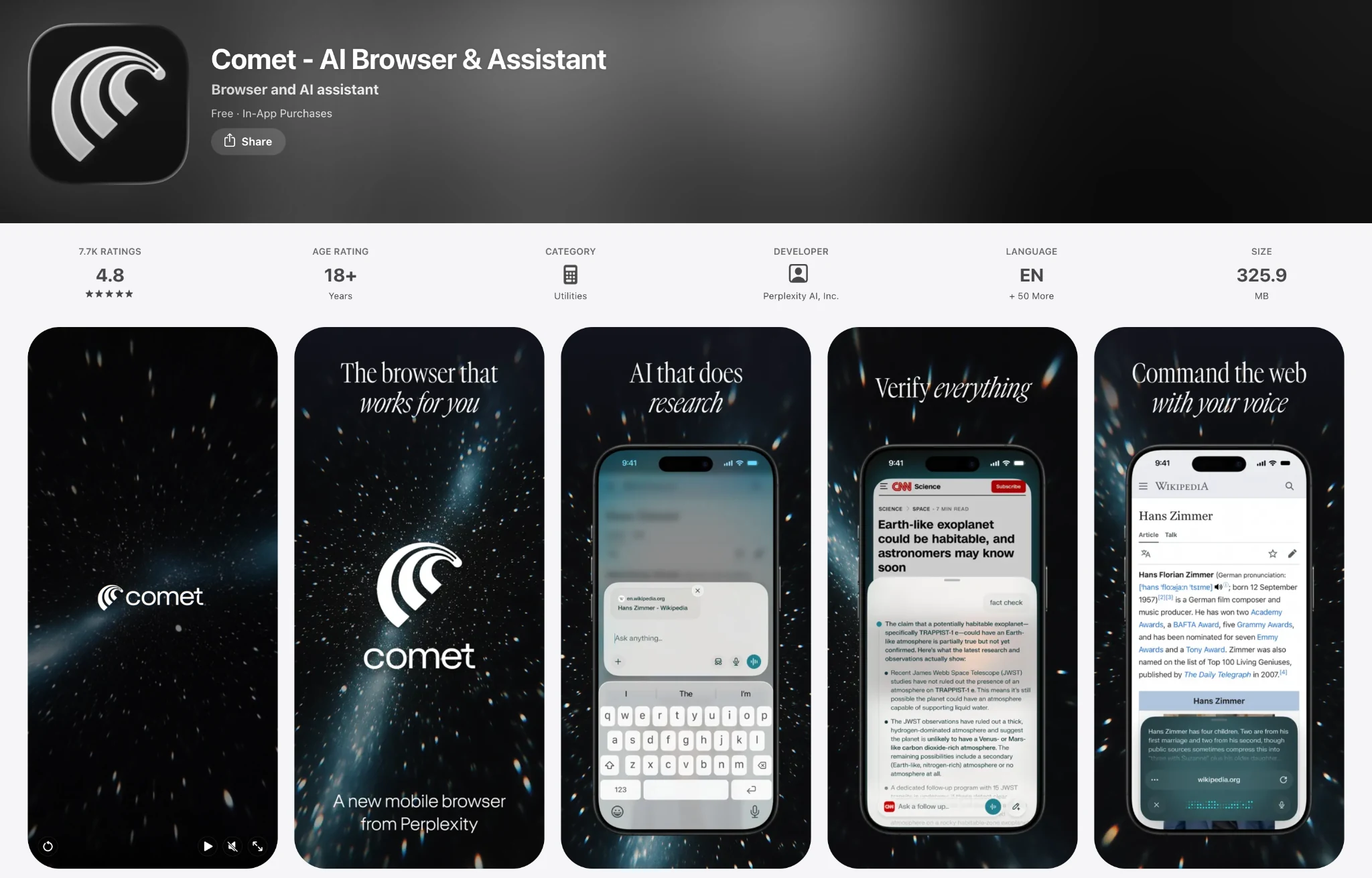
Comet also uses a hybrid search system that routes navigational queries to Google while sending informational queries to Perplexity's answer engine. Sometimes, navigating to subpages in AI browsers can be a little finicky, but because of this hybrid architecture it's not an issue in Comet. The browser also comes with:
- Deep Research
- Voice mode
- Native ad blocker
- Cross-device sync with the desktop app
Pricing: Comet is free to use. Comet Plus ($5/month) adds premium publisher content. Pro costs $20/month, while Max ($200/month) includes Background Assistants and Model Council, which runs multiple models on a single query.
Pros:
- Agentic capabilities available on iPhone
- Very robust for navigational queries
- Free version might be everything you need in a browser
Cons:
- Multiple security researchers have demonstrated prompt injection, phishing, and agent abuse attacks against Comet
- Scored 7% in LayerX's phishing-blocking evaluation
- No extension support on iOS
Comet is right for you if you want an agentic browser on iPhone with integrated AI search and task automation.
3. Arc Search
Arc Search is an iOS browser from The Browser Company, which was acquired by Atlassian for $610 million in September 2025. Its main AI feature is Browse for Me: you enter a question, the browser opens several sites, reads them, and returns a single synthesized answer. Arc, however, doesn't fill forms or complete purchases — the agentic part is limited to reading and summarizing on your behalf.
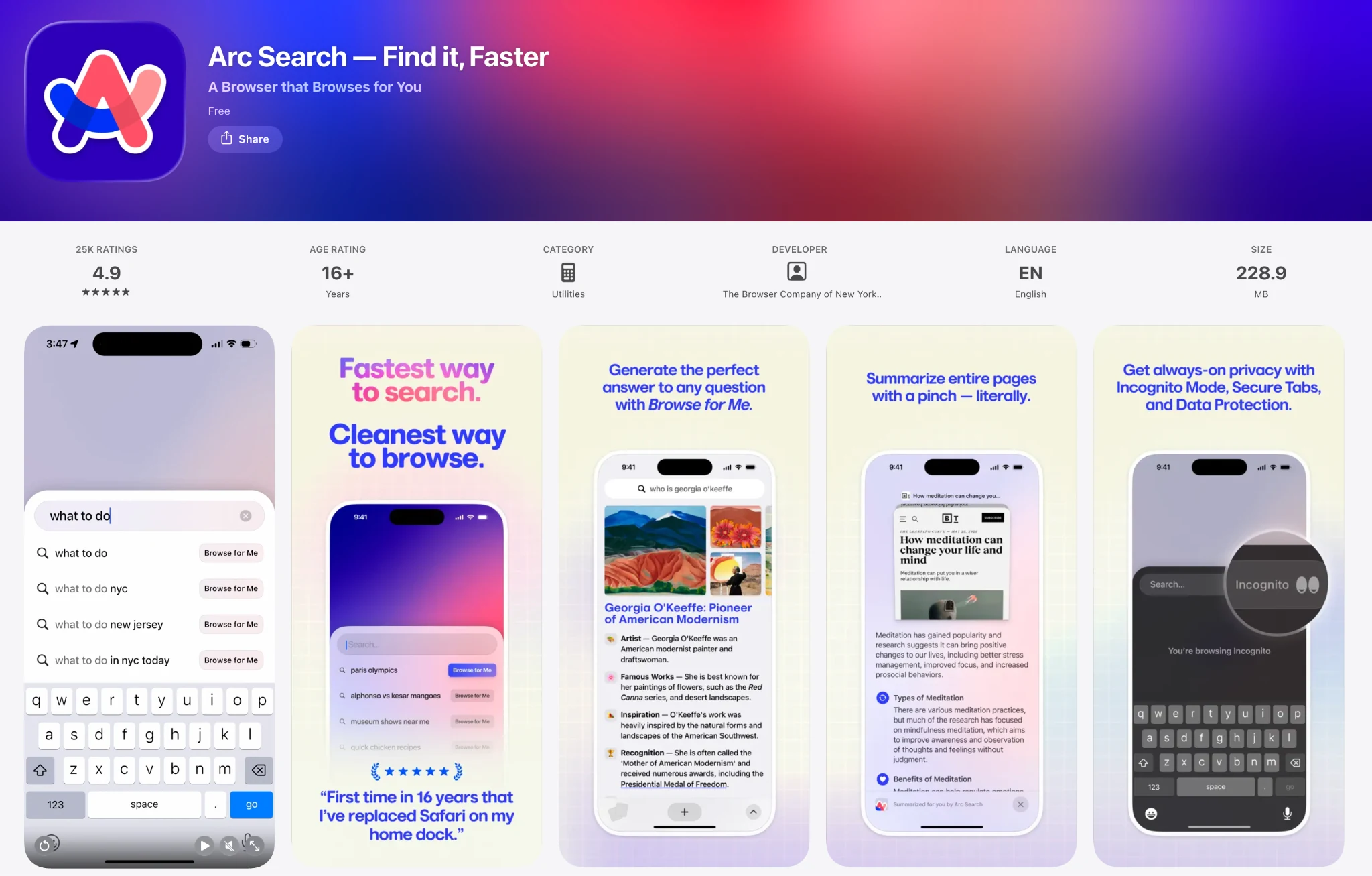
The best part about Arc Search is — it's completely free.
Pros:
- Free, with no account required
- Browse for Me synthesizes answers from multiple sources
Cons:
- Blocked 46% of phishing pages in LayerX's test
- No desktop version or cross-device sync
Arc Search is right for you if you want AI-synthesized answers in a free app without creating an account.
4. Brave Browser with Leo
Brave's Leo assistant has been available on iOS since April 2024. This is a very privacy-focused browser: chats aren't stored on Brave's servers, a reverse proxy strips your IP address so requests can't be linked to you, and conversations aren't used for training. You can also use Brave without an account.
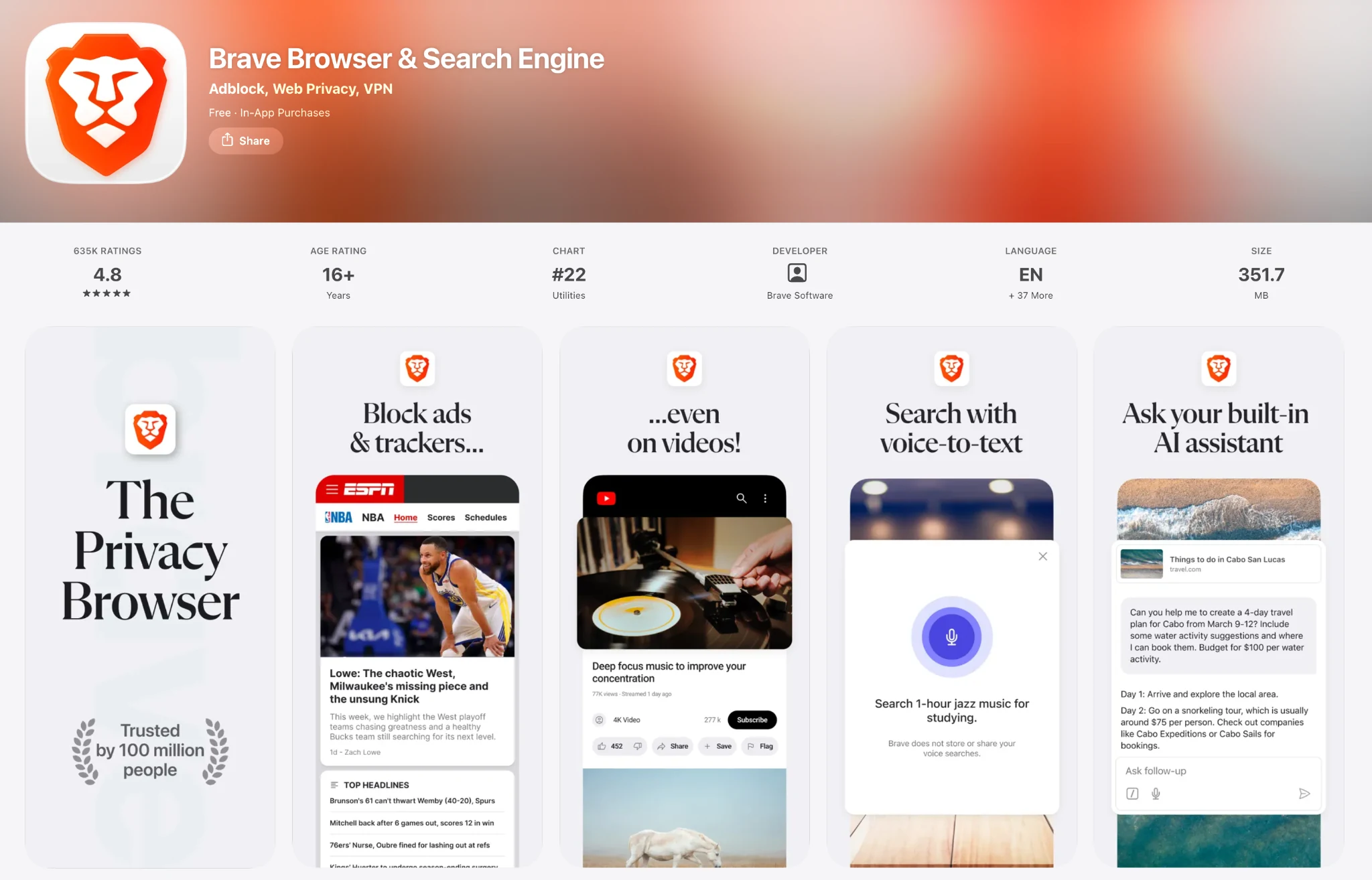
Leo can summarize pages, videos, and PDFs, answer questions, generate content, translate, and understand your speech so you can browse by talking. Brave also supports BYOM — Bring Your Own Model — which lets you connect a local model through Ollama or use your own API key. Supported model families include:
- Mixtral 8x7B
- Claude Haiku and Claude Sonnet
- Llama
- Qwen
- DeepSeek R1
- Brave's own Ocelot
- Any local model or API key via BYOM
Pricing: free without login. Leo Premium is $14.99/month for higher limits and priority models.
Pros:
- No chat storage, IP anonymization through a reverse proxy, no training on conversations
- Manual model selection, including local models via BYOM
- Summarizes video and PDF in addition to page text
Cons:
- Leo is an assistant and doesn't perform agentic tasks
- BYOM requires manual setup through Ollama or an API key
Brave is right for you if you want a privacy-focused assistant with manual model selection, including the option to run your own model.
5. Microsoft Edge with Copilot
On iPhone, Copilot in Edge combines chat, search, and navigation: it answers questions with the context of your open tabs, takes voice input, and restores past sessions grouped by topic through Journeys. It runs on OpenAI's GPT models and, since June 2026, Claude for Microsoft 365 Copilot subscribers, though that choice happens at the plan level, not in the browser.
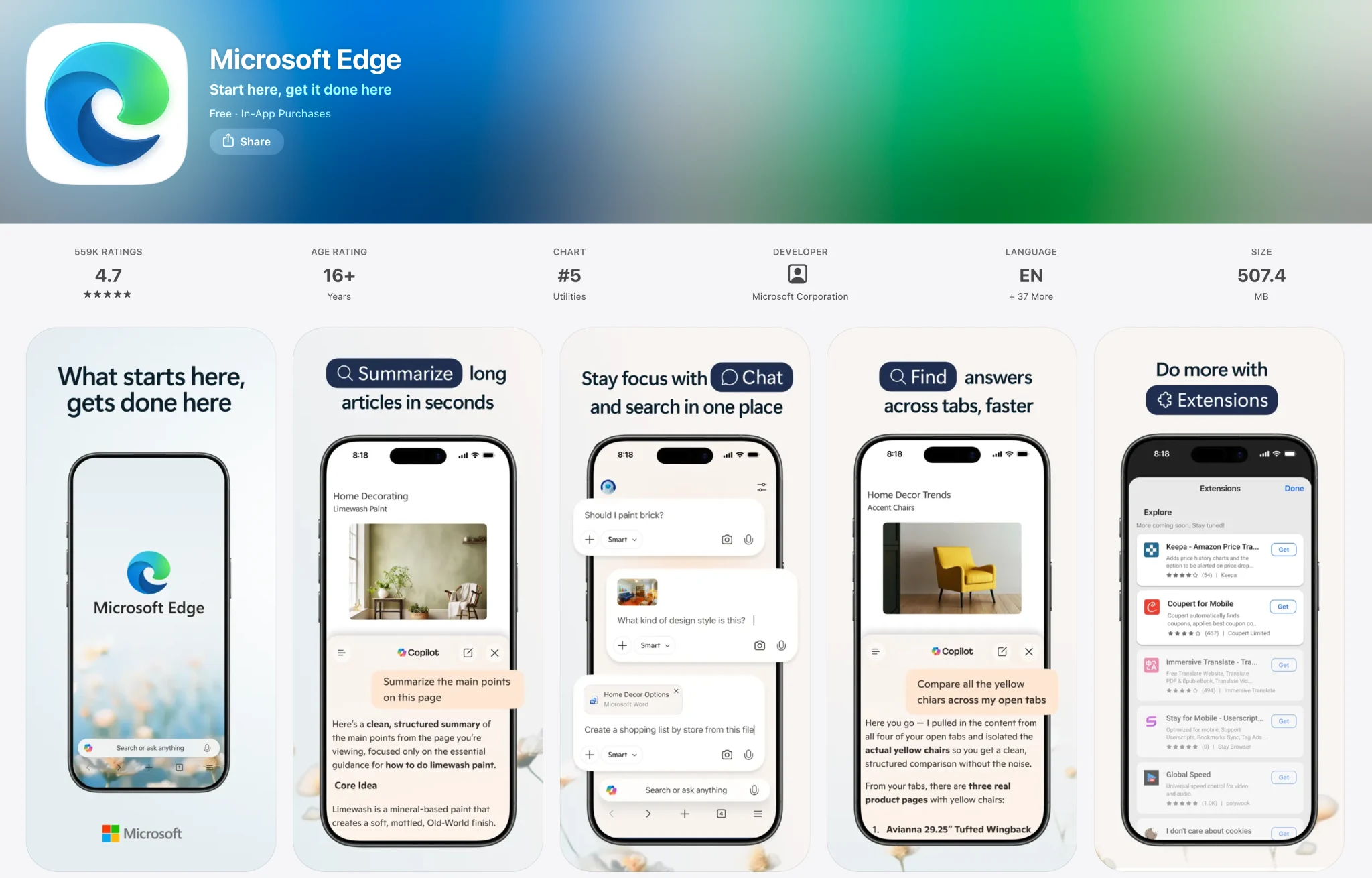
Pricing: free.
Pros:
- Blocked 54% of phishing pages in LayerX's test — the highest result among the browsers tested
- Integrates with Microsoft 365
Cons:
- Agentic Actions are desktop-only
- Microsoft collects more user data than the privacy-focused browsers in this list
Edge is right for you if you use Microsoft 365 and want an assistant with the strongest phishing protection.
6. Google Chrome with Gemini
Gemini in Chrome began rolling out to iOS in December 2025. It integrates Gemini 3.6 Flash into the address bar and adds page Q&A and summarization with up to 10 tabs of context. Chrome holds 65.54% of global mobile browser share according to Statcounter, so for many users this is AI added to a browser they already have installed.
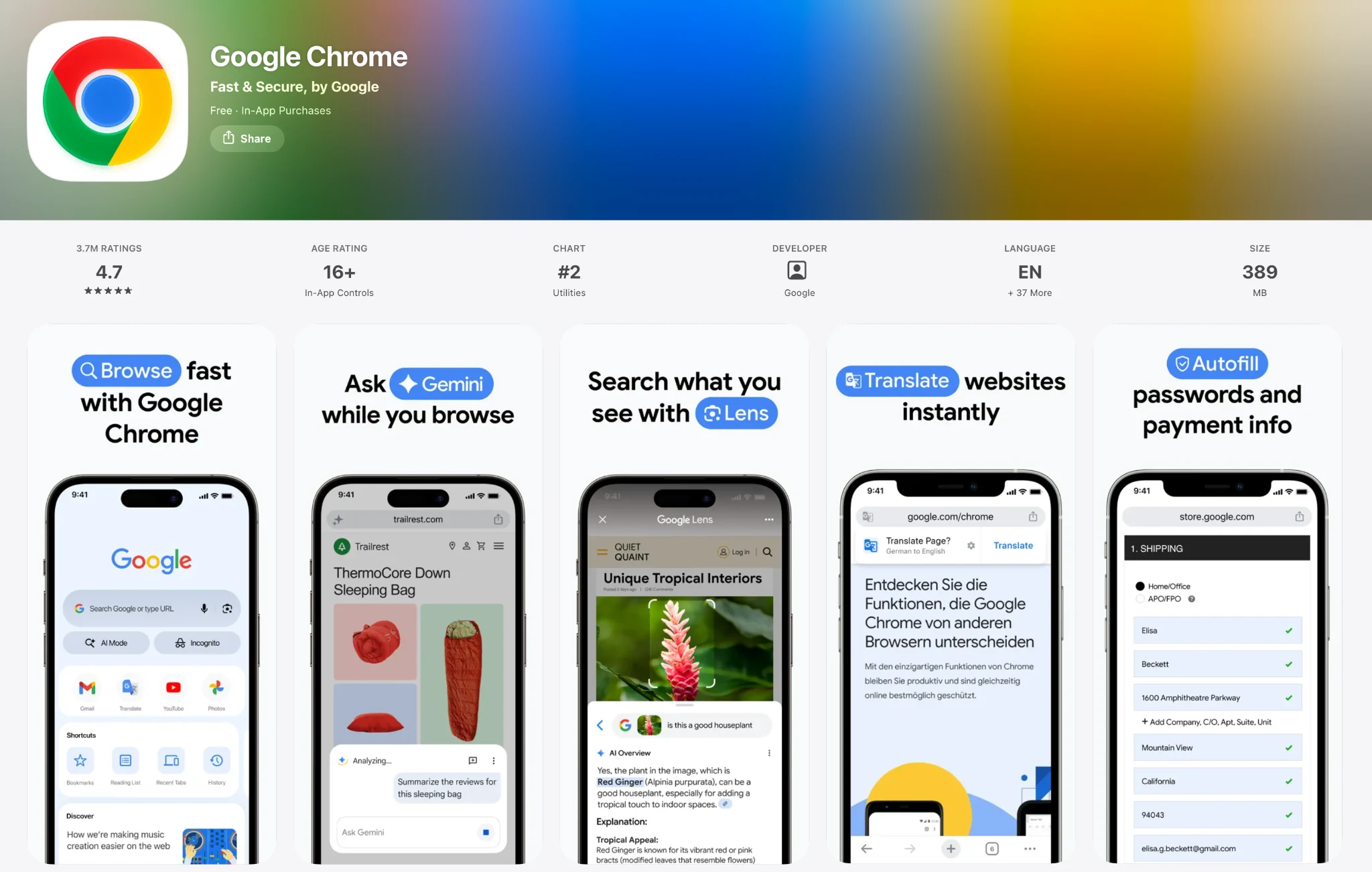
Gemini in Chrome requires version 143 or later, currently works in English only, and is unavailable in Incognito mode. Regional availability is still expanding — the US first, then India, Canada, New Zealand, parts of Asia, and the UK from mid-2026. On iPhone, Gemini answers and summarizes but doesn't perform actions.
Pricing: free on iOS; Auto-browse requires a paid Google AI plan and a desktop.
Pros:
- No separate app if you already use Chrome
- Blocked 47% of phishing pages in LayerX's test
- Syncs with Chrome on desktop
Cons:
- No agentic actions on iPhone
- English-only for now, and unavailable in Incognito
- No model choice; all queries are processed in Google's cloud
Chrome is right for you if you already use Chrome and want built-in AI answers without installing a separate app.
7. DuckDuckGo with Duck.ai
DuckDuckGo's iOS app includes Duck.ai, a chat interface that anonymizes your requests before they reach third-party model providers. After Google's AI-focused search redesign, DuckDuckGo installs in the US grew 61% in a week — and 95% on iOS, per 9to5Mac — making it the second most-downloaded browser on iPhone after Chrome.
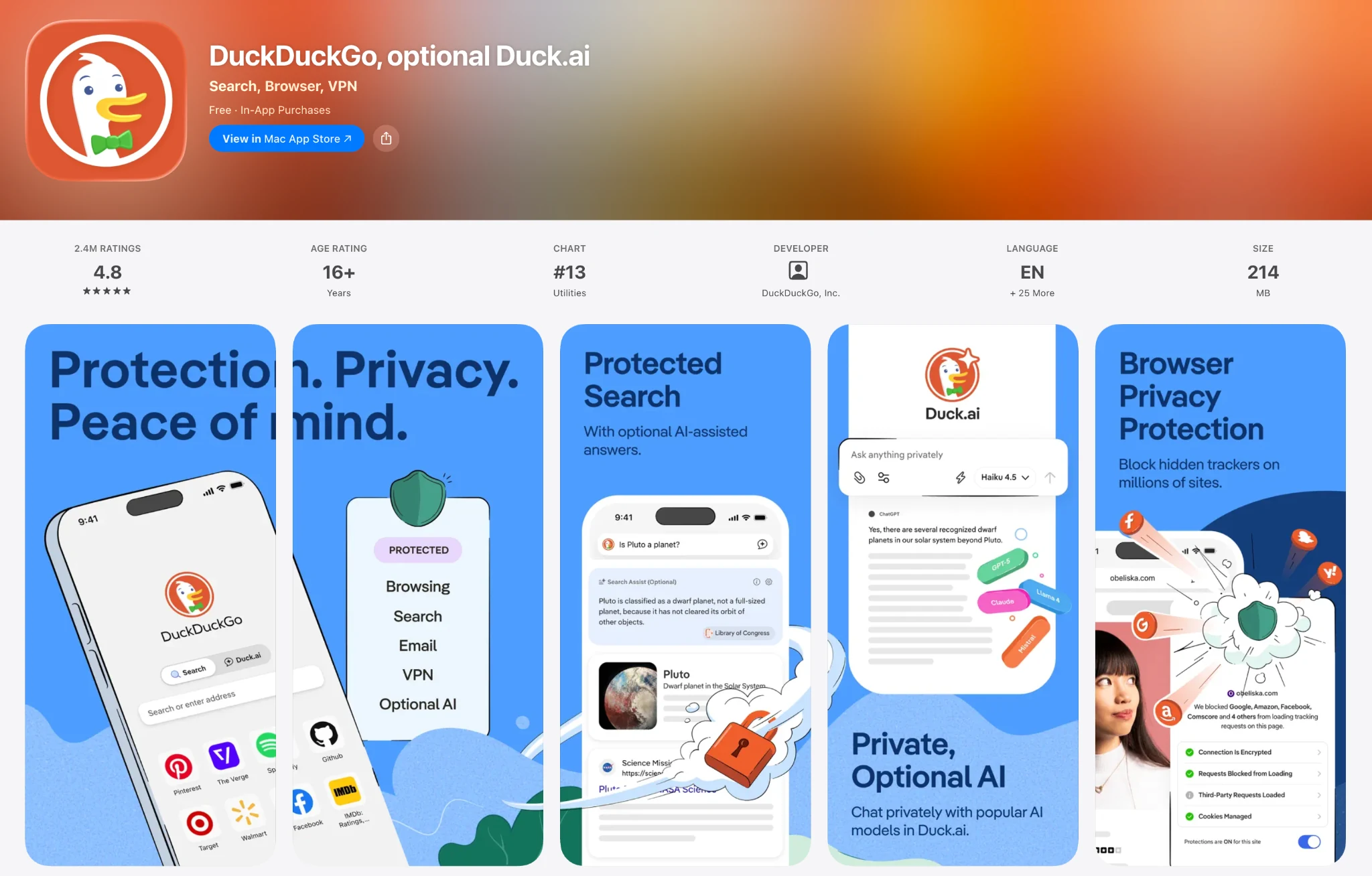
Beyond the chat, the app includes Search Assist with adjustable frequency (often / sometimes / on-demand / never), one-tap page summarization, Voice Chat reachable from a toolbar button, Siri shortcut, or Lock Screen widget, and the Fire Button, which deletes all chats at once. Every AI feature can be switched off entirely — including via the noai.duckduckgo.com domain.
Model selection is manual, directly in the interface:
- Free: Claude 4.5 Haiku, Mistral Small 4, GPT-5.4 nano and mini, gpt-oss-120b, Gemma 4 31B
- Paid tiers: GPT-5.4, Claude Sonnet 4.6, and Claude Opus 4.8, with higher limits
Pricing: Basic features are free; the Plus subscription is $9.99/month ($99.99/year) and also includes DuckDuckGo's VPN, while Pro is $19.99/month ($199.99/year) with the more advanced models and 2× usage limits.
Pros:
- Prompts are not stored or used for training
- All AI features can be turned off or tuned down
- Manual model selection on the free tier
Cons:
- Assistant-only; no agentic features at any tier
DuckDuckGo is right for you if you want AI features that stay optional and can be disabled completely. For more iPhone privacy picks, see our Top 5 Best Private Browsers for iPhone.
8. Safari with Apple Intelligence
With iOS 26, Apple Intelligence added page summarization through Reader View to Safari, as well as Highlights (key facts extracted from the page), Writing Tools, Live Translation, AI tab organization, and an Accessibility Reader with on-demand summarization and translation.
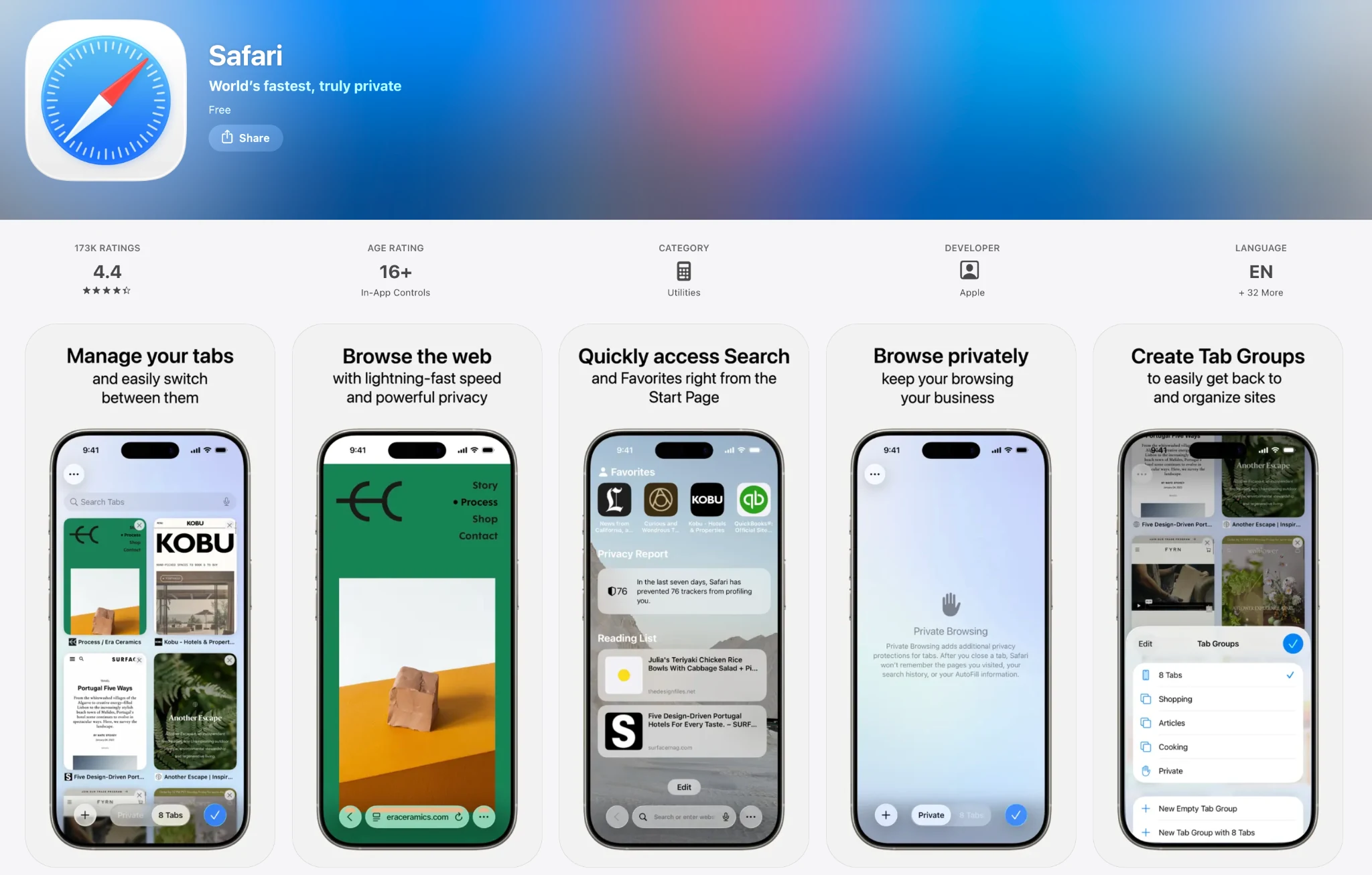
As usual for Apple products, they're more serious about privacy than, for example, Google or Microsoft; Highlights requests are routed over OHTTP and are not linked to your Apple ID, for example.
Pricing: free.
Pros:
- Preinstalled, no setup, system-wide integration
- OHTTP-routed requests with no Apple ID linkage
Cons:
- AI features are limited to summaries, translation, and tab organization — no chat, research, or agent
Safari is right for you if built-in summaries and translation cover your AI needs and you don't want to install anything.
9. Genspark
Genspark positions itself as an "AI Search + Browser + Agents Super App." The Genspark iOS app combines a browser with autonomous agents, workflow tools, and meeting features.
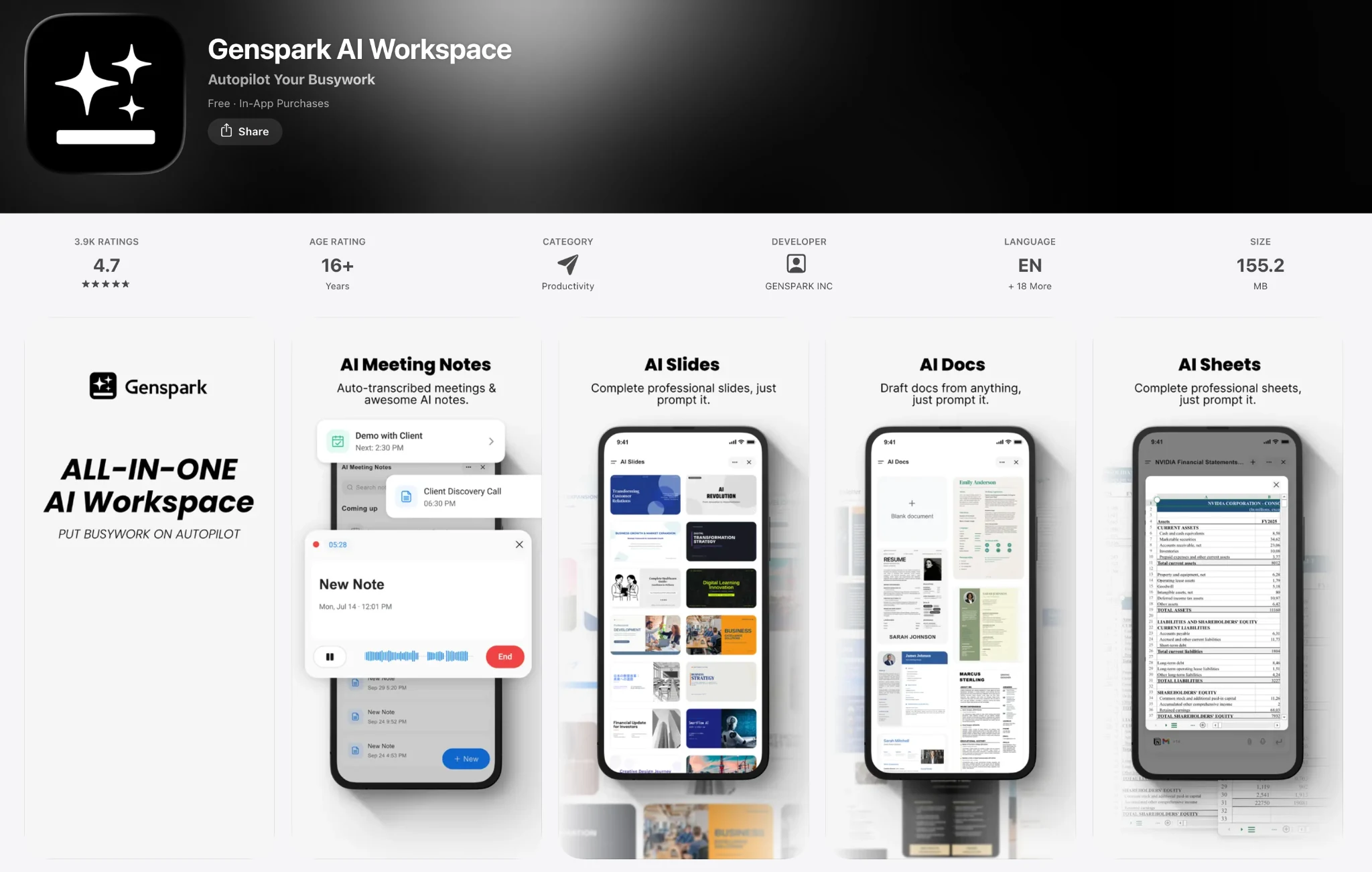
Genspark key features:
- Autopilot Mode — agentic browsing on iPhone
- MCP Store with over 700 tool integrations
- Genspark Claw, marketed as a "first AI employee"
- Around 20 ready-made Workflows for typical tasks
- Meeting Bots and real-time voice
- Built-in ad blocker
Genspark runs a mixture-of-agents architecture that orchestrates OpenAI, Anthropic, and Google models. Model routing is automatic and not visible to the user.
Pricing: free tier with daily credits. Plus is $24.99/month with 10,000 monthly credits, Pro is $249.99/month with 125,000 credits and 1 TB of storage. Annual billing lowers both to roughly $19.99 and $199.99/month.
Pros:
- Agentic Autopilot Mode works on iPhone
- Integrations extend beyond browsing into meetings, workflows, and external tools
Cons:
- Blocked 7% of phishing pages in LayerX's test
- The interface covers many functions beyond browsing, which takes time to learn
Genspark is right for you if you want agents, workflows, and tool integrations in a single app rather than a browser with an assistant.
10. Aloha Browser
Aloha is a private browser with a built-in VPN, ad blocker, file manager, media player, and video downloader. Since 2025 it also includes a Private AI Assistant that works alongside these features. Snips, another built-in tool, saves page fragments and offers automatic suggestions based on the sites you visit. The assistant does not collect, transmit, or monetize user data — including the current site, history, and location — and the company undergoes regular external audits by Leviathan Security Group.
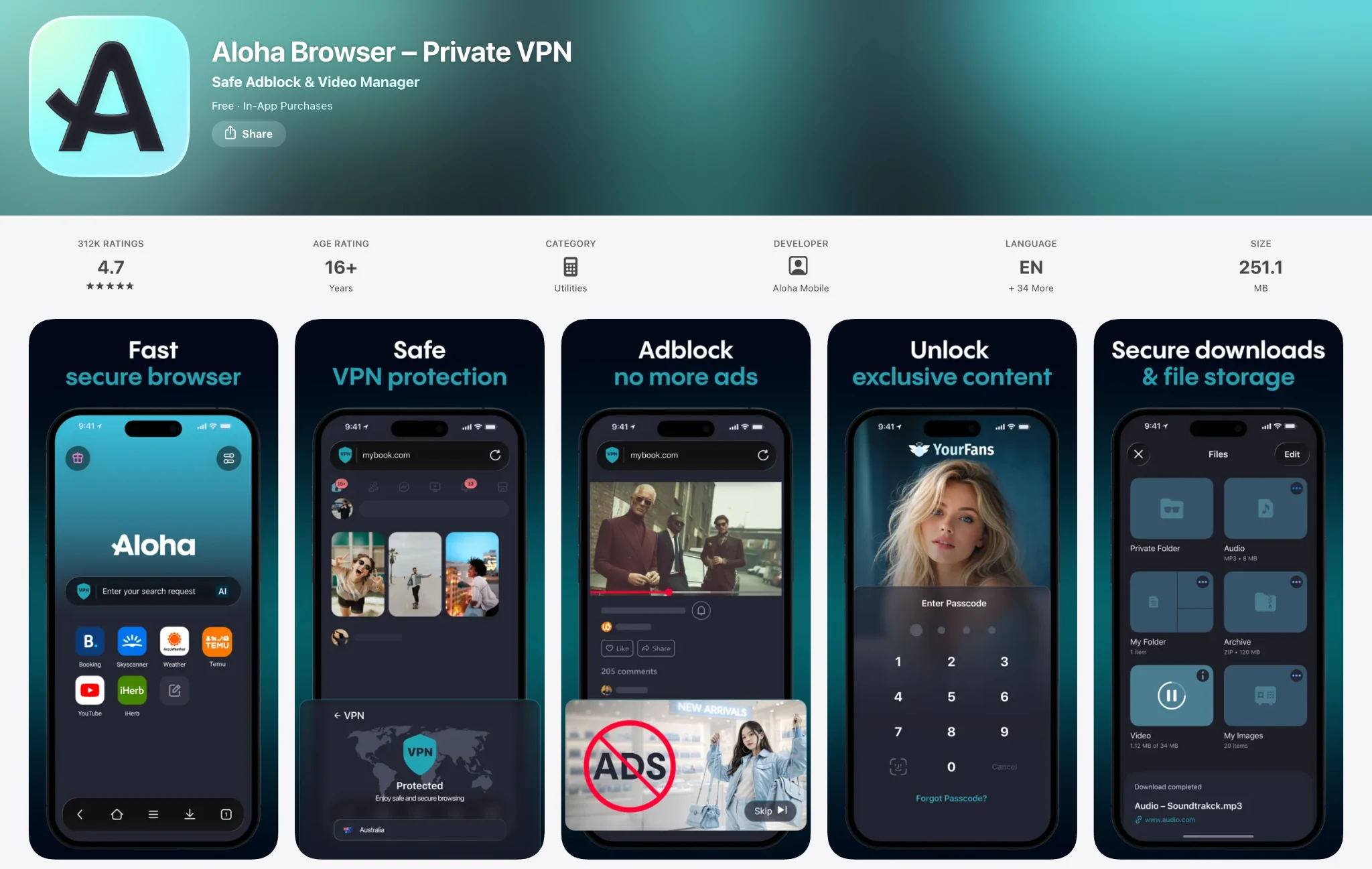
Pricing: basic AI is free. Premium is $7.99/month, Premium Plus $19.99/month with more powerful models and higher limits.
Pros:
- No-collection privacy policy, verified by external audits
- VPN, ad blocker, downloader, and media tools included
Cons:
- The AI is an assistant — no agent, no deep research
- The app bundles many functions beyond browsing
Aloha is right for you if you want a browser, a VPN, and media tools in one private app, with AI chat included.
11. Opera with Aria
Opera One is Opera's browser for iPhone, and it ships with the Aria assistant built in. Aria handles chat, page summaries, and questions about the content you're viewing, and it's free with no account required.
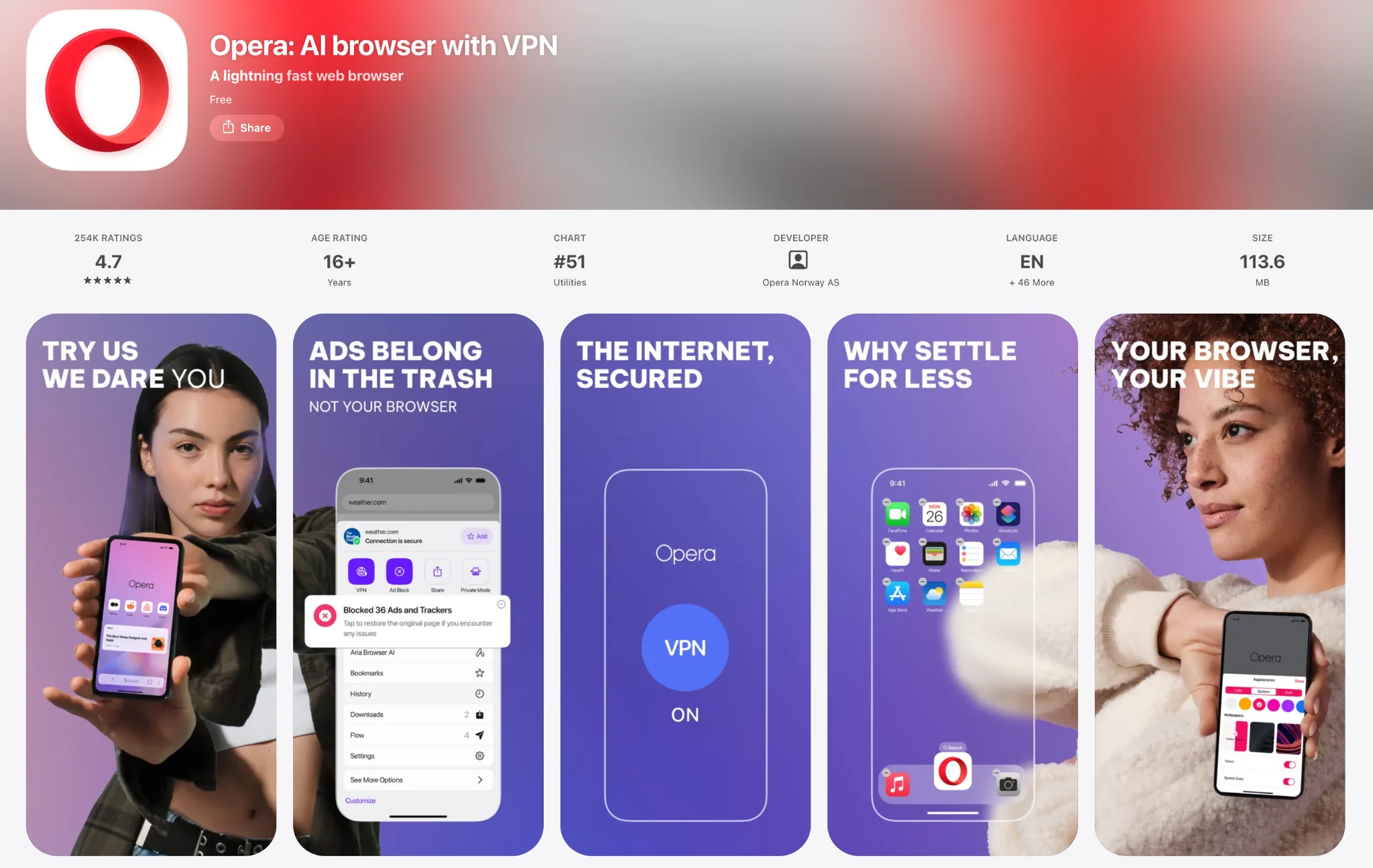
Pros:
- Aria is free on iPhone
Cons:
- Assistant-only on iOS; Opera's agentic features exist only in the separate desktop product
Opera is right for you if you already use Opera and want a free assistant on iPhone.
AI Browser Assistants vs. Agents: Which Do You Need?
All of the browsers we've looked at above roughly fall into one of two categories: assistants and agents. But which one is right for you?
What AI Browser Assistants Do
AI browser assistants analyze content and provide responses without directly controlling website interactions. They can summarize pages, answer questions about displayed content, translate or rewrite text, and perform searches. The user remains responsible for navigation, form completion, and other actions.
On iPhone, browser assistants include:
- Safari
- Chrome with Gemini
- Brave with Leo
- DuckDuckGo
- Aloha
- Edge with Copilot
- Opera with Aria
An AI browser assistant is sufficient for page summaries, questions, translation, rewriting, and search.
What AI Browser Agents Do
AI browser agents can perform actions on websites in response to a goal you define. For example, an agent may search for flights that meet specified criteria, compare the available options, complete form fields, and return the results.
Because agents can read and interact with website content, they may also be exposed to malicious instructions embedded in web pages.
Browsers with AI agents that work on iPhone include:
- Sigma
- Perplexity Comet
- Arc Search
- Genspark
An agentic browser is more appropriate when the browser needs to navigate websites or complete multi-step tasks on your behalf.
How to Choose an AI Browser for iPhone
Beyond deciding whether you need a chat-based assistant or full automation, there are a few other factors worth considering.
Is the Browser Private?
Privacy varies significantly between AI browsers. The main questions are whether your requests are processed locally, sent to remote servers, and linked to your account or identity.
Browsers that process requests locally or use anonymization systems generally provide stronger privacy protections. For example, Brave, DuckDuckGo, and Safari all use different methods to limit the identifying information attached to AI requests. Aloha states that it does not collect AI interaction data and has had this policy independently audited.
Comet, Chrome, and Genspark process AI requests on remote servers without a separate anonymization layer. This does not necessarily make them unsuitable for general browsing, but they may be a weaker fit for sensitive documents, private accounts, or confidential work.
Is the Free Version Enough?
The good news is that many AI browsers include their main AI features without requiring a subscription. Comet, for example, includes agentic features in its free plan, DuckDuckGo provides access to Claude 4.5 Haiku and GPT-5.4 mini, and Arc Search does not have a paid tier. Start with the free tier and consider upgrading only if you consistently reach its limits or need a feature reserved for a paid plan.
Does It Work Across iPhone and Desktop?
Cross-device support matters if you regularly switch between your phone and computer.
Sigma, Comet, Edge, Chrome, and Brave support synchronization between iOS and desktop.
Arc Search is mobile-only, while Opera Neon is desktop-only. Neither is a good fit if you want to use the same browser and AI features across both devices.
Does It Fit Your Existing Ecosystem?
Some AI browsers work more closely with the services provided by the same company.
Edge integrates with Microsoft 365, Chrome with Google services, and Safari with Apple's ecosystem. These integrations can make it easier to access connected accounts, documents, email, and calendar data without additional setup.
This matters most if your work is already concentrated in one ecosystem. Edge is the more natural option for Microsoft 365 users, Chrome fits Google-based workflows, and Safari is the closest match for users who rely on Apple services.
Ecosystem compatibility should be a secondary factor rather than the only reason to choose a browser, but it can make everyday use more convenient.
How to Change Your Default Browser on iPhone
Once you've picked a browser, make it the default so every tapped link opens there:
- Install the browser and open it once.
- Open Settings → Apps, scroll to the browser (or find it under Default Apps).
- Tap Default Browser App and select it.
Every link from Mail, Messages, and other apps now opens in your chosen browser.
Bottom Line
To sum up, whichever browser you choose, whether it's for fun or for work, surfing with an AI-first browser is a fundamentally different experience compared to old-fashioned browsers, because you can automate or streamline most routine tasks, understand things faster, and find information that much more efficiently.
Key Takeaways:
- AI browsers represent a new way of interacting with the web — instead of reading websites, you can chat with pages; instead of clicking links, you can ask questions in natural language.
- AI browsers with assistants can use artificial intelligence to explain what is on the web, while agents can navigate websites and take steps for you.
- Browsers that send data to cloud AI are inherently not private. The most private options are those that offer on-device AI models.
AI can make mistakes. Use extra care when using agents on banking, email, and other sensitive accounts.
More articles

Download Sigma Browser
Questions & Answers
reach out to us on X at @Sigma_Browser
Get Sigma on Android


