
Best AI Assistant Apps in 2026: 10 Tools Compared
A practical comparison of 10 AI assistant apps for different kinds of work, from research and writing to scheduling, automation, and workspace support.

"AI assistant" now covers products that do genuinely different jobs. One reads the page in front of you. One rewrites tomorrow's calendar after a meeting moves. One answers a question about a spec your team wrote two years ago and forgot.
Compared on feature lists, they all look similar. Compared on the work they remove, they stop overlapping almost immediately.
So the question worth asking is not which assistant is smartest. It's which repeated step in your week you want to stop doing by hand.
Plans and prices below were checked in August 2026 and change often. Confirm on the vendor's own pricing page before you buy.
Best AI Assistant Apps at a Glance
| AI assistant | Best for | Works with | Actions and requirements | Free option |
|---|---|---|---|---|
| Sigma Browser | Live web context and page-aware assistance | Webpages, PDFs, files, web apps | Acts on open pages via AI Agent — limited on Free, unlimited on Pro | Yes |
| ChatGPT | General-purpose AI assistance | Web, files, conversations, connected sources | Browses, runs code, connects to apps — some actions need Plus or higher | Yes |
| Claude | Long documents, writing and technical work | Files, projects, web, connected tools, code | Runs code, edits files, browses — Projects and connected tools on paid plans | Yes |
| Gemini | Google ecosystem | Gmail, Drive, Calendar, Google apps | Acts inside Gmail, Docs, Calendar — full range needs Google Workspace or an AI subscription | Yes |
| Microsoft Copilot | Microsoft 365 | Word, Excel, PowerPoint, Outlook, Teams | Acts inside Word, Excel, Outlook — requires a Microsoft 365 Copilot licence, not just a Microsoft account | Yes, but limited |
| Notion AI | Workspace knowledge | Notion pages, databases, connected apps | Runs Custom Agents inside your workspace — billed separately by credit, on top of Business | Limited trial only |
| Perplexity | Research with sources | Web, files, source discovery | Comet browser completes multi-step tasks on pages — separate from the core search product | Yes |
| Lindy | Email and workflow automation | Email, calendar, meetings, connected apps | Acts across email, calendar, and connected apps continuously — needs setup of permissions and rules per workflow | No — 7-day trial |
| Reclaim | Calendar and time management | Calendar, tasks, habits, meetings | Places and defends time blocks automatically — needs a connected Google Calendar | Yes |
| Motion | Task and project planning | Tasks, projects, calendar, meetings | Rebuilds your schedule automatically — needs a paid seat; the trial only lets you view, not act | No — 7-day trial, card required |
Four groups, really: general assistants, assistants wired into a work environment you already pay for, research tools, and products that run recurring operational work. Choosing the group matters more than choosing between models inside it.
General-Purpose AI Assistants
1. Sigma Browser – Best for Working With Live Web Context
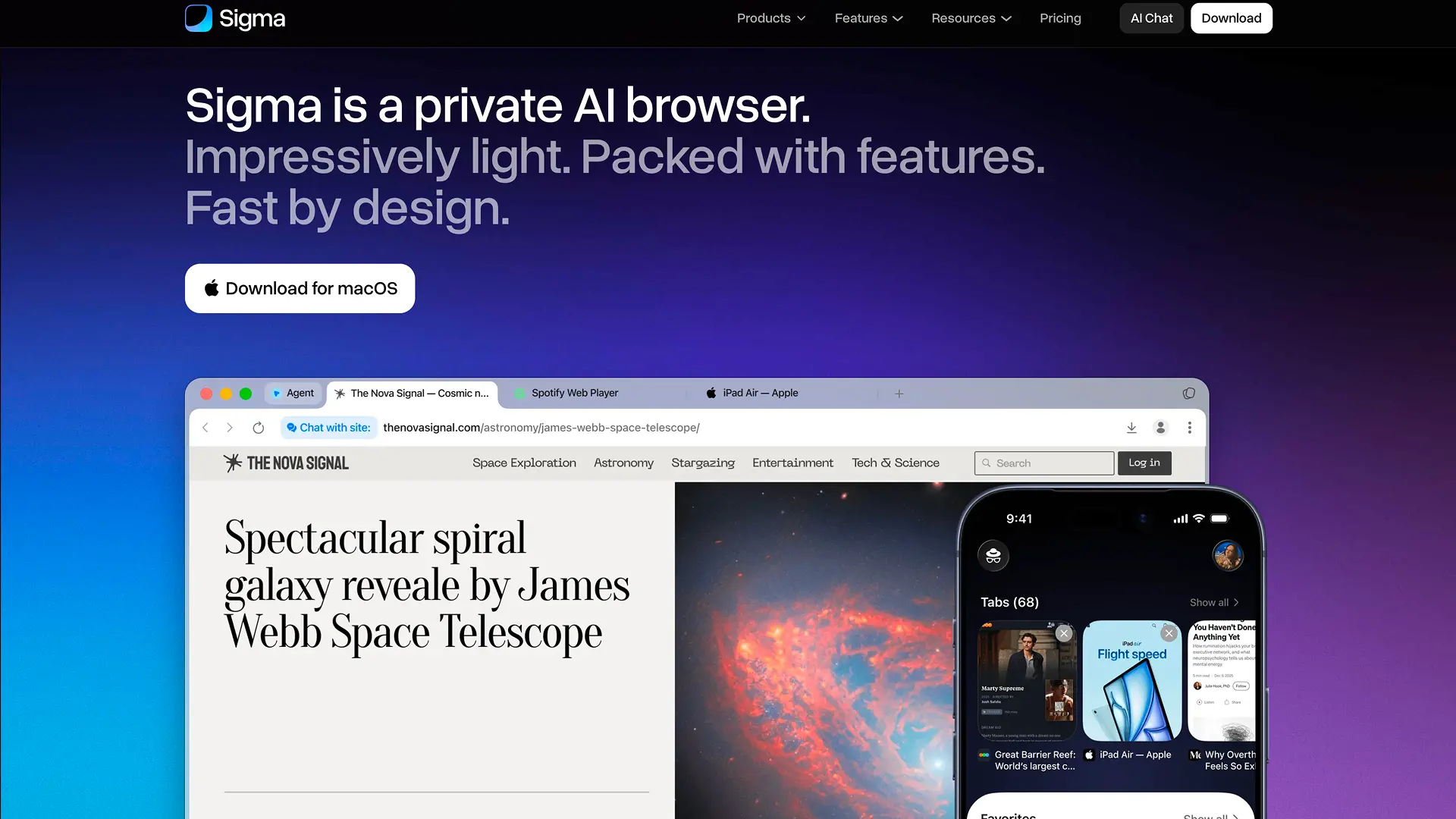
Sigma's argument is placement. The assistant lives in the browser, so whatever you already have open, a competitor's pricing page, a 60-page PDF, an internal dashboard, is the thing it works on. Nothing gets copied into a separate window first.
Sigma Chat With Page handles the single-source case: question a landing page, pull figures out of a report, follow up on a clause in a contract. Sigma Deep Research widens that to a multi-source pass across the web. Sigma AI Agent is for the point where the next step is doing something on a site rather than writing another paragraph, the shift covered in What Is an AI Agent?.
Sigma's local AI runs the underlying model on your device rather than in the cloud, which keeps prompts and page content private and works without internet for chat and summaries. The AI Agent can also run on a local model, though acting on a live page still requires a network connection, that part isn't offline.
The payoff shows up in source-heavy work, where a single question can take you from a search result to an article, a PDF, a dashboard, and back. Each of those hops normally costs a paste and a re-explanation.
Seeing It Work: Checking a Vendor's Pricing Page
We opened Lindy's pricing page in Sigma and asked Chat With Page what the plan costs, what's included, and what could push the bill higher than the sticker price.
Sigma correctly separated the three tiers ($29.99, $99.99, and $199.99 per user per month), their credit allowances, and Enterprise's custom pricing, and flagged that credit consumption, not seat count, is what drives the bill as usage grows.
One thing it didn't mention: the length or terms of the free trial. That's worth confirming directly on the page before signing up, since trial terms are exactly the kind of detail that changes without much notice.
Two honest limits. Sigma's reach stops at the browser: an Outlook mailbox or a Notion database is invisible to it unless you open it in a tab. And adopting it is a bigger ask than adding a tool, because a browser only pays off if you switch to it.
Available on macOS, Windows, iOS, and Android, with Linux in progress.
Best for: research, competitor analysis, content work, reports, and web operations, anywhere the relevant context changes from page to page.
2. ChatGPT – Best for General-Purpose AI Assistance
If you don't yet know which part of your week is broken, ChatGPT is the cheapest way to find out.
Research, files, writing, data analysis, planning and voice all sit in one product, so a task can change shape halfway through without moving somewhere else. A question about a market becomes a spreadsheet, then a draft email, then an outline for Thursday's meeting. That same versatility covers narrower writing jobs too, cleaning up AI-sounding text into something that reads naturally is one of the more common ones; see our comparison of dedicated AI humanizer tools for when a specialized product is worth it instead of a general chat.
Breadth is the point, and also the limit. Every specialist below beats it inside its own lane: Reclaim maintains a calendar rather than describing one, Notion AI starts with knowledge ChatGPT has never seen. Those gaps only matter once you can name the workflow that's costing you time.
Available on web, macOS, Windows, iOS, and Android.
Best for: many unrelated tasks, and for anyone who doesn't want to assemble a stack of AI tools before getting value from one.
3. Claude – Best for Long Documents and Technical Work
Claude is easiest to justify when the input is already large and messy: a long report, four supporting documents, a brief that contradicts itself in two places.
The useful capability isn't prose quality so much as holding a lot of material in view at once, extracting the argument, restructuring a document, comparing sections, turning scattered notes into something a colleague can read. Projects keep the files and conversations together when the work runs across weeks rather than a session.
It's worth correcting a common impression here: Claude is not only a writing tool. It runs code, works in the browser, and produces finished spreadsheets and decks, which puts it closer to the automation group further down this list than its reputation suggests.
Available on web, macOS, Windows, iOS, Android, and as a Chrome extension.
Best for: work dominated by long documents, dense source material, and drafting that has to survive review.
Assistants That Already Know Your Work Environment
A standalone chat usually opens with unpaid setup work: find the file, upload it, paste the thread, explain the project. The next three products skip part of that, because the material already lives where they run.
4. Gemini – Best AI Personal Assistant for Google Users
Gemini's case is Gmail, Drive, Docs, Calendar, Android, and the single account tying them together.
When the relevant email and document already sit inside Google, supported integrations can reach them directly instead of asking you to rebuild the context in an empty chat. For someone who lives in Google Workspace, that saves more time over a month than any difference in writing quality between models.
Step outside Google and the advantage thins fast. If your documents are in Microsoft 365 and your team knowledge is in Notion, there is simply less for Gemini to draw on.
Available on web and iOS, with deep integration into Android itself.
Best for: people whose work already moves between Google's mail, files, documents, calendar and phone.
5. Microsoft Copilot – Best for Microsoft 365
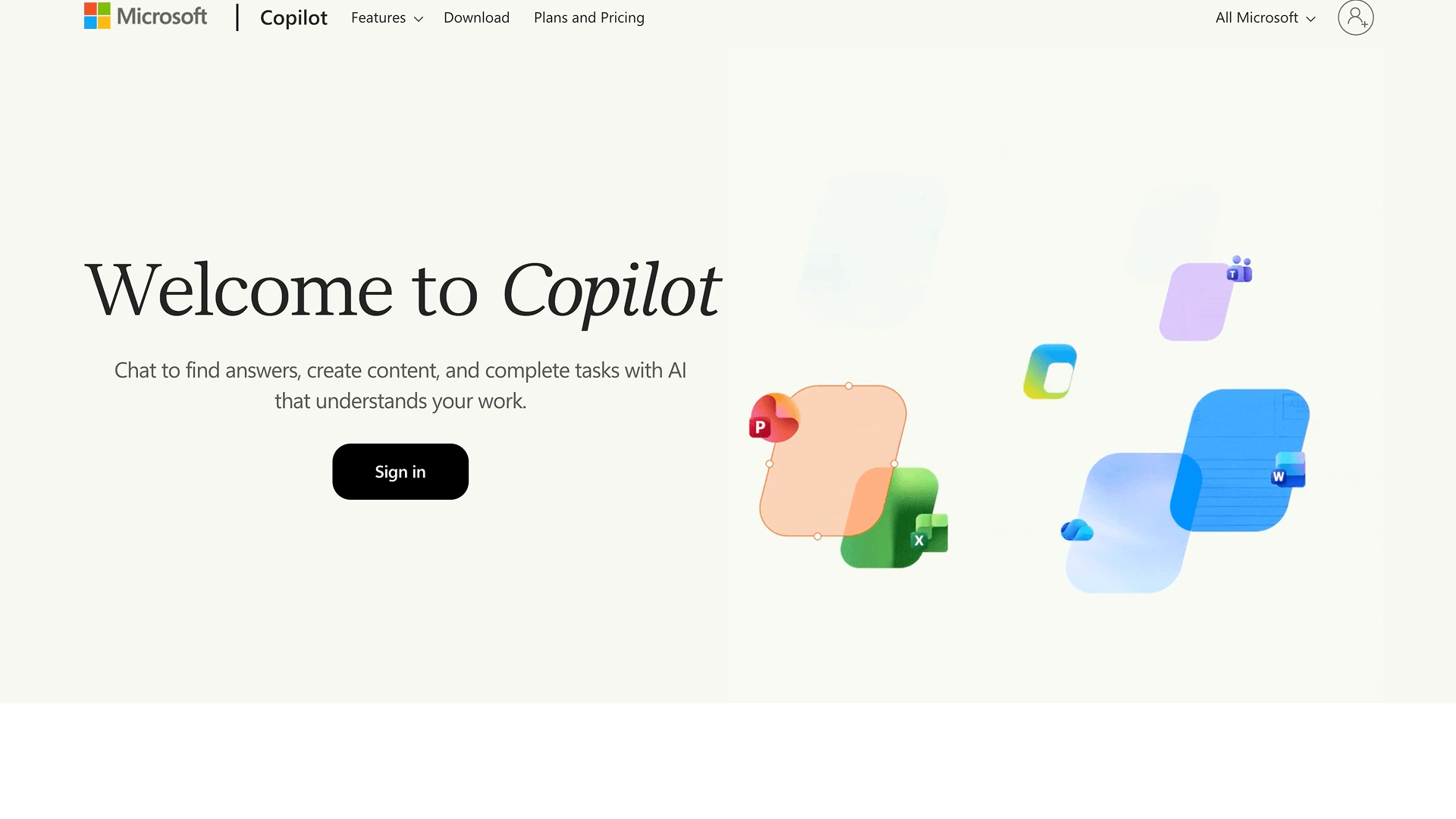
Copilot is differentiated inside Microsoft 365, and much less so as another chat window.
Word documents, Excel workbooks, PowerPoint decks, Outlook mail and Teams threads hold a large share of a company's working context. Copilot's value is operating next to that material rather than making people export it somewhere else first.
The important practical detail is licensing. Free Copilot and Microsoft 365 Copilot are not the same product, and the workplace capabilities people mean when they say "Copilot" depend on the subscription and on what the organisation has switched on. Check which one you have before judging it.
Available on web, iOS, and Android, with the deepest integration on Windows.
Best for: companies already standardised on Microsoft tools. For someone who rarely opens Outlook or Office, most of the advantage disappears.
6. Notion AI – Best for Knowledge and Workspace Assistance
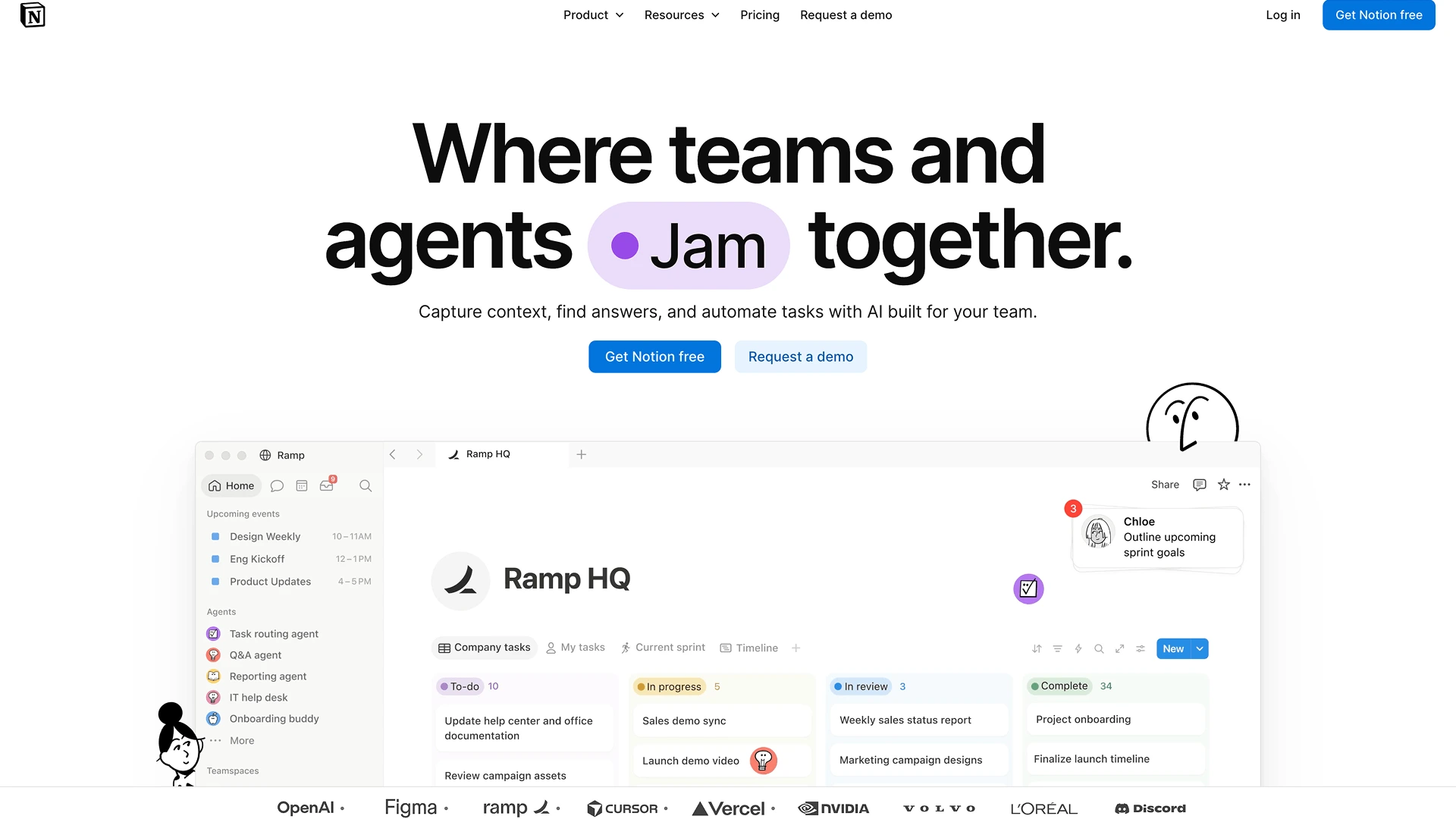
Notion AI addresses a problem plenty of teams create for themselves: they document everything, then can't find any of it.
Meeting notes, product decisions, internal research, specs and databases already in the workspace become material for search, summaries, drafting and planning, no repackaging of old knowledge into a fresh prompt.
Pricing changed in a way worth knowing before you plan around it. The standalone AI add-on is gone; full Notion AI now sits in the Business plan at $20 per user per month on annual billing, while Free and Plus workspaces get a limited trial rather than ongoing access. Custom agents bill separately against a credit balance, so heavy automation is not covered by the seat price alone.
Value tracks workspace quality almost exactly. Years of accumulated team documentation gives the assistant a lot to work with; a mostly empty personal account gives it nothing.
Available on web, macOS, Windows, iOS, and Android, as part of the Notion app.
Best for: teams whose answers already exist in Notion but take too long to find.
If the Job Is Finding Information
7. Perplexity – Best AI Assistant for Research
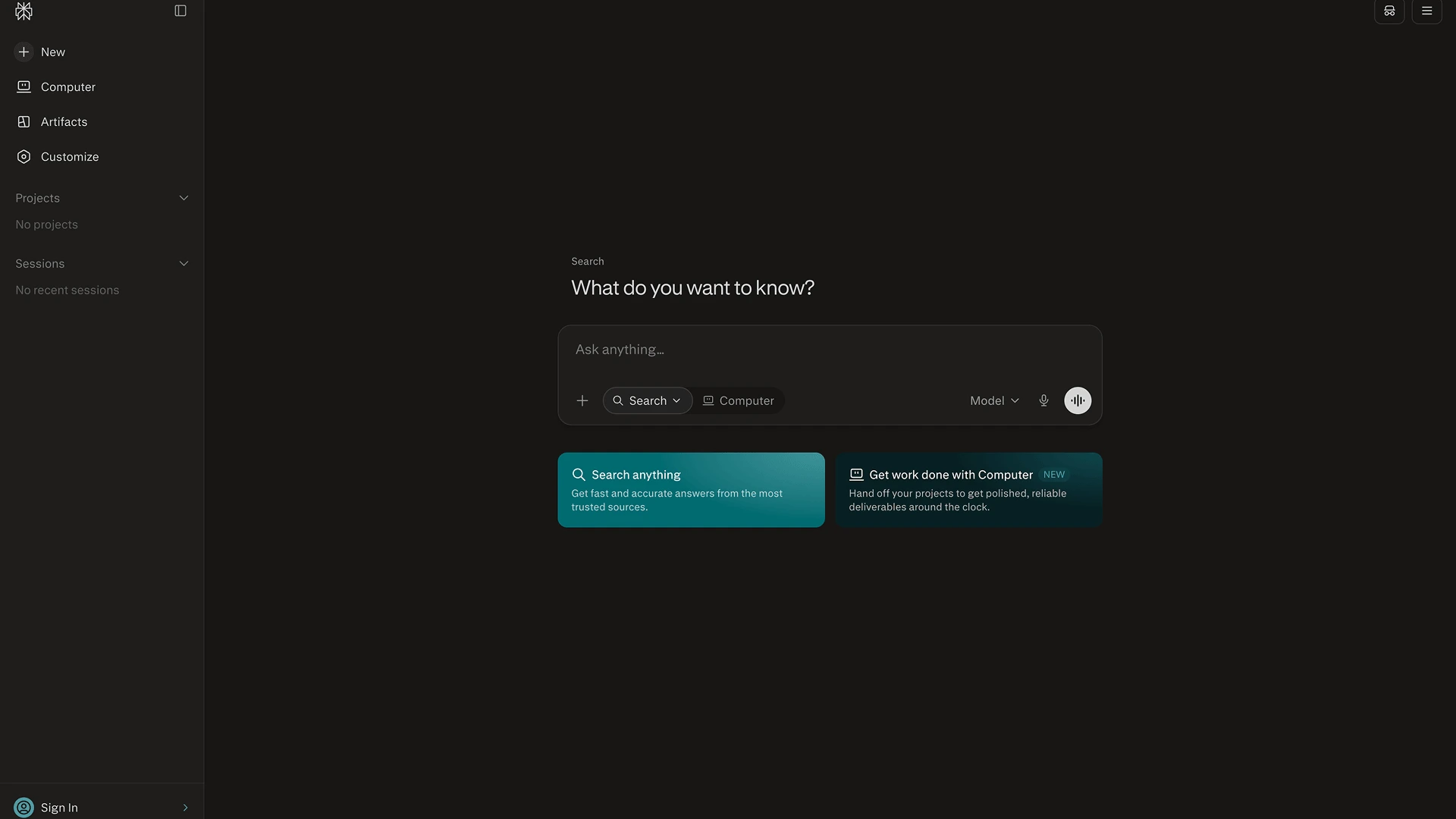
Perplexity keeps one research habit intact: read the answer, then check where it came from. Sources sit next to the response instead of behind a "show citations" toggle, which suits market research, product comparisons, technical questions and any topic you're not ready to trust a summary on.
The product has outgrown the "answer engine" label. Deep Research now returns structured deliverables rather than a wall of text, and Perplexity's own browser, Comet, runs multi-step tasks in the page, comparing options across sites, filling forms, working through a sequence rather than answering once. If you last looked at Perplexity as a search box, that description is out of date.
What hasn't changed is where it stops being the right tool. Once the research is done and the problem becomes scheduling, project planning or an inbox, Perplexity has little reason to stay at the centre of the work.
Available on web, macOS, Windows, iOS, Android, as a Chrome extension, and inside Perplexity's own browser, Comet.
Best for: finding current information and tracing it back to a source you can quote.
Assistants That Manage Work Rather Than Explain It
The last three products connect AI to recurring operational work. Their value is measured in coordination removed, not in the quality of any single response, and all three cost real money, which changes how you should evaluate them.
8. Lindy – Best for Email and Workflow Automation
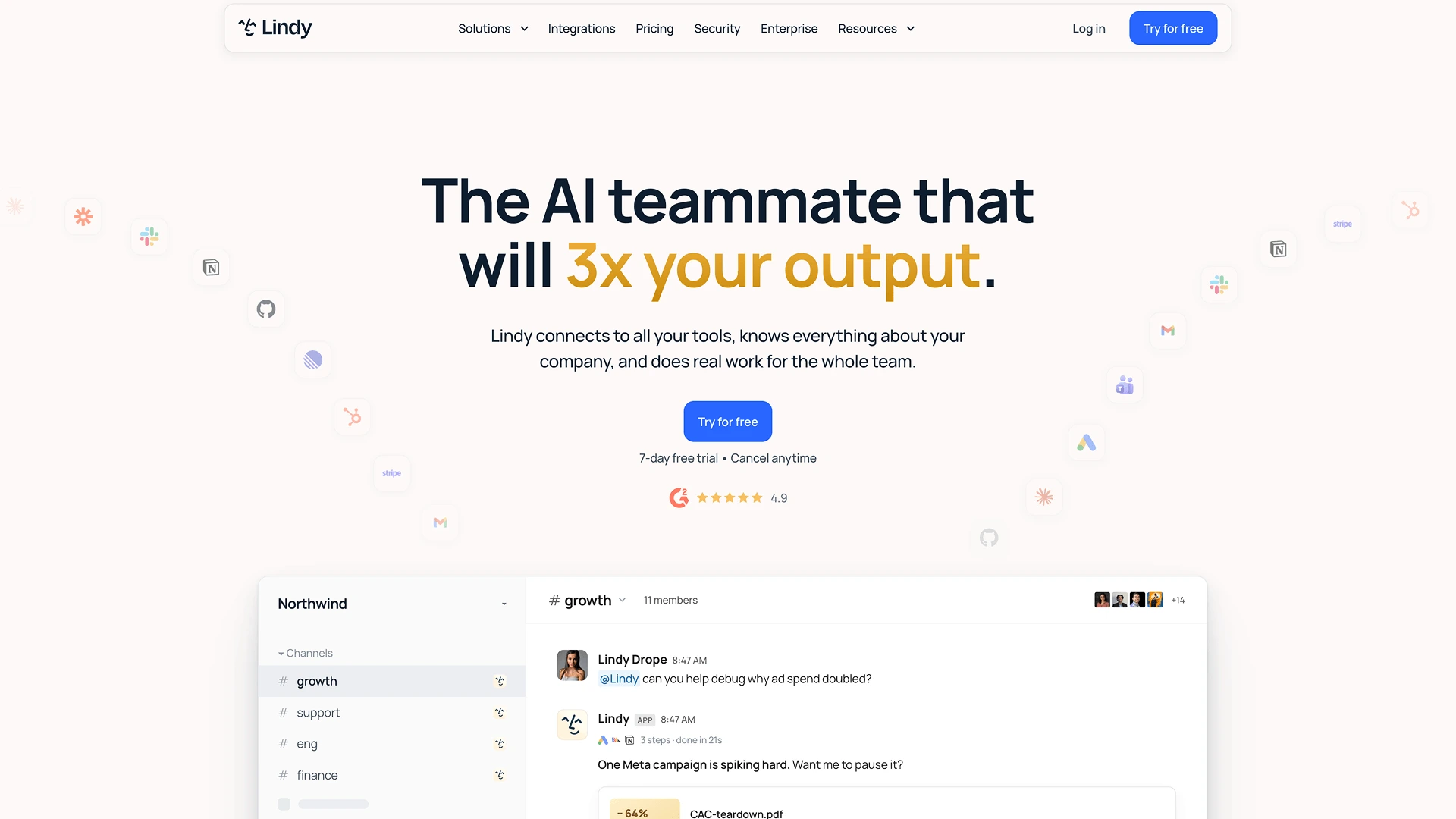
Drafting an email is easy for any current model. The hard part is everything around it: reading the thread, working out what the follow-up should be, scheduling it, and keeping the sequence moving without supervision.
Lindy targets that wider process, connecting to email, calendars, meetings and other services so an automation continues past the first prompt. It sits closer to a digital operations assistant than a writing tool.
Two things to budget for. Setup is real work, permissions, rules, and sensible points where a human still approves something. And the free plan is gone: Lindy runs on a 7-day trial and then starts at $29.99 per user per month, metered in credits, so multi-step agents can consume an allowance faster than the sticker price suggests.
Runs as a web platform connected to your existing email, calendar, and apps, rather than as a separate app you open.
Best for: repetitive inbox and admin workflows with enough volume to justify the configuration.
9. Reclaim – Best AI Assistant for Calendar and Time Management
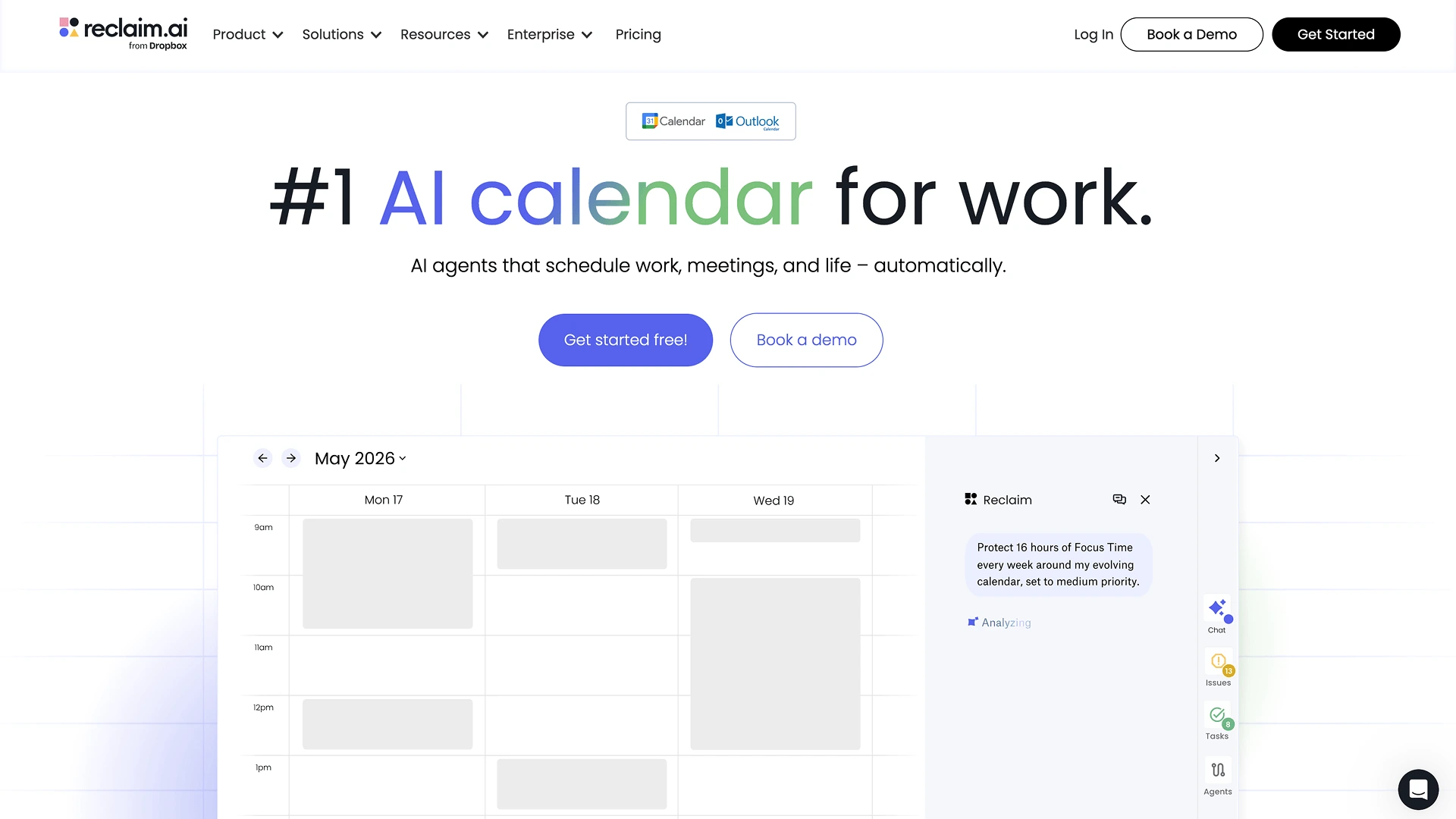
Reclaim has the narrowest brief here: keep the calendar workable.
Focus time, habits, meetings, buffers and tasks all compete for the same hours. Reclaim places those blocks and moves them as the week changes, so a single rescheduled meeting doesn't turn into twenty minutes of manual repair.
The difference from a general assistant is concrete. ChatGPT can suggest two hours of deep work tomorrow. Reclaim puts the block in the calendar and defends it when someone drops a call on top of it.
A genuine free tier makes the idea easy to test, which is unusual in this group. There's little reason to use Reclaim for writing or research, but that's not a flaw if calendar maintenance is the thing eating your week.
Web and a Chrome extension only, there's no native iOS or Android app.
Best for: anyone spending more time arranging blocks of work than doing the work inside them.
10. Motion – Best for AI Planning and Task Management
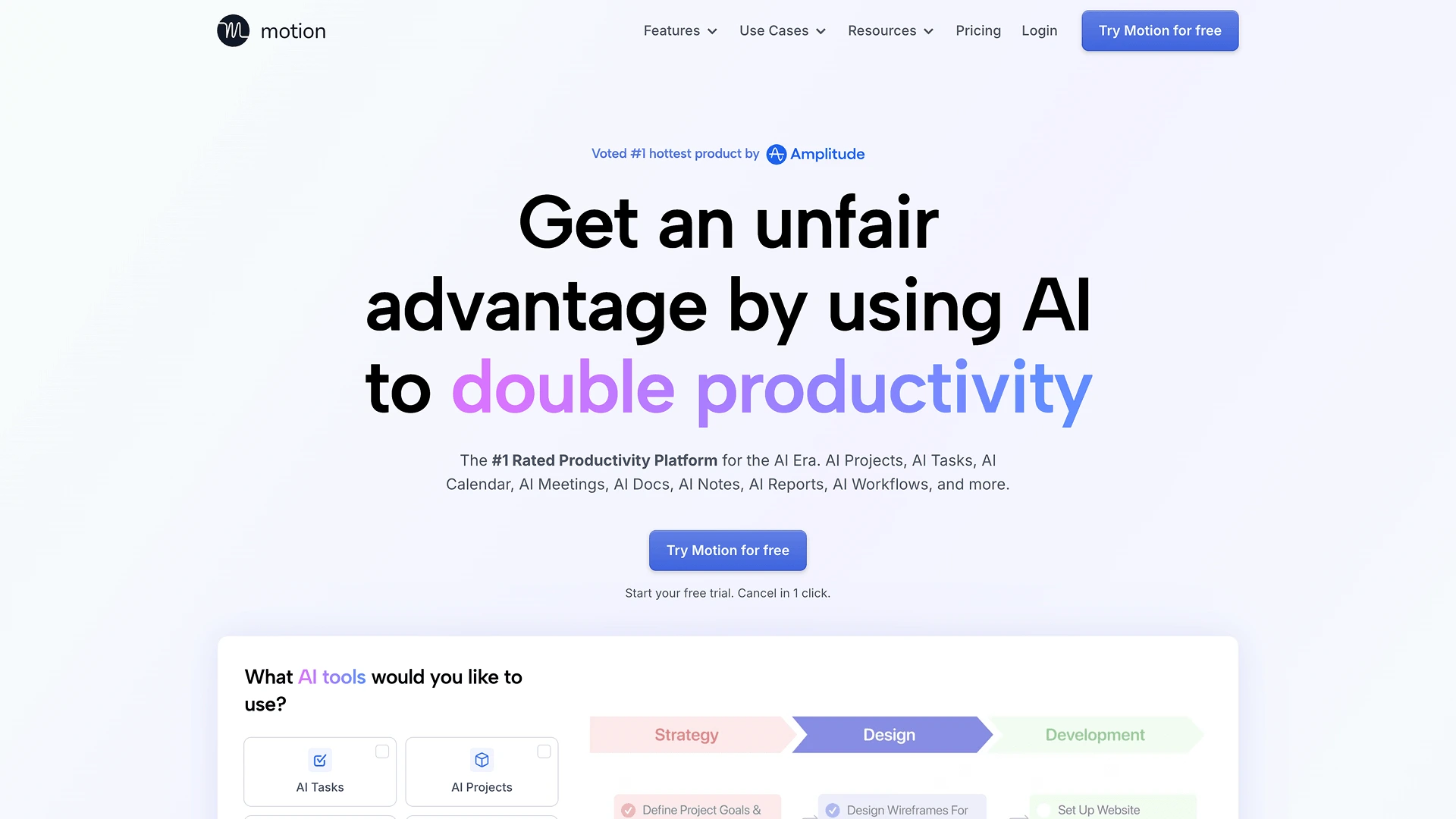
Motion starts one level above the calendar. Tasks, deadlines, priorities and meetings feed a plan, and the schedule rebuilds itself when those inputs change. Where Reclaim protects time, Motion decides what should occupy it.
That extra layer earns its place when several projects compete for the same week and the real question isn't when you're free but which deadline deserves the slot.
Cost is the main objection. There is no free tier, only a 7-day trial that requires a card, and Pro AI runs $19 per seat per month on annual billing or $29 billed monthly, with a fixed monthly credit allowance for the AI features on top. For a short to-do list, that's more system, and more commitment, than the problem needs.
Available on web, macOS, Windows, iOS, and Android.
Best for: workloads where turning shifting priorities into an executable schedule is the hard part.
Which AI Assistant Apps Can You Use for Free?
Free tiers mean different things across these ten tools. Some give you ongoing daily use. Others are a one-time trial that expires whether you use it or not.
| Tool | Useful task available for free | Main restriction | Ongoing free plan or trial |
|---|---|---|---|
| Sigma Browser | Chat With Page, unlimited chat, limited Deep Research and AI Agent | Deep Research and AI Agent usage capped | Ongoing free plan |
| ChatGPT | Full chat on GPT-5.6 Luna | No access to higher-tier models | Ongoing free plan |
| Claude | Chat with file uploads | Message limits reset periodically | Ongoing free plan |
| Gemini | Chat, Gmail/Docs integration | Advanced features need a Google AI subscription | Ongoing free plan |
| Microsoft Copilot | Basic chat in Edge/Windows | Real M365 workplace features need a paid licence | Ongoing free plan (limited) |
| Notion AI | 20 AI responses total | Doesn't renew, a one-time trial, not monthly | Trial only, no ongoing free access |
| Perplexity | Search with cited sources | Limited number of Pro searches per day | Ongoing free plan |
| Lindy | No usable free access | 7-day trial, no permanent free tier | Trial only, no free plan |
| Reclaim | Full calendar automation on Lite tier | Fewer scheduling links and integrations than paid | Ongoing free plan |
| Motion | No usable free access | Requires a card; converts to paid automatically | 7-day trial only, no free plan |
The "ongoing" column means exactly that: you can keep using it next month without paying anything new. A trial is a preview, not something to build a workflow around.
Which AI Assistant App Should You Choose?
Look for the handoff you repeat most often.
| What keeps slowing you down? | Start with |
|---|---|
| Context changes constantly across pages and web apps | Sigma Browser |
| You need one assistant for many unrelated tasks | ChatGPT |
| Long documents, dense material, technical work | Claude |
| Your work lives in Google | Gemini |
| Your company runs on Microsoft 365 | Microsoft Copilot |
| Internal knowledge is buried in Notion | Notion AI |
| Finding current information and sources | Perplexity |
| Repetitive inbox and admin workflows | Lindy |
| Constant calendar reshuffling | Reclaim |
| Deadlines are hard to turn into a plan | Motion |
A product earns its place when it removes a step you keep performing by hand: transferring web context, locating an old decision, rebuilding a calendar, translating priorities into hours. If none of those is currently painful, a broad assistant is probably enough.
More articles

Download Sigma Browser
Questions & Answers
reach out to us on X at @Sigma_Browser
Get Sigma on Android


