
Best AI Humanizer Tools: Which One Should You Choose?
Compare the best AI humanizer tools by features, free limits, and pricing. Find an option for your writing and learn what to check before paying.

The best AI humanizer for you depends less on which tool ranks highest in someone else's list and more on three practical things: how much text you're rewriting, what settings you need, and how much you're willing to pay once the free allowance runs out.
This comparison looks at what each tool offers, what's genuinely free versus a one-time trial, and where the real limits sit. It won't tell you which one produces the most natural-sounding result or which best evades a specific AI detector, since neither claim holds up without independent testing we haven't done here.
Best AI Humanizer Tools at a Glance
This comparison is based on official product documentation, published pricing, and free-access conditions checked on September 22, 2026. We did not independently test rewriting quality or AI detector performance.
How We Selected These Tools
Every tool here either has a dedicated AI Humanizer feature or a clearly documented rewriting mode built for this specific job, not a general paraphraser being repurposed. Each also had enough published information, pricing pages, help-center articles, or in-product FAQs, to describe its free access and paid tiers without guessing.
We focused on tools with a straightforward path from trying the product to using it: a working free tier or trial, visible pricing, and documentation in English, since this comparison is written for English-language writing tasks. Where a service's own pages disagreed with each other or left a detail unpublished, we noted that rather than filling the gap with a number from a review site.
The Best AI Humanizer Tools to Consider
QuillBot AI Humanizer
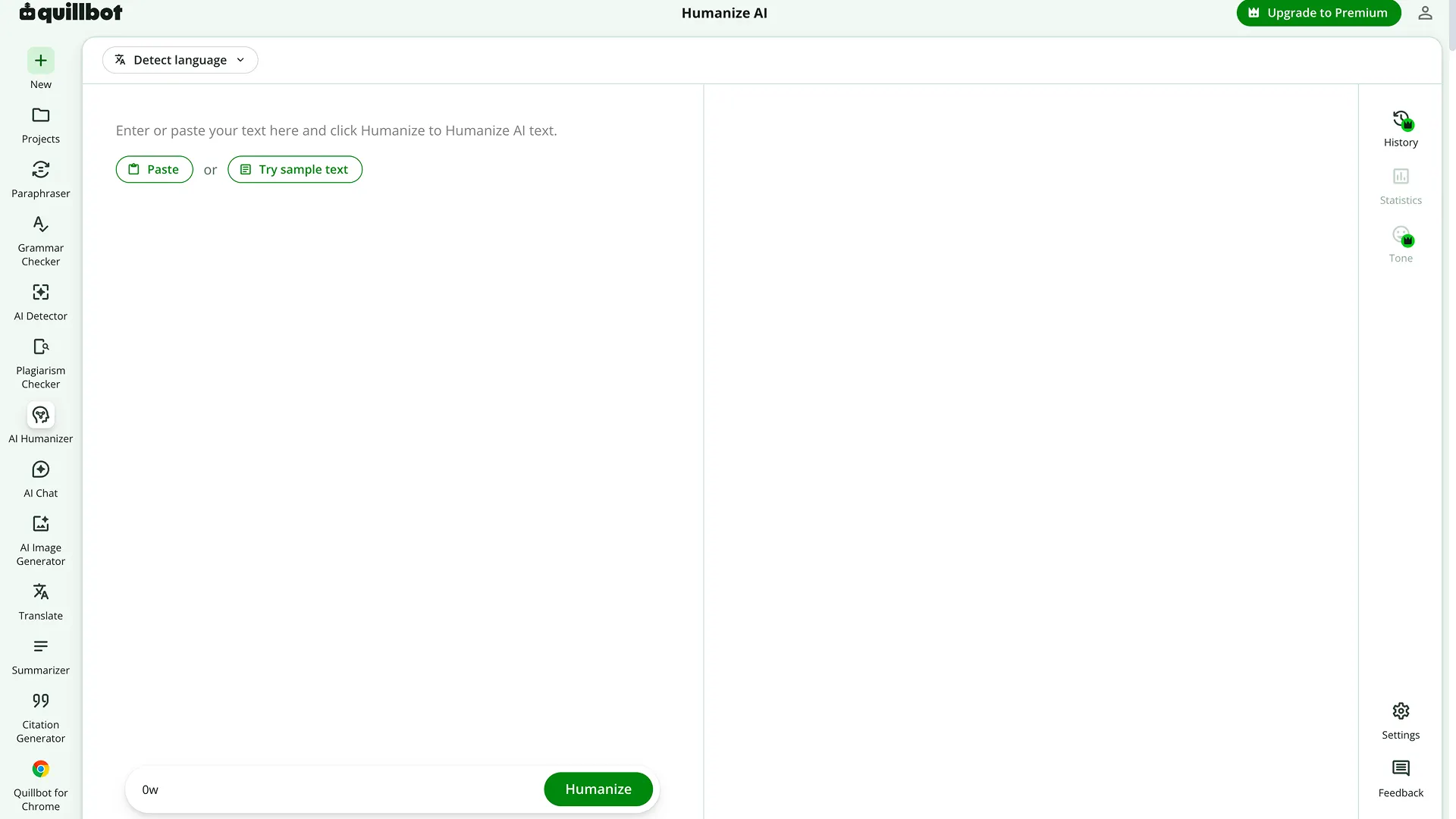
What it offers: QuillBot's Humanizer lives inside its broader writing suite, alongside a paraphraser, grammar checker, AI detector, summarizer, and several other tools under one account. That bundling is the main draw, one login covers the whole editing workflow, not just humanizing.
Free access: QuillBot's official pricing page lists free humanizing at up to 125 words per pass, with limited usage; full access requires Premium.
When it makes sense: If you're already using QuillBot's paraphraser or grammar checker, adding humanizing to the same account avoids juggling a separate tool and login.
What to check: 125 words is roughly one short paragraph. A full article means many separate passes, and QuillBot's own comparison table shows Premium unlocking full humanizing access alongside the rest of the suite.
Pricing: Premium is $8.33/month billed annually ($99.95 billed once per 12 months), $13.31/month billed quarterly ($39.95 every 3 months), or $19.95/month billed monthly, per QuillBot's official pricing page.
Grammarly AI Humanizer
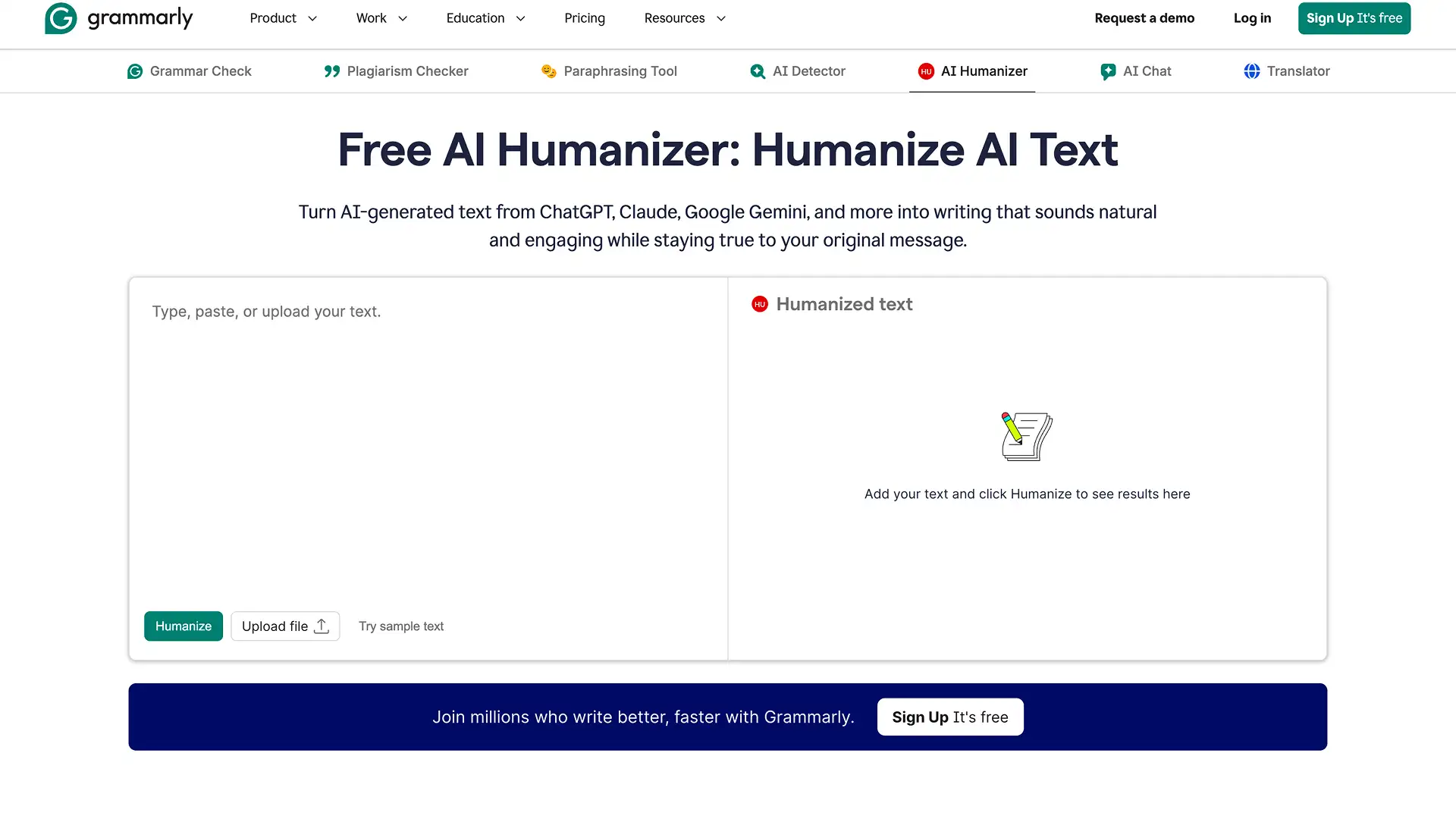
What it offers: A standalone Humanizer page rewrites AI-generated text without requiring signup for basic use. Creating a free Grammarly account unlocks the Humanizer agent inside Grammarly's editor, with four preset voices (Professional, Academic, Friendly, Persuasive per Grammarly's own materials) or a custom voice built from a 200-word writing sample, and support for six languages.
Free access: The public tool is free to use for basic humanization; a free account adds the agent, preset voices, and custom voice creation.
When it makes sense: If grammar and tone checking are already part of your workflow in Grammarly, humanizing text in the same editor avoids copying text between tools.
What to check: The Humanizer agent draws from Grammarly's shared monthly AI-action allowance rather than a separate humanizer-specific limit, so heavy use can run into that shared cap. Grammarly's own support documentation describes the agent's availability as full in Grammarly's docs surface across Free, Plus, and Pro; Business, Enterprise, and Education accounts access it only inside docs specifically.
Pricing: Grammarly Pro is $30/month billed monthly, $60/member per three months billed quarterly, or $144/year billed annually ($12/month average), per Grammarly's own pricing page. Grammarly now operates as part of a broader Superhuman suite, alongside Superhuman Go, Coda, and Superhuman Mail.
WriteHuman
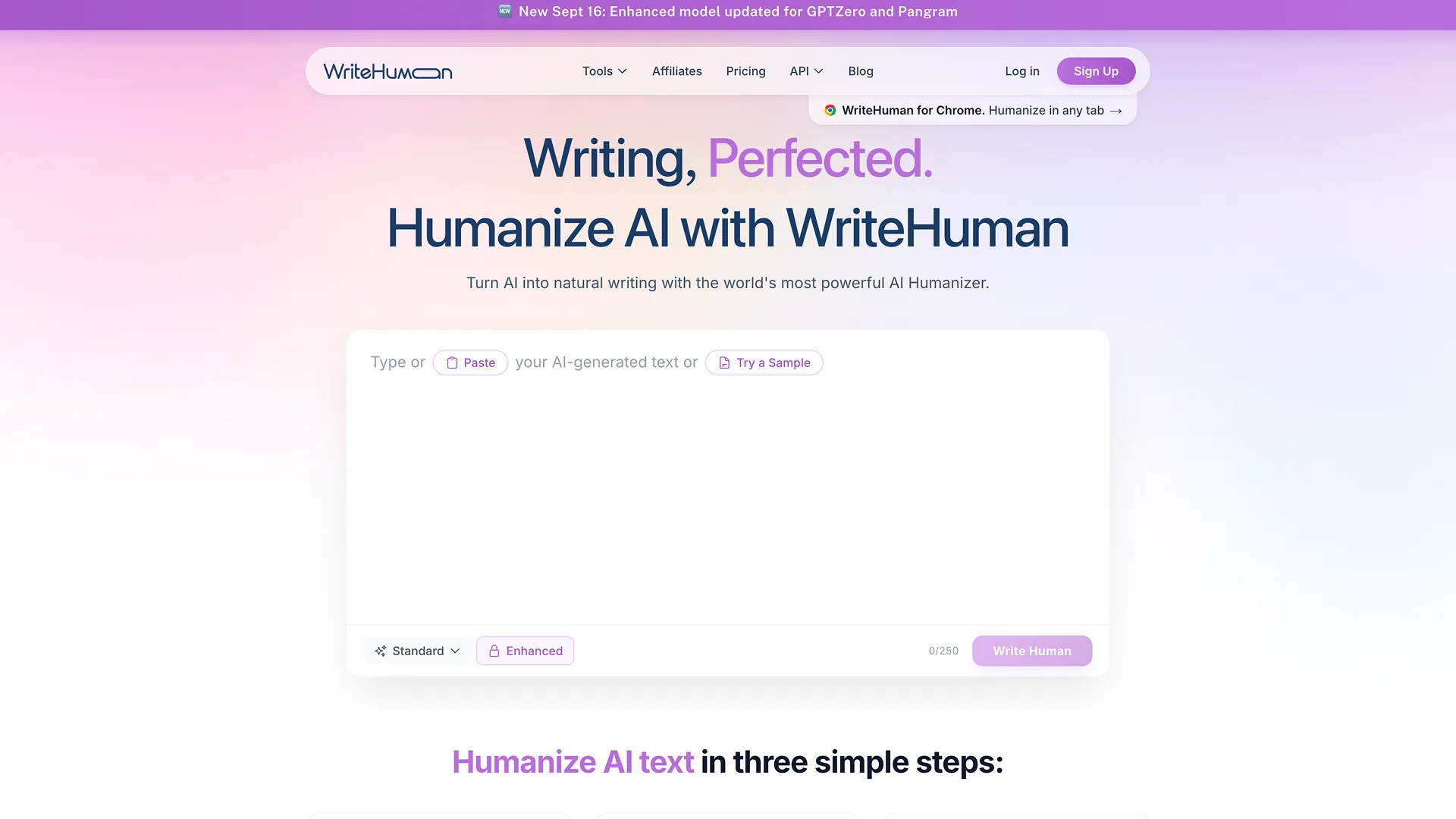
What it offers: WriteHuman focuses specifically on rewriting AI text, with a built-in AI detector to check the result without leaving the tool, plus a Chrome extension for humanizing inside other tabs.
Free access: 3 humanizer requests per month, up to 250 words each, 1 output variation, 10 detection checks per month, per WriteHuman's official pricing page.
When it makes sense: If you want a detector and a humanizer in one subscription rather than two separate tools, the built-in checker is the differentiator here.
What to check: The free tier's 3 requests per month reset monthly rather than accumulating, so it functions as a way to sample the tool, not a workable free workflow for regular writing.
Pricing: Basic is $12/month billed annually ($20/month billed monthly) for 80 requests and 600 words per request. Pro is $19/month annually ($29/month monthly) for 200 requests and 1,200 words per request. Ultra is $39/month annually ($59/month monthly) for unlimited requests and 3,000 words per request.
Undetectable AI
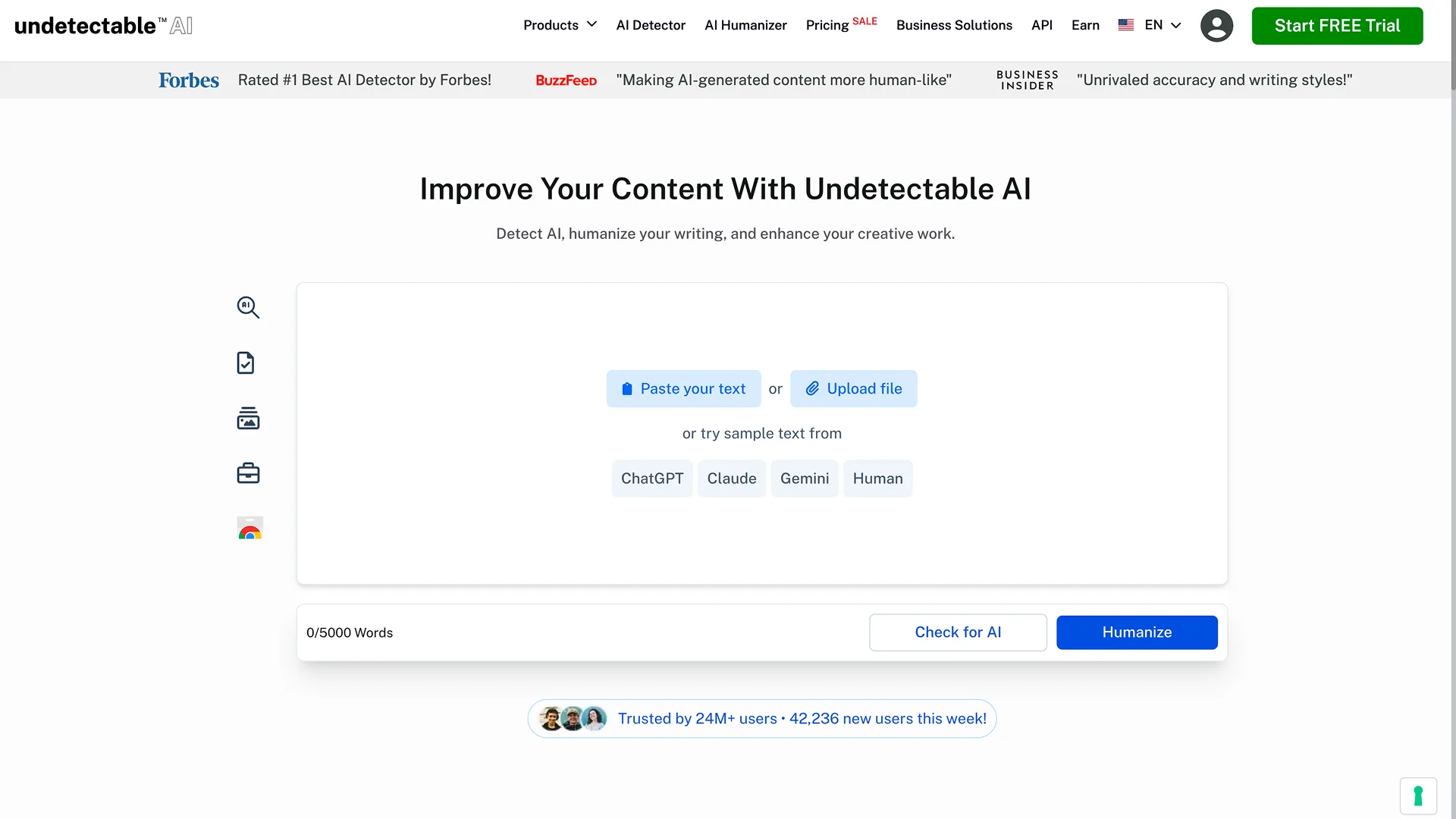
What it offers: A single humanization mode paired with Undetectable AI's own AI detector, plus API access on higher tiers for teams building humanizing into their own workflow.
Free access: A one-time trial limited to 250 words, with a stated money-back guarantee if the output is flagged, per the official pricing page. This is not a renewing monthly allowance.
When it makes sense: The word-bank pricing structure suits people who'd rather buy a set amount of words upfront than track a per-request cap.
What to check: There's no ongoing free tier, only the one-time 250-word trial, so evaluating the tool against a real, longer document means committing to a paid plan first.
Pricing: Structure differs by billing toggle. With monthly billing, the entry tier is $19/month for 20,000 words, followed by $31/month for 35,000 words, $42/month for 50,000 words, and $64/month for 80,000 words (a slider scales further toward unlimited). A cheaper 10,000-word tier at $5/month ($60/year) only appears under annual billing and isn't offered as a standalone monthly plan; the same annual toggle also shows the other tiers at a discount (roughly $9.50, $15.75, and $21.25/month respectively). Confirm current tier availability directly on the pricing page, since it visibly restructures based on the monthly/yearly toggle rather than simply discounting the same tiers.
GPTHuman
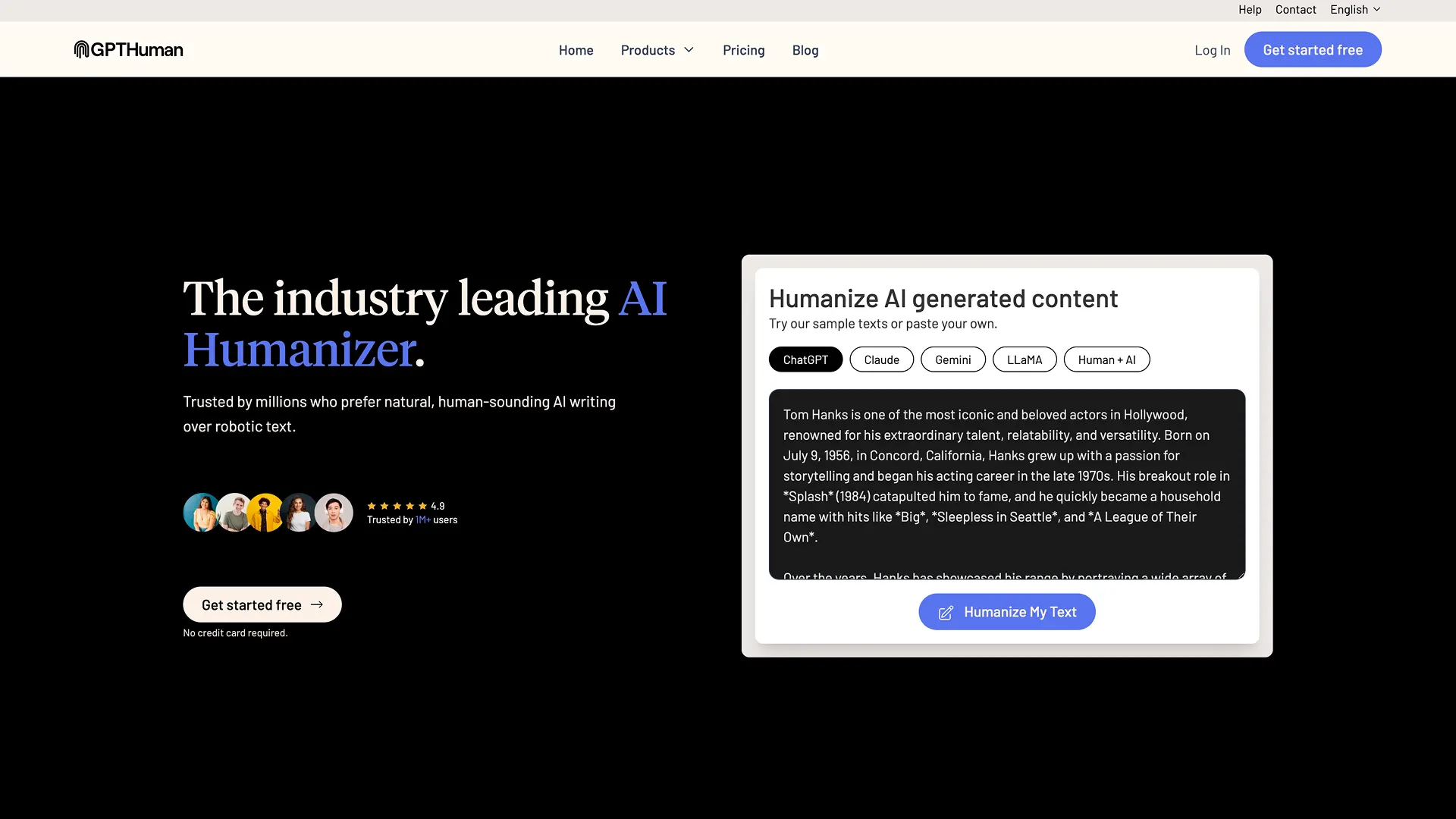
What it offers: Beyond rewriting, GPTHuman includes Claude and ChatGPT watermark removal and a paid-tier "Shield Guard" layer the company describes as further reducing detectability, alongside support for 50+ languages.
Free access: 300 words, one-time trial, plus limited AI Detector access, per GPTHuman's official pricing page.
When it makes sense: The multilingual support is the main differentiator if your writing isn't exclusively in English, though this comparison itself is scoped to English-language use.
What to check: Like Undetectable AI, the free tier is a single trial rather than a monthly allowance, so real evaluation requires a paid plan. GPTHuman's marketing describes a "bypass all AI detectors guarantee," which is the company's own claim, not something independently verified here.
Pricing: Starter is $15/month ($8.25/month billed annually, $99/year) for 25,000 words/month and 1,000 words per single output. Plus is $25/month ($14/month annually, $168/year) for 60,000 words/month and 1,500 words per output. Unlimited is $49/month ($26/month annually, $312/year) for unlimited words/month, subject to the company's stated abuse guardrails, and 2,500 words per output.
Ryne AI
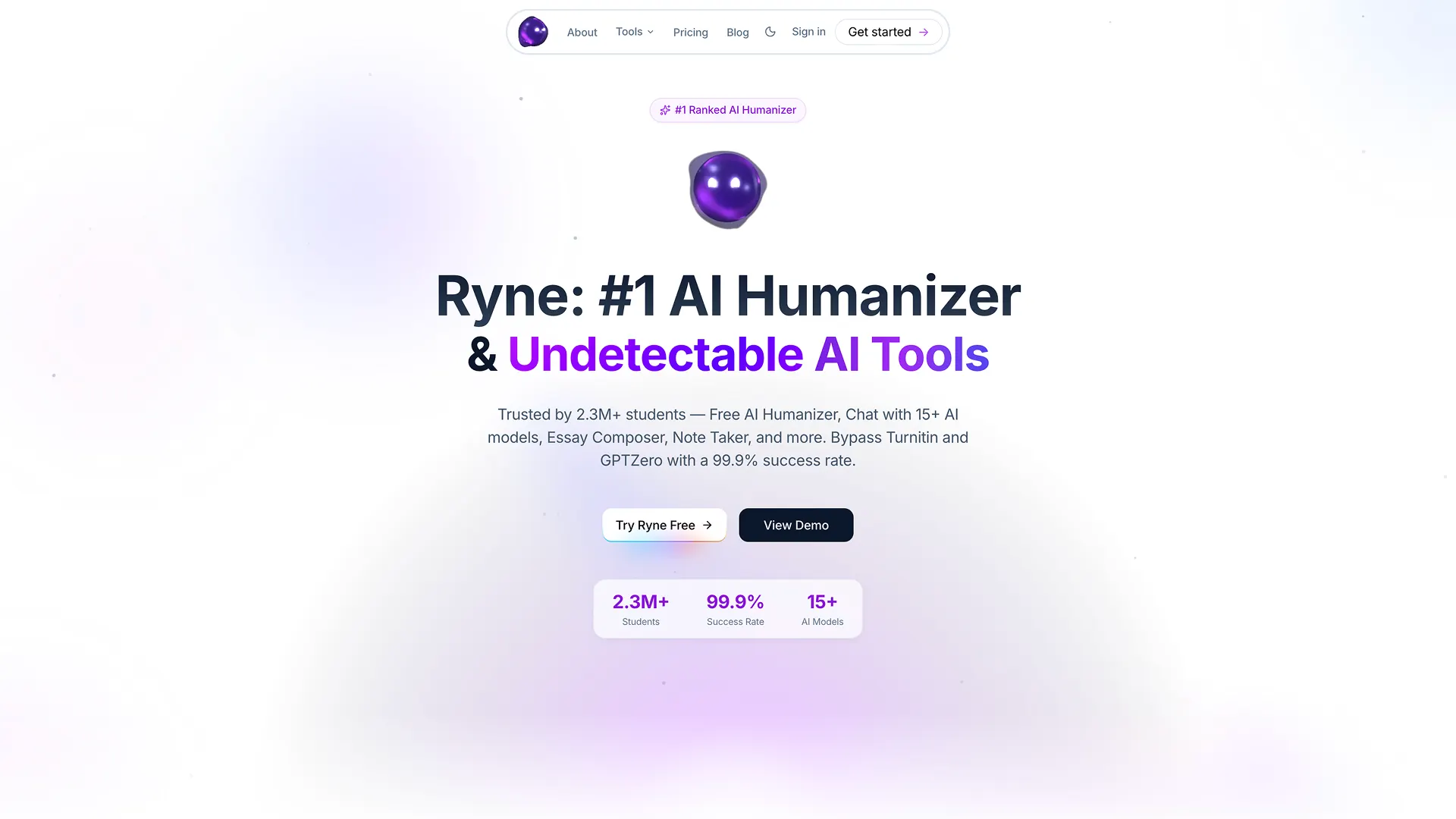
What it offers: Ryne bundles its text humanizer with a multi-model AI chat, an essay composer with citations, and a lecture-notes tool, positioning itself as a broader academic AI toolkit rather than a standalone humanizer.
Free access: The free "Amethyst" tier requires no credit card and includes 250 words per rewrite, English only, with no AI-detector report included, per Ryne's official pricing page.
When it makes sense: If a humanizer alongside AI chat and study tools in one subscription is genuinely useful to you, the bundle may be worth more than a standalone humanizer subscription.
What to check: The pricing runs on a coin-based system rather than a simple monthly word count, and the free tier is limited to English with no detector report, so pair it with a separate detector if you need to check the result.
Pricing: Sapphire, Emerald, and Ruby pricing displayed varied between checks, USD figures around $29.99/$39.99/$109.99 monthly on one visit, EUR figures around €27.99/€36.99/€99.99 monthly on another, both with a discounted rate at longer billing terms. This looks like currency or pricing display tied to region or browser locale rather than a single fixed number; confirm the actual price in your own currency at checkout. One note worth flagging: the "Pro Algorithm" humanization mode is not included on the free Amethyst tier or on Sapphire, it's only available starting at Emerald. Sapphire includes 10,000 coins, all languages, and 750 words per rewrite; Emerald includes unlimited coins and 1,500 words per rewrite; Ruby includes unlimited coins and unlimited humanization.
Which AI Humanizers Can You Use for Free?
It depends entirely on how much text you're working with. For a single sentence or short caption, every tool here works within its free limit. For a full paragraph, QuillBot's 125-word cap and Ryne's 250-word Amethyst tier both fit, though QuillBot's usage is also capped daily.
For several paragraphs or a short email, Grammarly's standalone page and WriteHuman's 250-word free requests can each cover one pass, though WriteHuman only allows 3 such passes per month before the allowance resets.
For a long article, none of the free tiers here are built for that job. Undetectable AI and GPTHuman both offer a one-time trial (250 and 300 words respectively) rather than a recurring monthly amount, so they're useful for seeing how the tool works, not for handling a full draft without paying.
For regular, ongoing editing, every tool on this list eventually requires a paid plan. The practical difference between them is how that free access is structured: QuillBot and Ryne's Amethyst tier renew a small allowance regularly; Undetectable AI and GPTHuman offer one trial and nothing further; Grammarly and WriteHuman sit in between, with a free account or free monthly requests, but a shared or capped allowance that a regular workflow will outgrow.
Can AI Humanizers Guarantee an Undetectable Result?
No tool can guarantee that, and it's worth being clear about what "undetectable" covers.
Humanizing can improve how smoothly a text reads, restructuring sentences, varying rhythm, softening repetitive phrasing. Whether that same rewrite also changes what a specific AI detector reports is a separate question, and detectors themselves disagree with each other on the same text. A rewrite that lowers one detector's score doesn't necessarily do the same on another.
Humanizing also doesn't establish who actually wrote something, and it doesn't verify that facts, citations, or claims in the text are accurate; a rewritten sentence can read naturally while still containing an error the original AI draft introduced. Several tools in this comparison advertise detector-bypass claims of their own, GPTHuman's "bypass all AI detectors guarantee" is one example. Those are the companies' own marketing claims, not something this comparison independently tested, and a claim tied to one detector shouldn't be assumed to hold for every detector a reader might face.
Do You Need a Humanizer or Just a Better Rewrite?
Not every AI-sounding draft needs a dedicated humanizer. A general AI chat tool can often handle the same underlying problems: sentences that run too long, repeated phrasing, a tone that doesn't match the audience, or an explanation that's more technical than it needs to be. What a dedicated humanizer adds on top of that, where it's actually documented, is a purpose-built interface, preset or custom voice options, and in some cases a built-in detector to check the result in the same place.
If you want to try the chat-based route first, here's a prompt you can copy and adjust:
This doesn't guarantee the result will pass any particular AI detector or that every nuance of meaning survives untouched, it's a starting point you still need to check against the original. Sigma AI Chat is one place to run a prompt like this if you want general-purpose rewriting alongside your existing browsing, rather than a separate specialized tool.
Once you have a rewrite, fact-checking the AI-generated claims in it is worth doing separately, since neither a humanizer nor a general rewrite prompt verifies accuracy on its own.
How to Choose the Right AI Humanizer
- Figure out your typical text length. A 200-word caption and a 2,000-word article need very different free tiers and per-request limits.
- Check the free limits and payment terms directly on the product's own pricing page, not a third-party summary, since plans and prices change.
- Confirm the settings you need are in the tier you'd pay for. A custom voice, multiple languages, or a built-in detector might sit behind a higher tier than the entry price suggests.
- Check how the service handles text you upload or paste, particularly if you're working with anything sensitive or unpublished.
- Try the tool on a short, non-confidential piece of text first, before committing a full document or a subscription to it.
- Read the output against your original before using it anywhere that matters. No tool here replaces that comparison.
There isn't a single best choice among these six, the right one depends on how much you write, what settings matter to you, and whether a bundled toolkit or a focused, standalone humanizer fits your workflow better.
More articles


Download Sigma Browser
Questions & Answers
reach out to us on X at @Sigma_Browser
Get Sigma on Android


