
10 Effective Ways to Use GPT-5.5 for Productivity in 2026
Practical GPT-5.5 use cases for work, research, content, and everyday productivity.

GPT-5.5 is OpenAI’s newest frontier model for complex professional work, including coding, research, analysis, document-heavy tasks, and multi-step workflows. It is built for users who need stronger reasoning, better task understanding, and more reliable help with difficult work.
Older models like ChatGPT-4o were useful for everyday AI tasks such as writing, summarizing, translation, and brainstorming. GPT-5.5 moves the workflow further: it is designed to handle more complex requests, work across tools, analyze information, create documents and spreadsheets, and continue through multi-step tasks with less guidance.
But productivity does not come from asking random questions. The best results come from using GPT-5.5 for specific workflows: writing, research, coding, planning, reports, presentations, content creation, and business analysis. In this guide, we’ll look at 10 practical ways to use GPT-5.5 to work faster and think more clearly.
What Is GPT-5.5?
GPT-5.5 is OpenAI’s latest frontier model for advanced AI work. It is designed for complex reasoning, coding, research, analysis, and professional workflows that require more than a quick answer.
In the OpenAI API, GPT-5.5 supports a large context window, text input and output, image input, and multiple reasoning effort levels. This makes it useful for tasks that involve long documents, visual information, structured analysis, code, and multi-step problem solving.
For everyday users, GPT-5.5 can act as a writing assistant, research partner, coding helper, planning tool, brainstorming partner, and productivity assistant. It does not replace your judgment, but it can help you move from a blank page to a useful draft, outline, plan, or analysis much faster.
How Does GPT-5.5 Improve Productivity?
GPT-5.5 improves productivity by reducing the time spent on repetitive thinking, formatting, summarizing, and organizing tasks. It can help you turn rough notes into structured plans, summarize long materials, explain technical topics, draft content, compare options, and break complex work into clear next steps.
The biggest benefit is not that AI does the whole job for you. The benefit is that it helps you start faster, structure your work better, and reduce the mental load of routine tasks. From there, you can review, edit, fact-check, and adapt the output to your real goal.
Below are 10 practical ways to use GPT-5.5 in everyday work.
1. Creating Social Media Content

GPT-5.5 can help you brainstorm post ideas, write captions, generate hooks, create content calendars, adapt one idea for different platforms, and test several versions of a message.
Instead of starting from a blank page, you can ask GPT-5.5 to create 10 LinkedIn post ideas, rewrite them for X, shorten them for Instagram, or turn a blog section into a social media post. It can also help you adjust tone for different audiences, such as founders, marketers, students, developers, or customers.
This is useful for marketers, creators, founders, and teams that need to publish consistently. You still need to check facts, brand voice, and claims, but GPT-5.5 can make the first draft much faster.
2. Preparing Analytical Reports
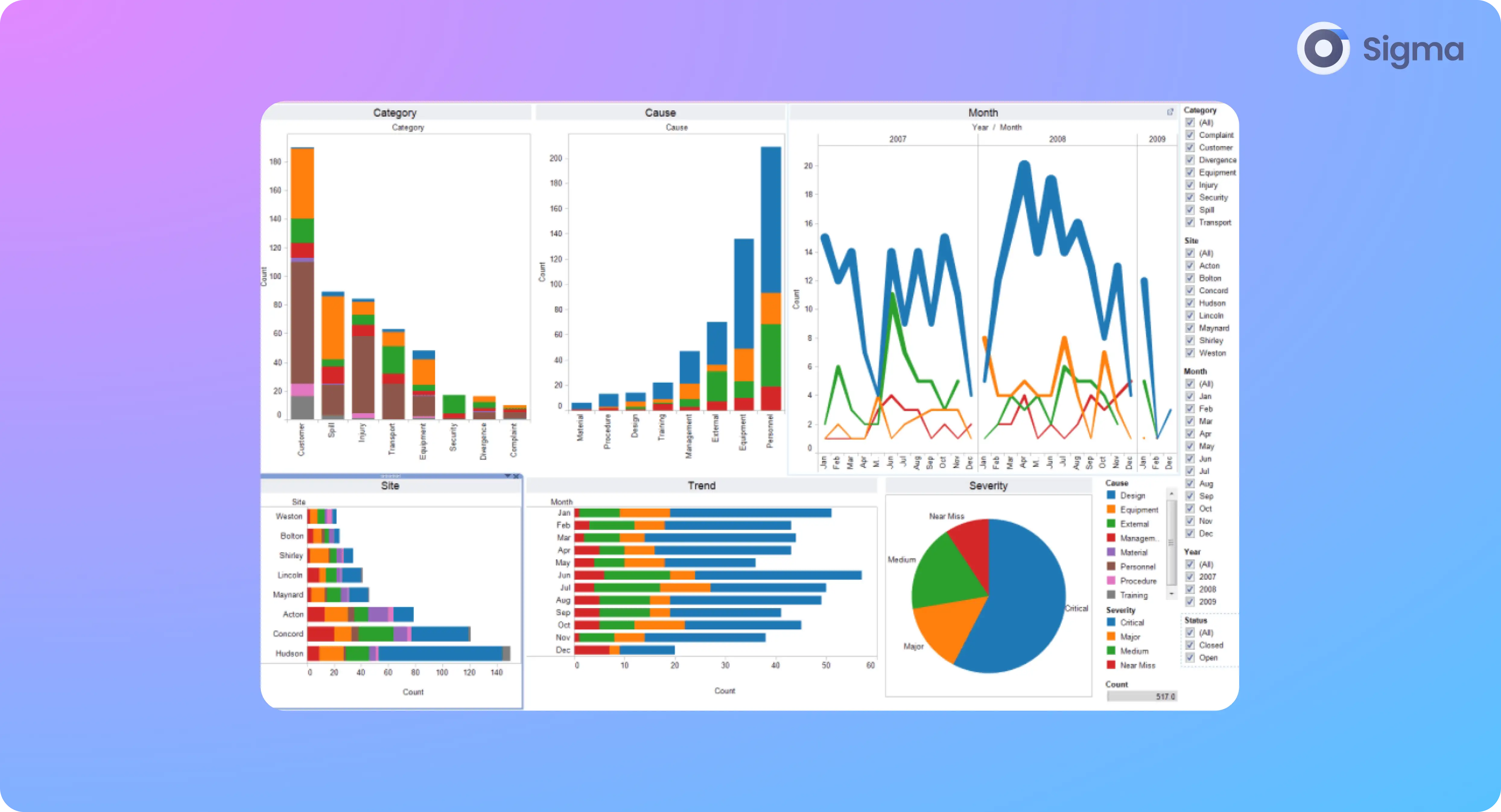
GPT-5.5 can help summarize long documents, extract key points, organize notes, identify patterns, and turn messy information into a clearer report structure.
You can use it to prepare executive summaries, outline report sections, compare sources, explain trends, and suggest what data needs to be checked next. This is helpful for marketing reports, competitor research, financial summaries, academic notes, internal documentation, and business analysis.
For deeper research workflows, tools like Deep Research in Sigma AI Browser can also help organize sources and turn scattered information into structured answers.
3. Automating Task Planning

GPT-5.5 can turn goals into task lists, organize priorities, create weekly plans, break projects into milestones, and help you prepare checklists for repeated workflows.
For example, you can ask it to turn a vague goal like “launch a new landing page” into a step-by-step plan with research, copywriting, design, QA, publishing, and tracking tasks. You can also ask it to prioritize tasks by urgency, impact, or dependency.
Clear planning reduces mental clutter. Instead of holding every step in your head, you can use GPT-5.5 to structure the work and then adjust the plan based on real deadlines, team capacity, and business priorities.
4. Assistance in Programming

GPT-5.5 can help developers write code, debug errors, explain unfamiliar code, generate tests, refactor functions, document logic, and reason through technical problems.
It is especially useful when the task requires context. For example, you can ask it to explain how a function works, suggest why a bug is happening, rewrite code for readability, or outline a safer implementation.
AI-generated code should always be reviewed and tested. GPT-5.5 can speed up development, but it should not replace code review, security checks, testing, or developer judgment.
5. Translation and Localization

GPT-5.5 can help translate text, rewrite it for a specific audience, adjust tone, and explain wording differences across languages or cultures.
This makes it useful for international communication, website localization, customer support messages, product descriptions, emails, social content, and language learning. Instead of only translating word by word, GPT-5.5 can help adapt the message so it sounds more natural for the target audience.
For important legal, medical, financial, or official documents, human review is still necessary. AI can speed up localization, but sensitive content should always be checked carefully.
6. Creating Visual Content

GPT-5.5 can help brainstorm visual concepts, write image prompts, describe creative styles, and prepare ideas for AI image generation tools.
You can use it to create prompt ideas for blog covers, social media graphics, presentation visuals, product mockups, ad concepts, landing page illustrations, or campaign creative. For example, you can ask GPT-5.5 to turn a blog section into three image concepts in a minimal SaaS style.
If you work inside Sigma, Sigma AI Image Generator can help turn text prompts into visuals for blogs, presentations, social media, marketing, and creative projects.
7. Developing Business Strategies

GPT-5.5 can help structure business ideas, compare options, draft SWOT analyses, outline go-to-market plans, and identify questions that need more research.
It is useful as a thinking partner. You can ask it to compare product positioning, find risks in a plan, suggest customer segments, build a launch checklist, or turn rough notes into a clearer strategy document.
However, GPT-5.5 should not replace real market research, financial analysis, customer interviews, or expert judgment. It can help organize ideas and explore angles, but final strategic decisions should still be based on verified data and business context.
8. Idea Generation and Brainstorming

GPT-5.5 can generate ideas for products, campaigns, article topics, business concepts, presentations, scripts, names, research angles, and creative projects.
It can also help combine ideas, challenge assumptions, and turn vague thoughts into more specific directions. For example, you can ask for 20 campaign angles, then ask it to group them by audience, emotional hook, or funnel stage.
This is useful when you are stuck, tired, or need several directions before choosing one. The best workflow is to use GPT-5.5 for volume and structure, then use your own judgment to select and refine the best ideas.
9. Preparing Presentations

GPT-5.5 can help structure presentations, write slide titles, simplify complex points, create speaker notes, and adapt the message for different audiences.
You can use it to turn a report into a slide outline, rewrite technical content for non-technical listeners, create a pitch deck structure, or prepare a clearer flow for a meeting. It can also help create summaries, talking points, and Q&A preparation.
This is useful for business meetings, school projects, pitch decks, marketing presentations, training materials, and internal reports.
10. Information Retrieval and Summarization

GPT-5.5 can help summarize information, explain unfamiliar topics, organize notes, and compare sources. It is useful when you need to understand a topic quickly or turn long materials into something easier to work with.
For current facts, prices, laws, product details, or fast-changing topics, you should verify information with reliable sources before using it. AI can help organize and explain information, but it can still make mistakes or miss updates.
Browser-based AI tools can make this workflow easier. For example, page-aware tools in Sigma AI Browser can help summarize pages, explain content, and keep research closer to the webpages you already use.
How to Get Better Results from GPT-5.5
GPT-5.5 works best when your prompt is specific. A vague request usually creates a vague answer. A strong prompt explains the task, context, format, audience, and expected result.
1. Give a role and context
Instead of writing “help me with marketing,” give the model a role and context.
For example: “Act as a B2B SaaS marketer. Help me write a LinkedIn post for a privacy-focused AI browser. The audience is startup founders and marketers.”
This gives GPT-5.5 a clearer direction and usually produces a better first draft.
2. Share examples
If you want a specific tone, structure, or style, provide examples. You can paste a few posts, paragraphs, headlines, or emails you like and ask GPT-5.5 to match the style without copying the wording.
Examples help the model understand what “good” looks like for your task.
3. Work step by step
For complex tasks, do not ask for the final result immediately. Start with research, then ask for an outline, then a draft, then edits.
For example, you can ask GPT-5.5 to first list key points, then organize them into sections, then write the intro, then improve the final version. This makes the answer easier to control and improves the final quality.
4. Check the final output
Always review important outputs before using them. Check facts, numbers, links, code, claims, and anything related to legal, medical, financial, or business decisions.
GPT-5.5 can speed up work, but the final responsibility stays with the user.
GPT-5.5 and AI Browsers
AI models become more useful when they are connected to real workflows. Many productivity tasks happen in the browser: research, writing, reading, comparison, planning, communication, and content creation.
In Sigma AI Browser, users can work with AI chat, page-aware tools, Deep Research, image generation, and browser-based AI workflows in one place. This helps users keep AI closer to the pages, documents, and sources they already use.
Instead of switching between a browser, an AI chat, a research tool, and a content tool, users can keep more of the workflow inside one workspace.
Final Thoughts
GPT-5.5 can help with many everyday productivity tasks: writing, research, planning, coding, translation, brainstorming, presentations, analysis, and content creation. It is most useful when you treat it as a working assistant, not as a replacement for your own judgment.
The best results come from clear prompts, useful context, examples, step-by-step work, and careful review. Use GPT-5.5 to create first drafts, organize ideas, summarize information, and speed up routine tasks — then edit and fact-check the final output before using it.
For users who work mostly in the browser, tools like Sigma AI Browser can make this workflow easier by keeping AI chat, page summaries, research, and content creation closer to the webpages and sources you already use.
More articles



Download Sigma Browser
Questions & Answers
reach out to us on X at @Sigma_Browser
Get Sigma on Android


