
9 Best Firefox Alternatives in 2026 for Privacy and Productivity
A closer look at the browsers challenging Firefox in privacy, productivity, and modern web workflows.

Firefox used to be the obvious choice for people who wanted more privacy and customization than Chrome. But in 2026, browsing habits look very different. People now work across dozens of tabs, AI tools, web apps, sidebars, and multitasking-heavy workflows every day - and many users feel Firefox is starting to lag behind more modern browsers built for productivity, speed, and better tab management.
Why Users Want a Firefox Alternative in 2026
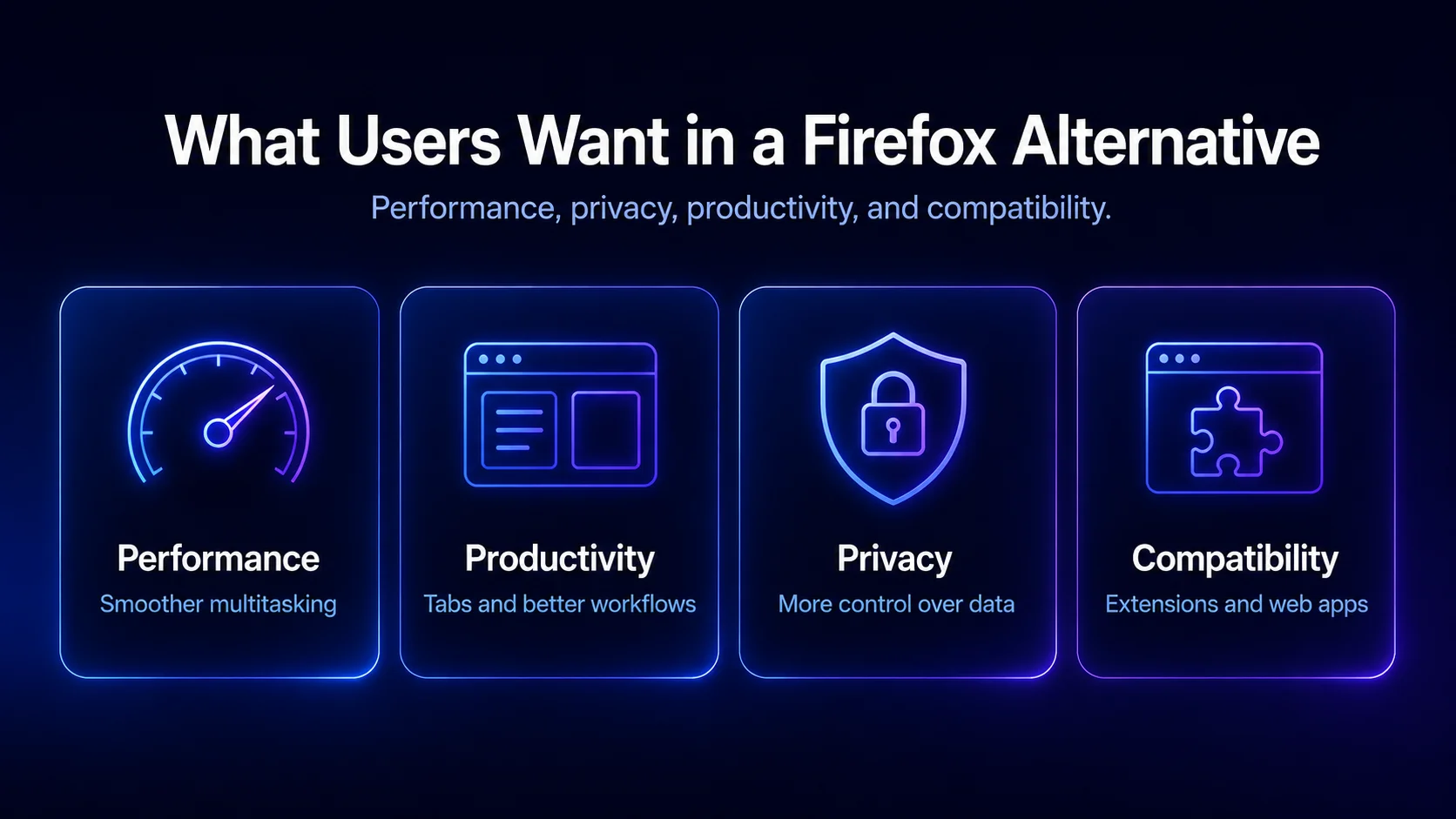
One of the main reasons a lot of people have stopped using Firefox is because it's started to lose its edge in terms of consistency in performance. Firefox isn't the slowpoke that Chrome fans used to mock it for all those years ago - it's definitely improved a lot since then. But compared to many modern Chromium-based browsers out there, Firefox can still feel heavier during large multitasking sessions. Users who are constantly jumping between multiple tabs, YouTube, Slack, Google Docs, Figma, AI tools and research-heavy browsing sessions are really noticing higher RAM usage and a slower UI over time.
The browser market has accelerated pretty rapidly while Firefox has been playing catch up. People these days are looking for features like vertical tabs, split screen, tab groups, side bar apps, AI assistance, workspace organization and syncing their browser across devices seamlessly. Firefox is still pretty focused on traditional browsing, whereas a lot of the newer browsers are rethinking what the browser window is all about and turning it into a productivity workspace with workspaces and to-do lists built right in.
Privacy has become a real headache lately too. Firefox still has a great reputation for being a secure and private browser, especially when compared to Google Chrome, but some users aren't too keen on the sponsored content, telemetry settings or integrations that need tweaking. A lot of people searching for a Firefox alternative aren't anti-Firefox - they just want something that can keep up with modern workflows, handle private tabs better, and support bookmarks and history management properly.
What Makes a Good Firefox Alternative Browser?
The best firefox alternative browser in 2026 will be one that gets a good balance of five things right:
- Privacy, data collection policies, speed, and RAM efficiency, with HTTPS enabled by default
- Extensions and how well it can handle different websites and search engine options
- All the productivity heavy features it has to help you juggle loads of tabs and tasks, including unique features like tab bar customization and workspace management
- And at the end of the day, the design and how well it all looks and feels
For some users, the ideal alternative to Firefox is another browser that's also all about privacy - something like Brave or the Tor Browser. For others its a browser that's built around productivity. The best choice really depends on how you use your browser every day, and how it manages passwords and links securely.
Best Firefox Alternatives Compared
Sigma Browser
A Firefox Alternative for Modern Workflows
A lot of browsers treat tabs like afterthoughts, but Sigma Browser is different. It's built around the idea that your browser should be a productivity operating system. That makes a huge difference if you're the kind of person who uses AI tools, researches, creates content, or multitasks for a living.
Rather than just opening tab after tab until your browser gets all cluttered and hard to navigate, Sigma focuses on workspaces, sidebar organization, AI assistance, and keeping your browsing sessions under control. If you're a Firefox user who's always found yourself getting overwhelmed by too many tabs, Sigma is a breath of fresh air.
The browser also integrates AI workflows seamlessly into your browsing experience, rather than forcing you to constantly switch between apps and browser tabs. This becomes especially useful for research, summarization, writing, brainstorming, and comparing information across websites.
Why Firefox Users Switch to Sigma Browser
Firefox is still a great browser, especially if you like customizing it with extensions and advanced settings. But Sigma just feels more optimized for how people work today. The UI is cleaner, workspace management is more intuitive, and multitasking across web apps is way smoother.
For users who spend hours working inside browser-based tools, Sigma feels more structured than traditional browsers. Workspaces, sidebar organization, and integrated AI tools help reduce tab overload and make research-heavy sessions easier to manage.
The important thing is that Sigma doesn't try to replace Firefox's great privacy features - it just focuses on making your daily browsing experience more efficient and less frustrating.
Brave Browser
The Privacy-Focused Firefox Alternative
Brave has become one of the most popular Firefox alternatives because it takes the best of Chromium's performance and combines it with some of the most aggressive privacy protections out there. Unlike Google Chrome, Brave blocks ads and trackers by default, which changes the whole browsing experience for you.
For many users, Brave feels faster than Firefox just because there are fewer scripts and ads loading in the background. Pages look cleaner, your browsing data is minimized, and battery life often gets a boost on laptops.
Why Brave Is Popular Among Firefox Users
Brave is especially great for users who value privacy but still want to be able to use Chrome-level extensions and websites. Since it's Chromium-based, most web apps work perfectly without any of those compatibility issues Firefox users sometimes run into.
Of course, Brave's crypto integrations and built-in features are still pretty polarizing. Some people love them, while others think they're too much. Still, as a Firefox alternative, Brave remains one of the best overall options.
Zen Browser
The Modern Firefox Based Browser
Zen Browser has gotten a lot of attention lately because it takes the Firefox engine and gives it a brand-new UI that's all about cleaner workflows and a more modern feel. Unlike many Chromium-based browsers, Zen keeps much of the Firefox experience while modernizing the interface and workflow design.
If you're a Firefox user who loves Firefox extensions, Firefox Sync, and Firefox's great privacy protections, but just can't deal with the old interface of stock Firefox, Zen Browser can feel like a much cleaner version of Firefox. The browser focuses on vertical tabs, cleaner layouts, compact mode, and way smoother navigation between browsing sessions.
Why Zen Browser Feels Better Than Stock Firefox
One of Firefox's biggest weaknesses is that it can start to feel a bit visually outdated compared to some of the newer browsers out there. Zen solves that problem by focusing on interface design and usability improvements.
The sidebar implementation in Zen is especially great for people who are always switching between messaging apps, research pages, and productivity tools. Zen also handles multiple tabs a lot more elegantly than traditional Firefox layouts.
Just keep in mind that Zen is still a pretty young browser, so some features can feel a bit rough around the edges.
Vivaldi Browser
The Best Firefox Alternative for Power Users
Vivaldi remains one of the most feature-packed web browsers out there, and it sits somewhere between Firefox’s flexibility and Chrome’s mainstream simplicity.
The browser includes stuff like tab groups, split view, workspaces, a customizable sidebar, notes, an email client, and countless UI settings. Vivaldi is also known for advanced customization tools like Command Chains, which allow users to automate browser actions and workflows. This makes Vivaldi especially appealing for power users who manage research, productivity apps, and multiple workflows inside a single browser window. Vivaldi actually integrates a lot of those productivity tools right into the browser, rather than expecting you to install a bunch of extensions.
Why Firefox Users Like Vivaldi
Firefox users who enjoy customization often appreciate how deeply Vivaldi can be personalized. Almost every part of the browser window can be adjusted, moved, resized, or redesigned to your heart's content. Vivaldi integrates Proton VPN, and you can move the tab bar to any side of the screen, a unique feature that sets it apart.
That said, some users will eventually find Vivaldi a bit overwhelming - there are just so many features and settings to keep track of. But for users who love tweaking their browser to perfection, Vivaldi is still one of the best alternatives to Firefox.
Opera Browser
A Firefox Alternative With Built-In Features
Opera has undergone a lot of changes over the years, but one thing that's remained constant is its focus on convenience features built right into the browser. Opera Mini also became known for using server-side compression to reduce webpage sizes and improve browsing speeds on slower internet connections. You get things like VPN access, sidebar apps, messengers, AI integrations, downloads management, and media tools all pre-installed and ready to go.
Opera appeals mostly to users who want built-in convenience tools without spending time customizing their browser setup.
Opera’s Biggest Strengths
One of the best things about Opera is that it doesn't require a ton of setup to start feeling useful. Features like vertical tabs, sidebar integrations, and quick-access tools all work right out of the box, no fuss. Opera also offers a free VPN and ad blocker that can be enabled easily, enhancing privacy while browsing.
However, Opera has also faced criticism over privacy concerns and data collection practices compared to browsers like Firefox and Brave. Users who care deeply about privacy and data collection often prefer browsers like Firefox or Brave instead.
Google Chrome
Why Chrome Is Still the Default Browser
To be honest, even when people are actively looking for a Firefox alternative, they still end up comparing every other browser to Google Chrome. And it's no wonder - Chrome still dominates extension support, compatibility and web standards. Google Chrome’s V8 JavaScript engine still sets performance standards for many modern web apps. Chrome also remains the default testing environment for many developers, which is why websites and extensions usually work there first.
Chrome still leads in website compatibility, extension support, and developer adoption, which is why many web apps are optimized for Chromium browsers first. And Chrome gets tested more aggressively than Firefox, Safari or any of those smaller browsers. Microsoft Edge has also become a strong Firefox alternative for Windows users because it combines Chromium compatibility with tighter integration into the Microsoft ecosystem.
Why Some Users Leave Google Chrome
Despite all that Chrome still has some major problems that make some users pass it by. Not least of which is its RAM usage - i.e. its tendency to eat up all your computer's RAM. And then there are the tracking concerns and Google’s data collection practices also remain a concern for many privacy-focused users.
So with Chrome being the default browser for so many users, as you scroll through your tabs you might end up switching to Firefox for a bit, then getting frustrated and switching to something like Sigma Browser or Vivaldi.
Safari Browser
The Best Browser for Apple Users
Safari is still probably the best browser for all you Apple fans out there. Safari remains one of the most battery-efficient browsers on macOS. Plus it integrates with all your other Apple devices. Features like Handoff, iCloud Tabs, and Apple Passwords integration make Safari especially convenient for people fully inside the Apple ecosystem.
But for users deeply integrated into the Apple ecosystem, Safari can feel just a little bit smoother than Firefox when you're just browsing around the web.
Safari’s Main Limitations
The thing is though, extensions are still pretty limited, and the productivity features just aren't that great compared to some of the newer browsers out there. Safari is still an excellent browser for casual everyday use, but when you need to get some real work done, it can start to feel a bit basic.
Tor Browser
The Most Private Firefox Alternative
Tor Browser is worth a special mention because it's one of the few browsers out there that still takes anonymity seriously. Mullvad Browser has also become popular among privacy-focused users because it includes strong anti-fingerprinting protections and permanent private browsing by default. Built on Firefox, but with all sorts of extras like routing your traffic through multiple relays to make sure nobody can track you, this is the browser you want if you do any sort of sensitive online work - journalists, researchers, activists, people living in countries where the internet is monitored.
But be warned, this level of security comes with a price. The browser is slow, some sites won't work properly, and video streaming is a total no-go.
Tor's not meant for heavy browsing - it's for those who need a safe place to do some sensitive stuff online.
LibreWolf
The Most Privacy-Focused Firefox Alternative
LibreWolf has made a big splash in the world of Firefox alternatives - particularly with privacy nuts who really care about where their data is going. One thing they do differently from stock Firefox is remove all the telemetry stuff, shut down background data collection, and turn tracking protection up to an 11 from the get-go.
A lot of users who still like Firefox's open-source roots & the extension ecosystem but are looking for a browser with fewer backroom deals install privacy-focused search engines like DuckDuckGo & Qwant by default. This is super appealing to people who just want a browser that feels more locked down and privacy-first from the minute they install it.
Why Privacy-Focused Users Choose LibreWolf
Lots of users see LibreWolf as their way to keep the Firefox experience without all the telemetry worries and sponsored content drama that has been a thorn in the side of some Firefox folks for years.
The catch is LibreWolf can feel a bit rough around the edges & isn't quite as mainstream as browsers like Chrome, Brave or Safari. Nonetheless for users who are really passionate about preserving their personal data & love the idea of open source - it's still one of the best Firefox-based browser alternatives on the block today.
Why Some Users Still Prefer Firefox
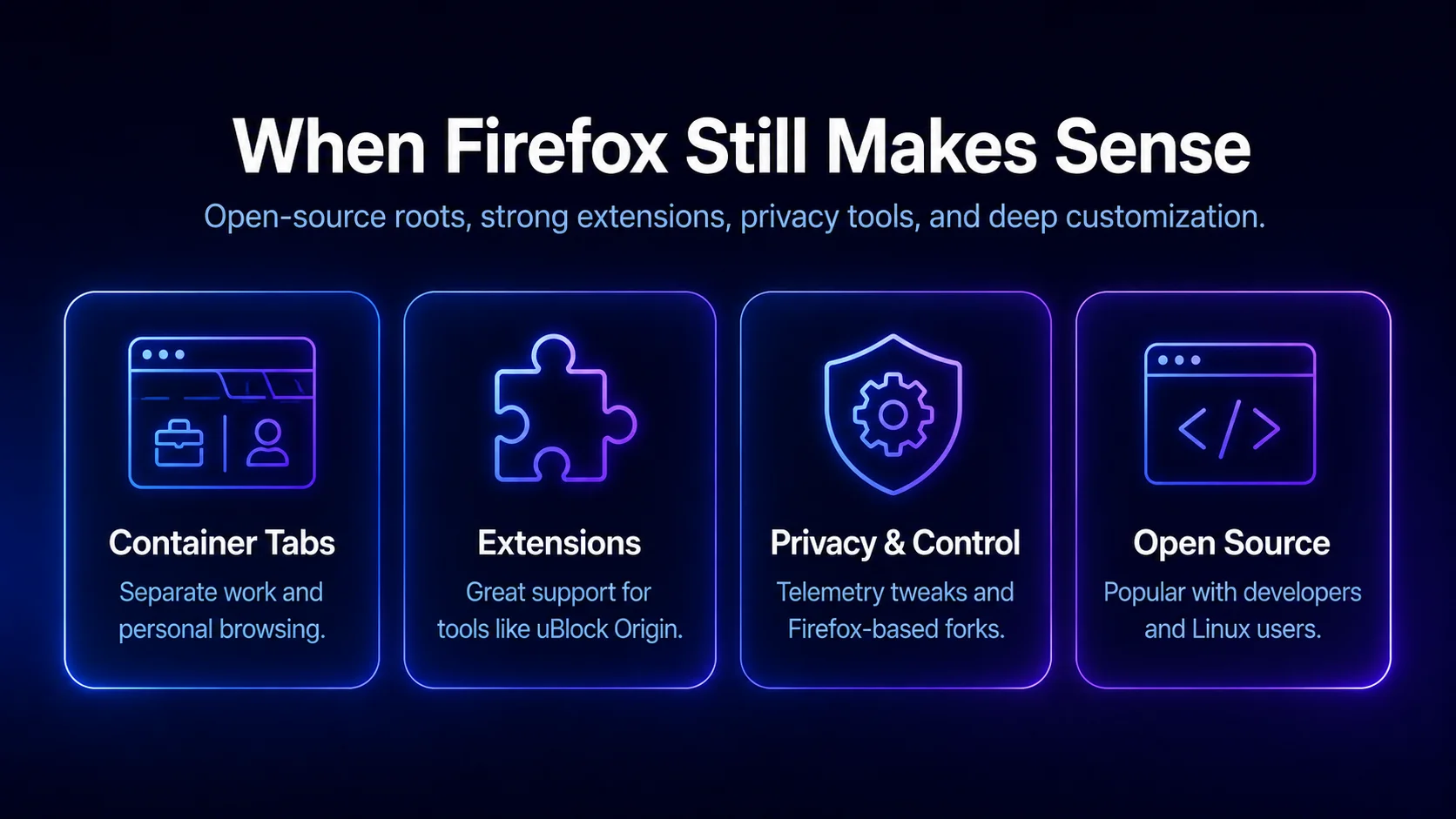
Like, for example, container tabs. These are genuinely useful for keeping your browsing identities separate from each other - i.e. you can keep your work and personal browsing completely separate, so you can't accidentally send a work email to your friends.
And then there are the extensions - uBlock Origin, in particular, is still supported extremely well. Plus, if you're a Linux user, Firefox's open source roots can be a real draw - it means you can mess around with the code and customize the browser more deeply.
Firefox might not be the most perfect browser for everyone, but for some people - developers, privacy enthusiasts, and users who prioritize open-source software and customization - it's still the best tool of the trade. Some users also prefer Firefox-based browsers like LibreWolf, which removes Mozilla telemetry and includes privacy-focused search engines like DuckDuckGo and Qwant by default. Another option is Waterfox, a Firefox fork that focuses on privacy and removes much of Mozilla’s telemetry and data collection features.
Which Firefox Alternative Will Actually Work for You?
The best Firefox alternative for you will just depend on what you want from a browser.
If you're deeply concerned about your online privacy and you want the best ad block, Brave is probably your best bet. If you want the ultimate in anonymity, then Tor is still the best way to go. If you enjoy customizing browser settings and tweaking the UI, then Vivaldi is probably your best choice.
But if you're the sort of user who has 20 tabs open at once and is constantly flipping between them, and you're using all sorts of AI tools and multitasking-heavy workflows, then Sigma Browser might just be the most modern browser for you.
Final Thoughts on Firefox Alternatives
Firefox is not dying - it's still a top notch browser and one of the most important ones out there. But user expectations have kind of evolved over the last few years. Browsers are no longer just about opening websites - they're about managing all your work and personal stuff online, and getting the job done.
So when you're thinking of which browser to use, it's not just about which one is the best at its job - it's about which one makes your daily browsing life feel faster, easier and more enjoyable.
And the good news is - with the browser market the way it is now, there really is a browser out there for everyone. Try out Brave, or Zen Browser, or Vivaldi, or Opera, or Sigma Browser - and see which one works best for you.
More articles

.webp)

Download Sigma Browser
Questions & Answers
reach out to us on X at @Sigma_Browser
Get Sigma on Android


