
Best AI for Research in 2026: 5 Tools Tested
We tested 5 AI research tools on the same academic question and the same papers to see which ones actually help — and where each one falls short.

Picking the best AI for research sounds simple until you try using five different tools on the same assignment. Then the differences show up fast.
Consensus looks for published studies and tells you what they found. Elicit is built for going through research papers and comparing them side by side. ChatGPT is good at turning a pile of findings into one clear summary. Claude works well once you're dealing with long, complicated documents. Sigma does something different: it works with the pages and PDFs you already have open in your browser, instead of asking you to move your research somewhere else.
We gave all five the same academic question, then handed them the same three papers to work with directly.
Their final answers ended up fairly similar. The real differences showed up earlier in the process. Which evidence each tool found. How it handled studies that disagreed with each other. How easy it was to check where a claim came from. And what changed once we stopped searching for research and started working with papers we'd already picked.
Sigma is one of the five tools compared here, and it's also the product this site is built around. The order below follows how we introduce the tools, not a ranking.
Best AI Research Tools: Quick Comparison
| Tool | Best research task | Sources & citations | Working with documents | Main limitation |
|---|---|---|---|---|
| Sigma Browser | Research spread across browser tabs and PDFs | Flagged details it couldn't confirm instead of guessing | Works directly with papers already open, via Chat with Page | Not built for finding academic papers systematically |
| ChatGPT | Pulling many findings into one summary | Gave DOI links for its sources | Keeps going naturally into analysis and writing | Its summaries still need checking against the original papers |
| Elicit | Explaining why studies disagree | Strong at pointing out differences in study design | Built specifically for reviewing academic literature | Not much help for research outside of academic papers |
| Consensus | Quick, evidence-based answers | Sources and DOI links were the easiest to check of any tool tested | Ties every claim back to a specific paper | Too narrow for research that mixes web sources and papers |
| Claude | Reading and explaining long, difficult material | Told us where its claims came from, but less clearly than Consensus | Best at turning long documents into a clear, readable explanation | Checking its sources takes more work than with research-specific tools |
All five tools have some kind of free access, but the free tiers work differently. Elicit gives you a one-time batch of credits that don't refill. Consensus gives you a monthly allowance that resets.
How We Tested These AI Research Tools
For the first test, we gave every tool the same question:
Prompt 1 — finding research
Does taking notes by hand improve learning and retention compared with taking notes on a laptop for university students? Review the available research, summarize the evidence, explain where studies disagree, cite the sources behind the main claims, and give me five papers or reliable sources I should read next.
This is a good test question because the research doesn't point one way. A well-known 2014 study (Mueller and Oppenheimer) found an advantage for writing notes by hand. Later studies trying to repeat that result got a much less clear answer.
Here's what we paid attention to:
- How good the sources were
- Whether we could easily check where a claim came from
- How each tool handled studies that disagreed with each other
- How deep the research went
- How much double-checking we still had to do afterward
Then we changed the task. Every tool got the same three research papers and this prompt:
Prompt 2 — working from a fixed set of papers
Compare the three uploaded papers. For each paper, identify: sample and participants; study design and methodology; note-taking conditions compared; main finding; most important limitation. Then explain: (1) Where do their findings agree? (2) Where do they disagree? (3) What methodological differences could explain those disagreements? (4) What can we reasonably conclude about handwritten vs. laptop note-taking from these three papers alone? Use only the uploaded documents for your analysis. Do not add outside research or unsupported claims. For every major claim, cite the paper that supports it. If possible, point to the specific page or section of the document.
That second step mattered because finding research and working from papers you've already chosen are two different jobs. Some tools were better at the first job. Others got more useful once the papers were already picked.
This isn't a lab-grade scientific test. One question can't show everything an AI research tool can do, but it was enough to show real, meaningful differences between the five.
Date tested: August 28, 2026
Models used:
- ChatGPT — GPT-5.6 Luna
- Claude — Sonnet 5, Medium effort
- Elicit and Consensus don't say publicly which model runs behind their free tier.
Tier/plan tested on: not confirmed yet for any of the five tools.
Elicit's own answer for this test said its review was based on a targeted search, not a full systematic review.
The three papers we used in the second test:
- Morehead, K., Dunlosky, J., & Rawson, K. A. (2019). "How Much Mightier Is the Pen than the Keyboard for Note-Taking? A Replication and Extension of Mueller and Oppenheimer (2014)." Educational Psychology Review, 31(3), 753–780. doi.org/10.1007/s10648-019-09468-2
- Flanigan, A. E., Kiewra, K. A., Lu, J., & Dzhuraev, D. (2023). "Computer versus longhand note taking: Influence of revision." Instructional Science, 51(2), 251–284. doi.org/10.1007/s11251-022-09605-5
- Wiechmann, W., Edwards, R. A., Low, C., Wray, A., Boysen-Osborn, M., & Toohey, S. L. (2022). "No difference in factual or conceptual recall comprehension for tablet, laptop, and handwritten note-taking by medical students in the United States: a survey-based observational study." Journal of Educational Evaluation for Health Professions, 19, 8. doi.org/10.3352/jeehp.2022.19.8
1. Sigma Browser — Best for Research While Browsing
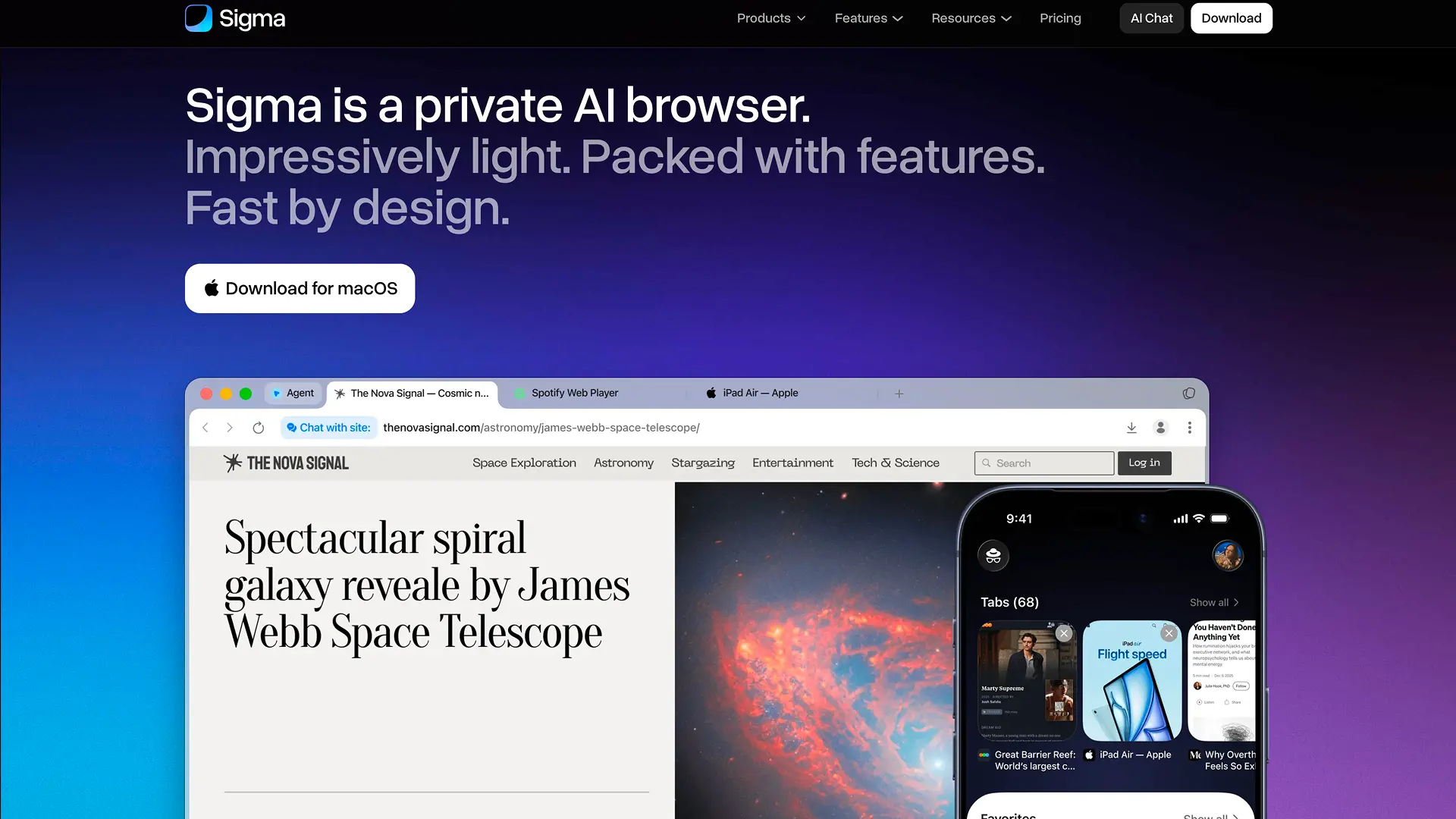
Sigma is the only tool here built directly into a browser. Your research stays right next to the pages, papers, and PDFs you're already reading, instead of moving to a separate app.
In our test, Sigma handled the evidence carefully. It got more useful once we gave it specific papers to work with. When it couldn't confirm something from the text it had, it said so instead of guessing.
Example: Sigma didn't just list sources. Sigma AI Deep Research can dig into a topic across several sources at once, and Chat with Page lets you ask questions about whatever page or document you already have open.
That's the real difference between Sigma and tools like Elicit or Consensus, which are built specifically for finding academic papers. Sigma makes more sense once your research is spread across browser tabs, papers, PDFs, and other pages at the same time.
Here are the results from the second test, comparing the three papers: Sigma pointed to specific sections of each paper, things like "Method, Participants" or "Results, Conceptual Questions", instead of page numbers, since exact page numbers weren't always available in the text it had. For two of the three papers, part of what we gave it was incomplete. Rather than filling in the missing details on its own, Sigma flagged them as missing. Our own checking mostly involved two things: confirming the gaps came from our incomplete file and not from the paper itself, and tracking down the exact page when Sigma only pointed to a section.
If your own research is spread across several open web pages instead of a fixed set of uploaded papers, How to Summarize and Compare Multiple Web Pages with AI covers that exact workflow.
Best for: research spread across webpages, papers, and PDFs, all in one place.
Main limitation: dedicated academic tools are still better if you need to systematically find papers on a topic.
2. ChatGPT — Best for Deep Research and Flexible Synthesis
Of the five tools, ChatGPT connected the most dots on its own. It linked the original study to later studies that tried to repeat it, and it kept the disagreement between them visible instead of forcing one simple answer.
Example: its biggest strength is flexibility. Once you have your research, you can keep going straight into comparing sources, outlining, analyzing, or writing, all in the same conversation, without switching tools.
Checking its citations was easy in our test. It gave DOI links for the sources it recommended, which made it more convenient than tools that use citation formats you may not recognize.
Best for: broad research questions, and projects where summarizing the research is only the first step before more analysis or writing.
Main limitation: its summaries are broad by nature, so they still need checking against the original sources.
3. Elicit — Best for Literature Reviews
Elicit felt the most like a tool built specifically for literature reviews.
Example: its real strength wasn't just finding papers, it was explaining why different studies reached different conclusions. It paid close attention to things like study design, how note-taking was done in each experiment, and other differences in methodology that could explain conflicting results.
That makes Elicit a better fit than a general chatbot when your job is understanding a whole body of academic research, not just producing a quick summary.
Compared with Consensus, Elicit gave us more help understanding the structure of the evidence itself. Consensus made it easier to check the sources; Elicit did more to explain why the findings didn't agree.
Best for: literature reviews, finding papers, and comparing research methods across studies.
Main limitation: it's not well suited to research that goes beyond academic papers.
4. Consensus — Best for Evidence-Based Academic Questions
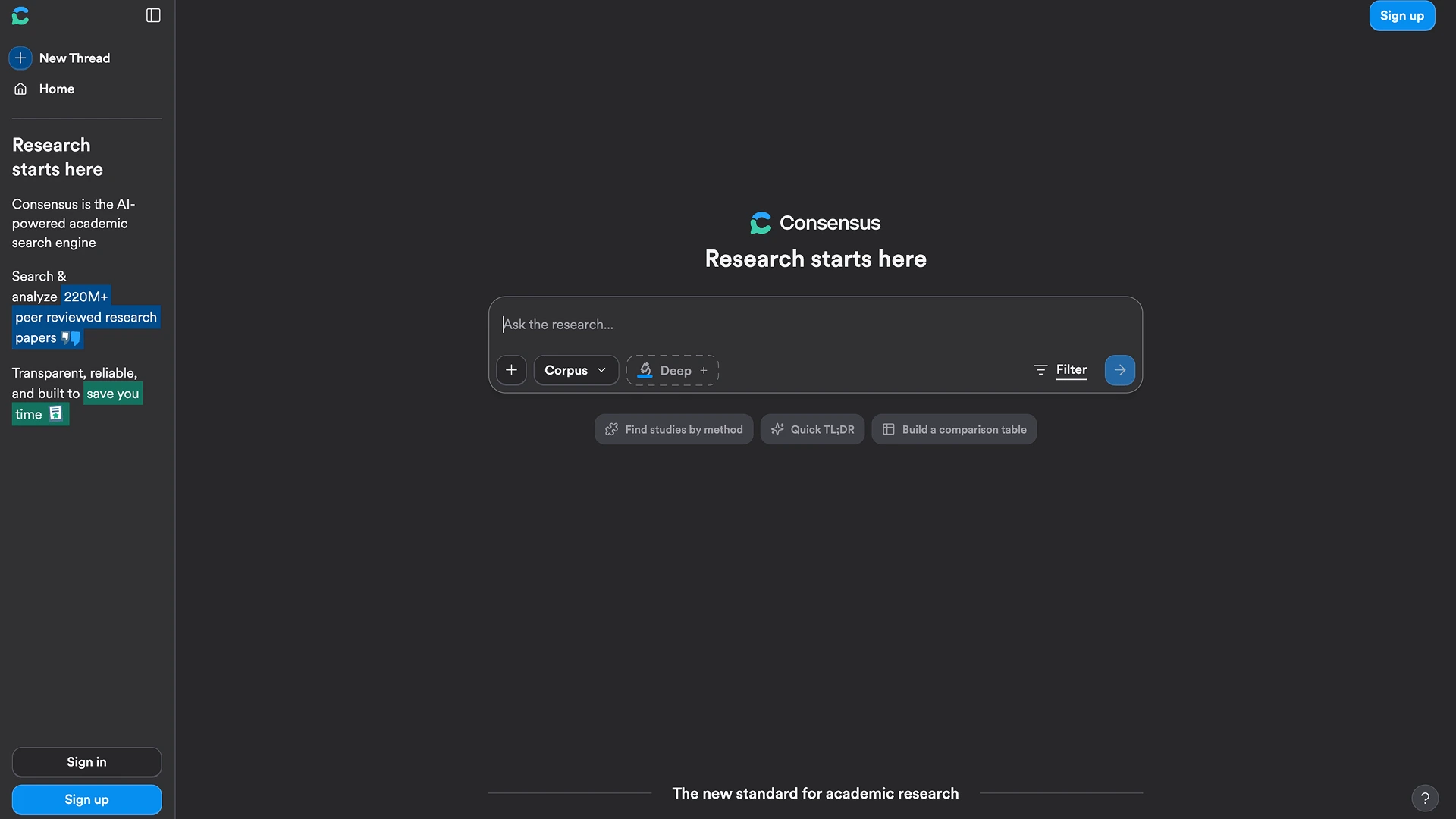
Checking Consensus's evidence took the least effort of any tool we tested. Instead of turning the research into one yes-or-no answer, it showed us that the literature was split, and tied each conclusion back to a specific paper.
The difference from Elicit is useful to know: Elicit helped more with understanding why studies disagreed, while Consensus was faster at answering what the published research says overall.
That makes Consensus a good starting point for a specific, focused question, rather than a long, open-ended research project.
Best for: quickly checking the scientific evidence behind one specific question or claim.
Main limitation: its academic focus makes it less flexible for research that mixes web sources with papers, or for longer projects.
5. Claude — Best for Long Documents and Nuanced Analysis
Claude turned the research into the clearest, most readable explanation of the five. It kept every competing finding and caveat in place, but made them easier to follow than the more database-style tools.
Example: that makes it a strong choice once you've moved past finding papers and need to understand a large amount of material.
Its source tracing was less clear than Consensus's in our test, so if you need to verify a specific claim, ask it directly for the exact reference.
Claude sits closer to ChatGPT than to Elicit or Consensus here, but with more focus on reading and explaining long material than on finding new research.
Best for: long papers, reports, and analysis that involves a lot of reading.
Main limitation: checking its sources takes more work than with tools built specifically around academic citations.
Every tool here, including Claude, leaves you with the same job: checking what it found against the real source.
Can You Trust AI for Academic Research?
A citation can be real and still be used the wrong way.
That's the main thing to remember when using AI for academic work. A tool might find the right paper, but overstate what it proved, miss an important limitation, or apply a finding from one group of people too broadly to everyone.
Before you use an AI-found source in your own work, check five things:
- The paper exists.
- The title, authors, and publication details are correct.
- The paper supports the claim attached to it.
- The study's design and the people it studied are relevant to your own argument.
- The paper hasn't been retracted or officially corrected since.
There's also a difference between a source and a conclusion. A brain-scan study showing different activity during handwriting versus typing doesn't, by itself, prove one method leads to better grades.
AI can get you to useful research faster. It can't replace reading the source yourself.
That's the trust question. There's a separate one worth asking before you even start.
Is It Okay to Use AI for Research Papers?
Using AI to find sources, understand hard papers, compare research methods, organize evidence, or spot disagreements in the literature is generally reasonable.
Using AI to write your paper for you is a separate question.
Universities, individual courses, journals, and publishers can each set their own rules about AI use and disclosure. Check the specific policy that applies to whatever you're submitting.
Whatever the policy says, the responsibility for your sources stays the same: if a paper matters to your argument, read it and check it yourself before you cite it.
Which AI Research Tool Should You Choose?
If we were starting an academic project today, we wouldn't look for one single winner. The right AI research tool depends on which part of the work you're doing.
For academic research and literature reviews: Consensus or Elicit. Consensus makes the evidence easy to check; Elicit is better at explaining differences in study design and method.
For analyzing papers and PDFs you've already found: Claude, if you have a lot of dense material to work through, or Sigma's Chat with Page if the papers are already open in your browser next to other sources.
For research that spans multiple sources on the web: ChatGPT, once the job becomes pulling everything into one summary, or Sigma, if your research keeps moving between browser tabs, webpages, and documents.
That's really the answer to "what's the best AI for research": it changes depending on what you're trying to do.
If most of your work happens in a browser, Sigma AI Browser is built to keep your research and your AI tool in the same place.
More articles

Download Sigma Browser
Questions & Answers
reach out to us on X at @Sigma_Browser
Get Sigma on Android


