
Private Browser
Incredibly secure. Anonymous by design. Seamless switching
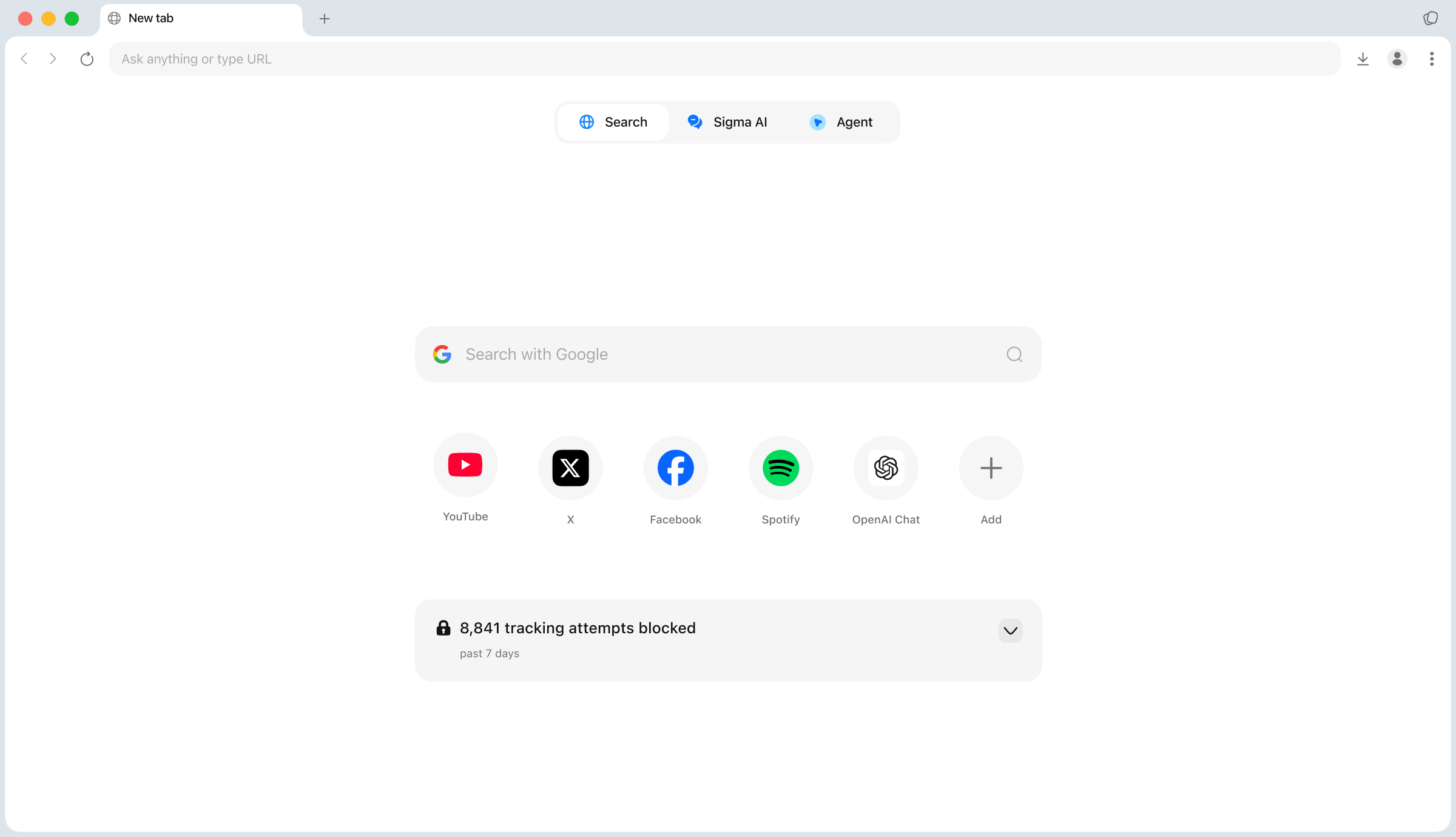
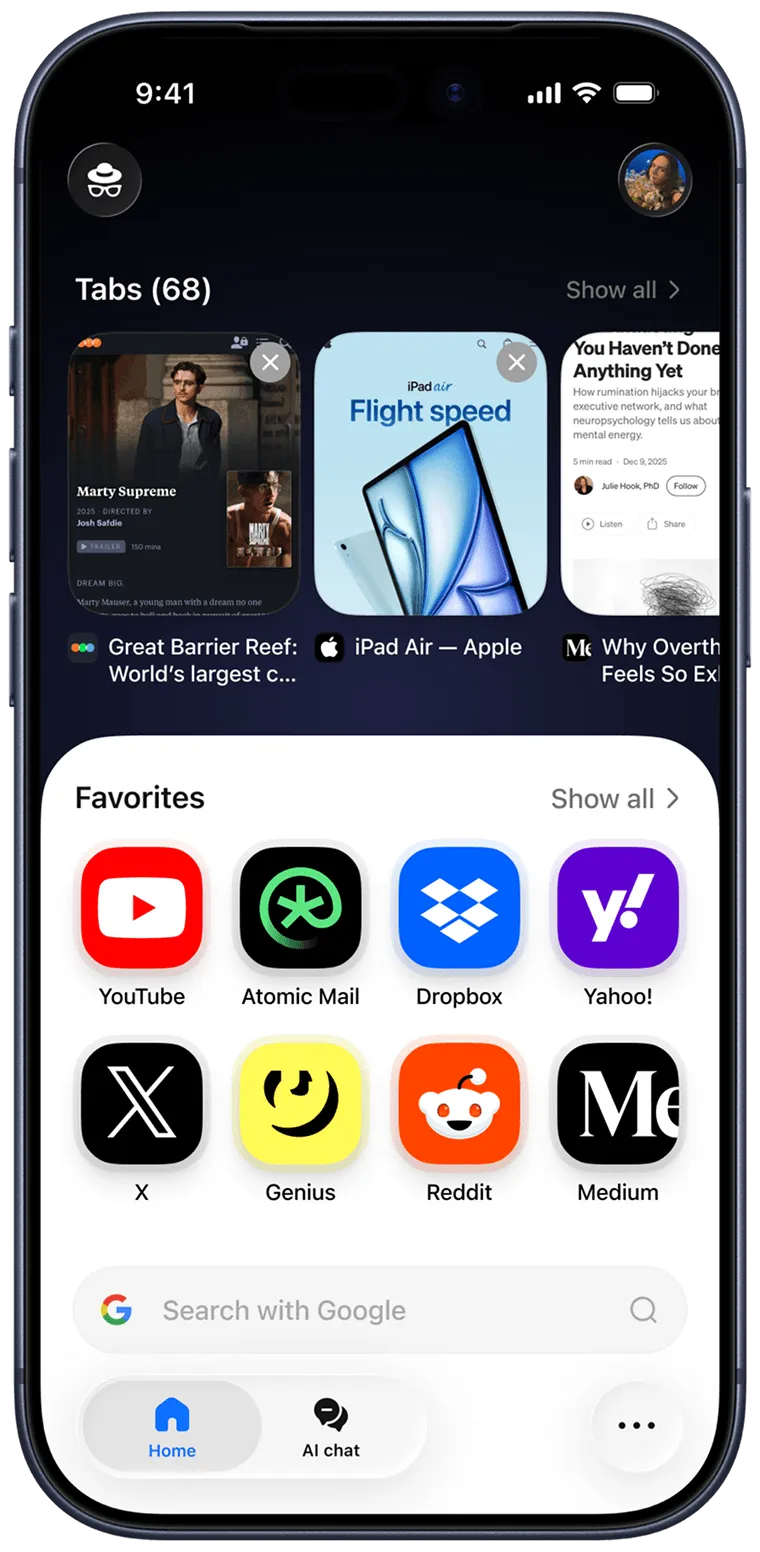
Browser is full of your personal data
What is Sigma Private Browser?
Sigma Private Browser is a privacy-first AI browser built for private browsing. It reduces tracking, blocks intrusive ads, and keeps your browsing workspace cleaner. This private web browser combines tracker protection, built-in ad blocking, encrypted profiles, and local AI tools, so you can browse privately, search, and use AI with more control over your data.
Why Use Sigma Private Browser
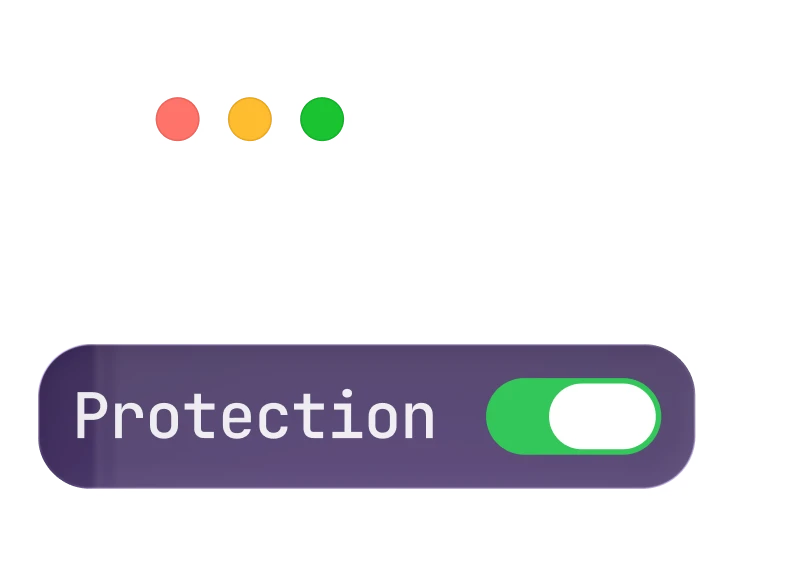
Block trackers
Reduce cookies and fingerprinting scripts in every private browsing session.

Built-in ad blocker
Blocks intrusive ads for a cleaner, more focused browsing experience.
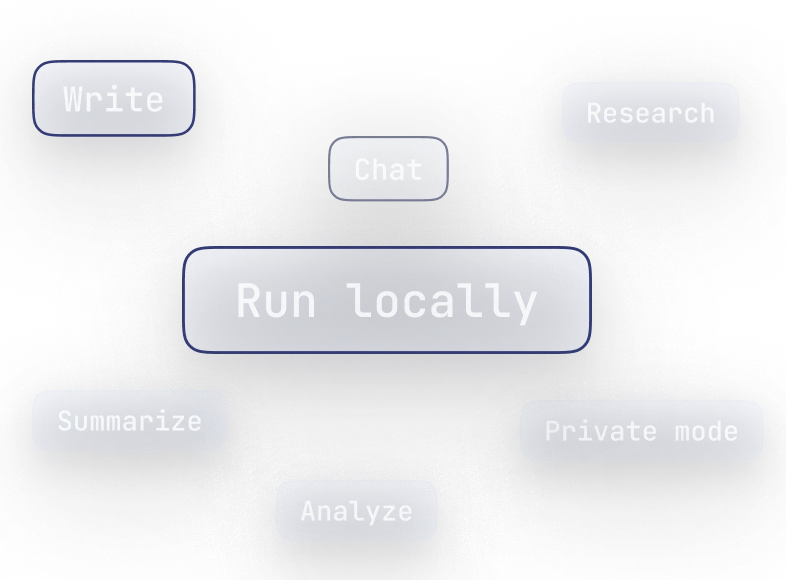
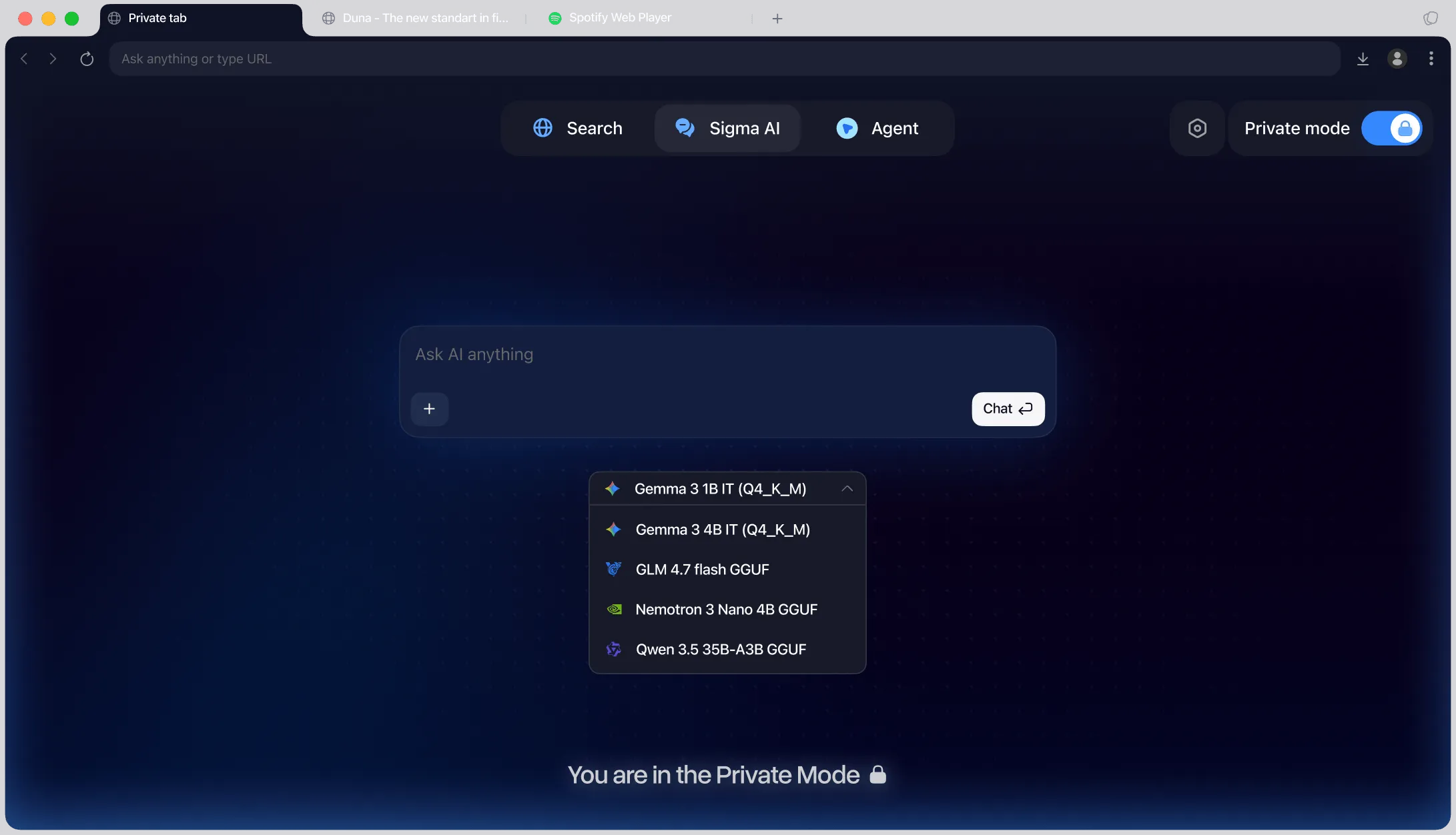
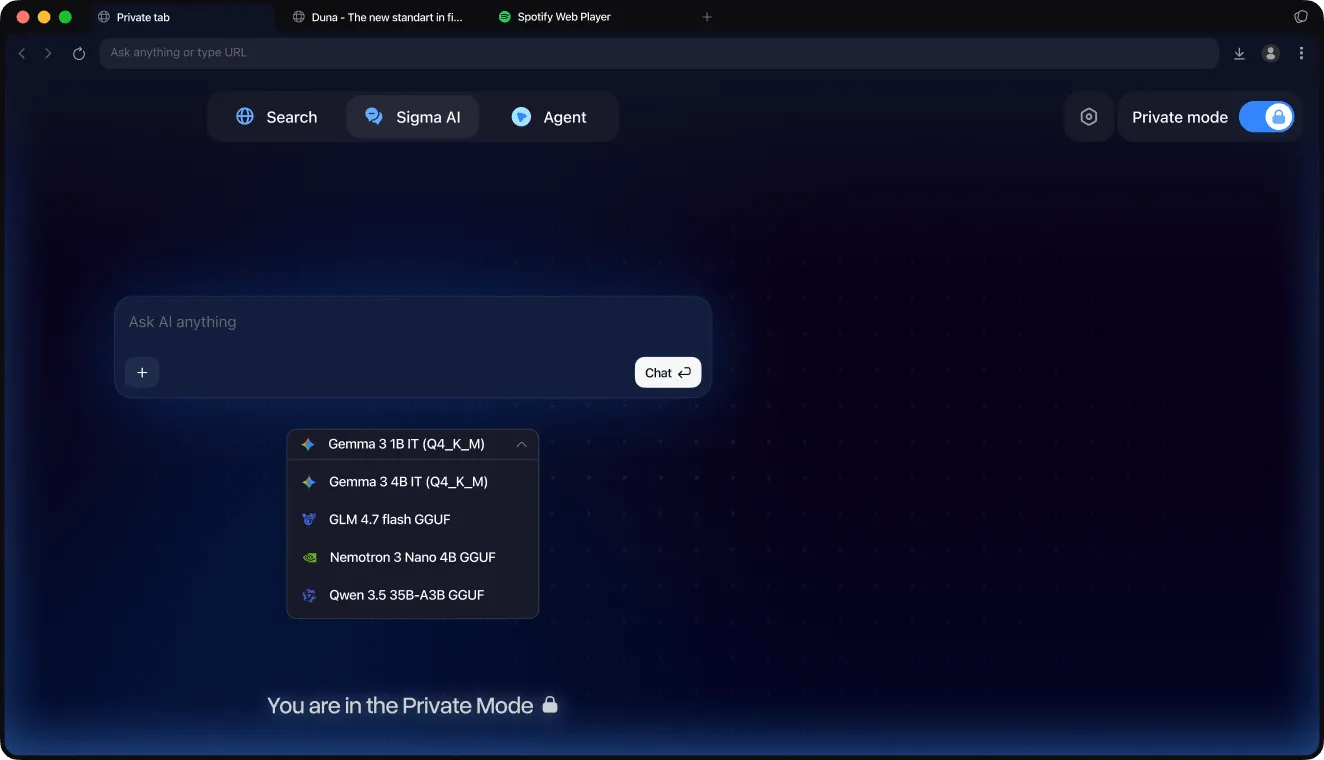
Run AI locally
Use supported local models for writing, summaries, and analysis tasks.
What You Can Do with Sigma Private Browser
Browse, search, and use AI in one privacy-focused workspace.
Private research
Search sensitive topics and compare sources in a cleaner browser workspace.

Cleaner reading
Open articles, docs, and websites with fewer ads, cookie banners, and distractions.

Separate profiles
Keep work, personal, and temporary sessions in different browser profiles.

Local AI tasks
Summarize pages, draft text, and analyze content with supported local models.

How to Open a Private Browser

Download Sigma Browser
Install Sigma Browser on your device.
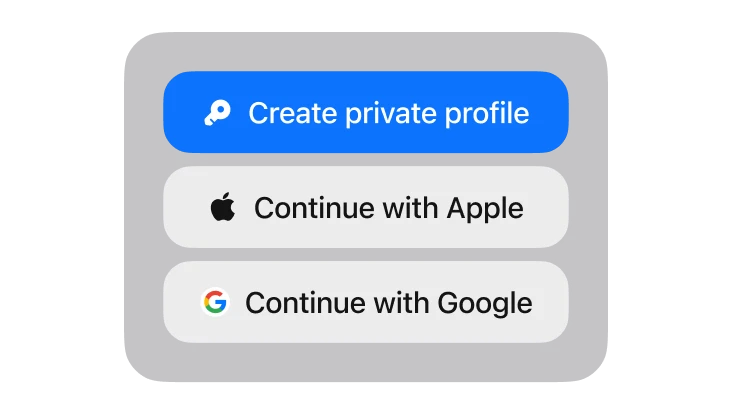
Create your account
Sign in with Google, Apple, or your seed phrase.
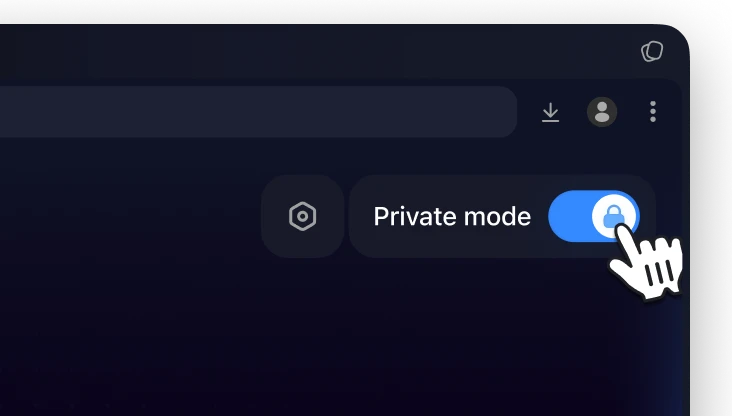
Turn on Private Mode
Switch on Private Mode and browse with more privacy.
How to open a private browser on Mac
Install Sigma Browser for Mac, then click the Private Mode toggle in the toolbar — one click opens a private browsing window on your Mac with tracker protection and ad blocking already on. To exit private browsing, just switch the toggle off.
What Makes Sigma the Best Private Browser
Compare Sigma with popular browsers by private mode, encrypted profiles, ad blocking, and local AI — and see why it’s one of the most private browsers you can use.


Private Browser for Mac, Windows, iPhone & Android
Private Browser for Mac
Browse privately on macOS with Private Mode, tracker blocking, and local AI built in.
Sigma Browser for MacSecure Browser for Windows
Get a fast, secure private web browser for Windows PCs and laptops with built-in ad blocking.
Sigma Browser for WindowsPrivate Browser for iPhone
Download the free private browser app for iPhone and browse privately on iOS.
Sigma Browser for iPhoneSigma for Android
The Android version is on its way — get Sigma on your other devices while you wait.
Download Sigma
Download Sigma Browser
Questions & Answers
reach out to us on X at @Sigma_Browser
Get Sigma on Android


