
Which Browser Is Best for You in 2026? Take the Test
Not sure which browser fits you best? Take our quick test and compare the top browsers of 2026 for AI, privacy, productivity, compatibility and more.

You may not know it yet, but the browser you're using right now might not be the best fit for you.
The best browser depends on how you actually use the web. Privacy, AI, compatibility, productivity, and ecosystem integration can make very different browsers the right choice for different people.
Start with the quick recommendations below, or take the three-question test to find the browser that best matches your priorities.
Find your Browser in Three Questions
Answer three questions about your browsing priorities to find the browser that best matches how you use the web.
Quick Answer: Which Browser Should You Use?
How We Compared the Browsers
We focused on the features that noticeably change the daily browsing experience: privacy, AI capabilities, browser automation, productivity tools, compatibility, extensions, tab management, platform support, and ecosystem integration.
What Matters Most in a Browser in 2026?
A good browser should fit the way you actually use the web. These are the main factors worth comparing in 2026.
Best Browsers for Different Jobs in 2026
If you want more context behind your result, the sections below compare where each browser fits best and what tradeoffs come with that choice.
Best Browser by Platform
A browser’s integration with your operating system can sometimes outweigh the advantages of a more feature-rich alternative.
Platform is a useful shortcut, but it shouldn't make the decision for you. A Mac user doing AI-heavy research may get more from Sigma than Safari, while a Microsoft 365 user may be better served by Edge.
Best Browser for AI: Sigma Browser
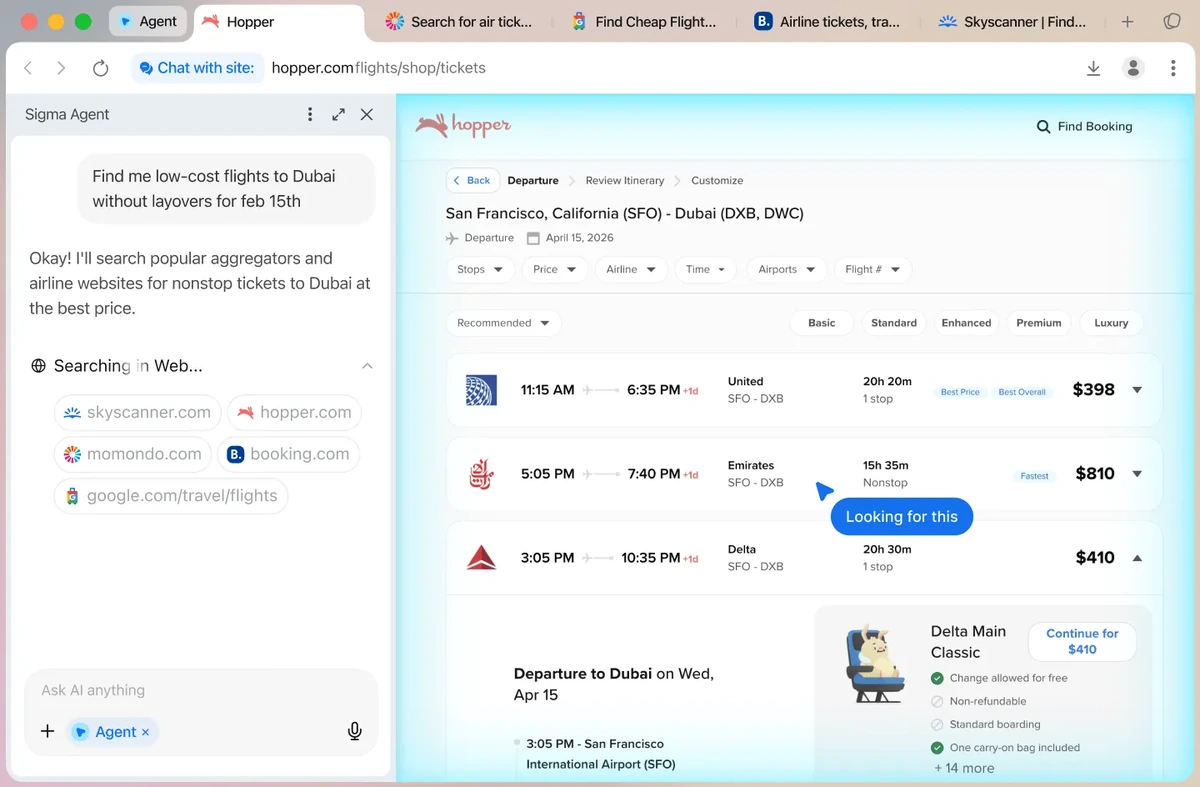
Sigma is our top pick for AI browsing in 2026.
The browser includes AI Chat, Chat with Page, Deep Research, an AI Agent, and local AI. Chat with Page can summarize or explain the website you are viewing. Deep Research is designed for work that requires several sources. The AI Agent can navigate pages, click, type, read content, and help complete multi-step tasks across websites.
Sigma also supports local models. Prompts, pages, and files can be processed on the device for supported workflows. Local AI can continue working offline for tasks that do not require fresh web access.
That combination gives Sigma a wider AI workflow than browsers that mainly provide an assistant panel. It is especially useful for research, writing, analysis, comparison work, and repetitive browser tasks.
There are tradeoffs. Local models need enough hardware resources, and some users will prefer the convenience of a cloud assistant tied to an ecosystem they already use. Chrome and Edge are easier choices if Gemini or Copilot is already central to your setup.
Best Browser for Productivity: Sigma Browser

Sigma also takes our productivity pick here, on one condition though. This is productivity for people who spend a large part of the day reading, researching, writing, comparing information, and working with AI.
Page-aware chat can reduce the need to copy content into a separate chatbot. Deep Research can collect and organize information from several sources. The AI Agent can handle supported web tasks that would otherwise require repeated clicks and form inputs. Writing and summarization tools stay inside the browser.
This matters when the browser is already the main work environment. Marketers, researchers, students, founders, writers, and analysts often move between websites, documents, search results, and AI tools. Sigma brings more of that work into one place.
Vivaldi is stronger for manual tab organization. Edge is often better inside a Microsoft-heavy company. Chrome remains convenient for Google Workspace. Sigma wins when productivity depends on AI research and browser automation.
Best Browser for Privacy: Sigma Browser
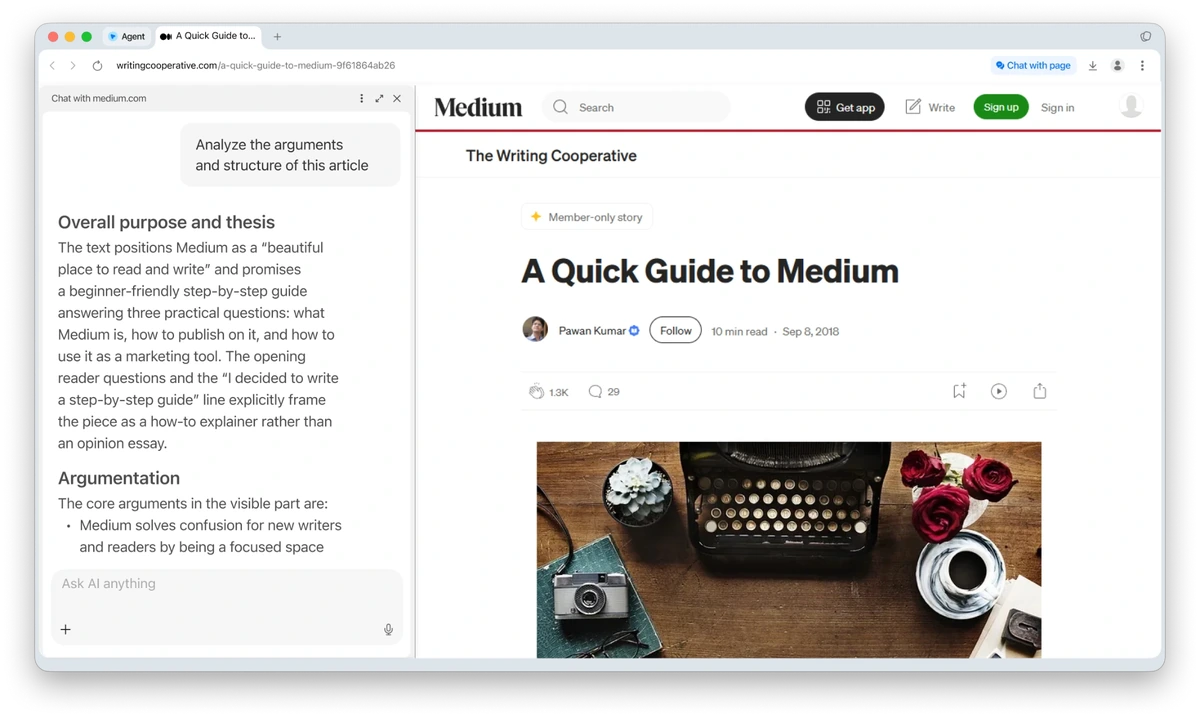
Sigma is our top privacy pick for users who want strong privacy controls together with modern AI features.
Its biggest advantage is local AI. Supported prompts, pages, files, and agent workflows can be processed directly on the device, which reduces the need to send sensitive content to cloud-based AI services. This makes Sigma especially useful for users who work with private documents, research, or other information they would rather keep local.
Brave remains one of the strongest alternatives for everyday privacy. Brave Shields block ads and trackers by default and include protections against cross-site tracking and fingerprinting techniques. It requires very little setup, so users who mainly want stronger privacy while browsing may prefer its straightforward approach.
Brave also includes Leo and supports additional models through Bring Your Own Model. Sigma goes further for users who rely heavily on AI, combining local processing with page-aware AI, research tools, and supported browser-agent workflows.
If your priority is simple tracker blocking with strong privacy defaults, Brave is an excellent choice. If you want privacy to extend into AI-assisted browsing and local processing, Sigma offers the more complete feature set.
Best Browser for Compatibility: Google Chrome
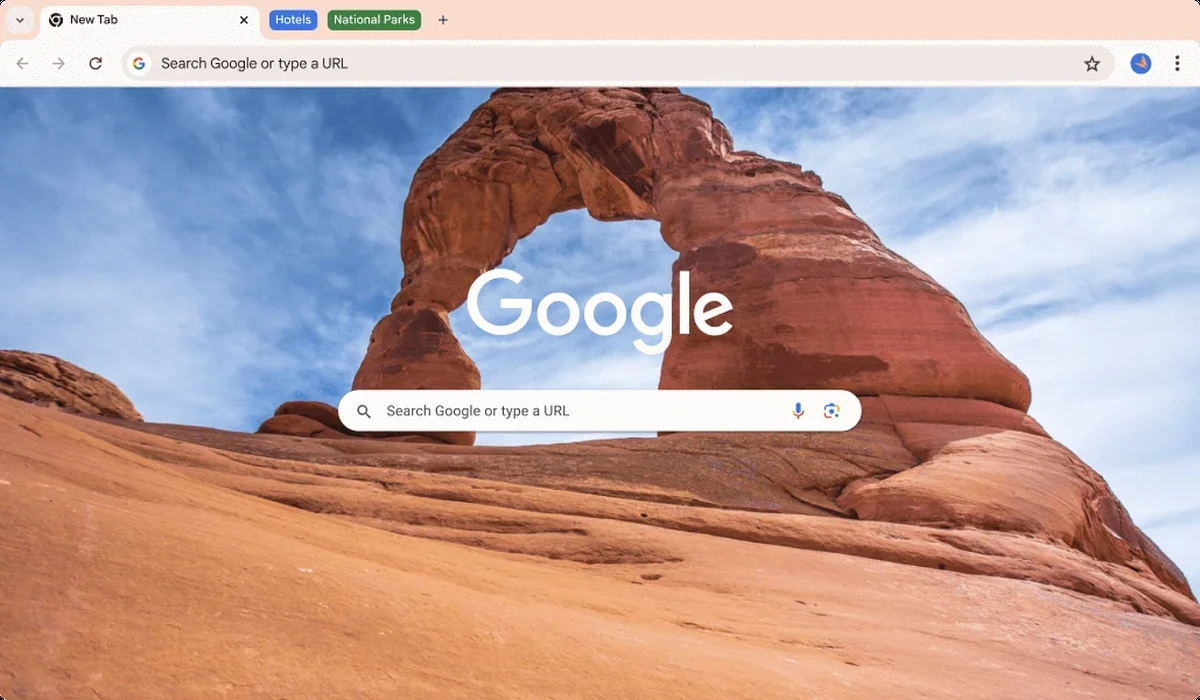
Chrome is still the safe choice when compatibility is the main concern.
Its extension ecosystem is enormous, websites are widely tested against Chromium, and Google account sync works across desktop and mobile. Gmail, Google Docs, Drive, YouTube, and Android also fit naturally into the same setup.
Chrome now includes more AI through Gemini. Depending on account, region, and rollout, Gemini can use browser context and help with tasks across tabs. Google has also been expanding browser automation through Auto Browse for eligible users.
Chrome is less attractive if you want aggressive privacy defaults or local AI built into the browser. It remains hard to beat for users who mainly want websites, extensions, and Google services to work with minimal friction.
Best Browser for Windows: Microsoft Edge
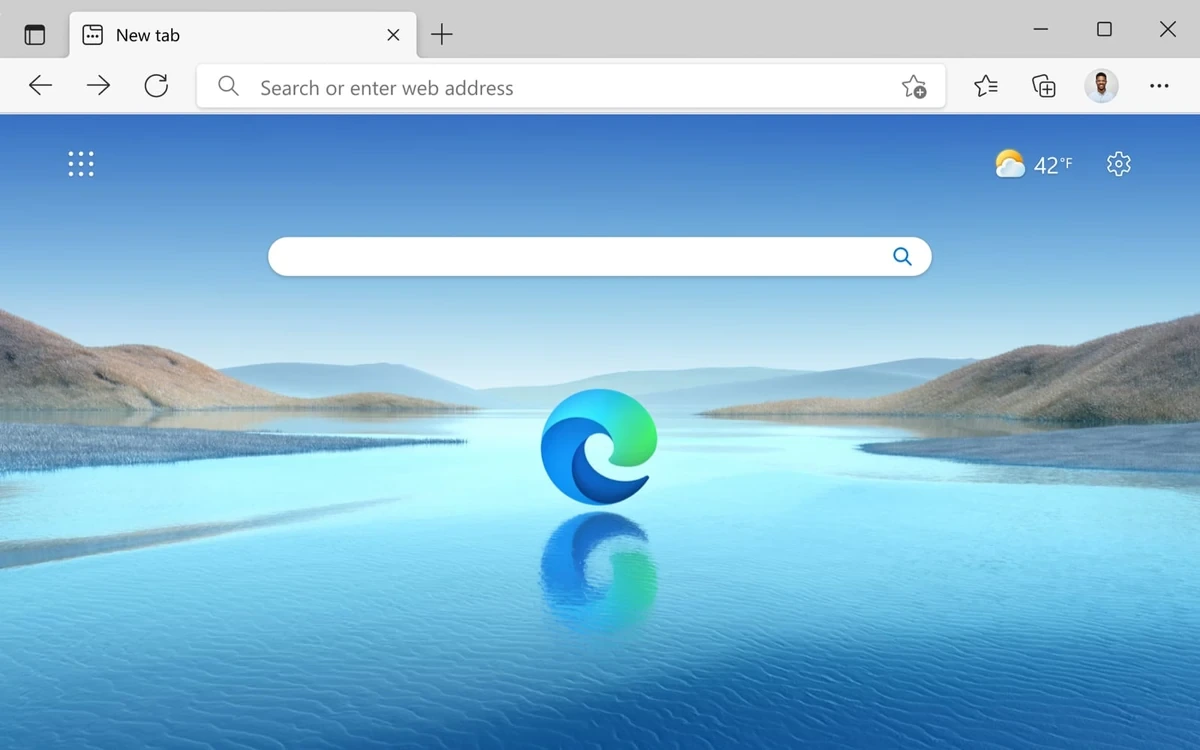
Edge makes the most sense for users whose work already lives inside Windows and Microsoft services.
It uses Chromium, so website and extension compatibility is strong. Copilot is closely integrated with Microsoft's ecosystem, while features such as vertical tabs and sleeping tabs help with larger browsing sessions.
For companies using Microsoft 365, Outlook, OneDrive, and managed Windows devices, Edge can be the path of least resistance. It is also available on other major platforms, although its biggest advantage remains Microsoft integration.
Sigma is the better choice when local AI, deeper browser automation, and research tools matter more than ecosystem integration.
Best Browser for Mac: Safari
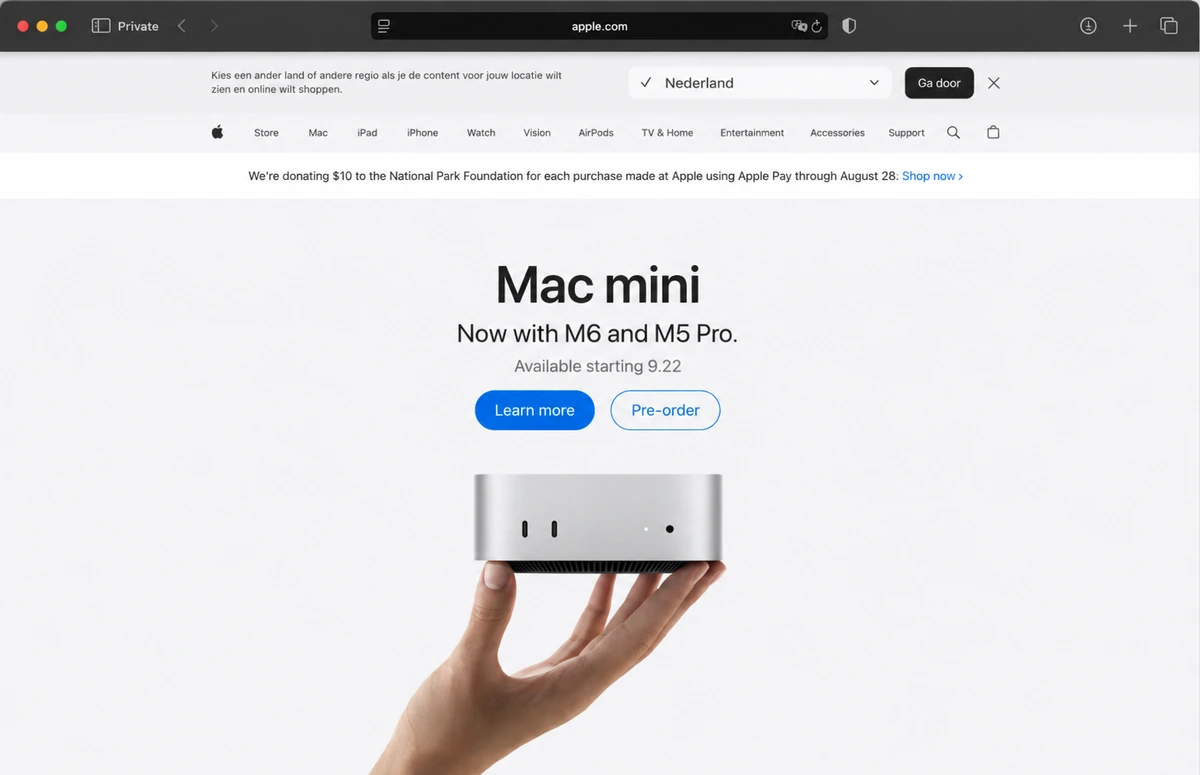
Safari remains the natural choice for people who use Apple hardware almost exclusively.
Apple develops Safari around its own devices, which gives it close integration with macOS, iPhone, and iPad. Features such as iCloud sync, passkeys, Apple Pay, and Handoff fit neatly into the ecosystem. Safari is also designed around power efficiency on Mac hardware.
The main limitation is platform reach. Users who regularly move between Apple and Windows devices may prefer a cross-platform Chromium browser or Firefox.
Mac users who rely heavily on AI have another option. Sigma runs on macOS and provides a much broader set of built-in AI tools, including local AI and browser agents.
Best Non-Chromium Browser: Firefox
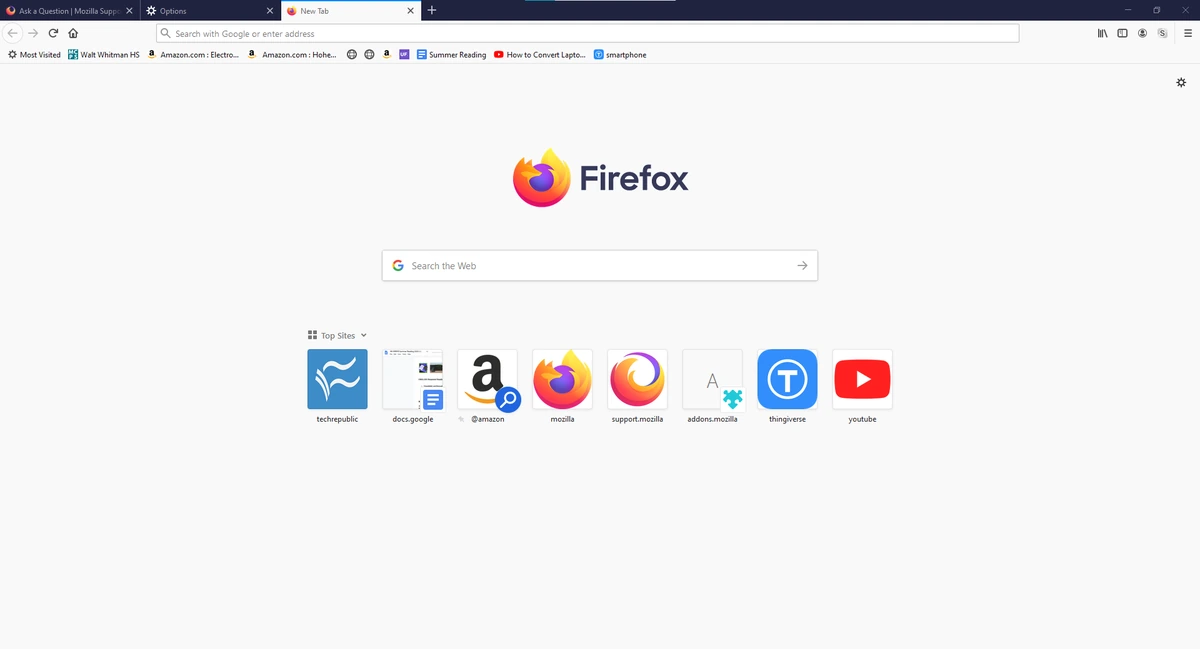
Firefox is the clearest mainstream option for users who want to stay outside Chromium.
Mozilla uses the Gecko engine, giving Firefox an independent place in a browser market dominated by Chromium. It also includes strong tracking protections, Total Cookie Protection, and a mature extension ecosystem.
Firefox makes sense for users who care about privacy, browser choice, and control without moving to a highly specialized product. It does not currently offer the same built-in agentic workflow as Sigma, but AI may not be a priority for everyone.
Best Browser for Tabs and Customization: Vivaldi
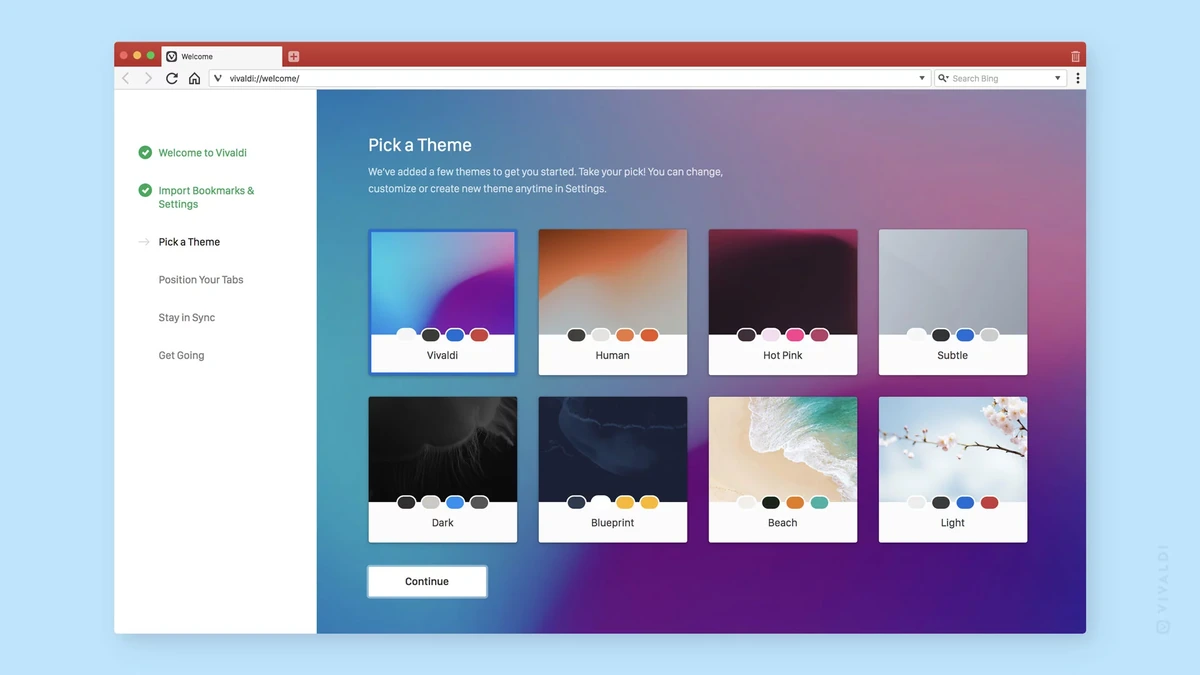
Vivaldi is built for users who treat the browser like a workspace.
Tab Stacks can group related pages. Workspaces separate projects. Tab Tiling can show several pages at once. Hibernation can put unused tabs to sleep. The interface, shortcuts, panels, and workflows are highly configurable.
That flexibility comes with more complexity. Users who want a simple browser may find Vivaldi busy. Power users often see the same complexity as the reason to choose it.
Sigma has the advantage for AI-assisted work. Vivaldi wins when productivity is mainly about manual control over tabs and the interface.
Best Browser for Built-In Tools: Opera
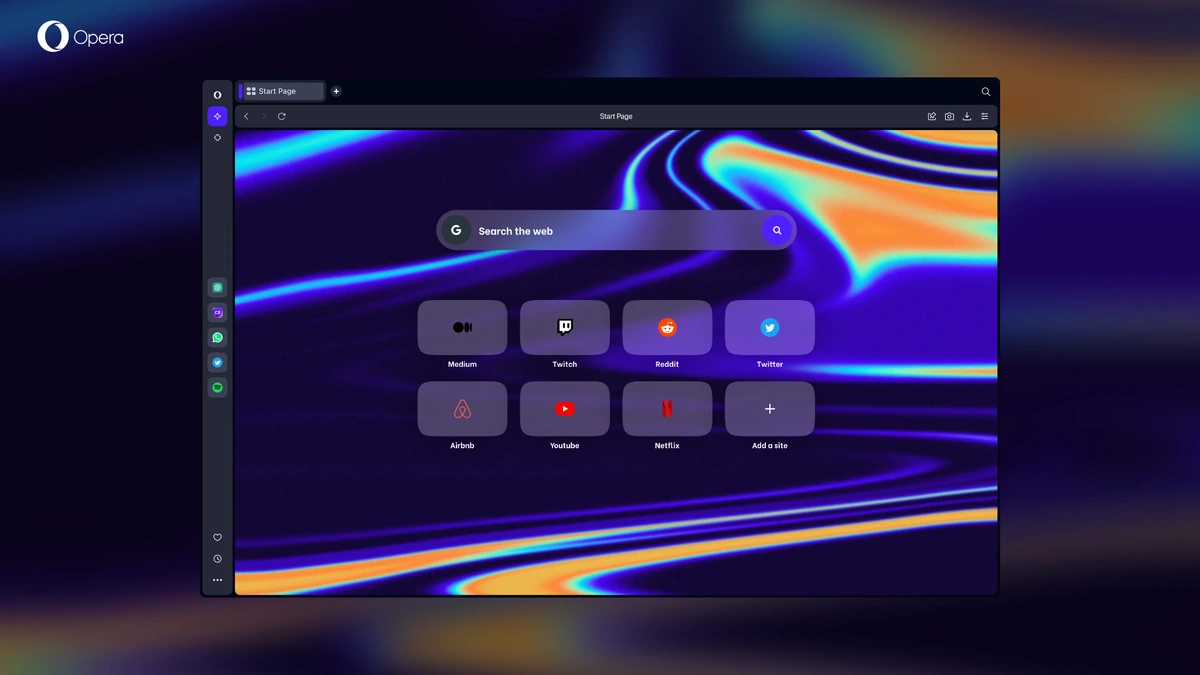
Opera is a strong choice for people who prefer a browser with many utilities included from the start.
Its feature set includes built-in AI, an ad blocker, a browser VPN, Workspaces, Tab Islands, Split Screen, media controls, and messaging integrations. That reduces the need to build the browser around a large extension collection.
The built-in approach is convenient, although users who only need a few core features may prefer something simpler. Sigma is stronger for local AI, research, and agent workflows. Opera is stronger as a broad bundle of everyday browser utilities.
Final Verdict
The best browser in 2026 depends on what you want it to do.
Chrome still wins on broad compatibility. Brave is our privacy-first pick. Safari is the natural choice for Apple users. Edge fits Microsoft-heavy workflows. Firefox remains the strongest mainstream non-Chromium option. Vivaldi gives power users exceptional control over tabs and customization.
Sigma wins where browsing is changing fastest. It is our pick for AI browsing, AI-assisted productivity, and private or local AI. The combination of page-aware chat, Deep Research, browser agents, and on-device models gives it a clear role for users who increasingly work with AI while they browse.
If that sounds like your workflow, Sigma is the browser we would try first.
More articles
.webp)

Download Sigma Browser
Questions & Answers
reach out to us on X at @Sigma_Browser
Get Sigma on Android


