
Browser Speed Dial Guide: Shortcuts, Start Pages, and Quick Access
See how browser shortcuts work, where they appear, and how they differ across modern browsers.

Opening a new browser tab often shows much more than an empty page. You may see a grid of favorite websites, recently visited pages, search, bookmarks, or shortcuts to the sites you use every day.
In Opera and Vivaldi, this kind of visual shortcut system is called Speed Dial. Other browsers use different names for similar features. Chrome has New Tab shortcuts, Firefox displays Shortcuts, and Safari can show Favorites and Frequently Visited websites on its Start Page.
Speed Dial is essentially a faster way to reach websites you already know you want to visit. Instead of typing an address or opening a bookmark menu, you open a new tab or start page and select a saved tile.
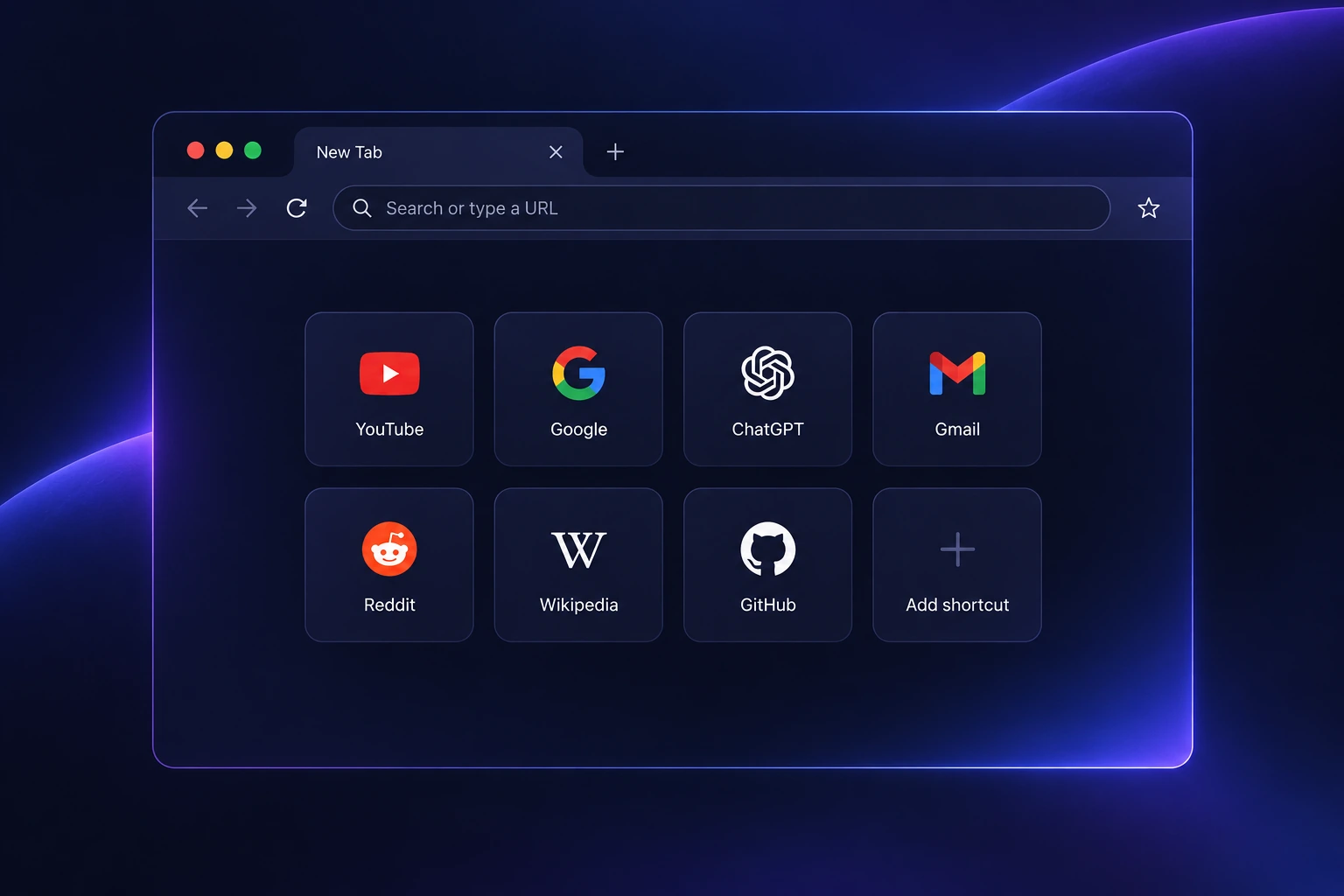
What Is Speed Dial in a Browser?
Speed Dial is a collection of visual website shortcuts shown on a browser's start page or new tab page.
Each tile points to a website. Clicking it opens the corresponding page, much like selecting a bookmark. The main difference is placement. Speed Dial keeps frequently used destinations directly in front of you when you open a new tab.
Opera introduced Speed Dial in 2007 as a grid of nine visual bookmarks available from a new tab. The original feature was designed around the observation that people tend to return to a relatively small group of websites throughout the day. Opera still uses Speed Dial today as part of its Start Page.
Vivaldi also uses the term Speed Dial. Its implementation connects Speed Dial with bookmarks and lets users create multiple groups and folders directly on the Start Page through its Speed Dial controls.

How Does Browser Speed Dial Work?
A Speed Dial tile normally stores a destination such as a website address together with information the browser uses to display it. Depending on the browser, that may include a title, thumbnail, icon, folder assignment, or other presentation settings.
When you select the tile, the browser navigates to its saved address.
That makes Speed Dial closer to a visual bookmark system than to a separate way of loading websites. In Vivaldi, for example, Speed Dial entries are directly connected to bookmark folders.
The browser can also populate quick-access areas automatically. Chrome lets users choose between their own shortcuts and frequently visited websites, while Firefox can display sites that have been saved or visited frequently.
Speed Dial reduces the steps between opening a new tab and reaching a frequently used website.
How Browsers Handle Quick Access to Your Favorite Websites
Modern browsers use different approaches to help users return to frequently visited websites. This guide explains how Speed Dial, shortcuts, and start pages work across popular browsers and shows how Sigma Browser fits into this workflow.
Speed Dial vs Bookmarks
Speed Dial and bookmarks often point to the same kind of destination, but they serve different browsing habits.
Bookmarks are better suited to maintaining a larger collection of saved pages. They can live in folders, a bookmarks bar, a sidebar, or a bookmark manager.
Speed Dial gives a smaller group of links more prominent placement. The websites you use constantly can stay one click away whenever a new tab opens.
Vivaldi makes the relationship particularly clear because a bookmark folder can be displayed on the Start Page as a Speed Dial.
A useful way to separate them is by frequency. A reference page you may need again next month belongs naturally in bookmarks. A dashboard or website you open several times a day is a stronger candidate for Speed Dial.
What If Your Browser Doesn’t Have Speed Dial?
Not every browser uses the name “Speed Dial” or shows quick-access tiles in the same way. Some browsers call it a Start Page, New Tab shortcuts, Favorites, or Frequently Visited sites.
Even if your browser doesn’t have a traditional Speed Dial feature, it usually offers another way to reach your favorite websites faster.
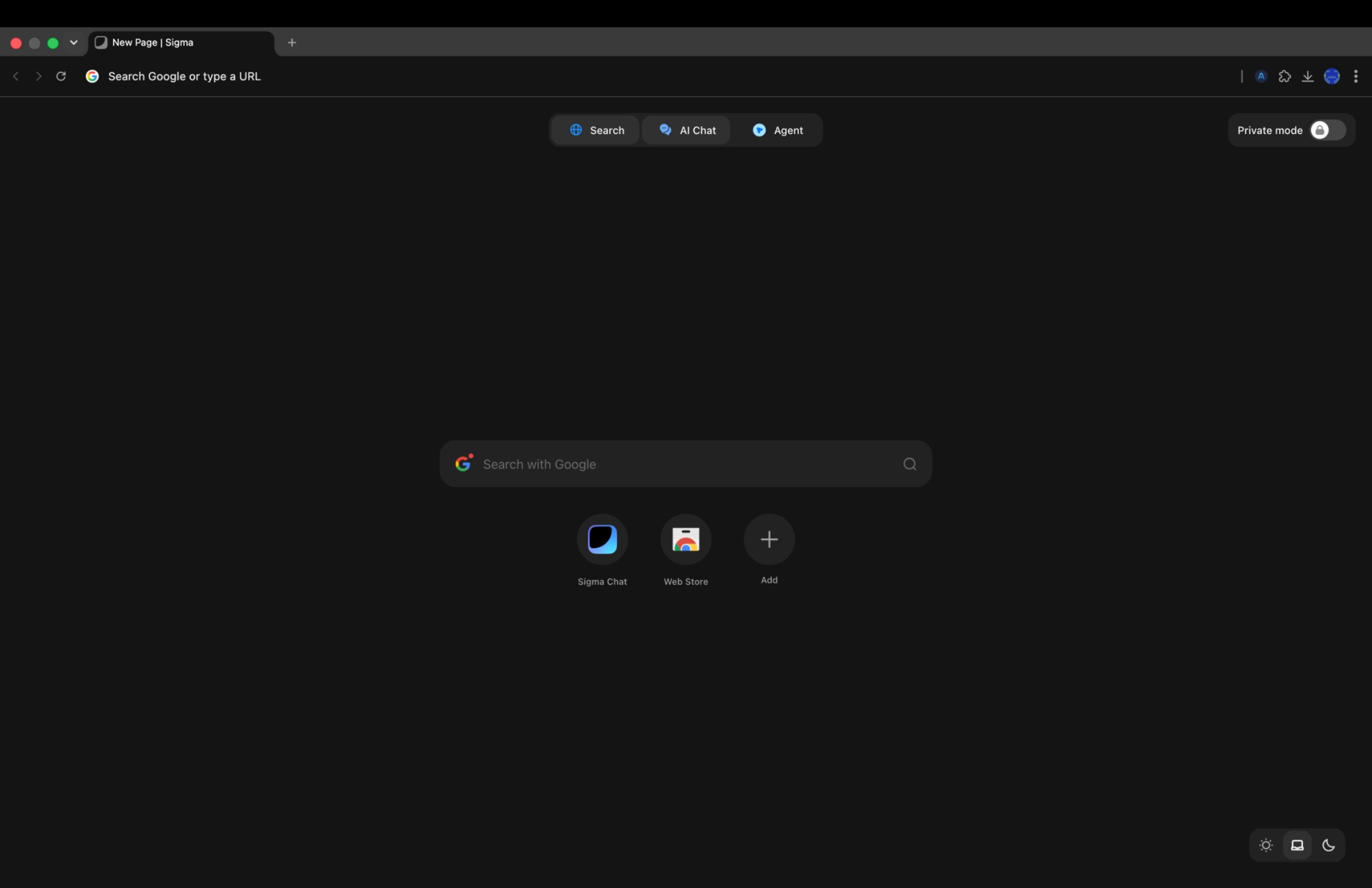
Take Sigma Browser as an example. Instead of a classic Speed Dial layout, Sigma focuses on a more flexible start experience where you can quickly access frequently used pages while keeping AI tools and browsing workflows in the same place.
This approach combines quick access with the tools you use during everyday browsing, so opening a new tab can become the starting point for your next task.
How Sigma Browser Approaches Quick Access
raditional Speed Dial helps users reach their favorite websites faster. It gives people a simple way to keep frequently used pages in one place and open them without searching through bookmarks or typing the same URLs again.
Sigma Browser builds on this idea by combining quick access with AI tools that support everyday browsing workflows. Instead of using the new tab page only as a collection of shortcuts, users can start their next task from the same place where they access websites, AI Chat, and Agent features.
This makes the browser start page more useful for modern browsing habits, where people often switch between finding information, working with websites, and using AI assistance during the same session.
How Speed Dial Works in Opera
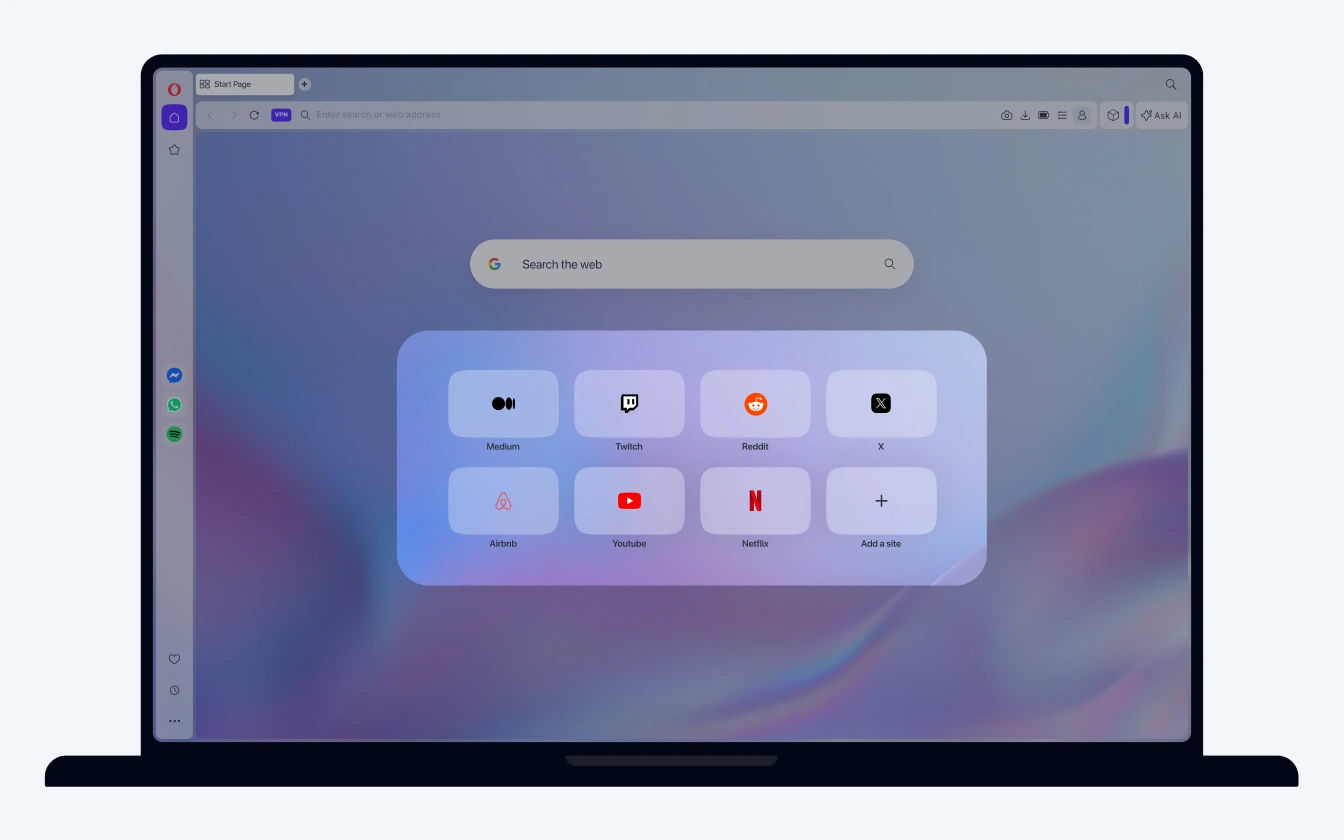
Opera still provides one of the clearest examples because Speed Dial is an explicit part of the browser interface.
According to Opera's official Start Page documentation, Speed Dial entries appear as thumbnails and can be added, edited, rearranged, removed, or grouped into folders.
This turns the Start Page into a customizable launch point rather than a static homepage.
The feature has also changed considerably since its first version. When Opera introduced Speed Dial in 2007, the initial concept was limited to nine visual favorites. Today's implementation supports a much more flexible collection of entries and folders.
How Speed Dial Works in Vivaldi
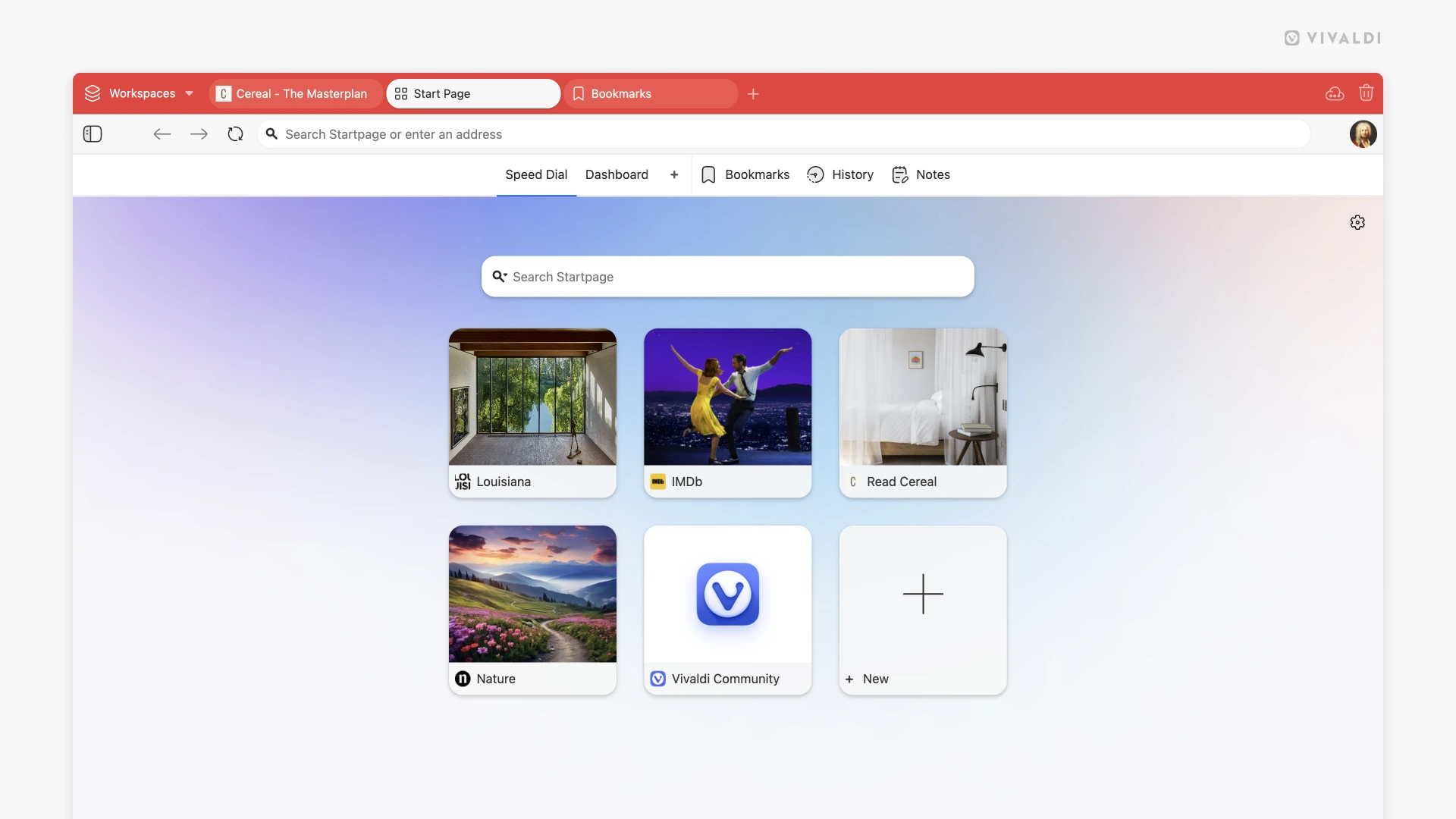
Vivaldi takes the idea further by connecting Speed Dial closely with its bookmark system.
Users can display bookmark folders as Speed Dials, create additional groups, rearrange entries, change thumbnail sizes, and adjust how the Start Page behaves. These options are documented in Vivaldi's Speed Dial guide.
Multiple Speed Dials can also separate different browsing contexts. Someone might keep one group for work and another for frequently used personal websites without putting every saved bookmark on the same screen.
Opera and Vivaldi are both Chromium-based browsers, but their Speed Dial implementations show how much of the browser experience can differ above the shared Chromium foundation. Our guide to Chromium-based browsers explains why browsers using the same underlying platform can still have very different interfaces and built-in tools.
Does Chrome Have Speed Dial?
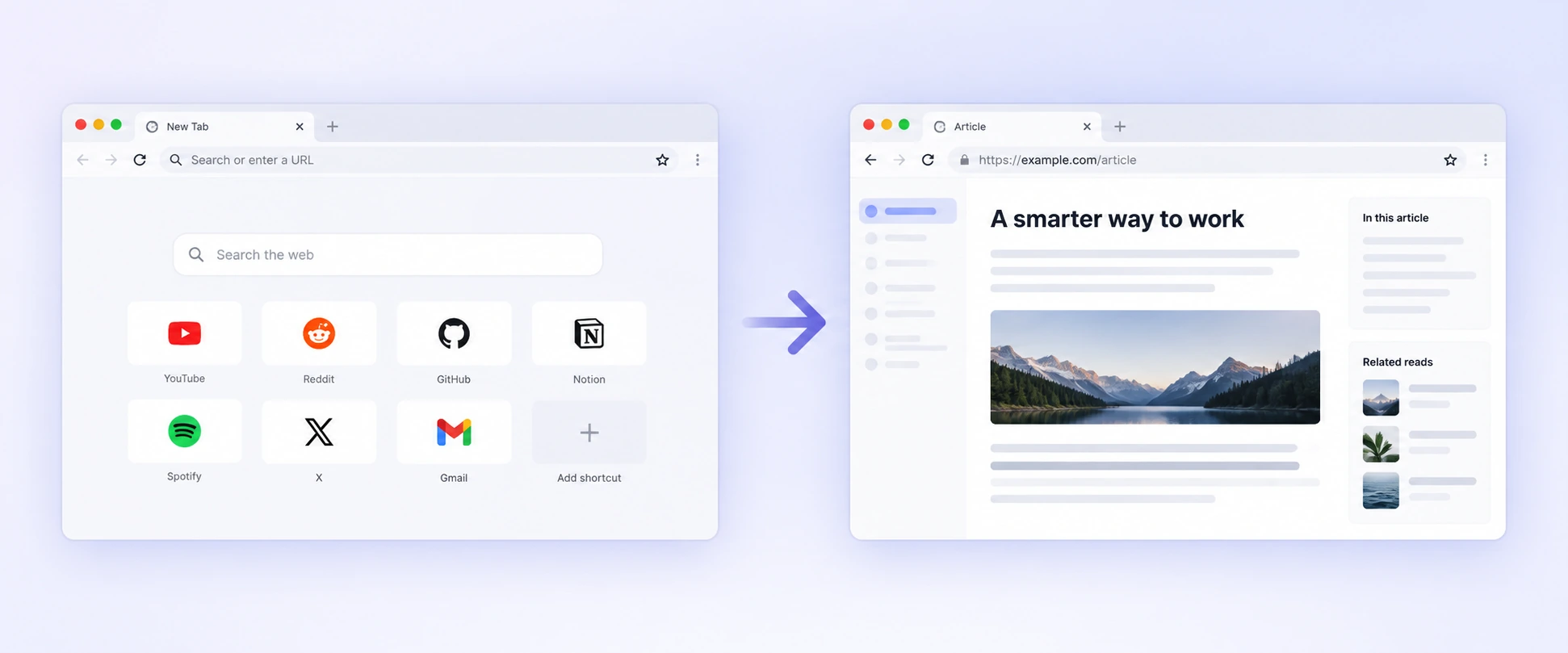
Chrome does not normally call its feature Speed Dial, but its New Tab page provides a similar shortcut system.
Chrome can show websites selected by the user or sites the browser considers frequently visited. Google documents both options in its New Tab customization guide.
The practical idea is familiar. Open a new tab and frequently needed websites are available as tiles below the search area.
This is an important distinction when searching for Speed Dial settings. A Chrome user looking specifically for a menu named “Speed Dial” may not find one because Google uses different terminology for comparable functionality.
Does Firefox Have Speed Dial?
Firefox uses the name Shortcuts on its New Tab page.
Mozilla says these can include websites a user saves or visits frequently. Shortcuts can also be pinned and rearranged, and users can control how many rows appear. The current behavior is described in Mozilla's Firefox New Tab documentation.
Firefox can therefore provide much of the same everyday functionality as Speed Dial without using Opera's terminology.
Its New Tab page can also contain other sections, which reinforces the distinction between the page itself and the shortcut grid placed inside it.
What About Safari?
Safari follows the same broad pattern with another set of names.
Apple's Start Page can display Favorites and Frequently Visited websites together with other sections such as Reading List and recently closed tabs. Users can choose which elements appear and rearrange them through Safari's Start Page settings.
Favorites can also appear when opening new tabs depending on the user's Safari settings.
So while Safari does not present the feature as Speed Dial, the Start Page can still provide direct visual access to frequently used destinations.
Are Speed Dial Shortcuts the Same Across Browsers?
No. The visual concept is similar, but browsers decide differently how shortcuts are created, organized, synced, suggested, and displayed.
Some emphasize manually selected favorites. Others mix saved shortcuts with frequently visited websites. Browsers can also offer different controls for folders, thumbnails, backgrounds, recommendations, or synchronization.
These differences belong mostly to the browser interface rather than the rendering engine.
A browser engine handles the web content being loaded, while features such as tabs, bookmarks, history, Start Pages, and Speed Dial belong to the wider browser product. If those layers sound similar, our explanation of browser engines, Chromium, Blink, WebKit, and Gecko breaks down where each part fits.
Is Speed Dial Faster Than Typing a Website Address?
Speed Dial does not normally make the website itself load faster. It makes getting to the website faster.
Without a shortcut, reaching a familiar site may mean focusing the address bar, typing part of an address, selecting a suggestion, and confirming it. With Speed Dial, opening a new tab and selecting a tile can replace those steps.
The difference is therefore mostly interaction speed rather than network or rendering performance.
For someone who repeatedly opens the same handful of websites throughout the day, reducing those small actions can make the browser feel noticeably more efficient.
Should You Use Speed Dial?
Speed Dial is most useful for websites you visit frequently enough that searching for them or navigating through bookmarks feels unnecessary.
There is little benefit in filling the page with dozens of links you rarely use. Once the grid becomes another large bookmark collection, the quick-access advantage begins to disappear.
A smaller selection usually works better. Keep recurring destinations visible and leave occasional references in normal bookmarks.
The same principle applies when choosing a browser more broadly. Start-page design can improve everyday navigation, but it is only one part of the experience. Privacy controls, compatibility, tab management, AI features, and other workflows can matter more depending on how you browse. Our browser comparison for 2026 looks at those differences in more detail.
Speed Dial Is Becoming Part of a Broader Browser Workspace
The original Speed Dial was designed around quick access to a small collection of favorite websites. Modern browsers now use the same start-page space for considerably more.
A new tab may combine shortcuts with search, recent activity, widgets, privacy information, etc. Chrome, Firefox, Safari, Opera, and Vivaldi all approach that space differently.
At the same time, browser workflows are expanding beyond navigation. In Sigma Browser, for example, browser-level tools include Chat with Page, Quick Translate, extensions, Private Profiles, and other features built around working directly with web content.
Speed Dial still solves a very specific problem well. It gets you to a familiar destination with less friction. The surrounding start page is where browsers increasingly decide what should happen next.
More articles



Download Sigma Browser
Questions & Answers
reach out to us on X at @Sigma_Browser
Get Sigma on Android


