
6 Best ChatGPT Atlas Alternatives in 2026: Which Is Best?
6 smart alternatives to ChatGPT Atlas for AI browsing in 2026.

ChatGPT Atlas arrived with an ambitious promise: bring ChatGPT into the browser so users could understand pages, research topics, rewrite text, and complete web tasks without constantly switching between tabs and AI tools.
Atlas made ChatGPT part of the browsing experience rather than another website opened inside it. The assistant could understand the current page, remember selected browsing context, and use agent mode to interact with websites. However, the browser launched only on Apple Silicon Macs, while its most advanced automation features remained an early experience that could make mistakes during complex tasks.
Now Atlas users have a more urgent reason to consider switching. OpenAI is retiring the standalone browser, with Atlas scheduled to stop working on August 9, 2026. Many of its ideas are expected to continue through OpenAI’s broader desktop and browser-based tools, but Atlas itself will no longer be a long-term browser option.
The good news is that the AI browser market has grown quickly. Several alternatives can summarize pages, work across open tabs, conduct multi-source research, automate online tasks, or provide stronger privacy controls than a fully cloud-based assistant.
After comparing the leading options, Sigma Browser is the best overall ChatGPT Atlas alternative for users who want a dedicated AI browser with page-aware chat, deep research, browser agents, and local AI support. Perplexity Comet, Dia, Chrome with Gemini, Microsoft Edge, and Brave are better suited to more specific workflows.
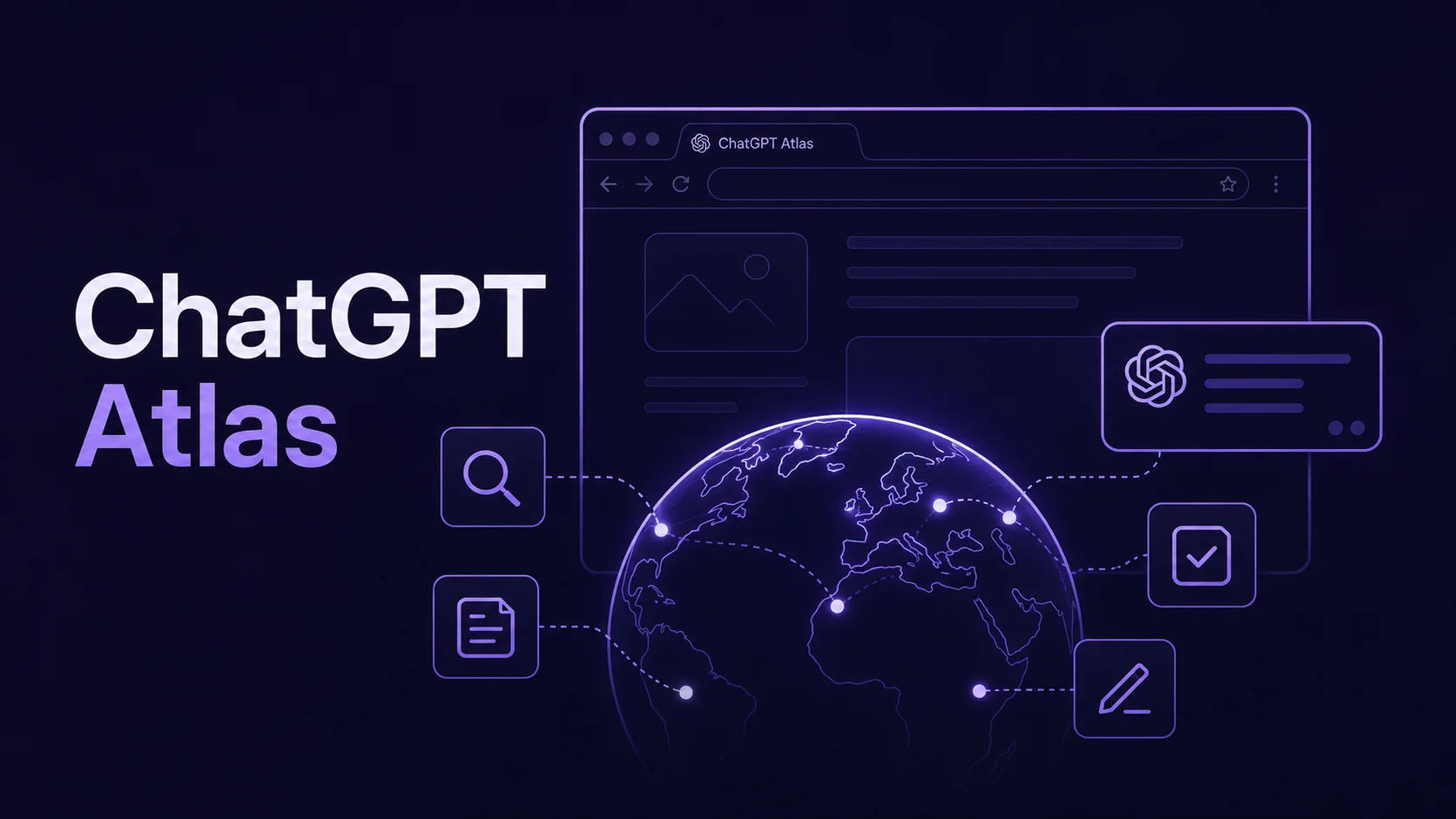
What Happened to ChatGPT Atlas?
OpenAI introduced ChatGPT Atlas in October 2025 as “the browser with ChatGPT built in.”
Its central feature was an integrated ChatGPT assistant that could understand what users were viewing. Instead of copying an article, product page, or document into a separate conversation, users could ask questions directly inside the browser.
Atlas also included optional browser memories. When enabled, ChatGPT could remember selected context from previously visited pages and use it in later conversations. A user could, for example, ask Atlas to find job listings viewed during the previous week and summarize the skills mentioned most often.
Agent mode moved Atlas beyond page summaries. It could open tabs, click page elements, research products, plan events, and complete certain online tasks. OpenAI still described it as an early experience, warning that it could make mistakes and encounter hidden malicious instructions embedded in websites or emails.
Atlas also had a major availability problem. It launched on macOS for Apple Silicon devices, while planned Windows and mobile versions never became established standalone releases.
With the browser now being retired, users need to decide which part of the Atlas experience matters most. No single competitor copies every feature exactly, but several provide strong replacements for its most useful workflows.
ChatGPT Atlas Alternatives Compared
Feature availability may depend on the operating system, country, account, subscription, or current product rollout.
1. Sigma Browser — Best Overall ChatGPT Atlas Alternative
Sigma Browser is the strongest overall Atlas replacement because it combines a regular Chromium browser with several different AI workflows rather than relying on one assistant panel.
It is available for Windows and macOS, immediately solving one of Atlas’s biggest limitations. Users can keep regular browser features such as bookmarks, history, password managers, profiles, and Chromium extensions while adding AI tools directly to the browsing experience.
The closest replacement for Atlas’s page-aware assistant is Chat with Page. It allows users to ask questions about the current website, summarize long articles, identify key information, or explore page content without copying it into another tab.
For more complicated projects, Sigma Deep Research can work across several sources and turn the collected information into structured findings. It is designed for tasks such as competitor analysis, product comparisons, academic research, and market reviews.
Sigma also offers a dedicated AI Agent. The agent can navigate pages, click buttons, type into fields, review files, and work through multi-step website tasks. Standard setups can use an API key, while Private Mode allows supported agent workflows to run with local models.
Local AI is Sigma’s clearest advantage over Atlas and most other alternatives. Sigma’s Eclipse environment runs a local language model directly inside the browser for supported tasks. Prompts and processing can remain on the device instead of being sent to a cloud provider.
Sigma also includes a built-in ad blocker, private profiles, quick page translation, and standard extension support. Users who are leaving Atlas do not have to choose between AI features and a functional everyday browser.
There are still tradeoffs. Some agent configurations require an API key or local-model setup, which adds more friction than a fully managed cloud assistant. Sigma is also a stronger desktop replacement than a cross-device mobile ecosystem.
Best for: Windows and Mac users who want the closest complete replacement for Atlas, especially when browser actions, page-aware AI, research, and local processing all matter.
2. Perplexity Comet — Best for AI Search and Research
Perplexity Comet is the strongest Atlas alternative for users who mainly want their browser to research, compare, and explain information.
Comet is built around Perplexity’s answer engine. Instead of opening a traditional search page, scanning several results, and manually combining the useful details, users can ask a question and continue researching within the browser.
The assistant can understand the current browsing context, compare how different sources cover the same topic, draft emails, build study plans, help with shopping, and handle selected online tasks.
This makes Comet particularly useful for analysts, marketers, students, writers, and anyone who regularly opens ten tabs just to answer one question.
Its platform coverage is another clear advantage over Atlas. Comet is officially available on Windows, macOS, iOS, and Android. Users can therefore maintain a more consistent browser experience between desktop and mobile devices.
Comet’s biggest limitation is that the experience is closely tied to Perplexity’s cloud-based AI ecosystem. Users looking for local processing or more control over model selection may prefer Sigma or Brave.
It is also more naturally a research browser than a privacy-first browser. Comet is strongest when the task begins with a question, a comparison, or a need to gather information from the live web.
Best for: Researchers and Perplexity users who prioritize web search, source comparison, and fast information synthesis.
3. Dia — Best for Context-Heavy Work on a Mac
Dia is a strong alternative for users who liked Atlas’s ability to remember context but want that context to extend across workplace tools.
Dia was created by The Browser Company, the team behind Arc. Its current direction is less about placing a general chatbot beside every page and more about understanding how tabs, calendars, email, documents, and communication tools fit together.
Morning Brief can organize information from a user’s calendar, inbox, and important links before the workday begins. Dia can also gather scattered context from tools such as Slack, Notion, Google Calendar, Google Workspace, and open tabs, then turn it into an answer or report.
Other features include presentation deck creation, meeting preparation, Profiles, split-screen layouts, organized tabs, and links that surface relevant work from services such as GitHub and Notion.
This makes Dia especially appealing to managers, consultants, designers, product teams, and other professionals whose browser is already the center of their working day.
However, Dia inherits the same major platform limitation that affected Atlas. It currently requires macOS 14 or later and an Apple Silicon Mac with an M1 chip or newer.
Dia is also more focused on connected cloud context than on local AI. Users who want a Windows version, browser automation, or on-device model processing will find Sigma more practical.
For a more detailed comparison, see our guide to the best Dia Browser alternatives.
Best for: Apple Silicon Mac users who want their browser to understand meetings, tabs, calendars, and connected work tools.
4. Google Chrome with Gemini — Best for Google Ecosystem Users
Gemini in Chrome is the easiest Atlas alternative for users who already rely on Chrome, Gmail, Google Calendar, YouTube, Drive, and Google Search.
Rather than asking users to migrate to an unfamiliar AI browser, Google is integrating Gemini into the browser many people already use.
Gemini can answer questions about open tabs, compare information, summarize content, help with purchasing decisions, create study materials, and work with Google services. It can also summarize supported YouTube videos and create events in Google Calendar.
For eligible users, Auto Browse adds more agent-like behavior. Gemini can perform supported tasks such as filling a shopping cart or booking a reservation. However, Google currently limits Auto Browse to Google AI Pro and Ultra subscribers in the United States. Other Gemini features also vary by device, language, account, and country.
Chrome’s biggest strengths are familiarity and compatibility. Users retain their extensions, synced passwords, bookmarks, history, and Google account setup. There is very little migration friction compared with switching to an entirely new browser.
The tradeoff is privacy and control. Gemini depends heavily on Google’s cloud services, and users do not receive the same local-model flexibility offered by Sigma or Brave.
Chrome with Gemini is also an AI-enhanced traditional browser rather than a browser designed entirely around agentic workflows. That may be an advantage for people who want occasional AI help without changing the rest of their browsing habits.
Best for: Existing Chrome users who want AI assistance without moving bookmarks, extensions, passwords, and Google services to another browser.
5. Microsoft Edge with Copilot — Best for Windows and Microsoft 365
Microsoft Edge with Copilot is a practical Atlas replacement for Windows users and companies that already work inside Microsoft 365.
Copilot can summarize long documents, draft emails, compare competitors, analyze information, recap meetings, and answer questions without forcing users to leave the browser.
One of its most useful features is multi-tab reasoning. Copilot can analyze information spread across several open pages, combine the findings, compare details, and provide a single response.
The Copilot new-tab experience can also bring together search, AI chat, calendar events, recent files, and suggested work prompts. When signed in with a supported work account, organizational data can remain governed by Microsoft 365 security and administrative policies.
Microsoft is also developing more active browser assistance. Its official Edge page describes a work feature that, with permission, can click, enter text, and navigate the web. At the time of writing, Microsoft still labels this capability as coming soon and says that a Microsoft 365 Copilot license will be required.
Edge does not feel as AI-native as Atlas, Sigma, or Comet. Copilot is a powerful layer inside a conventional browser, but it does not reshape the complete experience around an assistant.
That familiar structure can still be a benefit. Edge supports Chromium extensions, works across desktop and mobile platforms, and fits naturally into Windows environments.
Users comparing a wider selection of Windows options can also review the best browsers for Windows 11.
Best for: Windows users, Microsoft 365 teams, and organizations that need familiar management and security controls.
6. Brave with Leo — Best Privacy-Focused Alternative
Brave Leo is the strongest mainstream option for users who want browser AI without giving the assistant broad access to their entire browsing life.
Leo can summarize webpages, PDFs, Google Docs, and Google Sheets. It can answer questions about the current tab, translate text, analyze content, generate drafts, and provide coding assistance.
Brave says Leo does not retain or share chats or use conversations for additional model training. No account is required for the free version, while chat history can be stored locally on the user’s device.
Temporary chats provide another useful privacy option. They disappear when closed and are not added to conversation history.
Technical users can also use Bring Your Own Model. Leo can connect to supported local models, remote models, or third-party APIs, giving users more control over which AI system handles their prompts.
Brave’s standard browser protections strengthen the privacy case. The browser blocks many ads and trackers by default and says it does not collect or retain users’ browsing histories.
The main limitation is automation. Leo is a capable assistant, but it does not provide the same complete browser-agent experience as Atlas, Sigma, or Comet. It is better at reading, summarizing, and creating than at independently completing multi-stage website tasks.
For users who want both private browsing and a broader range of AI workflows, it is also worth comparing Brave with a dedicated private AI browser.
Best for: Privacy-conscious users who need summaries, document analysis, and flexible model selection more than full browser automation.
Which ChatGPT Atlas Alternative Is Best for You?
The right alternative depends on which Atlas features you actually used.
Choose Sigma if you want a dedicated AI browser that can understand pages, conduct research, take browser actions, and run supported local-model workflows.
Choose Comet when search and live web research are the main reason you use AI. Choose Dia when work context, meetings, and connected tools matter more than platform flexibility.
Chrome and Edge are safer choices for users who want to keep their existing Google or Microsoft ecosystem. Brave is better for people who want AI assistance to remain private, optional, and more contained.
For a broader comparison beyond AI-first products, see our guide to the best web browsers in 2026.
How to Switch from ChatGPT Atlas
Before Atlas stops working, make sure your important browser data has been moved safely.
First, export or synchronize your bookmarks, passwords, and other saved data. Atlas was built on Chromium, so many Chromium-based alternatives should be able to import standard browser information.
Next, review which Atlas features you genuinely depended on. Page summaries, browser memories, web research, and agent actions may require different tools in the new browser.
After installing the replacement, rebuild your work and personal profiles before importing every account. This prevents the new setup from becoming cluttered immediately.
Finally, review the AI permissions. Check whether the assistant can access only the current page or also other tabs, browsing history, uploaded files, email, calendars, or logged-in websites.
Browser agents should be tested with low-risk tasks first. Avoid giving any AI agent unnecessary access to financial accounts, healthcare services, confidential business systems, or other sensitive websites.
Final Verdict
Sigma Browser is the best overall ChatGPT Atlas alternative in 2026.
It provides the main capabilities that made Atlas interesting: page-aware assistance, research, and browser actions. It then adds Windows support, Chromium extensions, private profiles, a built-in ad blocker, and local AI workflows.
It is not automatically the best choice for every user. Comet has a stronger research-first identity, Dia provides deeper workplace context on compatible Macs, Chrome and Edge fit their existing productivity ecosystems, and Brave offers a simpler privacy-focused assistant.
Sigma is the most complete choice for users who want an independent AI browser rather than an AI sidebar added to a traditional one.
You can download Sigma Browser for Windows or macOS and test its page chat, research, and agent tools before Atlas reaches the end of its standalone service.
More articles

Download Sigma Browser
Questions & Answers
reach out to us on X at @Sigma_Browser
Get Sigma on Android


