
9 Best Brave Browser Alternatives in 2026: Privacy and Better Browsing
A practical guide to the best browsers to try if Brave no longer fits the way you browse, work, or manage privacy.

Brave Browser is still one of the easiest browsers to recommend if you want privacy features, blocking ads, Brave Search, and a cleaner web without installing five extensions on day one. But it is not the only good option anymore. Some users want stronger AI workflows. Some want Firefox-based browsers instead of Chromium. Some want better tab organization, deeper Windows integration, built-in tools, or just a browser that feels less tied to Brave Rewards and the whole Brave ecosystem. So if you are looking for a Brave browser alternative in 2026, you have real choices now - not just “use Firefox” and call it a day.
The best Brave browser alternative in 2026 depends on what you want to improve. Sigma Browser is a strong fit if your priority is AI workflows and multitasking. Firefox is better for independent privacy. Zen Browser works well if you want a modern Firefox-based productivity browser. Vivaldi is best for customization, while Tor Browser and LibreWolf make more sense when privacy matters more than convenience.
Best Brave Browser Alternatives in 2026: Quick Comparison
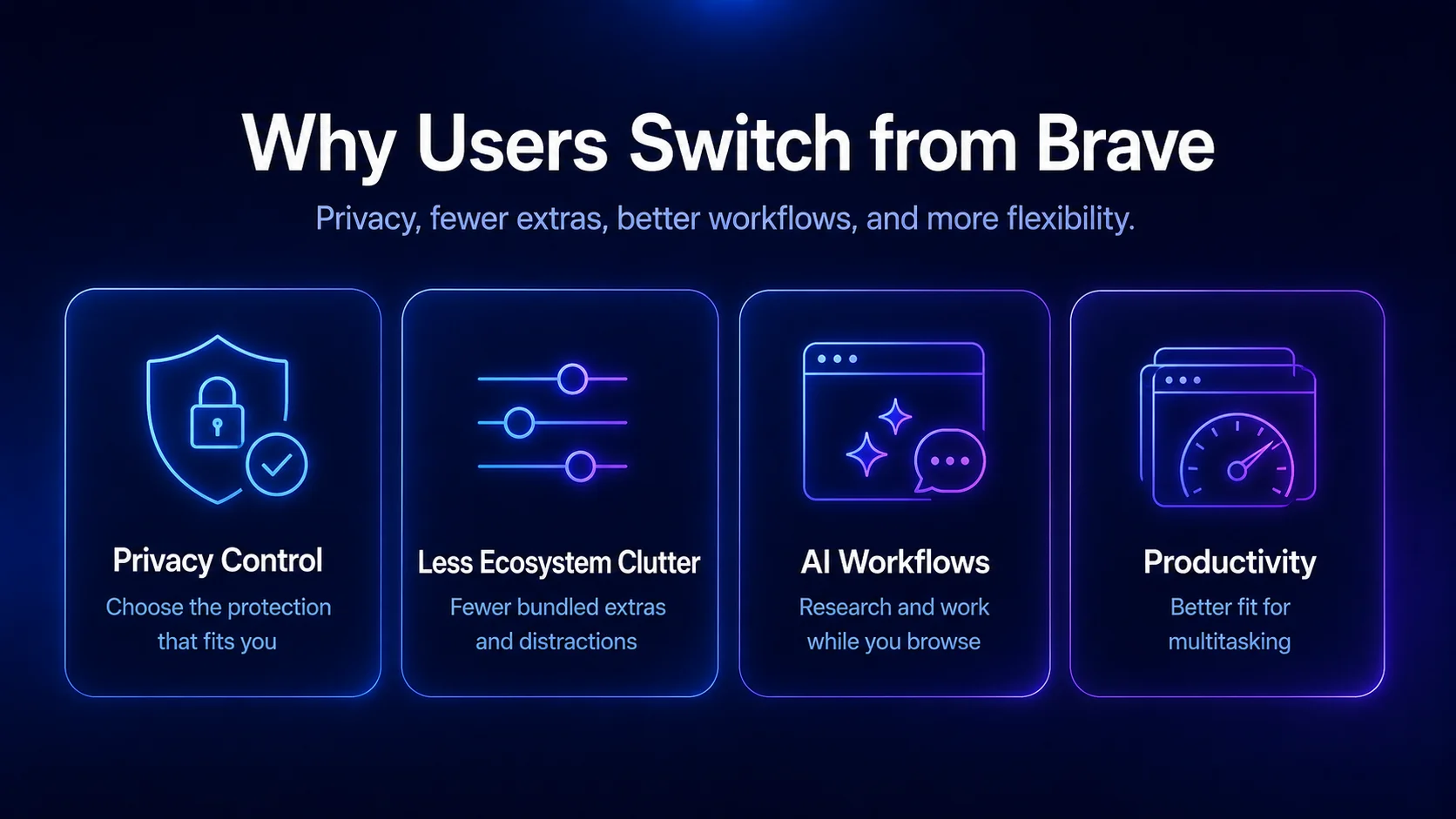
Why Look for an Alternative to Brave Browser?
Brave Browser gets a lot right. Its Shields system blocks trackers, cross-site cookies, phishing, fingerprinting, and other privacy-invasive elements across the web. That is the whole reason many users switched in the first place: fewer ads, less tracking, and a cleaner browsing activity trail than you usually get with a default browser setup.
But Brave is also very much its own ecosystem. There is Brave Search, Brave Rewards, Brave Leo, the optional VPN, crypto-adjacent features, and a specific product philosophy around privacy-first browsing. Some people love that. Others open the settings page and think, wait, why is there so much stuff here?
And then there is productivity. Brave is great for blocking ads, but it is not always the most flexible browser for research-heavy work, AI workflows, multi-tab projects, or turning your browser into an actual work hub. If your browser stays open all day - Slack, Google Docs, YouTube, analytics, search, comments, dashboards, random product pages, seventeen “I’ll read this later” tabs - you may want something more workflow-focused.
1. Sigma Browser: Best Brave Browser Alternative for AI Workflows
Sigma Browser is one of the strongest Brave alternatives if your main reason for switching is productivity, not just privacy. Brave helps clean up the web. Sigma is more focused on helping you work inside the web - researching, writing, comparing sources, switching between tasks, and using AI without constantly breaking your flow.
That difference matters. A privacy-focused browser is useful, obviously. But if your browser is where most of your work happens, privacy alone may not be enough. You may also need better tab organization, faster context switching, AI help while reading or writing, and a setup that does not turn into a junk drawer with a search bar.
Sigma fits users who like a modern, Chromium-based browsing experience but want something more workflow-oriented than a standard browser. It makes the most sense for people who research topics, write content, compare pages, manage many tabs, and use AI as part of their daily browsing routine.
Brave Leo can summarize pages and answer questions, which is useful. Sigma is different because its value is less about adding one AI feature and more about making AI-supported browsing feel like part of the full workspace.
If your browser is basically your workspace, Sigma is probably the first option worth testing. It is not trying to be a pure privacy tool like Tor or LibreWolf. It is more useful for people who want speed, AI workflows, and a smoother daily work setup in one place.
See the full feature-by-feature breakdown of this Brave browser alternative
2. Firefox: Best Brave Alternative for Independent Privacy
Firefox is the obvious alternative to Brave Browser, but not in a boring way. It is one of the few major browsers that is not built on Chromium, which already makes it important. If you want the web to stay less dependent on Google-controlled browser technology, Firefox deserves a serious look.
Privacy is also a big reason people switch. Firefox includes Enhanced Tracking Protection, which blocks known trackers as you browse, and Total Cookie Protection, which helps isolate cookies and site data to reduce cross-site tracking.
Firefox is not trying to be Brave. It does not push Brave Rewards, Brave Search, or a built-in crypto-style ad model. Instead, it gives you a more traditional browser with strong privacy controls, good extension support, and a lot of customization if you are willing to adjust the settings.
The trade-off is that Firefox can feel less plug-and-play than Brave for ad blocking. Brave blocks a lot out of the box. Firefox gets stronger when paired with extensions like uBlock Origin, containers, and stricter privacy settings. That is great for users who like control. Slightly annoying for users who want everything handled automatically.
Firefox is the pick if your issue with Brave is not privacy itself, but the Chromium foundation behind it. You still get a mainstream browser, just with more independence and a different philosophy.
3. Zen Browser: Best Firefox-Based Browser for Productivity
Zen Browser is for people who like the idea of Firefox-based browsers but want something more modern and workspace-friendly. It takes the Firefox foundation and adds a cleaner, more productivity-oriented interface.
Zen’s official site highlights features like Split View for viewing tabs side by side and Workspaces for organizing tabs by context. That sounds small until you actually work with ten pages open. Then suddenly it is not small at all. It is the difference between “I know where my research went” and “why do I have three identical Google tabs?”
As a Brave alternative, Zen works best for users who care about privacy but also want a calmer browsing setup. It does not have Brave Search or Brave Rewards. It is also not trying to be Google Chrome with a different logo. It feels more like a productivity browser for people who already know their browser is where most of their work happens.
The catch is that Zen is still newer and more niche. If you want the safest mainstream pick, Firefox is safer. If you want the more interesting Firefox-based option, Zen Browser is worth testing.
Zen makes the most sense if you like Firefox’s foundation but want a browser that feels more modern, visual, and workspace-friendly. Basically: less “old reliable browser,” more “I can actually organize my mess in here.”
4. Microsoft Edge: Best Brave Browser Alternative for Windows Users
Microsoft Edge is a practical Brave alternative, especially if you work on Windows. Yes, Edge still has emotional baggage from old Microsoft browser history. Fair. But the current browser is fast, Chromium-based, and deeply connected to Microsoft’s productivity stack.
Edge’s performance features are genuinely useful. Sleeping Tabs can pause inactive tabs to reduce resource use, which helps when you have too many pages open and your PC hardware is already begging for mercy. Microsoft also continues to integrate Copilot and AI features into Edge across desktop and mobile.
That makes Edge useful for people who live inside Windows, Microsoft 365, Outlook, Teams, OneDrive, and Copilot. It is not the most privacy-focused choice, but it is one of the most convenient browsers if your work already sits inside the Microsoft ecosystem.
Privacy is where Edge is less convincing than Brave. It has security and tracking prevention features, but it is still closely connected to Microsoft services. So if your reason for leaving Brave is “I want even more privacy,” Edge is probably not your best move.
If your reason is “I want speed, vertical tabs, Microsoft 365, Copilot, and better Windows integration,” then Edge makes sense. It is a productivity browser first, privacy browser second.
5. Vivaldi Browser: Best Brave Alternative for Customization
Vivaldi Browser is what happens when a browser says, “Fine, you can customize almost everything.” That is the whole appeal. It is not trying to be minimal. It is trying to be powerful.
Vivaldi includes built-in ad and tracker blocking, and its official feature pages describe the blocker as a way to block intrusive ads, help pages load faster, and protect users from malicious ads and trackers. On desktop, Vivaldi also has serious tab tools: Tab Stacks, Tab Tiling, Workspaces, panels, and deep layout control.
If you like tuning your browser, changing layouts, creating panels, organizing tabs into stacks, and making your setup feel like it was built specifically for your brain, Vivaldi is hard to beat.
As a Brave alternative, Vivaldi is especially good for power users. It gives you more control than Brave, more built-in organization than most mainstream browsers, and a lot more interface flexibility.
The downside is the same thing as the upside. There are a lot of features. Many users open Vivaldi and either fall in love immediately or quietly close it because it feels like sitting inside a cockpit. Not bad. Just... buttons.
6. Opera Browser: Best Brave Alternative with Built-In VPN-Style Tools
Opera Browser is a good Brave alternative for users who want convenience more than strict privacy standards. It includes built-in tools like an ad blocker, sidebar apps, AI features, file-sharing tools, and a browser-level VPN feature that Opera promotes as part of its privacy and security toolkit.
The important distinction is that Opera’s VPN is a browser feature, not the same thing as a full system-wide VPN app that protects every connection on your device. So “VPN-style browsing” is the more careful way to think about it. For normal web browsing, though, many users still like having it available without installing extra software.
The big thing with Opera is that you do not need to build your own setup from extensions. Want ad blocking? It is there. Want quick access to messengers or AI tools? Also there. Want a browser that feels more feature-packed than Chrome without going full power-user mode like Vivaldi? Opera fits that middle lane.
Compared with Brave Browser, Opera is less privacy-forward. Brave’s identity is privacy first. Opera is more “here are useful built-in tools, enjoy.” That can be exactly what some users need. Not everyone wants to inspect every tracker list like they are defusing a bomb.
Opera is the right choice if you want a user-friendly browser with built-in tools, ad blocking, mobile support, and a smoother out-of-the-box experience.
7. Tor Browser: Best Brave Alternative for Maximum Privacy
Tor Browser is not a normal Brave alternative. It is more serious than that. If Brave is for everyday privacy, Tor Browser is for anonymity, anti-surveillance browsing, and situations where tracking protection really matters.
The Tor Project describes Tor Browser as a way to experience private browsing without tracking, surveillance, or censorship. That makes it one of the strongest choices for users who care about hiding browsing activity from trackers, websites, networks, or other observers.
But here is the thing: Tor Browser is usually not the best main browser. It can be slower because traffic moves through the Tor network, and some websites may behave weirdly or block access. You probably do not want to use it for logging into every personal account, watching YouTube all day, or managing normal work tabs.
So think of Tor Browser as a special-purpose privacy tool. Keep Sigma, Firefox, Brave, Vivaldi, or another browser for daily use. Use Tor when the situation actually calls for stronger anonymity.
Tor is the pick if you need maximum privacy and anti-surveillance protection more than speed, convenience, or seamless browsing.
8. Ungoogled Chromium: Best Brave Alternative for Chromium Without Google
Ungoogled Chromium is exactly what the name sounds like: Chromium with Google web service dependency removed. The official project describes it as a lightweight approach to removing Google web service dependency while keeping the Chromium experience close to default.
This makes it interesting for users who like the speed and compatibility of Chromium but do not want Google Chrome. It can feel like a cleaner, more stripped-down browser for people who know what they are doing.
As a Brave alternative, Ungoogled Chromium is more technical. Brave gives you privacy features in a polished package. Ungoogled Chromium gives you fewer Google hooks, but you may need to handle more things manually. Extensions, updates, settings, and convenience features can take extra work.
So no, it is not the most user-friendly option. But for privacy-focused users who want control and do not mind setup friction, it is a strong niche choice.
Choose Ungoogled Chromium if you want Chromium speed and compatibility without Google integration, and you are comfortable managing more of the browser setup yourself.
9. LibreWolf: Best Brave Alternative for Hardened Firefox Privacy
LibreWolf is the better replacement for Google Chrome in this list because it actually fits the privacy intent behind a Brave Browser alternative search. It is a custom and independent version of Firefox with a focus on privacy, security, and user freedom. The project says it is designed to increase protection against tracking and fingerprinting, remove telemetry and data collection, and disable some features that do not fit its privacy goals.
That makes LibreWolf appealing if you like Firefox but want stricter defaults. Brave is privacy-friendly out of the box, but it is still its own ecosystem. LibreWolf is more stripped down. Less polish, less hand-holding, fewer built-in extras. In exchange, you get a browser that is very clearly built around privacy first.
The trade-off is convenience. Some websites may behave oddly. Some features you expect from normal Firefox might be disabled or require extra setup. Sync, DRM, certain site behaviors, and logins can feel less smooth depending on how strict your setup is. That is kind of the point, but still. Privacy always sends you a bill somewhere.
LibreWolf is not the best browser for someone who wants a friendly, seamless browsing experience across every device. Firefox is easier. Sigma is better for AI workflows. Vivaldi is better for customization. But if you want a Firefox-based browser that goes harder on privacy than the mainstream options, LibreWolf deserves the spot.
Choose LibreWolf if you want stronger Firefox-based privacy and do not mind giving up some convenience to get it.
Brave Browser Alternative by Use Case
Desktop, Mobile, and Main Browser Fit
Some Brave alternatives work better as a main browser on desktop, while others make more sense for specific privacy or mobile use cases.
Firefox, Edge, Opera, Vivaldi, and other mainstream options are easier to use as daily browsers across normal work, search, content, and web apps. They are practical choices if you need one browser for desktop browsing, Android or mobile use, extensions, accounts, and everyday websites.
Tor Browser, LibreWolf, and Ungoogled Chromium are more specialized. Tor is better for private or sensitive browsing sessions, not necessarily for your main browser. LibreWolf is better for users who want stricter Firefox-based privacy. Ungoogled Chromium is better for technical users who want Chromium without Google services and do not mind extra setup.
Safari is still worth considering for Apple users, especially if you care about battery life and Apple ecosystem integration. But it is less relevant if you need the same browser experience across Windows, Android, and mixed devices.
What About Brave Search, Brave Rewards, and Blocking Ads?
To be honest, this is where Brave still differs from the rest. Brave Search is an actual part of the Brave ecosystem - it's not just a default search engine setting they've added. The Brave Rewards thing is more polarizing because it ties browsing, privacy-friendly ads, and user rewards all together. Some users like that, while others just don't want any monetization model or crypto talk involved in their browser at all.
If Brave Rewards is what puts you off, then browsers like Firefox, Zen Browser, Vivaldi, LibreWolf, and Ungoogled Chromium all look a lot cleaner. But if you actually like Brave Search, you can still use it in other browsers - search engines are pretty portable, even if browser workflows aren't always so easy to move around.
For blocking ads, Brave is still a very easy browser to use that way - it comes with ad blocking turned on by default. But you can also get the same effect by using Firefox with uBlock Origin, or Vivaldi with its built in ad blocker. Opera's got an ad blocker too, and if you want to really lock down your browsing with LibreWolf or the Tor Browser, you can get that level of ad and tracking protection too.
The bottom line is, do you want privacy to be handled automatically by the browser - or do you prefer to set everything up yourself? Brave is pretty strong out of the box - but Firefox and Vivaldi give you a lot more control over things. A productivity-focused browser makes more sense if your main issue is daily workflow. Tor is for users who need a higher level of anonymity, and LibreWolf is for users who want Firefox features with a stricter approach to privacy.
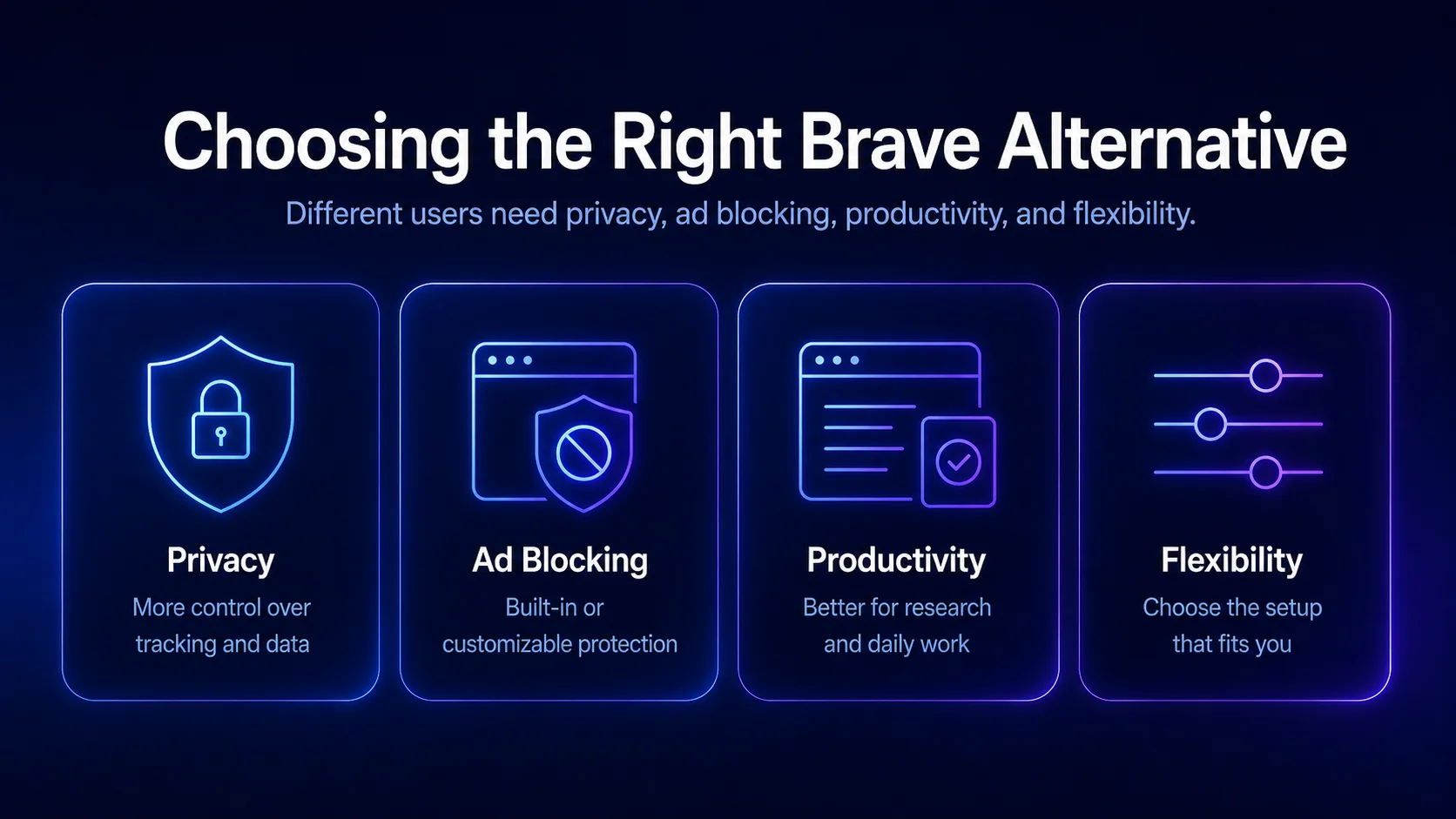
Choosing the Right Browser to Replace Brave
Choosing a Brave browser alternative really comes down to what made you want to leave Brave in the first place.
If the problem is productivity, Sigma Browser, Zen Browser, Vivaldi, and Microsoft Edge are the ones worth comparing first. They are not just there to open pages and stay out of the way. They are better suited for people who use the browser for research, writing, search, tab management, and the everyday back-and-forth that happens when most of your work lives online.
If privacy is the main reason, the choice is a little different. Firefox is the easiest mainstream option. Tor Browser goes much further for anonymity. LibreWolf gives you stricter Firefox-based privacy, while Ungoogled Chromium is better for users who still want the Chromium feel without as much Google service dependency. Brave is already strong here, so the real question is what kind of privacy you want next.
For speed and compatibility, Opera, Edge, Vivaldi, and Ungoogled Chromium are safer picks. They stay close enough to the browsing experience most websites expect, so switching usually feels familiar instead of painful. Extension support is also less of a headache than it can be with more locked-down privacy browsers.
And if Brave feels clean but not quite useful enough for AI workflows, research, writing, and daily productivity, Sigma Browser is a natural place to start. It is not trying to be the strictest privacy tool or another corporate browser. It is more for users who want their browser to feel like a working space, not just a window to the web.
Final Thoughts
Brave is still a strong privacy-focused browser in 2026. Its ad blocking is solid, Brave Search is built in, Brave Leo adds AI support, and many users will get better privacy out of the box than they would from a standard browser setup.
But the best browser is not always the one with the strongest default ad blocking. It is the one that fits how you actually browse every day.
Sigma Browser makes the most sense for AI workflows and multitasking. Firefox is better if you want independence and stronger control over privacy. Zen Browser works well if you like Firefox but want a more modern productivity-focused browser. Microsoft Edge is practical for Windows users. Vivaldi is best for deep customization. Opera is convenient if you want built-in tools. Tor Browser is for serious anonymity. Ungoogled Chromium is for users who want Chromium without Google services. LibreWolf is for stricter Firefox-based privacy.
More articles

Download Sigma Browser
Questions & Answers
reach out to us on X at @Sigma_Browser
Get Sigma on Android


