

¿Qué es un navegador con IA?
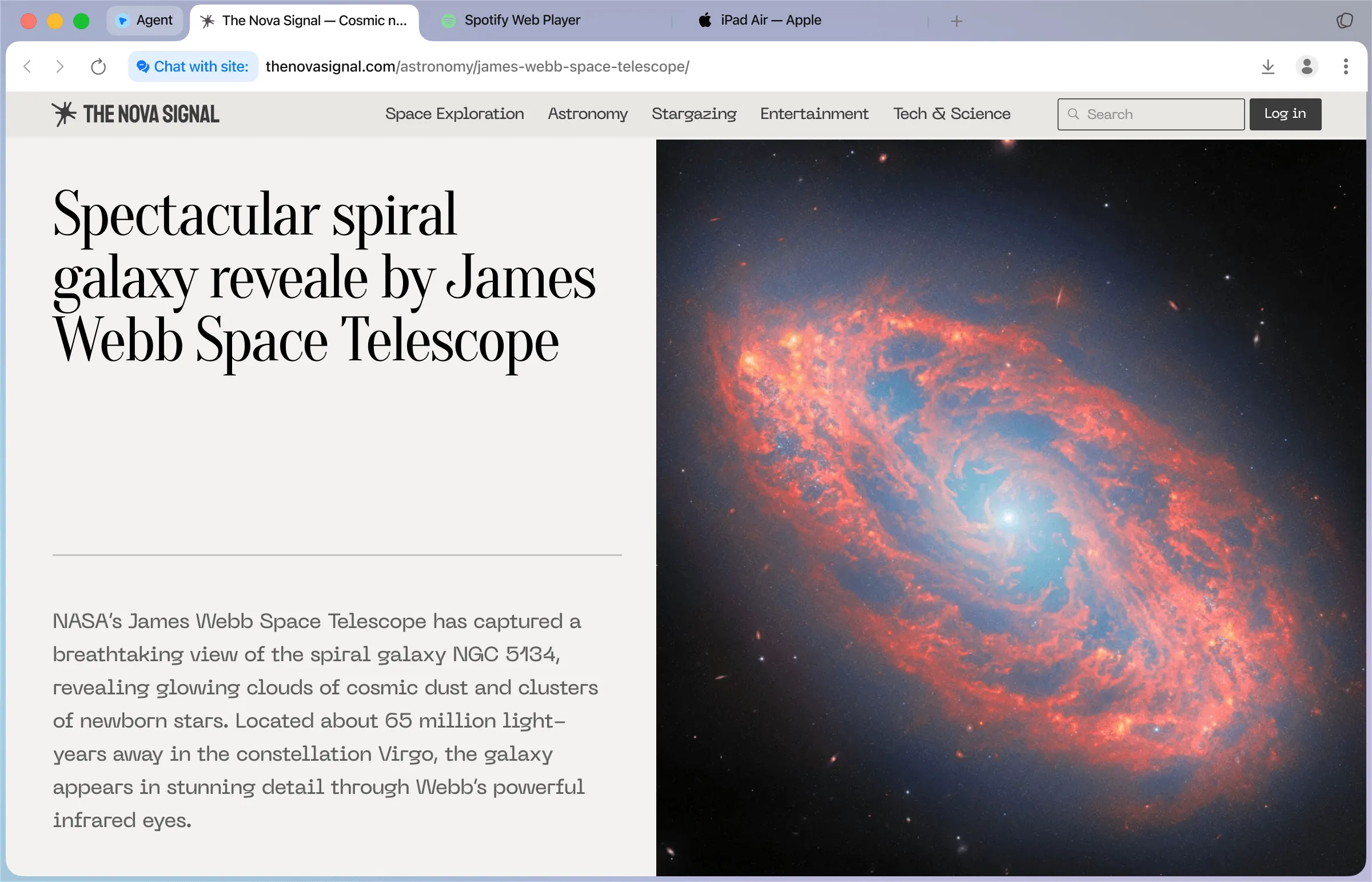
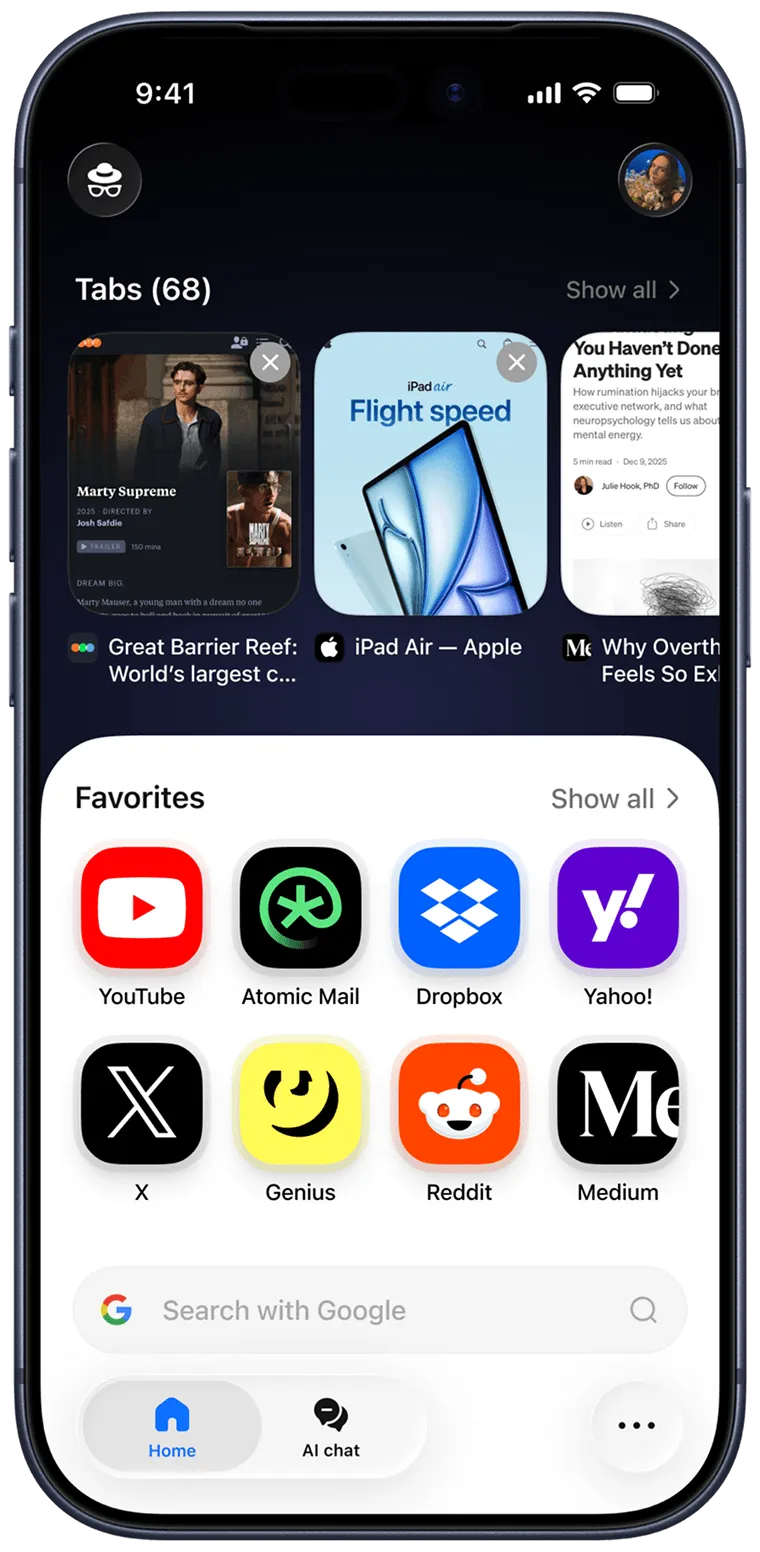
Un navegador con IA es un navegador web con inteligencia artificial integrada que te ayuda a buscar, resumir, organizar e interactuar con páginas web.

Chatea con cualquier página directamente desde tu navegador web
Resume artículos sin salir de la pestaña del navegador
Automatiza tareas web con un agente de IA para el navegador
Busca e investiga con la IA integrada en el navegador
¿Por qué utilizar Sigma AI Browser?
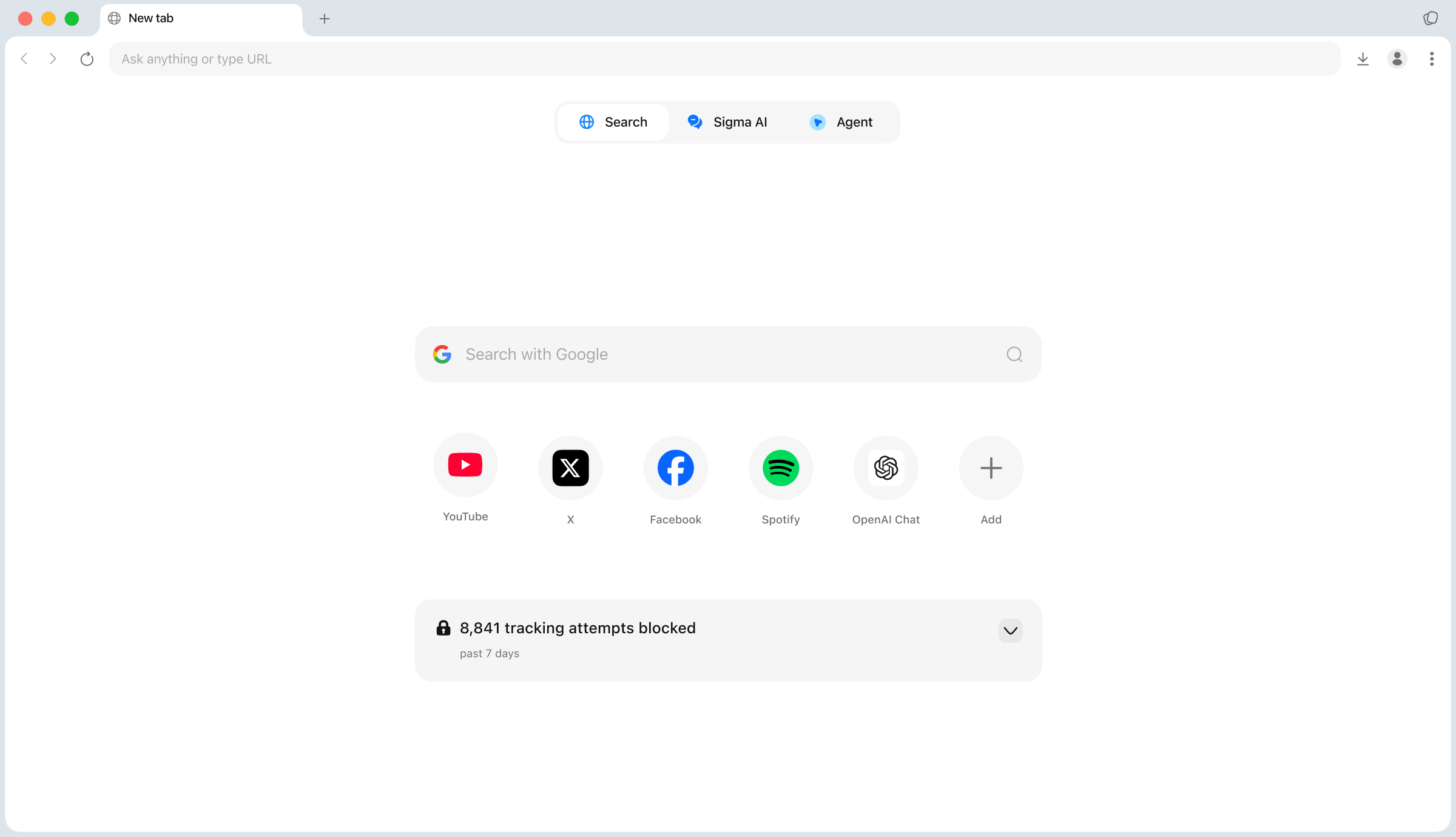
Sigma reúne en un único navegador gratuito las herramientas por las que la gente suele pagar varias suscripciones. Esto es lo que lo diferencia tanto de los navegadores tradicionales como de las herramientas de IA basadas en la nube.

Navegador de IA agéntico
El agente de IA integrado en Sigma navega por las páginas, rellena formularios y realiza tareas de principio a fin. Describe el objetivo y el agente se encarga de los pasos.

IA local, privacidad total
Descarga modelos de IA locales directamente en el navegador o conecta los tuyos propios mediante una clave API. Los prompts se procesan en tu dispositivo: sin nube, sin recopilación de datos y funciona sin conexión.

Seguridad del navegador con IA
El código abierto, el cifrado de extremo a extremo, la protección contra el phishing y la defensa contra la inyección de prompts mantienen a salvo tu navegación y tus chats con IA.

Gratis y rápido
Sigma es un navegador con IA gratuito, sin suscripciones. Además, es más rápido que Chrome, Safari y Brave en las pruebas de rendimiento de Speedometer 3.0, y es el que menos RAM consume.
Sigma vs. Safari

1.30x
faster
Sigma vs. Brave

1.17x
faster
Sigma vs. Chrome

1.13x
faster
Sigma vs. Perplexity Comet

1.10x
faster
Sigma's own Speedometer 3.0 test: 10 runs per browser on a MacBook Pro M4, average score.
In Sigma's own test with 10 identical tabs open, Sigma used 0.8 GB of RAM, the least of the five browsers. That leaves more memory for your other apps.
Sigma

0.8 Gb
Brave
0.92 Gb
Perplexity Comet
0.95 Gb
Chrome
1.00 Gb
Safari
1.2 Gb
Privacy that goes past blocking ads
Ads are one way sites follow you. Sigma also keeps your AI prompts on your device and your accounts apart. See how Sigma Private Browser works
Your AI prompts stay local
Eclipse answers on your device, even offline

Most AI browsers send your prompts to a cloud model. Eclipse is a local model built into Sigma, so what you ask stays on your device.
Built-in ad blocker
Ads gone out of the box, no extension needed

Sigma blocks ads from your first page and warns you about phishing sites in real time. There's nothing to install or configure.

Private Profiles
Encrypted, with a 12-word recovery phrase
Keep work, personal browsing and accounts in separate spaces. Profile data is encrypted and secured by a 12-word recovery phrase.
AI tools that come with the browser
Ad blocking keeps pages clean. These tools help you get through them faster, and Eclipse does it without a cloud.
AI agent
Hand off the clicking
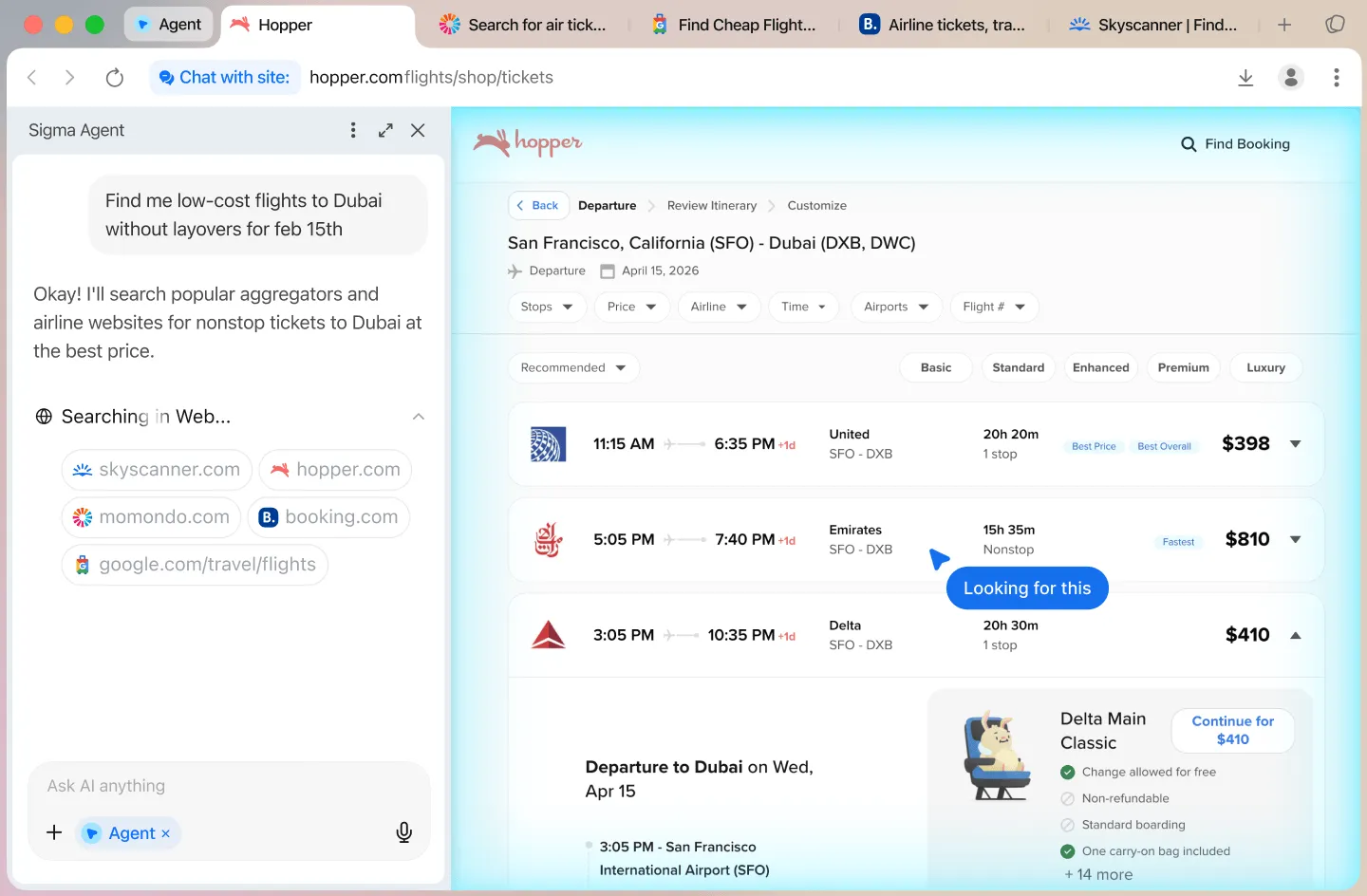
Type a goal in plain words and the agent opens pages, clicks and fills forms until the task is done. Check its work before payments and logins.
Learn more about the AI agentAI chat
Ask, summarize, research

Ask questions, chat with the open page, run Deep Research or create an image from a prompt. Highlight any text to translate it with Quick Translate.
Learn more about Deep ResearchEclipse
Offline AI on your device

Eclipse is a free local AI model inside Sigma. It works offline, so drafts, summaries and questions never leave your device.
Learn more about EclipseIs Sigma the right browser for you?
It fits well if one of these sounds like you. If you need full anonymity, use Tor Browser, because no ad blocker hides your IP address.

You want AI without the cloud
Eclipse runs on your device and keeps working offline. Use it for drafts and questions you'd rather not send to a server.

You read and research a lot
Clean pages are easier to read. Chat With Page sums up long articles and Deep Research gathers sources for you.

You're done with ads
The ad blocker is part of the browser, so there's no extension to install and no filter list to manage.
Cómo funciona Sigma AI Browser
1
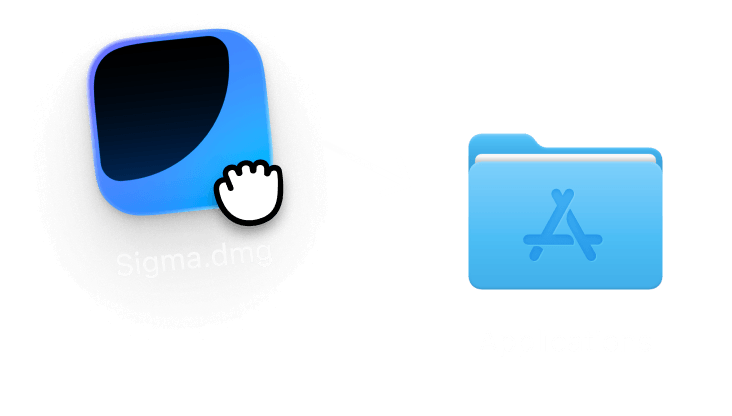
Descarga e instala
Consigue Sigma AI Browser para macOS, Windows, iOS o Android. Descarga gratuita, no es necesario crear una cuenta. La configuración te llevará menos de un minuto: abre la aplicación y ya podrás empezar a navegar.
2
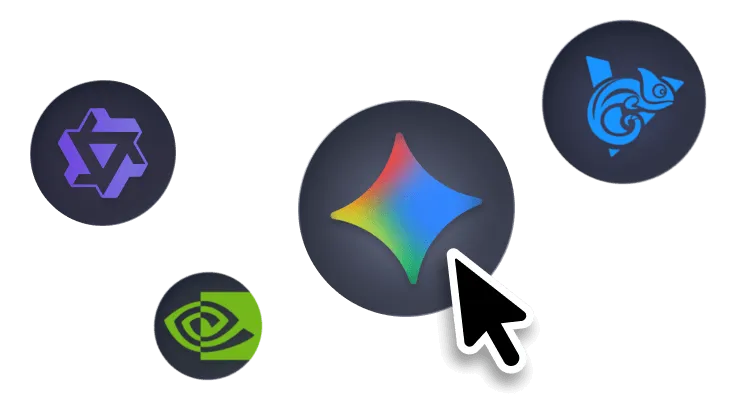
Elige tu modo de IA
Cambia entre «Búsqueda», «Chat de IA» y «Agente» desde la página de inicio. Elige un modelo en la nube o uno local para disfrutar de total privacidad. Los modelos locales se ejecutan íntegramente en tu dispositivo, por lo que nada de lo que escribas sale de él.
3
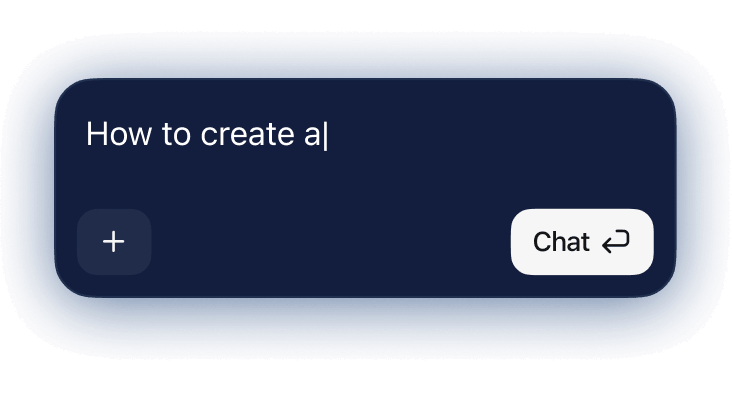
Navega con IA
Haz preguntas, resume páginas, realiza investigaciones en profundidad o asigna tareas al agente: la IA funciona en todas las pestañas. Resalta texto para traducirlo al instante, y cuando necesites comparar fuentes, abre Investigación profunda.
Comparativa de los mejores navegadores con IA (2026)
Cómo se compara Sigma con otros navegadores con IA y con los tradicionales, como Chrome, Safari y Brave.
Sigma
Brave
Chrome
Agente de IA integrado
IA local (en el dispositivo)
Chat con el sitio
Búsqueda con IA
Defensa contra inyección de prompts
Funciones de IA gratuitas
Sigma es el único navegador de IA gratuito con un agente integrado, IA local y código abierto.

Preguntas y respuestas
Si tienes alguna pregunta,
escríbenos en X a @Sigma_Browser
escríbenos en X a @Sigma_Browser
¿Qué es un navegador con IA?
¿Cuál es el mejor navegador con IA?
¿Son seguros los navegadores con IA?
¿Existe algún navegador con IA gratuito?
¿Cuál es la diferencia entre un navegador con IA y un navegador tradicional?
¿Cuál es el mejor navegador con IA para la productividad?
×
Consigue Sigma para Android
Te avisaremos cuando se lance Sigma para Android.


