


The best browser for Windows combines speed, low memory use, and privacy with modern features like built-in AI. That's exactly what Sigma is built for.
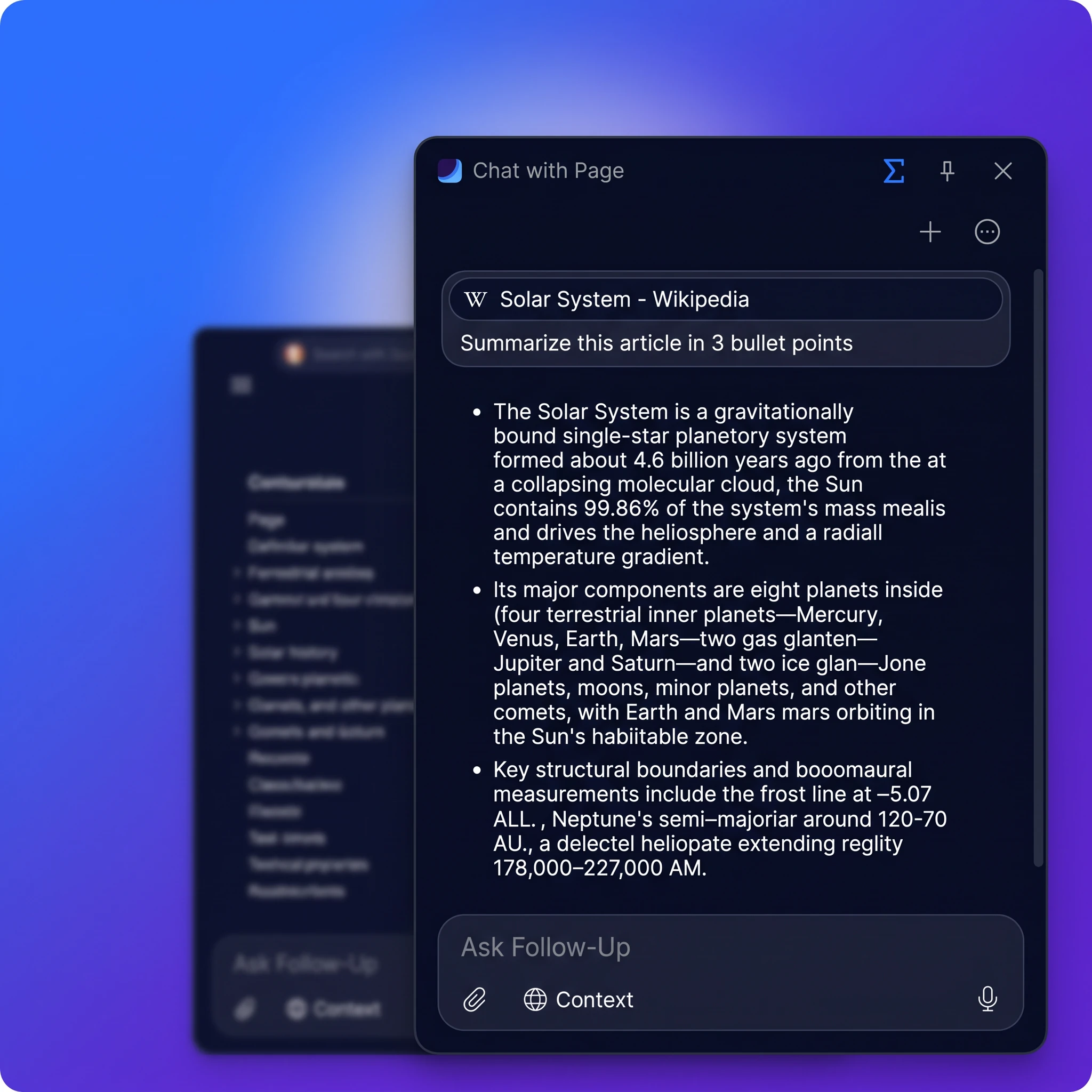
AI
Ask AI right where you browse.
AI Chat answers and writes in any tab, Chat With Page talks to any site, and Deep Research digs through sources for you.
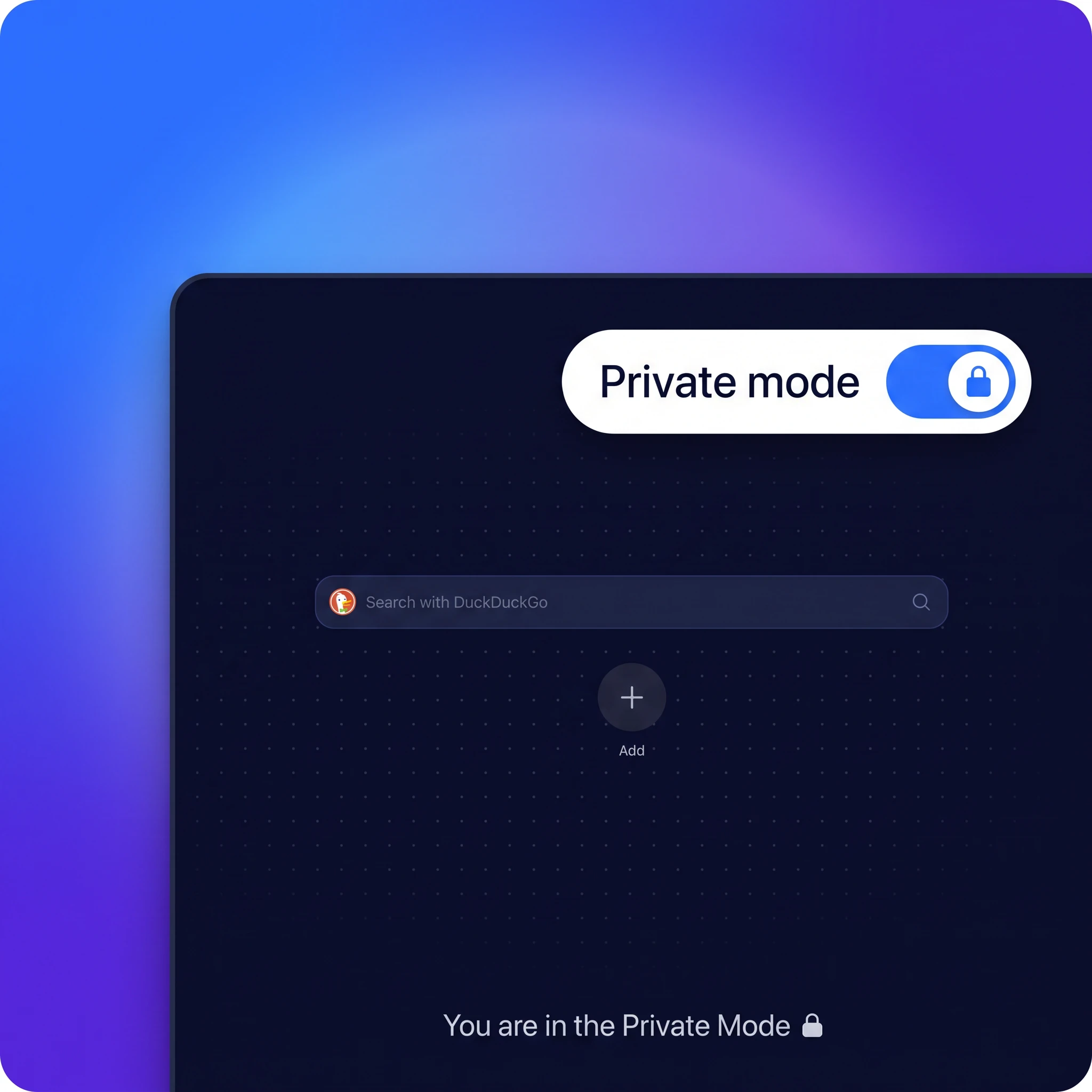
Privacy
Your browsing stays on your PC.
Sigma is a private browser with separate profiles and a built-in ad blocker that stops trackers before they load.
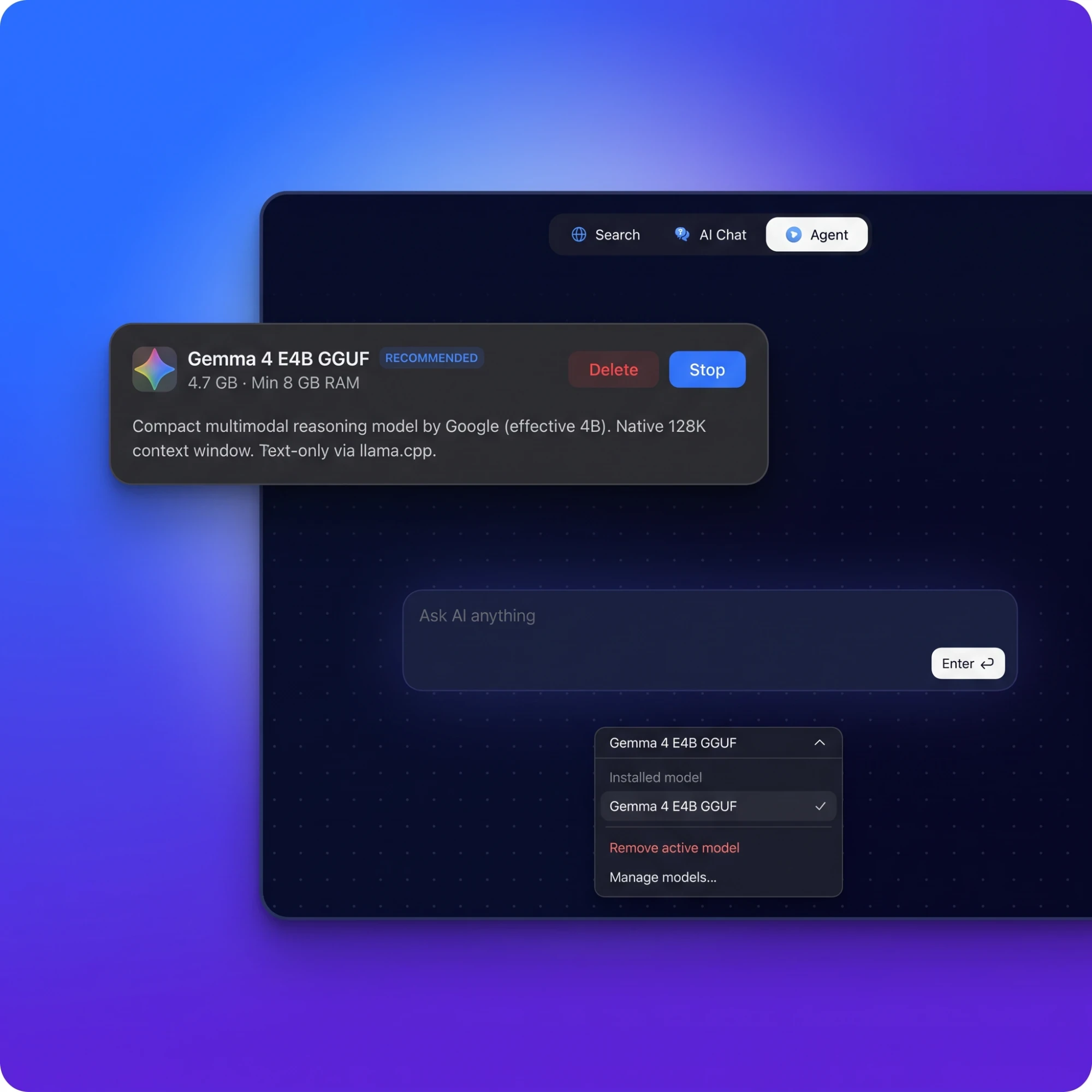
Agent & Local AI
An agent that does the clicking for you.
The AI Agent fills forms, compares and books for you, or runs on local models like Gemma, fully on-device.
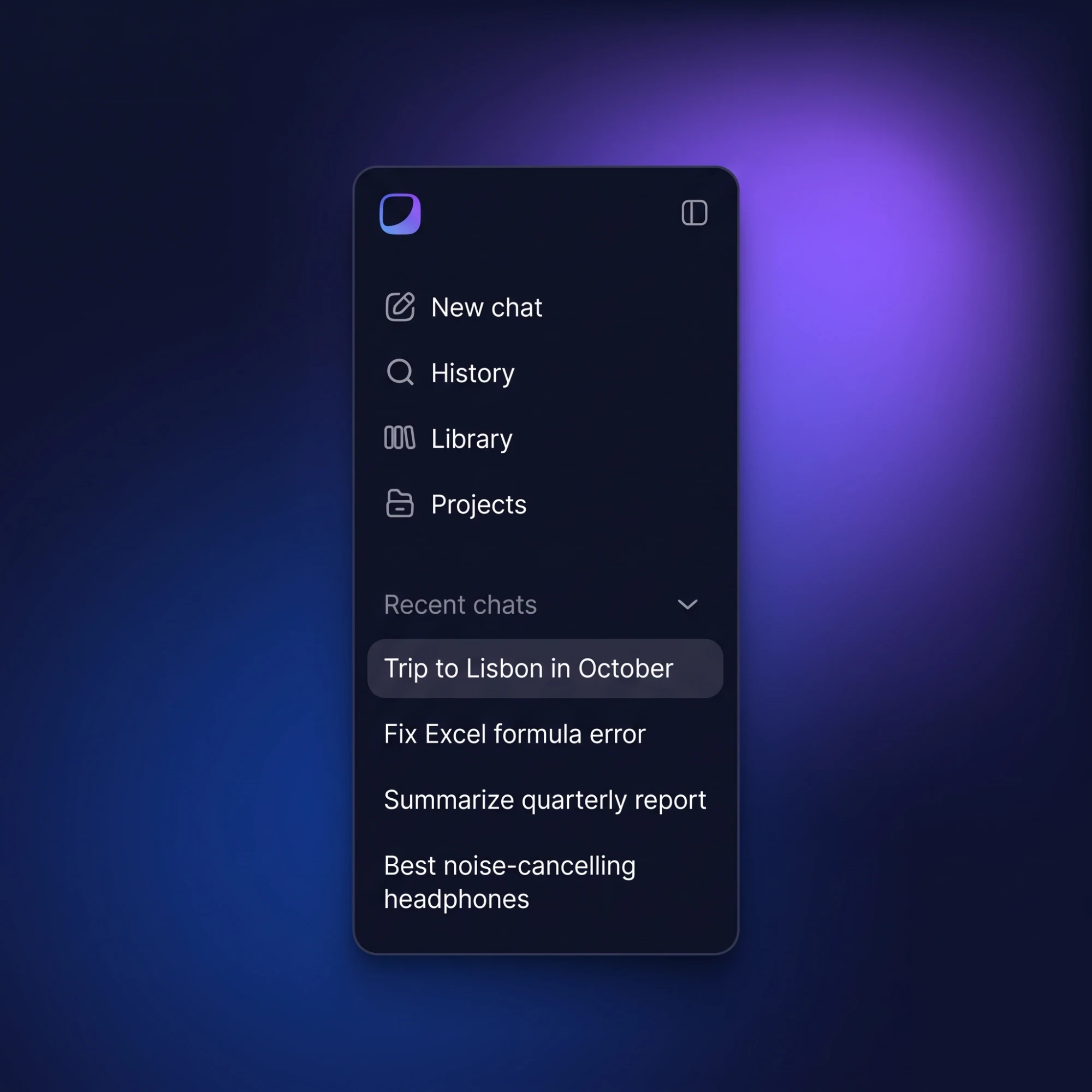
Sync
Your AI chats, on every device
AI Chat syncs across your devices: start a conversation on your Windows PC and continue it on your Mac or iPhone. Plus, import bookmarks, passwords, and history from Chrome, Edge, or Firefox in a couple of clicks.
AI
The Best AI Browser for Windows
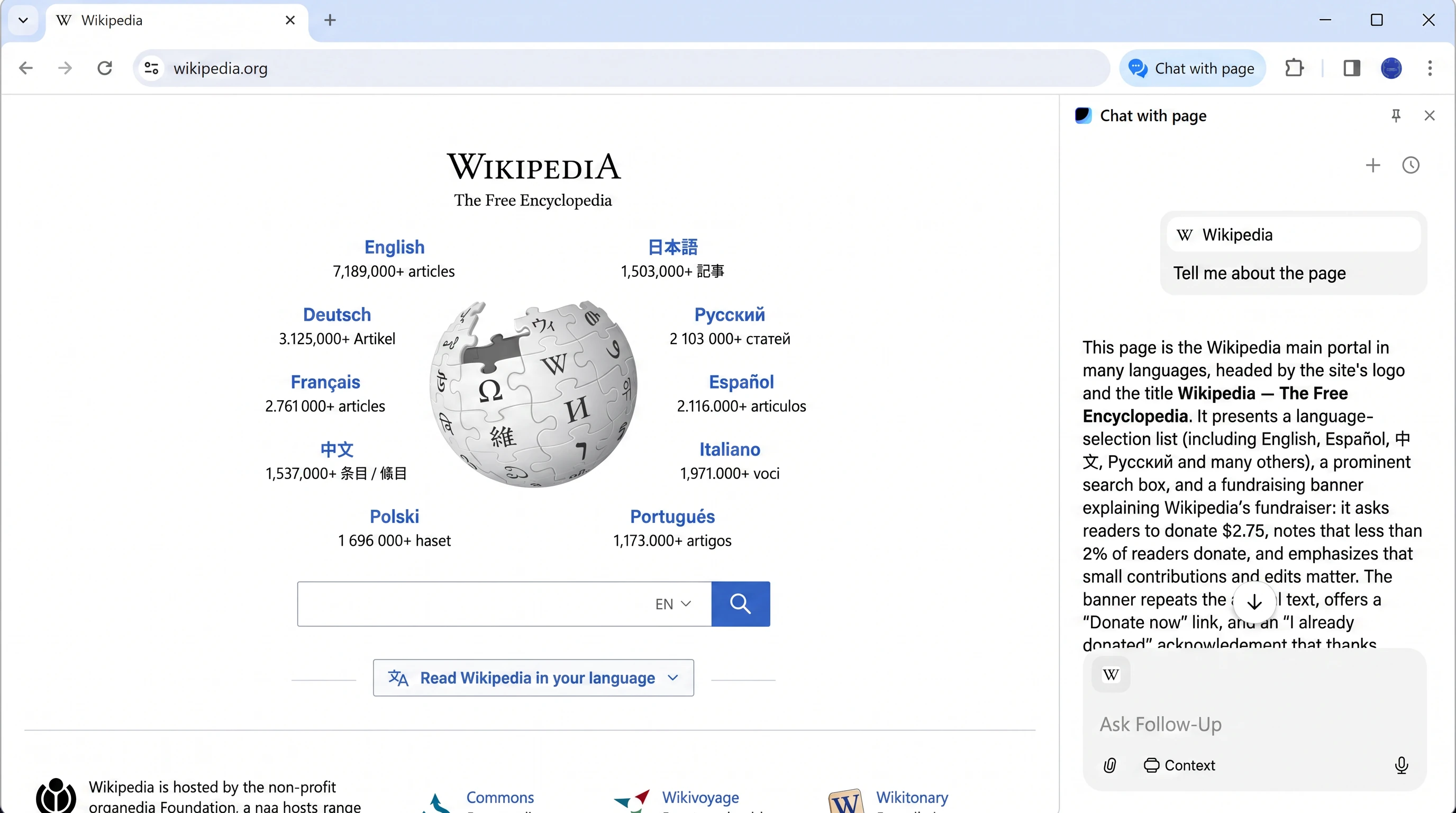
Sigma has AI built into the browser, not bolted on. The AI Agent automates web tasks end-to-end, AI Chat answers and writes in any tab, Deep Research digs through sources for you, and Chat With Page turns any site into a conversation. There's even an AI Image Generator. All of this is free, right in your AI browser.
Learn more about AI browserPrivacy
A Private, Secure Browser for Windows
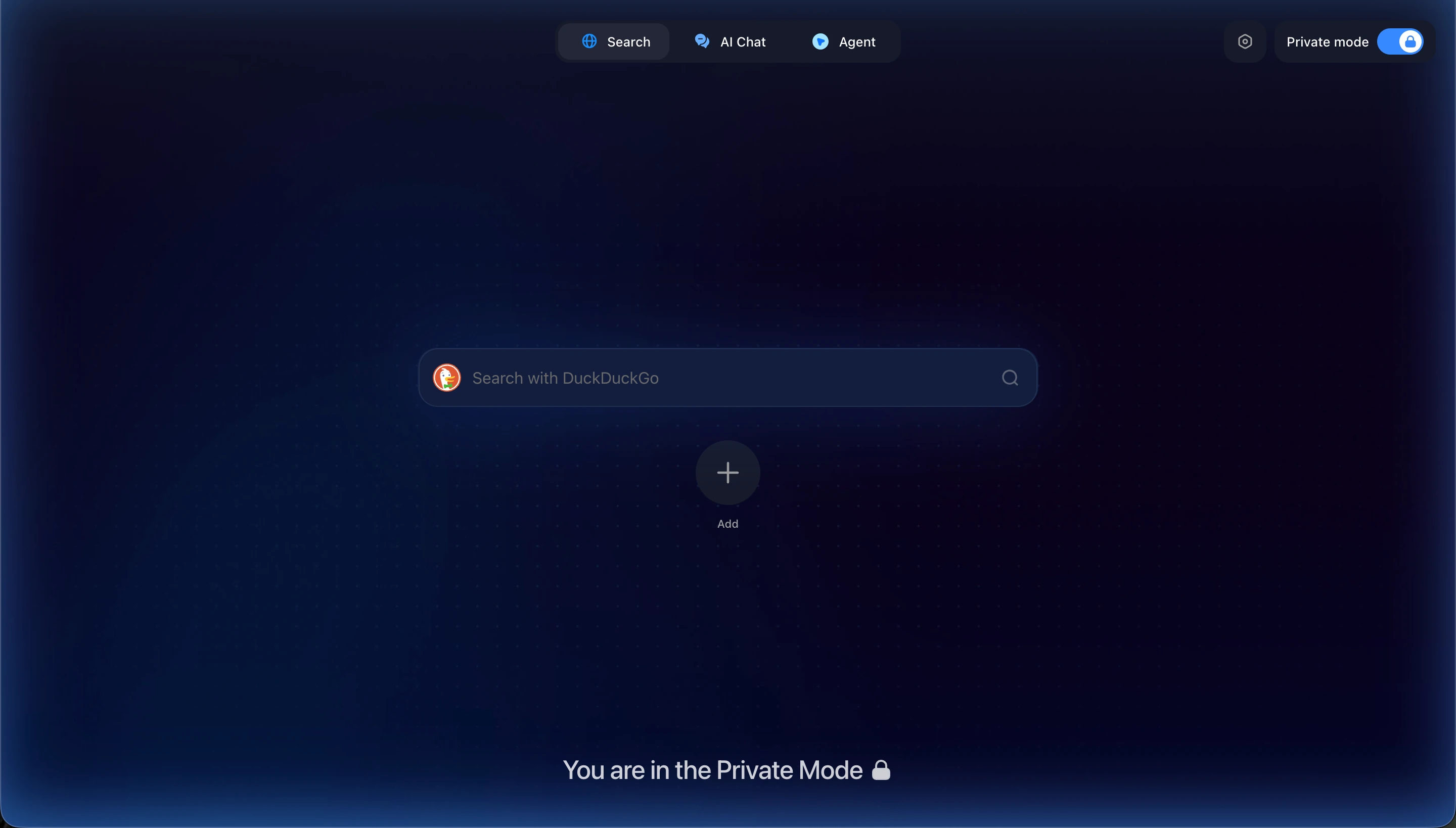
Sigma is a secure browser for Windows by default: built-in ad blocker, tracking protection, separate private profiles, and open-source code. The safest browser for Windows is the one that never sees your data in the first place.
Learn more about Private BrowserLocal AI
Local AI on Windows
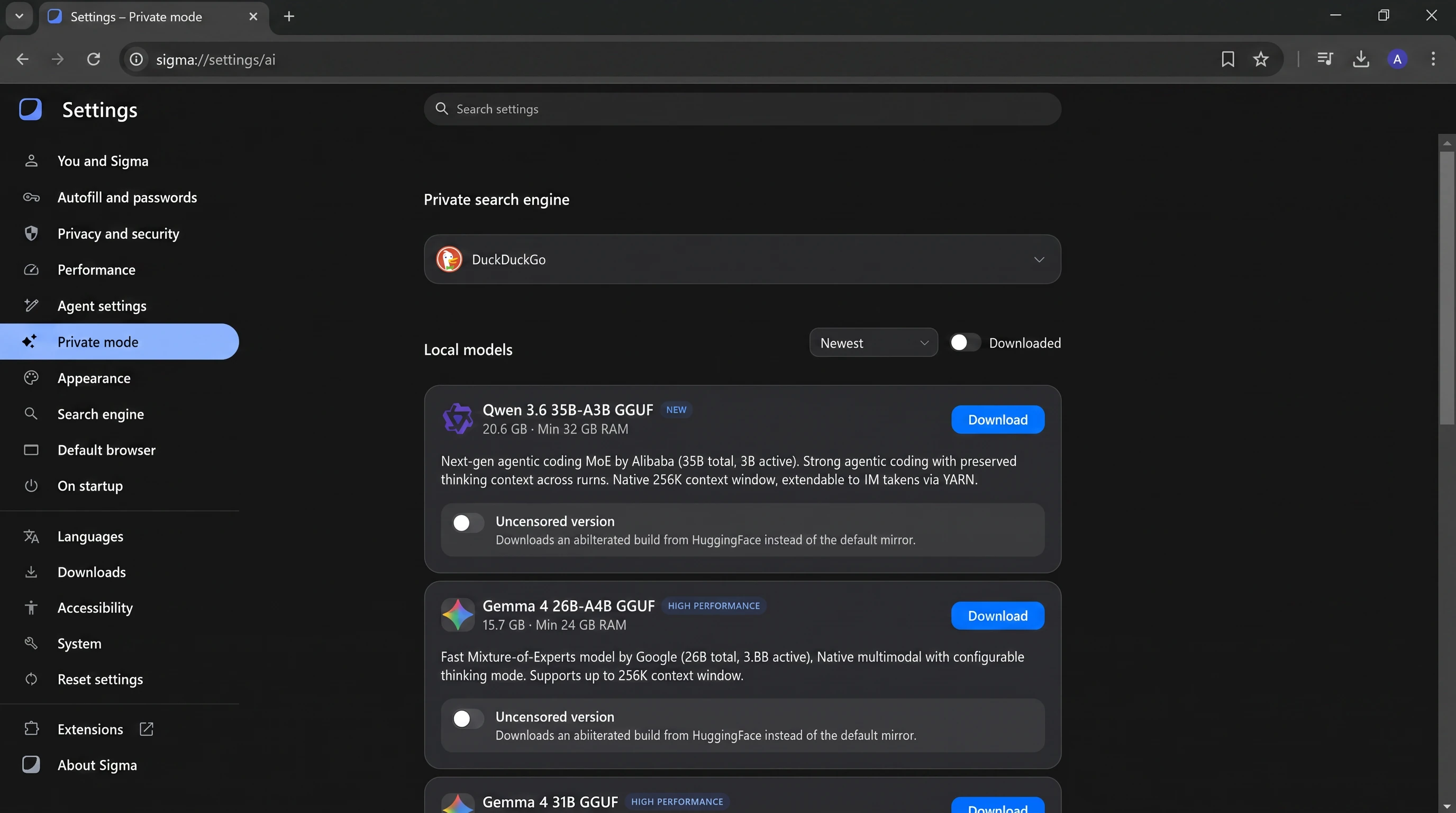
Download a local AI model like Qwen or Gemma and run it on your Windows PC: offline, private, free. Prompts are processed on-device, so nothing leaves your machine. No other major browser for Windows ships local AI out of the box.
Learn more about Local AISigma vs. Safari

1.30x
faster
Sigma vs. Brave

1.17x
faster
Sigma vs. Chrome

1.13x
faster
Sigma vs. Perplexity Comet

1.10x
faster
Performance was evaluated using the Speedometer 3.0 benchmark. The test was executed 10 times in each browser, and the final score represents the average result.
In tests with 10 identical tabs open, Sigma used the least amount of RAM compared to other popular browsers, keeping your system faster and more responsive
Sigma

0.8 Gb
Brave
0.92 Gb
Perplexity Comet
0.95 Gb
Chrome
1.00 Gb
Safari
1.2 Gb
Compare Sigma with other popular browsers
Sigma
Comet
Chrome
Safari
Brave
Private
Built-in AI agent
Web3 integration
Prompt injection defense
Chat with site
AI search
Comparing with Chrome only? See Sigma vs Chrome
Cómo instalar Sigma Browser en un Mac
1
Descargar para macOS
Consigue el navegador web gratuito para Mac — no necesitas cuenta.

2
Instálalo en segundos
Abre el archivo y arrastra Sigma a Aplicaciones, como cualquier app de Mac.
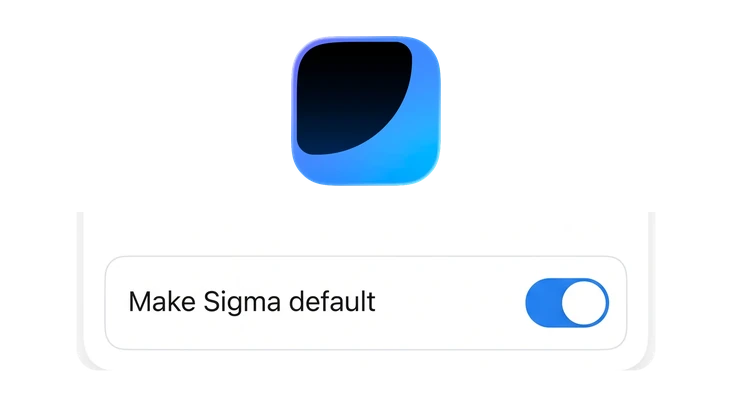
3
Ponlo como predeterminado
Configura Sigma como navegador predeterminado de tu Mac en Ajustes del Sistema — o desde los propios ajustes de Sigma, en «Navegador predeterminado».

Preguntas y respuestas
Si tienes alguna pregunta,
escríbenos en X a @Sigma_Browser
escríbenos en X a @Sigma_Browser
¿Cuál es el mejor navegador para Mac?
¿Cuál es el navegador más rápido para Mac?
¿Cuál es el mejor navegador para Mac aparte de Safari?
¿Cuál es el navegador más seguro para Mac?
¿Cómo cambio el navegador predeterminado en un Mac?
¿Cómo abro la navegación privada en un Mac?
¿Sigma Browser es gratis en Mac?
×
Consigue Sigma para Android
Te avisaremos cuando se lance Sigma para Android.


