

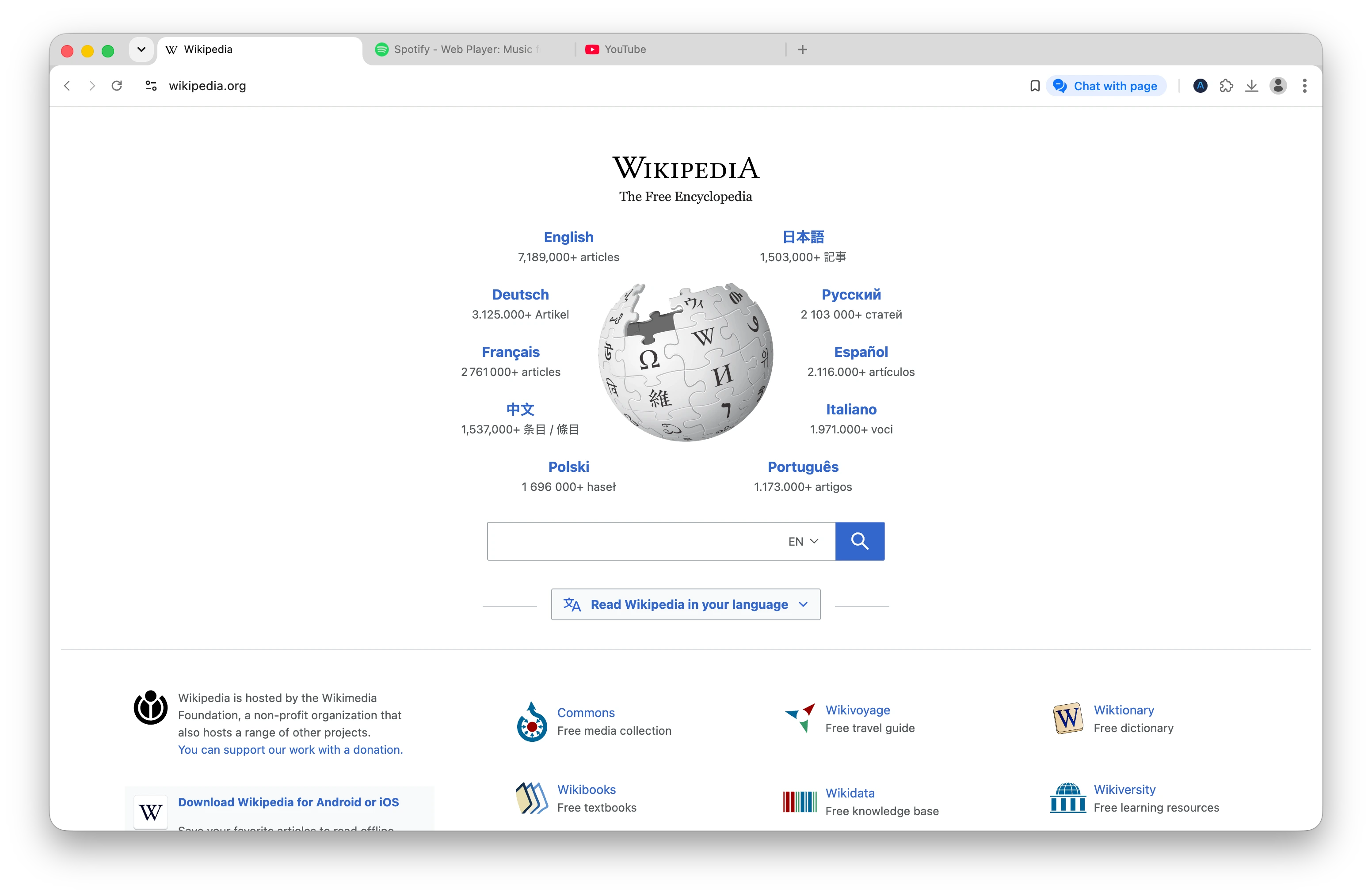
¿Qué es un navegador con IA?
Un navegador con IA es un navegador web con inteligencia artificial integrada que te ayuda a buscar, resumir, organizar e interactuar con páginas web.

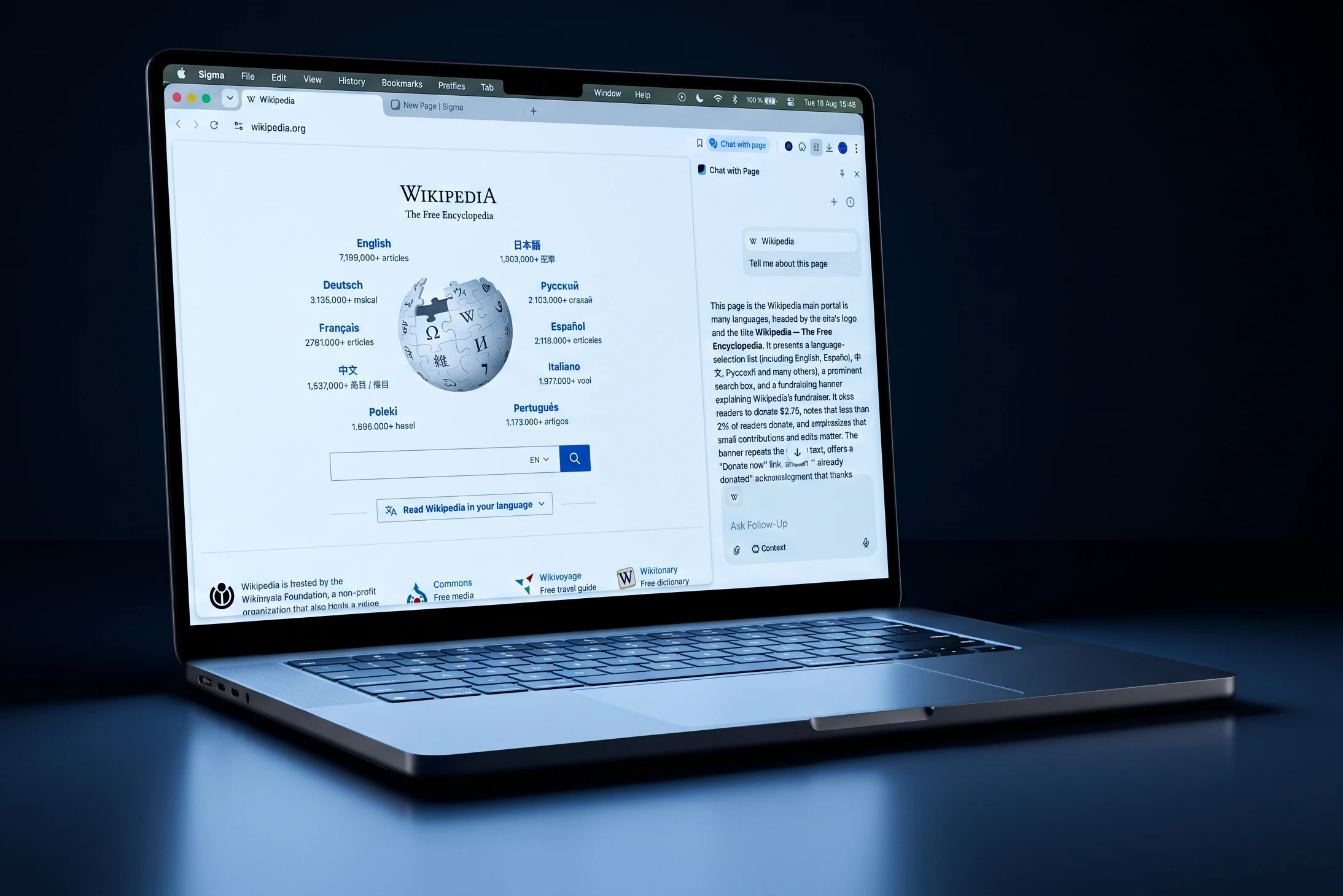
¿Por qué utilizar Sigma AI Browser?
Sigma reúne en un único navegador gratuito las herramientas por las que la gente suele pagar varias suscripciones. Esto es lo que lo diferencia tanto de los navegadores tradicionales como de las herramientas de IA basadas en la nube.

Navegador de IA agéntico
El agente de IA integrado en Sigma navega por las páginas, rellena formularios y realiza tareas de principio a fin. Describe el objetivo y el agente se encarga de los pasos.

IA local, privacidad total
Descarga modelos de IA locales directamente en el navegador o conecta los tuyos propios mediante una clave API. Los prompts se procesan en tu dispositivo: sin nube, sin recopilación de datos y funciona sin conexión.

Seguridad del navegador con IA
El código abierto, el cifrado de extremo a extremo, la protección contra el phishing y la defensa contra la inyección de prompts mantienen a salvo tu navegación y tus chats con IA.

Gratis y rápido
Sigma es un navegador con IA gratuito, sin suscripciones. Además, es más rápido que Chrome, Safari y Brave en las pruebas de rendimiento de Speedometer 3.0, y es el que menos RAM consume.
Casos de uso de Sigma AI Browser
Desde la automatización del navegador hasta la investigación diaria: esto es para lo que la gente utiliza Sigma.

Automatización de tareas web
Deja que el agente de navegador con IA reserve vuelos, compare precios, rellene formularios y gestione tu bandeja de entrada. La automatización del navegador con IA convierte las tareas de varios pasos en un solo prompt.

Investigación y búsqueda avanzada
Realiza investigaciones exhaustivas en diversas fuentes, obtén respuestas bien estructuradas con referencias y chatea con cualquier página para extraer lo que te interesa.

Productividad en el trabajo
El mejor navegador con IA para la productividad: resume textos largos, redacta respuestas y documentos, y traduce al instante, sin tener que cambiar de pestaña ni de herramienta.

Chats privados con IA
Chatea con una IA local sobre temas delicados: finanzas, asuntos legales, salud. Todo se procesa en tu dispositivo, incluso sin conexión.
Cómo funciona Sigma AI Browser
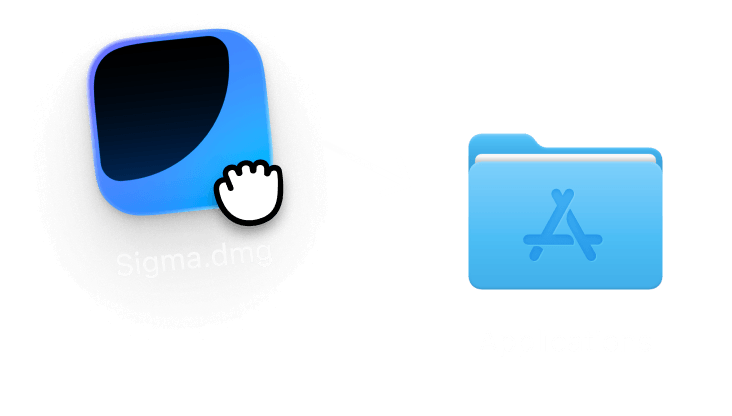
Descarga e instala
Consigue Sigma AI Browser para macOS, Windows, iOS o Android. Descarga gratuita, no es necesario crear una cuenta. La configuración te llevará menos de un minuto: abre la aplicación y ya podrás empezar a navegar.
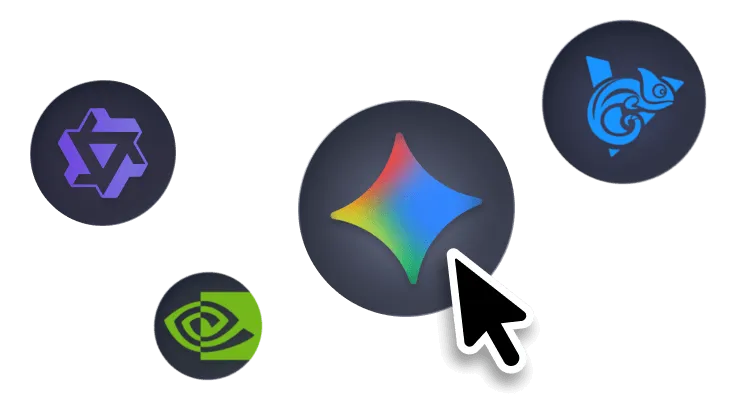
Elige tu modo de IA
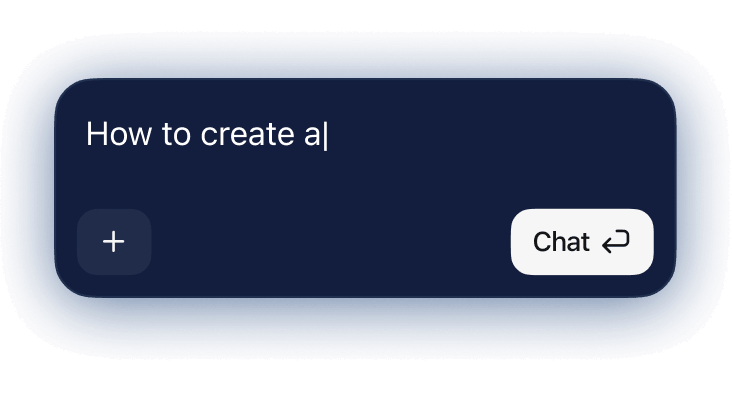
Cambia entre «Búsqueda», «Chat de IA» y «Agente» desde la página de inicio. Elige un modelo en la nube o uno local para disfrutar de total privacidad. Los modelos locales se ejecutan íntegramente en tu dispositivo, por lo que nada de lo que escribas sale de él.
Navega con IA
Haz preguntas, resume páginas, realiza investigaciones en profundidad o asigna tareas al agente: la IA funciona en todas las pestañas. Resalta texto para traducirlo al instante, y cuando necesites comparar fuentes, abre Investigación profunda.
Comparativa de los mejores navegadores con IA (2026)
Cómo se compara Sigma con otros navegadores con IA y con los tradicionales, como Chrome, Safari y Brave.


Sigma es el único navegador de IA gratuito con un agente integrado, IA local y código abierto.

Descarga Sigma Browser
Preguntas y respuestas
escríbenos en X a @Sigma_Browser
Consigue Sigma para Android


