


Private AI Browser
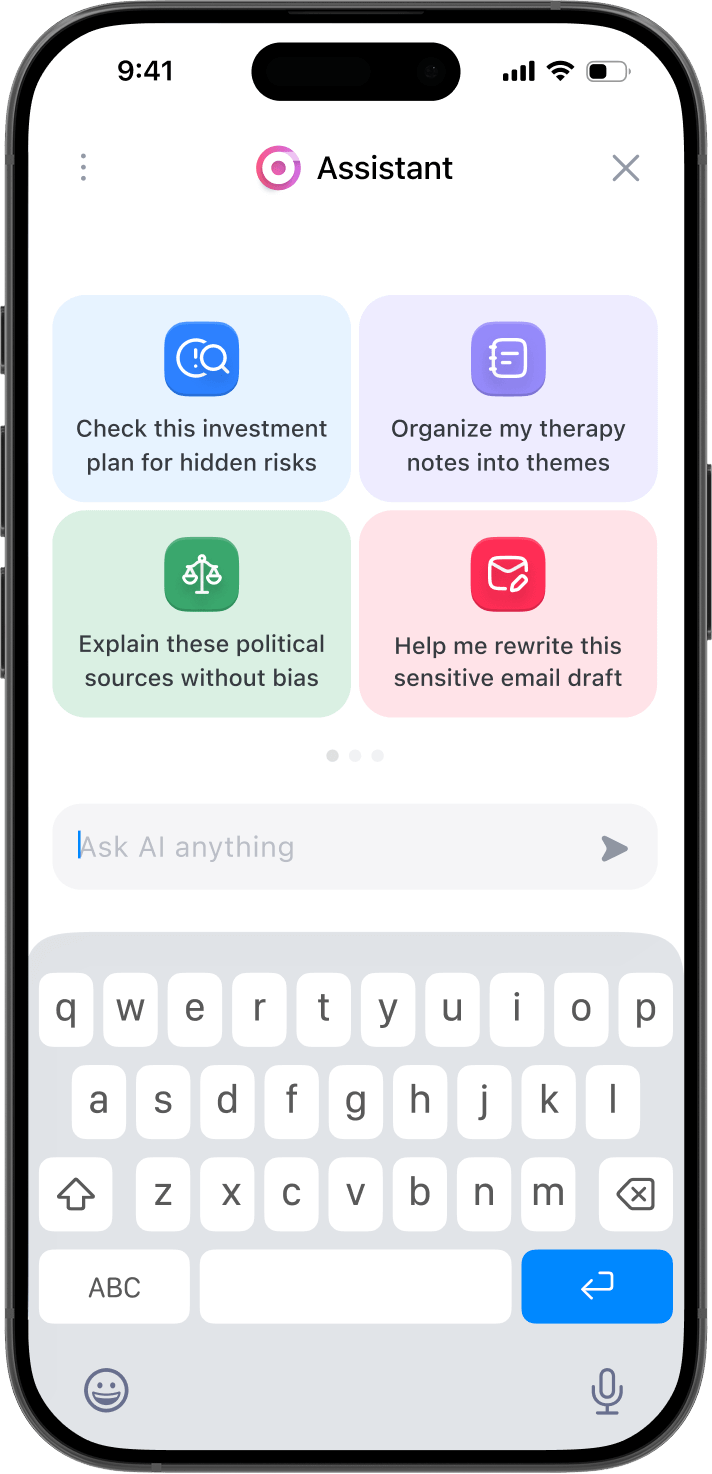
Surf the web with AI on your phone.


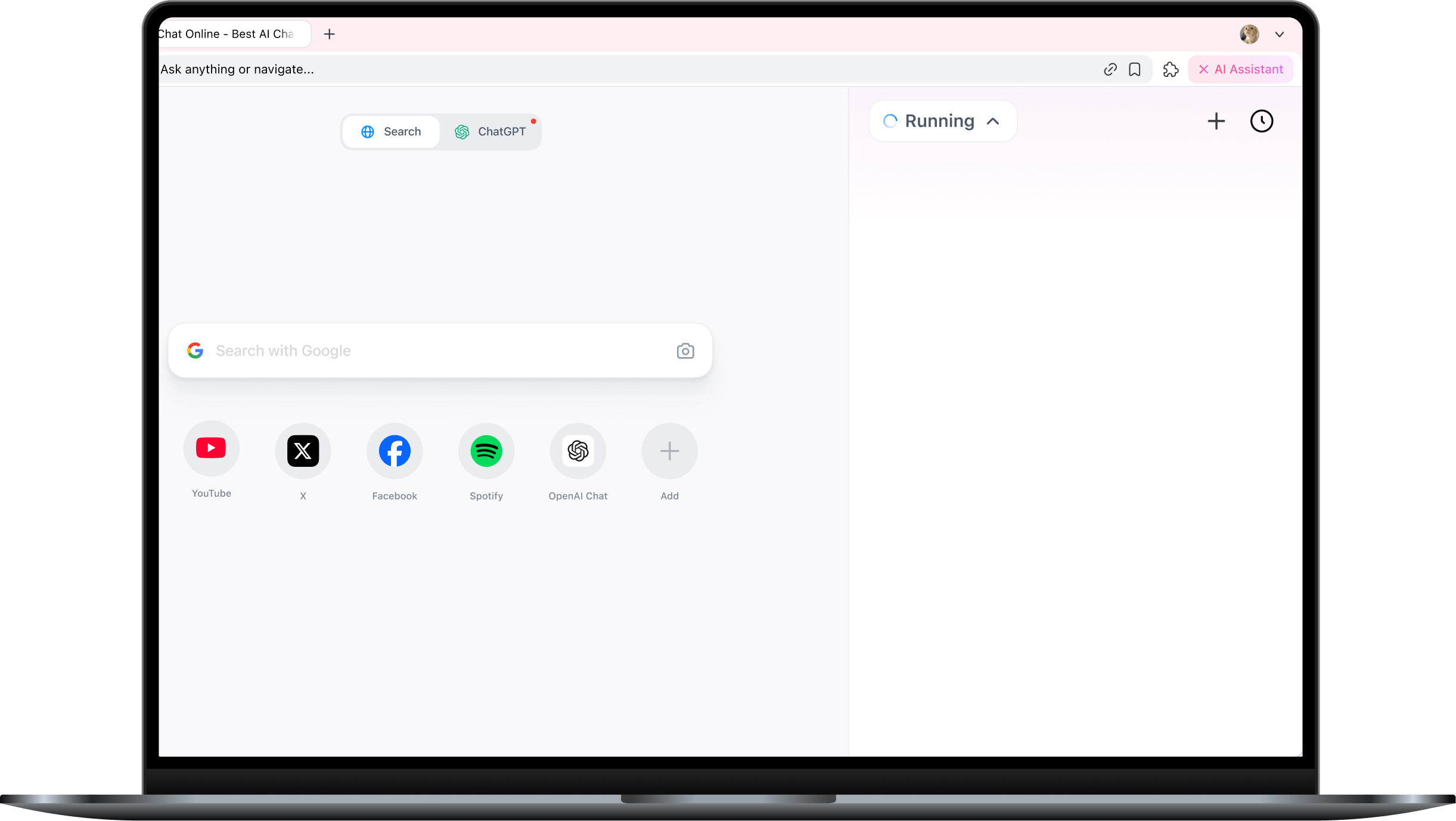
GPT Agent that runs locally on your laptop.








No internet
ERR_INTERNET_DISCONNECTED


Sigma AI
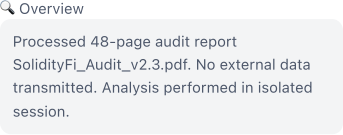
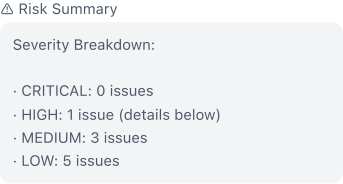
Scanning keys and flags locally…








How to Claim Extra
Sigma Tokens and $AWC Rewards
Your $AWC reward will be credited after the Sigma Tokens airdrop.
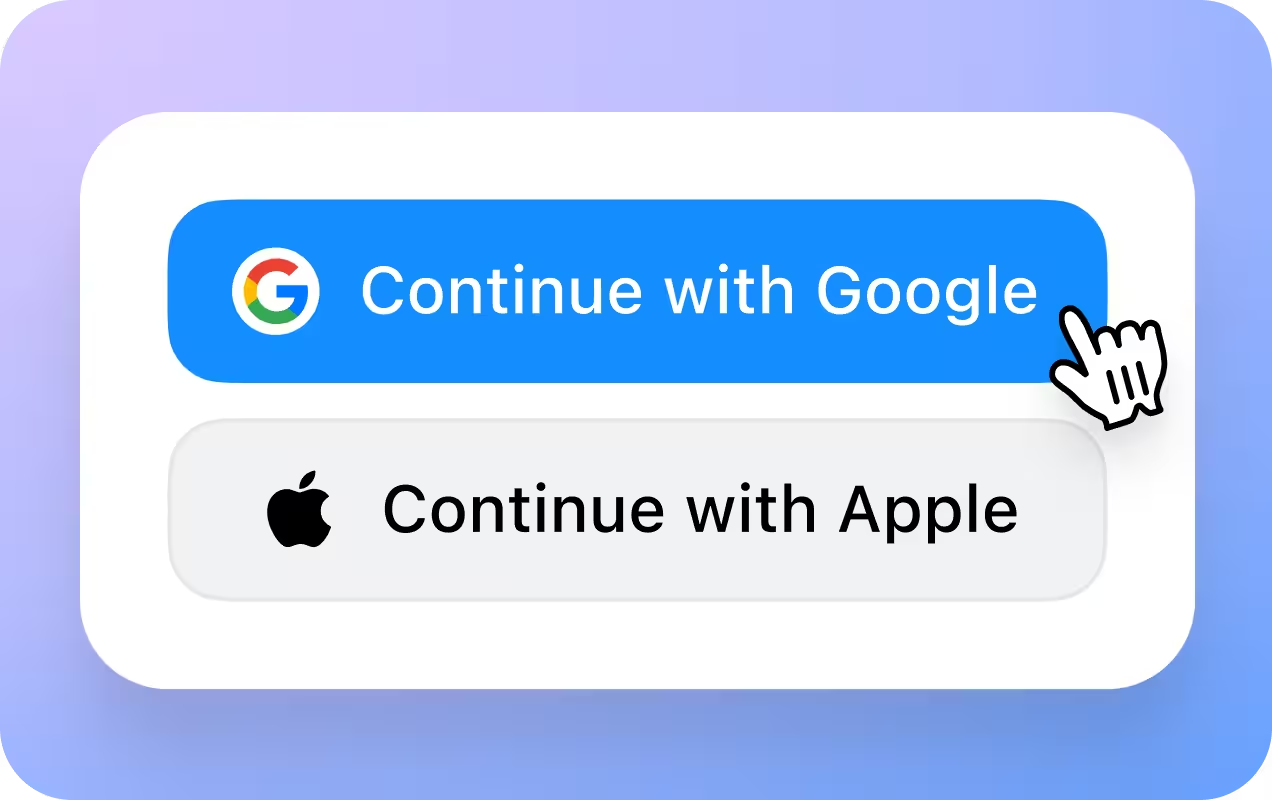
Install the app
Download Sigma AI to get started
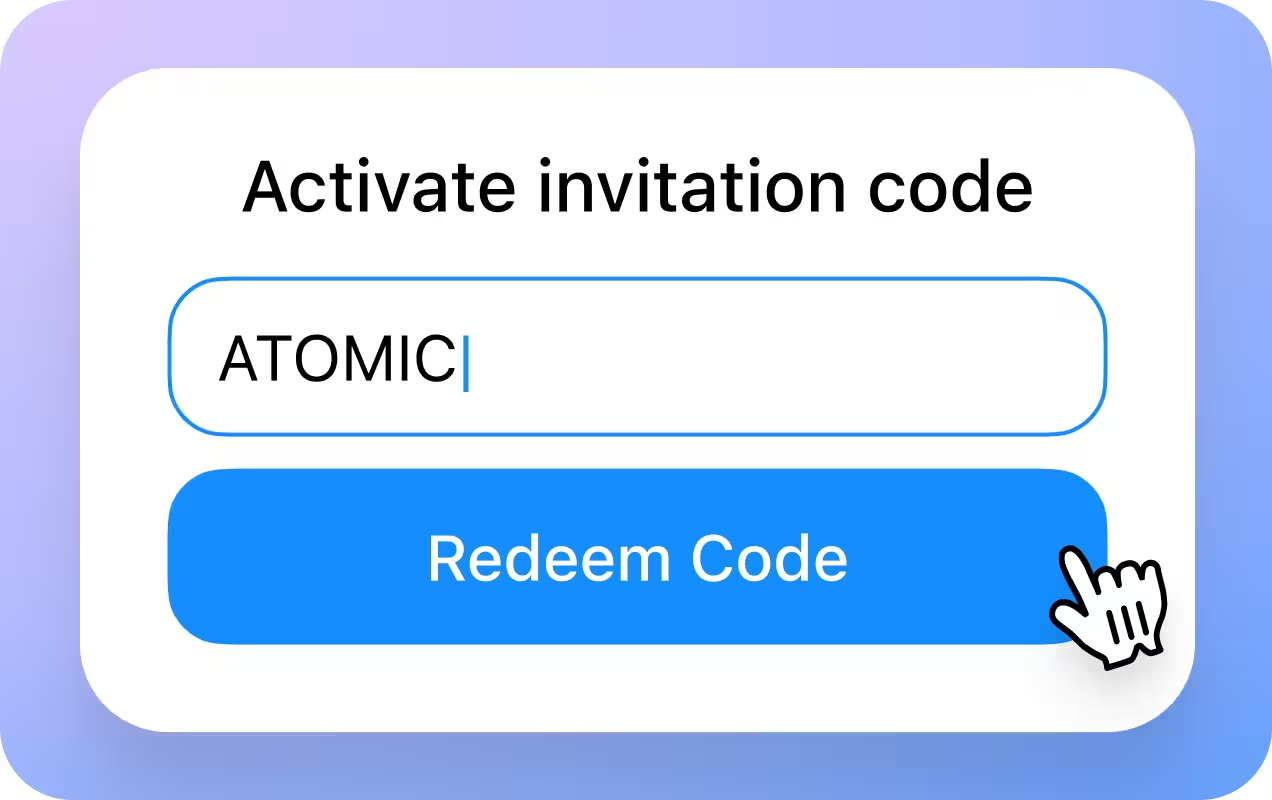
Register and enter the code
During onboarding Enter: ATOMIC

Get your rewards
Sigma Tokens will be added to your account.
How AI Agentic Browser works
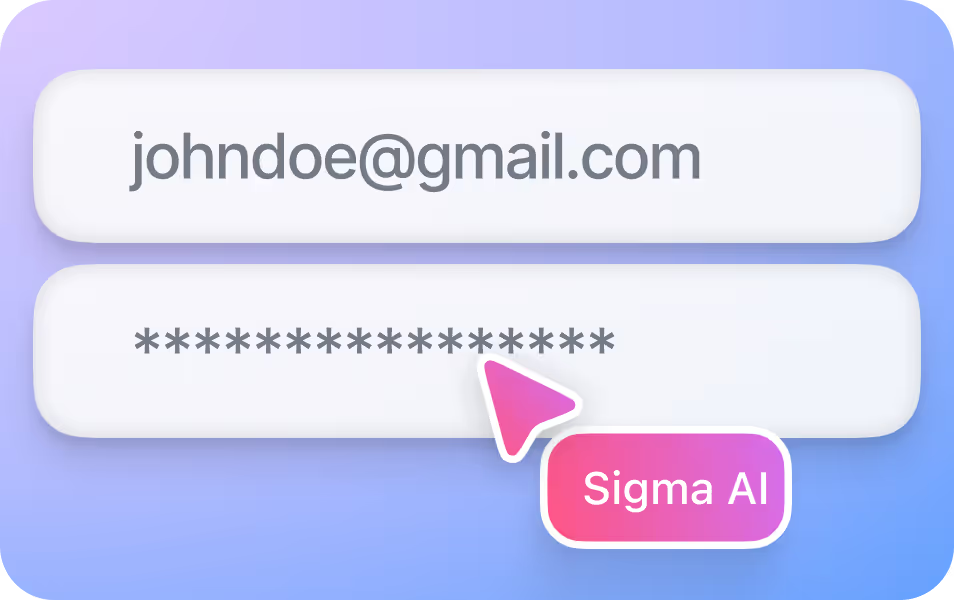
Agent logs in
Enters your credentials to access sites like Gmail, Amazon, or Jira.
1
.avif)
You ask
Describe the task in plain language.
2
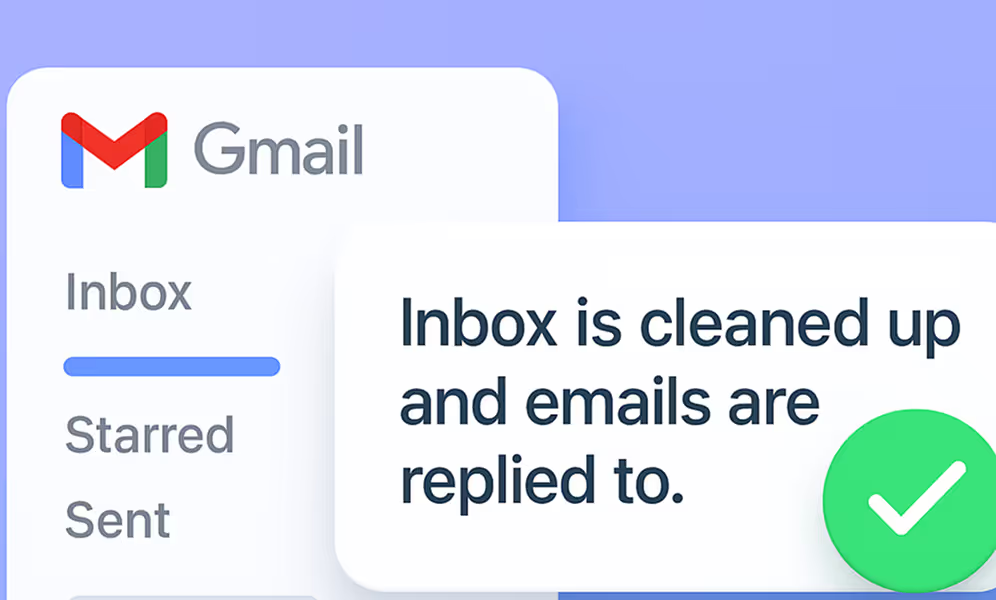
Agent acts
Splits the task into steps and completes them inside the right websites.
3
Use cases
Memory-Based Actions
Your agent recalls key data and applies it wherever it’s needed.

Bookings & Check-out
Flights, hotels, deliveries handled end‑to‑end.
Data Extraction
Pull receipts, tables or reports straight into spreadsheets.

Email Clean-Up
Bulk unsubscribe, archive or label in one sweep.

Social Posting
Draft, queue and publish updates across networks.

Customer research
Gather reviews and compile insights.

Calendar Management
Find meeting slots, send invites and reschedule automatically.

CRM & data entry
Log leads, update records and sync spreadsheets.
User-Friendly Local LLM
Run AI Offline
Sigma Eclipse Local LLM lives inside your laptop and stays available anytime, anywhere.
write a workout plan for me


✅ Your Workout Plan


Open-Source & Transparent
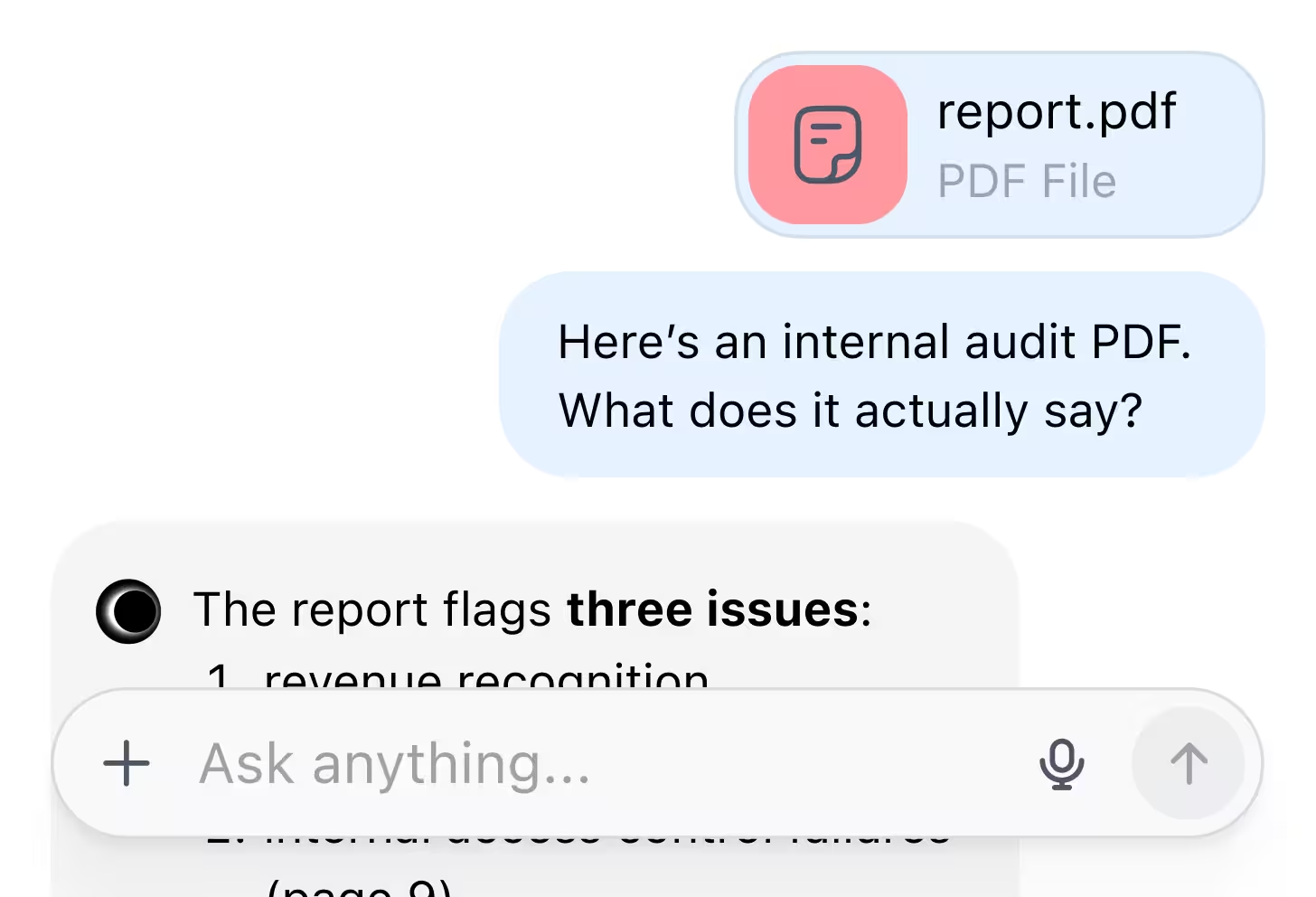
Built on open-source code that anyone can verify. No third-party tracking, no hidden processes.
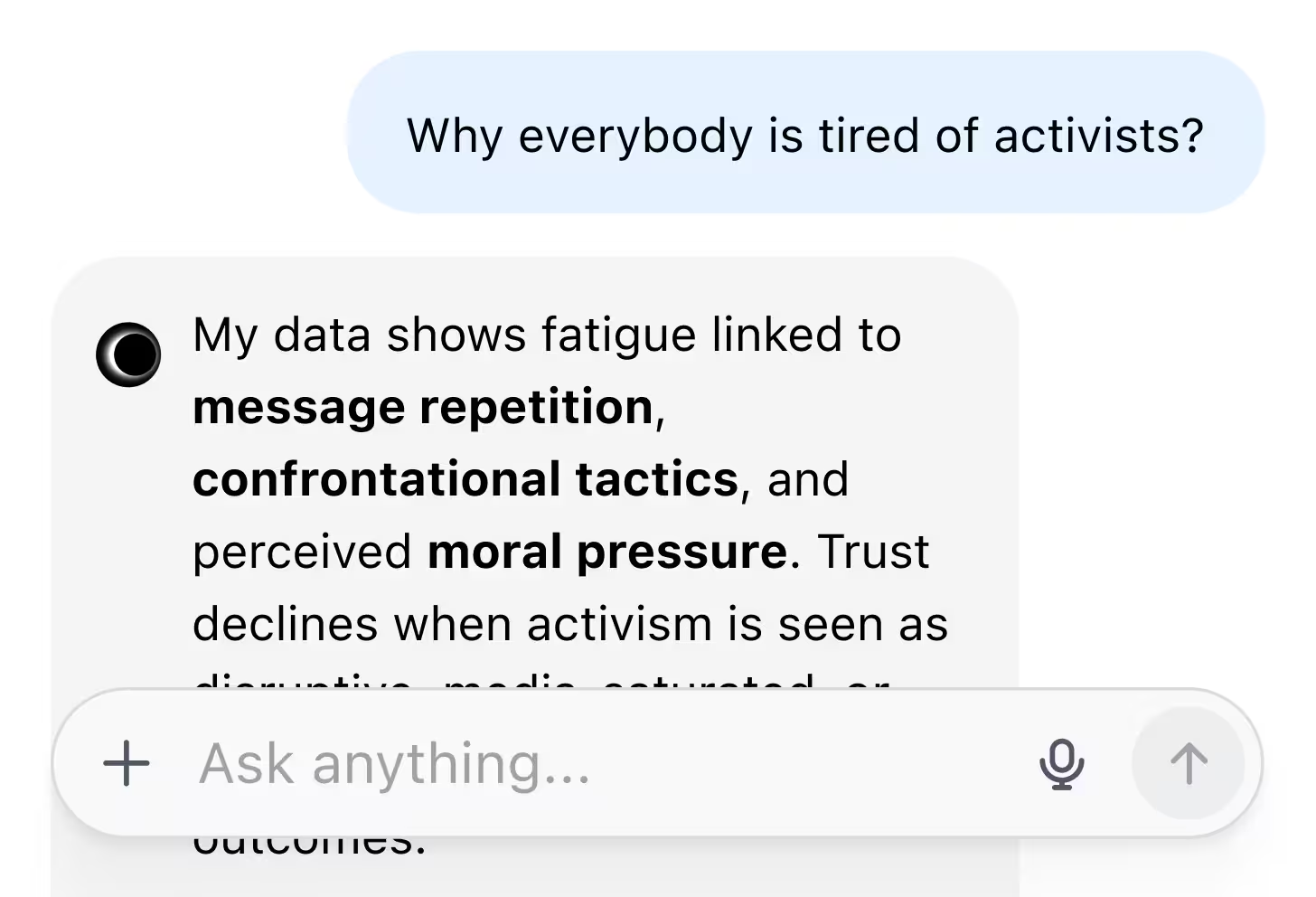
Chat with unfiltered AI
No restrictions. No imposed opinions or moral frameworks. Your local LLM lets you ask, discuss, and generate content freely.






Your browser, enhanced
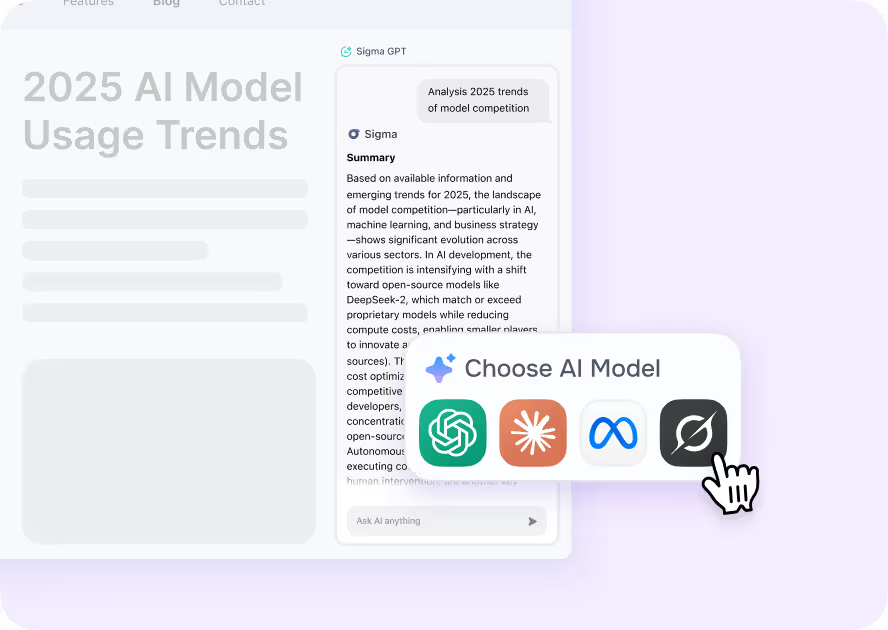
Intelligent Browsing
Let SigmaGPT transform how you interact with the web. From instant summaries to content generation, browser AI intelligence is now at your fingertips.
.avif)
Deep Research
Sigma’s Deep Research feature scours journals, datasets, and expert sources to surface distilled, citation-rich insights.
.avif)
Writing Assistant
Get suggestions, rephrase sentences, craft social media posts, or simply refine your thoughts.
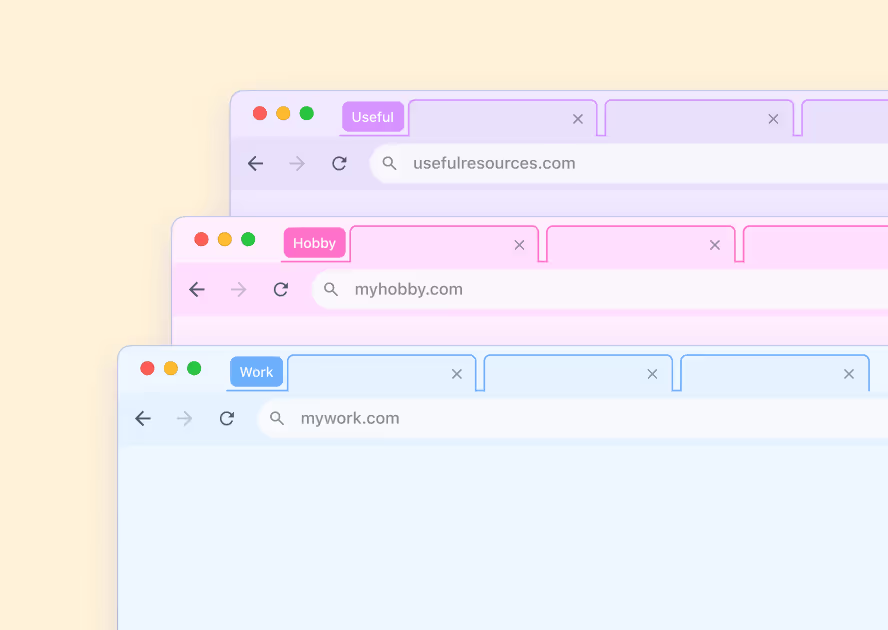
Tools for Max Productivity
With smart organization tools and essential browser features integrated, Sigma productivity browser helps you achieve more.
Read more in our blog
Best Chromium features, improved
We started with the engine of Chromium, reliable and secure, and then we made it even better.
.avif)
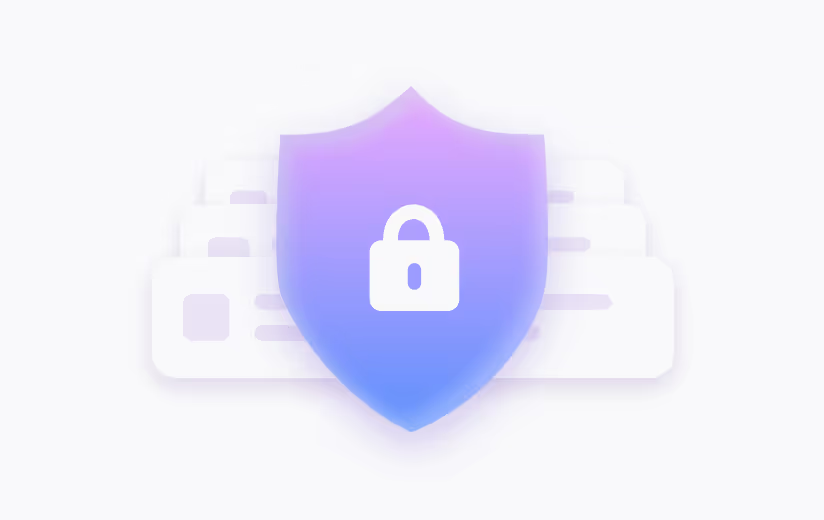
Password Manager
Create, store, and autofill strong, unique passwords for all your accounts. Browser security made simple.
Privacy First
All connections are secured with encrypted DNS and advanced browser privacy-enhancing technologies.

Best Efficiency
From intuitive bookmarks to a streamlined history, every aspect of the Chromium browser is refined in Sigma.
Your security is our priority

End-to-end encryption
All AI Chat conversations are end-to-end encrypted, preventing third-party access or interception

No Tracking
Sigma AI Agent doesn’t track users, create profiles, or use data for ads or commercial purposes

Online protection
Sigma AI Agent detects phishing sites and warns you of threats for a safer browsing experience

GPDR and CCPA compliant
Sigma AI Agent complies with GDPR, ensuring your data follows privacy laws
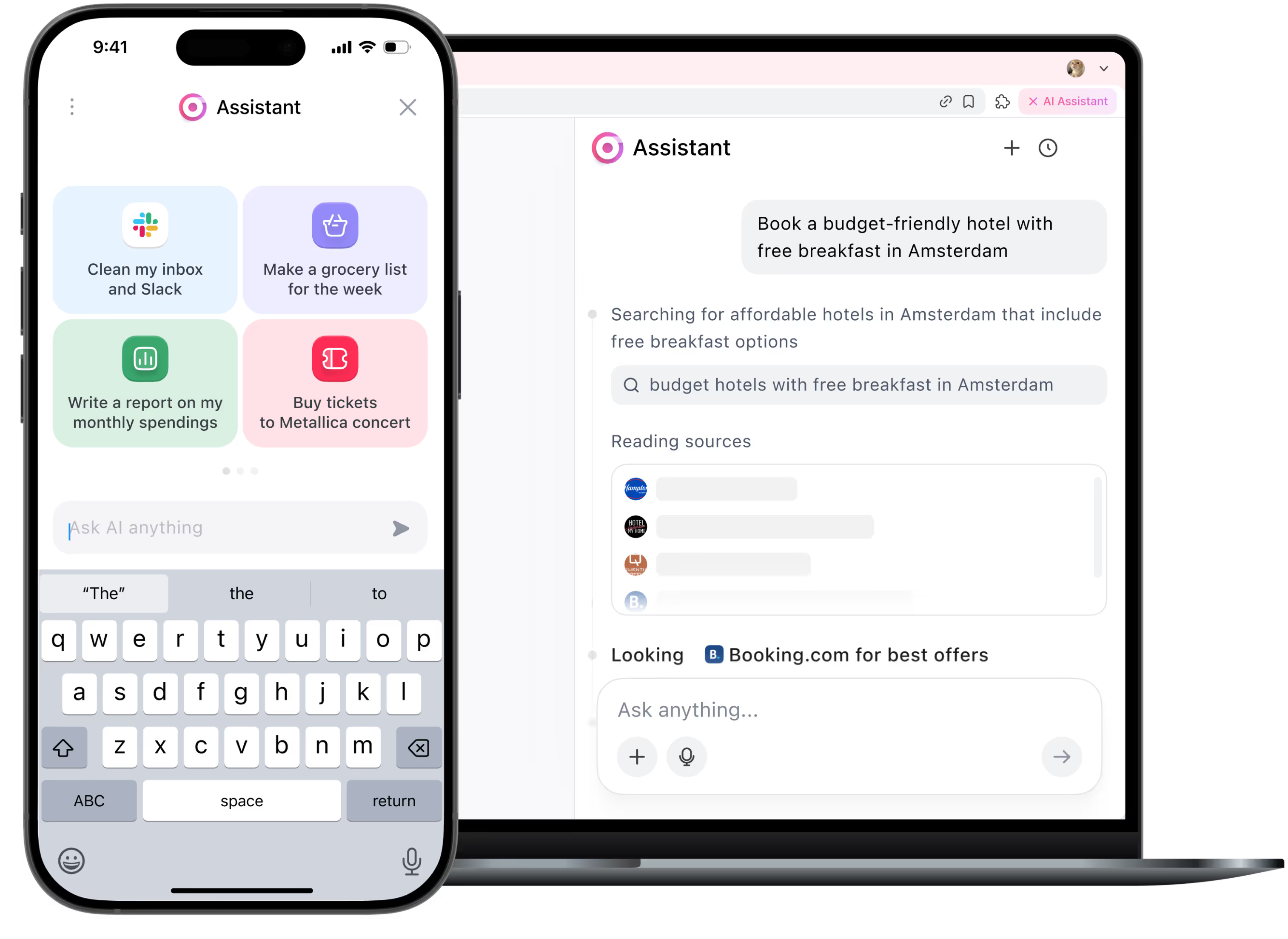
Be first to try the AI Agent
We’ve upgraded the agent — it now executes most web tasks quickly and reliably.







FAQ
What is Sigma AI Browser?


What’s a browser‑based AI agent?
How is this different from a chatbot or AI assistant?
What kinds of tasks can it do?
What is Deep Research mode?
Is it safe? Will you store my data?
When will the AI agent be available?
The browser or AI agent isn’t responding, what should I do?
Where can I learn more or suggest features?
.svg)


© 2026 Sigmabrowser OÜ
Kesklinna linnaosa, Vana-Posti tn 2, Tallinn, Estonia
Kesklinna linnaosa, Vana-Posti tn 2, Tallinn, Estonia


