
Arc Browser vs Brave: Privacy, Productivity & Arc’s Future in 2026
Compare Arc vs Brave for privacy, productivity, speed, and daily browsing.

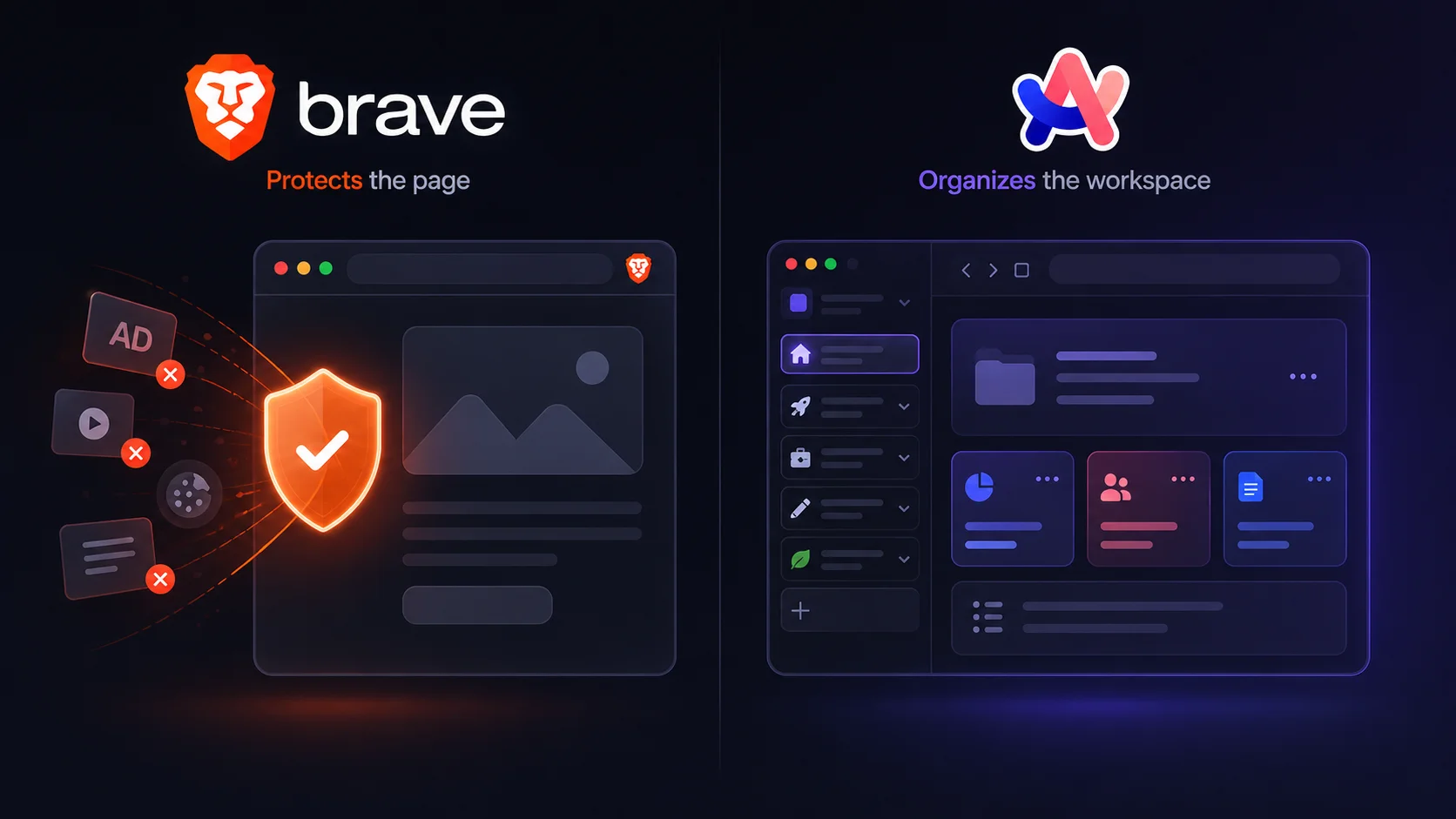
Chrome started to feel like a compromise, and Arc Browser and Brave responded in completely different ways. One path cleaned up the web page itself: fewer trackers, fewer ads, stronger privacy defaults, and a familiar Chromium foundation. The other path cleaned up the workspace around the page with fewer messy tabs, more visual organization, Spaces, Profiles, and a browser that felt designed rather than inherited.
That makes Arc Browser vs Brave more interesting than a normal privacy comparison. Both browsers are Chromium-based, so this is not a Firefox-vs-Chromium engine fight. The real choice is between two different answers to browser frustration: one browser protects the page before it loads, while the other redesigns the workspace once your day is already full of tabs.
In 2026, the comparison has a third layer: Arc’s future. The Browser Company has said Arc is not going away, and the release notes still show Chromium and security updates. At the same time, new feature development has moved away from Arc and toward Dia, the company’s AI browser. That changes the recommendation. The more original productivity browser is still Arc, especially for people who already love its Spaces and sidebar workflow. For most users, though, the safer long-term default is Brave because it has stronger privacy defaults, better cross-device coverage, Chrome extension compatibility, and fewer questions about where the product is going.
Disclosure: Sigma Browser is our product. This article compares Arc Browser and Brave as the main options. Sigma is mentioned only as a third option when the user’s real need is AI-assisted research, page context, writing, summaries, or browser-based workflow automation.
What is Arc Browser?
Arc Browser is a Chromium-based browser from The Browser Company. Instead of behaving like a traditional Chrome clone, Arc reorganizes browsing around a sidebar, Spaces, Profiles, pinned tabs, Split View, and visual customization. Its appeal is productivity: work, study, research, and personal browsing can live in separate spaces without turning into a row of anonymous tabs across the top of the window.
That design made Arc feel genuinely new. It also made the browser harder to recommend to everyone. A person who enjoys rebuilding their workflow may love Arc after a few days. Someone who wants a browser to behave like Chrome with better privacy will probably find the learning curve unnecessary.
What is Brave Browser?
Brave Browser is a Chromium-based browser focused on privacy, speed, and mainstream compatibility. Its most important feature is Brave Shields, which block trackers, cross-site cookies, fingerprinting attempts, phishing, ads, and other unwanted tracking behavior by default. Chrome Web Store support, major desktop and mobile apps, and a familiar layout make the switch easier for people coming from Chrome or Edge.
The result is less dramatic than Arc, but easier to adopt. The benefit arrives without asking users to learn a new browsing model first. Install it, keep the default protections on, and the web is usually cleaner before any extra extensions are added.
Arc Browser vs Brave at a glance
Before comparing individual features, it helps to separate three questions: which browser protects you better by default, which one helps you work faster, and which one is safer to rely on in 2026. The design argument goes to Arc. The default-browser argument goes to Brave.
Fast verdict
For most people in 2026, Brave is the better choice. Its default privacy protections, familiar Chromium compatibility, mobile apps, and active long-term reliability make it easier to recommend as a daily browser. The browser may not feel as fresh as Arc, but it is more practical as a default.
For existing fans, Arc is still worth using. Spaces, Profiles, Split View, and the sidebar can make browsing feel more organized than Brave, especially for people who live inside research, writing, planning, and project work. The caveat is not whether Arc was influential. It clearly was. The caveat is whether you want to invest deeper into a browser whose future development energy has moved elsewhere.
This is not Chromium vs non-Chromium
A common mistake in browser comparisons is treating every Chrome alternative as an engine choice. That framing does not work here. Because both browsers use Chromium, many Chrome-style workflows and extensions can work in either one. The meaningful split is not engine independence; it is what each browser does on top of that foundation.
Privacy protections sit on top of a familiar browser model in Brave. The browser still feels close enough to Chrome that most people understand it quickly, but it blocks more of the tracking and page clutter that make the web feel worse. Arc takes the opposite route. The page engine is familiar, but the surrounding workflow is not. Tabs move to the sidebar, projects become Spaces, and browsing feels closer to an operating system for web work.
That difference explains most of the comparison. People who ask “Is Brave better than Arc?” are not only comparing features. They are deciding whether they want a safer version of the browser they already know or a more opinionated workspace that asks them to change how browsing works.
Privacy: Brave has the stronger out-of-the-box case
For privacy-first users, the stronger case belongs to Brave. Its Shields are built into the browser and enabled by default, with protection against trackers, cross-site cookies, fingerprinting attempts, phishing, ads, and other unwanted behavior. That does not make Brave invisible online, and it does not replace a full threat model for high-risk users. It does mean the average person gets meaningful protection before installing extensions or learning privacy settings.
The positioning is different on Arc’s side. This is a productivity browser with a redesigned interface, not a privacy browser built around aggressive default blocking. Since it is Chromium-based, users can still add privacy extensions and adjust settings, but that is not the same as having Brave-style protections as the core product promise. Anyone choosing mainly for privacy, tracker reduction, ad blocking, and fewer third-party scripts should start with Brave.
The trade-off is that stronger blocking sometimes requires judgment. Some sites rely on third-party scripts, embedded widgets, paywalls, or ad-related code. A strict privacy browser can occasionally require site-by-site adjustments. That practical caveat is worth mentioning, but it does not change the overall privacy verdict: default protection is Brave’s stronger argument, while workspace design is Arc’s.
Privacy verdict: Brave wins. Privacy protection can be configured in Arc, but it is not the browser’s main reason to exist.
Productivity: Arc still has the more original workflow
The productivity argument belongs to Arc. Spaces let users separate work, study, hobbies, personal browsing, and side projects. Profiles can keep accounts and cookies apart, which is useful for people who switch between clients, jobs, or identities during the day. Split View makes side-by-side browsing feel native rather than improvised. The sidebar turns tabs into something closer to a project structure, which is why Arc became so loved by designers, writers, researchers, founders, and power users.
Productivity in Brave is more conventional. Chrome extensions, speed, privacy defaults, and cross-platform availability make it reliable. What Brave does not do is redesign the browsing workspace around projects. For many people, that is a feature, not a flaw. A familiar browser with better defaults is easier to adopt than a new mental model. Still, if the question is which browser feels more intentionally designed for deep work, Arc has the stronger claim.
This is where the comparison becomes less obvious than “Brave wins.” A person who spends all day inside a browser may care more about workspace organization than default tracker blocking. In that case, Arc can still feel better, even if Brave is safer to recommend broadly.
Productivity verdict: Arc wins for workspace design. Choose Brave when productivity means fewer distractions from ads, trackers, and compatibility problems.
The Arc future problem: maintained, but no longer the main bet
The uncomfortable part of the comparison is Arc’s future. The browser is not shut down. The official macOS release notes and Windows release notes still show Chromium upgrades and security-related updates. That matters because it means the browser is not simply abandoned in a way that makes it unsafe to open.
At the same time, The Browser Company has moved its main product energy away from Arc. The Verge reported that new Arc feature development has stopped, with Arc continuing to receive security patches, Chromium-related updates, and smaller fixes while Dia becomes the company’s focus. Atlassian’s announcement about acquiring The Browser Company also describes Dia as the company’s browser direction for knowledge workers, SaaS apps, and context-rich work.
That creates a very specific recommendation. If the workflow already fits you and security updates continue, keeping Arc is reasonable. It is harder to recommend as a new default browser for someone starting fresh in 2026. A browser is not just a feature list; it is a daily habit and a long-term dependency. The less exciting choice may be Brave, but its future as a maintained privacy browser is easier to understand.
Performance and RAM: Brave is simpler, Arc can feel heavier
Performance comparisons need careful wording because browser speed depends on hardware, tabs, extensions, websites, media, and habits. Still, The cleaner page-performance story belongs to Brave. Blocking ads, trackers, and other third-party scripts can reduce the amount of page content that loads. On ad-heavy pages, that often makes Brave feel faster and lighter before any benchmark is involved.
The performance question around Arc is more complicated. The browser encourages a richer workspace: Spaces, pinned tabs, Split View, Profiles, and long-lived sessions. That can be productive, but it can also make the browser feel heavier if the user keeps too many pages alive. The issue is not that Arc is automatically slow; it is that Arc’s best workflow can invite bigger browser sessions.
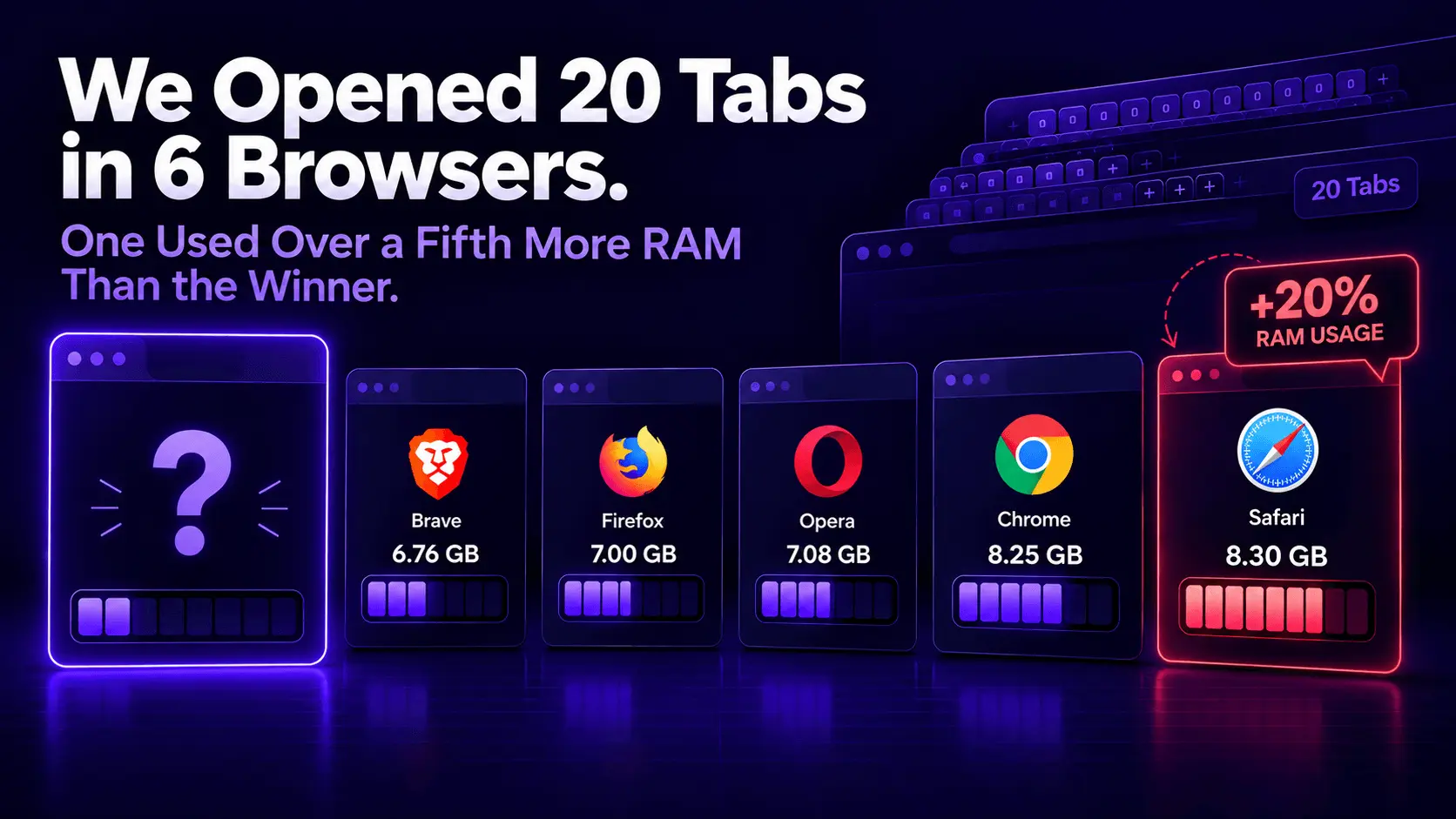
For Arc Browser vs Brave RAM usage, the safest answer is that there is no universal winner. A clean Arc setup can behave well, and a bloated Brave setup can still consume memory. But for ordinary browsing, the more practical performance advantage belongs to Brave because it reduces page weight by default and does not ask the interface to do as much.
Extensions and compatibility: both are Chromium, but Brave is easier to treat like Chrome
Because both browsers are Chromium-based, extension compatibility is not the same kind of gap you get when comparing Brave with Firefox or Zen. Many Chrome-style extension workflows can work in either browser. The difference is how much the browser changes around those extensions.
For people who want Chrome with stronger privacy defaults, Brave feels easier. SEO extensions, password managers, developer tools, grammar tools, screenshot extensions, and analytics helpers usually fit into the same mental model. Many of those workflows can run in Arc too, but the sidebar and Space-based organization change how users think about tabs, pinned pages, and repeated tasks.
That makes Brave the easier migration for most Chrome or Edge users. Rebuilding the workflow, not merely replacing the browser, is where Arc makes more sense.
Mobile and cross-device use: Brave is safer
Cross-device browsing is another practical advantage for Brave. Desktop and mobile apps, including iOS and Android, and it behaves like a browser people can use across work machines, personal laptops, and phones. That matters for anyone choosing a default browser rather than a desktop-only productivity tool.
The mobile story around Arc is more complicated. Arc Search gave the company a mobile identity, and Dia now sits at the center of The Browser Company’s AI-browser direction. For users who primarily want a desktop workspace, this may not matter. For users who want one browser ecosystem across devices, the easier recommendation is Brave.
The cross-device point is not glamorous, but it is one of the reasons Brave becomes the safer default. A browser can have a more exciting interface and still be less practical as the one browser someone installs everywhere.
Security and trust: Arc patched a serious issue, Brave has the cleaner privacy narrative
Security should be handled carefully here. A serious Boosts-related vulnerability affected Arc in 2024, and The Verge reported that it was patched quickly; The Browser Company said logs indicated no users were affected. That does not mean Arc is unsafe today, and it would be unfair to frame a patched vulnerability as a permanent verdict on the browser.
The issue does matter for comparison context, though. The strongest Arc feature is its willingness to redesign and extend the browser experience. That kind of ambition can create more surface area to explain, especially when the product is no longer the main focus for new feature development. By contrast, Brave has a cleaner public privacy narrative: Shields, blocking, fewer trackers, familiar Chromium behavior, and ongoing privacy-focused development.
For everyday users, the practical trust question is simple. Do you want a browser whose main story is privacy protection, or a browser whose main story is productivity design plus a more complicated product future? The easier trust pitch belongs to Brave. The more interesting design story belongs to Arc.
Brave’s trade-off: strong privacy defaults, busier ecosystem
A strong privacy browser sits at the center of Brave, but so does an ecosystem. Brave Search, Brave Leo, Brave Rewards, Wallet, VPN, and privacy reports all surround the core browser experience. Some users like that because it creates a private-search, AI, rewards, and security bundle without requiring extra services.
Other users find the same ecosystem too much. Rewards is opt-in, but the presence of crypto, wallet, and promotional surfaces can make Brave feel less minimal than expected from a privacy browser. This is why some people look for Brave alternatives even when they respect Brave’s privacy work.
The fair version is this: Brave is strong, but not invisible. It has a point of view, a business model, and adjacent products. If that feels useful, Brave is excellent. If it feels busy, Arc may feel calmer even though it is not the stronger privacy browser.
Arc’s trade-off: beautiful workflow with uncertain direction
The Arc trade-off is almost the opposite. The browser can feel calmer, more personal, and more thoughtfully designed than Brave. Spaces and Profiles make sense for people who separate work from personal life or manage several projects at once. Split View is useful for research and writing. The sidebar makes tabs feel more intentional. When Arc works for someone, it really works.
The problem is not the design. The problem is the direction. The Browser Company’s attention has shifted to Dia, and that makes Arc harder to recommend to someone who is just choosing a browser now. A beloved browser that receives maintenance updates can still be useful. It is just different from a browser with active feature momentum behind it.
That distinction should shape the recommendation. Keep Arc if it already improves your day. Be more cautious if you are choosing a new long-term default from scratch.
If neither browser fits: AI workflows change the decision
These two browsers solve older browser problems. One addresses workspace chaos. The other addresses privacy and web-page clutter. A newer problem is different: using the browser as an AI-assisted work surface for research, writing, summaries, source comparison, and task automation.
If that is the real workflow, neither Arc nor Brave is the cleanest answer. The design language of modern productivity browsing owes a lot to Arc, and Brave has added AI features such as Leo, but neither product is primarily built around page-aware AI research and browser-based workflow automation.
AI browsers are the category to look at when the question becomes less “Which browser blocks more trackers?” and more “Which browser helps me understand pages, compare sources, write faster, and work with context?” Sigma Browser is one example of that third category, with AI Chat, Deep Research, page context, and browser-based AI workflows. That does not make it the winner of an Arc vs Brave privacy comparison. It simply means the category changes when AI becomes the main job.
What people are really choosing between
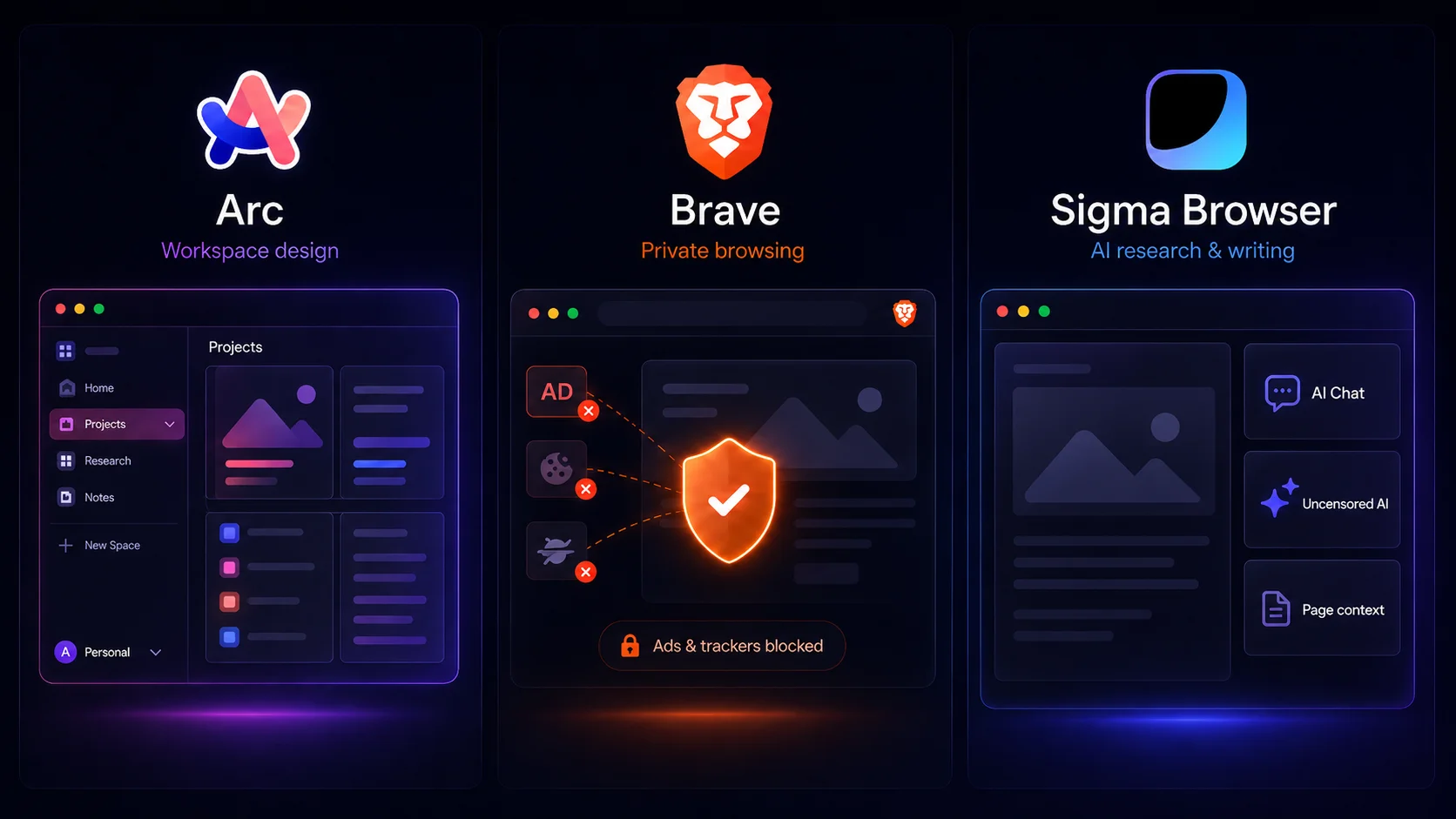
The visible question is Arc Browser vs Brave. The hidden question is what kind of browser problem bothers you most. Trackers, ads, and web clutter point toward Brave. Project chaos, tab overload, and workspace design point toward Arc. AI-assisted work points somewhere else entirely.
Decision matrix: Arc Browser vs Brave
Arc Browser vs Brave: final verdict
People remember Arc because it made browsing feel designed again. The sidebar, Spaces, Profiles, and Split View changed how many power users thought about web work. If Arc already fits your habits, there is no reason to panic-switch just because the product’s future has changed. Maintenance updates still matter, and a browser that improves your daily workflow can remain valuable even without new feature momentum.
For someone choosing a new default browser in 2026, the safer recommendation is Brave. Privacy protections are stronger out of the box, the Chrome-style extension path is simpler, mobile support is clearer, and the product’s role is easier to understand. Less imaginative than Arc, Brave is still more dependable as a daily browser for most people.
The honest choice is not “Arc is dead” or “Brave is better at everything.” Choose Arc if you already love its workspace and accept the maintenance caveat. Choose Brave if you want stronger privacy defaults, active reliability, cross-device support, and fewer questions about the future. If neither answer fits because your real workflow is AI research, writing, summaries, and page context, compare AI browsers instead.
More articles



Download Sigma Browser
Questions & Answers
reach out to us on X at @Sigma_Browser
Get Sigma on Android


