
AI Image Prompts: 10 Examples and How to Write Better Prompts
Learn how to write better AI image prompts with practical examples for portraits, product shots, illustrations, ads and more. See how each prompt translates into a real image generated with Sigma.

Índice de contenidos
A good AI image prompt describes more than a subject. It tells the model what should happen, where the scene takes place, how to frame it and what the finished image should look like.
Small details matter. “Generate a coffee shop interior” leaves most visual decisions open. A prompt that specifies morning light, an overhead composition, warm wood and editorial photography gives the model a much clearer direction.
Below you'll find ready-to-use AI image prompt examples for different types of generation. Each one includes a real output created with Sigma so you can see how the prompt translates into an image.
How to Write a Good AI Image Prompt
A useful text-to-image prompt can follow one simple formula:
Subject + Action + Setting + Composition + Lighting + Style + Important Details
You do not need every element in every prompt. Add the details that affect the result you care about.
- Subject: What should appear in the image.
- Action: What the subject is doing.
- Setting: Where the scene takes place.
- Composition: How the image is framed such as a close-up, wide shot or overhead view.
- Lighting: The type and direction of light such as soft daylight, golden hour or studio light.
- Style: Photography, watercolor, vector illustration, 3D render or another visual direction.
- Important details: Colors, materials, clothing, textures or objects that must appear.
Weak vs. Better AI Image Prompt
The second prompt gives the model a clear activity, environment, framing, lighting and visual direction. It still leaves enough room for the model to build a natural scene.
Reusable AI Image Prompt Template
10 AI Image Prompt Examples
These examples cover different types of image generation rather than small variations of the same idea. Copy one as it is or replace the subject, setting, lighting or style to create your own version.
Photorealistic AI Image Prompt
Generated with Sigma
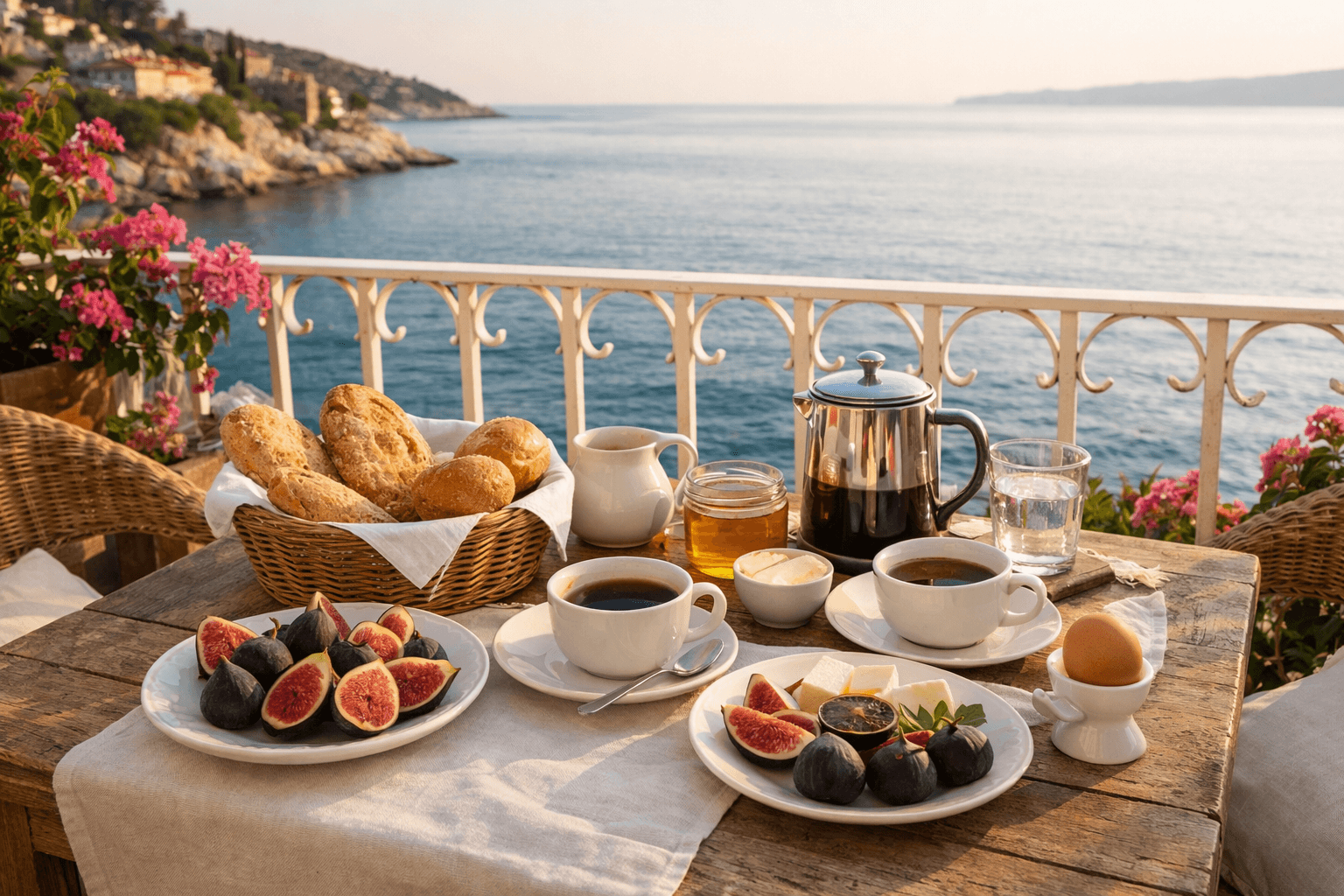
The three-quarter view keeps both the breakfast table and the sea visible. Without that framing, the result could easily turn into a close food photo and lose the travel context.
Portrait AI Image Prompt
Generated with Sigma
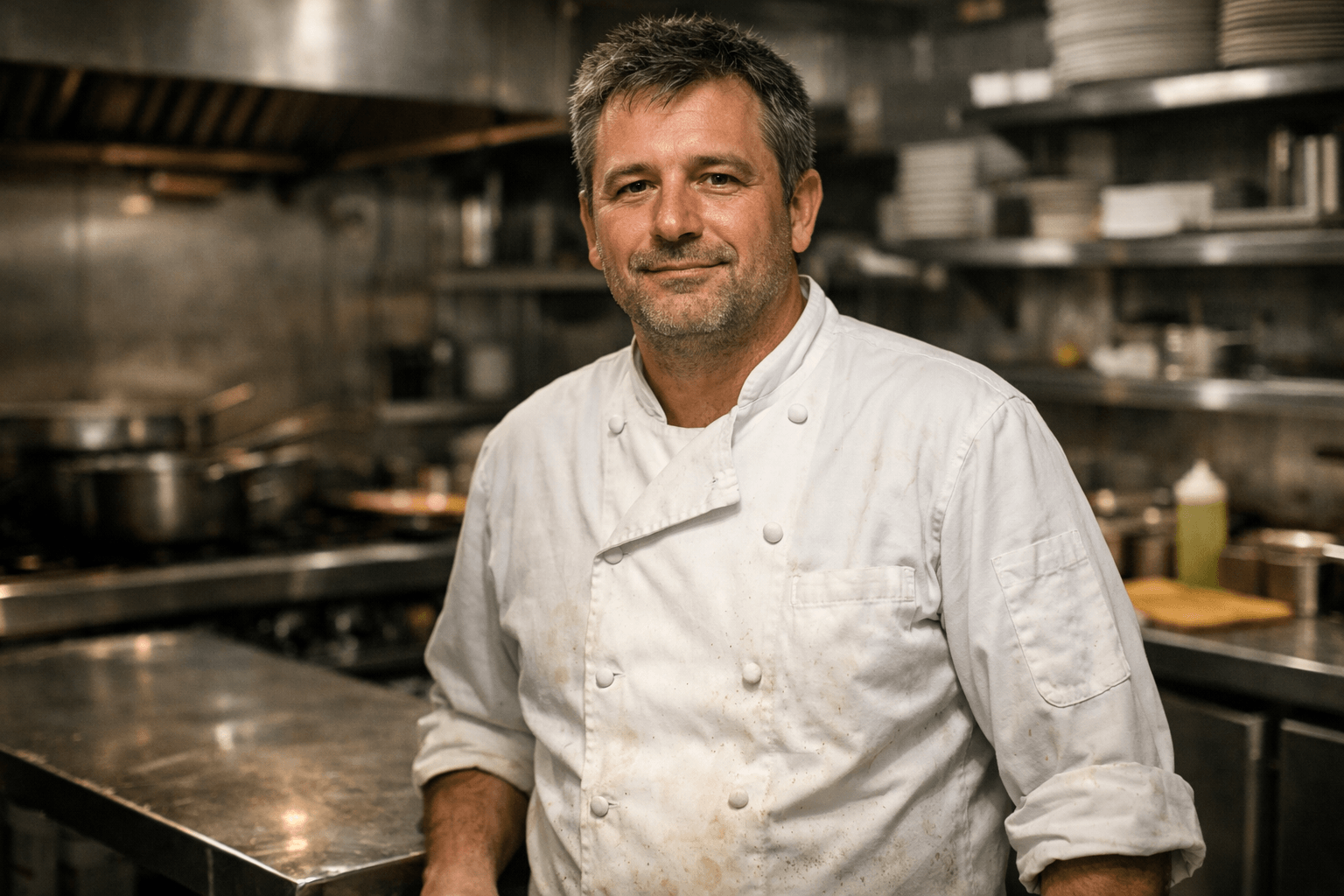
A medium shot shows enough of the kitchen to establish who the subject is without letting the background take over the portrait. It gives the environment a role instead of turning it into decoration.
Product Photography Prompt
Generated with Sigma
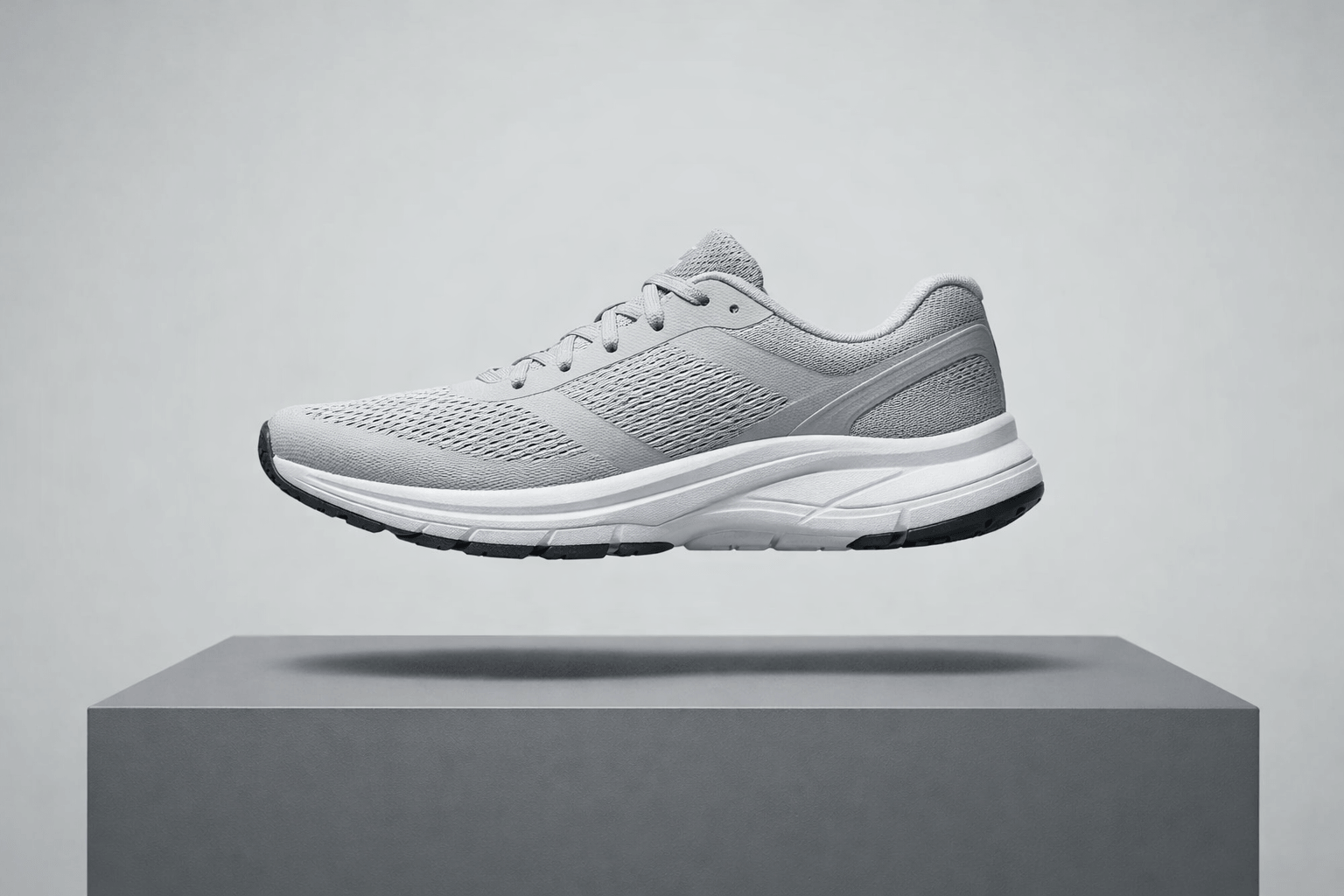
The side profile makes the shape of the shoe easy to read. That matters in product photography because a more dramatic camera angle may hide the silhouette or distort proportions.
Illustration and Digital Art Prompt
Generated with Sigma

No gradients keeps the visual language flat and consistent. Without that restriction, the model may introduce soft shading that moves the result away from a clean vector look.
Marketing and Advertising Prompt
Generated with Sigma
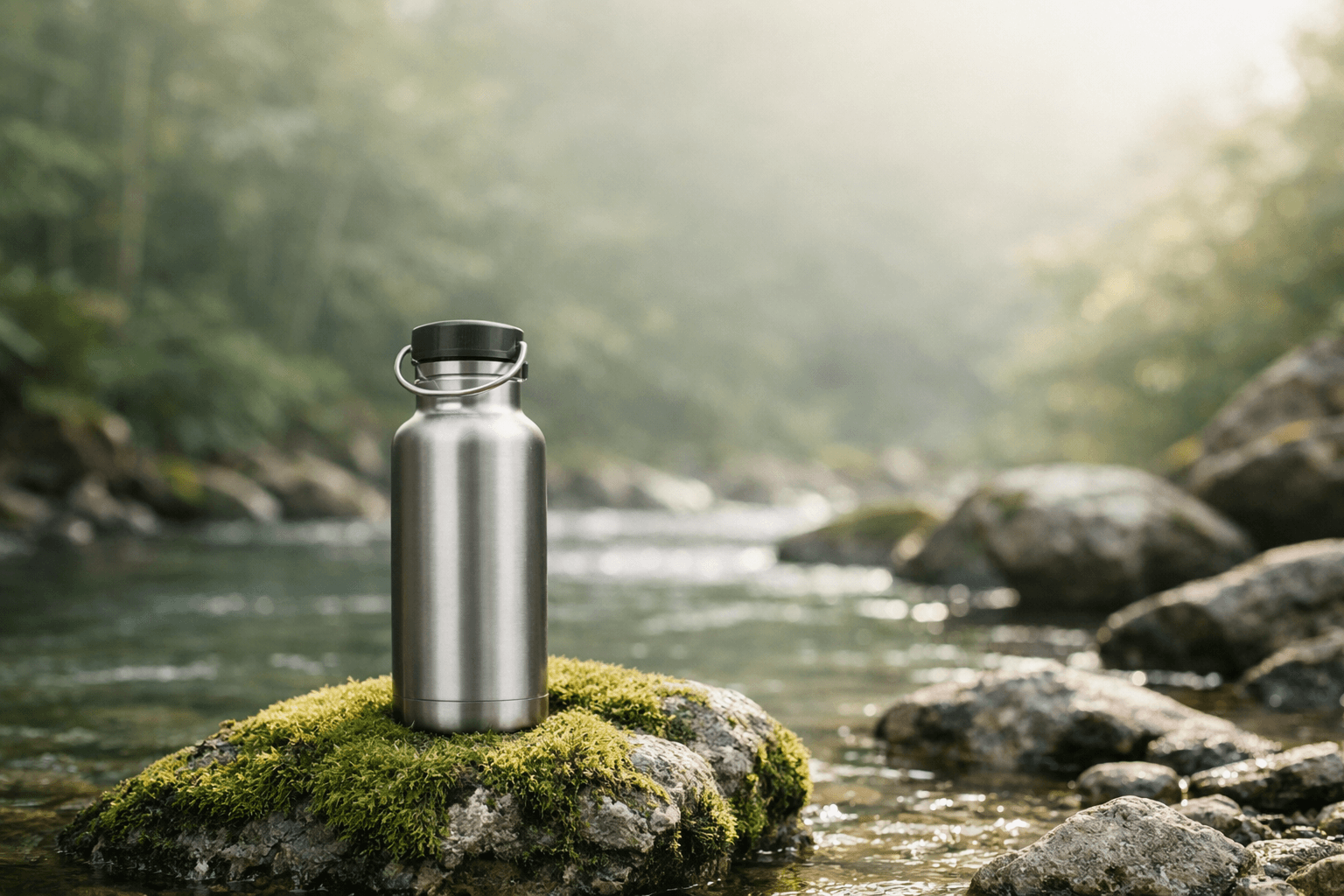
The empty space is intentional. When an image needs room for copy, the prompt should tell the model where that space belongs.
Social Media Image Prompt
Generated with Sigma
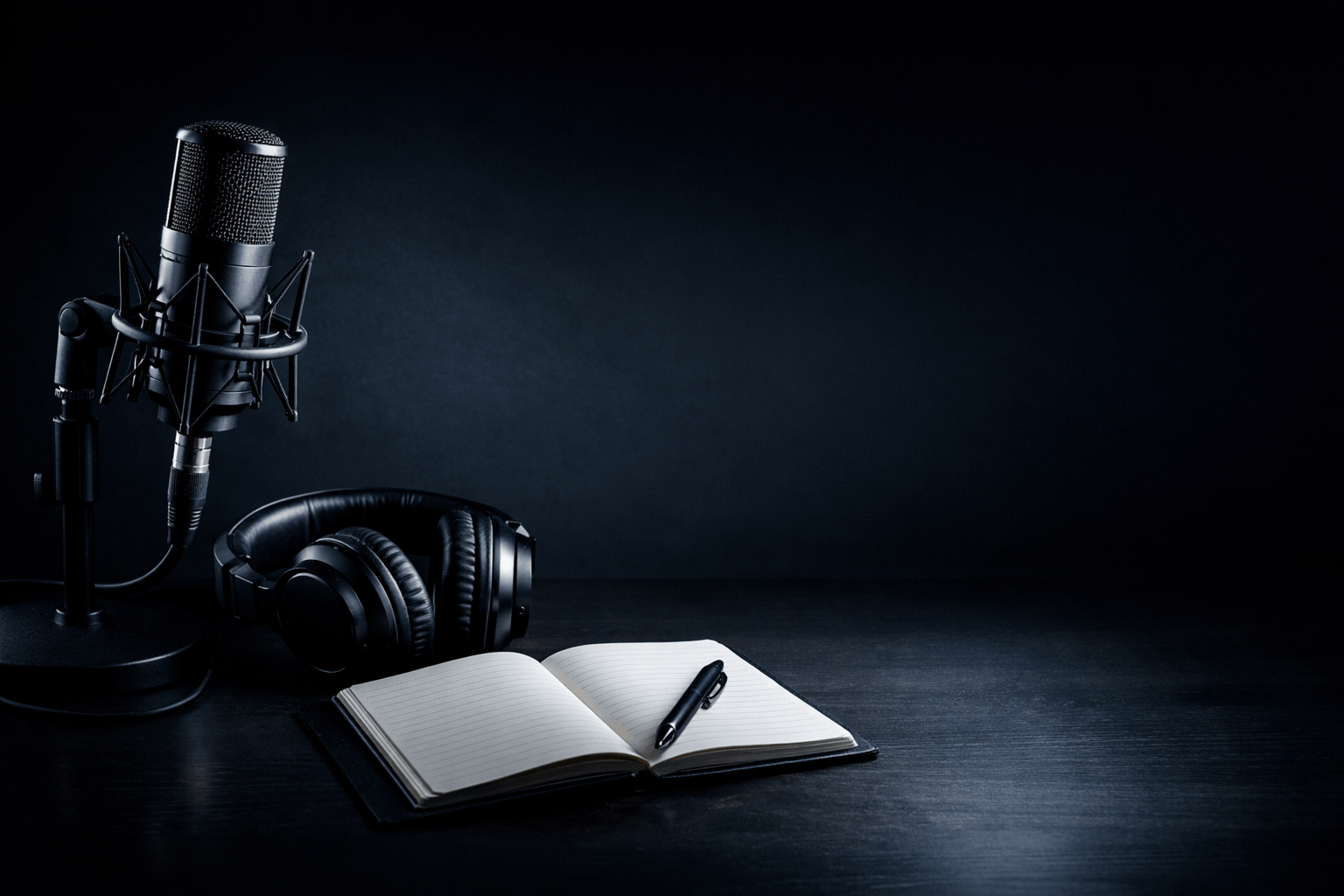
Specifying a square composition changes how the model distributes objects across the frame. It reduces the chance that an important element gets pushed to an edge and later disappears during cropping.
Fantasy and Concept Art Prompt
Generated with Sigma

The small human figures give the architecture a clear sense of scale. Without them, the same observatory could read as a small structure rather than a monumental environment.
Architecture and Interior Design Prompt
Generated with Sigma
.png)
Realistic proportions matters when the image represents a usable space. It pushes the model away from oversized cabinets, unusually narrow counters or other details that may look appealing at first glance but fail as believable interior design.
Poster and Typography Prompt
Generated with Sigma
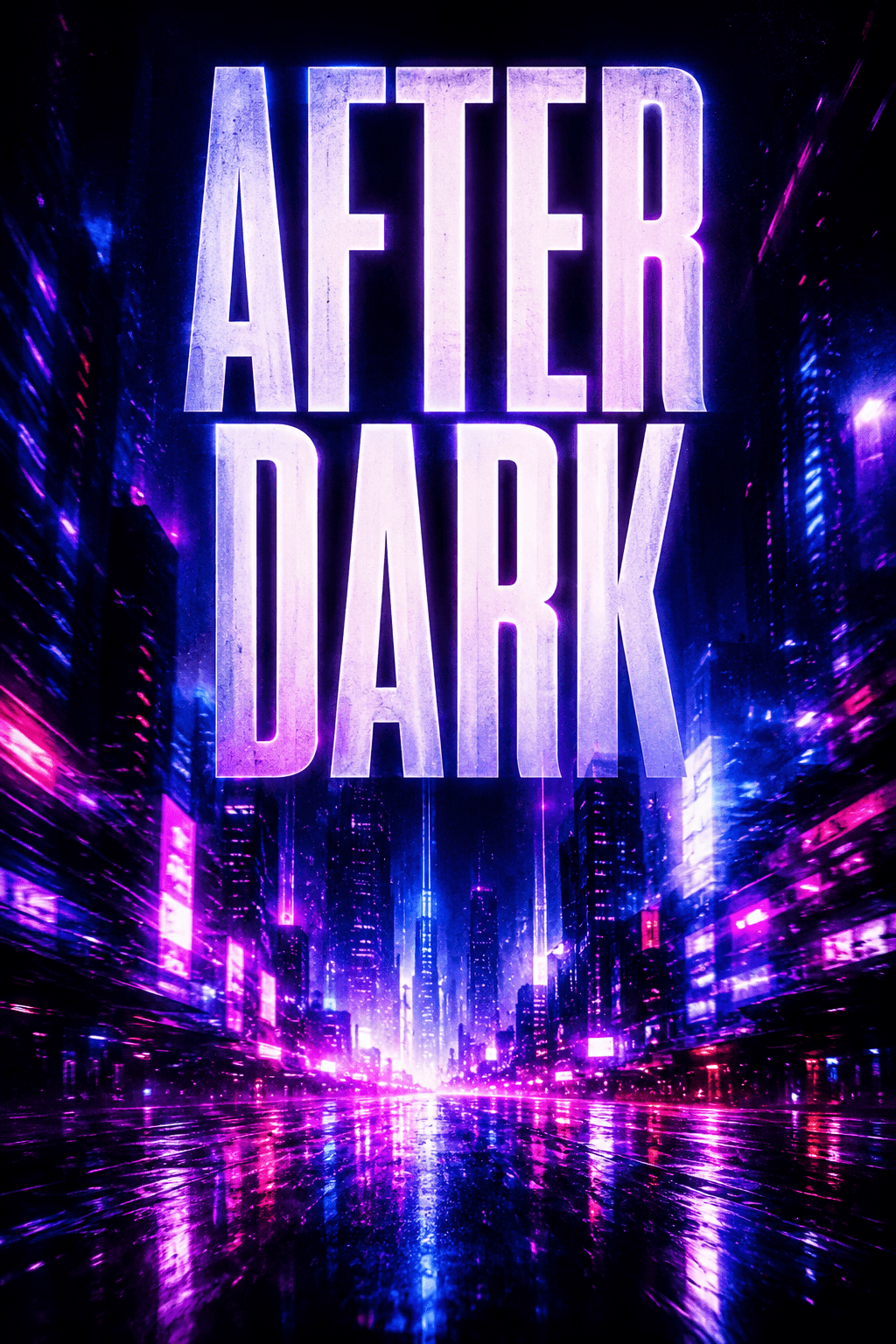
Putting the exact wording in quotation marks makes the text requirement explicit. The placement instruction also gives the model less freedom to scatter the headline across the composition.
Background and Wallpaper Prompt
Generated with Sigma

Spacious composition prevents every part of the frame from competing for attention. That makes the result more useful as a wallpaper where icons, widgets or text may sit on top of the image.
How to Improve an AI Image Prompt
When a result misses the mark, change the instruction that controls the problem. You usually do not need a completely new prompt.
Make the Image More Realistic
Generic realism words give the model very little direction. Describe details that would exist in a real photograph instead.
The better version defines surfaces that should look physically different. Fabric, rubber, dust and scratched wood give the model specific textures to render instead of relying on the word realistic.
You can apply the same principle to skin, glass, metal, fabric, food or architecture. Name the material when its appearance matters.
Improve Composition
Do not ask the model to choose the framing if the framing affects the purpose of the image.
A medium shot keeps the person dominant while leaving enough space for the environment to explain the setting. A close-up would remove most of that context. A wide shot could make the chef too small.
Useful framing instructions include:
- close-up;
- medium shot;
- wide shot;
- overhead view;
- negative space on one side.
Choose one based on what the viewer needs to notice first.
Control Lighting
Describe the source or direction of the light when it affects the result.
The second version gives the model a visible lighting setup. Cinematic lighting can mean many different things while a window on the left creates a specific relationship between highlights and shadows.
Other useful instructions include soft overcast daylight, warm sunset backlight and controlled studio light from above.
Control the Visual Style
One clear style gives the model a stronger direction than several competing references.
The weak version asks for visual systems that handle depth, texture and form differently. The better version commits to one medium then supports it with details that belong to that medium.
If you want a different look, replace the direction instead of stacking another one on top. Try editorial photography, minimal vector illustration, 3D render or hand-drawn ink illustration.
Be Specific About Text
Treat text inside an image as a separate instruction. Give the model the exact wording, position and basic typographic direction.
Short text gives the model less to reproduce. Position matters too. Asking for a headline at the top creates a clearer constraint than simply saying the poster should contain text.
Image models can still misspell words, repeat letters or alter the wording. Always check generated typography before publishing it.
Try These AI Image Prompts in Sigma
You can test any example above with Sigma AI Image Generator.
Copy a prompt and generate the first version. Then change one variable at a time. Replace the subject, shift from a wide shot to a close-up, change daylight to studio lighting or try another visual style.
Sigma keeps image generation inside the browser workflow so you can move between research, content and visual creation without switching between several separate tools.
Más artículos


Descarga Sigma Browser
Preguntas y respuestas
escríbenos en X a @Sigma_Browser
Consigue Sigma para Android


